
ViMove+
Enterprise, Production, B2B
Entwickelt für iPhone, iPad, iPod touch
Kostenlos
- Altersfreigabe17+
- KategorieGesundheit und Fitness
- EntwicklerdorsaVi Ltd
- SprachenEnglisch
- Größe191,8 MB
Verlinkt auf die offizielle App Store-Seite
Download.org hostet keine Datei von ViMove+. Die Schaltfläche öffnet die App-Seite bei App Store, wo dorsaVi Ltd die App veröffentlicht. Eintrag zuletzt geprüft am 24.11.2026.
Screenshots
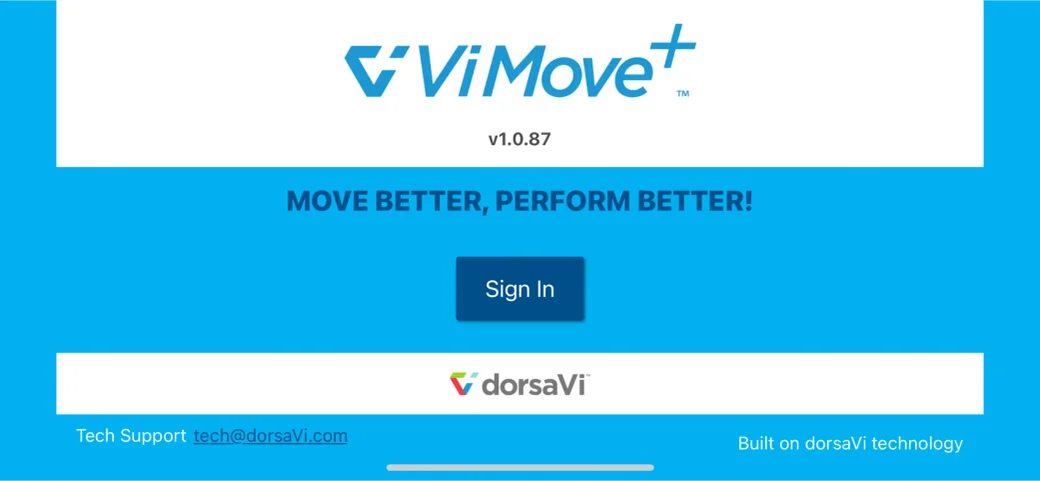
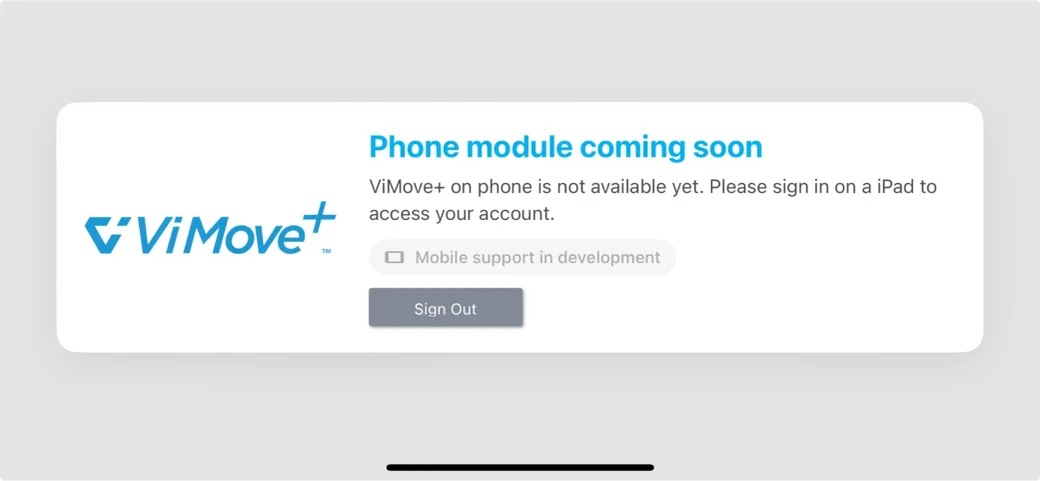
Info
Der Entwickler hat diesen Text nicht in Ihrer Sprache bereitgestellt.
Introducing a powerful, new wearable technology that measures human body movement like never before to give companies, clinics and athletes objective, easy to interpret motion data that can be turned into measurable results
Neue Funktionen
Version 1.0.98 · 23.11.2026
That is expected. Waiting is every row still pending. Failed is only after five drain attempts on that same row.
Waiting
First save (Run create) hits the clinic, the request fails, and the app queues it as pending with attemptCount 0. The overlay Waiting tab is that list. Auto-sync and Sync / Sync All only look at pending.
Each Sync press is one try
On Waiting, Sync (one row) or Sync All runs drainQueue once. If it still fails:
attemptCount goes 1, then 2, then 3, then 4
status stays pending
the row stays on Waiting
you can press Sync again
That is why you can sync and sync again. It is the same assessment, not five creates.
Failed
On the fifth failed drain, attemptCount becomes 5 and status becomes failed. The row leaves Waiting and shows on the Failed tab. Auto-sync and Sync All ignore it. Only Retry / Retry all failed put it back to pending with attemptCount 0, then it can drain again.
create fails → Waiting (pending, 0)
Sync fail → Waiting (1)
Sync fail → Waiting (2)
Sync fail → Waiting (3)
Sync fail → Waiting (4)
Sync fail → Failed (5)
Retry → Waiting (0) again
Metro: [ClinicRealmSync][drainQueue] failed with attemptCount. At 5 it should sit on Failed. Retry is the Failed tab; Sync on Waiting will not move a Failed row.
I’ll find the release-notes text and match it to what’s actually on this branch, then add the latest items.
3e43a4f6 update
63256a7c update
dced0bae update
==== BRANCH ====
vimove+/1.0.98-hotfix-wordpress-user
.../Sync/__tests__/syncQueueFailedRetry.test.ts | 161 ++++++++
app/Store/Sync/syncQueueAssessmentIds.ts | 210 ++++++++---
app/navigation/container/MainScreenWrapper.tsx | 46 +--
package.json | 2 +-
12 files changed, 990 insertions(+), 149 deletions(-)
isAtMostSm,
} = useScreenWidth();
-
-
607:+ const ids = Object.keys(failedOpsByAssessment);
609:+ const pendingOps = failedOpsByAssessment[assessmentId] || [];
645:+ failedOpsByAssessment,
651:+ const hasFailedSyncWork = failedOps.length > 0;
660:+ const failed = realmCloud
Your original five items still match this branch. Add these for the work since 1.0.97-run-new-algo:
1. New In-App Notification System
Introduced an in-app notification system to communicate important updates and announcements.
Supports required and recommended app updates, targeted notifications, and priority-based messages.
Provides flexible banner and pop-up notifications based on message importance.
2. Improved Run Algorithm
Enhanced the sensor-based Run algorithm to improve running pattern detection and provide more accurate and reliable assessment results.
Refined data processing to improve the consistency of Run assessments.
3. Run Monitoring Enhancements
Added custom processing window selection, allowing users to define specific time ranges for Monitoring data analysis.
4. High FPS Run (Video AI)
Added a Redo function, allowing users to repeat High FPS Run assessments.
5. Lower Limb (Video AI)
Improved frame capture accuracy for more precise analysis.
Added manual editing of detected values.
Fixed report sharing and emailing issues affecting older videos.
6. Sync retry for failed items
Queued changes that fail five times are marked failed and are no longer retried automatically.
App Data now has Waiting and Failed lists. Users can retry one item or retry all failed items. A retry sends the same change once; it does not create duplicate assessments.
7. Video AI Quick Tour
Video AI–only accounts with no assessments yet can open a Quick Tour from the home screen, on the same row as Check Notifications.
The tour no longer appears automatically after login sync, so it does not block the home screen.
8. Home for Video AI–only accounts
The App Access Control card is hidden for Video AI–only accounts.
App-Datenschutz
Was dorsaVi Ltd im App Store zum Umgang dieser App mit Daten angibt.
-
Mit Ihnen verknüpfte Daten
Können erfasst und mit Ihrer Identität verknüpft werden.
- Kontaktinformationen
Die Datenschutzpraktiken können variieren, zum Beispiel je nach den von Ihnen verwendeten Funktionen oder Ihrem Alter.
Informationen
- Anbieter
- dorsaVi Ltd
- Kategorie
- Gesundheit und Fitness
- Version
- 1.0.98
- Aktualisiert
- 23.11.2026
- Veröffentlicht
- 06.07.2022
- Größe
- 191,8 MB
- Erfordert
- iOS 15.6 oder neuer
- Altersfreigabe
- 17+
- Preis
- Kostenlos
- Sprachen
- Englisch
- Copyright
- © 2026 dorsaVi Ltd
Das könnte Ihnen auch gefallen
-
 QuickBoard™Gesundheit und Fitness
-
 Kinetisense 360Powered by AI
-
 mTrigger™ BiofeedbackGesundheit und Fitness
-
 ActivForce: Digital TestingGesundheit und Fitness
-
 SmartCuffsGesundheit und Fitness
-
 SujiGesundheit und Fitness
-
 Tindeq ProgressorGesundheit und Fitness
-
 Yogger: Movement AnalysisGesundheit und Fitness
-
 BlazePodGesundheit und Fitness
-
 Demotu • Coaching IntelligenceGesundheit und Fitness