
WebFrame Pro Kiosk
MDM-Managed Kiosk Browser
Entwickelt für iPhone, iPad
22,99 €
- Altersfreigabe17+
- KategorieWirtschaft
- EntwicklerWireFrameRate, LLC
- SprachenEnglisch
- Größe5,0 MB
Verlinkt auf die offizielle App Store-Seite
Download.org hostet keine Datei von WebFrame Pro Kiosk. Die Schaltfläche öffnet die App-Seite bei App Store, wo WireFrameRate, LLC die App veröffentlicht. Eintrag zuletzt geprüft am 23.11.2026.
Screenshots
Info
Der Entwickler hat diesen Text nicht in Ihrer Sprache bereitgestellt.
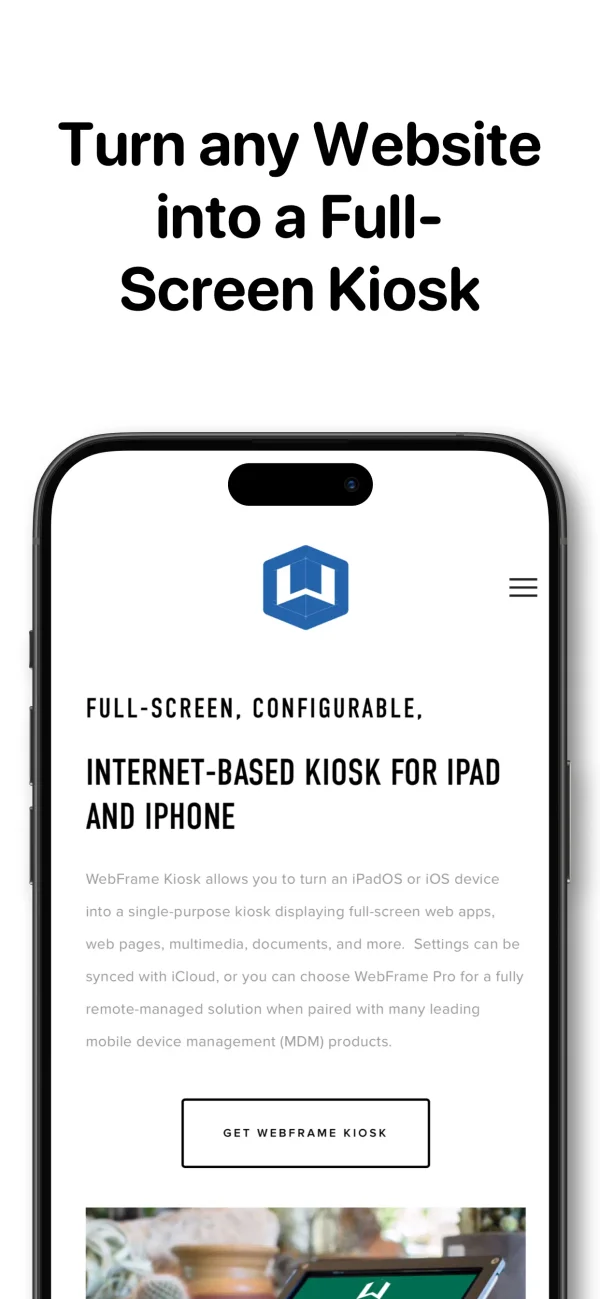
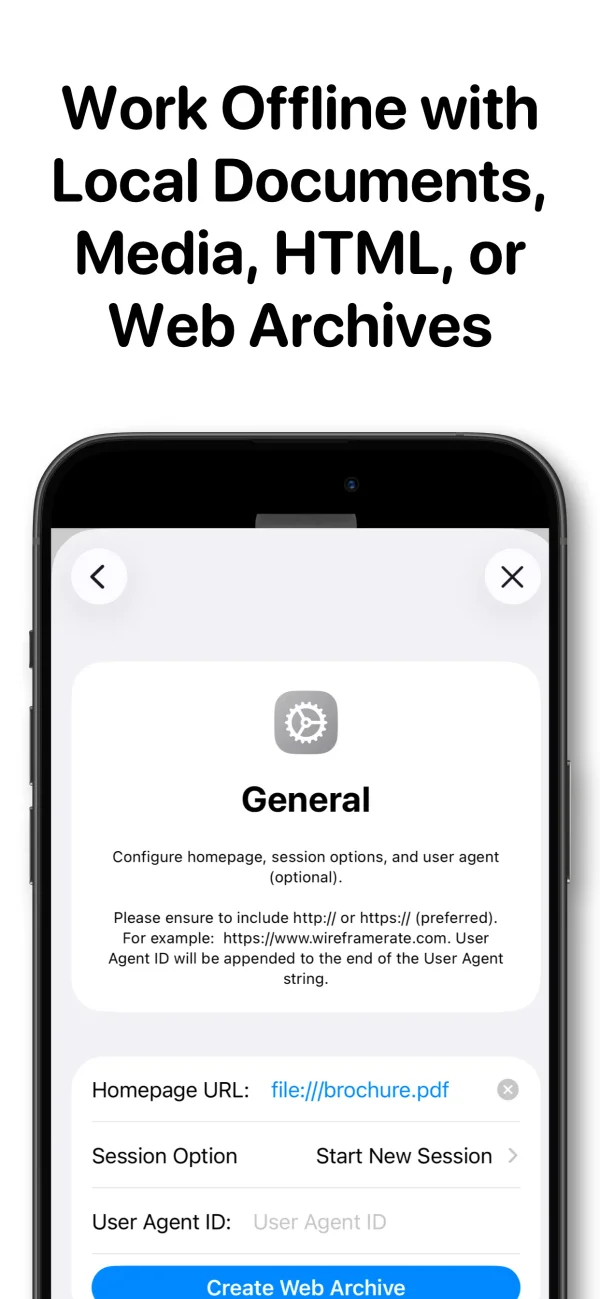
WebFrame Pro allows you to turn an iOS device into a remotely manageable, single-purpose kiosk displaying full-screen web apps, web pages, multimedia, documents, and more. WebFrame Pro features the following capabilities:
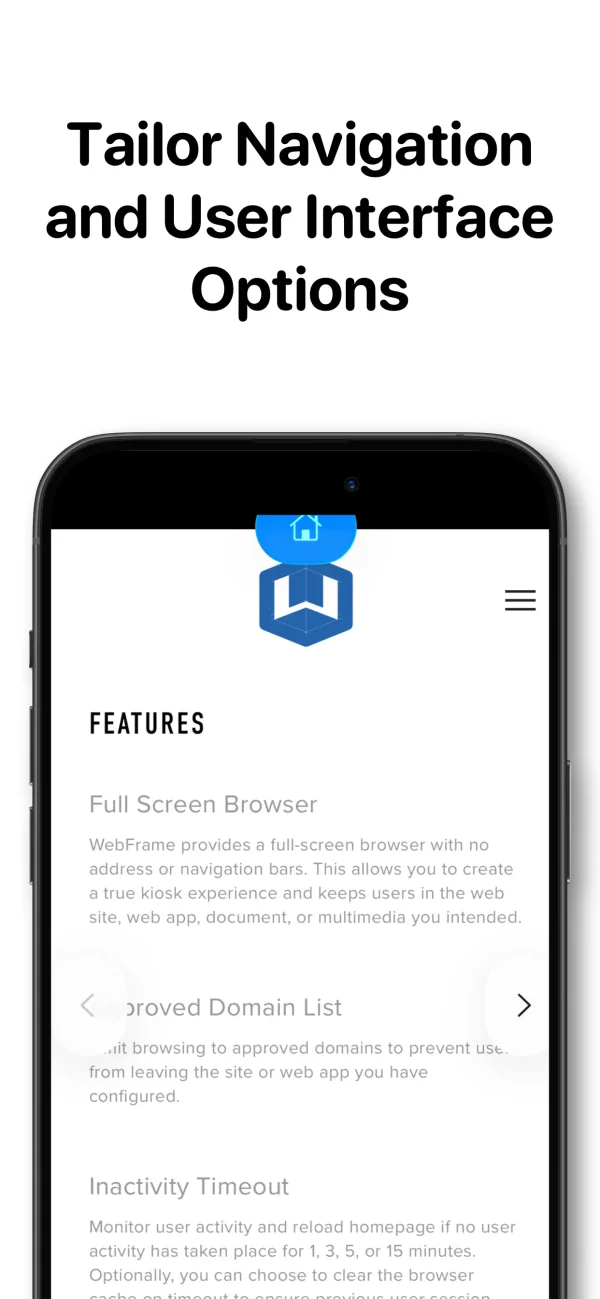
• Full Screen Browser: WebFrame Pro provides a full-screen browser with no address or navigation bars. This allows you to create a true kiosk experience and keeps users in the web site, web app, document, or multimedia you intended.
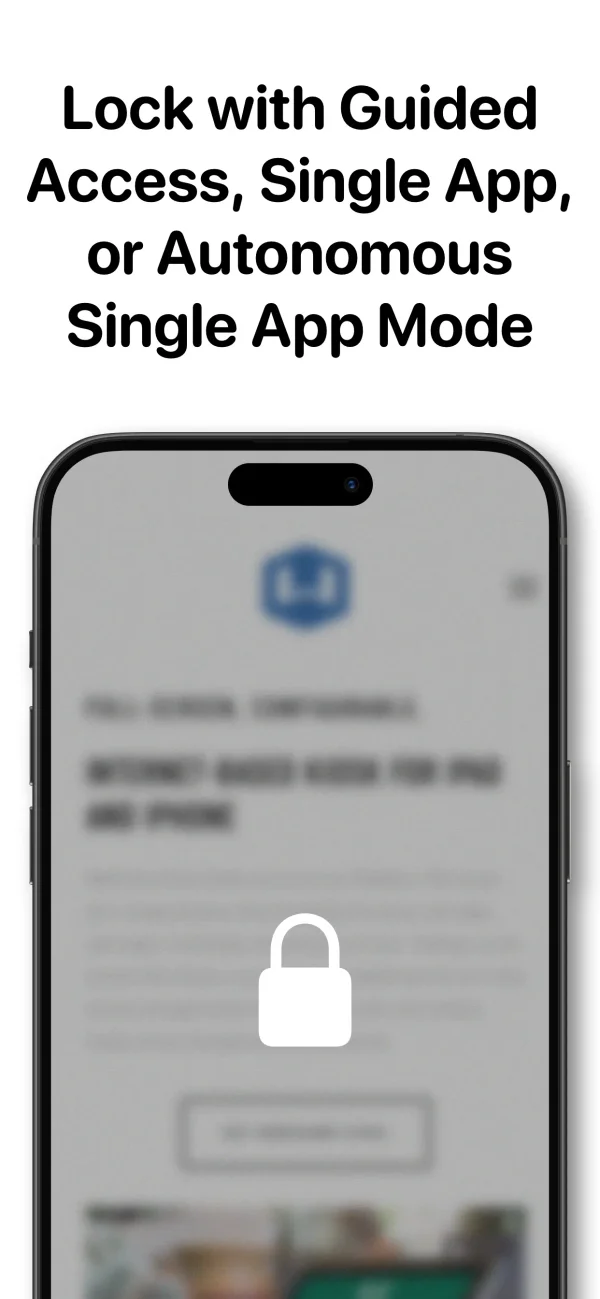
• Secure: Lock-down the kiosk with Guided Access Mode, or with MDM configure Single App Mode, or Autonomous Single App Mode.
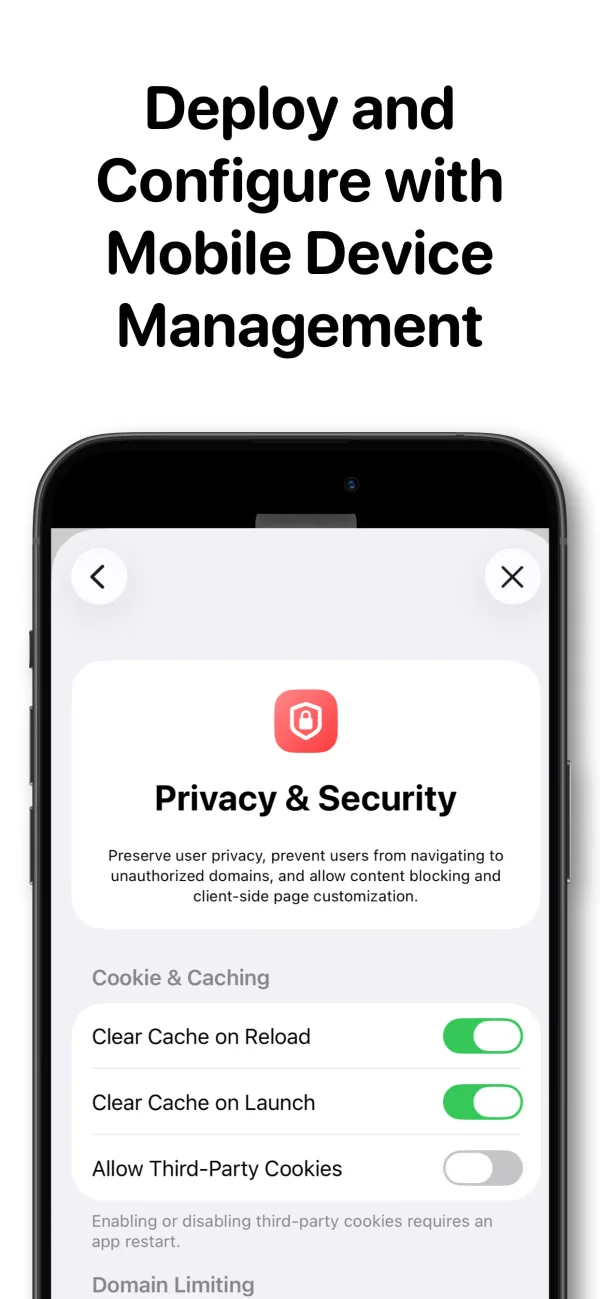
• Remote Deployment and Configuration: WebFrame Pro is AppConfig-compliant, enabling it to be remotely deployed and configured by over 20 leading mobile device management (MDM) solutions.
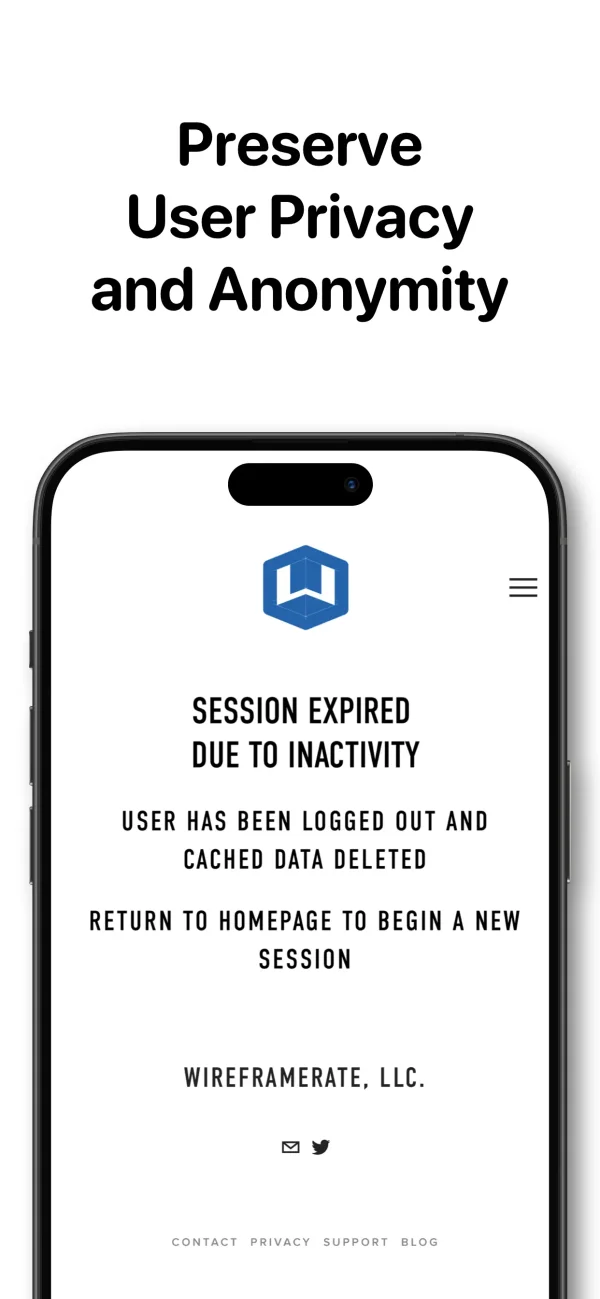
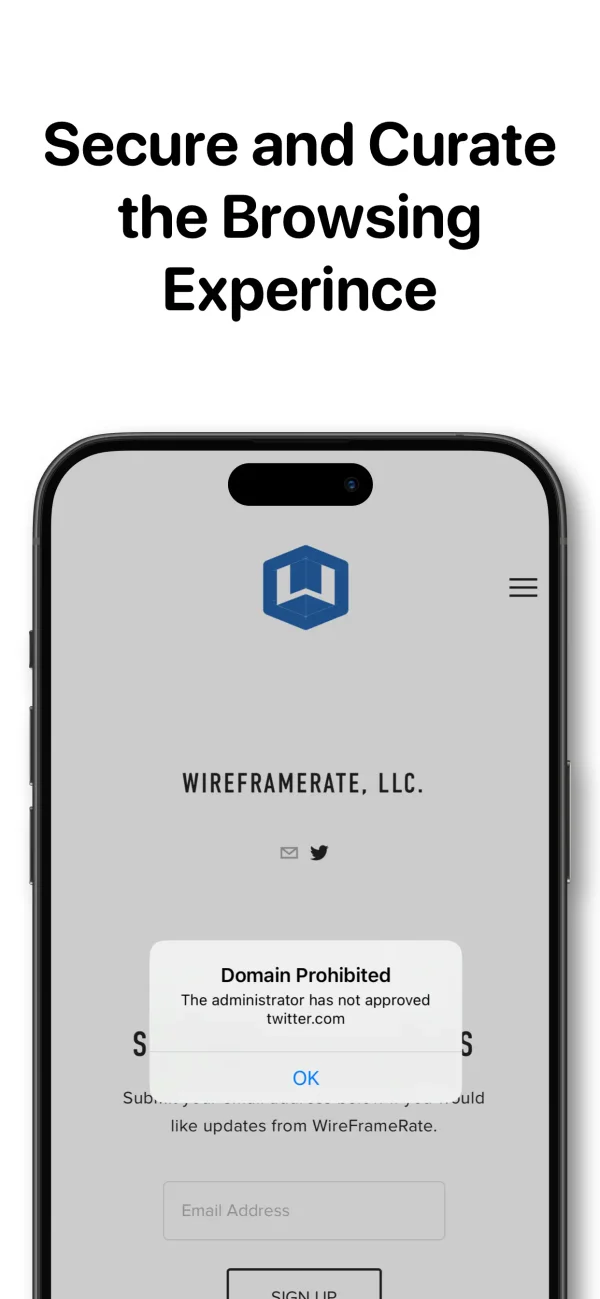
• Privacy & Security Features: Clear cookies and cached data every session, allow or block 3rd-party cookies, limit browsing to allowed domains, allow or block custom URL schemes, advanced content blocker (tracking cookies, tracking content, tracking scripts, custom content).
• Inactivity Timer: Disable device auto-lock, reload the homepage after a specified period of user inactivity.
• Display Options: Dim and black screen after configured timeouts, configure system brightness, control safe area size and color.
• Interaction Controls: Configure gesture and UI controls for browser navigation and interaction.
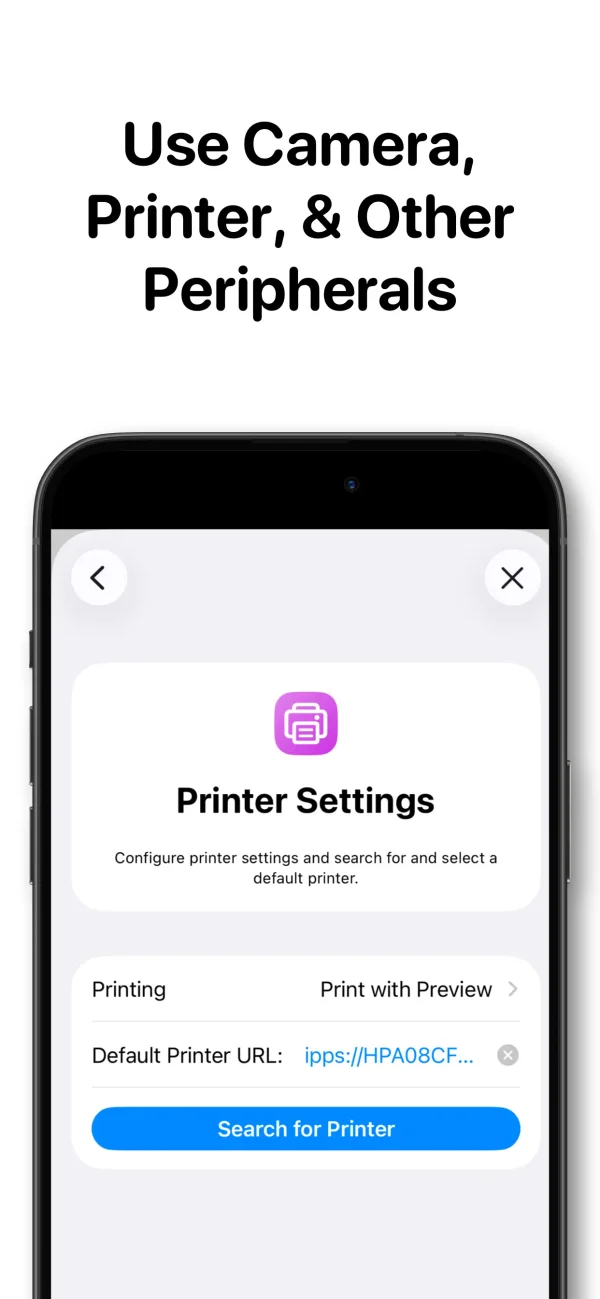
• Printing Support: Discover local printers, print with preview, print directly to a configured printer, or disable printing entirely.
• Autologin: Automatically login with a provided username and password to the configured homepage URL.
...and much more!
Neue Funktionen
Version 4.0.5 · 19.11.2026
• Bug fixes
App-Datenschutz
Was WireFrameRate, LLC im App Store zum Umgang dieser App mit Daten angibt.
-
Nicht mit Ihnen verknüpfte Daten
Können erfasst werden, sind aber nicht mit Ihrer Identität verknüpft.
- Kennungen
- Nutzungsdaten
- Diagnose
Die Datenschutzpraktiken können variieren, zum Beispiel je nach den von Ihnen verwendeten Funktionen oder Ihrem Alter.
Informationen
- Anbieter
- WireFrameRate, LLC
- Kategorie
- Wirtschaft
- Version
- 4.0.5
- Aktualisiert
- 19.11.2026
- Veröffentlicht
- 13.10.2018
- Größe
- 5,0 MB
- Erfordert
- iOS 16.0 oder neuer
- Altersfreigabe
- 17+
- Preis
- 22,99 €
- Sprachen
- Englisch
- Copyright
- © 2026 WireFrameRate, LLC
Das könnte Ihnen auch gefallen
-
 Lilitab KMSWirtschaft
-
 DropFullyProduktivität
-
 CVShield - AI Attendance TrackWirtschaft
-
 SureFox Kiosk Browser LiteWirtschaft
-
 Xola KioskWirtschaft
-
 Flow Kiosk: Offline iPad KioskWirtschaft
-
 Kiosker Pro: Web KioskEin Vollbild-Webbrowser
-
 PortamixProduktivität
-
 SaneScanProduktivität
-
 SureFox Kiosk BrowserWirtschaft