Wedge: Visual Countdown Timer
Kids, classroom, ADHD & focus
Entwickelt für iPhone, iPad
Kostenlos · In-App-Käufe
- Altersfreigabe4+
- KategorieBildung
- EntwicklerChad Berry
- SprachenEnglisch
- Größe15,0 MB
Verlinkt auf die offizielle App Store-Seite
Download.org hostet keine Datei von Wedge: Visual Countdown Timer. Die Schaltfläche öffnet die App-Seite bei App Store, wo Chad Berry die App veröffentlicht. Eintrag zuletzt geprüft am 12.11.2026.
Screenshots
Info
Der Entwickler hat diesen Text nicht in Ihrer Sprache bereitgestellt.
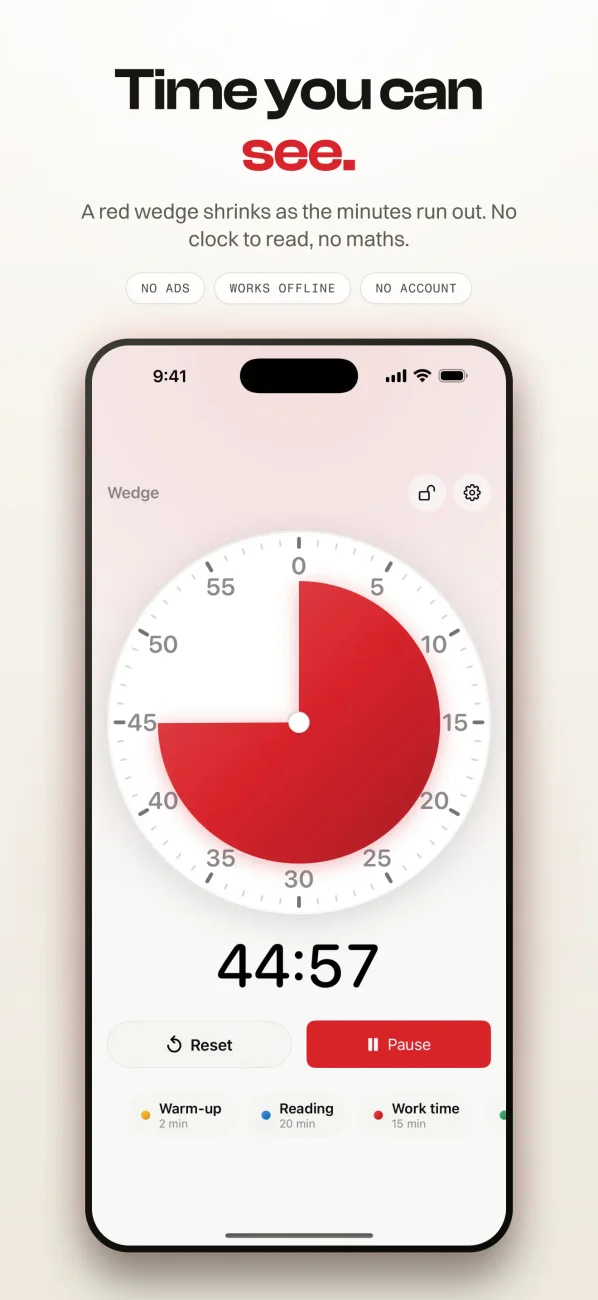
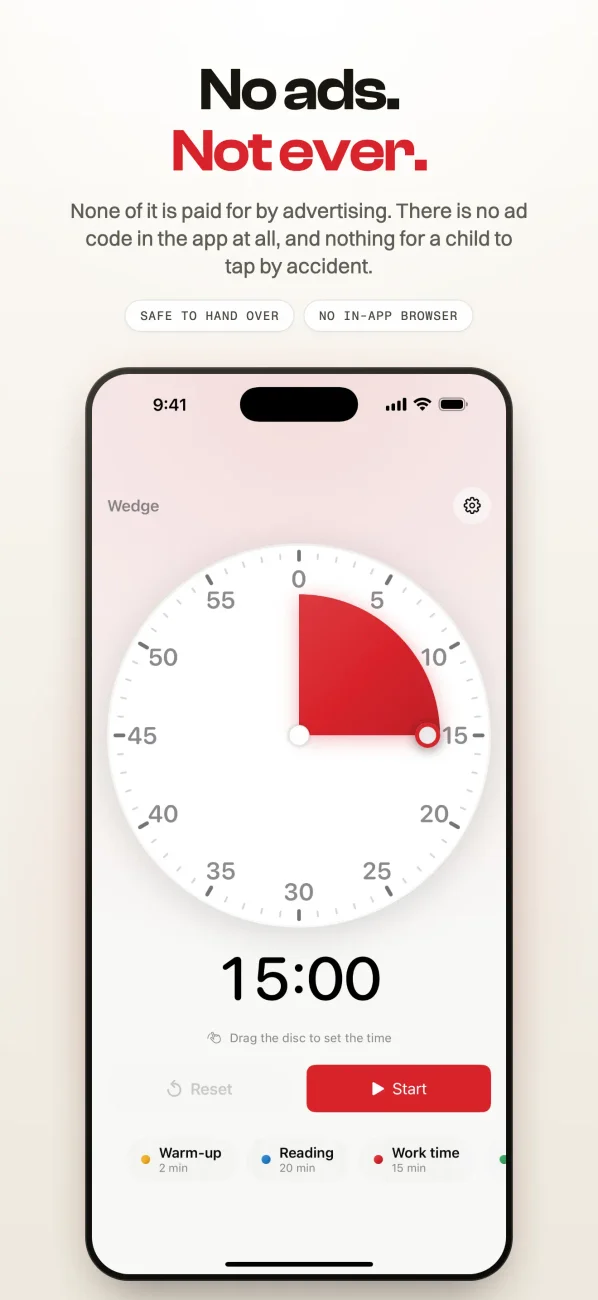
A visual countdown timer you can read from across the room. A coloured wedge shrinks as the time runs out, so anyone can see how much is left at a glance. No reading a clock. No arithmetic.
That one idea is why visual timers are standard equipment in classrooms and therapy rooms: for children who cannot tell the time yet, for anyone with ADHD and time blindness, and in occupational therapy and special education, where "five more minutes" means nothing but "when the red is gone" means everything.
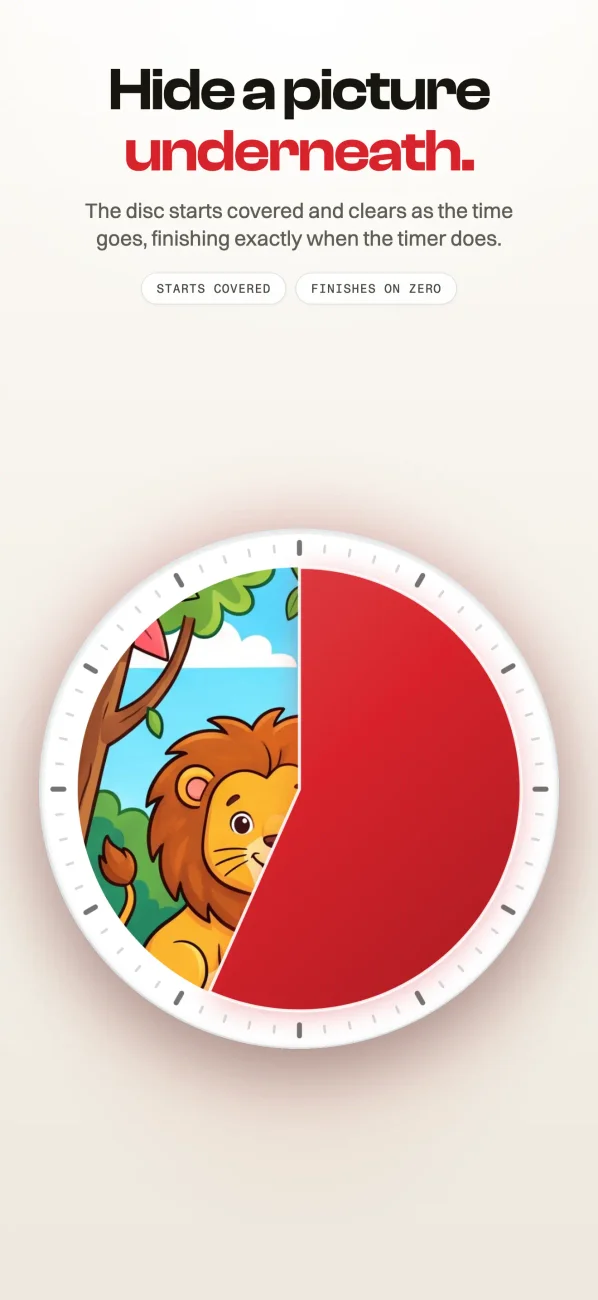
HIDE A PICTURE UNDERNEATH
Turn on a hidden picture and the disc starts fully covered. As the wedge retreats, the picture underneath is uncovered a slice at a time, finishing exactly when the timer does. A child who will not watch a countdown will watch a dinosaur arrive.
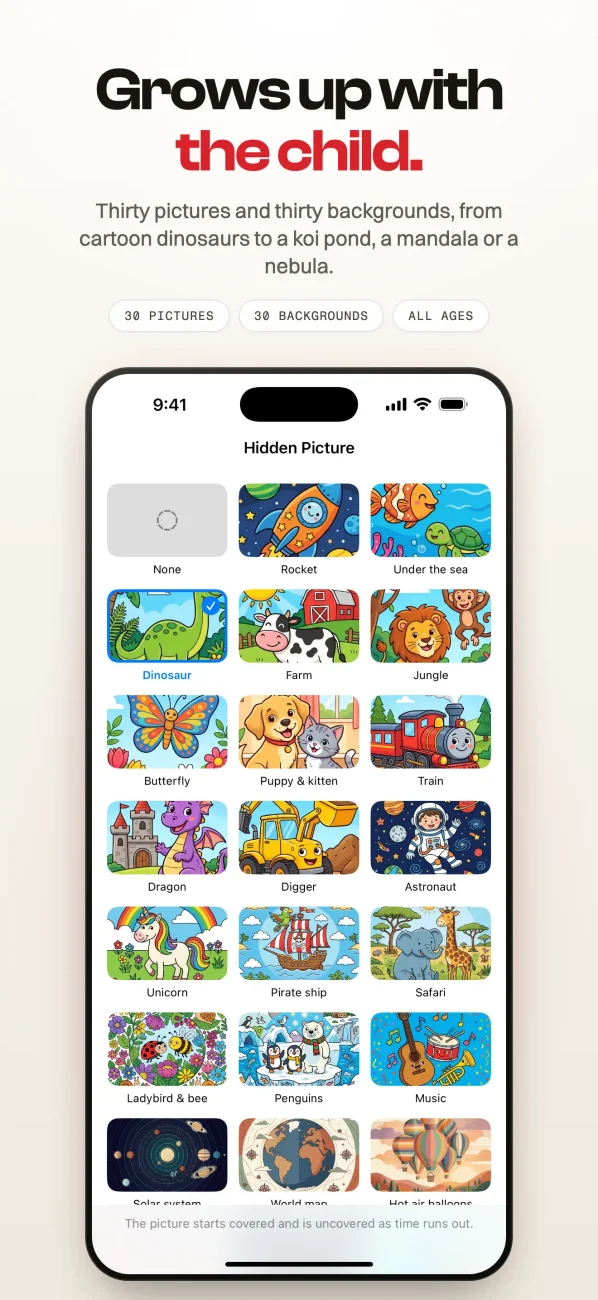
Thirty pictures and thirty backgrounds, and they are not all for small children. The set runs from cartoon dinosaurs and rockets through to a mandala, a koi pond and a nebula, so the same reveal works for a teenager or for an adult holding their own focus. All of it is off by default, because a classroom wants the plain disc and that room comes first.
NO ADS. NOT NOW, NOT LATER.
This app is built to be handed to a seven-year-old. No adverts. No pop-ups. No tracking. No account to create. Nothing is ever sent to a server, because there is no server. Your presets and settings stay on your device.
WHAT'S INSIDE
• A large, calm dial that reads clearly from the back of a classroom
• Drag the disc to set any time up to an hour, or tap a saved preset
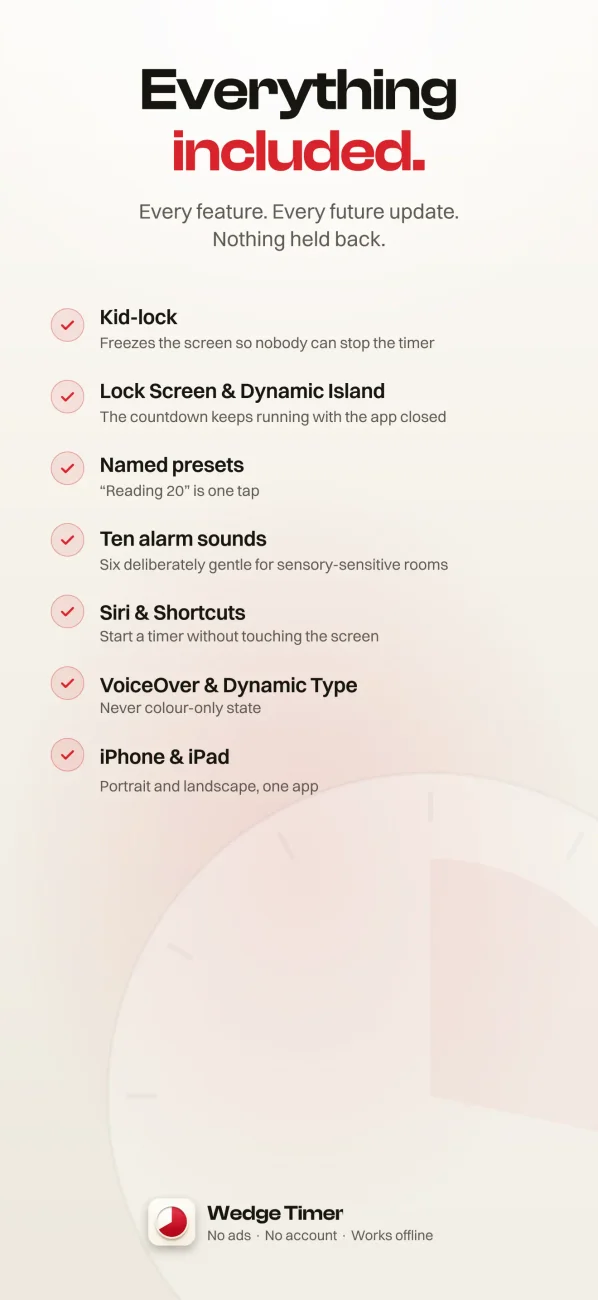
• Presets with their own names and colours, so "Reading 20" is one tap
• Ten alarm sounds, six of them deliberately gentle, because one harsh beep is wrong for a sensory-sensitive room
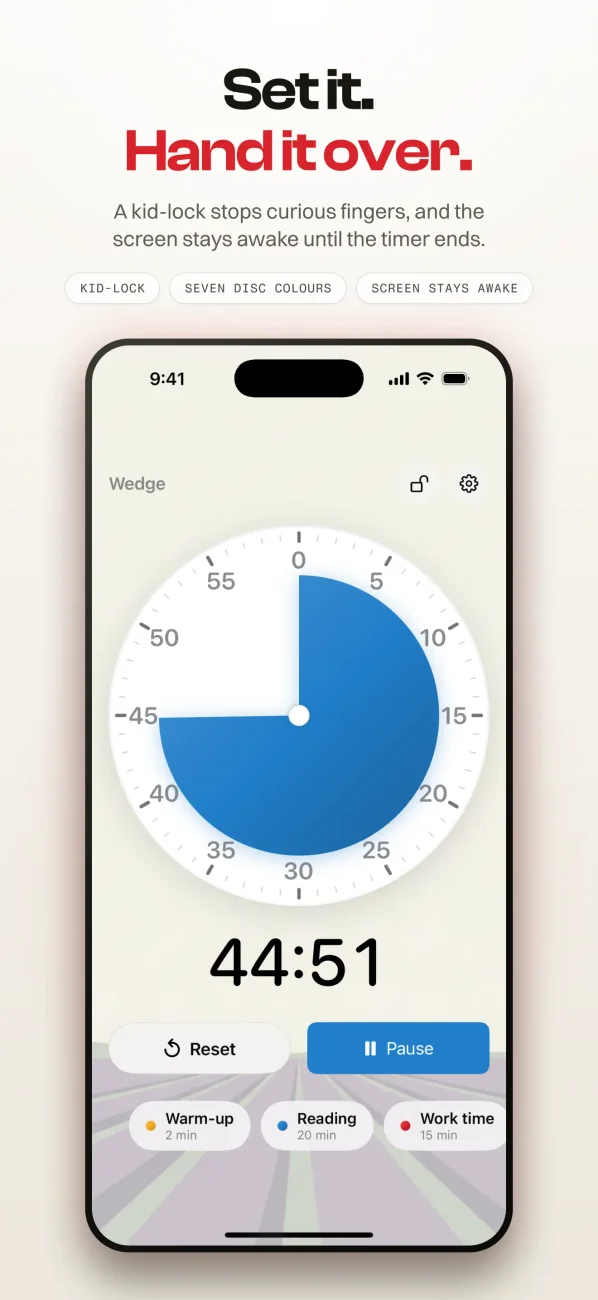
• Kid-lock freezes the screen mid-session so nobody can stop the timer
• A Live Activity keeps the countdown on your Lock Screen and in the Dynamic Island
• Siri and Shortcuts
• Keep the screen awake while a timer runs
• Seven disc colours
• Keeps perfect time while backgrounded, locked, or fully closed
• iPhone and iPad, portrait and landscape
BUILT FOR REAL ROOMS
Teachers use it for transitions, centres and independent work.
Occupational therapists use it for sessions, turn-taking and regulation.
Parents use it for screen time, tooth brushing, homework and getting out of the door.
Adults use it for focus blocks, study sprints and breaking long tasks down.
ACCESSIBILITY IS NOT AN AFTERTHOUGHT
Full VoiceOver labels on the dial and every control. Dynamic Type throughout. Reduced Motion honoured. State is never shown by colour alone, so the timer still reads for colour-blind users and for a child who is not tracking the colour at all.
HONEST PRICING
Five complete timers free, with every feature turned on. Not a crippled trial. Then one quiet one-time purchase and it is yours, including every future update. No subscription. No renewals. No upsells. No "premium" tier that switches off something you already paid for. Family Sharing included.
Neue Funktionen
Version 1.2.1 · 12.09.2026
Fixes an alarm that could finish silently on iOS 26.
- The alarm now rings reliably when the timer ends, including with the app open on screen.
- The one-minute warning works again.
- Your chosen alarm sound plays instead of a generic one.
Thank you to the people who wrote in about this. If anything still isn't right, please get in touch at support@cognfy.com.
App-Datenschutz
Was Chad Berry im App Store zum Umgang dieser App mit Daten angibt.
-
Keine Daten erfasst
Der Entwickler erfasst keine Daten von dieser App.
Die Datenschutzpraktiken können variieren, zum Beispiel je nach den von Ihnen verwendeten Funktionen oder Ihrem Alter.
Informationen
- Anbieter
- Cognfy LLC
- Kategorie
- Bildung
- Version
- 1.2.1
- Aktualisiert
- 12.09.2026
- Veröffentlicht
- 16.08.2026
- Größe
- 15,0 MB
- Erfordert
- iOS 18.0 oder neuer
- Altersfreigabe
- 4+
- Preis
- Kostenlos
- In-App-Käufe
- Ja
- Sprachen
- Englisch
- Copyright
- © 2026 Cognfy LLC
Das könnte Ihnen auch gefallen
-
 Duckie: Visual Timer für KidsZähneputzen & Alltagsroutinen
-
 Visual Timer For Kids ToddlersBildung
-
 Visueller Kinder-TimerSo macht Zeit Spaß
-
 Timer für Kinder - TokimoRoutine, Countdown & Sanduhr
-
 Visueller Timer für KinderCountdown für Schulkinder
-
 Little Timer Hatch CountdownBildung
-
 Time TimerBildung
-
 Kids ToDo ListUseful Picture Card Scheduler
-
 TouchChat DiscoverBildung
-
 TD Snap®Kommunikations-App für UK