- Altersfreigabe4+
- KategorieProduktivität
- EntwicklerCrater Tech LLC
- SprachenEnglisch
- Größe165,6 MB
Verlinkt auf die offizielle App Store-Seite
Download.org hostet keine Datei von Week Calendar Pro. Die Schaltfläche öffnet die App-Seite bei App Store, wo Crater Tech LLC die App veröffentlicht. Eintrag zuletzt geprüft am 14.11.2026.
Screenshots

Info
Der Entwickler hat diesen Text nicht in Ihrer Sprache bereitgestellt.
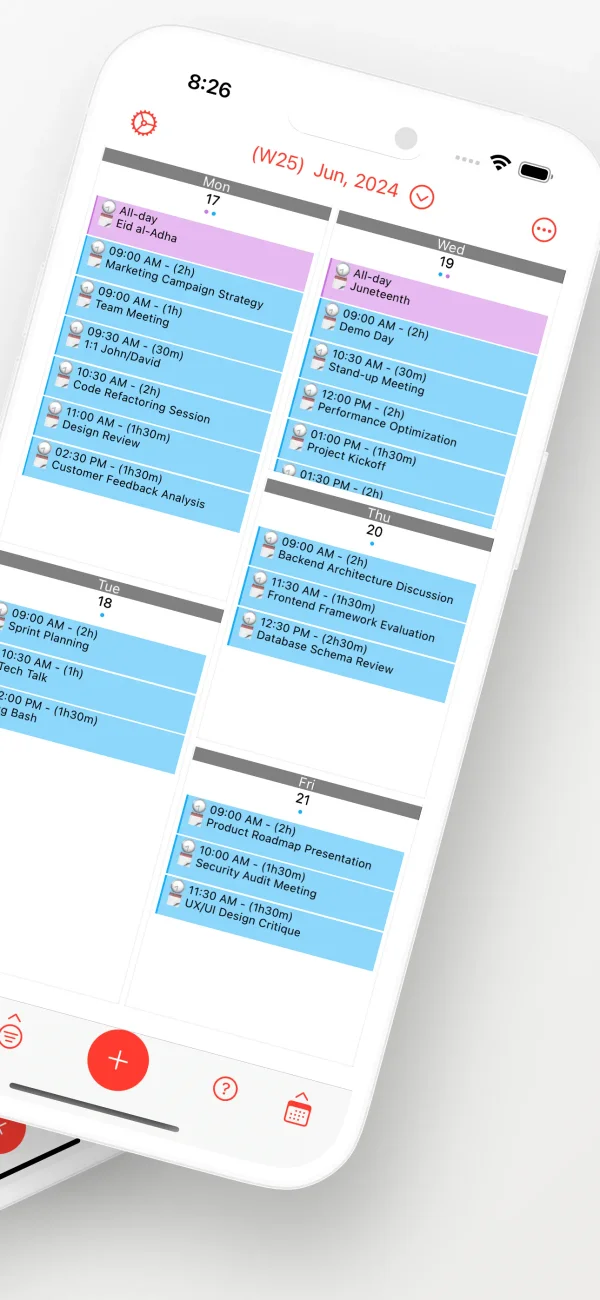
Take control of your schedule and customize your calendar views to fit your lifestyle with Week Calendar Pro.
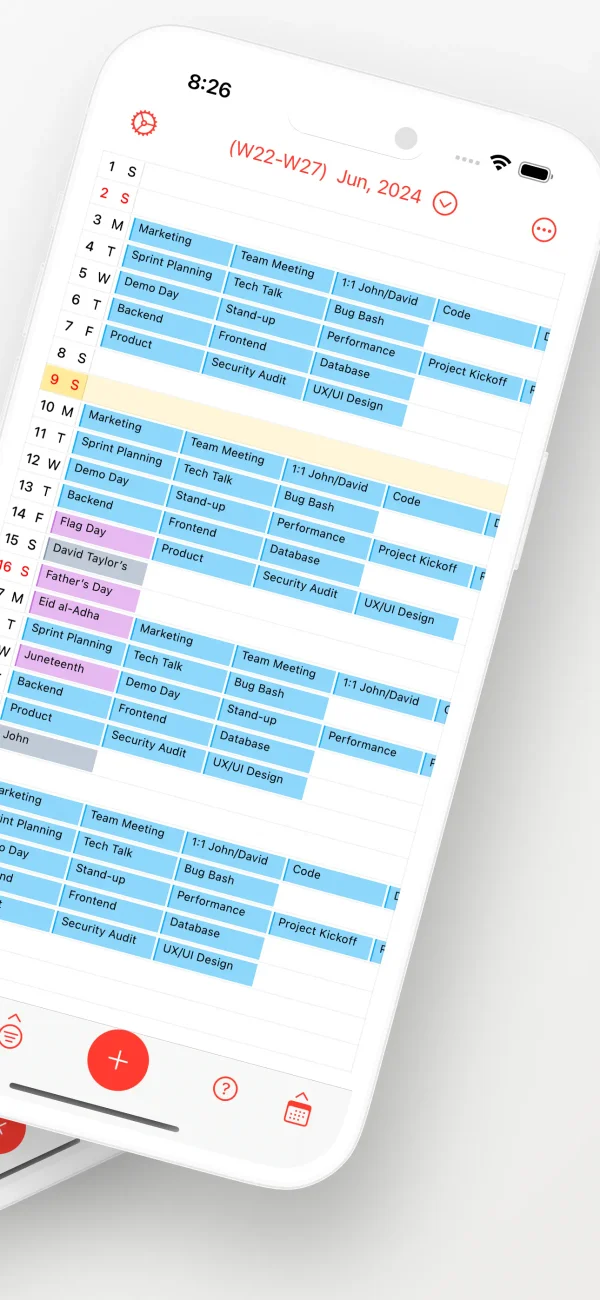
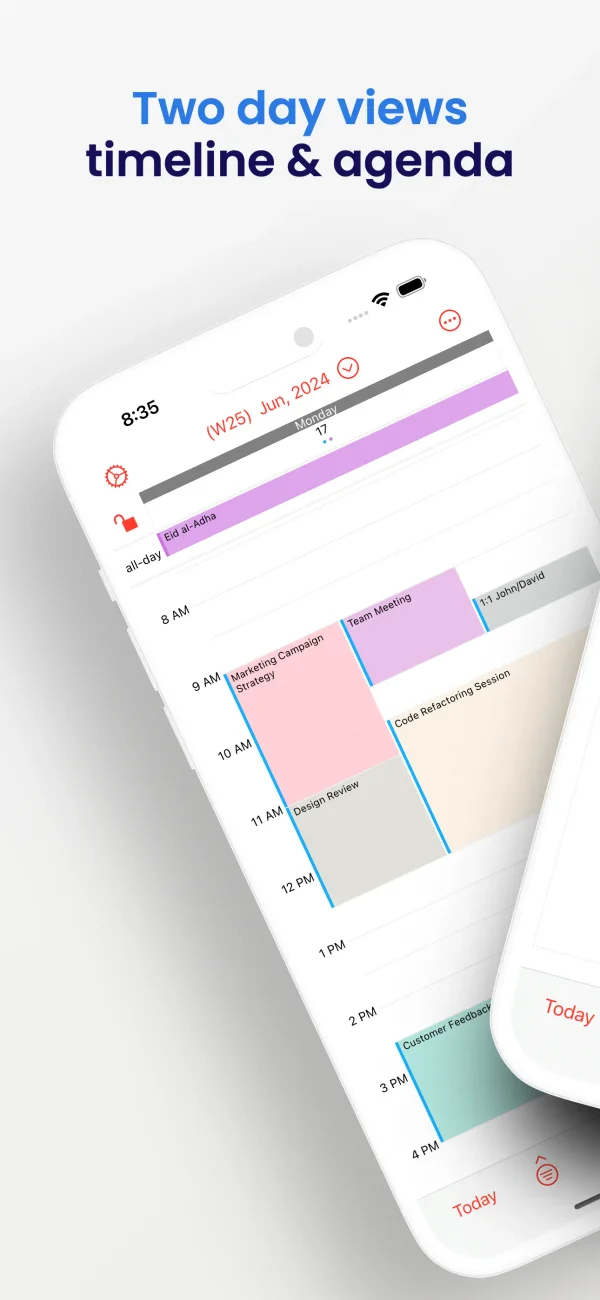
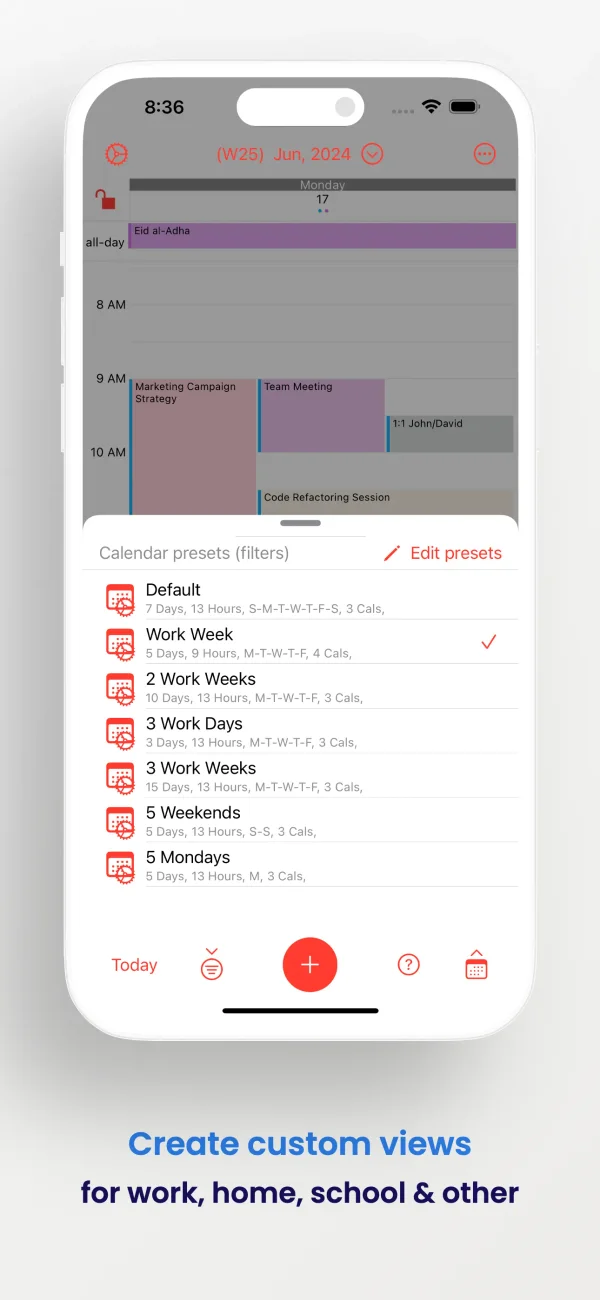
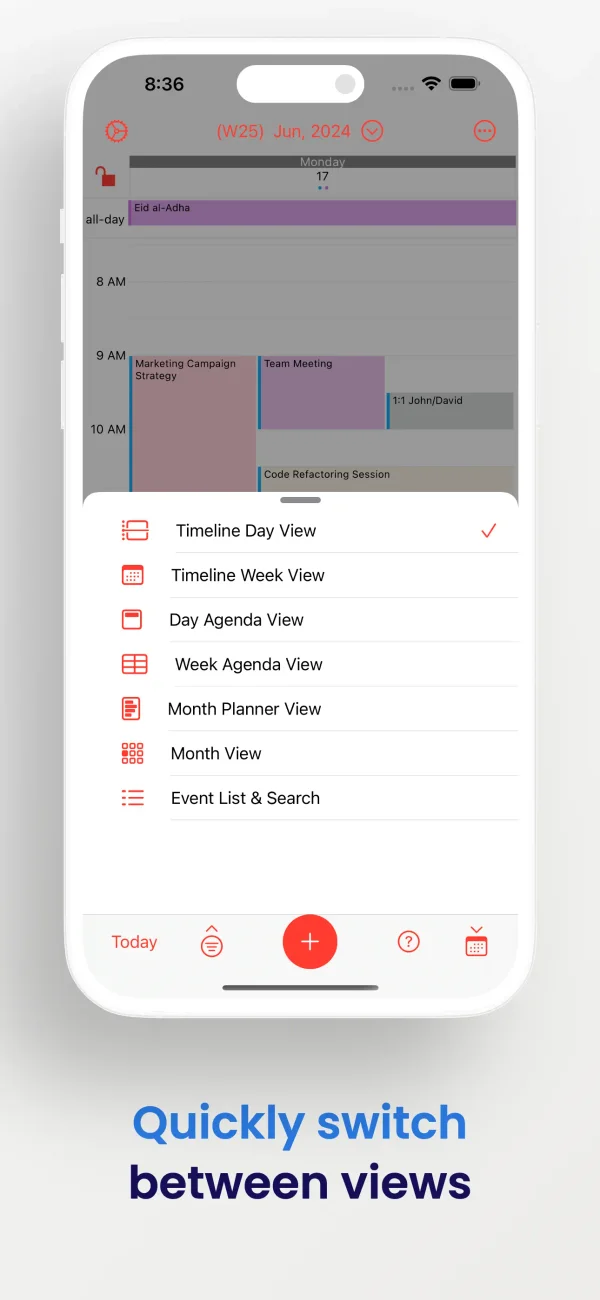
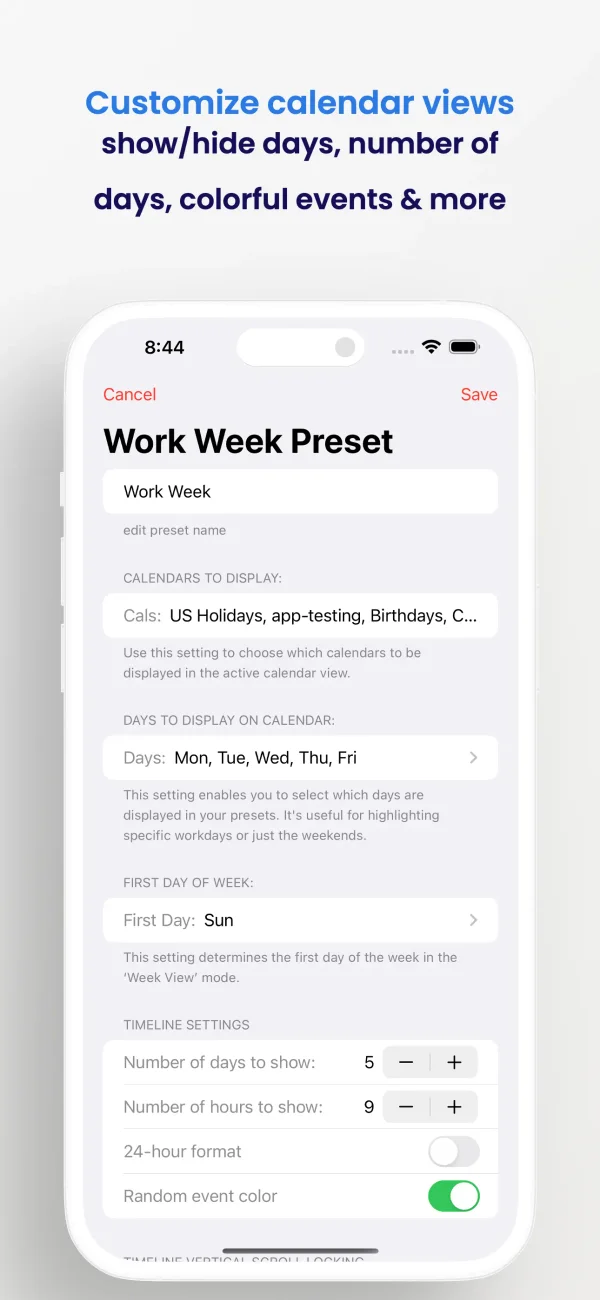
This powerful weekly planner app allows you to create unlimited personalized calendar views tailored to your unique needs. With just a few taps, you can show or hide specific days, select how many days to display (3, 5, 7, or up to 30), choose which calendars to include or exclude, and even lock the timeline scrolling. The innovative pop-up preset menu lets you quickly switch between your saved custom views. Create a "Home" view showing just your personal calendar after work hours. Set up a "School" view displaying only class schedules on weekdays. Have a dedicated "Volunteering" view with your volunteer commitments across weekends. The possibilities are endless! Whether you're a busy professional, student, or someone looking to streamline your life, Week Calendar Pro provides the ultimate calendar customization. Save time and effort by accessing the exact view you need for any situation.
Key Features:
- Unlimited custom calendar views
- Show/hide specific days
- Display 3 to 30 days in one view
- Include/exclude selected calendars
- Lock timeline scrolling
- Quick pop-up preset menu
- Dark mode
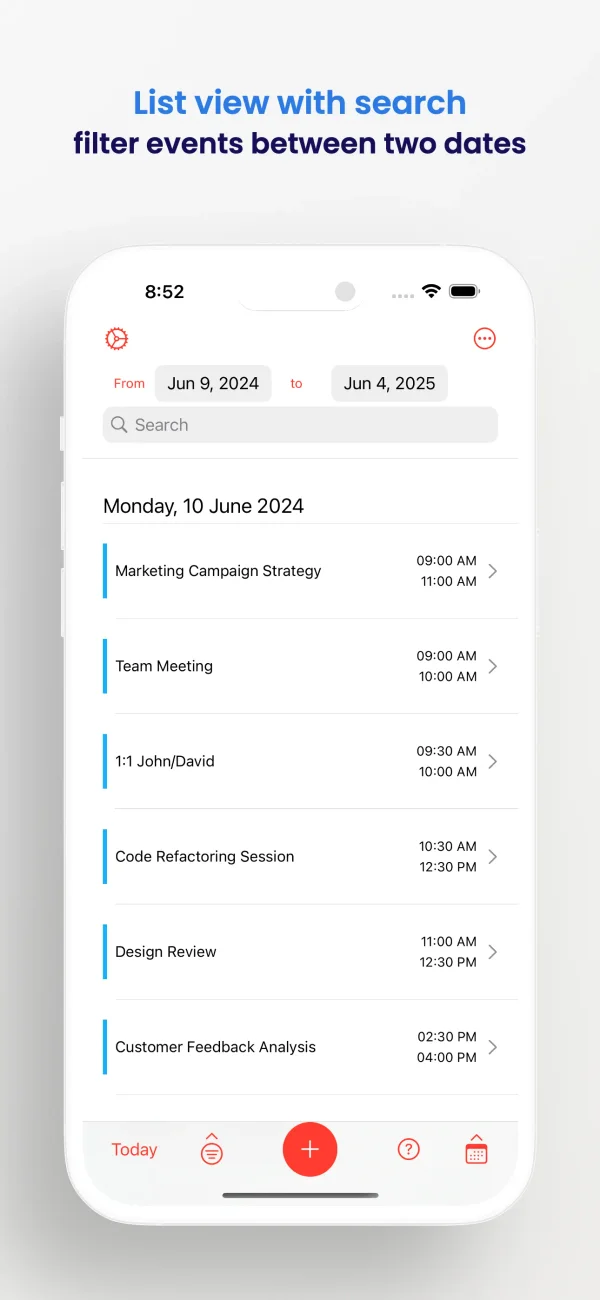
- Search events between two days
Don't settle for a one-size-fits-all calendar app. Download Week Calendar Pro today and take full control of your schedule with personalized views for home, work, school, volunteering and more!
Free Account Features
Our app offers a range of features for free users, including a Day Timeline View, Week Calendar View, and the ability to Customize your Calendar. With these tools, you can easily visualize your schedule and personalize your calendar to suit your preferences. Whether you need a quick glance at your day or a broader view of your week, our free account has you covered.
Premium Account Features
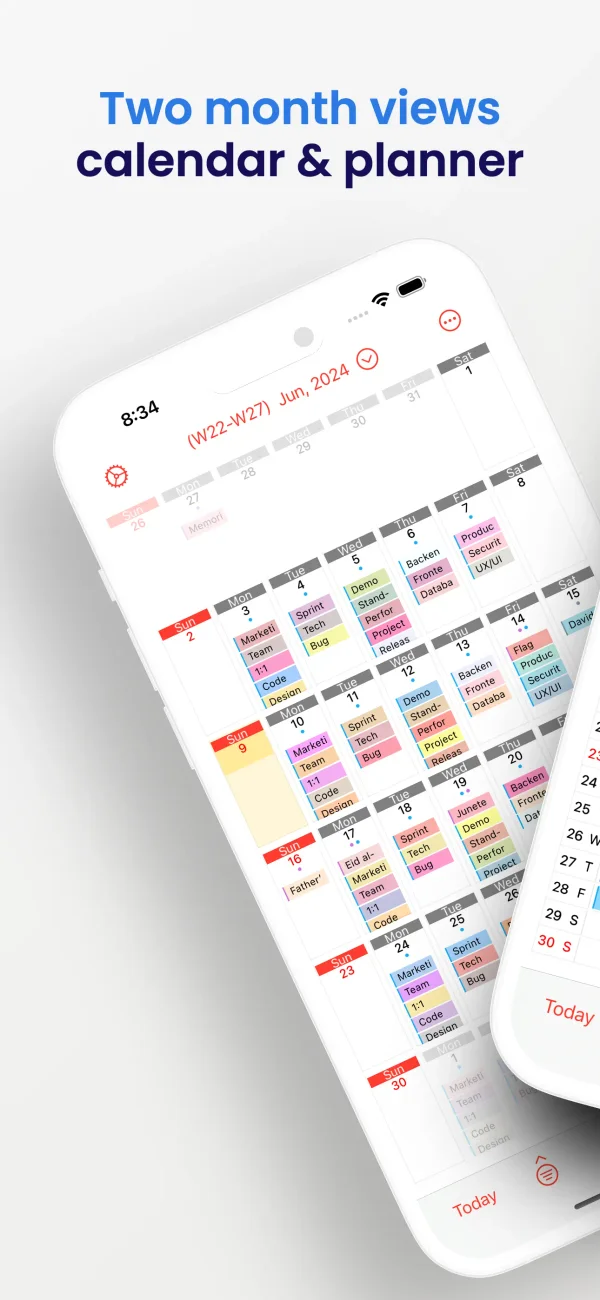
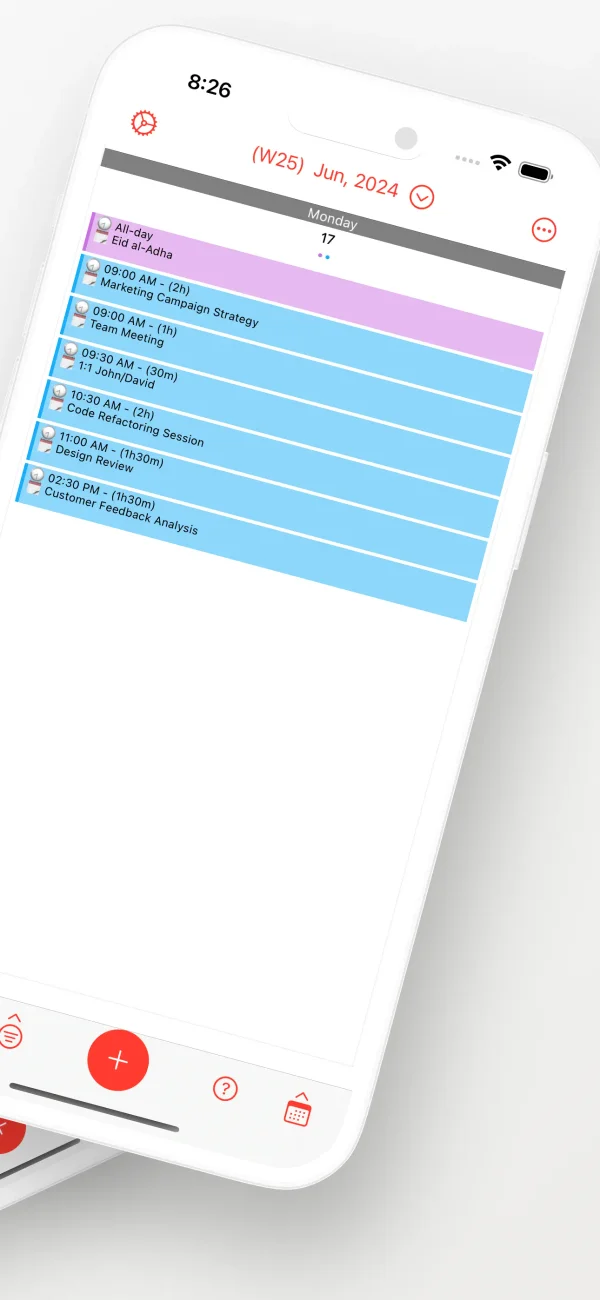
Upgrade to our premium account to unlock a comprehensive suite of advanced features. Enjoy Timeline scrolling lock, Agenda day and week views, and a Month Calendar view for a more detailed look at your schedule. Additionally, you'll have access to an Event list with search functionality, making it easy to find and manage your appointments. Premium users also benefit from Unlimited presets and All future app features, ensuring you always have the latest and greatest tools at your fingertips.
Subscribing to our app is easy! Here’s how you can do it:
Subscribe:
- When you download our app, you’ll have the option to subscribe.
- Choose between a monthly or yearly subscription.
- Enjoy a 7-day free trial before your subscription begins.
- Subscriptions are billed to your iTunes account.
Canceling Your Subscription:
If you decide to cancel your subscription, follow these steps:
- Open your iTunes account settings.
- Turn off the auto-renewal option at least 24 hours before the renewal date.
- That’s it! Your subscription won’t renew automatically.
Remember that subscription rates may vary by country. If you have any questions, feel free to reach out to our support team. We’re here to help!
Terms of use: https://cratertechllc.com/terms-and-conditions.html
Neue Funktionen
Version 2.3.0 · 23.10.2026
Fixed button bar button overlap issue.
App-Datenschutz
Was Crater Tech LLC im App Store zum Umgang dieser App mit Daten angibt.
-
Keine Daten erfasst
Der Entwickler erfasst keine Daten von dieser App.
Die Datenschutzpraktiken können variieren, zum Beispiel je nach den von Ihnen verwendeten Funktionen oder Ihrem Alter.
Informationen
- Anbieter
- Crater Tech LLC
- Kategorie
- Produktivität
- Version
- 2.3.0
- Aktualisiert
- 23.10.2026
- Veröffentlicht
- 07.09.2016
- Größe
- 165,6 MB
- Erfordert
- iOS 17.0 oder neuer
- Altersfreigabe
- 4+
- Preis
- Kostenlos
- In-App-Käufe
- Ja
- Sprachen
- Englisch
- Copyright
- © Crater Tech LLC
Das könnte Ihnen auch gefallen
-
 Super To-Do'sProduktivität
-
 Tiny Calendar ProConnect All Your Calendars
-
 Memento: Einfache ErinnerungenDie schnelle To-do-Liste
-
 Pomodoro Focus Timer - YouCanProduktivität
-
 Minimalist Todo WidgetProduktivität
-
 Tiny Planner - Daily OrganizerProduktivität
-
 SleepScout® : Sleep RecoderProduktivität
-
 Penned: Private NotesProduktivität
-
 Streakly: Simple Habit TrackerVisual Routine & Streak Daily
-
 Calendar All-In-One PlannerAgenda & Aufgaben synchronis