WeVideo - Video Editor & Maker
Edit videos quickly & easily
Entwickelt für iPhone, iPad, iPod touch
Kostenlos · In-App-Käufe
- Altersfreigabe4+
- KategorieFoto und Video
- EntwicklerWeVideo, Inc.
- SprachenEnglisch
- Größe73,0 MB
Verlinkt auf die offizielle App Store-Seite
Download.org hostet keine Datei von WeVideo - Video Editor & Maker. Die Schaltfläche öffnet die App-Seite bei App Store, wo WeVideo, Inc. die App veröffentlicht. Eintrag zuletzt geprüft am 27.11.2026.
Screenshots
Info
Der Entwickler hat diesen Text nicht in Ihrer Sprache bereitgestellt.
Capture, edit and share incredible videos - anywhere, anytime - for your personal life, school work, and your business with WeVideo’s video editor for iOS.
With WeVideo and your iPhone or iPad, you don’t need to be a professional to create and share compelling, high-quality videos.
EASY-TO-USE VIDEO EDITOR:
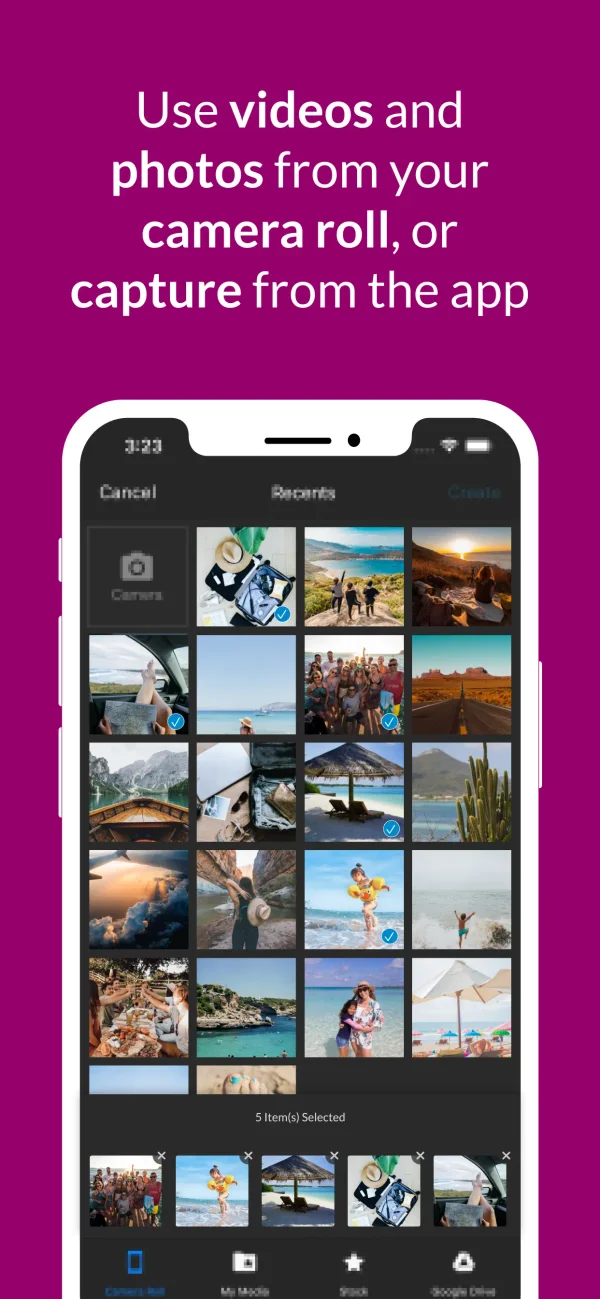
• Use videos and photos from your camera roll on your phone, or capture them from your camera
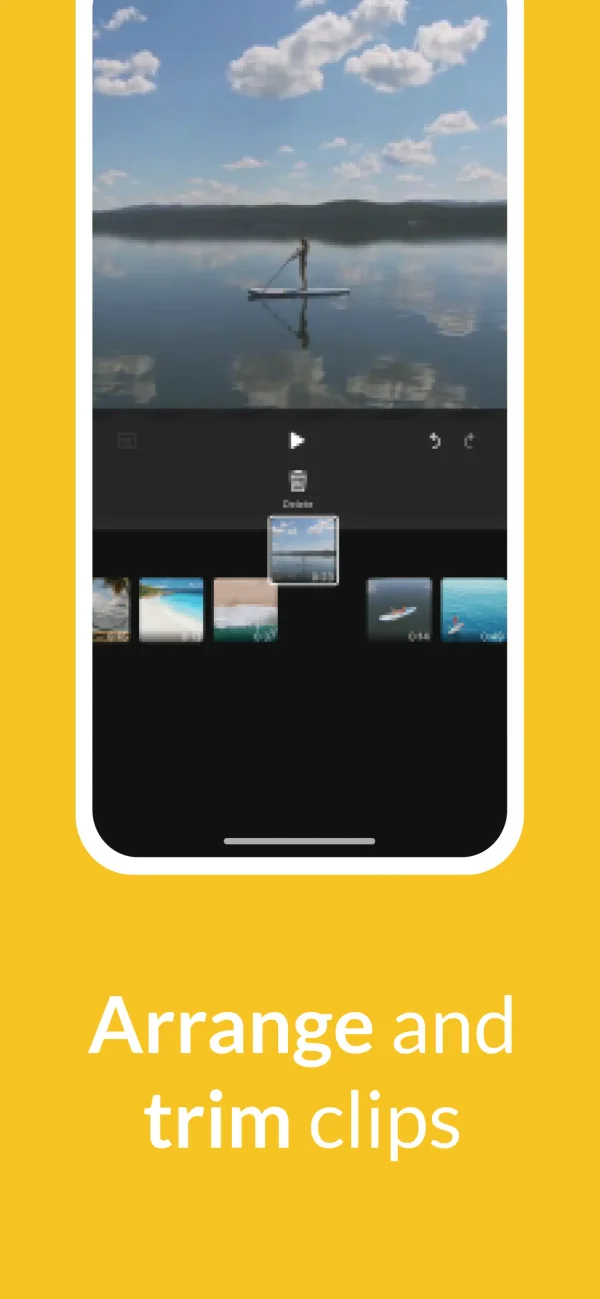
• Arrange and trim clips
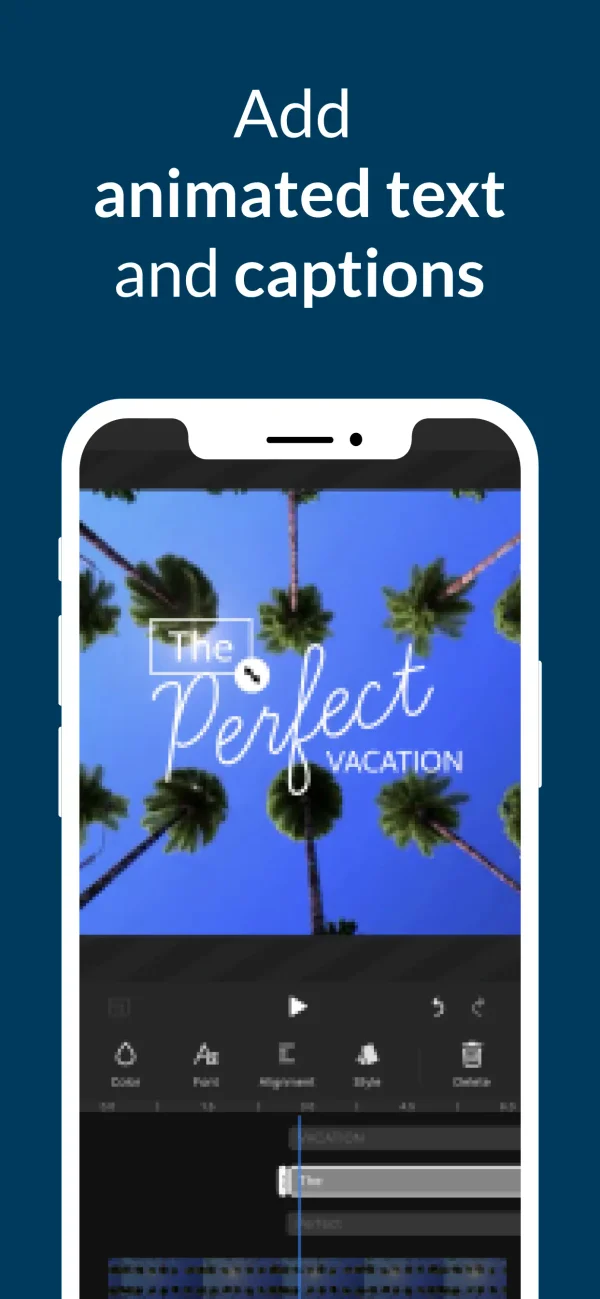
• Add text titles and captions
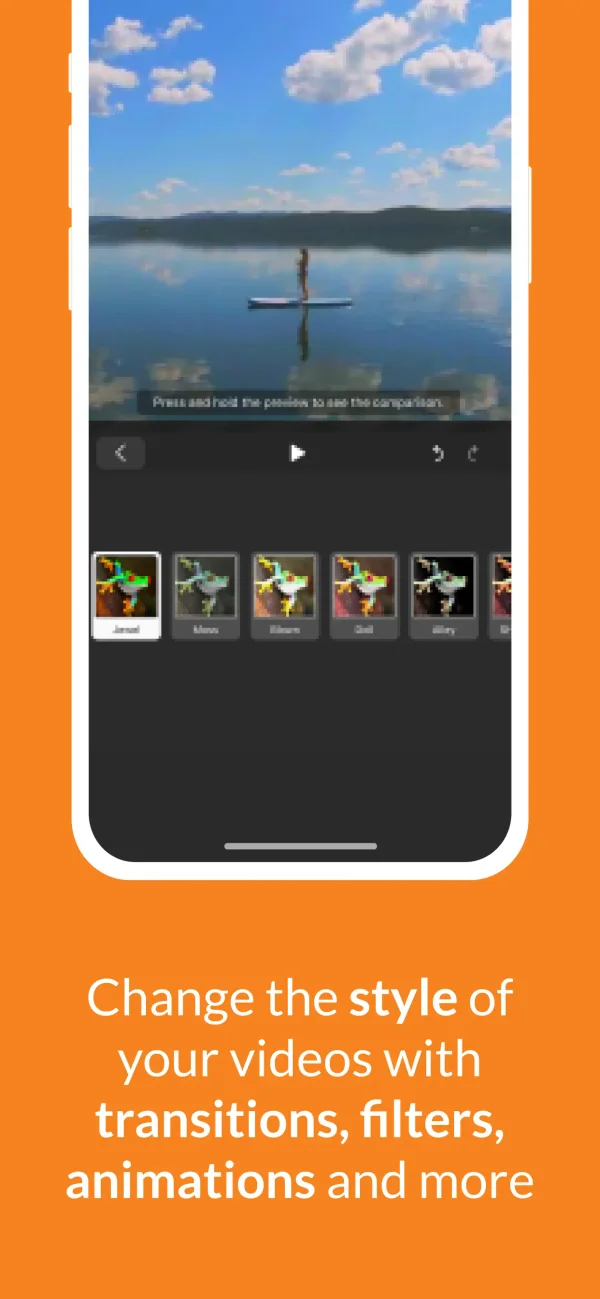
• Change the style of your videos with transitions, filters, animations and more
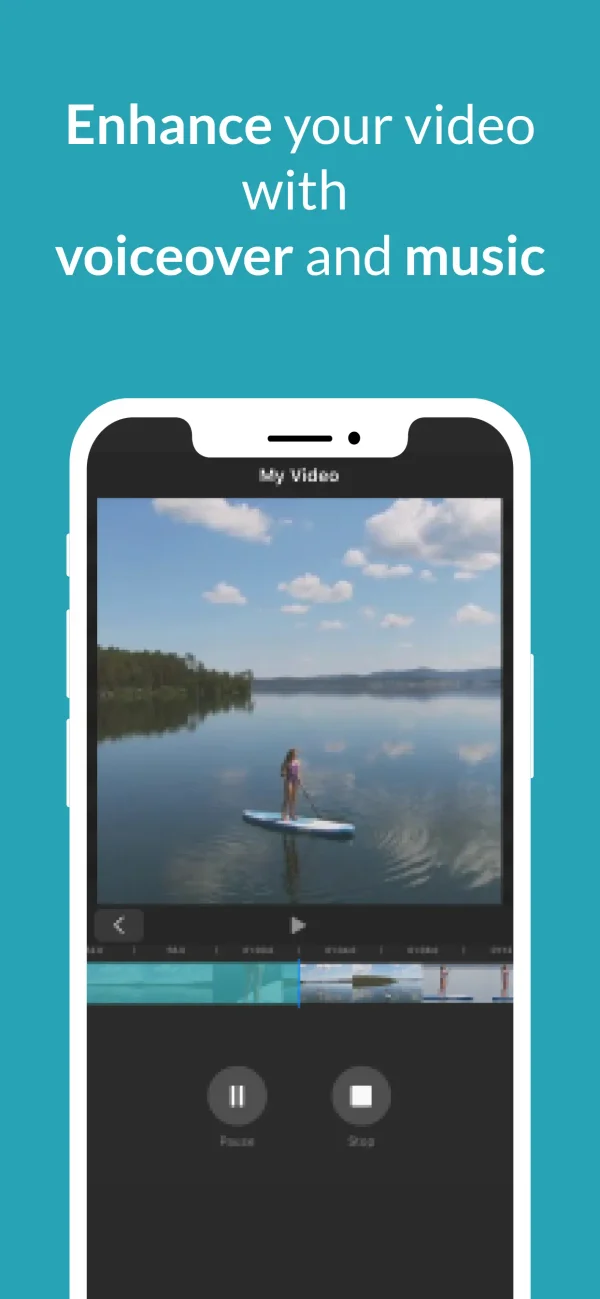
• Enhance your video with voiceover and music tracks
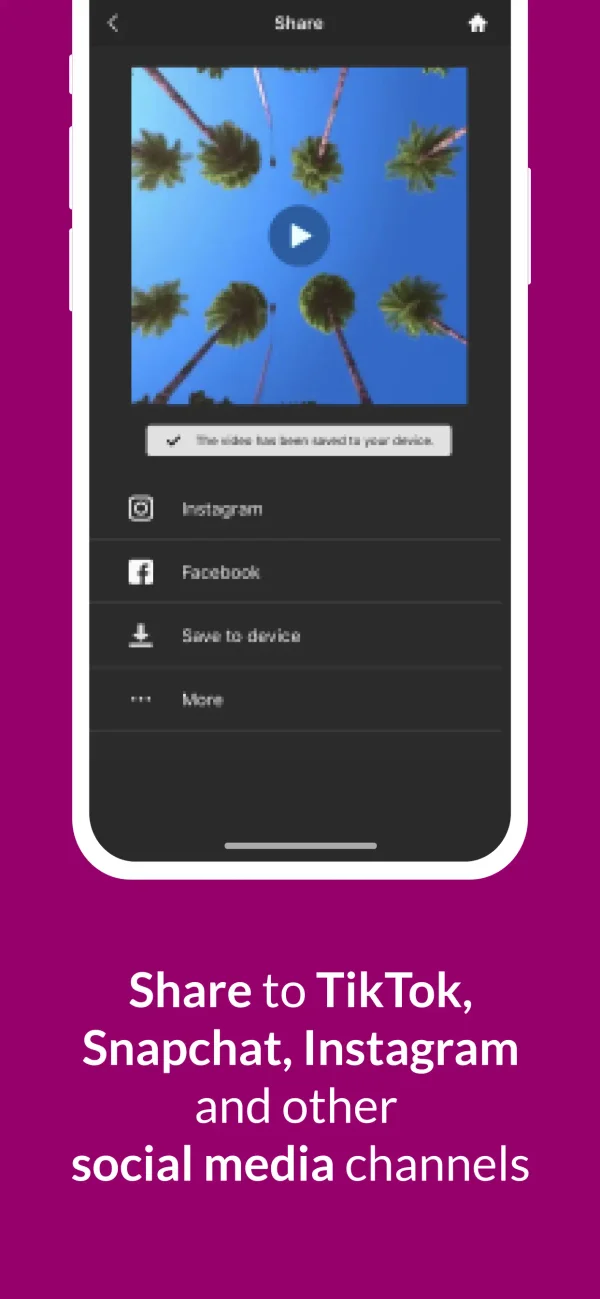
• Share to TikTok, Snapchat, Instagram and other social media channels
FEATURES
• EASY ACCESS AND CAPTURE
Access photos and videos from your photo library or capture them from your device’s camera
• CUT AND TRIM
Trim video clips and arrange them in the order you want
• TEXT TITLES AND CAPTIONS
Emphasize key points by adding text titles and captions
• AUDIO: MUSIC, SOUND EFFECTS AND VOICEOVER
Enhance your video with voiceover narration, music tracks and sound effects*
• EXTENSIVE CONTENT LIBRARY*
Leverage the WeVideo stock library that includes:
⁃ Royalty-free video clips
⁃ Royalty-free music tracks
⁃ Royalty-free photos and illustrations
⁃ Motion titles
⁃ Sound effects
⁃ Transitions
⁃ Font
⁃ Filters
• STUNNING VIDEO EFFECTS
⁃ Photo animations - Use the Ken Burns effect to make photos come alive
⁃ Speed control - Alter the speed of your video with effects like slow motion
⁃ Background blur - Use blurred background to enhance your vertical videos
⁃ Green screen - Use Hollywood-style green screen (chroma key) tools to change the background of your video to give the appearance that you’re anywhere (paid plans)
⁃ Remove the WeVideo watermark (paid plans)
• EASY TO STORE, EXPORT, PUBLISH AND SHARE
⁃ Publish your videos in up to 4K Ultra HD*
⁃ Format your videos in vertical or landscape (9:16, 1:1, 16:9) for easy viewing on any device
⁃ Save to your device or store in the cloud*
⁃ Share directly to social media sites like:
TikTok
Snapchat
Instagram
Facebook
* Dependent on your plan type
FLEXIBLE SUBSCRIPTION OPTIONS
• Free**
• Mobile Pass ($5.99 month/ $49.99annual) **
• Power ($9.99 month/ $59.99 annual)***
• Unlimited ($15.99 month/ $95.99 annual)***
• Professional ($35.99 month/ $214.99 annual)***
• Business ($59.99 month/ $349.99 annual)***
** Mobile only
*** includes WeVideo online video editor
Your iTunes account will be charged once you confirm your purchase. Manage your subscriptions or turn off auto-renew in your Apple ID account settings at any time after purchase.
Your subscription automatically renews unless auto-renew is turned off at least 24 hours before the end of the current period.
Love the WeVideo video editor?
Like us on Facebook: http/www.facebook.com/wevideo
Follow us on Twitter: http://twitter.com/wevideo
Privacy policy: https//www.wevideo.com/privacy
Terms of use: https://www.wevideo.com/terms-of-use
Neue Funktionen
Version 5.8.12 · 02.09.2025
Bug fixes and performance improvements
App-Datenschutz
Was WeVideo, Inc. im App Store zum Umgang dieser App mit Daten angibt.
-
Daten, die zum Tracking Ihrer Person verwendet werden
Können verwendet werden, um Sie über Apps und Websites anderer Unternehmen hinweg zu verfolgen.
- Käufe
- Standort
- Nutzungsdaten
-
Mit Ihnen verknüpfte Daten
Können erfasst und mit Ihrer Identität verknüpft werden.
- Käufe
- Standort
- Kontaktinformationen
- Benutzerinhalte
- Suchverlauf
- Kennungen
- Nutzungsdaten
- Diagnose
Die Datenschutzpraktiken können variieren, zum Beispiel je nach den von Ihnen verwendeten Funktionen oder Ihrem Alter.
Informationen
- Anbieter
- Wevideo, Inc.
- Kategorie
- Foto und Video
- Version
- 5.8.12
- Aktualisiert
- 02.09.2025
- Veröffentlicht
- 22.03.2013
- Größe
- 73,0 MB
- Erfordert
- iOS 15.0 oder neuer
- Altersfreigabe
- 4+
- Preis
- Kostenlos
- In-App-Käufe
- Ja
- Sprachen
- Englisch
- Copyright
- © 2013 WeVideo, Inc.
Das könnte Ihnen auch gefallen
-
 Stop Motion StudioFilme einfach animieren
-
 Filmmaker Pro – Video-EditorVideo- und Fotobearbeitung
-
 Magisto - Video BearbeitenFilme und Diashow erstellen
-
 Perfect Video BearbeitenVideo Bearbeiten, Video Maker
-
 Greenscreen Live VideoaufnahmeChroma Key Hintergrund ändern
-
 Veescope Live Green Screen AppFoto und Video
-
 Videoshop - Video EditorAdd music, text, FX to videos!
-
 iMotionFoto und Video
-
 KineMaster (ALT)Suche das Neue KineMaster!
-
 Video Bearbeiten Musik EffekteVideos Schneiden Filmeditor