
WinGen Document Capture
Fill and Submit Retailer Docs
Entwickelt für iPhone, iPad, iPod touch
Kostenlos
- Altersfreigabe4+
- KategorieWirtschaft
- EntwicklerJack Tipsword
- Größe39,1 MB
Verlinkt auf die offizielle App Store-Seite
Download.org hostet keine Datei von WinGen Document Capture. Die Schaltfläche öffnet die App-Seite bei App Store, wo Jack Tipsword die App veröffentlicht. Eintrag zuletzt geprüft am 24.11.2026.
Screenshots

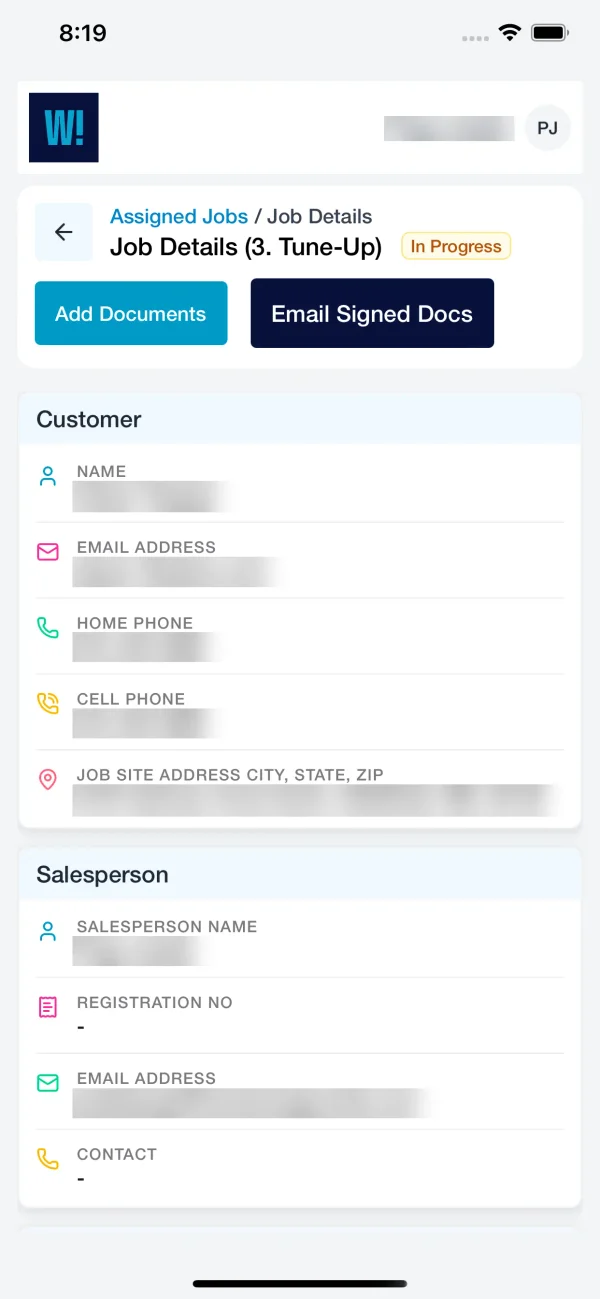
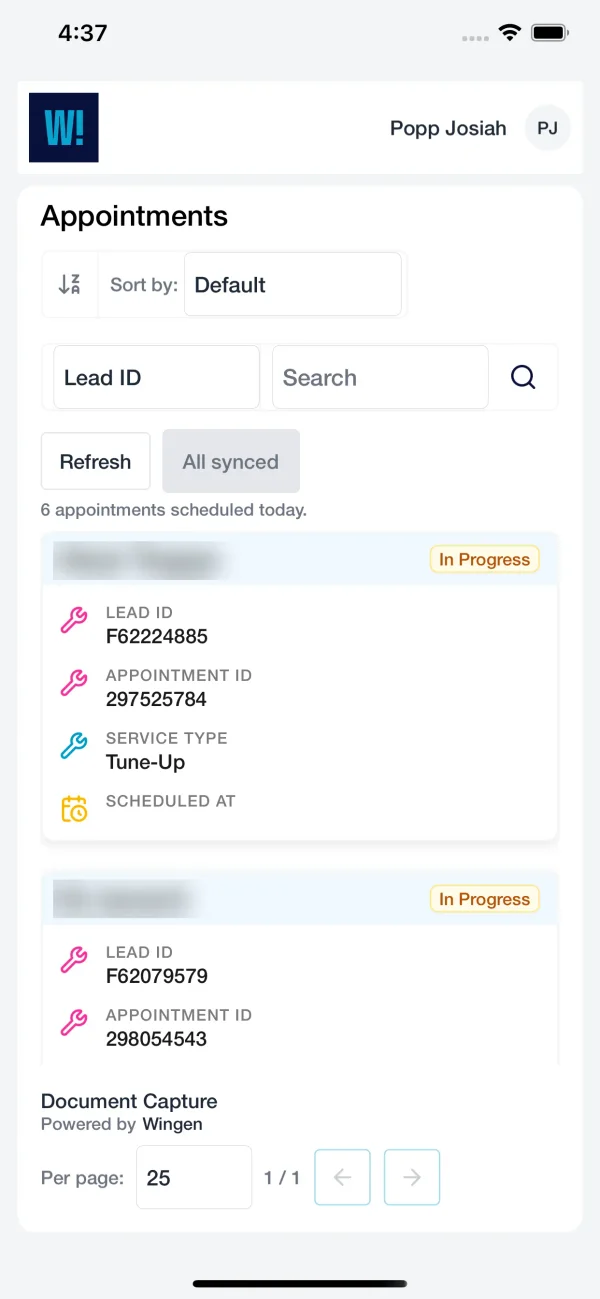
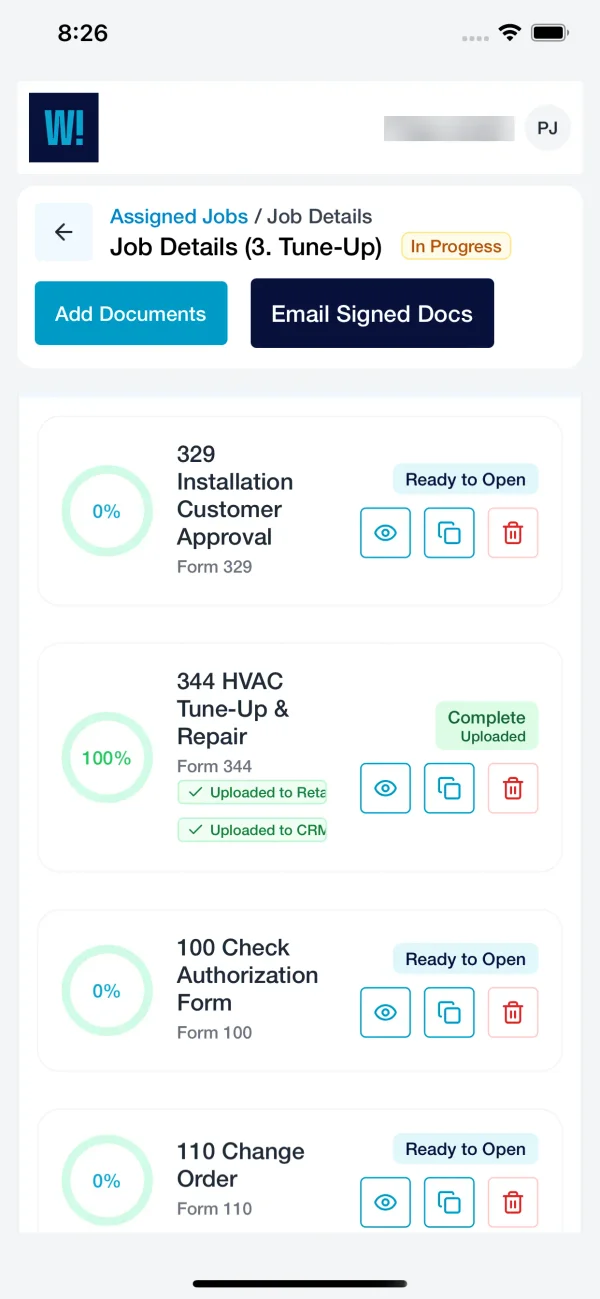
Info
Der Entwickler hat diesen Text nicht in Ihrer Sprache bereitgestellt.
Paperwork that keeps up with the job, not the other way round.
WinGen Document Capture puts a technician's whole day on one iPad: the appointments they're running, the forms each job needs, and the signatures to close it out. It's built for the driveway, the crawlspace and the mechanical room — places where the paperwork matters and the signal doesn't reach.
The day arrives before you do
Sign in each morning and the day's appointments download to the device along with every document they require. No waiting on a spinner outside a customer's house, and no surprises about which forms a job needs.
Works with no signal, not just "mostly"
Open a job, complete its forms, capture a signature and move on — all of it offline. Work is held safely on the device and uploaded the moment a connection comes back. Nothing is lost between the basement and the truck.
Forms that check themselves
Required fields are validated before a document can be completed, including rules that depend on other answers. Technicians find out what's missing while they're still on site, instead of hearing about it days later from the office.
Signatures in the right place
Customers sign directly on the iPad, and the signature lands in the form's own signature box — producing the same finished document the office expects.
Equipment details without the typing
Photograph an equipment dataplate and the manufacturer, model and serial number are read straight off it, on the device. No cloud round trip, no transcription mistakes on a serial number nobody wants to type twice.
Find any job, fast
Search by lead ID, customer name or appointment ID. Cached appointments remain searchable offline.
Secure by default
Sign in with Face ID or Touch ID. Everything stored on the device is encrypted, and completed work uploads over a secure connection to your WinGen Document Management account.
Neue Funktionen
Version 1.27 · 24.11.2026
Modification to the 321 form equipment section to make the cursor "sticky" when tapping. Prior to this change the cursor would move to other fields as the keyboard was hidden and displayed. Modify buttons on the screen to consume less real estate. Use a more/less button to show/hide buttons
App-Datenschutz
Was Jack Tipsword im App Store zum Umgang dieser App mit Daten angibt.
-
Keine Daten erfasst
Der Entwickler erfasst keine Daten von dieser App.
Die Datenschutzpraktiken können variieren, zum Beispiel je nach den von Ihnen verwendeten Funktionen oder Ihrem Alter.
Informationen
- Anbieter
- Jack Tipsword
- Kategorie
- Wirtschaft
- Version
- 1.27
- Aktualisiert
- 24.11.2026
- Veröffentlicht
- 28.09.2026
- Größe
- 39,1 MB
- Erfordert
- iOS 15.0 oder neuer
- Altersfreigabe
- 4+
- Preis
- Kostenlos
- Copyright
- © 2026