
YomiPlay
Subtitles, Listening&Shadowing
Entwickelt für iPhone, iPad
Kostenlos · In-App-Käufe
- Altersfreigabe4+
- KategorieBildung
- Entwickler标棋 杜
- SprachenEnglisch+ 3 weitere
- Größe503,0 MB
Verlinkt auf die offizielle App Store-Seite
Download.org hostet keine Datei von YomiPlay. Die Schaltfläche öffnet die App-Seite bei App Store, wo 标棋 杜 die App veröffentlicht. Eintrag zuletzt geprüft am 21.11.2026.
Screenshots





Info
Der Entwickler hat diesen Text nicht in Ihrer Sprache bereitgestellt.
YomiPlay — Turn Your Favorite Videos and Podcasts into Language Lessons.
Learn Japanese, English, Chinese, and more with the content you love!
Ever struggled to understand a podcast or video in another language? Tired of rewinding just to catch one sentence?
YomiPlay combines AI-powered subtitles, translation, sentence-by-sentence playback, shadowing, and vocabulary review to make language learning easier and more enjoyable.
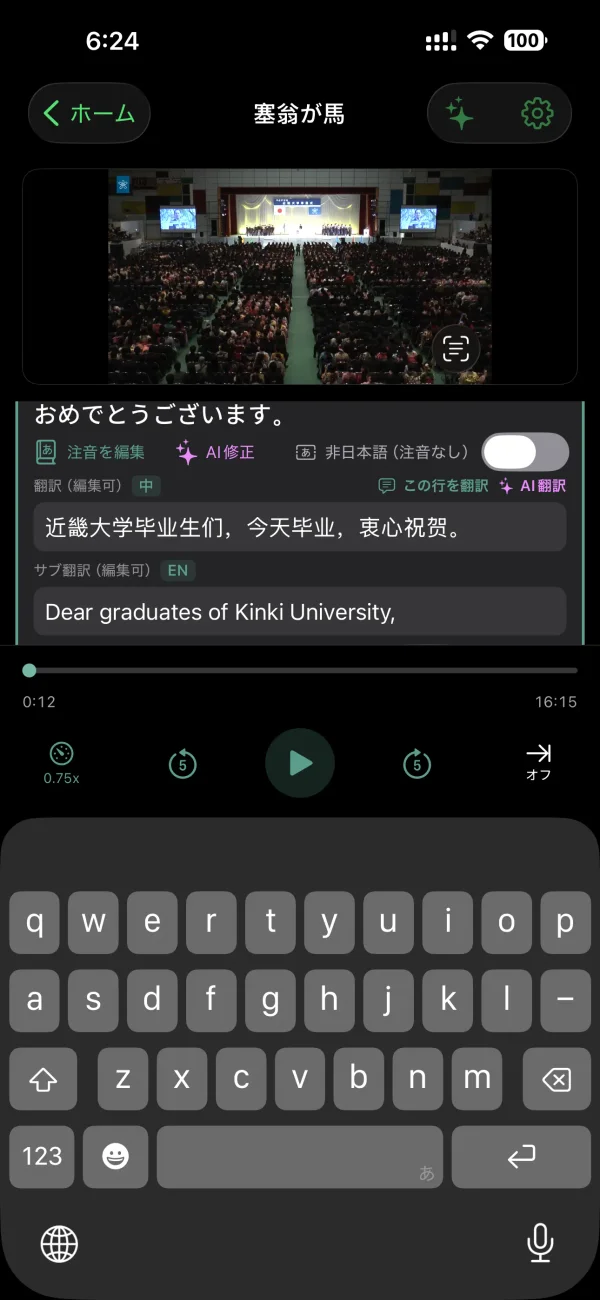
Tap any subtitle to replay a sentence, slow it down, check its translation, and practice speaking at your own pace.
【KEY FEATURES】
■ AI-Powered Subtitle Generation
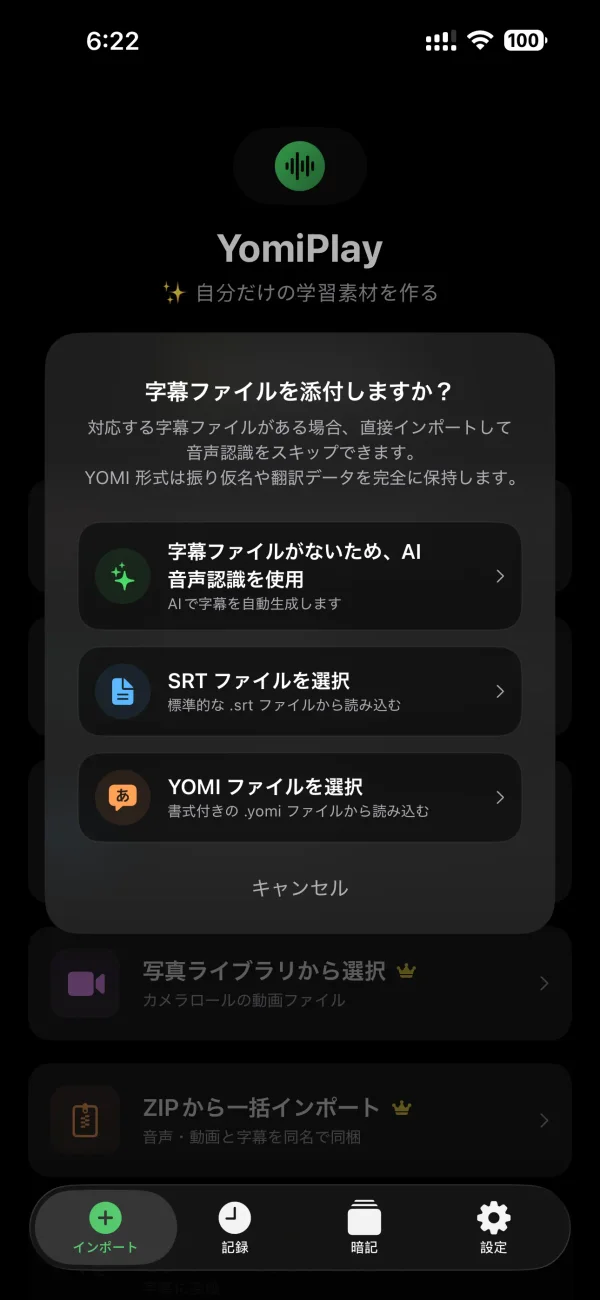
Turn audio, videos, and podcasts into learning materials with AI speech recognition.
• Generate subtitles automatically
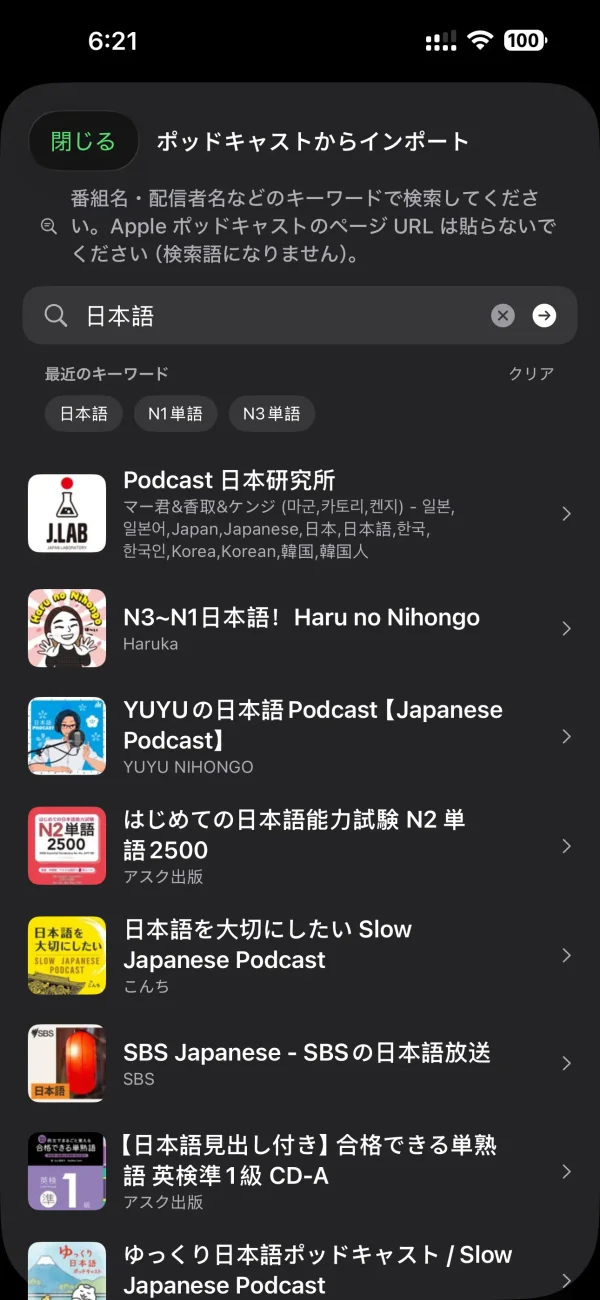
• Import podcast episodes and media files
• Support multiple languages and long recordings
• Edit and correct generated subtitles
■ Sentence Replay & Shadowing
Focus on the sentences that matter to you.
• Tap any subtitle to play that sentence
• Loop difficult sentences as often as needed
• Adjust playback speed
• Use automatic pauses for speaking practice
• Practice shadowing to improve listening and pronunciation
■ AI Translation & Multilingual Subtitles
Understand more with flexible subtitle options.
• Translate subtitles with AI
• View original text and translations together
• Display furigana for Japanese kanji
• Use romaji and pronunciation hints
• Follow along with floating subtitles
• Customize your subtitle display
■ Learn from Your Favorite Content
Create your own learning library using:
• Podcasts and audio recordings
• Videos and local media files
• Supported URLs and your photo library
Save, organize, and revisit your favorite materials anytime.
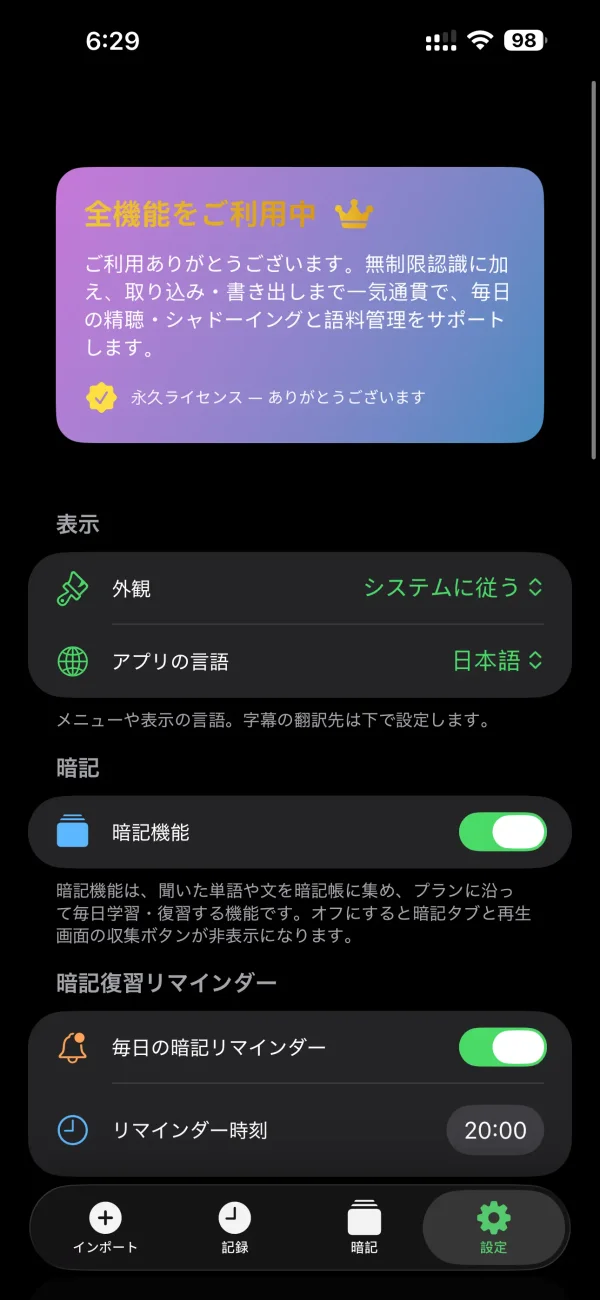
■ Personal Vocabulary Notebook
Build your own vocabulary collection with words, phrases, and grammar notes. Organize and review what you've learned.
■ Subtitle Editing & Video Export
Edit AI-generated subtitles, add translations, and export subtitled videos to share your creations.
【WHO IS YOMIPLAY FOR?】
• Japanese learners preparing for JLPT N5–N1
• English and Chinese language learners
• Anyone practicing listening, speaking, or shadowing
• Podcast, anime, and video enthusiasts
• Learners who prefer real-world content over textbooks
• Creators who need AI subtitles and translations
【LEARN FROM WHAT YOU LOVE】
Language learning doesn't have to start with a textbook.
A favorite podcast, a movie scene, an interview, or a song can become your next language lesson.
Listen. Understand. Repeat. Speak.
With YomiPlay, turn everyday listening into meaningful learning — one sentence at a time.
Terms of Use (EULA):
https://www.apple.com/legal/internet-services/itunes/dev/stdeula/
Privacy Policy:
https://www.toshiki.tech/en/yomiplay/privacy
Neue Funktionen
Version 3.0 · 15.11.2026
YomiPlay 3.0: Turn printed books into interactive e-books
[New] Scan a Printed Book
• Photograph book pages or textbooks, or import a PDF, and get an e-book you can tap to hear and look words up in. Vertical Japanese text works too.
• Proofread page by page against the original: zoom the photo, crop the area to recognize, rotate, and mark illustrations.
• "Listen & Check" reads the recognized text sentence by sentence, outlines the current sentence on the photo, and shows its translation. If what you hear doesn't match the book, fix that sentence right there.
• Vertical books show side by side: the photo on the left, the current sentence set vertically on the right.
• Export pages to another AI to fix typos, add readings and translate sentence by sentence, then import the result. Long books can be exported in batches.
[New] Text to E-book
• Paste text, or import a TXT or Markdown file, to create an e-book in one tap.
Better e-book reading
• Long-press a sentence to open its panel: tap any word to look it up, and edit the text, word breaks and readings. Your edits are saved in the book.
• Chinese books show pinyin. In texts that mix Chinese and Japanese (for example Japanese grammar explained in Chinese), each language gets its own readings, voice, translation and lookup.
• Tap a sentence that runs onto the next page and the whole sentence moves to the middle of the page.
• Horizontal books can now scroll vertically instead of turning pages.
• Edit translations yourself, and choose what tapping a sentence does: read aloud and translate, read aloud only, or translate only.
• Export books as EPUB with your translations and corrected readings, or update a book from a new EPUB.
• Long-press a book on the shelf to rename it or change its cover.
• Hand a whole book to an external AI chapter by chapter to add readings and translations, then import them back.
Memorize
• AI meanings, examples, explanations and translations now work without your own API key (they count toward your daily AI uses).
• AI explanations now use the first language you chose under "I use".
Other
• "Translate All" is more reliable: if a few sentences fail, the rest still get translated.
• Various improvements and bug fixes.
App-Datenschutz
Was 标棋 杜 im App Store zum Umgang dieser App mit Daten angibt.
-
Mit Ihnen verknüpfte Daten
Können erfasst und mit Ihrer Identität verknüpft werden.
- Käufe
- Benutzerinhalte
Die Datenschutzpraktiken können variieren, zum Beispiel je nach den von Ihnen verwendeten Funktionen oder Ihrem Alter.
Informationen
- Anbieter
- 标棋 杜
- Kategorie
- Bildung
- Version
- 3.0
- Aktualisiert
- 15.11.2026
- Veröffentlicht
- 31.03.2026
- Größe
- 503,0 MB
- Erfordert
- iOS 17.6 oder neuer
- Altersfreigabe
- 4+
- Preis
- Kostenlos
- In-App-Käufe
- Ja
- Sprachen
- Englisch, Japanisch, Vereinf. Chinesisch, Tradit. Chinesisch
- Copyright
- © 2026 DUBIAOQI
Das könnte Ihnen auch gefallen
-
 Japolly - Learn JapaneseNachschlagewerke
-
 OORASprachen hören & nachsprechen
-
 Nihonisland : Learn JapaneseBildung
-
 池小鸿日语Bildung
-
 识日JLPT: 最新JLPT历年真题全覆盖Bildung
-
 一番辞记:综合日语学习、背单词、五十音图、N5入门、红宝书Nachschlagewerke
-
 冲鸭日语-五十音图日语学习软件Bildung
-
 标准日本语(日语教材)Bildung
-
 MOJisho: Japanese DictionaryNachschlagewerke
-
 MOJiTest: 日语考级考研高考背词等级备考与词汇量测试Bildung