Black Skeleton
Pars Watch Faces- PEGI 3Clasificación por edad
- PersonalizaciónCategoría
- 3/10/2026Actualizado
- 0,89 €Precio
Enlaza a la ficha oficial de com.watchfacestudio.blackskeleton en Google Play. Última comprobación el 14/11/2026.
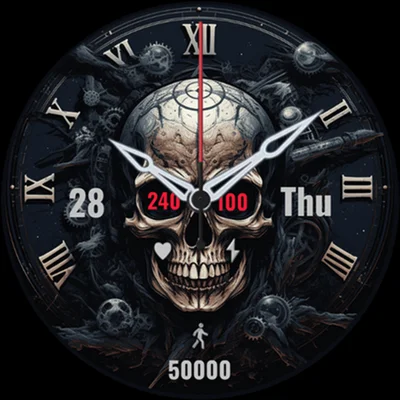
Capturas de pantalla
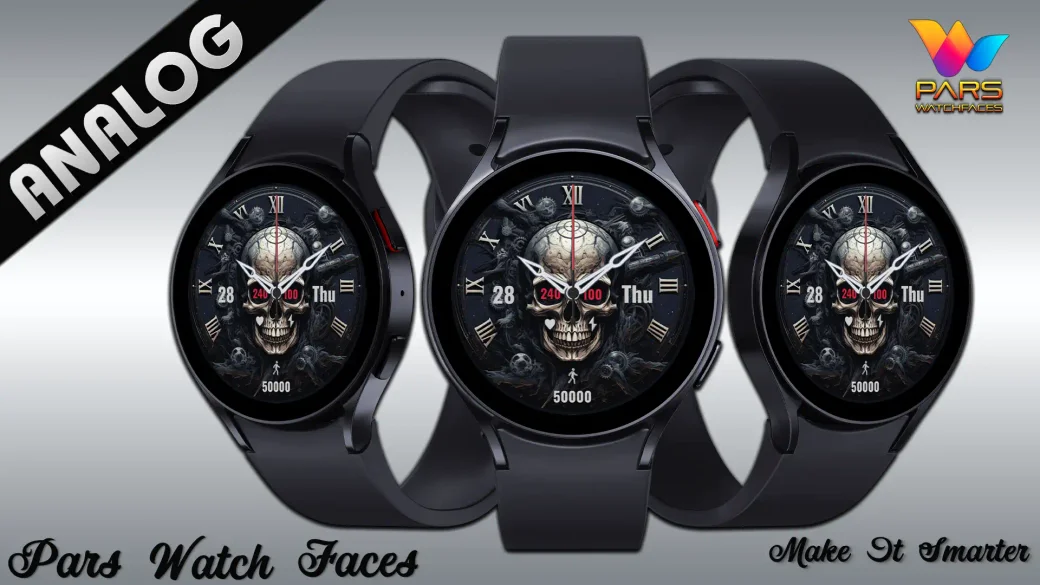

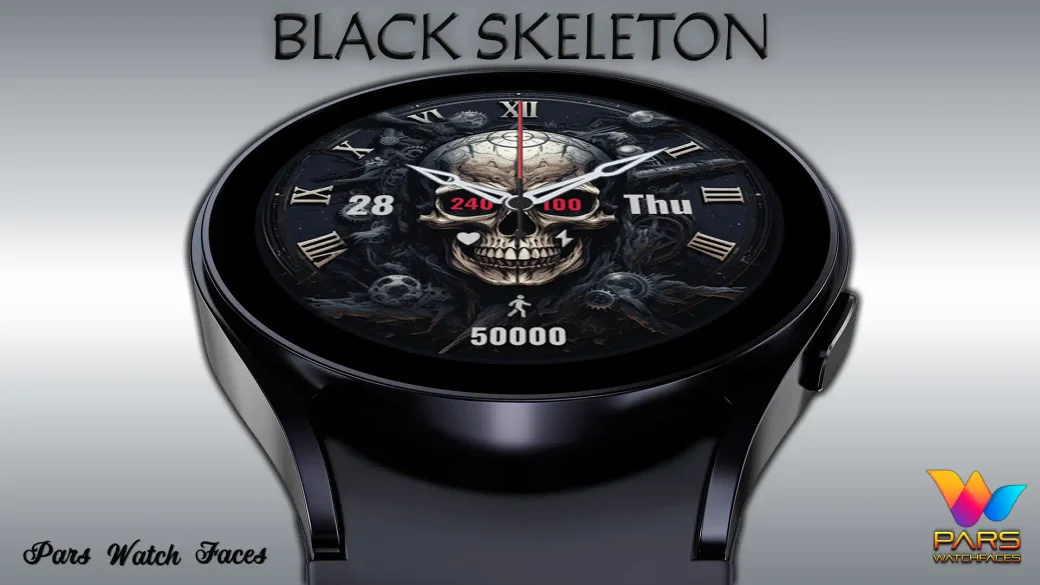
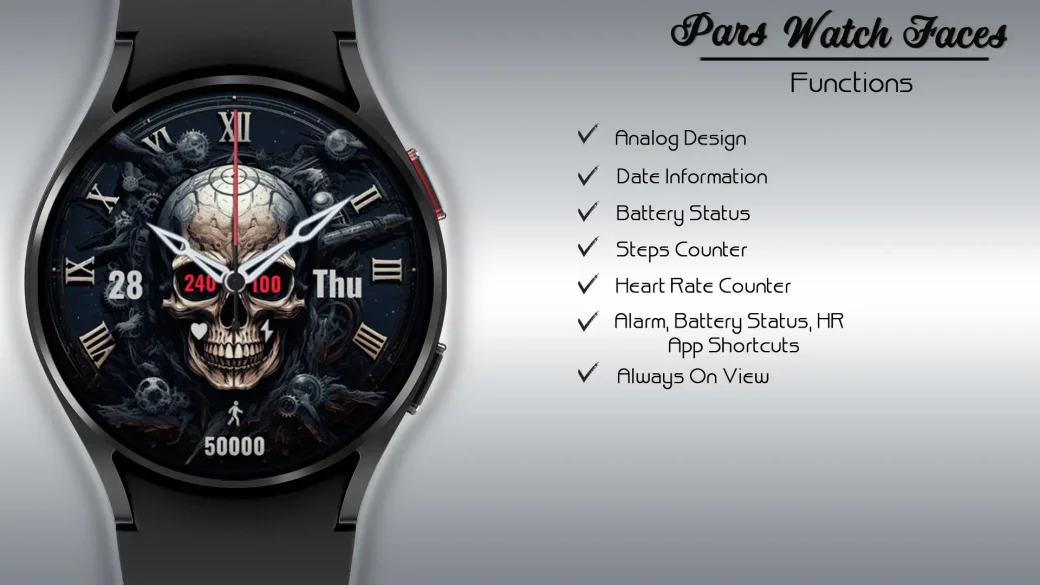


Acerca de esta aplicación
Traducción automática de Google. Idioma original: Inglés (Estados Unidos).
Black Skeleton es para aquellos que buscan un estilo diferente en la esfera del reloj.
Premia tu reloj con diferentes diseños.
Black Skeleton te ofrece una opción privilegiada además de las esferas clásicas. Black Skeleton Watch Face es compatible con todos los dispositivos que utilizan Wearos 33+.
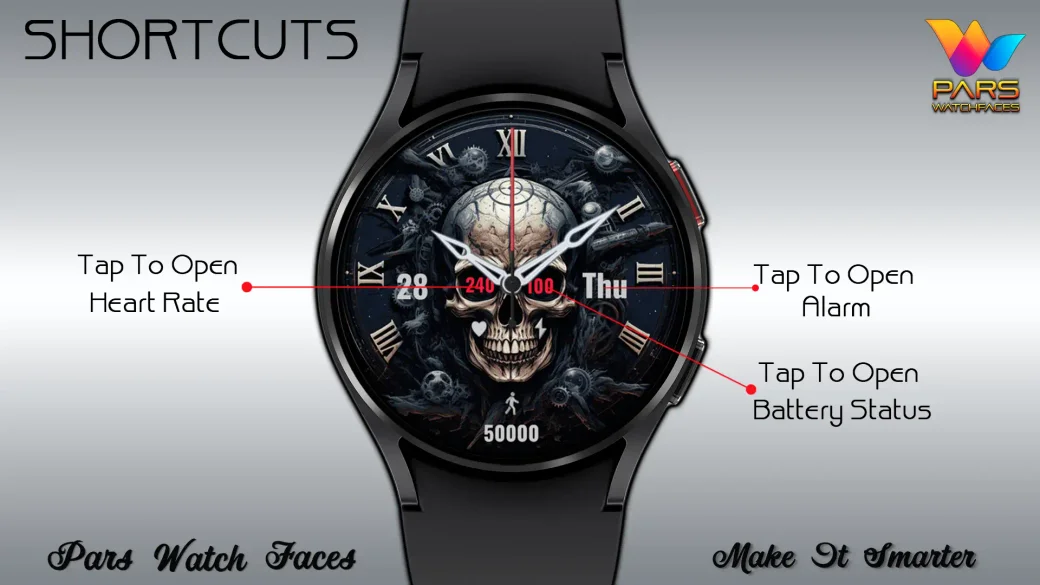
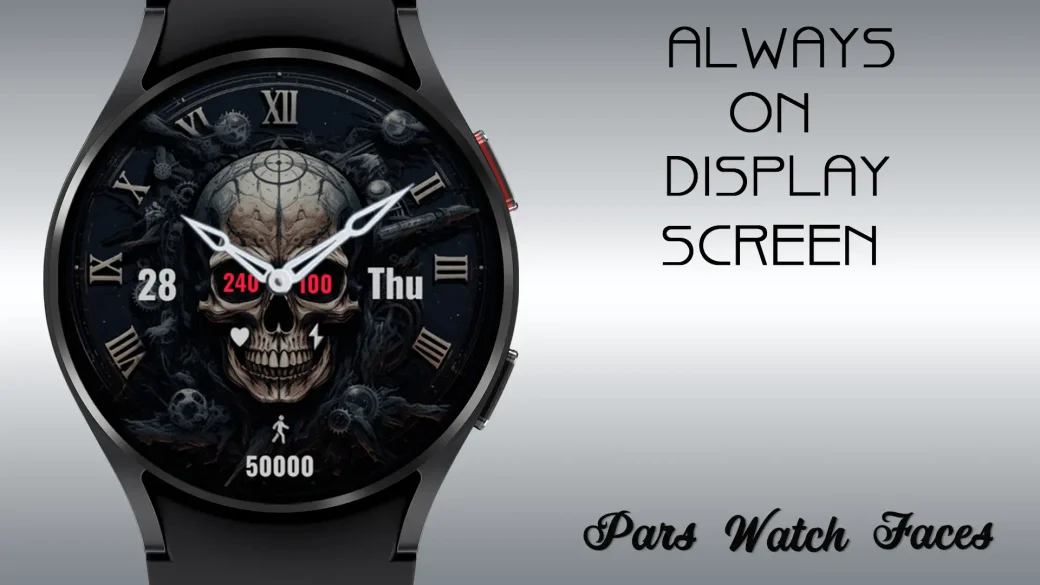
* Consulte las imágenes de la esfera del reloj para obtener más información.
NOTAS:
- Asegúrate de haber permitido los sensores de acceso.
- Objetivo de paso establecido en 10k.
- Es posible que encender el podómetro haciendo clic en el texto Podómetro no funcione en algunos modelos de relojes que no sean los modelos de relojes Samsung.
- Esta esfera de reloj es compatible con Samsung Galaxy Watch 4, Galaxy Watch 5, Pixel Watch, etc. Es compatible con todos los dispositivos Wear OS con API Nivel 30+.
NOTAS DE INSTALACIÓN:
1 - Asegúrese de que el reloj esté conectado correctamente al teléfono, abra la aplicación Teléfono en el teléfono, toque "DESCARGAR PARA VER" y siga las instrucciones en el reloj.
Unos minutos después de tocar el botón Configurar reloj, se instalará la esfera del reloj. Puede elegir la esfera del reloj instalada.
La aplicación Teléfono simplemente actúa como un marcador de posición para facilitar la configuración y la búsqueda de la esfera del reloj en su reloj Wear OS.
PD: Si te quedas atascado en el ciclo de pago, no te preocupes, solo se realizará un pago incluso si te piden que pagues por segunda vez. Espere 5 minutos o reinicie su reloj e inténtelo nuevamente.
Puede haber un problema de sincronización entre su dispositivo y los servidores de Google.
o
2 - Alternativamente, intenta instalar la esfera del reloj desde el navegador web de tu PC.
PD: durante la instalación de la esfera del reloj, el desarrollador no tiene ningún control sobre la instalación.
Antes de escribir un comentario negativo o calificar con 1 estrella, lea atentamente la Guía de instalación en el enlace a continuación y contáctenos por correo electrónico si tiene algún otro problema.
https://www.parswatchfaces.com/installation-guide/
NOTA: Si recibe el mensaje "Sus dispositivos no son compatibles" en lugar de la aplicación en el teléfono, utilice Play Store en el navegador WEB desde su PC o computadora portátil.
NOTICIA IMPORTANTE :
Después de la instalación, la esfera del reloj puede cargar el resultado de la última medición de frecuencia cardíaca, pero no es necesario.
La esfera del reloj no mide automáticamente ni muestra automáticamente el resultado de la frecuencia cardíaca.
Para ver su puntuación de frecuencia cardíaca actual, deberá realizar una medición manual.
Para ello, quédese quieto, espere unos minutos y haga clic en el área de visualización de frecuencia cardíaca.
Espere unos segundos. La esfera del reloj tomará una medición y mostrará el resultado actual.
Haga esto siempre que desee ver su frecuencia cardíaca actual.
MI CATÁLOGO DE ESFERAS DE RELOJES
https://play.google.com/store/apps/dev?id=7655501335678734997
SÍGANOS :
FACEBOOK
https://www.facebook.com/profile.php?id=100078915463662
Instagram
https://www.instagram.com/parswf/
TELEGRAMA
https://t.me/parswatchfaces
Si tienes alguna pregunta, por favor contacta conmigo: info@parswatchfaces.com
Estaría muy agradecido por la calificación y reseña en la Tienda.
Gracias.
Mostrar el texto original
Reward your watch with different designs.
Black Skeleton offers you a privileged option other than classic dials. Black Skeleton Watch Face is compatible with all devices using Wearos 33 +.
* Please check the pictures of the watch face for more information.
NOTES:
- Make sure you have allowed the access sensors.
- Step target set to 10k.
- Turning on the pedometer by clicking on the Pedometer text may not work on some watch models other than Samsung watch models.
- This watch face is compatible with Samsung Galaxy Watch 4, Galaxy Watch 5, Pixel Watch etc.It supports all Wear OS devices with API Level 30+.
ISTALLING NOTES:
1 - Make sure the watch is properly connected to the phone, open the Phone App on the phone and tap "DOWNLOAD TO WATCH" and follow the instructions on the watch.
A few minutes after tapping the set watch button, the watch face will be installed. You can choose the installed watch face.
The Phone app just acts as a placeholder to make it easy to set up and find the watch face on your Wear OS watch
PS: If you get stuck in the payment cycle, don't worry, only one payment will be made even if you are asked to pay a second time. Wait 5 minutes or restart your watch and try again.
There may be a synchronization issue between your device and Google servers.
or
2 - Alternatively, try to install the watch face from the web browser on your PC.
PS: While installing the watch face, the developer has no any control about the installation.
Before writing a negative comment or giving 1 star rating please read the Installation Guide carefully in the link below and please contact us via e-mail if you get any other problem.
https://www.parswatchfaces.com/installation-guide/
NOTE :If you get the message "Your devices are not compatible" instead of app on phone, please use Play Store in WEB browser from PC or Laptop.
IMPORTANT NOTICE :
After installation, the watch face can load the last heart rate measurement result, but it doesn't have to.
The watch face does not automatically measure and does not automatically display the heart rate result.
To view your current heart rate score, you'll need to take a manual measurement.
To do this, sit still, wait a few minutes and click on the heart rate display area.
Wait a few seconds. The watch face will take a measurement and display the current result.
Do this whenever you want to see your current heart rate.
MY WATCH FACES CATALOG
https://play.google.com/store/apps/dev?id=7655501335678734997
FOLLOW US :
FACEBOOK
https://www.facebook.com/profile.php?id=100078915463662
INSTAGRAM
https://www.instagram.com/parswf/
TELEGRAM
https://t.me/parswatchfaces
if you have any question, please contact with me: info@parswatchfaces.com
I would be very grateful for the rate and review in the Store.
Thanks.
Seguridad de los datos
Lo que Pars Watch Faces declara en Google Play sobre los datos que esta aplicación recopila y comparte.
- No se comparten datos con tercerosMás información sobre cómo los desarrolladores declaran lo que comparten
- No se recogen datosMás información sobre cómo los desarrolladores declaran lo que recogen
Novedades
3/10/2026
New version added
Contacto del desarrollador
- Sitio webparswatchfaces.com
- Correo electrónicoinfo@parswatchfaces.com
- Política de privacidadparswatchfaces.com
- DirecciónEsentepe Mah.Tuna Caddesi̇.Di̇nlendi̇ Sok. İçsezgi̇ Apt.K:3 D:8, 16120 Nilüfer/Bursa Türkiye
Información
- Ofrecida por
- Pars Watch Faces
- Categoría
- Personalización
- Actualizado
- 3/10/2026
- Publicado
- 25/7/2024
- Clasificación por edad
- PEGI 3
- Precio
- 0,89 €
- Nombre del paquete
- com.watchfacestudio.blackskeleton