Control Widget - Themed Panels
ScreenSparkContiene anuncios · Compras en la aplicación
- PEGI 3Clasificación por edad
- PersonalizaciónCategoría
- 25/11/2026Actualizado
- GratisPrecio
Enlaza a la ficha oficial de com.ioscontrol.themed.control.center.smart en Google Play. Última comprobación el 27/11/2026.
Capturas de pantalla

Acerca de esta aplicación
El desarrollador no ha proporcionado este texto en tu idioma.
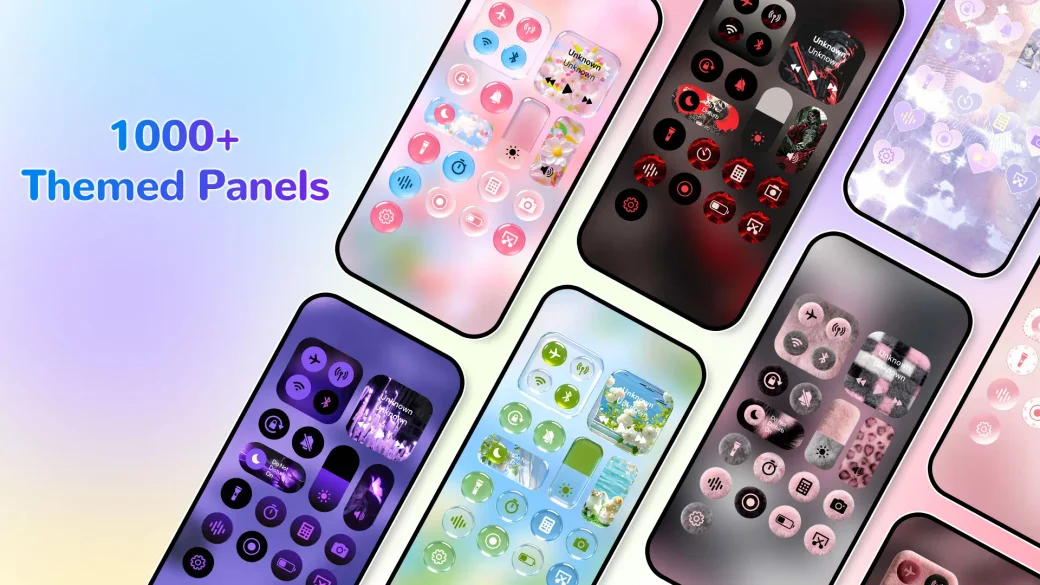
Personalize your control panel: customized quick settings with one-tap magic!
Themed Control Panel for Android
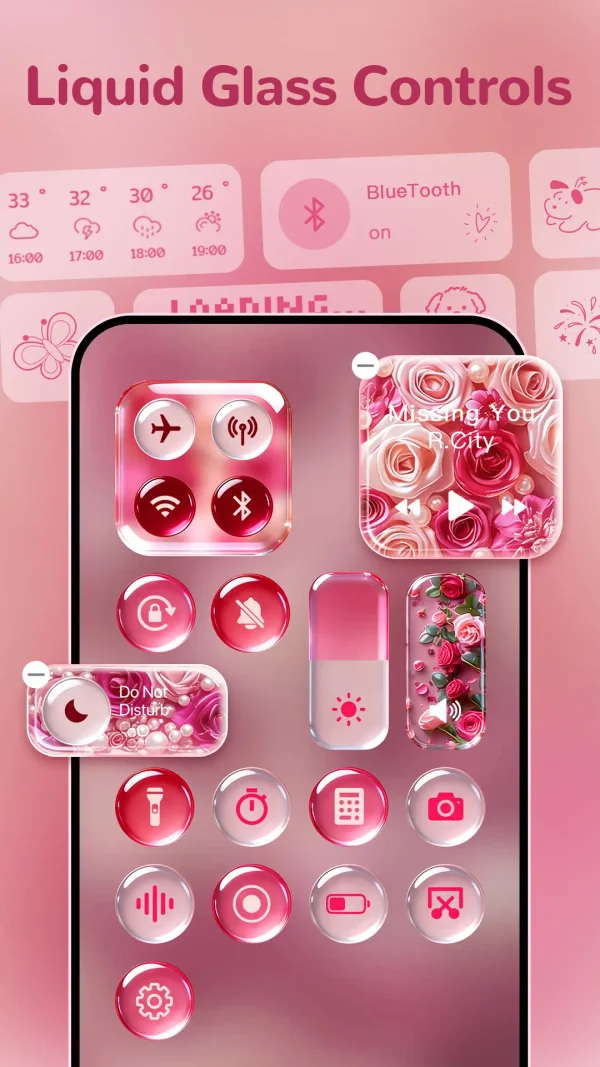
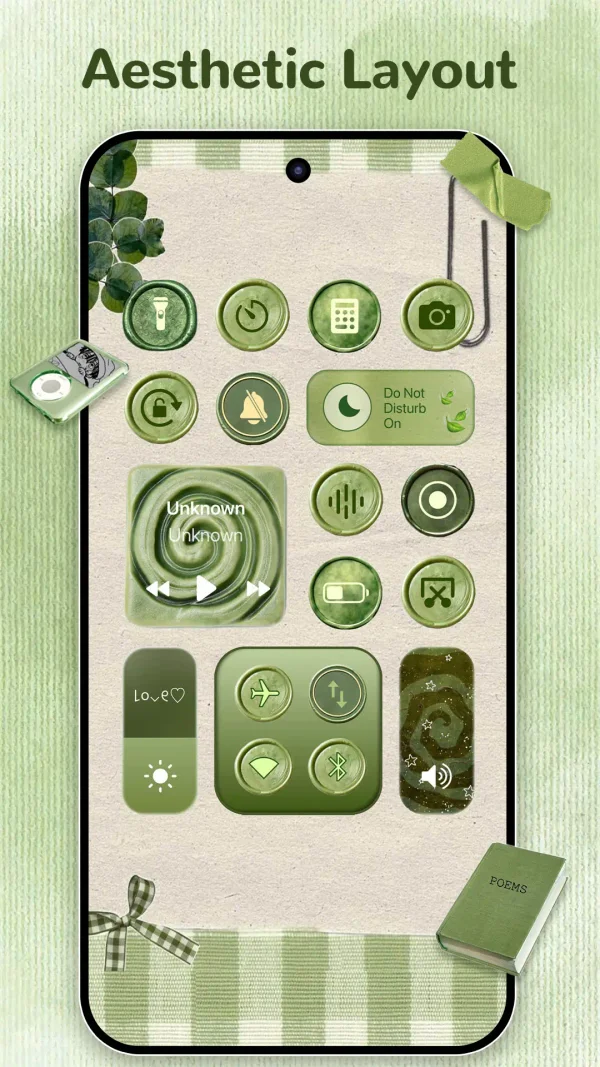
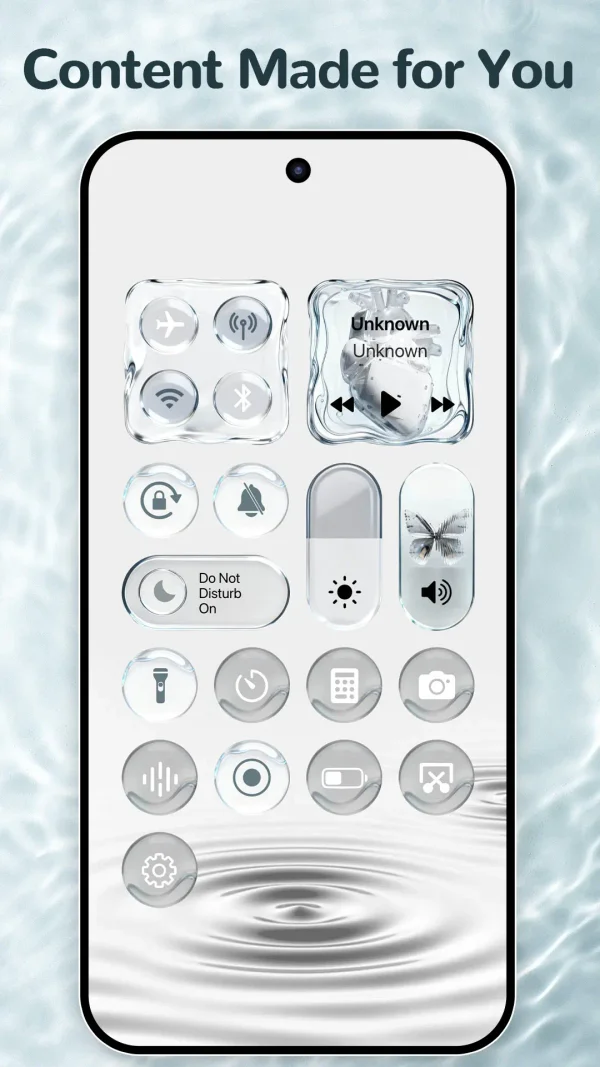
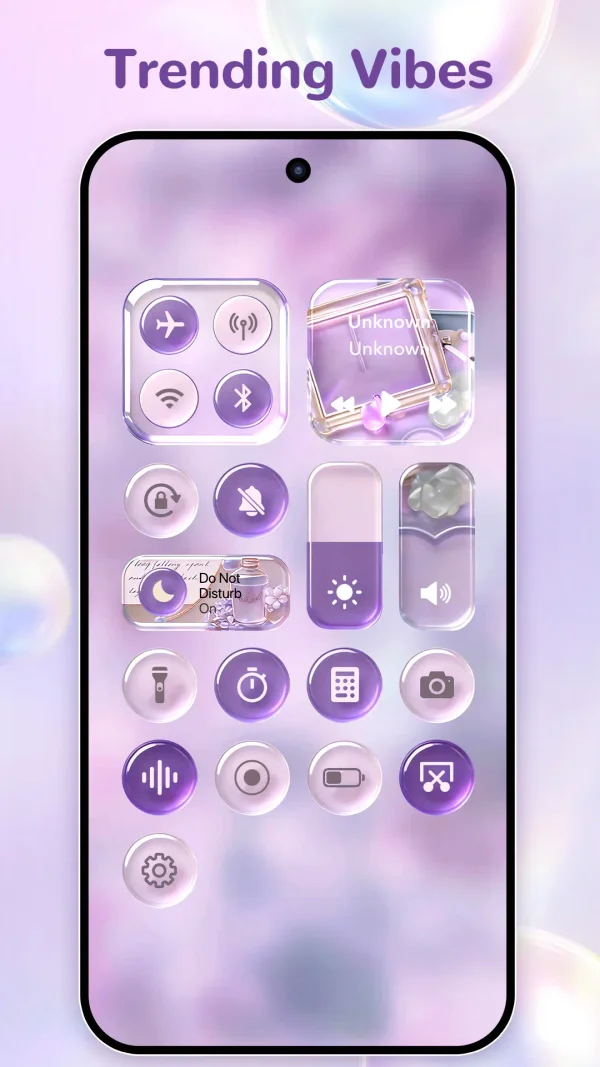
Control Widget is a designed quick settings panel that merges elegant control with unlimited personalization. Inspired by modern mobile aesthetics, Control Widget transforms your Android device into a canvas for your creativity – putting stylish, one-tap access at your fingertips.
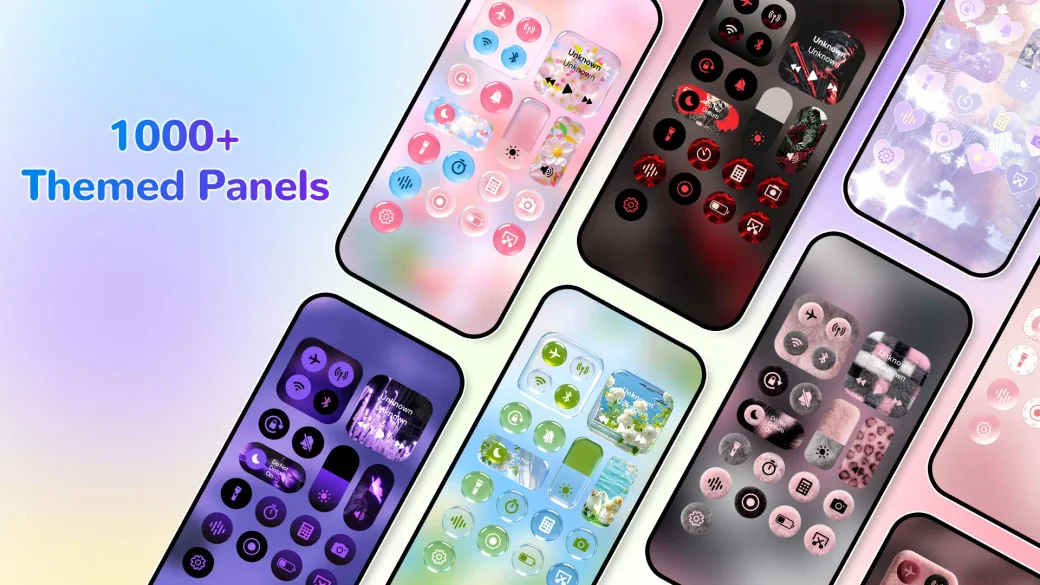
🫧 Themes That Transform Your Experience
Curate your style from thousands of options:
✓ Aesthetic Collections: Anime, K-pop, neon gradients, minimalism, soft coquette, sports, festivals, and TV/film themes.
✓ Live Style Updates: Switch panels anytime to match your mood and home screen.
✓ One-Tap Magic: Entire control panel transform instantly – what you see is what you get.
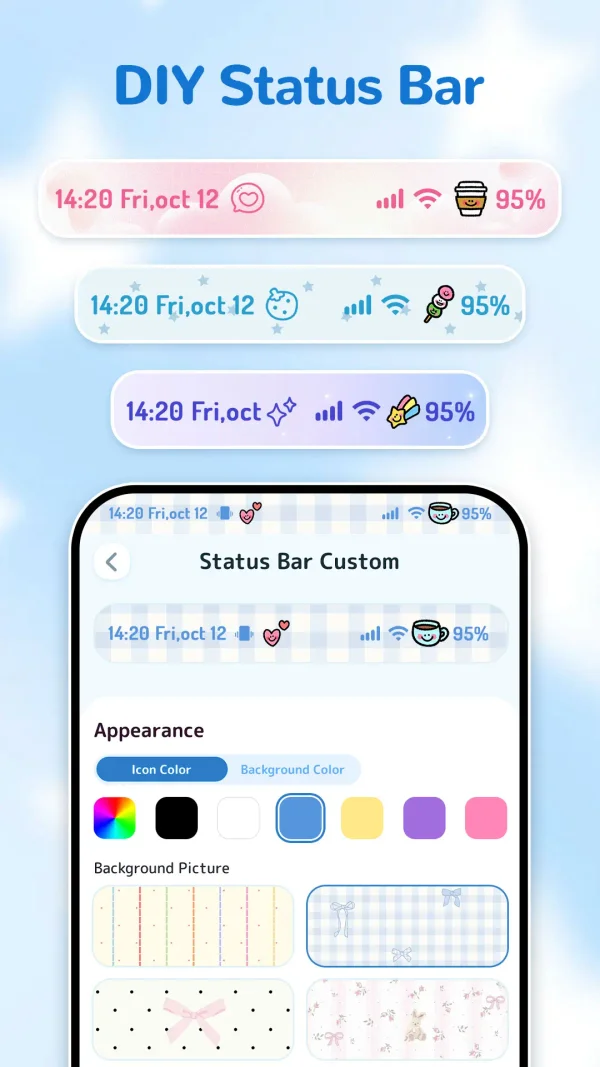
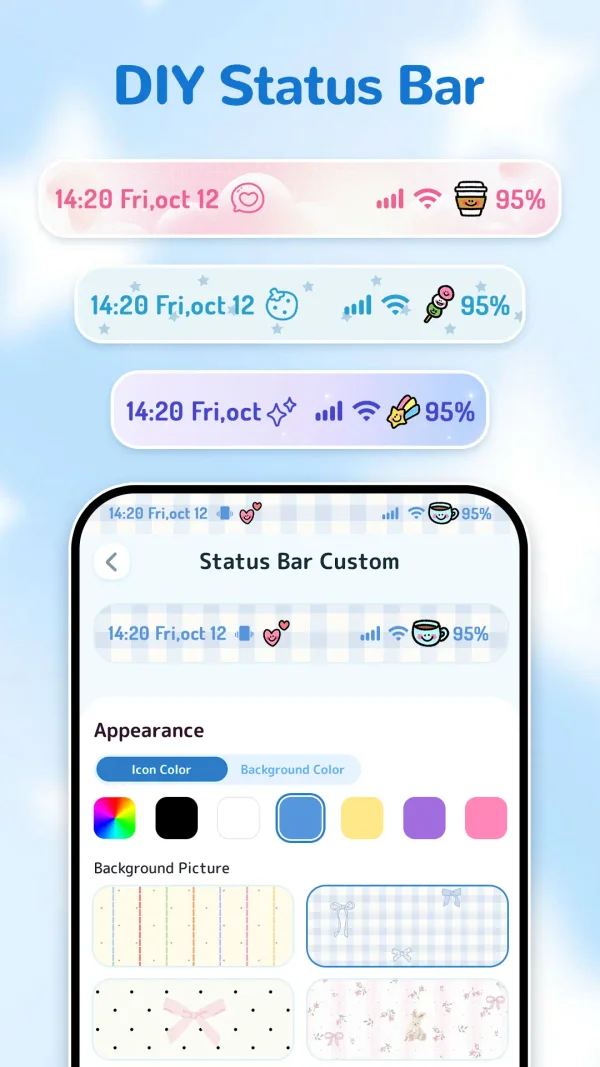
🎀 Status Bar, Part of the Same Theme
Control Widget lets you DIY the strip at the top of the screen so it belongs with your panel — not a separate, generic bar.
✓ Panel-Matching Decor: Drop still or motion stickers onto the status bar to echo the look you picked for controls
✓ Charging Look That Moves: Battery art that shifts as the level changes, so the bar stays in character while you charge
✓ What Shows, and Where: Rearrange, hide, or space status icons until the bar sits cleanly with your control layout
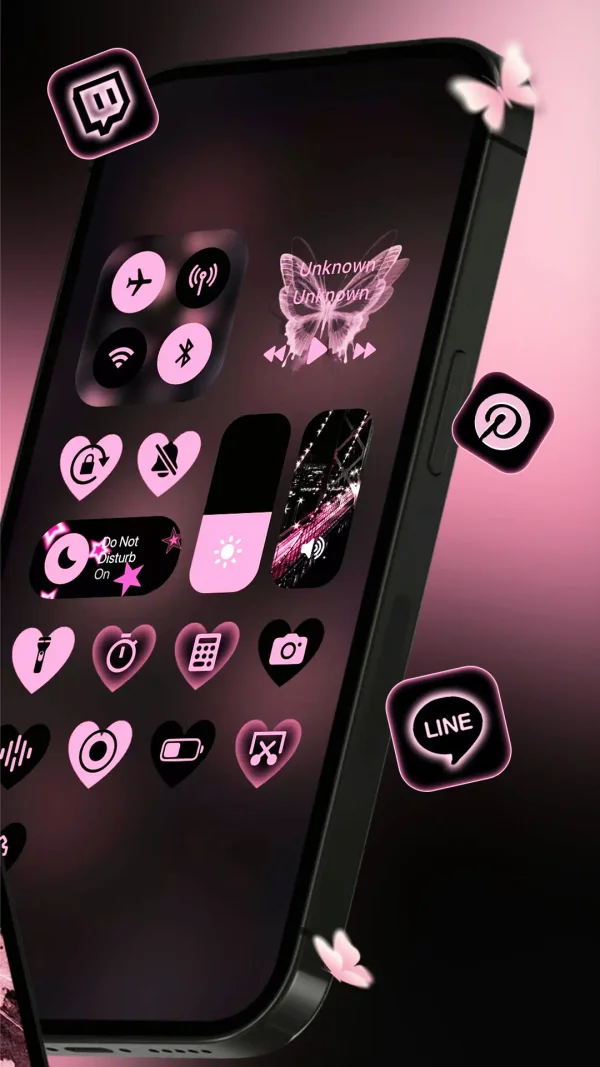
🦋Smart tools meet stunning design:
Brightness & Volume: Smooth sliders for perfect adjustments.
⭑.ᐟ Wi-Fi, Bluetooth & Airplane Mode: Connect or disconnect in a snap.
⭑.ᐟ Do Not Disturb: Silence distractions instantly.
⭑.ᐟ Screen Tools: Capture screenshots, record screens, lock rotation.
⭑.ᐟ Flashlight: Light up the dark with one tap.
⭑.ᐟ Cleanup Tool - Free Up Storage Space.
Permission Information:
Photos and Videos Access Permission
Control Widget uses MediaStore APIs and related media permissions to provide wallpaper customization and Cleanup Tool features.
These permissions allow the app to:
• Display and manage media selected by users
• Help users choose images for wallpapers, icons, and DIY designs
• Find and manage media files selected for cleanup
We only access media files when you use related features. Your personal files are not uploaded, collected, or shared.
🍓Why Control Widget?
→ All-in-One Access: Wi-Fi, sound, music, brightness, and more in a single swipe.
→ Your Vision, Realized: Request custom themes – you can take part in your own design.
→ Sleek & Sync-Ready: Perfectly complements any wallpaper, icon pack, or widget.
Ready to elevate your control panel aesthetic? With Control Widget's stylish layouts, and personalized controls, it's your ultimate customization companion. Explore, choose your favorite design, and take your Android's quick-settings panel to the next level!
☎️Help & Support
Control Widget is devoted to provide the best product and services for our customers. Feel free to email us.
⚠️Note About Application Access
This app uses Accessibility Services to display the control panel on your Android screen. Enable Accessibility Services to use features like music and volume control. Allow Foreground Service to use screen recording and screenshots. Rest assured, this app does not disclose any user information or store any data related to Accessibility Services.
Seguridad de los datos
Lo que ScreenSpark declara en Google Play sobre los datos que esta aplicación recopila y comparte.
- Puede que esta aplicación comparta estos tipos de datos con tercerosUbicación, Actividad en la aplicación e Información y rendimiento de la aplicación
- Esta aplicación puede recoger estos tipos de datosFotos y vídeos, Actividad en la aplicación e Información y rendimiento de la aplicación
- Los datos están cifrados durante el tránsito
- Los datos no se pueden eliminar
Novedades
Versión 2.7 · 25/11/2026
New Version Released!
- Enhanced stability and bug fixes for better performance.
Contacto del desarrollador
- Sitio website.controlcenter.live
- Correo electrónicoicontrol.feedback@gmail.com
- Política de privacidadsite.controlcenter.live
- DirecciónRm 1202 ON HONG COML BLDG 145 HENNESSY RD 灣仔 香港島 Hong Kong
Información
- Ofrecida por
- ScreenSpark
- Categoría
- Personalización
- Versión
- 2.7
- Actualizado
- 25/11/2026
- Publicado
- 12/6/2025
- Requiere
- Android 7.0 o posterior
- Clasificación por edad
- PEGI 3
- Precio
- Gratis
- Compras en la aplicación
- 0,49 € - 14,99 € si se factura a través de Google Play
- Nombre del paquete
- com.ioscontrol.themed.control.center.smart
Aplicaciones similares
-
 Widgets y Temas: iWidgets
Estilo de vida
-
 Fondos de Pantalla Aesthetic
Arte y diseño
-
 Facemoji AI Teclado Emoji&Font
Personalización
-
 Mi diario - diario secreto
Estilo de vida
-
 Fondos de pantalla 3D en vivo
Personalización
-
 Snapchat
Comunicación
-
 Batería Carga Animación App
Personalización
-
 Bloquear Aplicaciones: AppLock
Productividad
-
 Keyboard Maker: Keyboard Theme
Personalización
-
 Teclado Emoji Facemoji Pro
Herramientas
-
 Teclado fonts: Letras y fuente
Personalización
-
 Pixel 4D™ Live Wallpapers 4K
Personalización