Jnotes: Note-Taking, AI, PDF
one of the handwritten notesCompras en la aplicación
- PEGI 3Clasificación por edad
- ProductividadCategoría
- 9/9/2026Actualizado
- GratisPrecio
Enlaza a la ficha oficial de com.jideos.jnotes.overseas.google en Google Play. Última comprobación el 19/11/2026.

Capturas de pantalla




Acerca de esta aplicación
El desarrollador no ha proporcionado este texto en tu idioma.
AI Note-taking, PDF annotation & digital planner for study, work & daily tasks.
✨ Why Jnotes? The best Goodnotes alternative for Android users!
Looking for the ultimate note-taking app for your Android tablet? 📝 Jnotes offers smooth stylus writing, AI-powered notes, PDF annotation and editing tools, handwriting recognition (OCR), and rich note formats. Start creating smart, organized, and beautiful digital notes today!
✏️ Smooth Digital Handwriting
• Customizable pen colors and thickness.
• Advanced digital ink technology ensures lag-free handwriting with stylus support.
• Draw mind maps, write naturally, and enjoy refined stylus compatibility.
• Handwriting Recognition (OCR): Search, edit, and export handwritten content effortlessly.
🤖 AI-Powered Notes & Summary
• AI Summary: Quickly generate accurate summaries of your notes.
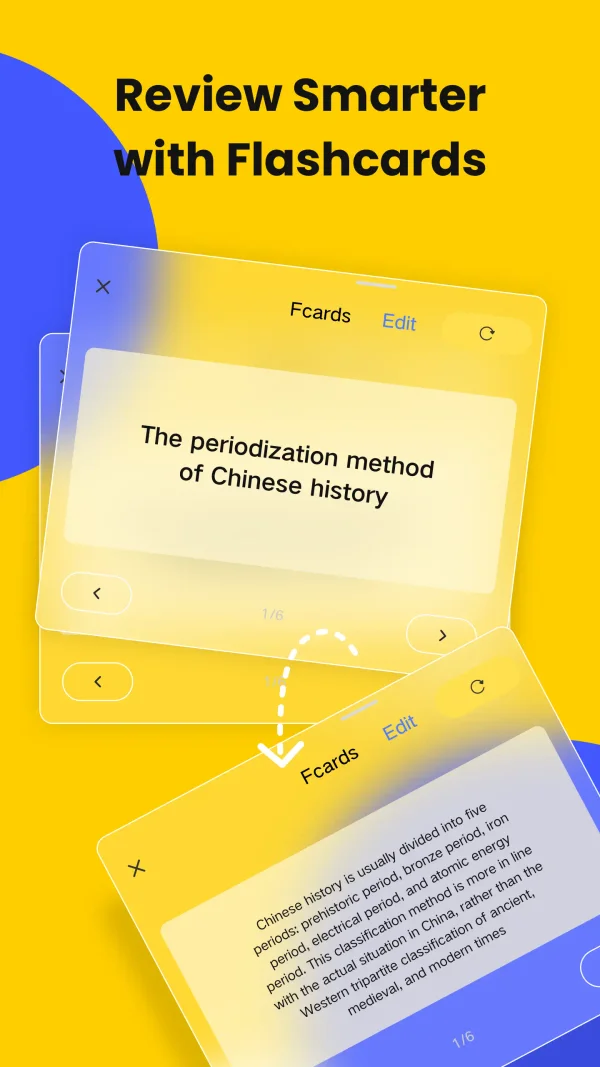
• AI Flashcards: Turn notes into interactive quizzes with AI highlighting key terms.
• AI Quizzes & Tests: Generate comprehensive quizzes (incl. single-select, multiple-choice, true/false, open-ended questions, case studies) for quick knowledge verification and gap identification.
• Multimodal AI Notes: Generate intelligent notes from documents (PDF, DOCX, PPTX, MD), media files (MP3, MP4, MOV), and images.
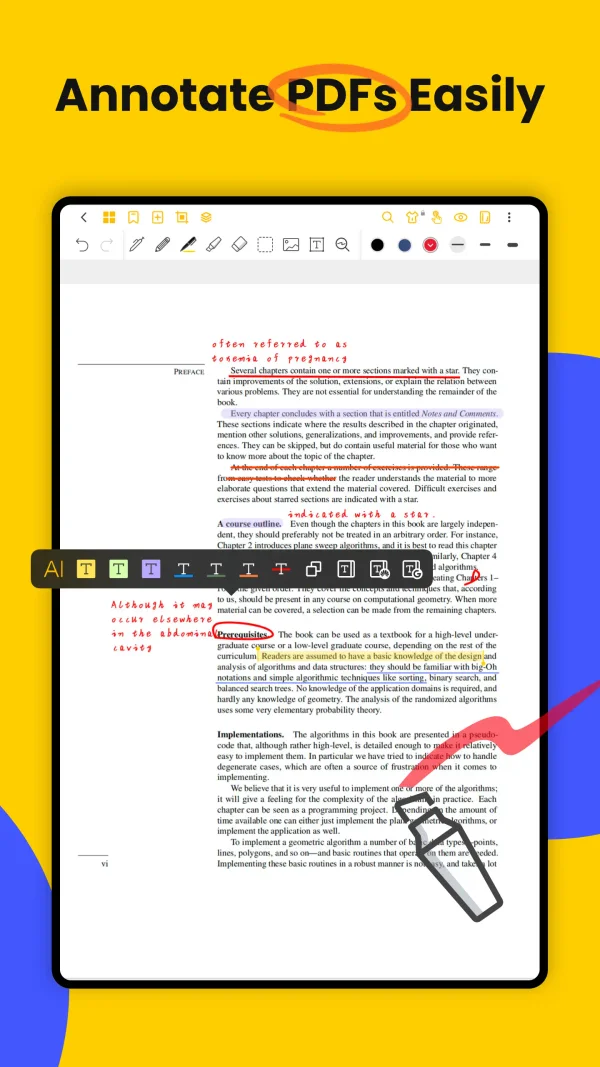
📄 PDF Annotation & Editing
• Import PDFs and annotate with a full toolkit.
• Add handwritten notes, comments, and highlights directly on PDFs.
• Multi-Window Support: Use multi-window reading and annotating.
• Convert, translate, copy-paste, and export PDFs easily.
🎨 Extensive Customization Options
• Switch between Dark Mode and Eye-Comfort Mode.
• Choose from various interface themes and styles for notebook personalization.
• Import custom fonts for unique, aesthetic notes.
📚 Rich Note Formats
• Vast Library: Tons of templates, covers, and stickers to make your notes pop.
• Powerful editing tools: stroke modification, auto-shape drawing, image insertion.
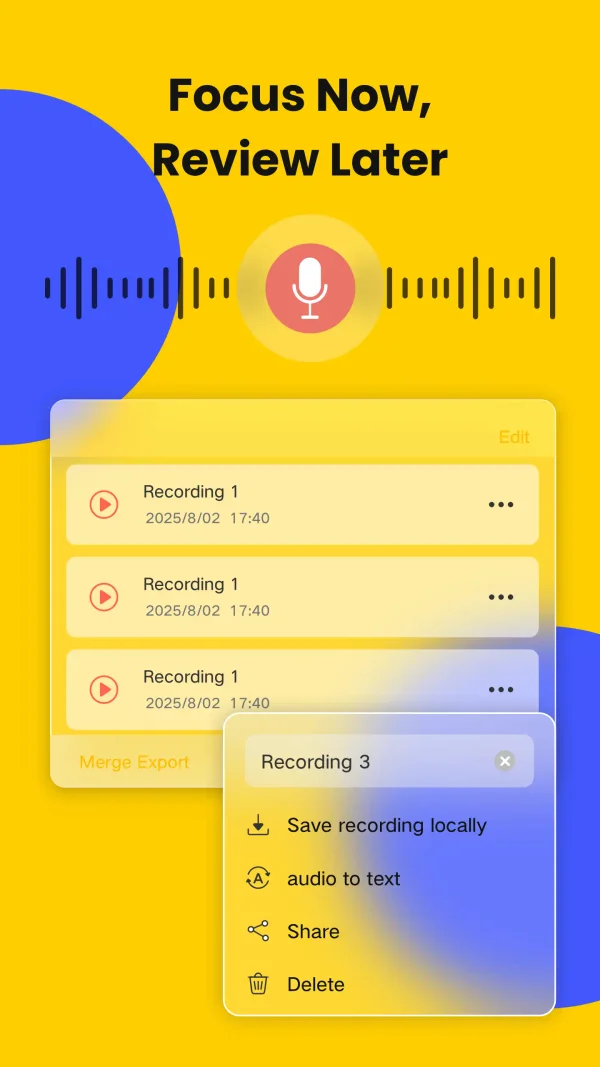
• Sync audio recordings with drawings and text for multimedia notes.
🗂️ Efficient Note Management
• Organize notes in multi-level folders.
• Quick search for typed or recognized handwritten content.
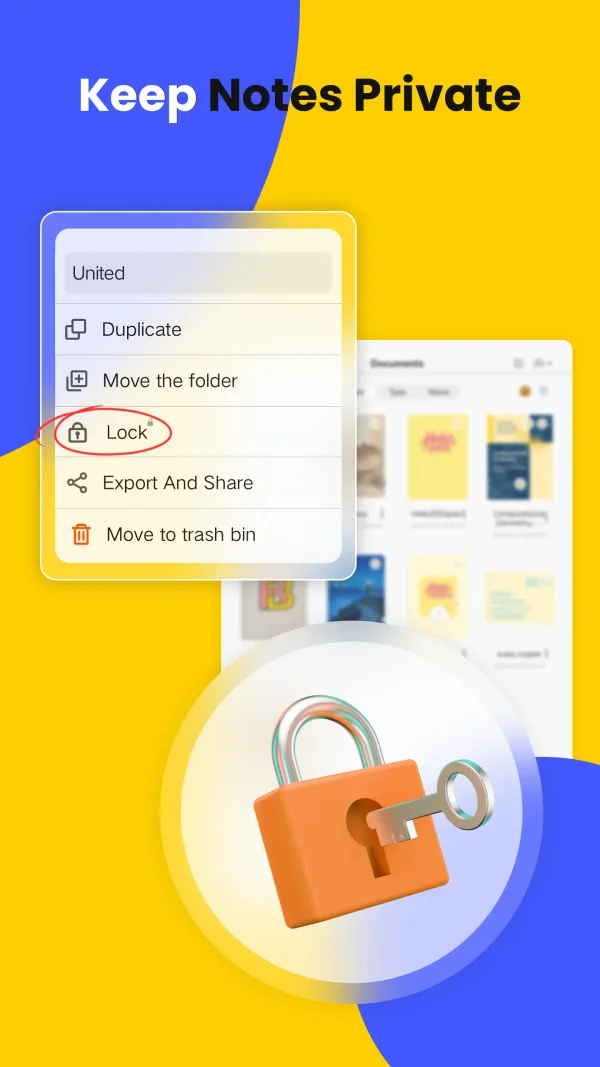
• Backup your notes locally for extra security.
Core Uses of Jnotes
🎓 For Students
• Use Cornell Notes templates for structured study notes, college work, and test prep.
• Turn long notes into easy-to-review summaries with AI Summary.
• Automatically create interactive flashcards using AI.
• Annotate, highlight, and write directly on PDFs with ease.
💼 For Professionals
• Grab templates for meeting notes, business reports, and project management.
• Record voice notes during meetings and sync them with handwritten or typed text.
• OCR instantly converts handwriting into searchable, editable text.
🖊️ For Journaling & Planning
• Use Jnotes as a daily planner, personal journal, or creative notebook.
• Enjoy realistic, lag-free handwriting with stylus input.
• Plan everything—from meals to workouts—or sketch your next big idea.
📌 How to Get Help / Stay Connected
📥 Email: Jnotes_offer@jideos.com (Include your Jnotes version, tablet model, screenshot/video, and issue description)
💬 Social Media:
- Instagram: @jnotesapp
- X: @Jnotes_official
- YouTube: @jnotes5711
🚀 Download Jnotes now and transform your Android tablet into the most powerful digital notebook today!
⭐ Loving Jnotes? We'd be thrilled if you left us a 5-star review on the Play Store! Your feedback helps us keep improving!
Seguridad de los datos
Lo que one of the handwritten notes declara en Google Play sobre los datos que esta aplicación recopila y comparte.
- Puede que esta aplicación comparta estos tipos de datos con tercerosOtro contenido generado por el usuario
- Esta aplicación puede recoger estos tipos de datosInformación personal e IDs de dispositivo o de otro tipo
- Los datos no se cifran
- Los datos no se pueden eliminar
Novedades
Versión 3.6.4.2-gp · 9/9/2026
3.6.4.2-gp, update content:
1. Fix PDF export failure issue.
Contacto del desarrollador
- Sitio webjide.com
- Correo electrónicocyndi@jideos.com
- Política de privacidadjideos.com
- Dirección中国 广东省深圳市 宝安区新安街道海旺社区兴华一路88号海纳科技大厦2201-2 邮政编码: 518000
Información
- Ofrecida por
- one of the handwritten notes
- Categoría
- Productividad
- Versión
- 3.6.4.2-gp
- Actualizado
- 9/9/2026
- Publicado
- 7/5/2022
- Requiere
- Android 6.0 o posterior
- Clasificación por edad
- PEGI 3
- Precio
- Gratis
- Compras en la aplicación
- 0,99 € - 30,99 € si se factura a través de Google Play
- Nombre del paquete
- com.jideos.jnotes.overseas.google
Aplicaciones similares
-
 Notas, Notebook, Bloc de notas
Productividad
-
 Noteshelf - Notas, Anotaciones
Productividad
-
 Bloc de notas
Productividad
-
 Noteshelf 3: Notas IA y PDF
Productividad
-
 DrawNote: Dibujo Bloc de notas
Productividad
-
 Bloc de notas - notas simples
Productividad
-
 BasicNote: Notas Simples
Productividad
-
 Squid: Take Notes, Markup PDFs
Productividad
-
 Huion Note: toma de notas
Productividad
-
 Notas: Carpetas y listas
Productividad
-
 DrawPlan: Planos de casas IA
Productividad
-
 Journal: Notas, Planner, PDFs
Productividad