MIMIX MX Pointer G2 Watchface
MIMIX- PEGI 3Clasificación por edad
- PersonalizaciónCategoría
- 30/10/2024Actualizado
- 1,09 €Precio
Enlaza a la ficha oficial de com.watchfacestudio.mimix_mx_digi_pointer_g2 en Google Play. Última comprobación el 26/11/2026.
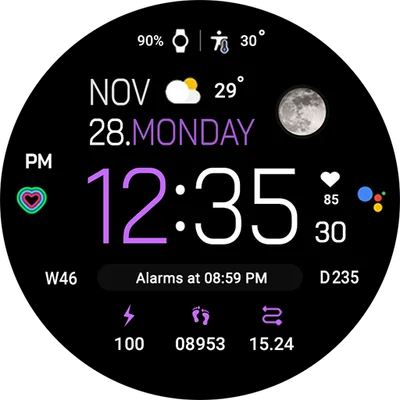
Capturas de pantalla
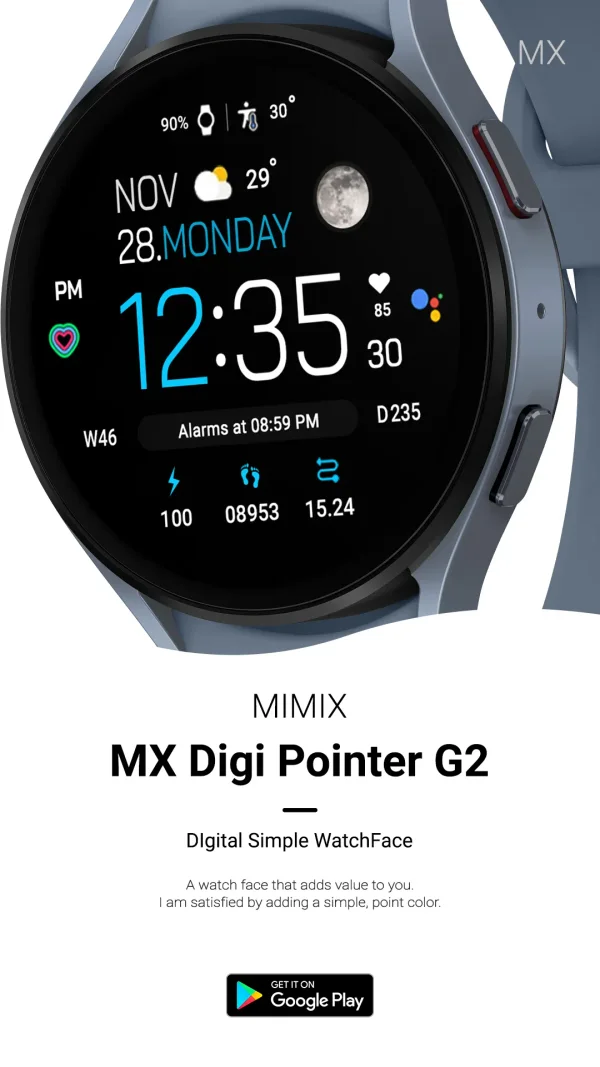
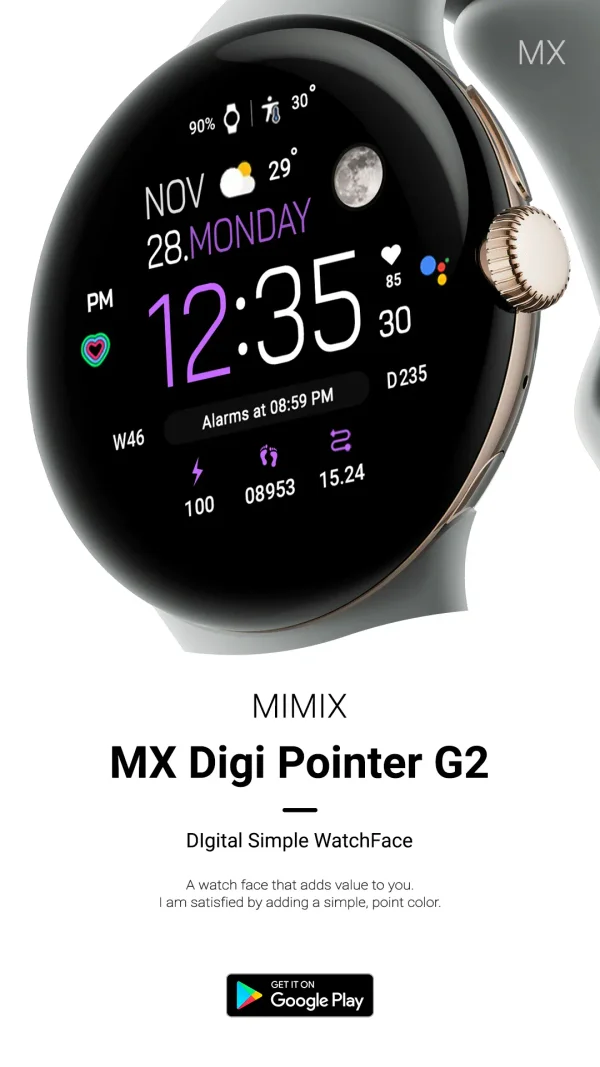

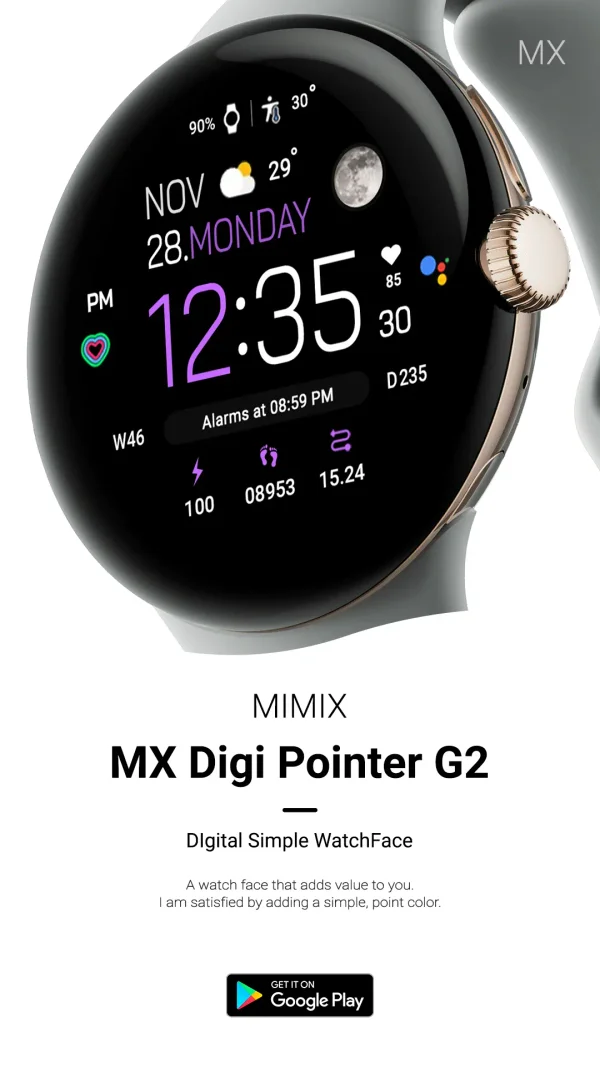
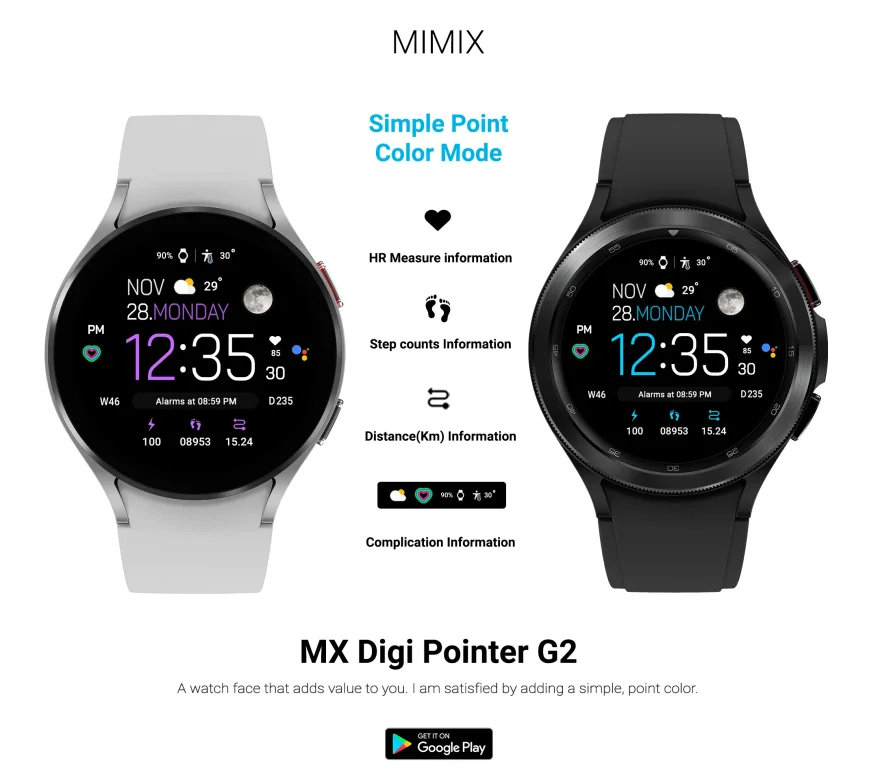
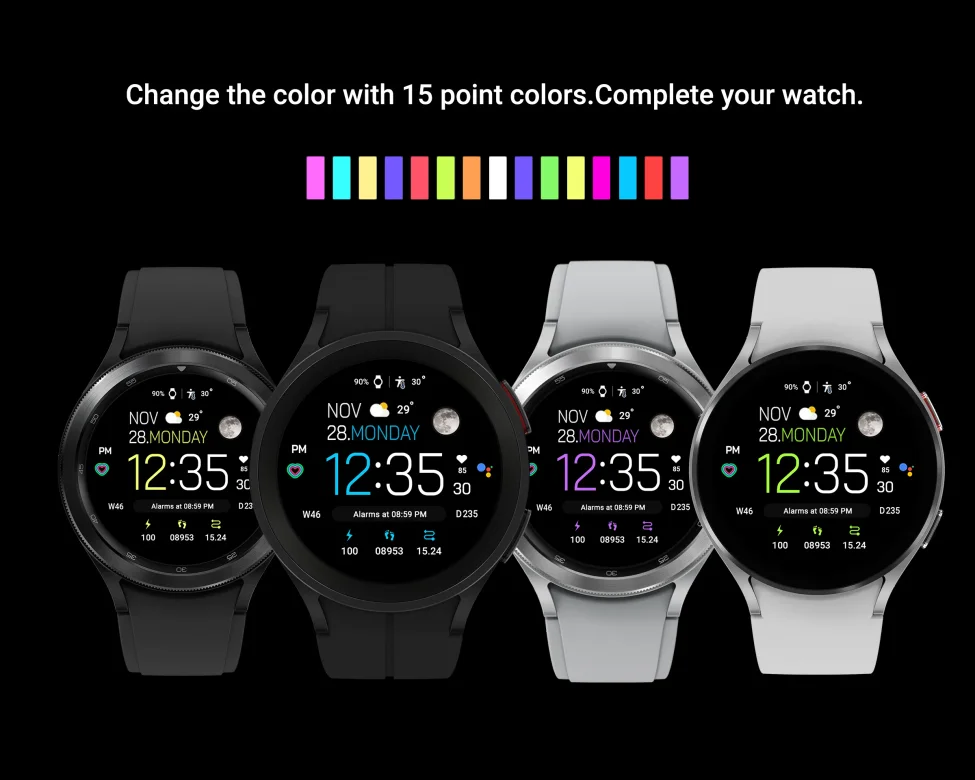
Acerca de esta aplicación
Traducción automática de Google. Idioma original: Inglés (Estados Unidos).
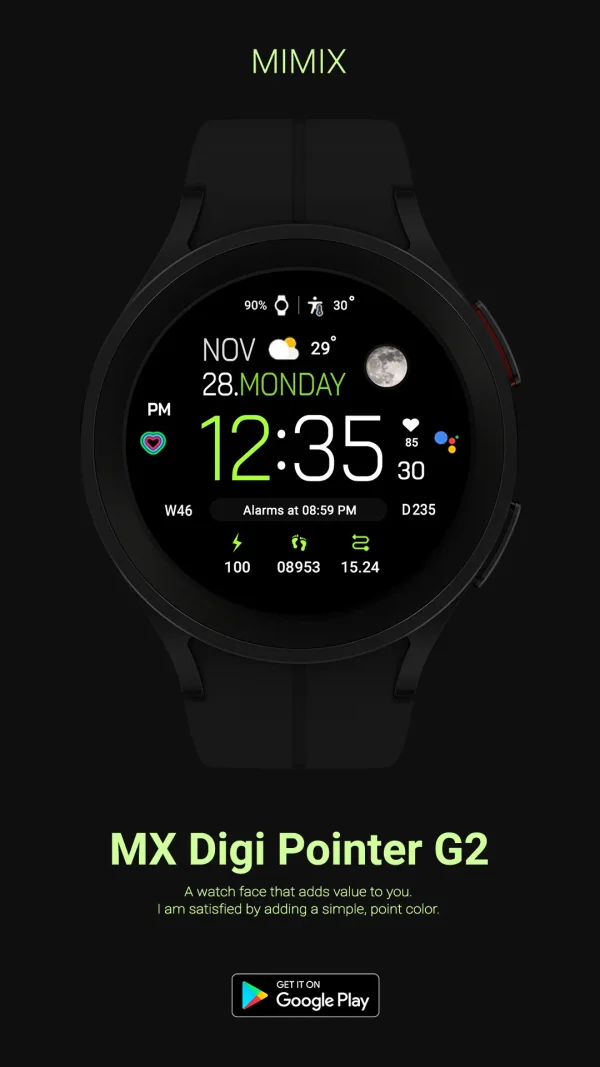
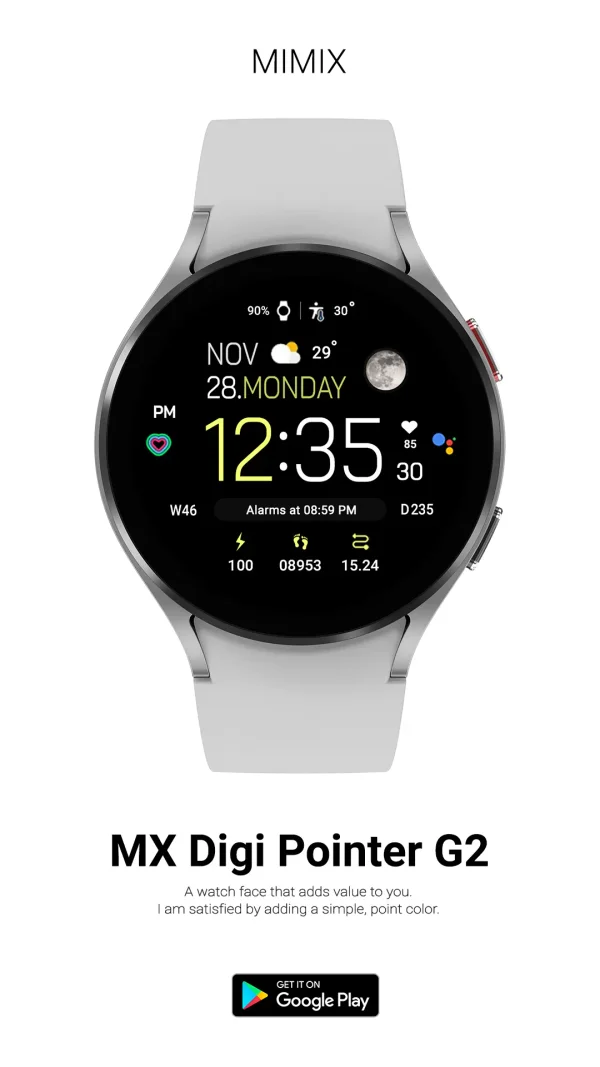
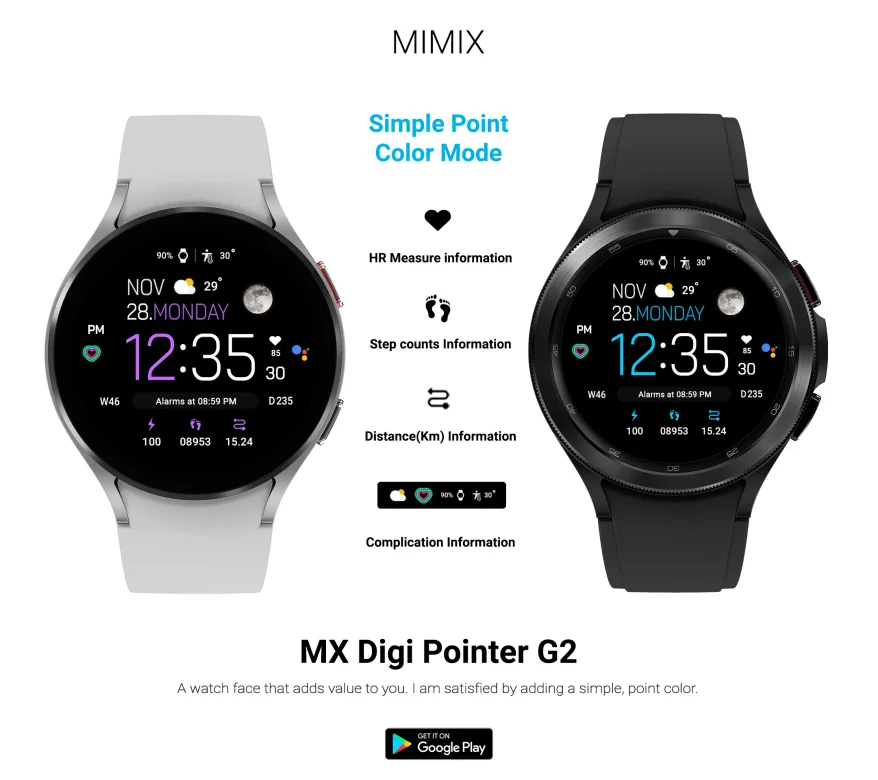
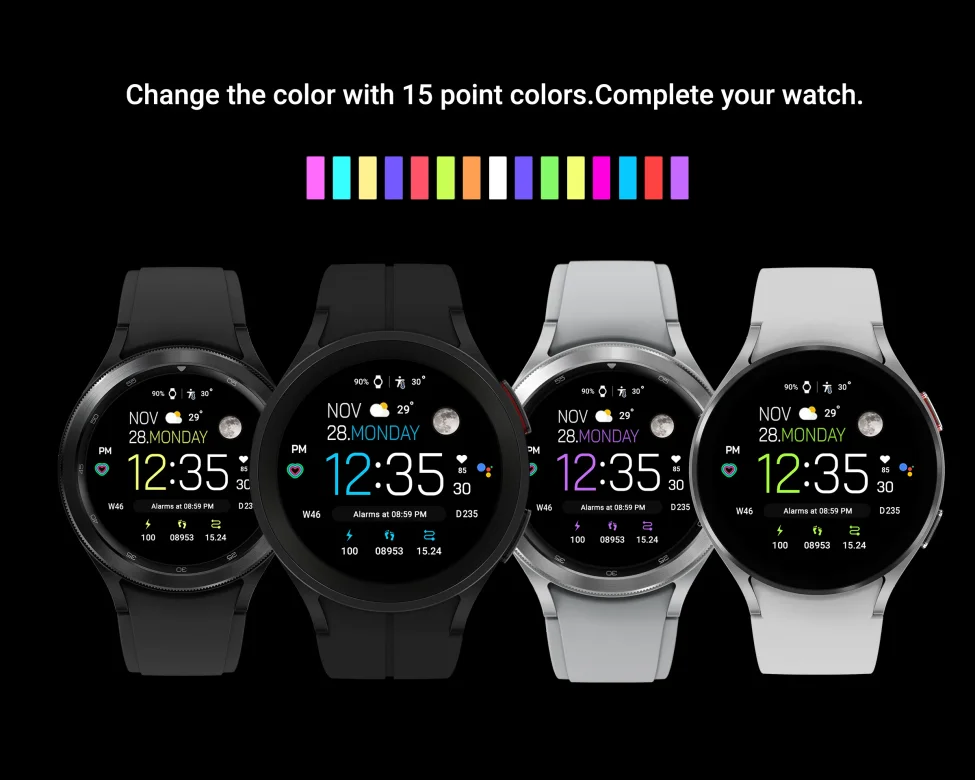
Esfera digital sencilla
Esfera de reloj avanzada compatible con Wear 2.0 y relojes inteligentes superiores.
Esfera de reloj digital simple y puntual
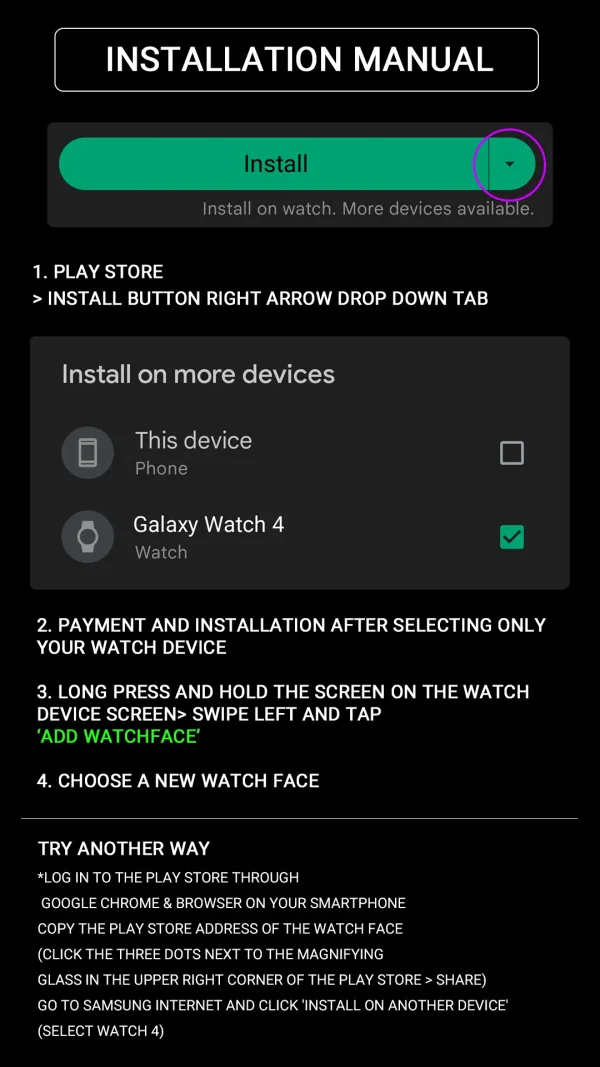
*Cómo instalar
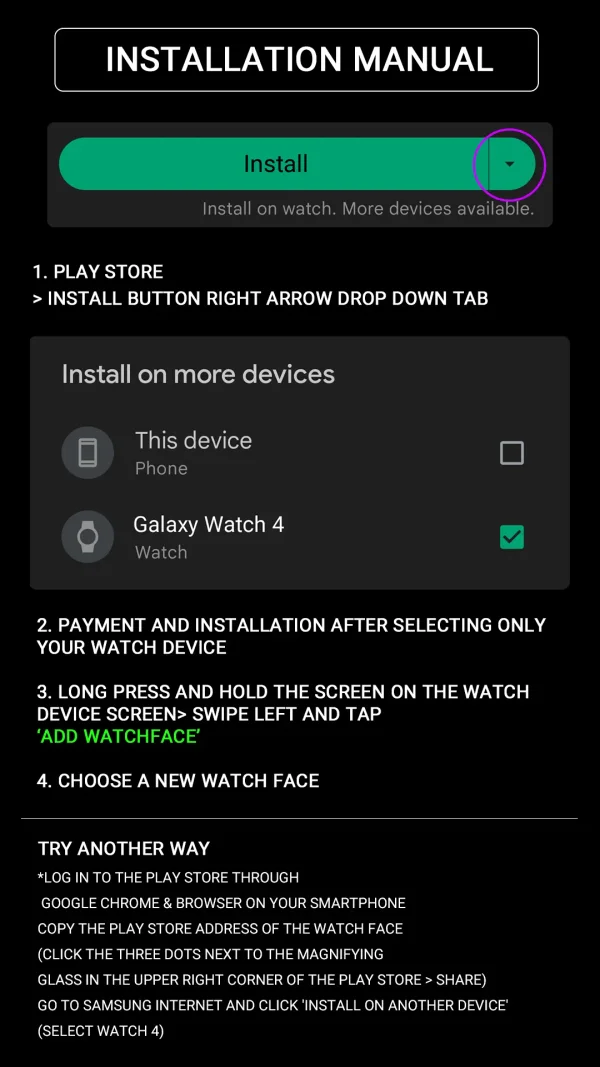
Pago e instalación de la aplicación Play Store en el teléfono inteligente (toque la flecha derecha e instale el reloj inteligente)
> Necesidad de comprobar la conexión entre el dispositivo de reloj y el teléfono móvil
Encuentra watchfaces instalados
1. Mantén presionada la esfera del reloj > 2. Haz clic en el botón Decorar > 3. Haz clic en "Agregar esfera del reloj" en el último lado derecho > Confirma la esfera del reloj comprada
*Resuelto para ser instalado pantalla
Copie la dirección de la tienda de juegos de la esfera del reloj (haga clic en los tres puntos junto a la lupa en la esquina superior derecha de la tienda de juegos> compartir)
Vaya a Samsung Internet y haga clic en 'Instalar en otro dispositivo' (seleccione reloj 4)
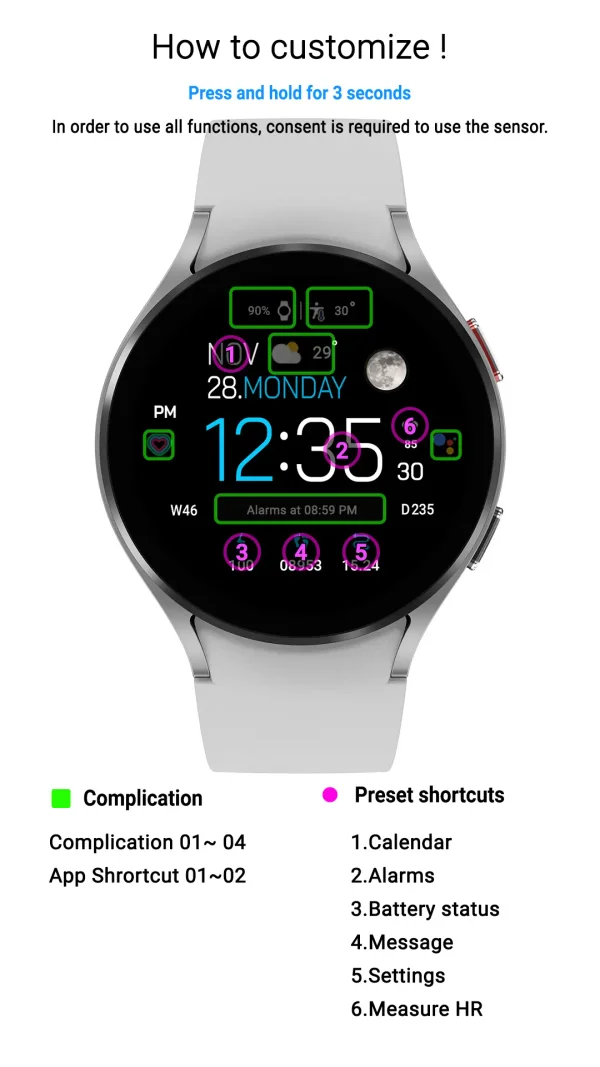
* Para utilizar todas las funciones, se requiere el consentimiento para utilizar el sensor.
*Si la aplicación Play Store se muestra como incompatible, instálela usando un navegador web en su PC/computadora portátil además de la aplicación en su teléfono.
*Admite dispositivos Wear OS.
Aplicación de complicación de batería de teléfono móvil
Después de instalar la aplicación adicional desde el siguiente enlace en su reloj y teléfono inteligente, configure la complicación.
Busque la aplicación 'Complicación de la batería del teléfono' e instálela.
https://play.google.com/store/apps/details?id=com.weartools.phonebattcomp
Todos los créditos van al creador de la aplicación original.
amoledwatchfaces - https://play.google.com/store/apps/dev?id=5591589606735981545
Cómo configurar Personalizar
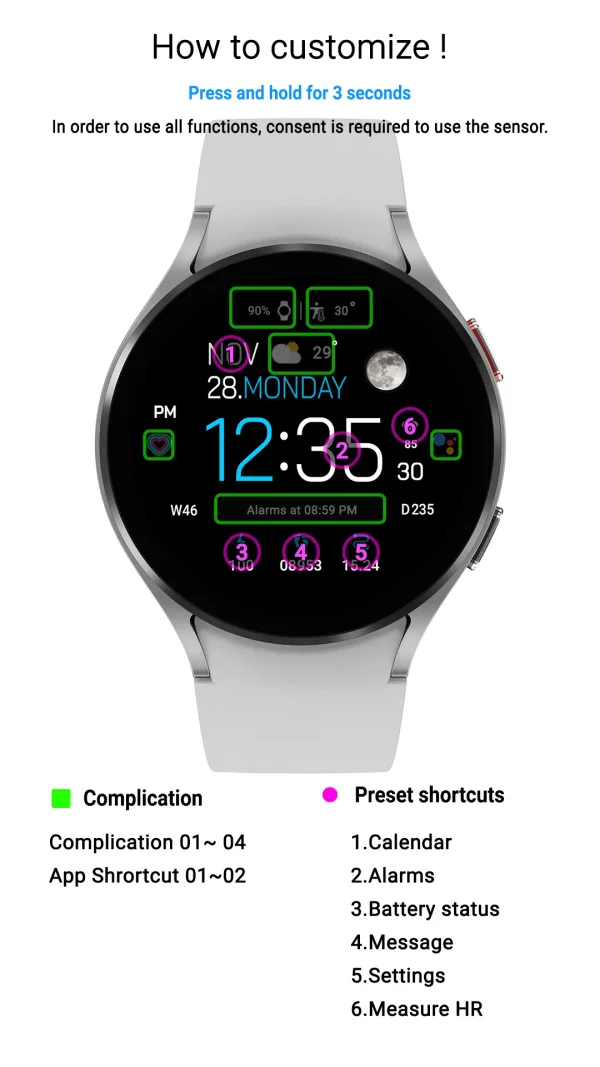
1. Mantenga presionada la esfera del reloj > 2. Haga clic en el botón Decorar > 3. Toque cada área de complicación para configurar la información correspondiente > 4. Haga clic en Aceptar
Para ver noticias sobre la nueva esfera del reloj, visite el siguiente enlace
https://play.google.com/store/apps/dev?id=5105465284863988309
Para consultas sobre la aplicación, contáctenos al correo electrónico a continuación.
mimixjh@gmail.com
Esfera de reloj avanzada compatible con Wear 2.0 y relojes inteligentes superiores.
Esfera digital sencilla y deportiva
*Cómo instalar
Pago e instalación de la aplicación Play Store en el teléfono inteligente (toque la flecha derecha e instale el reloj inteligente)
> Necesidad de comprobar la conexión entre el dispositivo de reloj y el teléfono móvil
Encuentra watchfaces instalados
1. Mantén presionada la esfera del reloj > 2. Haz clic en el botón Decorar > 3. Haz clic en "Agregar esfera del reloj" en el último lado derecho > Confirma la esfera del reloj comprada
*Resuelto para ser instalado pantalla
Copie la dirección de la tienda de juegos de la esfera del reloj (haga clic en los tres puntos junto a la lupa en la esquina superior derecha de la tienda de juegos> compartir)
Vaya a Samsung Internet y haga clic en 'Instalar en otro dispositivo' (seleccione reloj 4)
* Para utilizar todas las funciones, se requiere el consentimiento para utilizar el sensor.
*Si la aplicación Play Store se muestra como incompatible, instálela usando un navegador web en su PC/computadora portátil además de la aplicación en su teléfono.
*Admite dispositivos Wear OS.
Aplicación de complicación de batería de teléfono móvil
Después de instalar la aplicación adicional desde el siguiente enlace en su reloj y teléfono inteligente, configure la complicación.
Busque la aplicación 'Complicación de la batería del teléfono' e instálela.
https://play.google.com/store/apps/details?id=com.weartools.phonebattcomp
Todos los créditos van al creador de la aplicación original.
amoledwatchfaces - https://play.google.com/store/apps/dev?id=5591589606735981545
Cómo configurar Personalizar
1. Mantenga presionada la esfera del reloj > 2. Haga clic en el botón Decorar > 3. Toque cada área de complicación para configurar la información correspondiente > 4. Haga clic en Aceptar
Para ver noticias sobre la nueva esfera del reloj, visite el siguiente enlace
https://play.google.com/store/apps/dev?id=5105465284863988309
Para consultas sobre la aplicación, contáctenos al correo electrónico a continuación.
mimixjh@gmail.com
Mostrar el texto original
Advanced watchface that supports Wear 2.0 and higher smartwatches.
Simple & Point Digital Watchface
*How to install
Payment and installation of the Play Store app on the smartphone (touch the right arrow and install the smart watch)
> Need to check the connection between watch device and mobile phone
Find installed watchfaces
1. Press and hold the watch face > 2. Click the Decorate button > 3. Click ‘Add watch face’ on the last right > Confirm the purchased watch face
*Resolved to be installed display
Copy the play store address of the watch face (click the three dots next to the magnifying glass in the upper right corner of the play store > share)
Go to Samsung Internet and click 'Install on another device' (select watch 4)
* In order to use all functions, consent to use the sensor is required.
*If the Play Store app is shown as incompatible, please install it using a web web browser on your PC/laptop in addition to the app on your phone.
*Supports Wear OS devices.
Mobile phone battery complication app
After installing the additional app from the link below to your watch and smartphone, set the complication.
Search for the 'Phone Battery Complication' app and install it.
https://play.google.com/store/apps/details?id=com.weartools.phonebattcomp
All credits go to original app creator.
amoledwatchfaces - https://play.google.com/store/apps/dev?id=5591589606735981545
How to set up Customize
1. Press and hold the watch face > 2. Click the Decorate button > 3. Tap each complication area to set the corresponding information > 4. Click OK
For new watch face news, please visit the link below
https://play.google.com/store/apps/dev?id=5105465284863988309
For inquiries about the app, please contact us at the email below.
mimixjh@gmail.com
Advanced watchface that supports Wear 2.0 and higher smartwatches.
Simple & Sporty Digital Watchface
*How to install
Payment and installation of the Play Store app on the smartphone (touch the right arrow and install the smart watch)
> Need to check the connection between watch device and mobile phone
Find installed watchfaces
1. Press and hold the watch face > 2. Click the Decorate button > 3. Click ‘Add watch face’ on the last right > Confirm the purchased watch face
*Resolved to be installed display
Copy the play store address of the watch face (click the three dots next to the magnifying glass in the upper right corner of the play store > share)
Go to Samsung Internet and click 'Install on another device' (select watch 4)
* In order to use all functions, consent to use the sensor is required.
*If the Play Store app is shown as incompatible, please install it using a web web browser on your PC/laptop in addition to the app on your phone.
*Supports Wear OS devices.
Mobile phone battery complication app
After installing the additional app from the link below to your watch and smartphone, set the complication.
Search for the 'Phone Battery Complication' app and install it.
https://play.google.com/store/apps/details?id=com.weartools.phonebattcomp
All credits go to original app creator.
amoledwatchfaces - https://play.google.com/store/apps/dev?id=5591589606735981545
How to set up Customize
1. Press and hold the watch face > 2. Click the Decorate button > 3. Tap each complication area to set the corresponding information > 4. Click OK
For new watch face news, please visit the link below
https://play.google.com/store/apps/dev?id=5105465284863988309
For inquiries about the app, please contact us at the email below.
mimixjh@gmail.com
Seguridad de los datos
Lo que MIMIX declara en Google Play sobre los datos que esta aplicación recopila y comparte.
- No se comparten datos con tercerosMás información sobre cómo los desarrolladores declaran lo que comparten
- No se recogen datosMás información sobre cómo los desarrolladores declaran lo que recogen
Contacto del desarrollador
- Correo electrónicomimixjh@gmail.com
- Política de privacidadblog.naver.com
- Dirección팔거천동로34길 11-14 101호 북구, 대구광역시 41427 South Korea
Información
- Ofrecida por
- MIMIX
- Categoría
- Personalización
- Actualizado
- 30/10/2024
- Publicado
- 25/5/2023
- Clasificación por edad
- PEGI 3
- Precio
- 1,09 €
- Nombre del paquete
- com.watchfacestudio.mimix_mx_digi_pointer_g2
Aplicaciones similares
-
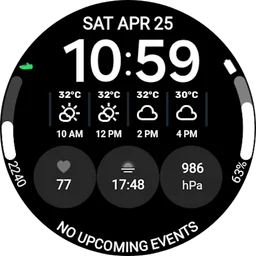 EXD188: Weather Watch Face
Personalización
-
 Pure Sunset Watch Face
Personalización
-
 Night ver 05 - watch face
Personalización
-
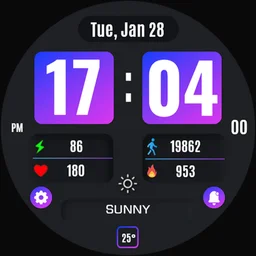 Vesa Digital Watch Face
Personalización
-
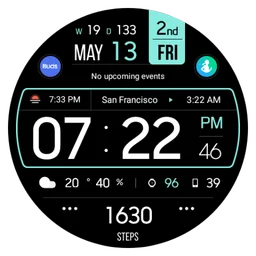 VOT Watch 027
Personalización
-
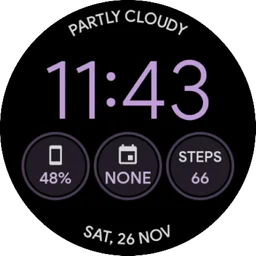 JHW Digital You 2: Watch face
Personalización
-
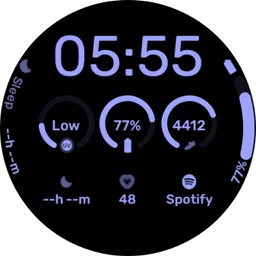 Modulux - WearOS Watchface
Personalización
-
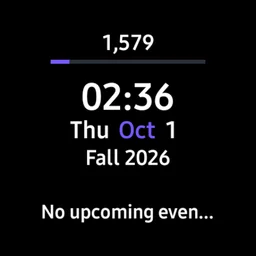 ADHD Watch Face
Personalización
-
 Minimal Watch Faces
Personalización
-
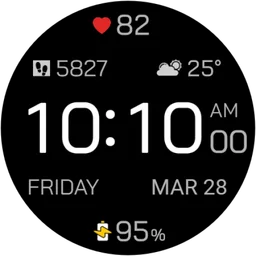 Time Canvas Digital Watch Face
Personalización
-
 Summer Modern Watch Face
Personalización
-
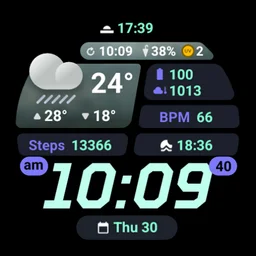 PRADO 99 Weather Watch Face
Tiempo