PDF Reader - Easy PDF
QR Code Scanner.Contiene anuncios · Compras en la aplicación
- PEGI 3Clasificación por edad
- ProductividadCategoría
- 25/11/2026Actualizado
- GratisPrecio
Enlaza a la ficha oficial de pdf.pdfreader.viewer.editor.free en Google Play. Última comprobación el 25/11/2026.
Capturas de pantalla

Acerca de esta aplicación
El desarrollador no ha proporcionado este texto en tu idioma.
PDF Editor & Reader - Edit PDF, read & manage PDF, DOCX files with AI Assistant
This AI-powered all-in-one PDF Reader lets you open, read, edit, sign and convert PDF files anytime, anywhere.
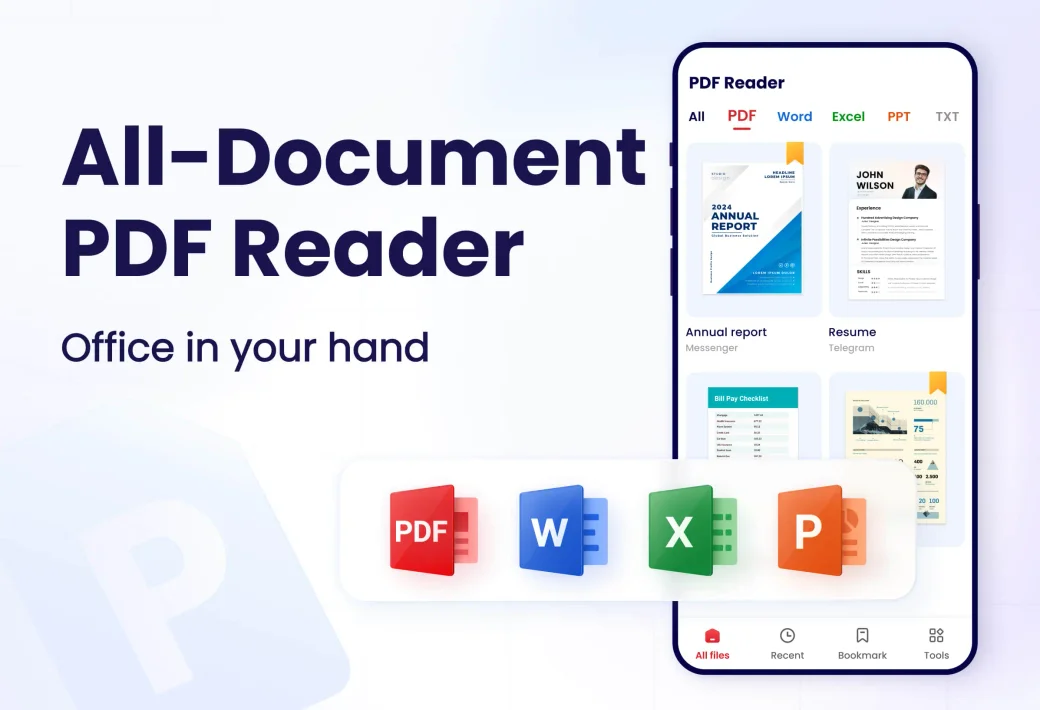
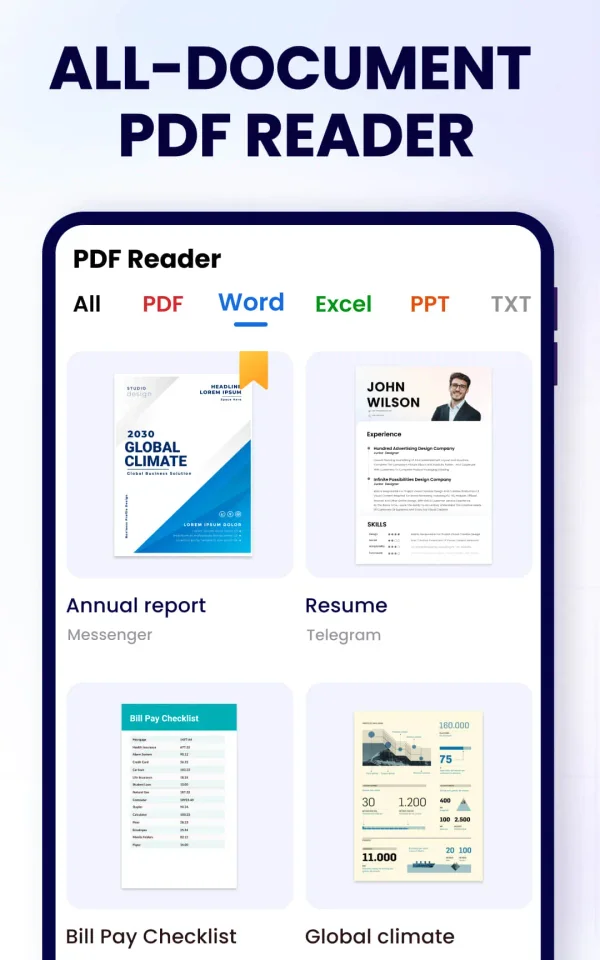
This smart PDF Viewer automatically detects and displays all files on your device — PDF, Word, Excel, PPT and TXT are all supported. With this PDF Editor and PDF Converter, you can easily edit text and images in PDF files, highlight key sections, and annotate your opinions. You can also scan documents, notes, and receipts to PDF instantly.
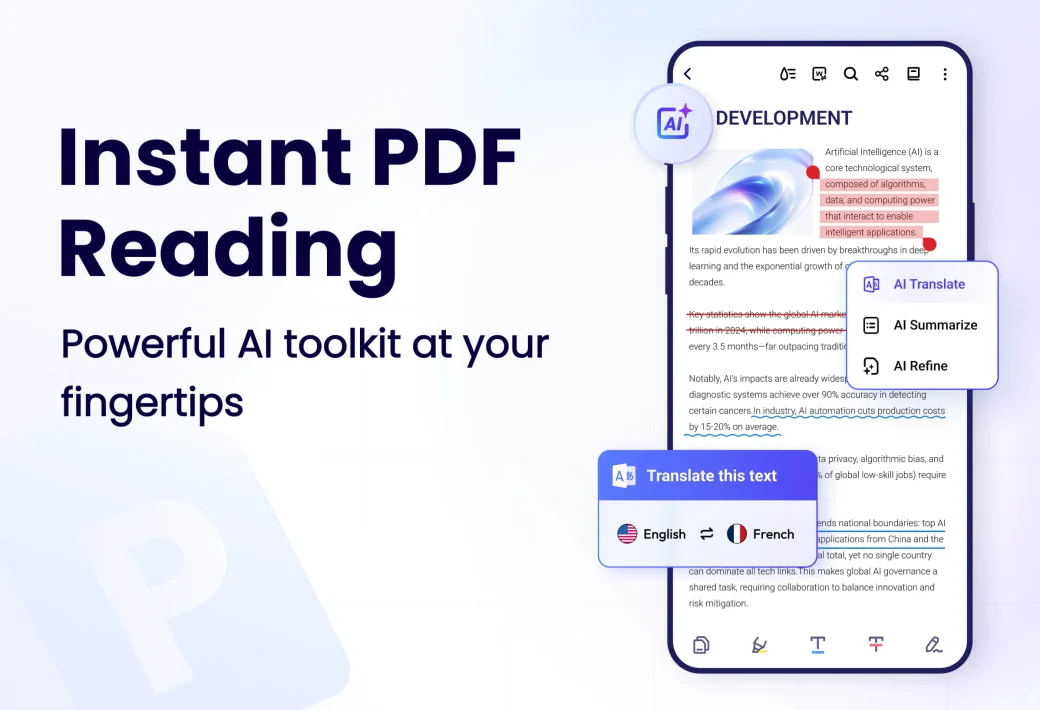
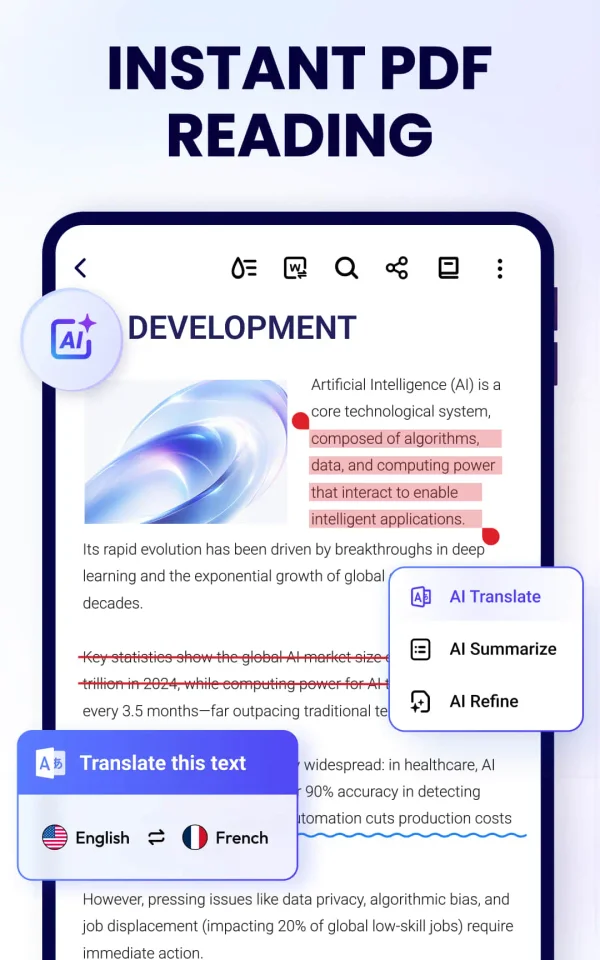
Summarize long reports, translate content into multiple languages, and generate article outlines with our AI Assistant. Listen to your files on the go with AI Read Aloud.
Whether you are organizing academic notes, reviewing business contracts, or preparing a professional CV, this all-in-one PDF tool helps you read and edit files efficiently. Download this PDF Reader for Android today!
📖 All-in-One Document Viewer
- Automatically detect and display all your files: PDF, Word, Excel, PPT
- Simple and clear file lists, easy to search and manage
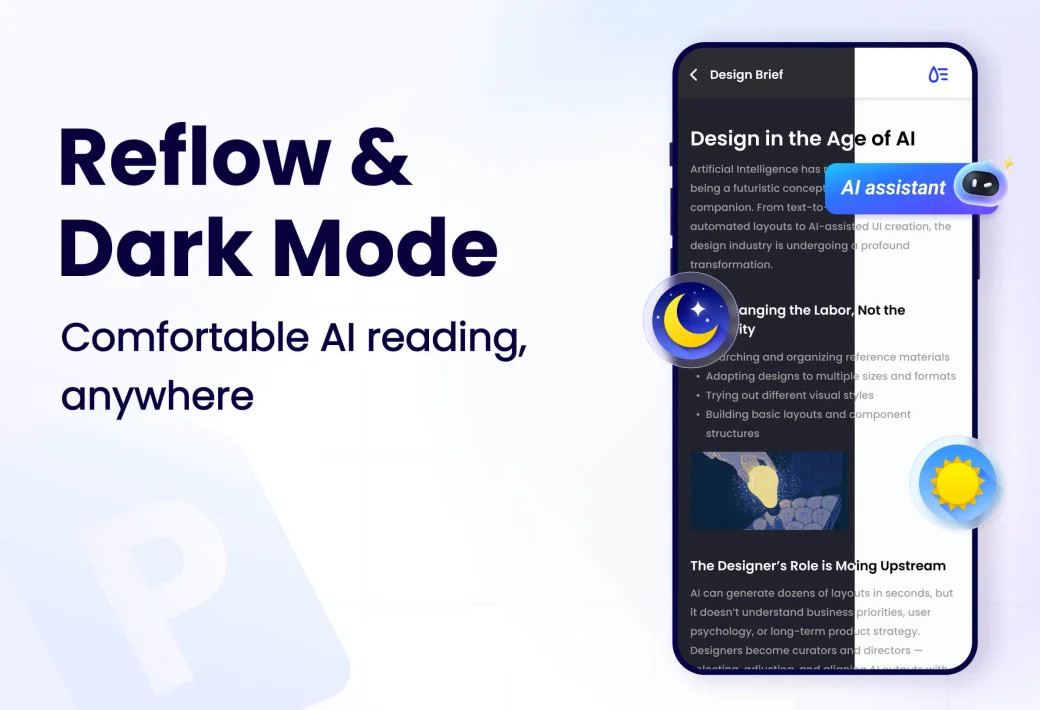
- Night mode for comfortable reading
- Enjoy convenient reading with reflow mode
- Add bookmarks to files for future reference
- Page-by-page and continuous scrolling mode
- Horizontal and vertical viewing mode
- Full-screen mode for distraction-free reading
- Zoom in and out of pages as needed
- Jump directly to the page by entering the page number
📑 Powerful PDF Converter
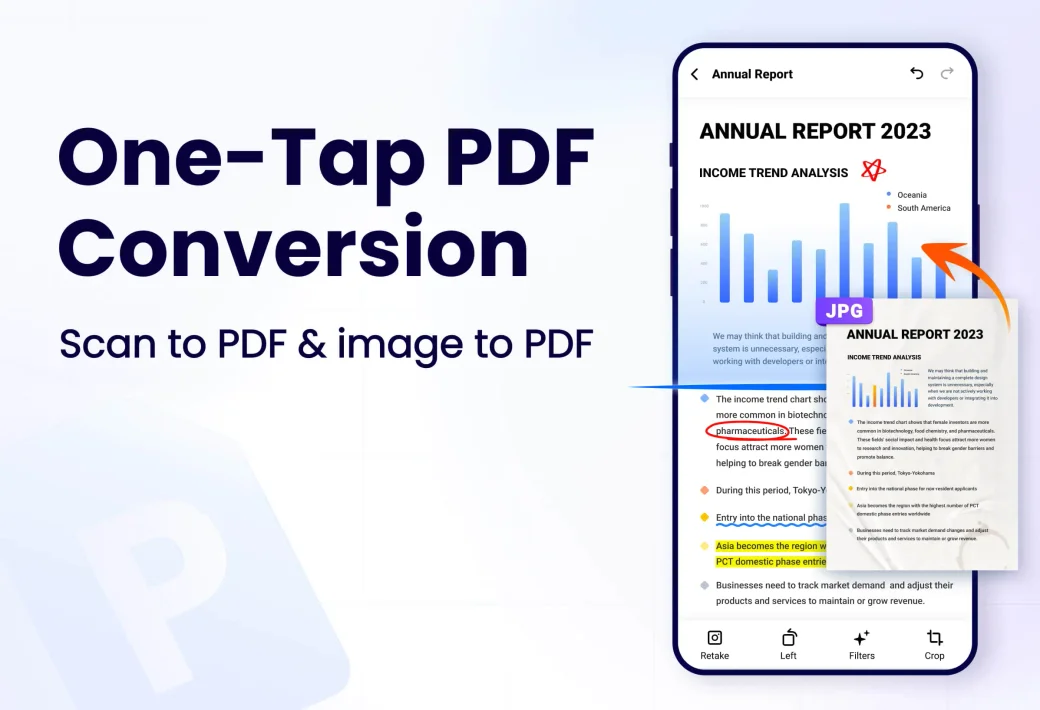
- Convert Image to PDF
- Scan to PDF
- Convert PDF to Image
- Convert Word to PDF
- Convert PDF to Word
- Quickly edit and share the conversion results
📝 Efficient PDF Editor
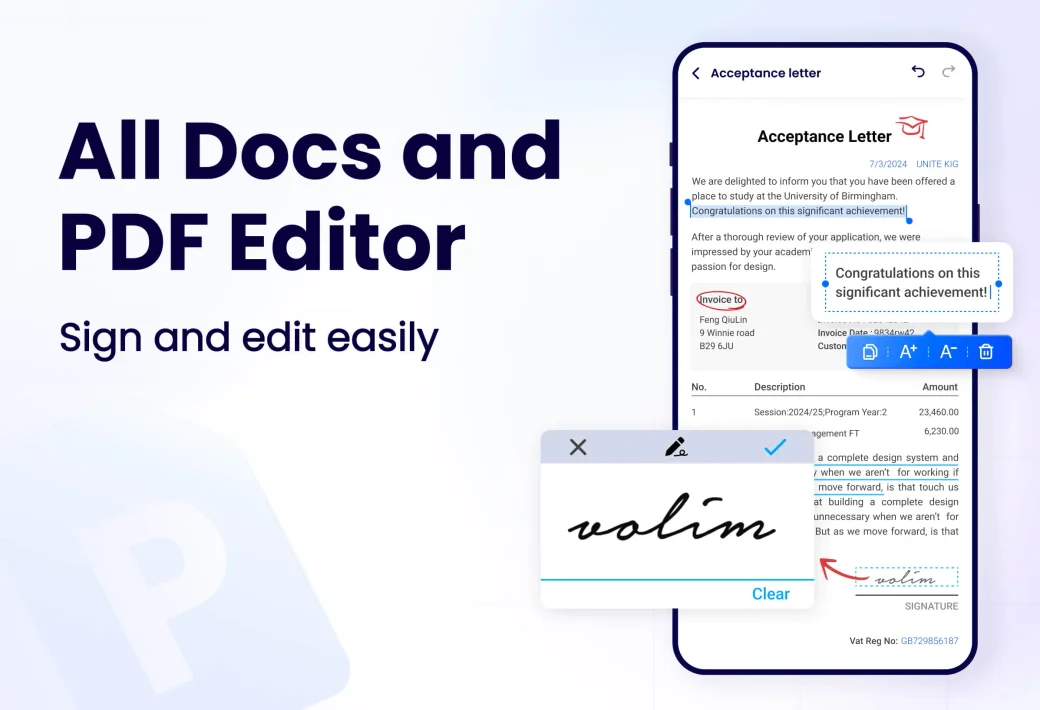
- Edit text & images in PDF
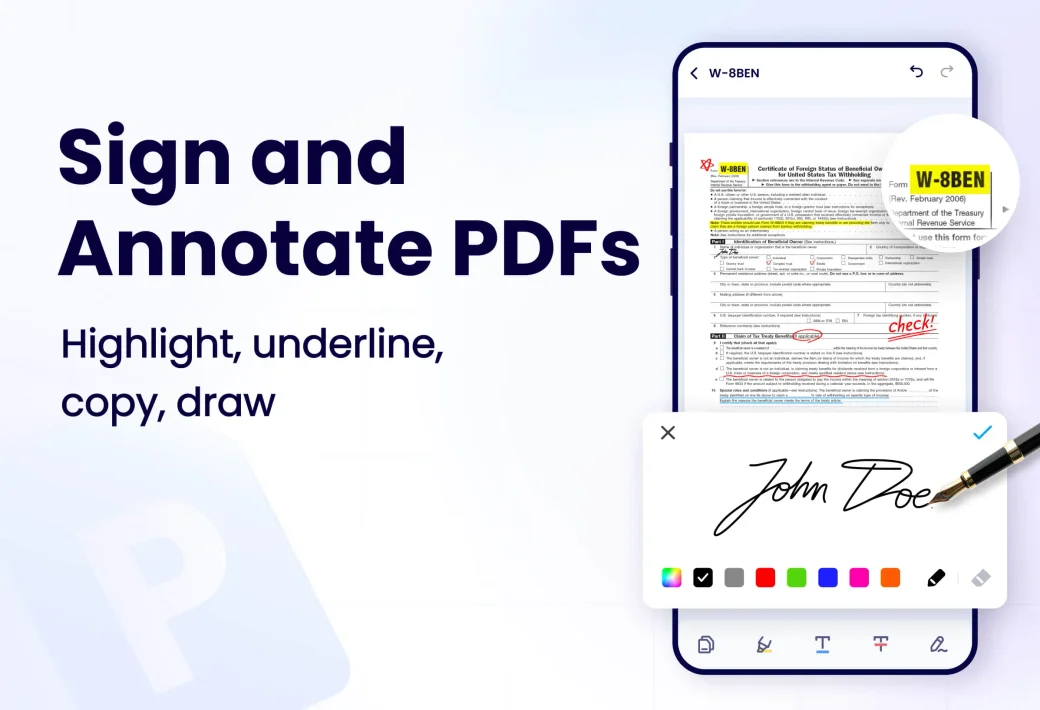
- Sign PDF easily
- Fill in PDF forms
- Insert pages or images into your PDF
- Create PDF with different page styles
- Highlight key points with vibrant colors
- Underline or strikethrough text
- Draw and annotate freely on the PDF pages
- Compress PDF to suit your needs
- Search and copy any text in PDF files with ease
🌐 Convenient AI Assistant
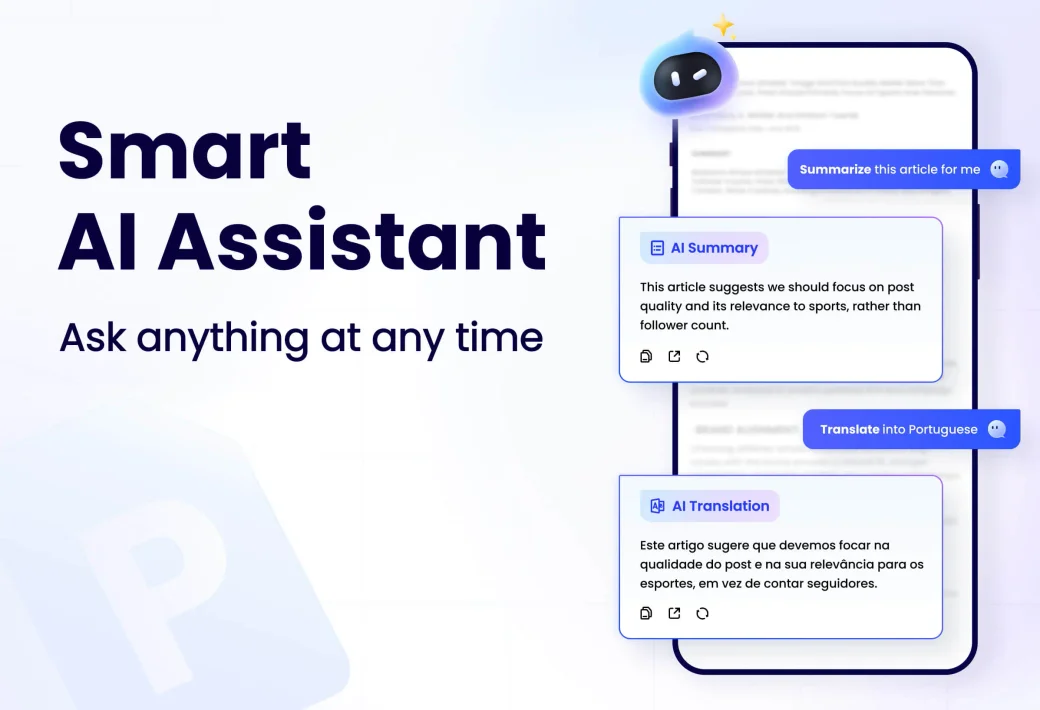
- Summarize documents, extract key points, and create mind maps
- Translate PDF into multiple languages
- Listen to your files with AI Read Aloud
- Generate article abstract/outline
- Rewrite/refine/expand/shorten articles
- Improve writing accuracy with grammar check
- Check sensitive information
📂 Full-Featured PDF Manager
- Merge PDF & split PDF
- Set password to protect your documents
- Recently opened files in a simple list for quick viewing
- Share your PDF files via any social media easily
- The most lightweight PDF Reader/Manager, only 12MB
- Rename your PDF files to your liking
- Print PDF directly from your device
🌟 More Features on the Way
► PDF to PPT & PPT to PDF
► PDF to Excel & Excel to PDF
► Eye protection mode
► Edit Word files
► Collaborative editing with others
► Generate a table of contents for your files
...
Enjoy your reading with this AI-powered PDF Reader for Android!✌️
Permission required:
* For users on Android 11 and above, MANAGE_EXTERNAL_STORAGE permission is required to read and edit all files on your device. Rest assured, this will NEVER be used for any other purpose.
If you have any questions or suggestions while using this PDF Reader - PDF Editor, please feel free to contact us at pdfreaderappfeedback@gmail.com.
Save time with PDF editor for Android
Whether you're reading contracts or study materials, try this PDF editor - PDF scanner app. Efficiently manage your files with this PDF reader for Android. This PDF annotate tool can greatly boost your productivity. Easily sign PDF, convert photos to PDF with this PDF sign and fill tool.
Seguridad de los datos
Lo que QR Code Scanner. declara en Google Play sobre los datos que esta aplicación recopila y comparte.
- No se comparten datos con tercerosMás información sobre cómo los desarrolladores declaran lo que comparten
- No se recogen datosMás información sobre cómo los desarrolladores declaran lo que recogen
- Los datos están cifrados durante el tránsito
- Puedes solicitar que se eliminen los datos
Novedades
Versión 2.1.9 · 25/11/2026
🚀 New Features: Easier Document Management!
📝 Text to PDF: Enter or edit text and easily create PDF files
🔍 Full-Text Offline Search: Search entire documents without an internet connection
✅ Performance Improvements
⚡ Improved performance and interactions for a smoother experience
🔧 Fixed minor bugs and enhanced overall stability
Contacto del desarrollador
- Sitio webpdfreader.deepthought.industries
- Correo electrónicosupport@deepthought.industries
- Política de privacidadpdfreader.deepthought.industries
- Dirección7 ONE-NORTH GATEWAY #01-03 ONE-NORTH RESIDENCES Singapore 138642
Información
- Ofrecida por
- QR Code Scanner.
- Categoría
- Productividad
- Versión
- 2.1.9
- Actualizado
- 25/11/2026
- Publicado
- 25/1/2022
- Requiere
- Android 7.0 o posterior
- Clasificación por edad
- PEGI 3
- Precio
- Gratis
- Compras en la aplicación
- 4,29 € - 74,99 € si se factura a través de Google Play
- Nombre del paquete
- pdf.pdfreader.viewer.editor.free
Aplicaciones similares
-
 Adobe Acrobat Reader para PDF
Productividad
-
 WPS Office Lite
Productividad
-
 Calculadora Sencilla
Herramientas
-
 Todo el lector de documentos
Herramientas
-
 Administrador de archivos
Herramientas
-
 Google Drive
Productividad
-
 Lector PDF - Visor de PDF
Productividad
-
 Notas, Bloc de notas - Notein
Productividad
-
 Documentos de Google
Productividad
-
 Escanear Documentos - Scan PDF
Herramientas
-
 Lector PDF - PDF Reader
Herramientas
-
 ChatGPT
Productividad