PDF scanner- Document scanner
AI Document Apps - Edit, Scan, ConvertContiene anuncios · Compras en la aplicación
- HerramientasCategoría
- 27/3/2026Actualizado
Enlaza a la ficha oficial de com.cam.scanner.camerascanner.document.scanner en Google Play. Última comprobación el 27/11/2026.
Es posible que PDF scanner- Document scanner no esté disponible en Google Play en este momento
No se pudo acceder a la ficha de la tienda en nuestra última comprobación. El enlace sigue llevando a la página oficial de Google Play.
Capturas de pantalla

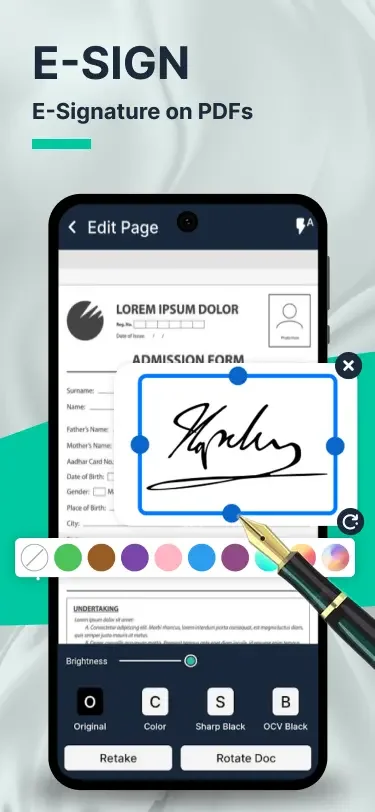
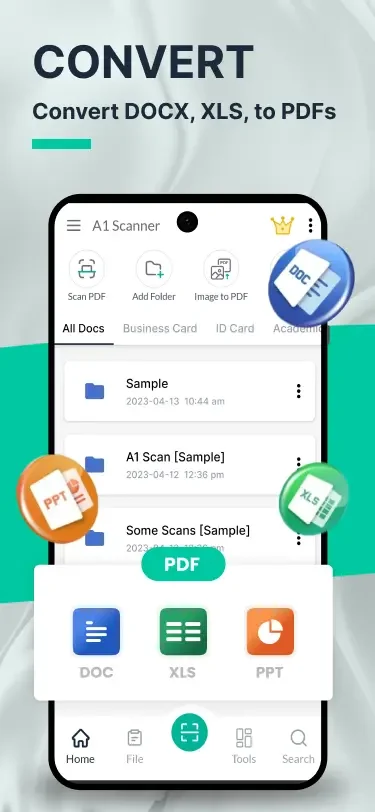
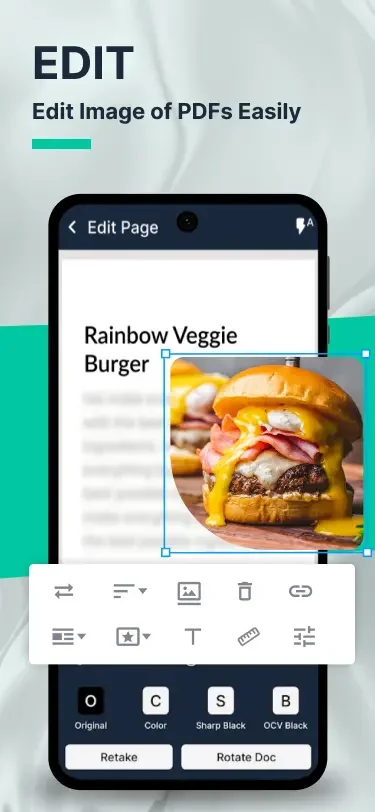
Acerca de esta aplicación
El desarrollador no ha proporcionado este texto en tu idioma.
Scan & Convert JPG to PDF with our Document Scanner & share Docs with HD quality
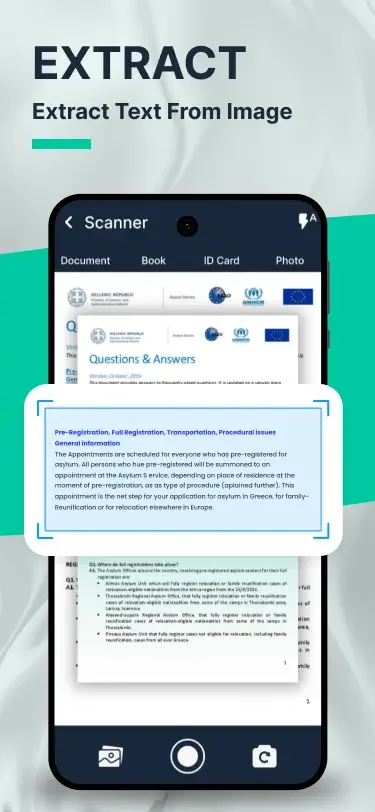
PDF Scanner - Document Scanner App, Scan to OCR, PDF, JPG, Text-HD PDF Scanner is a powerful Document Scanner application for scanning documents anywhere and anytime. You can scan, save, archive, and share the documents.
PDF Scanner or Document Scanner is the Best Camera scanner app. It turns your phone camera into a PDF, text, word Scanner or PDF Maker. You can easily share scanned files as PDF or JPEG or word or text. Easy to use PDF converter app.
PDF Scanner, The Camera Scanner App is the best Doc Scanner & a must-have application for those people who are always travelling for business purposes. They can easily send scanned documents while being on the move. In this Document Scanner, PDF Conversion is completely offline and requires no internet connection.
Best features of PDF Scanner app and PDF Converter is -
✨Scan Unlimited Documents
✨Completely free with no subscriptions whatsoever
✨ No Internet required
✨Password protect your PDF File
✨JPEG Scanner
Using this Pdf Maker, save your PDF file in history and in the list of recently used documents.
The documents scanned in Camera Scanner (or kaagaz Scanner/ True Scanner) or Document scanner are not uploaded to any server for any processing. Document recognition in the photos after scanning is done on the device.
Scan almost anything with the Camera scanner or Document scanner or pdf scanner.
Features of PDF Scanner - Document Scanner –
🤩 Unlimited scans of documents & Kaagaz allowed.
🤩 Completely free with no subscriptions whatsoever
🤩No internet is needed to scan the documents or kaagaz.
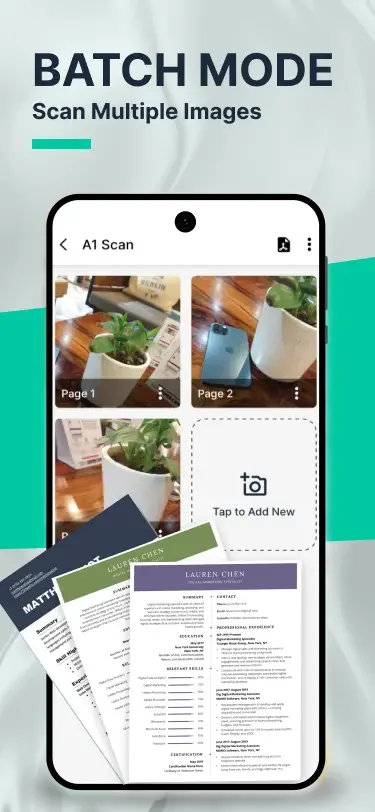
🤩 PDF Maker: Select images to make a single pdf, Also use pdf converter
🤩 PDF reader, Additional PDF converter features added recently e.g text to pdf, excel to pdf, images to pdf.
🤩 You can create a password-protected pdf file also.
🤩 Remove the duplicate pages easily from the pdf
🤩 Easily open the pdf with any pdf viewer.
🤩 JPG Scanner
How to scan documents with PDF Scanner App –
1. Just click on the create new pdf tab and start scanning your document.
2. You can also select an image or a document from your gallery to scan.
3. Crop the edges according to your requirement.
4. Free filters for your documents and also you can use a brush to add your own colors.
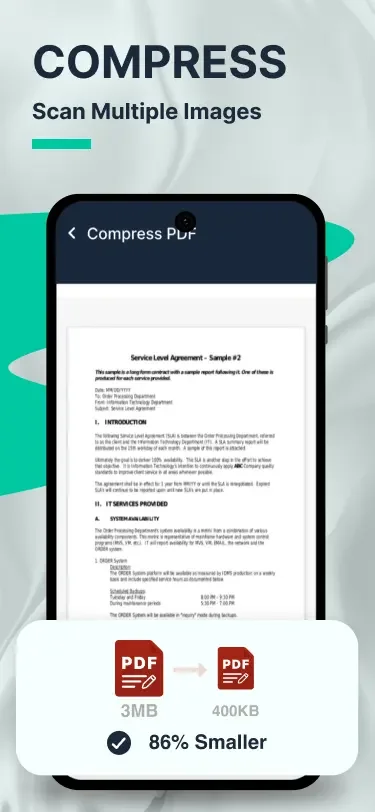
5. You can compress your file according to the size you need in our PDF Scanner
6. You can choose the page type e.g A4, Legal, Ledger, etc
7. You can add your watermark to the document you are scanning.
8. After you have scanned your document, you can send and share it via email, WhatsApp, etc
PDF Scanner is free to use app for users. Any feedback is welcomed at rpdev92@gmail.com.
This PDF Scanner - Camera Scanner app is a part of Apps by A1 an entity of Rhophi Analytics LLP.
Seguridad de los datos
Lo que AI Document Apps - Edit, Scan, Convert declara en Google Play sobre los datos que esta aplicación recopila y comparte.
- No se comparten datos con tercerosMás información sobre cómo los desarrolladores declaran lo que comparten
- Esta aplicación puede recoger estos tipos de datosInformación personal, Fotos y vídeos y 4 más
- Los datos están cifrados durante el tránsito
- Los datos no se pueden eliminar
Novedades
Versión A1 Scan-3.2.0 · 27/3/2026
- Bug Fixes.
Contacto del desarrollador
- Sitio weba1apps.co
- Correo electrónicomanishnawani6@gmail.com
- Política de privacidadsites.google.com
- DirecciónBuilding A1, Dubai Digital Park, Dubai Silicon Oasis إمارة دبيّ United Arab Emirates
Información
- Ofrecida por
- AI Document Apps - Edit, Scan, Convert
- Categoría
- Herramientas
- Versión
- A1 Scan-3.2.0
- Actualizado
- 27/3/2026
- Publicado
- 20/6/2021
- Requiere
- Android 8.0 o posterior
- Compras en la aplicación
- Sí
- Nombre del paquete
- com.cam.scanner.camerascanner.document.scanner