Pic Collage Maker & Editor
Galaxy studio appsContiene anuncios · Compras en la aplicación
- PEGI 3Clasificación por edad
- Arte y diseñoCategoría
- 27/10/2026Actualizado
- GratisPrecio
Enlaza a la ficha oficial de photogrid.collagemaker.photoeditor.piccollage.frame.layout.squarefit en Google Play. Última comprobación el 24/11/2026.
Capturas de pantalla


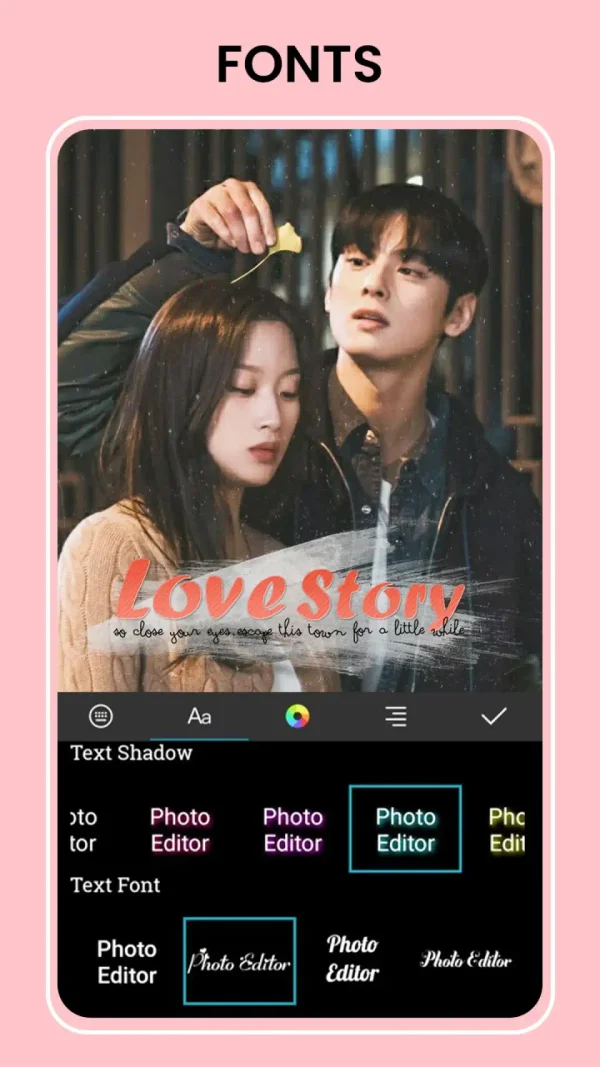
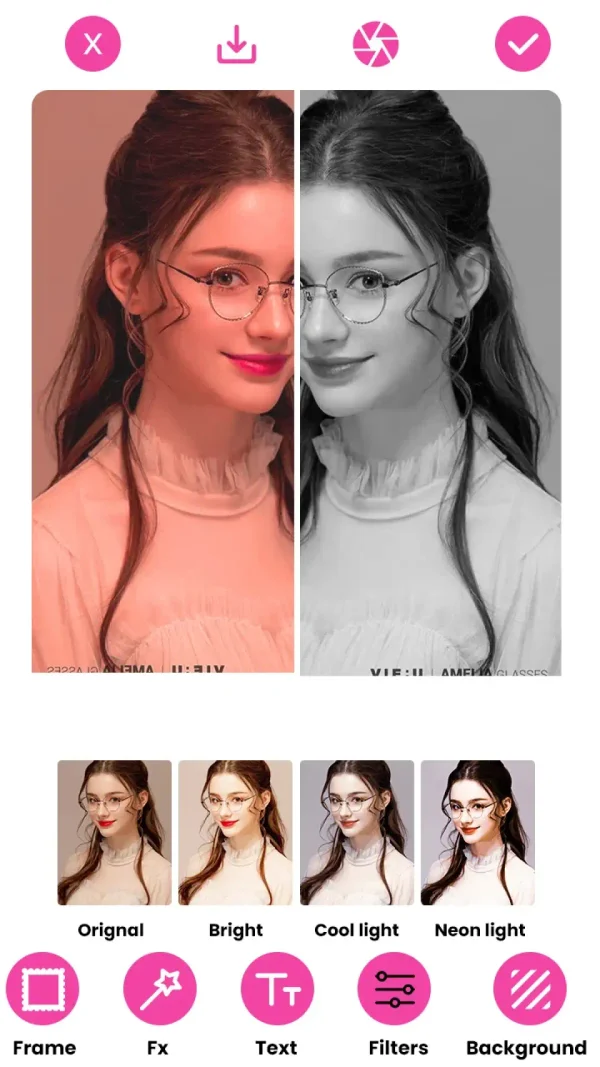
Acerca de esta aplicación
El desarrollador no ha proporcionado este texto en tu idioma.
Make beautiful collages, remix your photos with this photo editor grid app.
Photo Collage Maker: Photo Layouts - Unleash Your Creativity!
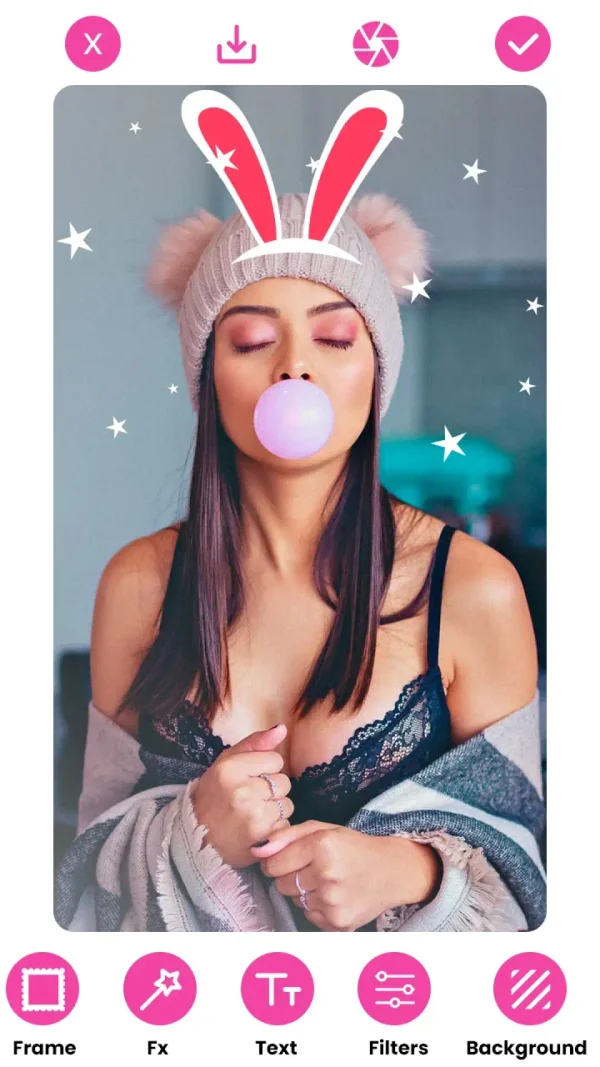
Turn your pictures into amazing collages with the ultimate Pic Collage Maker: Photo Layouts app! Engineered for creativity, the Pic Collage Maker: Photo Layouts app combines powerful features in a picture grid maker and hence provides an intuitively user-friendly interface that offers endless possibilities for image editing and collage creation. Photo Layouts is here to help you design like a pro.📄 Key Features of Photo Collage Maker: 📄
📸 Pic Collage Maker: Photo Layouts with over 500 templates and grids;
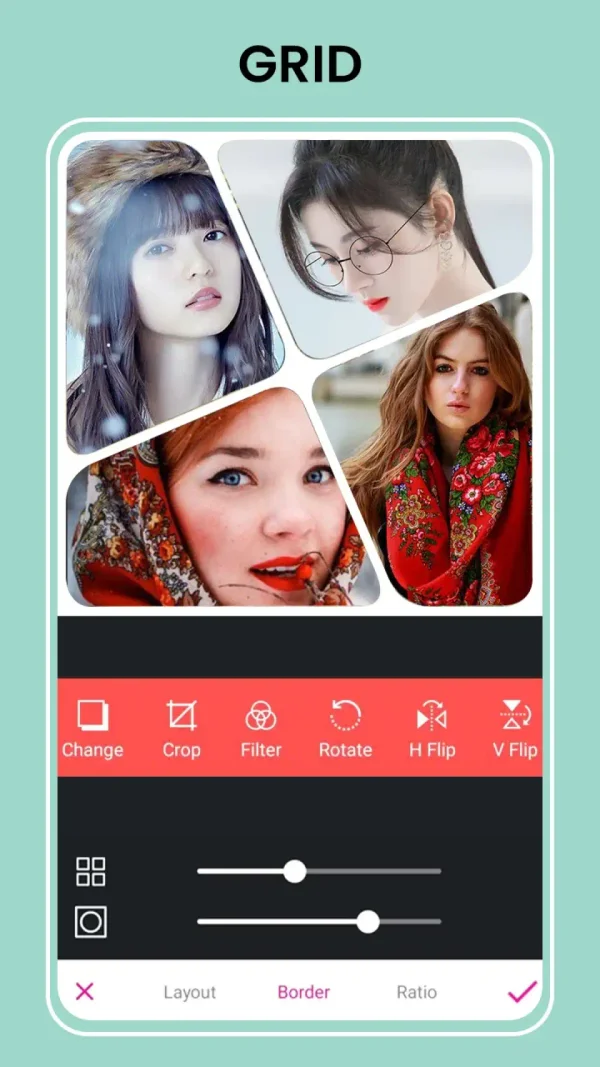
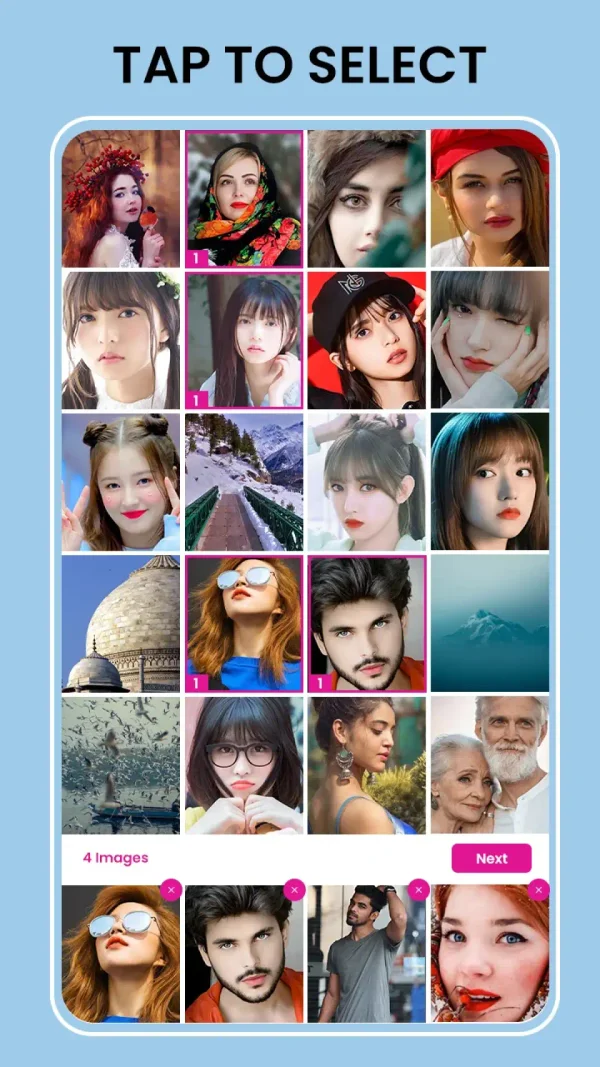
📸 Photo Grid Collage Maker: Combine Photos to create unique designs;
📸 Customizable Photo Frame Grid Maker with countless styles;
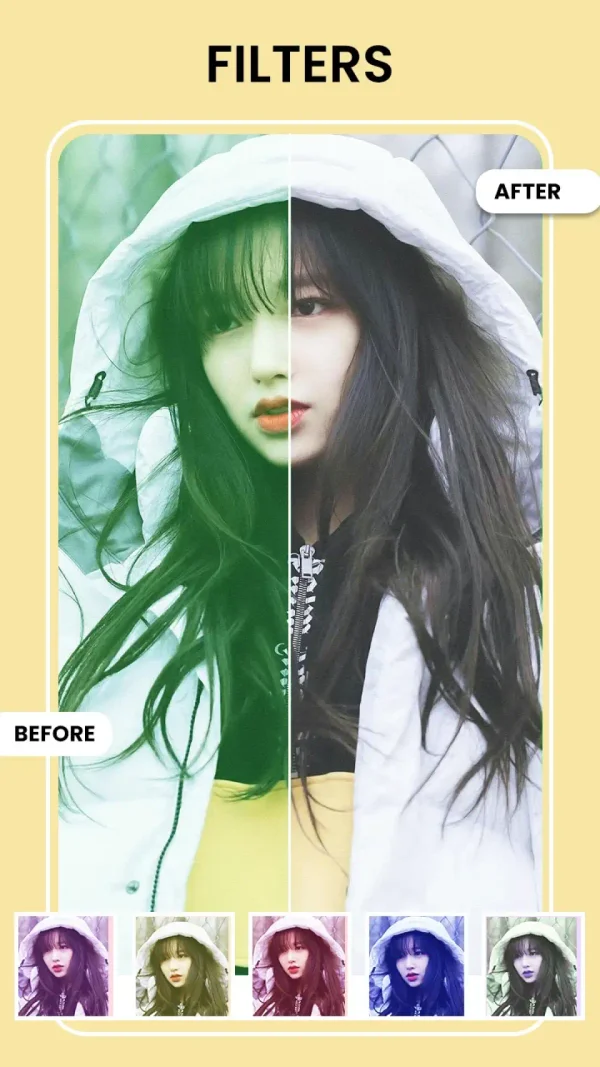
📸 Apply Filters For Pictures with various effects;
📸 Photo Split Picture Frames for detailed, multi-image designs;
📸 Easy-to-use Photo Collage Creator for instant, beautiful collages;
📸 Picture Collage Designer with precise control over layout and effects.
Create Stunning Collages with Photo Frame Grid Maker!
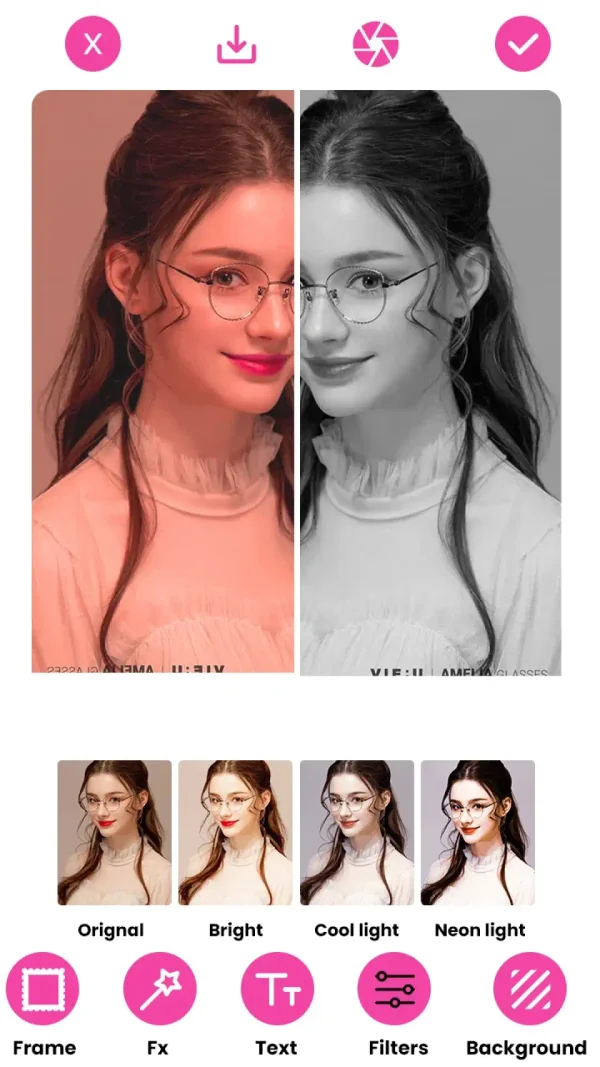
Photo Layouts introduce the easiest experience in creating beautiful-looking collages. From multi-image grids to single-frame collages, the Photo Grid Collage Maker: Combine Photos application brings endless creativity right at your fingertips. With Photo Grid Maker: Filters For Pictures, you can enhance every one of your images by adding beautiful effects and filters to your memories.
Pic Collage Maker - Photo Layouts: This photo editing app offers quite a bit to make your pictures pop.
Photo Grid: Combine Photos - Stylish Grids and Layouts: 🎨
With the Photo Grid Collage Maker: Combine Photos feature, choose from various grid layouts and sizes to suit any theme. Create stunning, multi-image grids or arrange images in custom layouts to tell your unique story. The Photo Frame Grid Maker lets you choose from numerous frames to enhance your pictures. At the same time, the Picture Collage Designer offers precise control over layout, helping you frame your images beautifully.
Photo Split Picture Frames - Advanced Editing Tools: ✂️
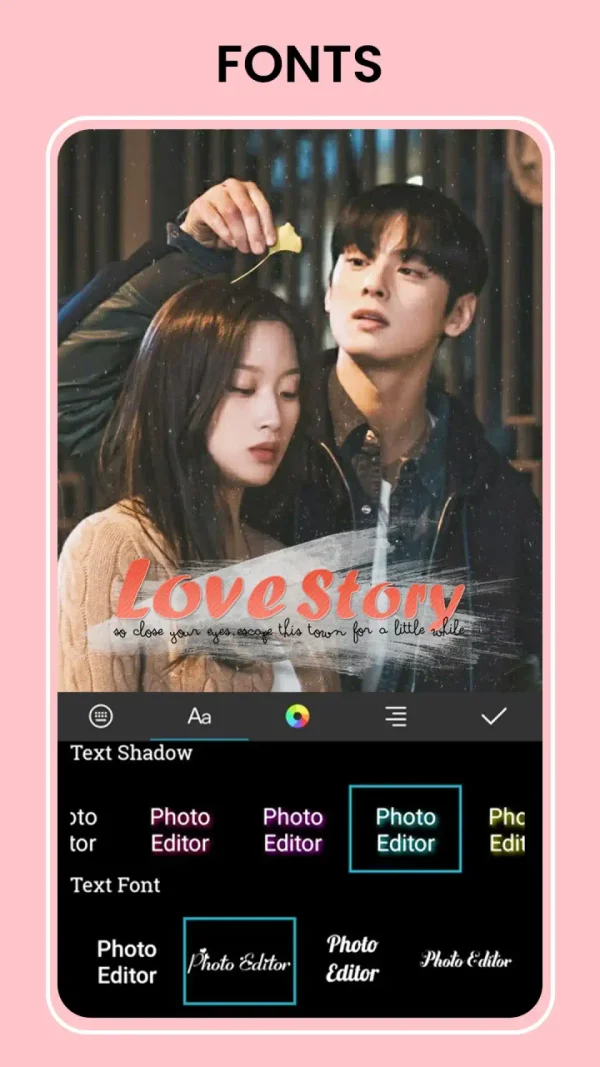
Edit, resize, and adjust each image with the powerful Photo Collage Creator tools. Easily apply filters from Photo Collage Maker: Filters For Pictures to add warmth, brightness, or vintage effects to your collages. Adjust colors and brightness, apply borders, or add text and stickers for that personalized touch. The Photo Split Picture Frames feature allows you to create intricate, split-frame designs, perfect for highlighting your favorite moments.
Photo Collage Creator - Unique Frames and Designs: 🖼️
The Photo Frame Grid Maker provides an extensive selection of frames, ensuring every image gets the right border to make it pop. Add elegant, fun, or colorful frames to enhance the look of your pictures. The app's Picture Collage Designer also allows you to experiment with different designs so your collage always reflects your style.
Experience the Art of Collage with Pic Collage Maker!
Dive into the world of creative image editing with Photo Layouts! From beginners to experts, this Photo Collage Maker: Filters For Pictures app offers everything you need to design, edit, and share beautiful collages. Embrace your creativity and transform your images today!Seguridad de los datos
Lo que Galaxy studio apps declara en Google Play sobre los datos que esta aplicación recopila y comparte.
- Puede que esta aplicación comparta estos tipos de datos con tercerosInformación personal
- No se recogen datosMás información sobre cómo los desarrolladores declaran lo que recogen
- Los datos están cifrados durante el tránsito
- Los datos no se pueden eliminar
Novedades
Versión 2.1.2 · 27/10/2026
- Support for latest versions added
- GDPR Consent Integrated
- Many fixes and Improvement including crashes & ANRs
- Turn your photos into awesome GridArt 🔥
Contacto del desarrollador
- Sitio webgalaxystudioapps.me
- Correo electrónicosupport.piccollagemaker@galaxystudioapps.me
- Política de privacidadgalaxystudioapps.me
- Dirección8 The Grn Ste 4184 Dover, DE 19901-3618 United States
Información
- Ofrecida por
- Galaxy studio apps
- Categoría
- Arte y diseño
- Versión
- 2.1.2
- Actualizado
- 27/10/2026
- Publicado
- 13/4/2023
- Requiere
- Android 6.0 o posterior
- Clasificación por edad
- PEGI 3
- Precio
- Gratis
- Compras en la aplicación
- 0,99 € - 99,99 € si se factura a través de Google Play
- Nombre del paquete
- photogrid.collagemaker.photoeditor.piccollage.frame.layout.squarefit