RealVNC Server
RealVNC Limited- PEGI 3Clasificación por edad
- ProductividadCategoría
- 18/11/2026Actualizado
- GratisPrecio
Enlaza a la ficha oficial de com.realvnc.server en Google Play. Última comprobación el 24/11/2026.
Capturas de pantalla

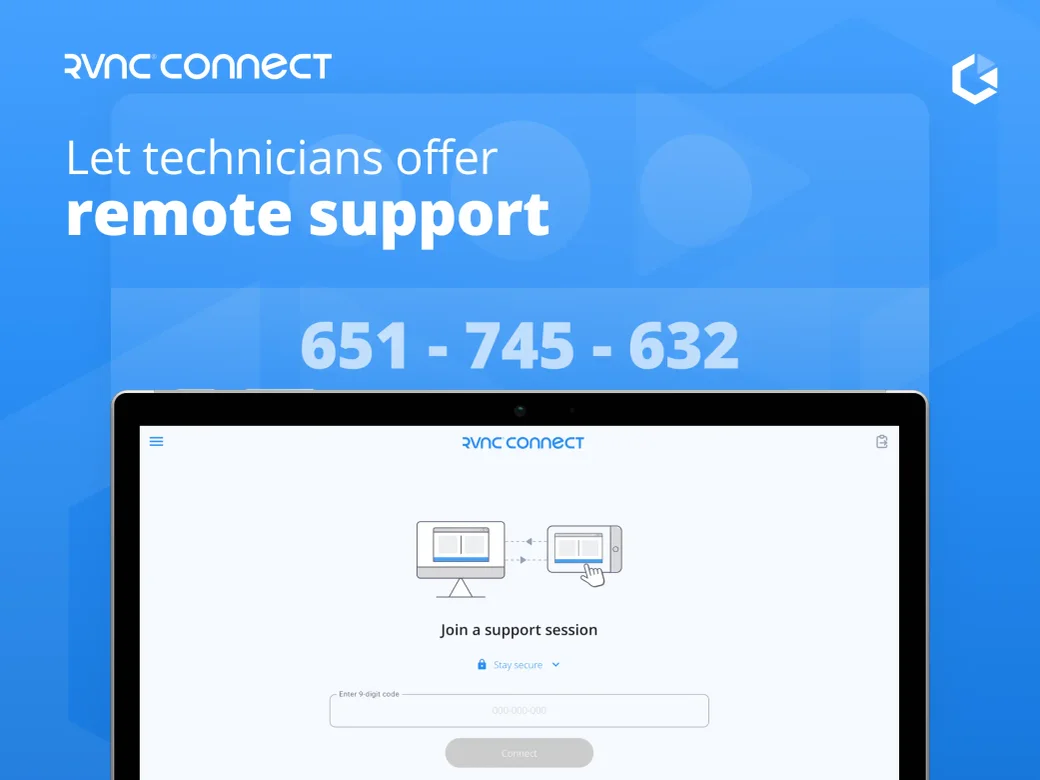
Acerca de esta aplicación
Traducción automática de Google. Idioma original: Inglés (Estados Unidos).
Brinda acceso remoto a dispositivos móviles para suscriptores de RealVNC On-Demand Assist
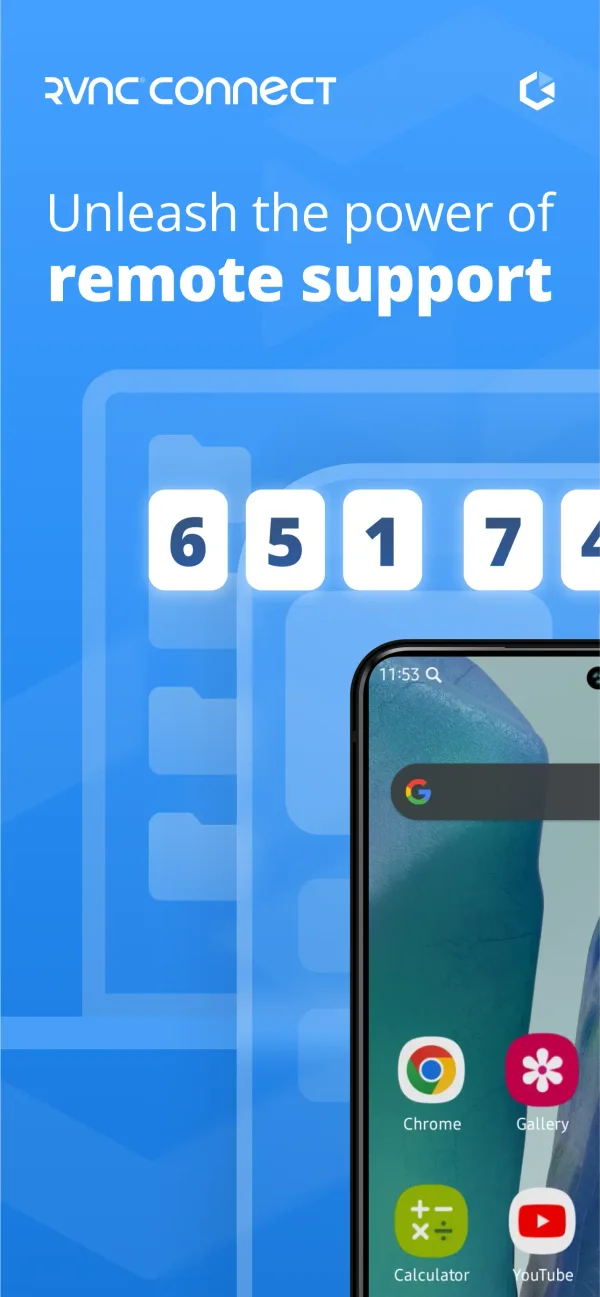
Con la aplicación móvil RealVNC® Server, un técnico de TI puede acceder de forma remota a dispositivos móviles para brindar soporte a los usuarios.
==================================
⚠️ Protégete de estafas y fraudes
El acceso remoto se puede utilizar para estafas y actividades fraudulentas. Tenga siempre cuidado cuando se le solicite compartir el acceso a sus dispositivos, especialmente si no esperaba una solicitud de conexión. Asegúrese de nunca compartir información confidencial ni otorgar acceso a alguien si no está completamente seguro de que es quien dice ser.
Si no está seguro, comuníquese con la organización que ofrece soporte para confirmar que la solicitud es genuina.
==================================
Hay dos formas de conectarse:
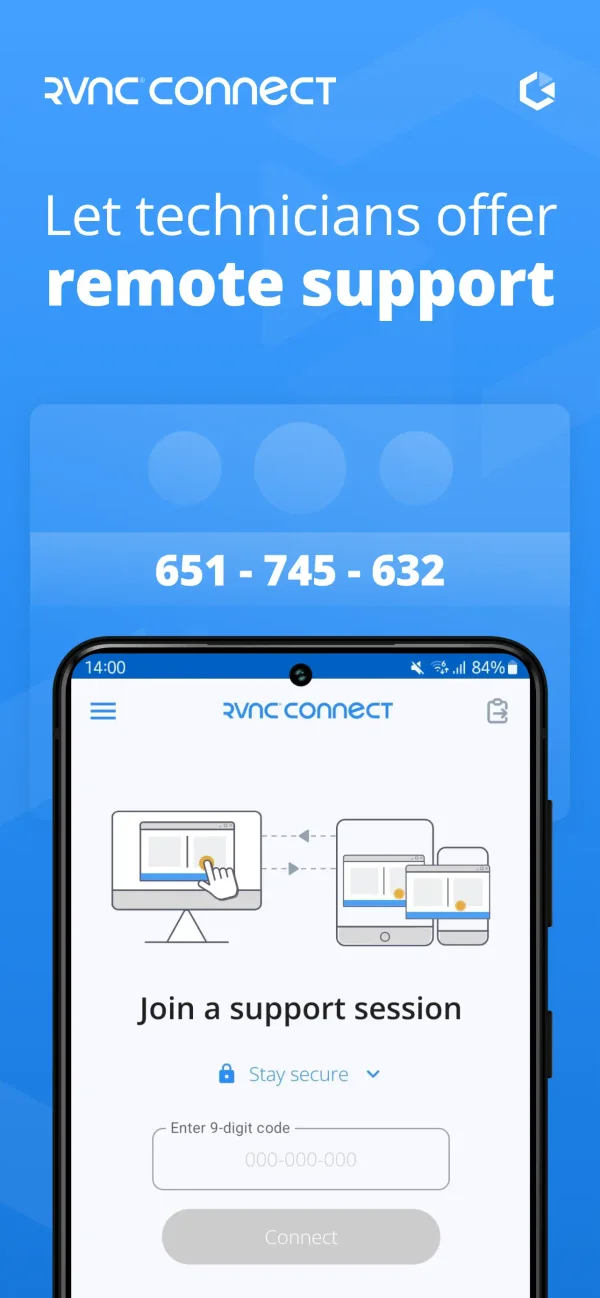
• Inicie una sesión remota utilizando un código seguro de 9 dígitos que proporciona el técnico (esto requiere una suscripción a RealVNC Connect con On-Demand Assist).
• El equipo de TI puede obtener una licencia previa para los dispositivos que se administran mediante una herramienta de administración de dispositivos móviles (MDM). Se puede iniciar una sesión sin un código de sesión, pero el titular del dispositivo móvil aún debe autorizar la conexión. Esto requiere una suscripción a RealVNC Connect Enterprise Device Access.
Características clave
• Privacidad con cifrado de extremo a extremo en todas las sesiones remotas.
• Conexiones rápidas y sin esfuerzo utilizando el servicio seguro en la nube de RealVNC.
• Protección contra accesos no deseados con aprobación de conexión del usuario final.
• Vea y controle sus dispositivos Android usando RealVNC Viewer
Para controlar su dispositivo Android de forma remota, deberá otorgarnos permiso para usar la API AccessibilityService.
¿Necesita ayuda?
Envíenos un correo electrónico desde la aplicación o póngase en contacto en help.realvnc.com.
Siga con nosotros:
Twitter (@RealVNC)
Facebook (facebook.com/realvnc)
RealVNC y VNC son marcas comerciales de RealVNC Limited y están protegidas por registros de marcas y/o solicitudes de marcas pendientes en la Unión Europea, los Estados Unidos de América y otras jurisdicciones. Protegido por las patentes del Reino Unido 2481870, 2479756; patente estadounidense 8760366; Patente UE 2652951.
Mostrar el texto original
With the RealVNC® Server mobile app, an IT technician can remotely access mobile devices to support users.
================================
⚠️ Protecting yourself from scams and fraud
Remote access can be used for scamming and fraudulent activities. Always be careful when asked to share access to your devices, especially if you weren't expecting a connection request. Ensure you never share sensitive information or grant access to someone if you are not completely certain they are who they claim to be.
If you are unsure, contact the organization offering support to confirm the request is genuine.
================================
There are two ways to connect:
• Start a remote session using a secure 9-digit code that the technician provides (this requires a RealVNC Connect subscription with On-Demand Assist).
• Devices that are managed using a mobile device management (MDM) tool can be pre-licensed by the IT Team. A session can be started without a session code, but the mobile device holder still needs to authorize the connection. This requires a RealVNC Connect Enterprise Device Access subscription.
Key Features
• Privacy with end-to-end encryption on all remote sessions.
• Fast, effortless connections using RealVNC’s secure cloud service.
• Protection from unwanted access with end-user connection approval.
• View and control your Android devices using RealVNC Viewer
In order to control your Android device remotely, you will need to grant permission for us to use the AccessibilityService API.
Need support?
Email us from the app or get in touch at help.realvnc.com.
Follow us on:
Twitter (@RealVNC)
Facebook (facebook.com/realvnc)
RealVNC and VNC are trademarks of RealVNC Limited and are protected by trademark registrations and/or pending trademark applications in the European Union, United States of America and other jurisdictions. Protected by UK patents 2481870, 2479756; US patent 8760366; EU patent 2652951.
Seguridad de los datos
Lo que RealVNC Limited declara en Google Play sobre los datos que esta aplicación recopila y comparte.
- No se comparten datos con tercerosMás información sobre cómo los desarrolladores declaran lo que comparten
- Esta aplicación puede recoger estos tipos de datosActividad en la aplicación, Información y rendimiento de la aplicación e IDs de dispositivo o de otro tipo
- Los datos están cifrados durante el tránsito
- Los datos no se pueden eliminar
Novedades
Versión 2.8.4.60121 · 18/11/2026
RealVNC Server 2.8.4 Released
SECURITY: We’ve fixed a security vulnerability in the app and strongly recommend updating all RealVNC applications (RealVNC Server, RealVNC Viewer, RealVNC Classic Viewer, and the RealVNC Connect app) to the latest versions as soon as possible.
Contacto del desarrollador
- Sitio webrealvnc.com
- Correo electrónicoandroid-support@realvnc.com
- Política de privacidadrealvnc.com
- DirecciónEdinburgh House St. Johns Innovation Park, Cowley Road CAMBRIDGE CB4 0DS United Kingdom
Información
- Ofrecida por
- RealVNC Limited
- Categoría
- Productividad
- Versión
- 2.8.4.60121
- Actualizado
- 18/11/2026
- Publicado
- 13/7/2022
- Requiere
- Android 8.0 o posterior
- Clasificación por edad
- PEGI 3
- Precio
- Gratis
- Nombre del paquete
- com.realvnc.server