Sakura Spring
Bloomfield Watchfaces- PEGI 3Clasificación por edad
- PersonalizaciónCategoría
- 12/8/2024Actualizado
- 1,59 €Precio
Enlaza a la ficha oficial de com.bloomfield.cherrybloom en Google Play. Última comprobación el 25/11/2026.
Capturas de pantalla

Acerca de esta aplicación
Traducción automática de Google. Idioma original: Inglés (Estados Unidos).
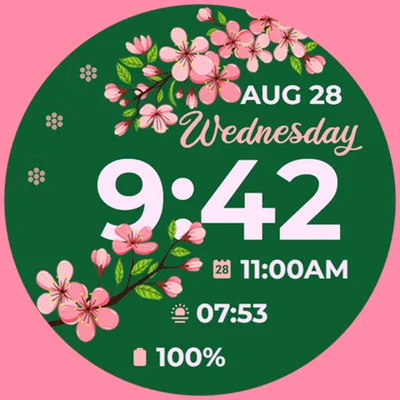
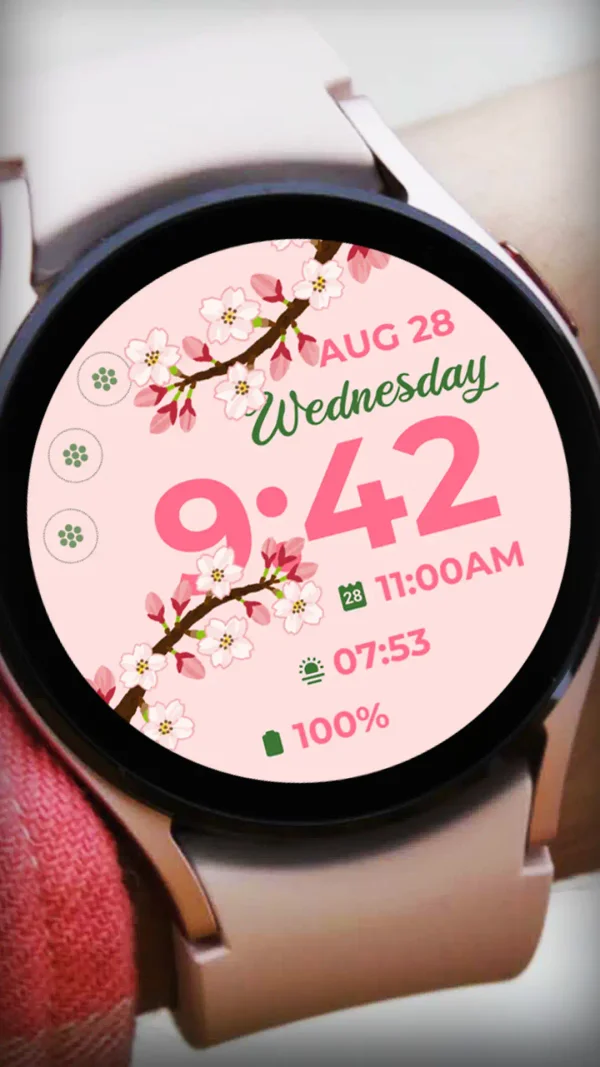
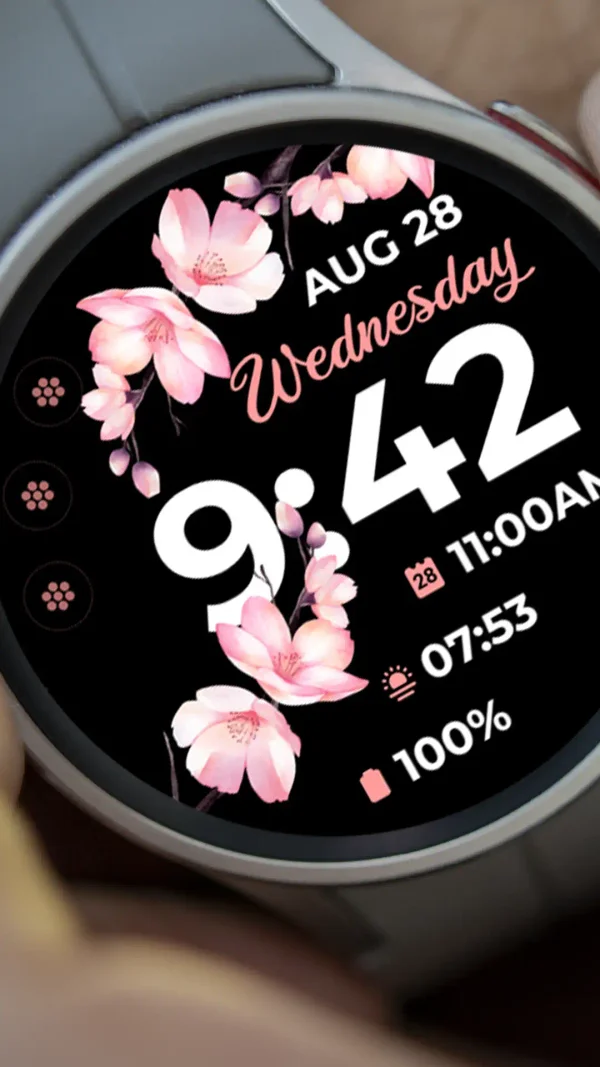
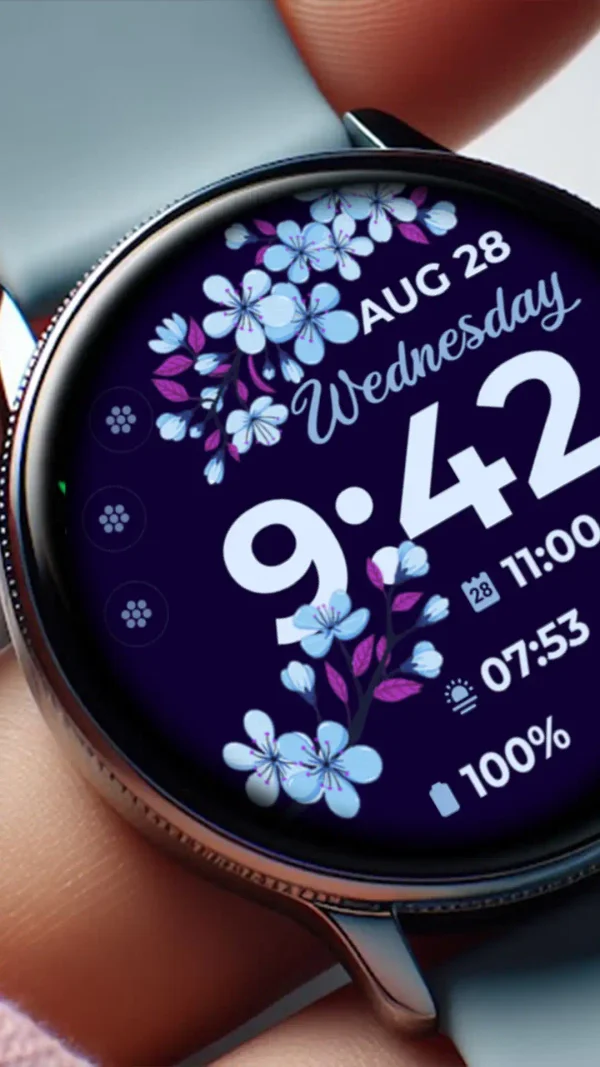
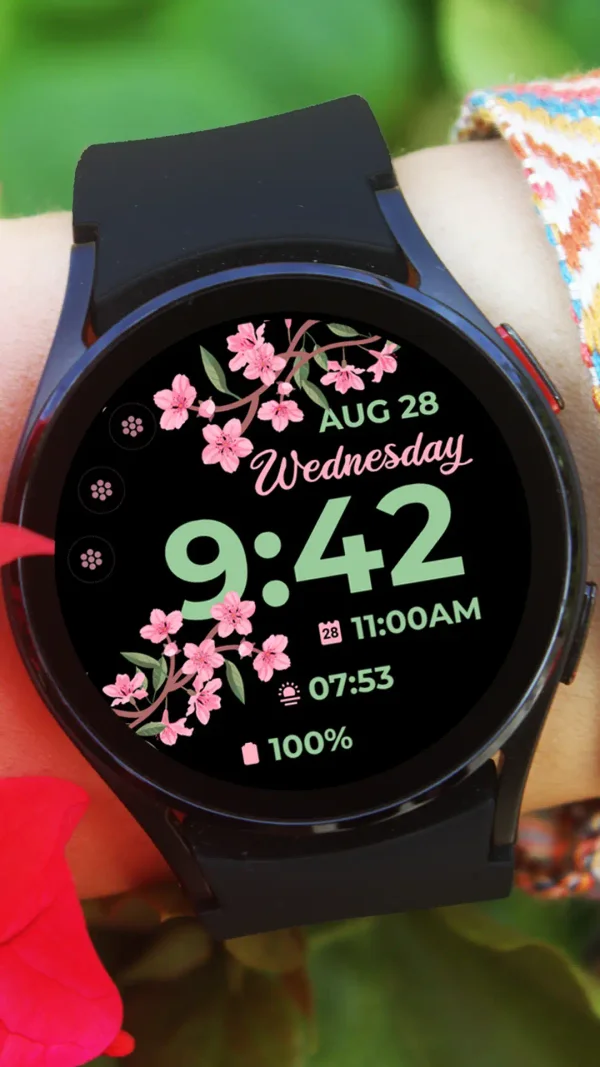
Sakura Cherry Blossom - Esfera temática
📍GUÍA DE INSTALACIÓN
Nuestras aplicaciones de esferas de reloj se prueban minuciosamente en un dispositivo real (Galaxy Watch 4) y el equipo de Google Play Store las "revisa y aprueba" antes de publicarlas.
⚠️⚠️⚠️ Antes de calificarnos injustamente, comuníquese con nosotros a bloomfieldwatchfaces@gmail.com y le enviaremos capturas de pantalla e instrucciones sobre cómo instalar la esfera del reloj. Estamos más que dispuestos a ayudarle paso a paso.
TOMA NOTA❗️❗️❗️
1️⃣ Watchfaces se instala automáticamente en el reloj. (Habrá un ícono de descarga en la pantalla durante la instalación)
2️⃣ ASEGÚRATE DE QUE EL RELOJ ESTÉ FUERTE CONECTADO A TU TELÉFONO USANDO EL MISMO WIFI. TAMBIÉN DEBE INICIAR SESIÓN EN SU CUENTA DE GOOGLE "ON WATCH" PARA UNA INSTALACIÓN PERFECTA.
3️⃣ Después de la descarga, ESPERE unos minutos hasta que la esfera del reloj se transfiera al reloj. (Habrá una notificación en su reloj si la esfera del reloj se transfirió correctamente).
4️⃣ Si no hay ninguna notificación, vaya a PLAYSTORE EN SU RELOJ y escriba en el CUADRO DE BÚSQUEDA "Sakura Spring"
5️⃣ Aparecerá la esfera del reloj, luego presiona el botón de instalación.
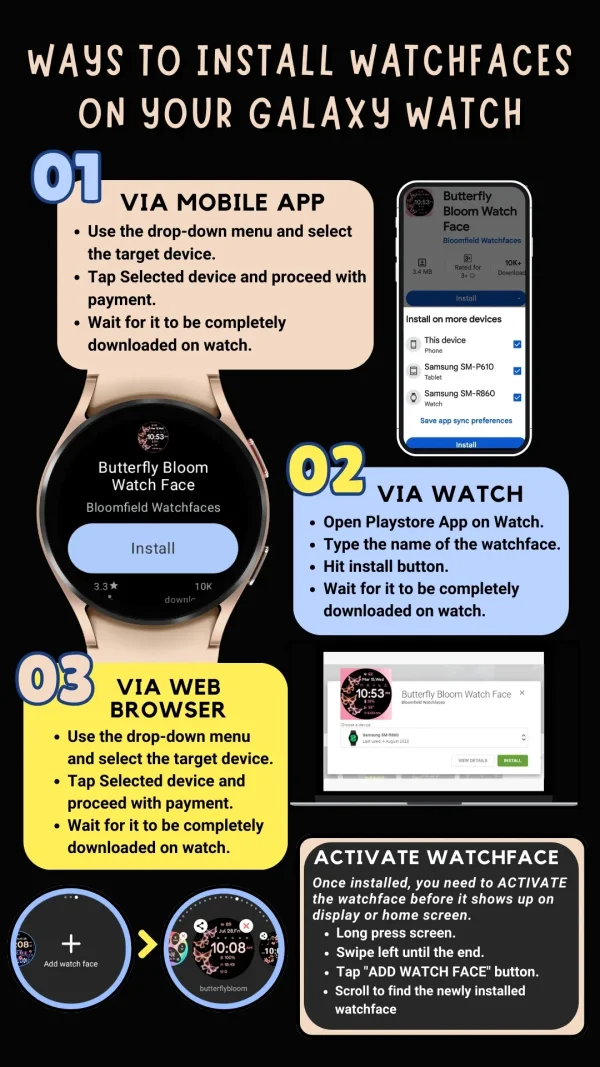
⭐️ Las esferas del reloj no cambian automáticamente después de una instalación exitosa. Volver a la pantalla de inicio. Mantenga presionada la pantalla, deslícela hasta el final y toque + para agregar la esfera del reloj. Gire el bisel para encontrar la esfera del reloj.
📍Consulte Gráficos de funciones para obtener más detalles sobre cómo instalar.
⭐️PERMITIR / HABILITAR todos los permisos desde configuración -> aplicaciones -> permisos.
⚠️ El reembolso SÓLO se permite dentro de las 48 horas.
📍Esta esfera de reloj fue desarrollada con la herramienta "Watch Face Studio" de Samsung para dispositivos basados en el nuevo sistema operativo Wear OS Google / One UI Samsung como Samsung Galaxy Watch 4.
📍CARACTERÍSTICAS:
- Hora digital de 12/24 horas
-Fecha
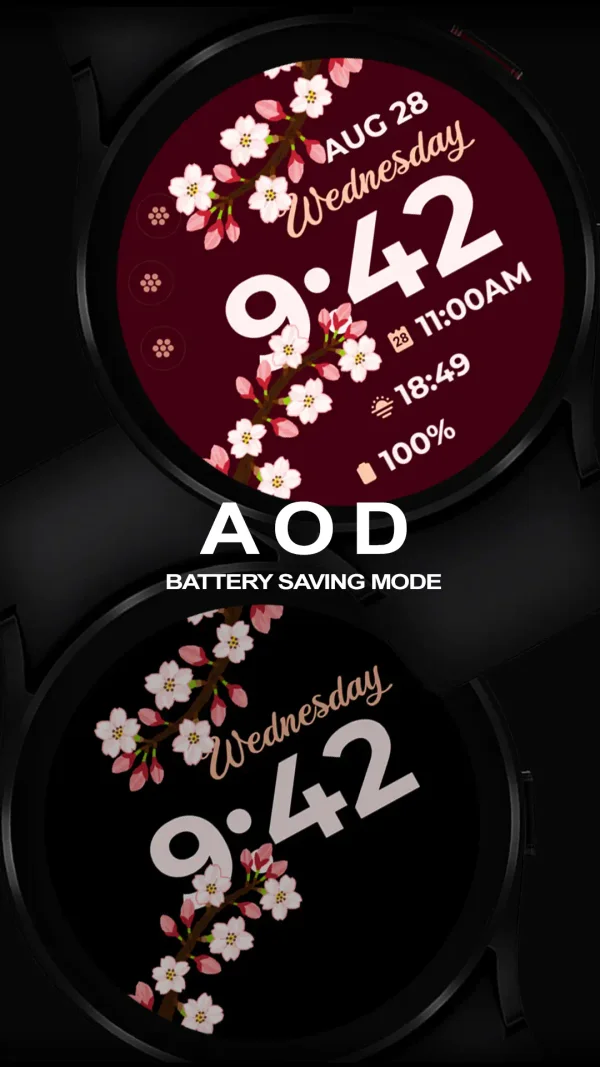
-Siempre encendido (AOD)
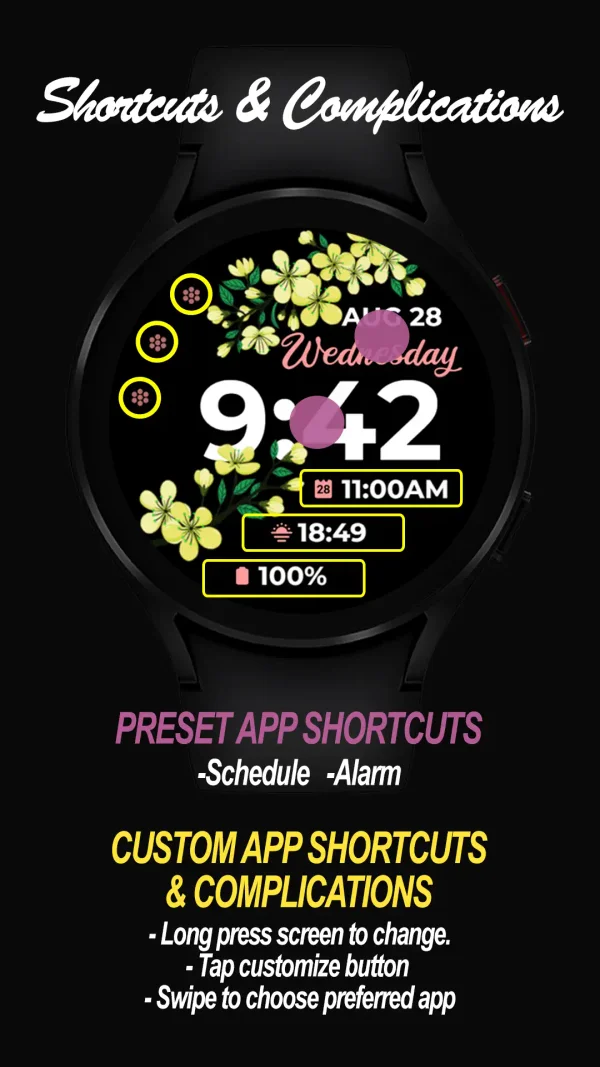
-Atajos de aplicaciones preestablecidos
📍Complicaciones personalizables y accesos directos a aplicaciones
Diferentes complicaciones para elegir; clima, pasos, atardecer/amanecer, próxima cita, acceso directo a configuración, acceso directo al teléfono, acceso directo a mensajes y más.
-Estilos de LCD cambiables y paleta de colores de fuente (Mantenga presionada la pantalla. Toque la opción de personalizar. Consulte los gráficos de funciones para ver el tutorial)
📍Es posible que algunas funciones no estén disponibles en algunos relojes.
Colección completa: https://play.google.com/store/apps/developer?id=Bloomfield+Watchfaces
Contáctenos en: bloomfieldwatchfaces@gmail.com
Página de Facebook: https://www.facebook.com/bloomfieldwatchfaces
Tutorial de instalación de Youtube: https://www.youtube.com/watch?v=vMM4Q2-rqoM
Mostrar el texto original
📍INSTALLATION GUIDE
Our watch face apps are thoroughly tested in a real device (Galaxy Watch 4) and are "reviewed and approved" by the Google Play Store Team before publishing them.
⚠️⚠️⚠️ Before you rate us unfairly, reach us out at bloomfieldwatchfaces@gmail.com and we will send you sceeenshots and instructions how to install the watchface. We are more than willing to help you step by step.
TAKE NOTE❗️❗️❗️
1️⃣ Watchfaces automatically install on watch. (There will be a download icon on screen while installing)
2️⃣ MAKE SURE THE WATCH IS STRONGLY CONNECTED TO YOUR PHONE USING THE SAME WIFI. MUST ALSO LOG IN TO YOUR GOOGLE ACCOUNT "ON WATCH" FOR SEAMLESS INSTALLATION.
3️⃣ After download, WAIT for a few minutes for the watchface to be transferred on watch. (There will be a notification on your watch if the watchface was successfully transferred.)
4️⃣ If incase there is no notification, Go to PLAYSTORE ON YOUR WATCH and type on the SEARCH BOX "Sakura Spring"
5️⃣ The watchface will show up, then hit on install button.
⭐️ Watchfaces don't automatically change after successful installion. Go back to home display. Tap and hold display, swipe until the end and tap + to add the watchface. Rotate Bezel to find the watchface.
📍Please see Feature Graphics for more details how to install.
⭐️ALLOW / ENABLE all permissions from settings -> applications -> permissions.
⚠️ Refund is ONLY allowed within 48 hours.
📍This watch face was developed with Samsung's "Watch Face Studio" tool for devices based on the new Wear OS Google / One UI Samsung operating system like Samsung Galaxy Watch 4.
📍FEATURES:
-12/24hr Digital Time
-Date
-Always-On (AOD)
-Preset App Shortcuts
📍Customizable Complications and App Shortcuts
Different complications to choose from; weather, steps, sunset/sunrise, next appointment, settings shortcut, phone shortcut, message shortcut and more.
-Changeable LCD styles and font color palette (Touch and hold display. Tap on customize option. See feature graphics for tutorial)
📍Some features may not be available on some watches.
Full Collection: https://play.google.com/store/apps/developer?id=Bloomfield+Watchfaces
Contact us at: bloomfieldwatchfaces@gmail.com
Facebook Page: https://www.facebook.com/bloomfieldwatchfaces
Youtube Installation Tutorial: https://www.youtube.com/watch?v=vMM4Q2-rqoM
Seguridad de los datos
Lo que Bloomfield Watchfaces declara en Google Play sobre los datos que esta aplicación recopila y comparte.
- No se comparten datos con tercerosMás información sobre cómo los desarrolladores declaran lo que comparten
- No se recogen datosMás información sobre cómo los desarrolladores declaran lo que recogen
Contacto del desarrollador
- Sitio webbloomfieldwatchfaces.com
- Correo electrónicobloomfieldwatchfaces@gmail.com
- Política de privacidadsites.google.com
- Dirección0015 BLOCK 5 BLK Beverly Homes Hugo Perez, Trece Martirez City 4109 Philippines
Información
- Ofrecida por
- Bloomfield Watchfaces
- Categoría
- Personalización
- Versión
- 1.14
- Actualizado
- 12/8/2024
- Publicado
- 24/7/2023
- Clasificación por edad
- PEGI 3
- Precio
- 1,59 €
- Nombre del paquete
- com.bloomfield.cherrybloom
Aplicaciones similares
-
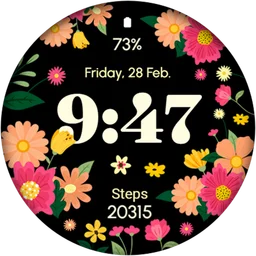 A02s - Colorful Flowers
Personalización
-
 Flower Digital - Watch Face
Personalización
-
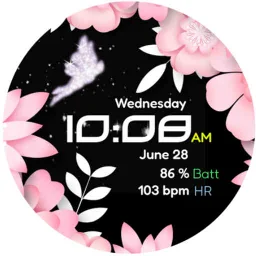 Flower Pixie (Wear OS)
Personalización
-
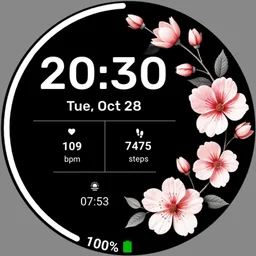 Simple Floral Watch face
Personalización
-
 NXV01 Flower bloom watch face
Personalización
-
 Spring Magic
Personalización
-
 Iris581 Flower Watch Face
Personalización
-
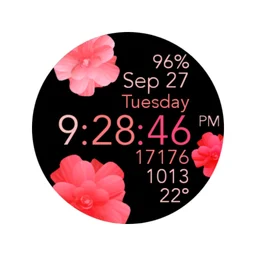 Animated Pink Flowers
Personalización
-
 WF4U Blossom Floral Watchface
Personalización
-
 Flower Heart Watch Face
Personalización
-
 U060 Seasonal Nature
Personalización
-
 Flower Elegance Spring - ReS01
Personalización