
Ahti
The peaceful writing workspace
Diseñada para iPhone, iPad, Mac, iPod touch
6,99 €
- Clasificación por edad4+
- CategoríaProductividad
- DesarrolladorBret Merritt
- IdiomasInglés
- Tamaño7,1 MB
Enlaza a la página oficial de App Store
Download.org no aloja ningún archivo de Ahti. El botón abre la página de la aplicación en App Store, donde la publica Bret Merritt. Ficha comprobada por última vez el 8/11/2026.
Capturas de pantalla


Acerca de
El desarrollador no ha proporcionado este texto en tu idioma.
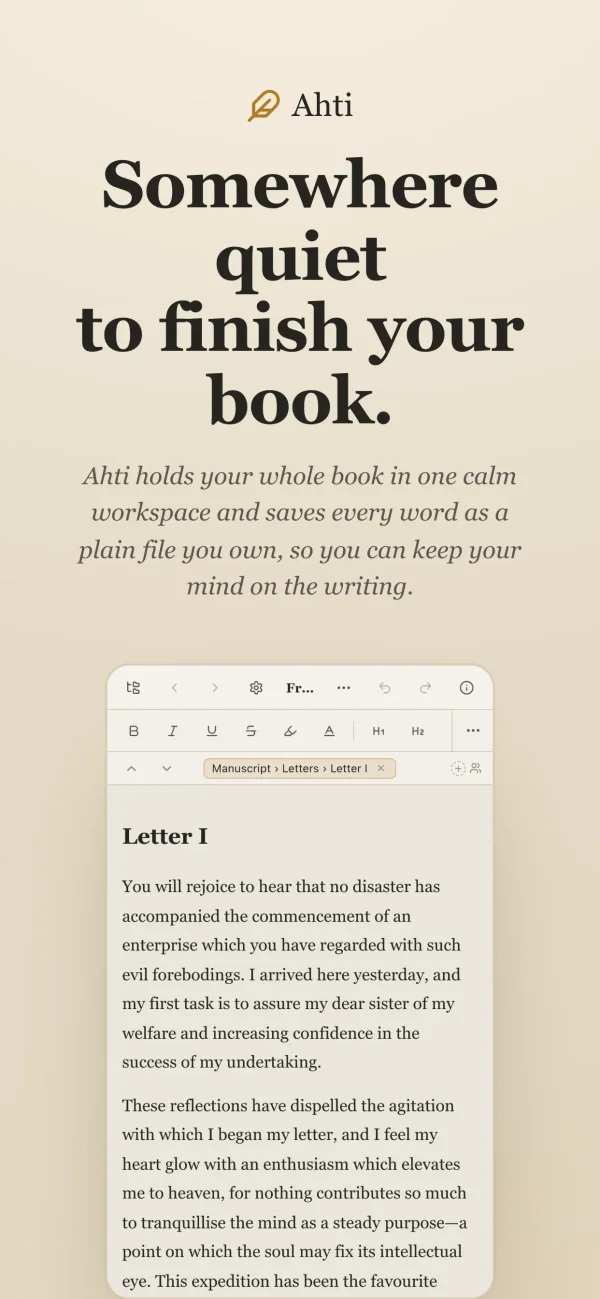
Ahti is somewhere quiet to finish writing your long-form book.
It gives you what you need to plan, draft, and finish a novel, screenplay, or thesis. It's a peaceful, uncluttered interface that stays out of the way so you can focus on writing.
PLAN THE SHAPE OF YOUR BOOK
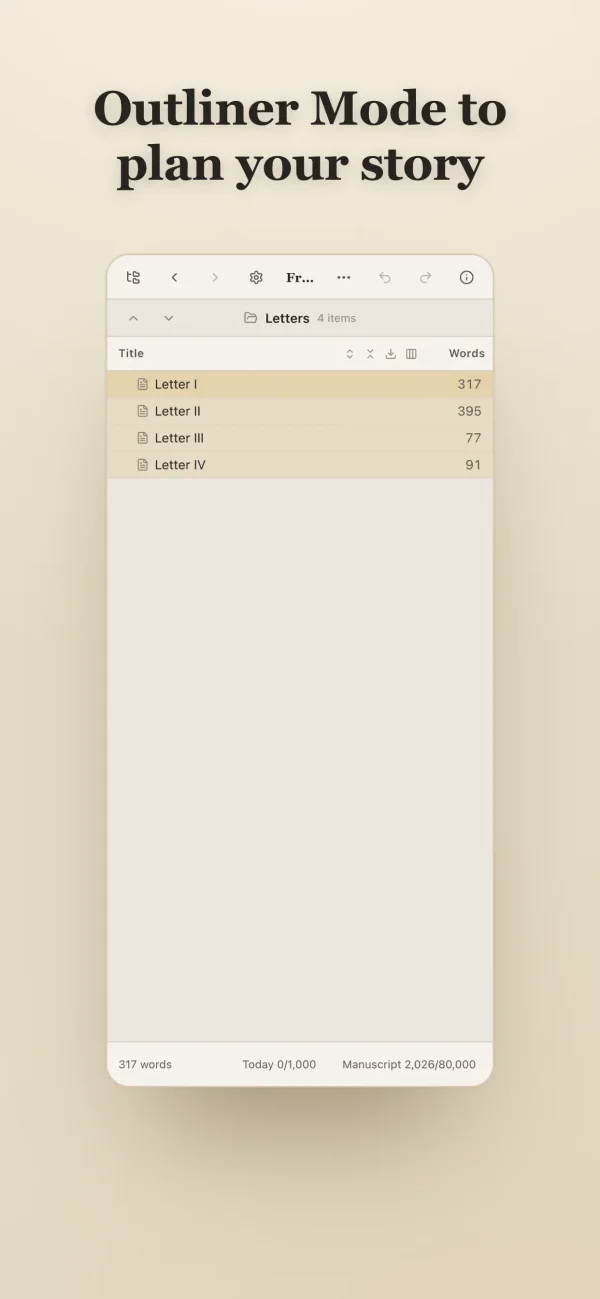
Keep your whole story in one place. The binder holds your chapters and scenes. The corkboard turns each scene into a rearrangeable flash card for structuring and quick reference. The outliner gives you a bird's-eye view of your structure and all the data that comes with it.
WRITE WITHOUT DISTRACTION
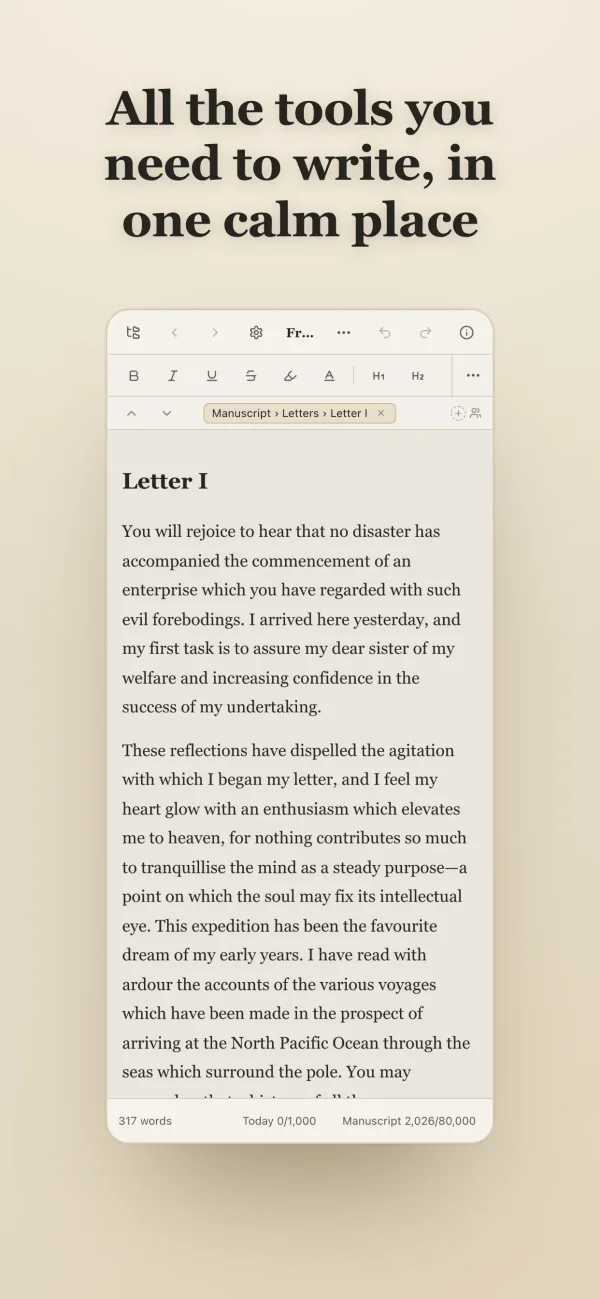
Write in a clean editor, or fold a chapters and scenes into one long manuscript so you can write straight through. Additionally, Composition Mode keeps it simple when all you want is the ink and the page.
KEEP TRACK, AND FINISH
Set a word goal and a daily pace to keep yourself moving. Take a snapshot before a big revision so you can always go back to an earlier draft. When the book is done, compile it to ePub, Word, PDF, and more, with a table of contents, chapter numbering, and your own title page.
LOOK THE PART
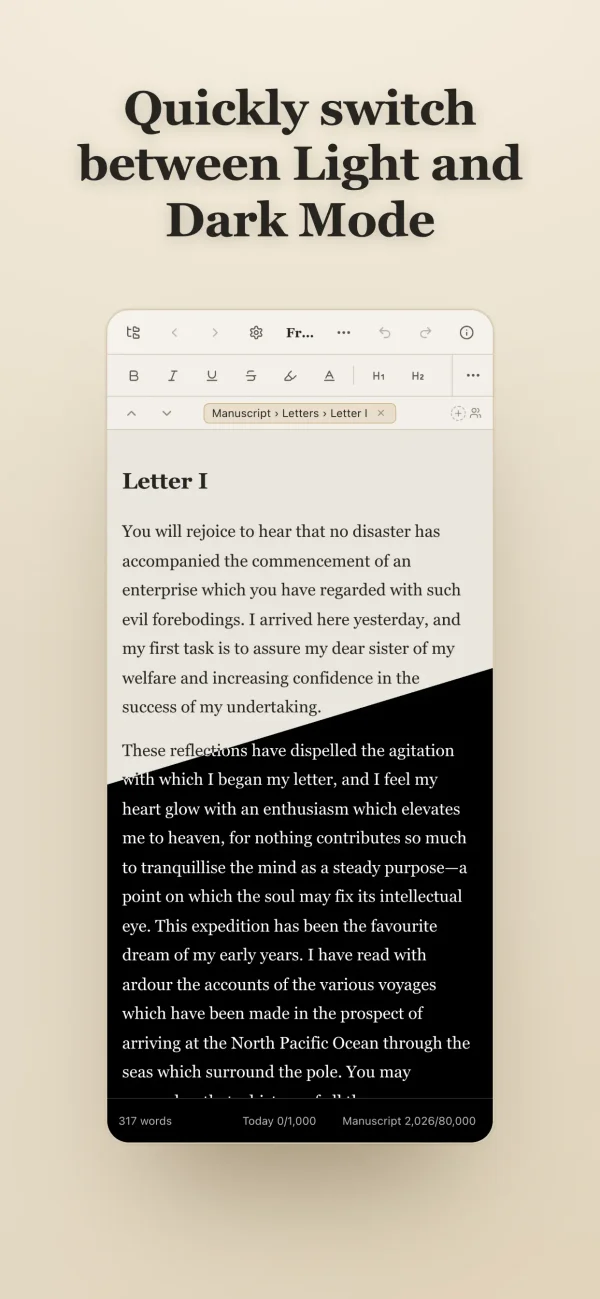
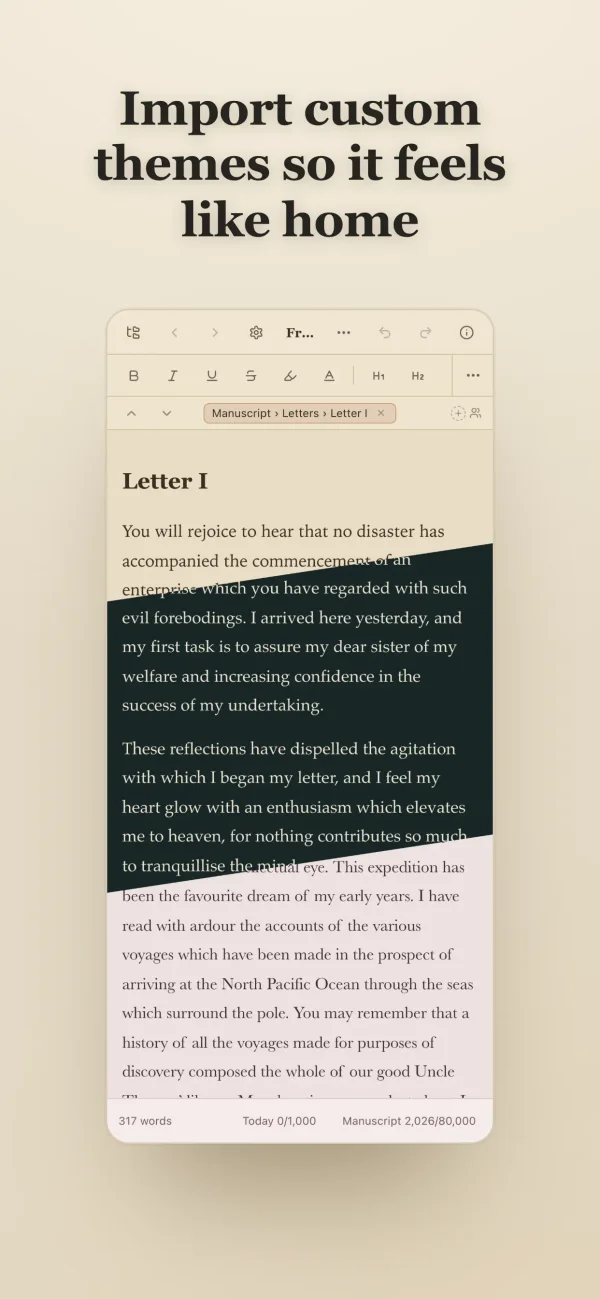
Choose between light and dark mode, or import your own custom themes so your workspace looks and feels like your story. The style editor gives you complete control over every color, font, and formatting of Ahti.
YOUR WORK STAYS YOURS
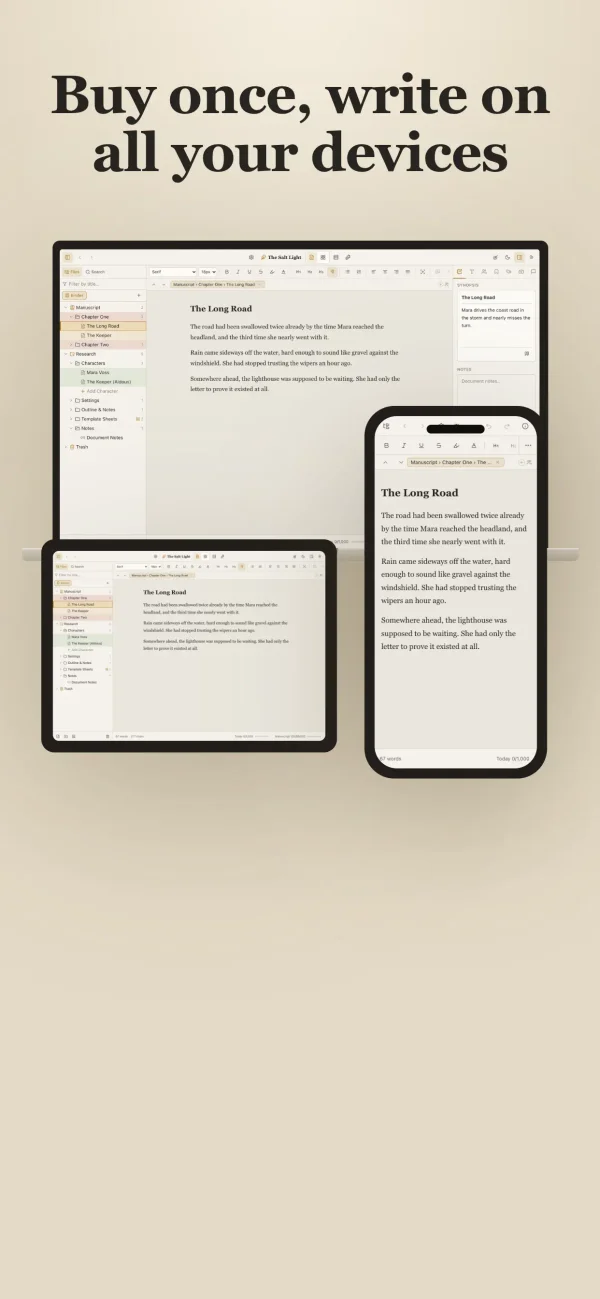
An Ahti project is an ordinary folder of plain text files on your own disk. You can open it in Finder or any other writing app, and nothing is trapped in a proprietary format. Turn on iCloud and your books follow you from Mac to iPad to iPhone. There are no sign ins or accounts to create, and unless you choose to sync to iCloud, everything is completely offline.
There are robust features when you need them without disrupting your flow:
• Wiki-style links between documents
• Collections and saved searches
• Places for characters and notes
• Comments and footnotes
• Light and dark themes
• Writing targets and history
Ahti is built to be calm and quiet, while being rich in functionality when you need it.
Novedades
Versión 1.2.2 · 27/9/2026
From 1.2.2:
Hotfix - Fixed a bug on iPadOS where the app's top bar was inaccessible in fullscreen because it was overlapping the native iPadOS menu bar.
From 1.2.1:
Hotfix - Fixed a bug on MacOS where Compile would fail when trying to save to a location outside your current project folder.
From 1.2.0:
Ahti 1.2 is here with bugfixes and enhancements across your workspace!
• New typewriter scrolling option! In typewriter mode, the page scrolls as you type to keep your writing centered on the screen.
• The synopses section, comments, and footnotes now all support all formatting options, such as bolding, italics, lists, links, and wiki-links.
• New right-click menu options on Mac for wiki-links, comments, and footnotes.
• A new search bar at the top of project settings where you can search for every menu item, view and setting. You can also open this quick tool search by pressing command-shift-P.
• Filter documents in the binder and search panel by keyword, label, status, and custom metadata field.
• You can now toggle between word count and page count for writing targets and statistics.
• Hovering over a wiki-link, comment, or footnote now shows it as a popover card! You can even hover over wiki-links inside of wiki-linked documents to go multiple levels deep.
• Fixed a critical bug where document titles with accent marks would be lost upon a reload.
• Other minor bugs and fixes to keep your writing experience smooth and calming.
Privacidad de la aplicación
Lo que Bret Merritt declara en App Store sobre cómo esta aplicación gestiona los datos.
-
No se recopilan datos
El desarrollador no recopila ningún dato de esta aplicación.
Las prácticas de privacidad pueden variar, por ejemplo, según las funciones que uses o tu edad.
Información
- Vendedor
- Bret Merritt
- Categoría
- Productividad
- Versión
- 1.2.2
- Actualizado
- 27/9/2026
- Publicado
- 5/7/2026
- Tamaño
- 7,1 MB
- Requiere
- iOS 14.0 o posterior
- Clasificación por edad
- 4+
- Precio
- 6,99 €
- Idiomas
- Inglés
- Copyright
- © 2026 Bret Merritt
Quizá también te guste
-
 StrataReadProductividad
-
 TextCrafter 2 ~ Craft & ShareProductividad
-
 neverlabs AI WriterProductividad
-
 Nudge - Writer's CompanionProductividad
-
 Narrativ TimelineProductividad
-
 IWL: Smarter WritingProductividad
-
 Raven - Notas MarkdownEditor de texto sin conexión
-
 eScriboProductividad
-
 Script: Screenplay WriterProductividad
-
 Pocket Tables : Track AnythingProductividad