- Clasificación por edad17+
- CategoríaFoto y vídeo
- DesarrolladorCH3 DELTA LIMITED
- IdiomasInglés+ 5 más
- Tamaño55,3 MB
Enlaza a la página oficial de App Store
Download.org no aloja ningún archivo de AR VideoLab. El botón abre la página de la aplicación en App Store, donde la publica CH3 DELTA LIMITED. Ficha comprobada por última vez el 17/11/2026.
Capturas de pantalla

Acerca de
El desarrollador no ha proporcionado este texto en tu idioma.
Experience Movies Like Never Before with AR VideoLab
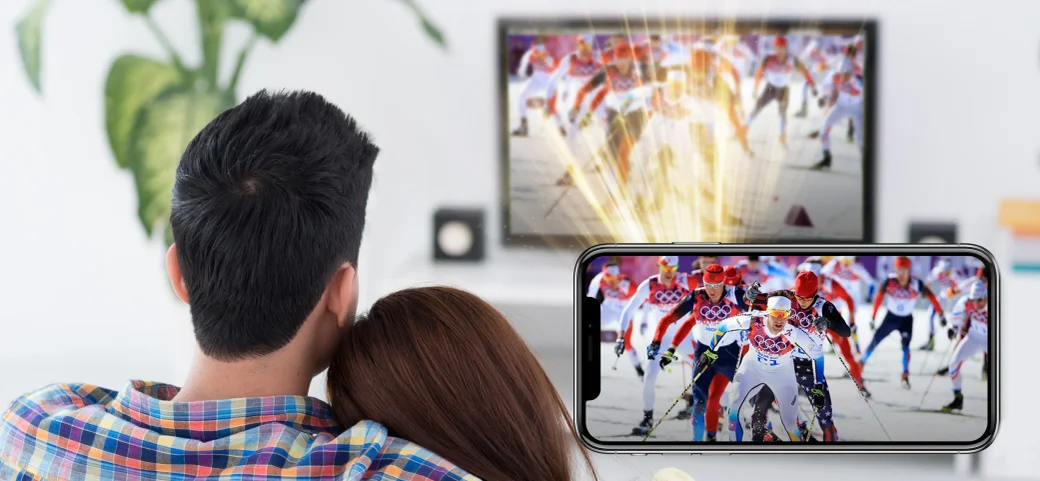
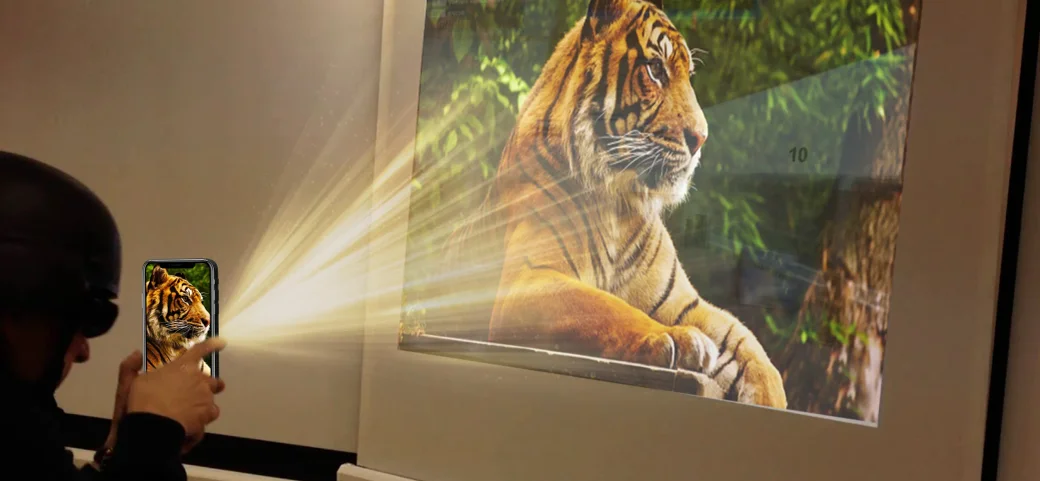
Welcome to AR VideoLab, the pioneering app that revolutionizes the way you watch movies, cartoons, and videos. Transform your everyday viewing into an extraordinary, immersive experience by turning your smartphone into a powerful projector. Whether you’re hosting a family movie night, enjoying a cinematic adventure with friends, or simply relaxing with your favorite videos, AR VideoLab brings the magic of the big screen right to your fingertips.
Key Features
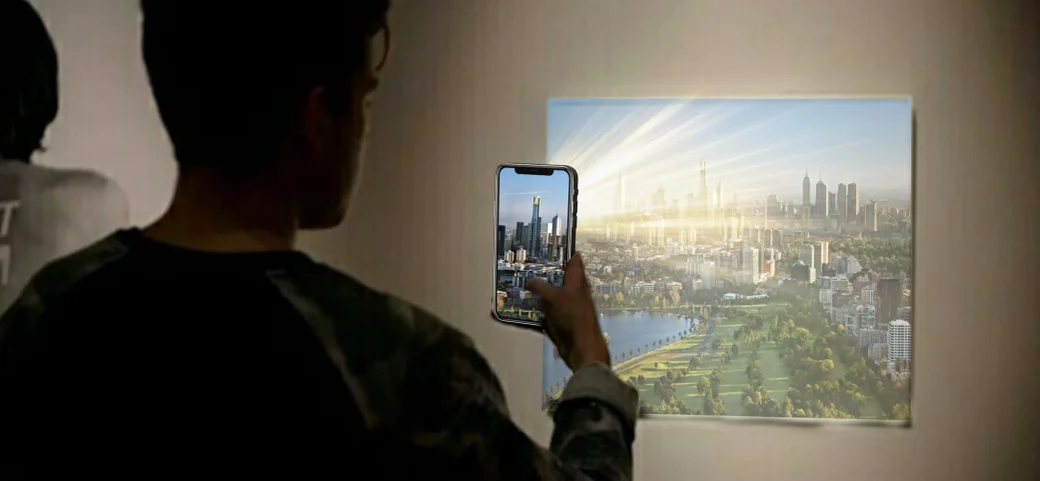
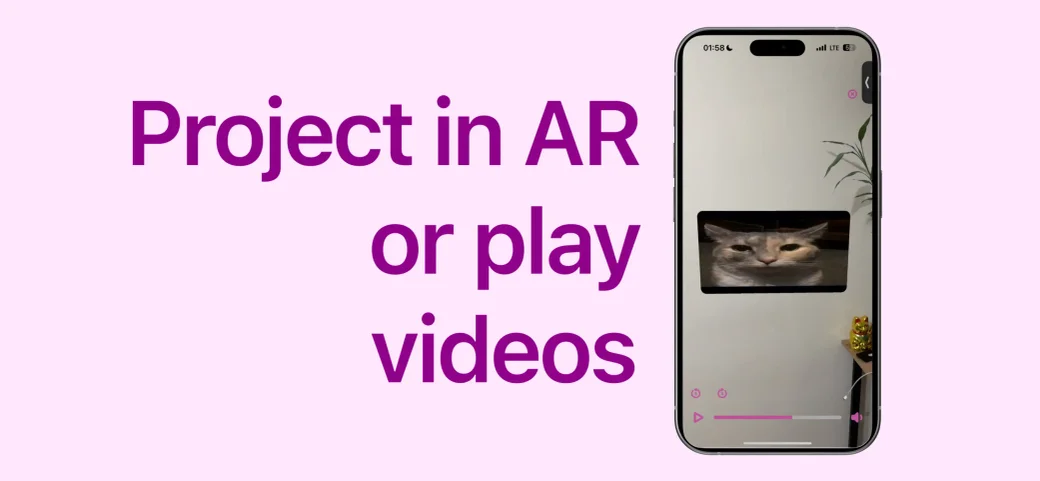
• Augmented Reality Projection: Utilize your phone’s camera to project videos onto any flat surface. With our advanced AR technology, seamlessly integrate your content into your environment, creating a lifelike movie theater experience wherever you are.
• DIY Projector Guide: Don’t have a traditional projector? No problem! Follow our comprehensive step-by-step guide to create a DIY projector using just your smartphone and a few simple materials. It’s easy, affordable, and perfect for enhancing your viewing setup.
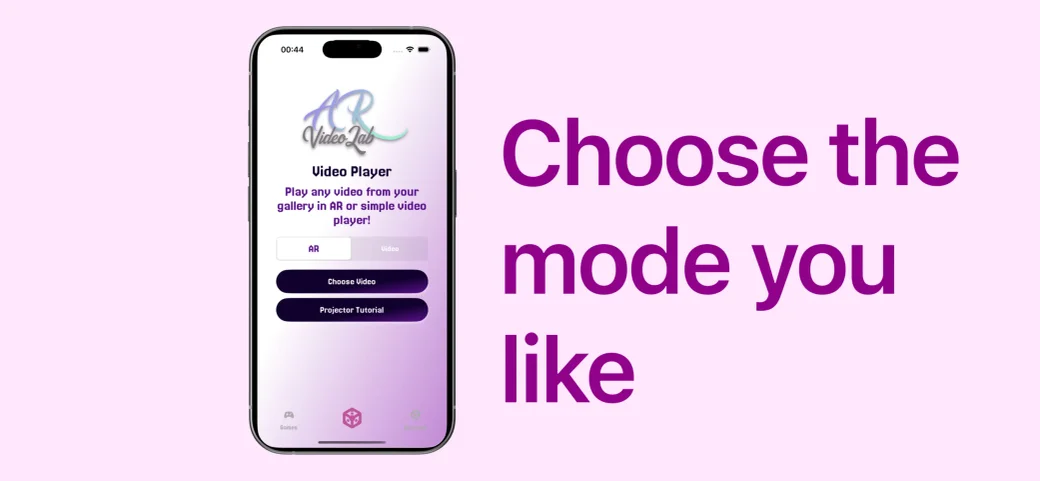
• Intuitive Interface: Our user-friendly interface makes it effortless to navigate through your gallery, select videos, and set up your projection. Whether you’re tech-savvy or a beginner, getting started with AR VideoLab is a breeze.
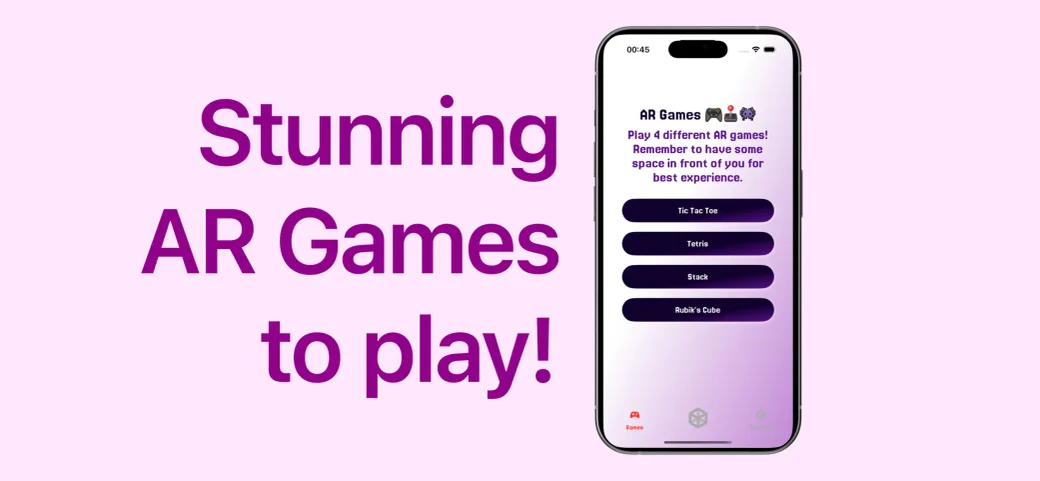
• AR Games Inside: Play 4 different exciting games in augmented reality!
How to Use AR VideoLab
1. Select Your Video:
• Open AR VideoLab and browse through your phone’s gallery to choose the video you want to watch. Whether it’s a blockbuster movie, a beloved cartoon, or a personal video, AR VideoLab supports all your favorites.
2. Download and Compress:
• Once selected, the app automatically downloads and compresses the video. Our smart compression technology ensures that your video is optimized for high-quality playback without unnecessary delays or buffering.
3. Set Up Your Projection:
• Launch the AR mode by activating your phone’s camera within the app. Point your device towards a suitable wall or flat surface where you want the video to appear.
• Use the on-screen guides to position and size your projection accurately. Adjust the placement until you’re satisfied with how the video fits into your chosen space.
4. Enjoy the Show:
• Sit back, relax, and immerse yourself in the cinematic experience. Whether you’re watching alone or sharing the moment with others, AR VideoLab transforms any location into your personal theater.
Why Choose AR VideoLab?
• Portability and Convenience: No need for bulky equipment or expensive projectors. AR VideoLab leverages the power of your smartphone, making high-quality projections possible anytime, anywhere.
• Enhanced Social Experience: Create unforgettable moments by sharing your augmented reality projections with friends and family. Perfect for gatherings, parties, or casual hangouts.
• Innovative Technology: Stay ahead with cutting-edge AR features that continuously evolve to provide the best viewing experience possible. AR VideoLab is committed to innovation and excellence.
• Cost-Effective Solution: Enjoy the benefits of a home theater setup without the hefty price tag. Our DIY projector guide and app functionality offer an affordable alternative to traditional projection systems.
Get Started Today!
Novedades
Versión 3.3.0 · 20/5/2026
We fixed minor bugs to improve stability and reduce unexpected glitches. You’ll also notice smoother performance across the app, with faster load times and more responsive navigation.
Privacidad de la aplicación
Lo que CH3 DELTA LIMITED declara en App Store sobre cómo esta aplicación gestiona los datos.
-
Datos usados para rastrearte
Pueden usarse para rastrearte en aplicaciones y sitios web propiedad de otras empresas.
- Identificadores
-
Datos no vinculados a ti
Pueden recopilarse, pero no se vinculan a tu identidad.
- Identificadores
Las prácticas de privacidad pueden variar, por ejemplo, según las funciones que uses o tu edad.
Información
- Vendedor
- CH3 DELTA LIMITED
- Categoría
- Foto y vídeo
- Versión
- 3.3.0
- Actualizado
- 20/5/2026
- Publicado
- 26/2/2021
- Tamaño
- 55,3 MB
- Requiere
- iOS 15.0 o posterior
- Clasificación por edad
- 17+
- Precio
- Gratis
- Idiomas
- Inglés, Árabe, Francés, Ruso, Español, Ucraniano
- Copyright
- © CH3 DELTA LIMITED 2026
Quizá también te guste
-
 Projector: Mirror, Air TV CastDuplicación pantalla, TV Cast
-
 Projector StreamFoto y vídeo
-
 Air Projector: Photo SlideshowFoto y vídeo
-
 Super Voice - AI Covers MakerFoto y vídeo
-
 Elija Filtro: Combinación Idea¡Descubra filtros tendencia!
-
 Trace Table - Light BoxProyector de Dibujo Ar
-
 MoshUpFoto y vídeo
-
 RefloFoto y vídeo
-
 Zoomerang - Ai Video MakerFoto y vídeo
-
 MRRMRR-Face filters and masksLive Face Filters Video Selfie