- Clasificación por edad4+
- CategoríaFoto y vídeo
- DesarrolladorJoerg Klaas
- IdiomasInglés
- Tamaño1,4 MB
Enlaza a la página oficial de App Store
Download.org no aloja ningún archivo de AstroFileViewer. El botón abre la página de la aplicación en App Store, donde la publica Joerg Klaas. Ficha comprobada por última vez el 13/11/2026.
Capturas de pantalla
Acerca de
El desarrollador no ha proporcionado este texto en tu idioma.
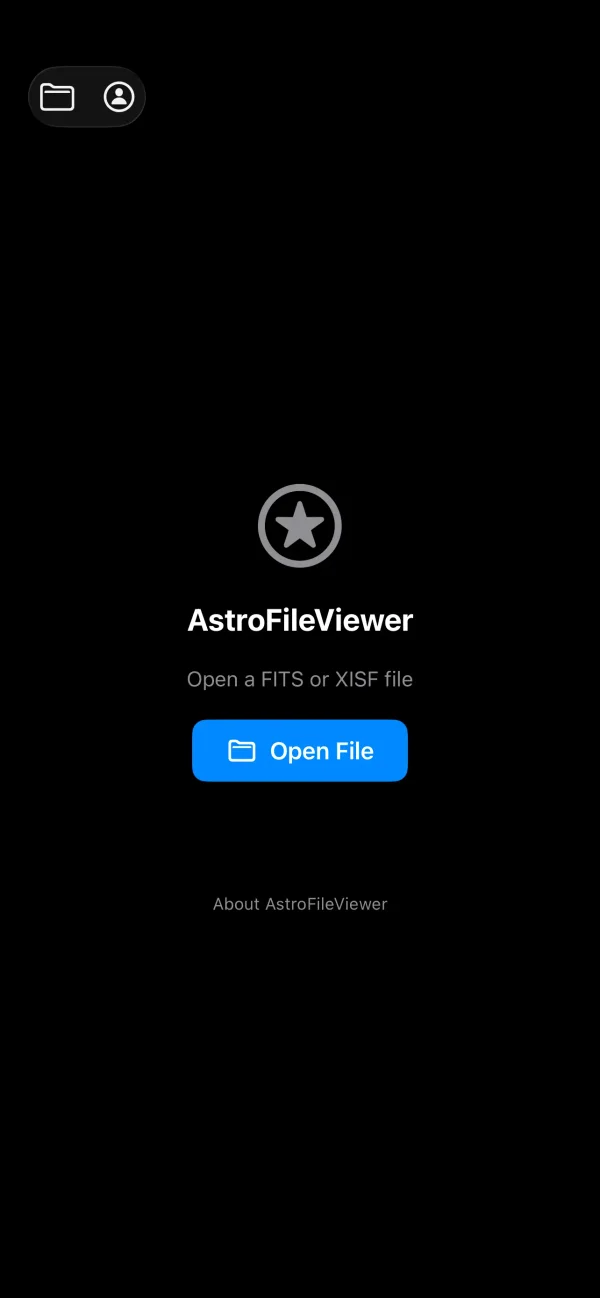
AstroFileViewer lets you open and view astronomical image files (FITS and XISF) directly on your iPhone or iPad. Whether you receive a sub-exposure via AirDrop, download one from Safari, or browse your imaging files in the
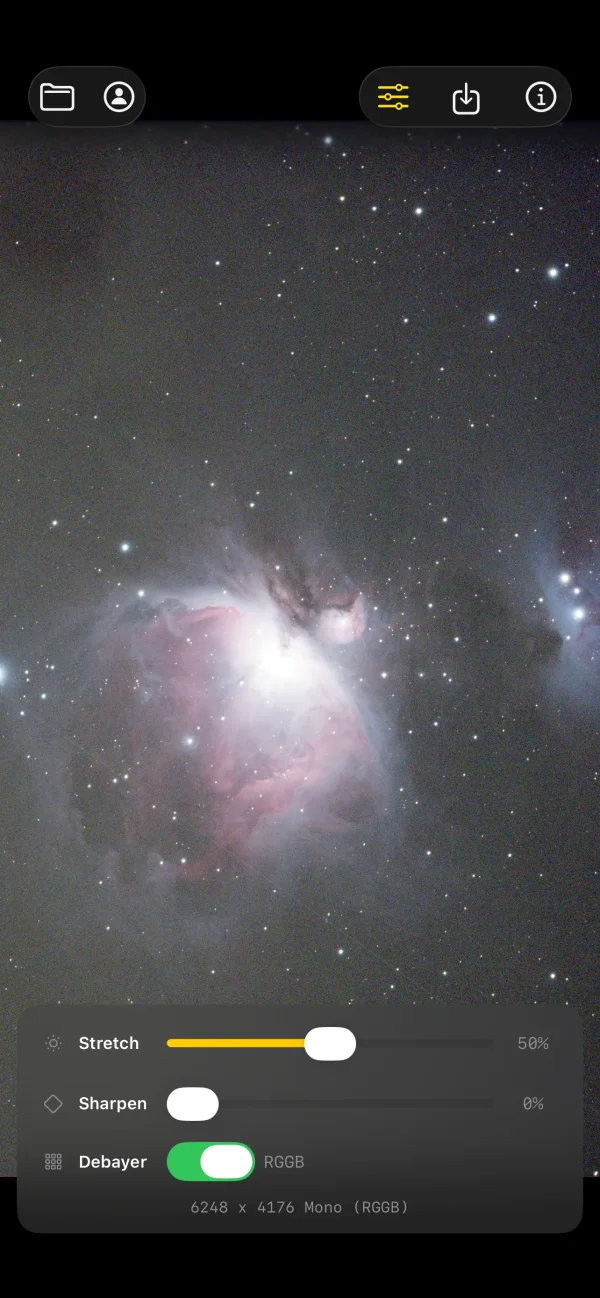
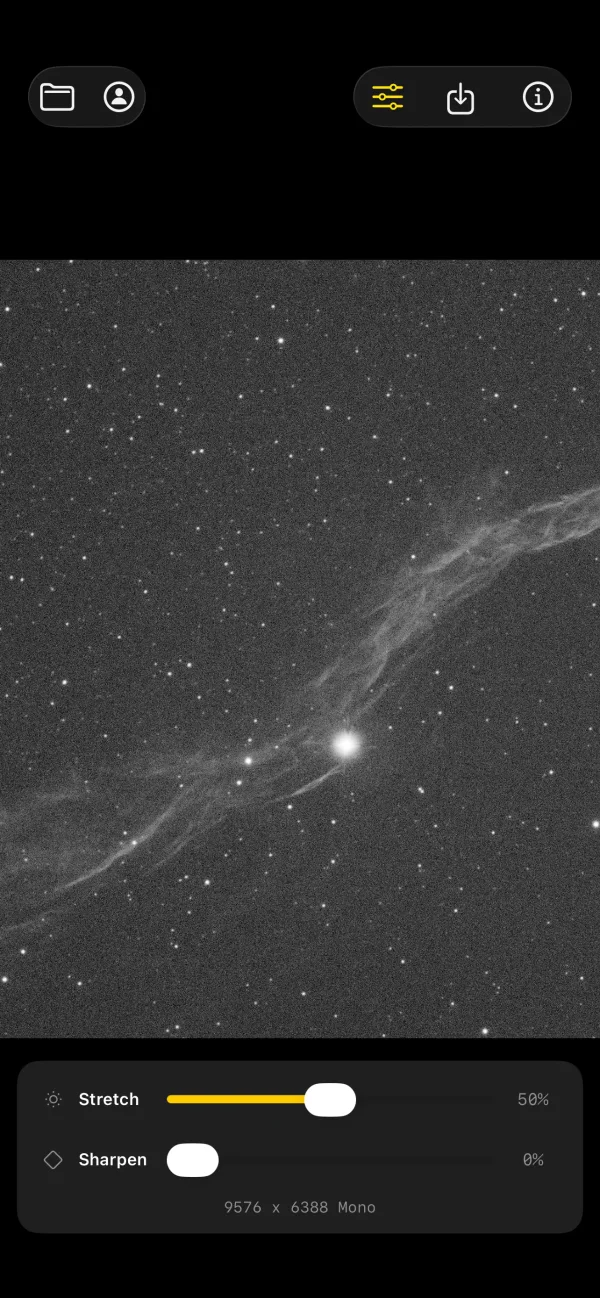
Files app — AstroFileViewer displays them with a proper PixInsight-compatible STF auto-stretch so you can actually see what's in your data.
Why stretching, gradient control and denoising on an iPhone?
Simple. You get an early impression of how your data could look after post-processing. And it's simply fun too.
Features:
- Open FITS and XISF files from Files, Safari, AirDrop, email, Google Drive, or any share sheet
- PixInsight-compatible Screen Transfer Function (STF) auto-stretch for proper visualization of linear astronomical data
- Supports mono and RGB images from all major astro cameras, including OSC debayer (RGGB, GRBG, GBRG, BGGR)
- Dark point slider — clip noisy backgrounds, just like AstroBlink on macOS
- Contrast slider — S-curve with logarithmic response for fine control
- Color saturation slider — boost Ha reds and OIII blues in your OSC data
- GPU bilateral denoise — edge-preserving noise reduction, up to 300% strength
- Gradient correction — auto-detects and removes linear light pollution gradients
- Auto-rotate — landscape images automatically fill your screen in portrait mode
- File history with swipe navigation — swipe left/right to flip through recently opened files, even after restarting the app
- Recent files on start screen — thumbnail grid of your last 6 images for quick access
- Tap-to-fullscreen — single tap hides all UI for distraction-free viewing
- Pinch-to-zoom up to 10x with smooth panning
- SNR and star count shown in the status bar
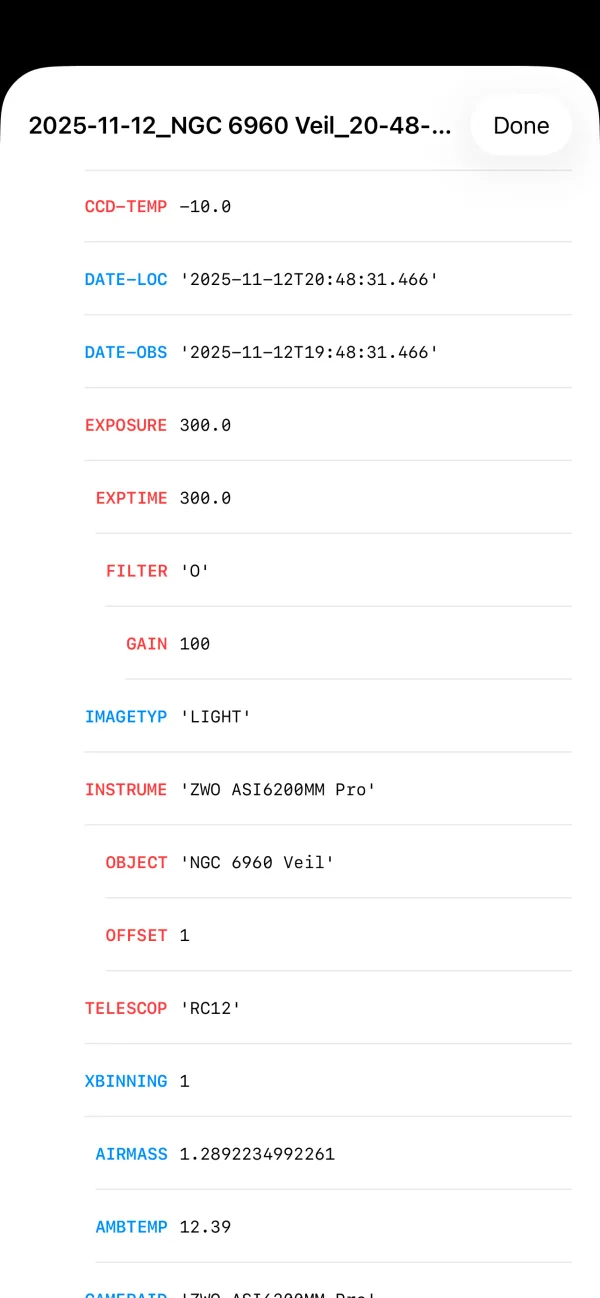
- FITS/XISF header inspector — view all keywords with important ones highlighted
- Save to Photos as a stretched JPEG with all adjustments baked in
- Full compression support: LZ4, LZ4HC, zlib, zstd, fpack (Rice, GZIP), ByteShuffle
- Persistent settings — all sliders and toggles remembered between sessions
- Built-in help section — tap the ? icon anytime
- All processing happens on the GPU. All sliders respond in real-time.
AstroFileViewer registers as a handler for .xisf, .fits, .fit, and .fts files on your device.
No account required. No internet connection needed. Your files stay on your device.
Built by an astrophotographer, for astrophotographers.
Novedades
Versión 1.5.0 · 3/5/2026
Now with TIFF Support
Privacidad de la aplicación
Lo que Joerg Klaas declara en App Store sobre cómo esta aplicación gestiona los datos.
-
No se recopilan datos
El desarrollador no recopila ningún dato de esta aplicación.
Las prácticas de privacidad pueden variar, por ejemplo, según las funciones que uses o tu edad.
Información
- Vendedor
- Joerg Klaas
- Categoría
- Foto y vídeo
- Versión
- 1.5.0
- Actualizado
- 3/5/2026
- Publicado
- 12/3/2026
- Tamaño
- 1,4 MB
- Requiere
- iOS 16.4 o posterior
- Clasificación por edad
- 4+
- Precio
- Gratis
- Idiomas
- Inglés
- Copyright
- © joergsflow
Quizá también te guste
-
 PixADair: AI Astrophoto ToolsFoto y vídeo
-
 SharpStackerFoto y vídeo
-
 ASIAIRFoto y vídeo
-
 Star StackerFoto y vídeo
-
 AstroShaderFoto y vídeo
-
 Cámara Fácil Larga ExposiciónFotos claras en la oscuridad
-
 Emulsio › Estabiliza vídeosEstabiliza y mejora vídeos +IA
-
 Nightcam: Cámara nocturnaModo nocturno con poca luz
-
 Solar Eclipse TimerSolar Eclipse "Talking" Timer!
-
 Affinity Photo 2 for iPadCrear, editar y retocar