Authenticator App -2FA Secure
Secure Sign into Your Accounts
Diseñada para iPhone, iPad, iPod touch
Gratis · Compras en la aplicación
- Clasificación por edad4+
- CategoríaUtilidades
- DesarrolladorAuthenticator
- IdiomasInglés+ 8 más
- Tamaño18,8 MB
Enlaza a la página oficial de App Store
Download.org no aloja ningún archivo de Authenticator App -2FA Secure. El botón abre la página de la aplicación en App Store, donde la publica Authenticator. Ficha comprobada por última vez el 16/11/2026.
Capturas de pantalla
Acerca de
El desarrollador no ha proporcionado este texto en tu idioma.
Authenticator App: Strengthen your digital security.
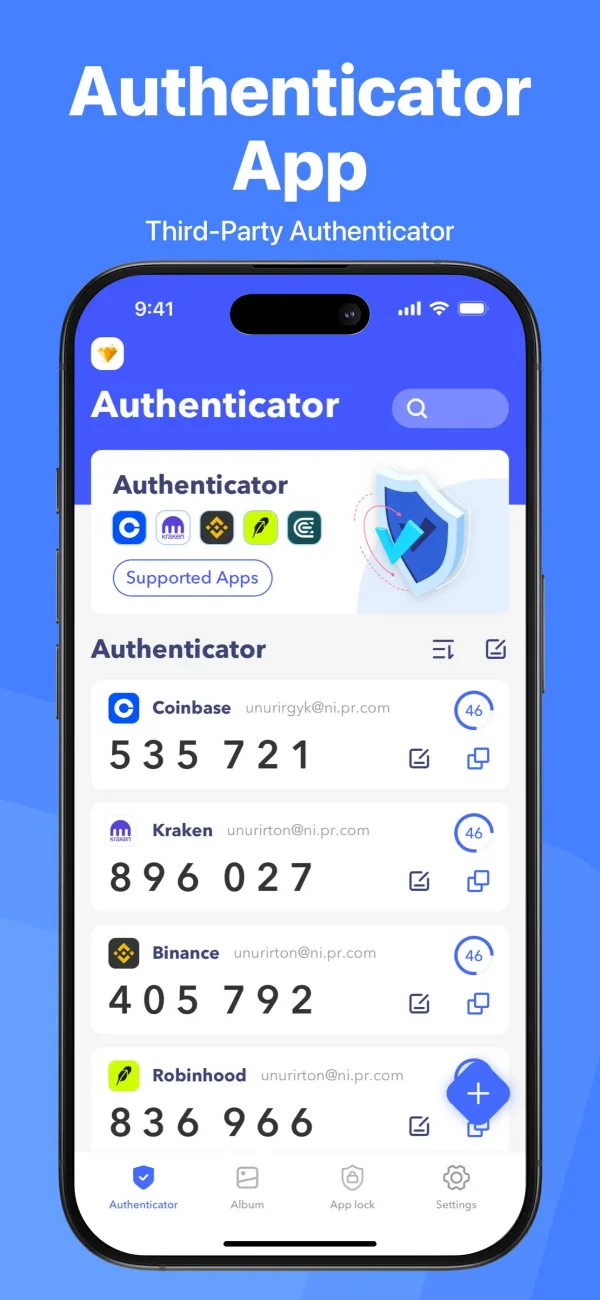
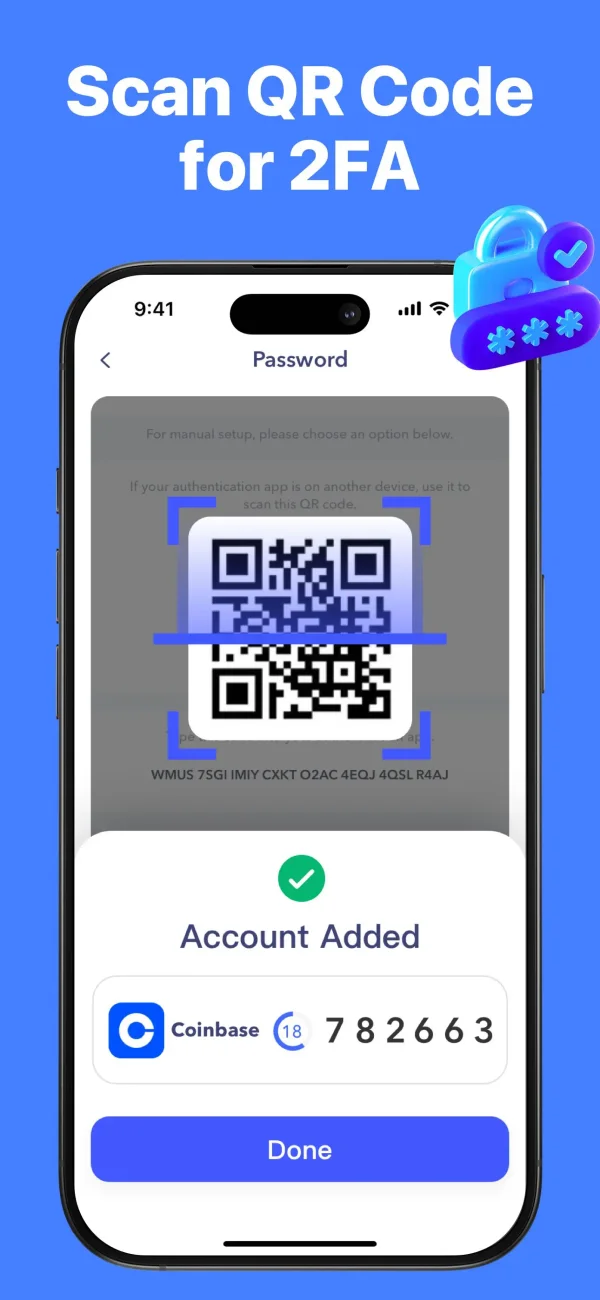
In the digital age, Authenticator App is the perfect solution to manage the security of all your online accounts easily and conveniently. This is a simple two-factor authentication (2FA) app that generates time-based one-time passwords (TOTP), protecting your accounts from hackers by adding an extra layer of security and also protecting your personal data Provides double layer of protection.
Features:
1. Support two-step verification on all platforms
Authenticator App supports a wide range of services and applications, whether you need to protect bank accounts, social media accounts or emails, Authenticator App can provide strong protection. Generating a unique verification code ensures that only you can access your account, greatly reducing security risks caused by password leaks. The Authenticator app supports the most popular services, including Facebook, Coinbase, Amazon, Microsoft, Google, Instagram, Linkedin, Github, Dropbox, and thousands of other providers such as AuthentiCare and Salesforce.
2. Synchronize backup data
Realizing users' dual needs for data security and convenience, Authenticator App has launched a synchronization backup function. With cloud synchronization technology, even if you change devices, you don't need to reset the two-step verification for each account, you can restore it directly from the cloud. This not only greatly saves time and effort, but also ensures that all your settings will not be lost if the device is lost or damaged, ensuring data continuity and security.
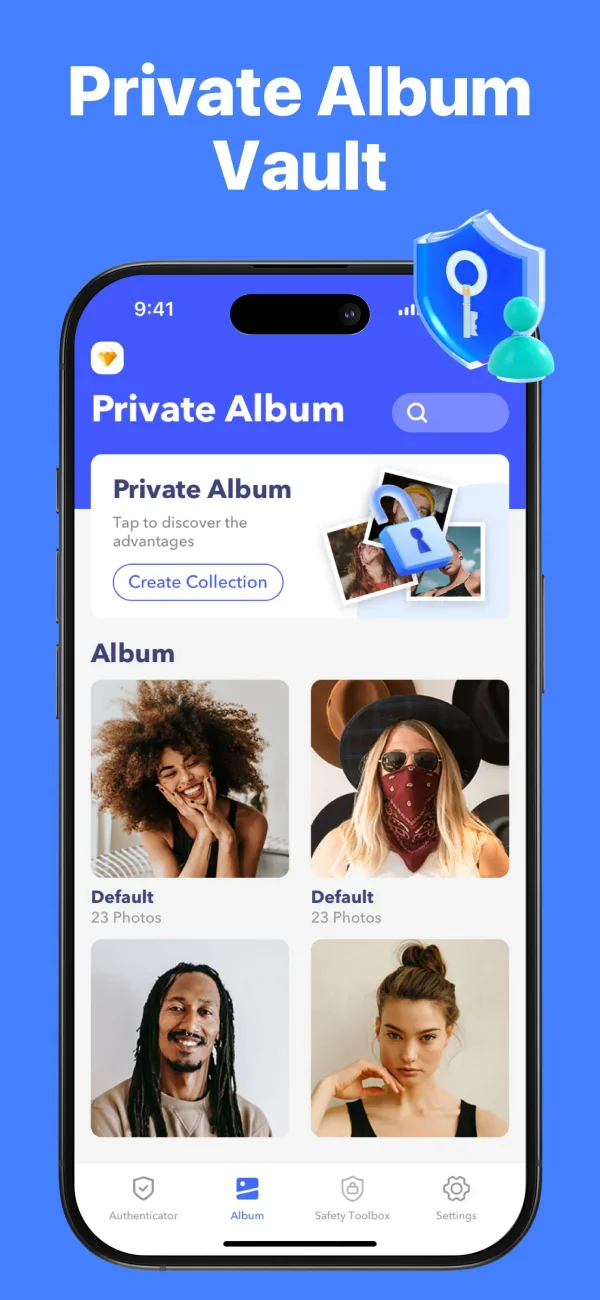
3. Private photo album
In addition to account security, we also understand the importance of personal privacy. Therefore, Authenticator App has built-in privacy album function, allowing you to safely store private photos and videos. These contents will be fully encrypted and only accessible from within the app, ensuring that even if your device falls into the hands of others, these private files cannot be easily viewed.
4.Security Center
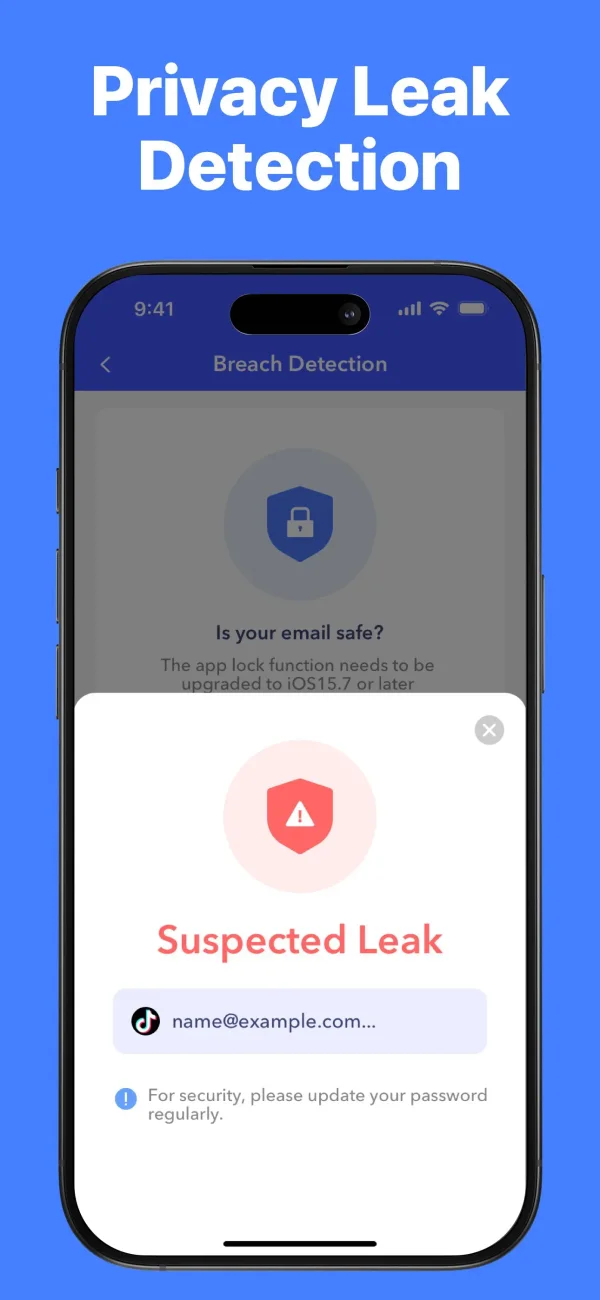
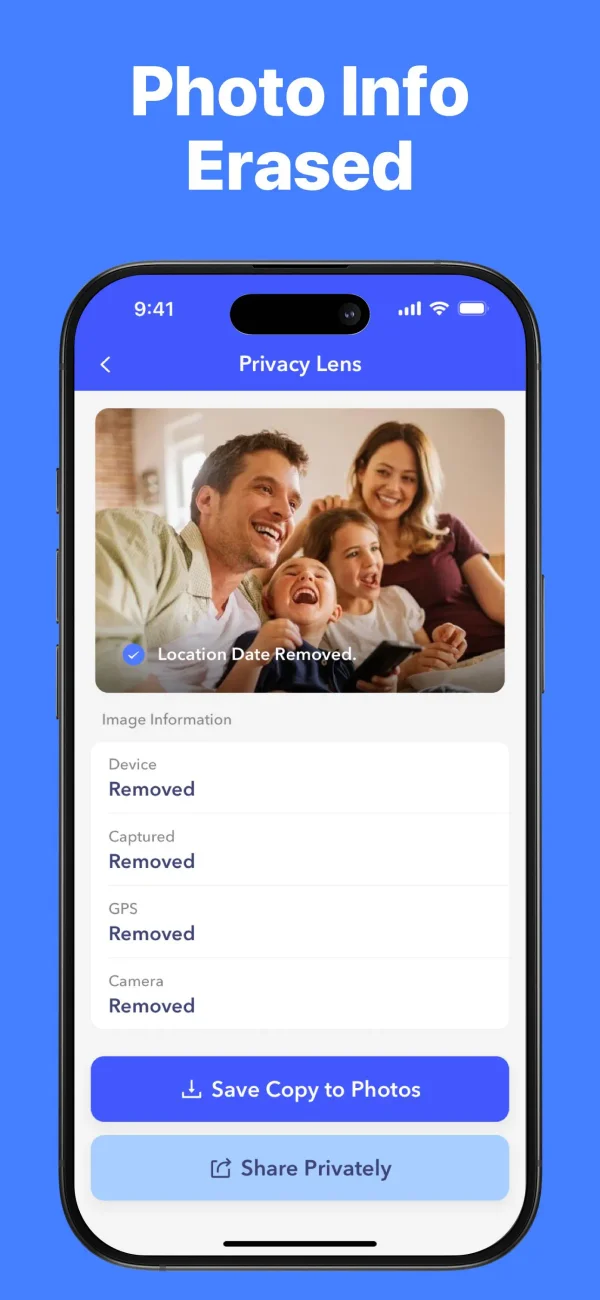
We provide a comprehensive Security Center to act as a hub for your digital safety. It allows you to securely backup your 2FA codes to prevent data loss and run account security checks to identify potential vulnerabilities. Furthermore, the tool includes a metadata remover that wipes sensitive private information (such as location and device details) from your photos, ensuring your privacy is protected before you share them.
Disclaimer: Authenticator App is a third-party authenticator application and is not affiliated with, endorsed by, or connected to any of the specific services or trademarks mentioned.
Information about auto-renewing subscriptions:
– Payment will be charged to iTunes account at confirmation of purchase.
– Subscription automatically renews unless auto-renew is turned off at least 24 hours before the end of the current period.
– Account will be charged for renewal within 24 hours prior to the end of the current period. The cost depends on the plan selected.
– Subscriptions may be managed by the user and auto-renewal may be turned off by going to the user’s account settings after purchase.
Privacy Policy: https://au.autheny.com/log/autheny/page?k=privepolicy
Terms of use: https://au.autheny.com/log/autheny/page?k=termsofuse
Novedades
Versión 1.6 · 29/1/2026
New Features in This Version
We are constantly improving the Authenticator app to provide you with the best security experience. This major update includes:
• Brand New Security Center: We've added the following tools to help you enhance your digital security:
– Two-factor authentication backup
– Data breach detection
– Privacy cleanup
• Optimized User Experience: Simplified UI pages for faster understanding of our processes.
• Enhanced Customer Support Access: Easier ways to contact us when you encounter problems.
• Other Improvements: Performance enhancements and minor bug fixes for a smoother and more reliable user experience.
Privacidad de la aplicación
Lo que Authenticator declara en App Store sobre cómo esta aplicación gestiona los datos.
-
Datos usados para rastrearte
Pueden usarse para rastrearte en aplicaciones y sitios web propiedad de otras empresas.
- Identificadores
-
Datos no vinculados a ti
Pueden recopilarse, pero no se vinculan a tu identidad.
- Identificadores
Las prácticas de privacidad pueden variar, por ejemplo, según las funciones que uses o tu edad.
Información
- Vendedor
- Authenticator Technology Limited
- Categoría
- Utilidades
- Versión
- 1.6
- Actualizado
- 29/1/2026
- Publicado
- 23/4/2024
- Tamaño
- 18,8 MB
- Requiere
- iOS 13 o posterior
- Clasificación por edad
- 4+
- Precio
- Gratis
- Compras en la aplicación
- Sí
- Idiomas
- Inglés, Árabe, Neerlandés, Francés, Alemán, Italiano, Japonés, Noruego bokmål, Sueco
- Copyright
- © 2026 Authenticator Technology Limited.