
Authenticator: Secure 2FA Auth
2 Factor Authentication: MFA
Diseñada para iPhone, iPod touch
Gratis · Compras en la aplicación
- Clasificación por edad4+
- CategoríaUtilidades
- DesarrolladorTimon Scherzinger
- IdiomasInglés
- Tamaño72,7 MB
Enlaza a la página oficial de App Store
Download.org no aloja ningún archivo de Authenticator: Secure 2FA Auth. El botón abre la página de la aplicación en App Store, donde la publica Timon Scherzinger. Ficha comprobada por última vez el 14/11/2026.
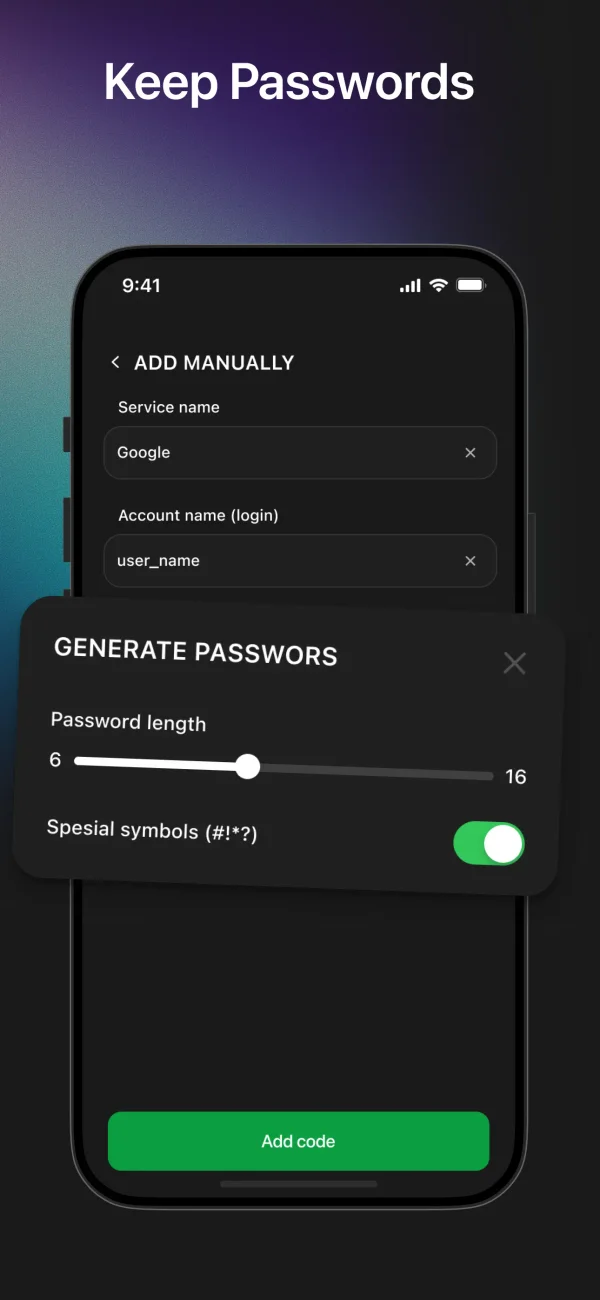
Capturas de pantalla
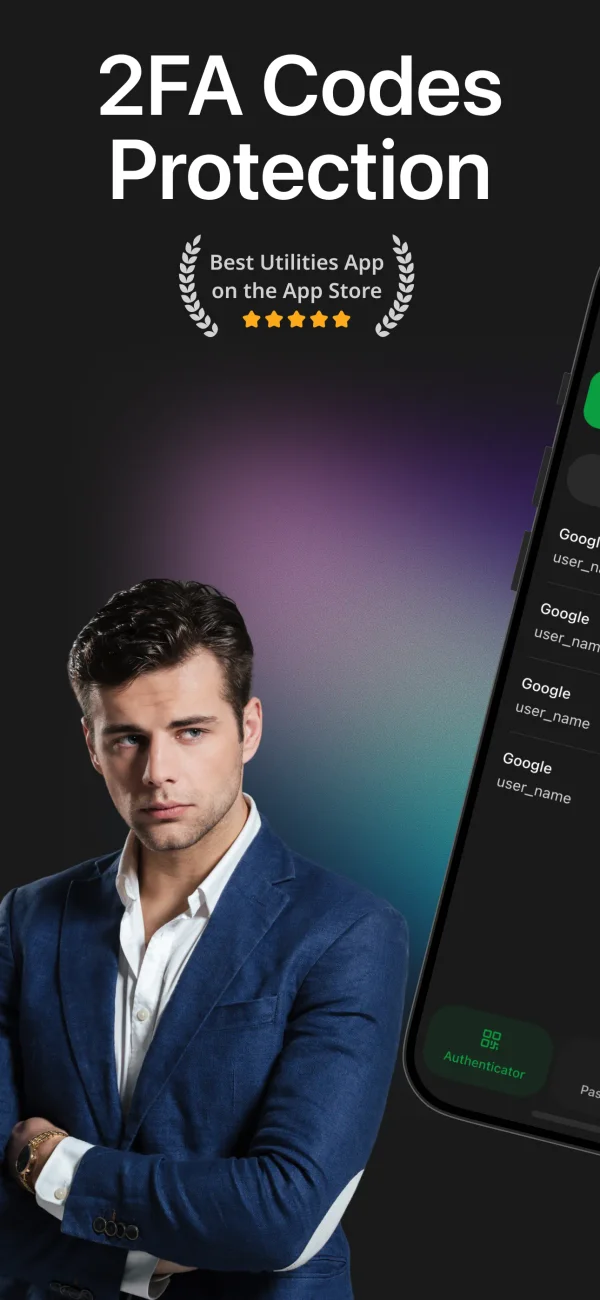
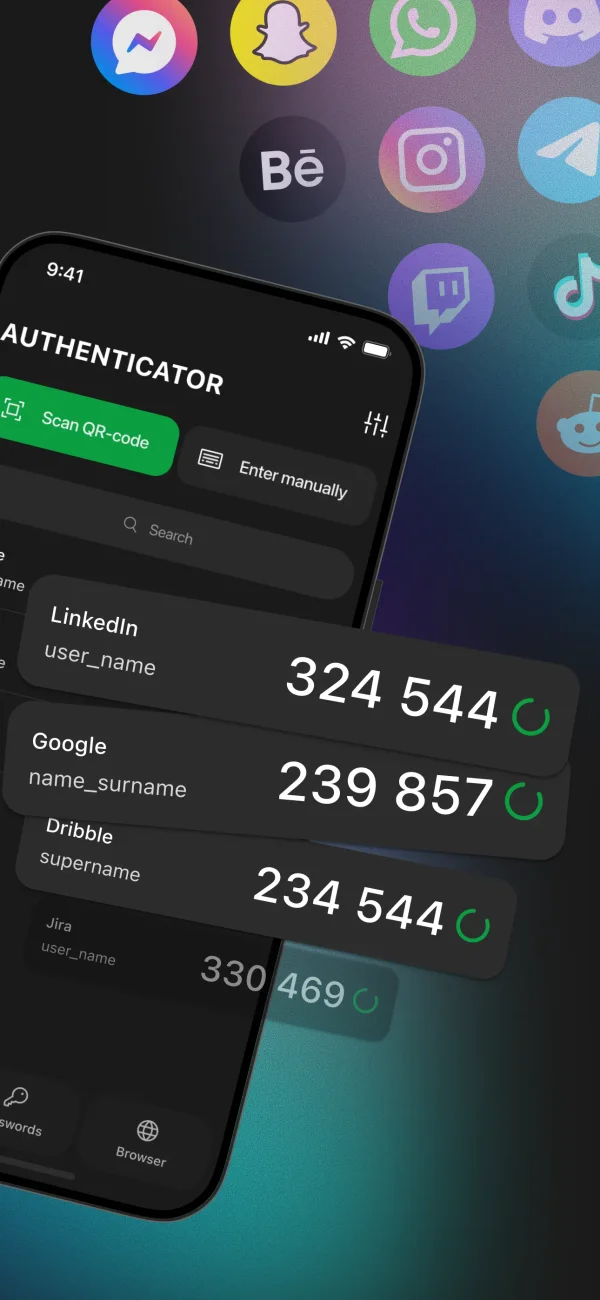
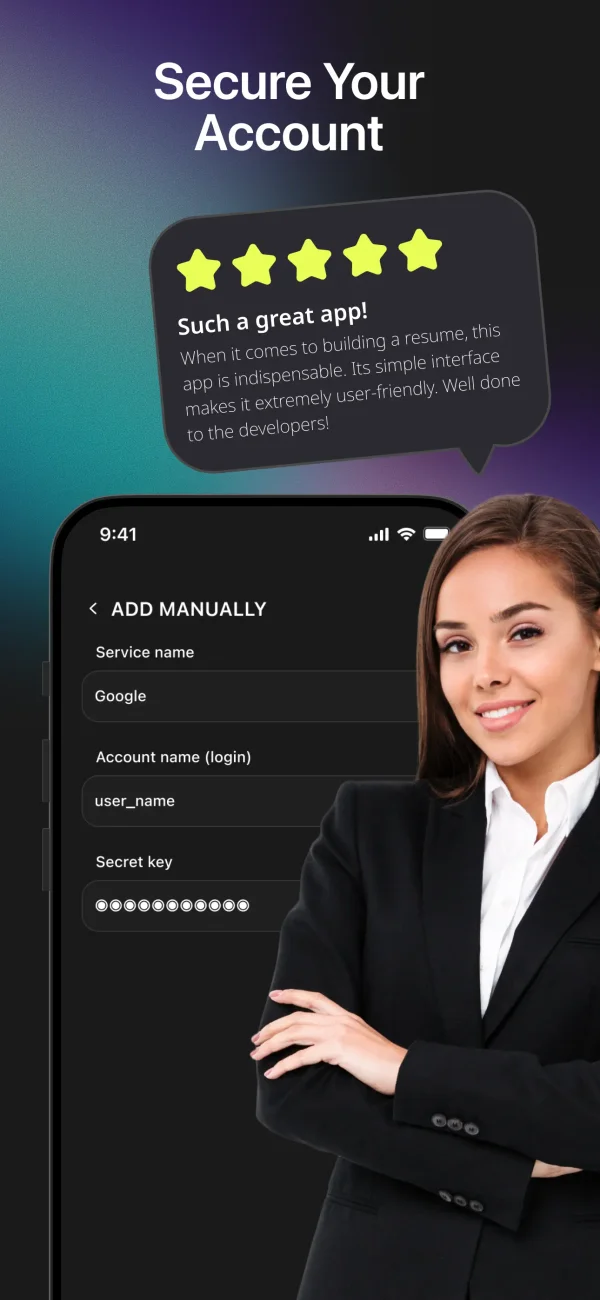
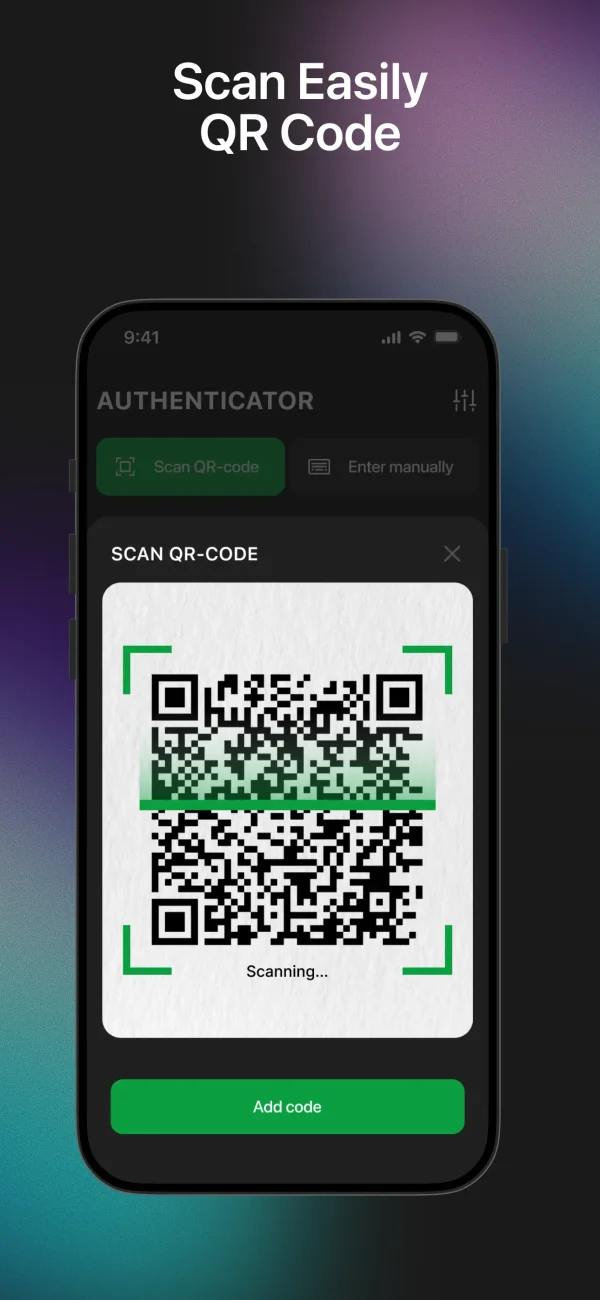
Acerca de
El desarrollador no ha proporcionado este texto en tu idioma.
Auth Master – Secure 2FA & Password Management
Effortlessly organize and protect your two‑factor authentication tokens and passwords all in one place. Auth Master keeps your sensitive data safe on your iPhone — no network needed for codes, plus a built‑in secure browser for private browsing on the go.
Free Features:
– View, edit, rename, and delete your existing 2FA codes
– View, edit, rename, and delete your stored passwords
– Access full Settings suite:
1. Rate the app
2. Share Auth Master with friends
3. Contact us via email
4. View Privacy Policy & Terms of Use
5. Restore purchases
6. Set or change your app passcode
7. Enable Face ID for instant access
Premium Features (subscription required):
– Add and create unlimited 2FA codes (via QR‑scan or manual Secret Key entry)
– Save and generate unlimited passwords
– Browse securely with our in‑app encrypted browser (no history saved)
Subscription Plans:
– Weekly: $4.99
– Monthly: $17.99
– Annual: $49.99
Adding and creating 2FA codes, adding passwords, and secure browsing require an active subscription. Viewing, editing, and deleting existing codes and passwords and all Settings features are always free.
Payment is charged to your iTunes account at confirmation. Subscriptions auto‑renew unless canceled at least 24 hours before the end of the current period. You can manage or cancel your subscription anytime in your iTunes Account Settings.
Privacy Policy: https://telegra.ph/Privacy-Policy-for-2FA-Authenticator-07-22
Terms of Use: https://telegra.ph/2FA-Authenticator-Terms-of-Use-07-22
Novedades
Versión 1.1 · 6/8/2025
Minor Bug Fixes
Privacidad de la aplicación
Lo que Timon Scherzinger declara en App Store sobre cómo esta aplicación gestiona los datos.
-
Datos usados para rastrearte
Pueden usarse para rastrearte en aplicaciones y sitios web propiedad de otras empresas.
- Datos de uso
-
Datos no vinculados a ti
Pueden recopilarse, pero no se vinculan a tu identidad.
- Datos de uso
Las prácticas de privacidad pueden variar, por ejemplo, según las funciones que uses o tu edad.
Información
- Vendedor
- Timon Scherzinger
- Categoría
- Utilidades
- Versión
- 1.1
- Actualizado
- 6/8/2025
- Publicado
- 30/7/2025
- Tamaño
- 72,7 MB
- Requiere
- iOS 14.0 o posterior
- Clasificación por edad
- 4+
- Precio
- Gratis
- Compras en la aplicación
- Sí
- Idiomas
- Inglés
- Copyright
- © Severin Bartosz Tatusch
Quizá también te guste
-
 Editar PDF: Convertidor, CrearEscanear Documentos: Converter
-
 Bluetooth Buscar: Find, DetectDevice Monitor: Tracker Finder
-
 SpyDetector de Device TrackingRF Wireless Signal Scanner EMF
-
 PDF Convertidor Editor CreatorEscannear Fotos, Reader Expert
-
 PDF Convertidor Creator MakerCompress Photos and Images
-
 Authenticator App - 2FA TotpUtilidades
-
 PDF Escáner: Editor y lectorConvertir y Escanear Archivos
-
 Encontrar mi Phone - iLocatorBuscar Dispositivo
-
 Facturas Maker Digital ReceiptFast Invoice Business Receipts
-
 Regla de MedirNivel de Burbuja,Cinta Métrica