Darkslide: Camera Import
SD Card & Camera Photo Import
Diseñada para iPhone, iPad
Gratis
- Clasificación por edad4+
- CategoríaUtilidades
- DesarrolladorNisarg Kolhe
- IdiomasInglés
- Tamaño6,1 MB
Enlaza a la página oficial de App Store
Download.org no aloja ningún archivo de Darkslide: Camera Import. El botón abre la página de la aplicación en App Store, donde la publica Nisarg Kolhe. Ficha comprobada por última vez el 25/11/2026.
Capturas de pantalla
Acerca de
El desarrollador no ha proporcionado este texto en tu idioma.
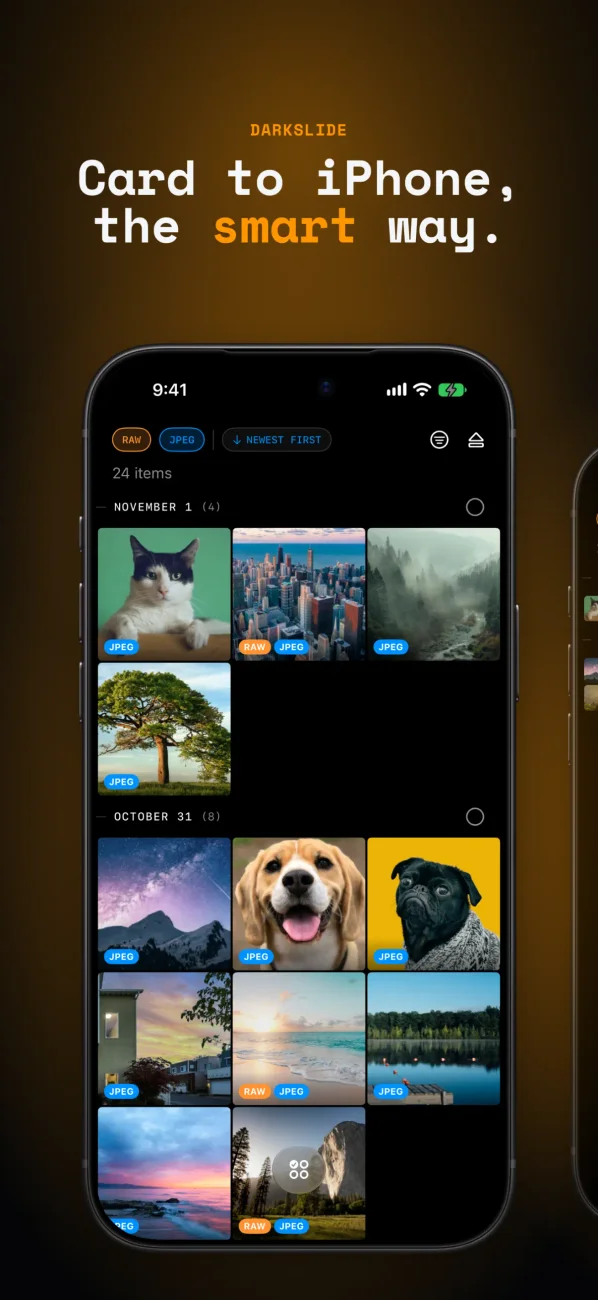
Import photos and videos from your SD card or camera directly to your iPhone or iPad. Built for photographers who need a fast, reliable way to transfer files in the field.
Auto-Detect Your Storage
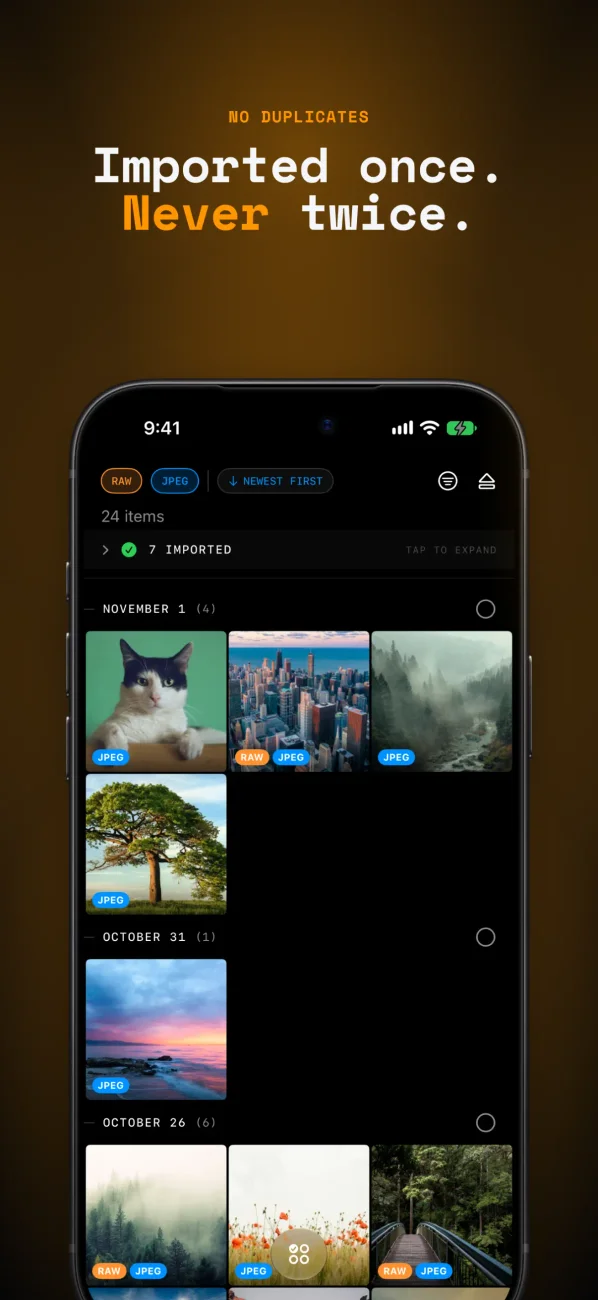
Plug in your SD card or connect your camera and the app detects it instantly. One tap to start browsing — no manual file navigation required.
Full RAW Support
Import CR2, CR3, NEF, ARW, RAF, ORF, RW2, DNG, SRW, PEF, HEIF, JPEG, and video files (MOV, MP4). Your original files, transferred exactly as-is.
EXIF Metadata Inspector
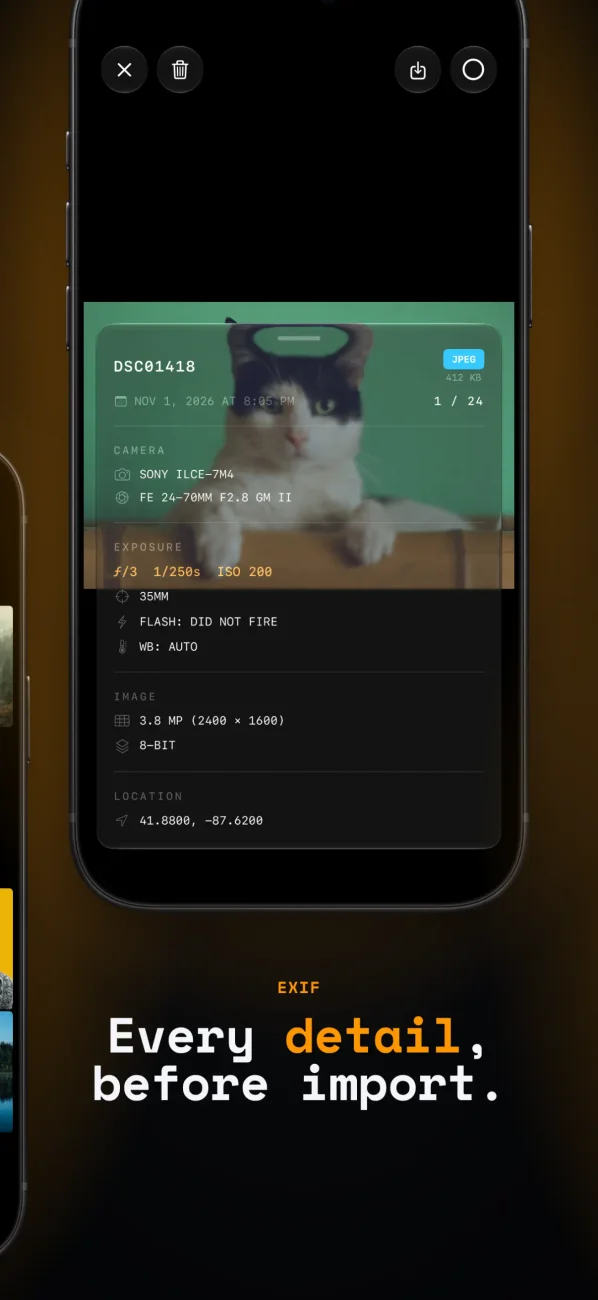
View camera model, lens, aperture, shutter speed, ISO, focal length, GPS coordinates, and more — all before importing a single file. Swipe between photos, and tap to hide everything but the photo.
Smart Filtering & Organization
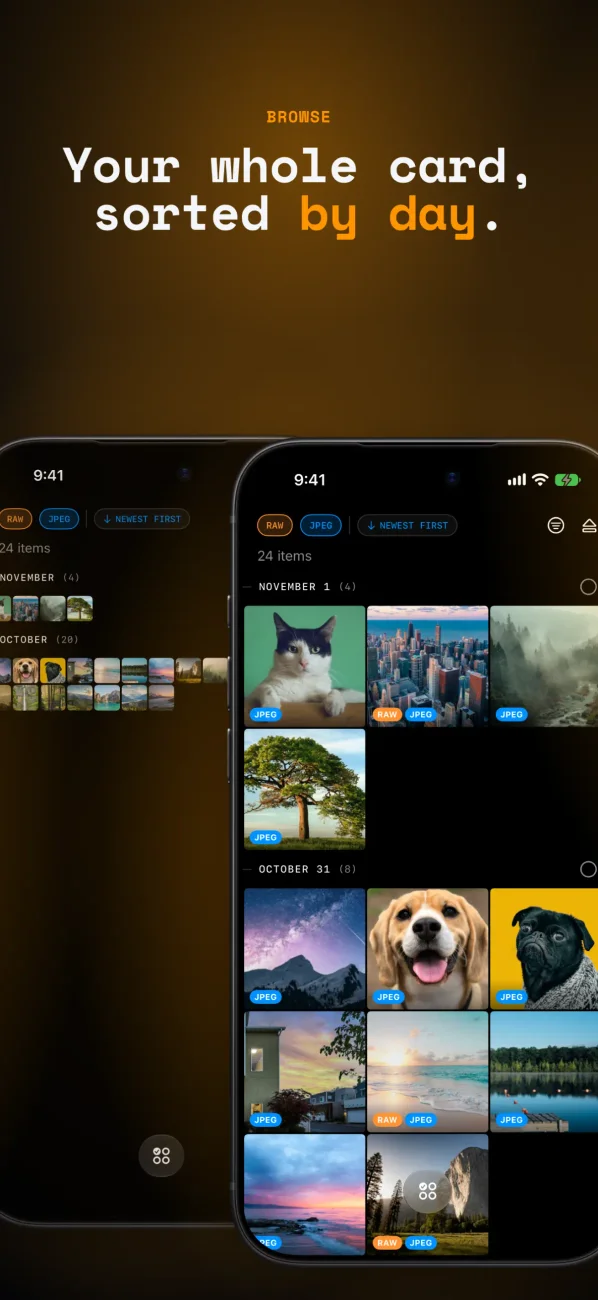
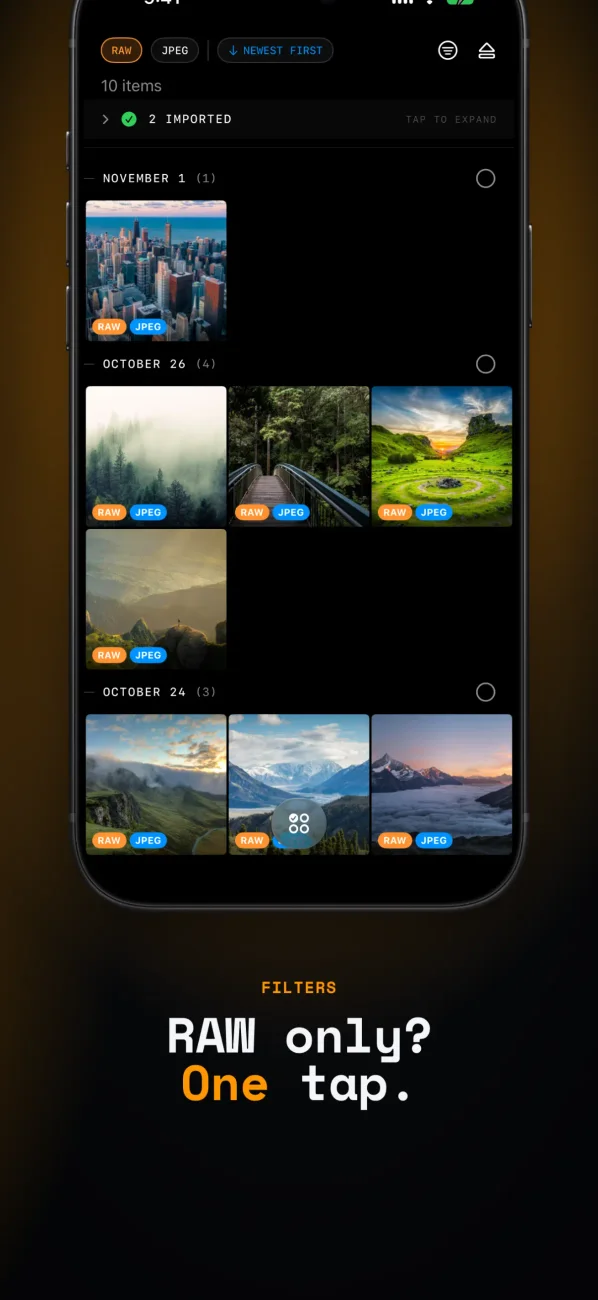
Filter by file type, camera model, or date range. Photos are automatically grouped by date. Pinch to resize thumbnails, and keep pinching to zoom out from days to months and years. Drag to select multiple items at once.
Split View on iPhone Duo and iPad
Unfold your iPhone Duo or use your iPad full screen to see a large preview beside the grid. Tap any photo to preview it, swipe through the card, and drag the divider to size each side.
Seated Mode on iPhone Duo
Stand your iPhone Duo half open like a tiny laptop. The photo fills the top half; scrub through the whole card, read its details, and select, import, share, or delete from the bottom half.
Duplicate Detection
Previously imported files are tracked and marked so you never import the same photo twice.
Background Import with Live Activity
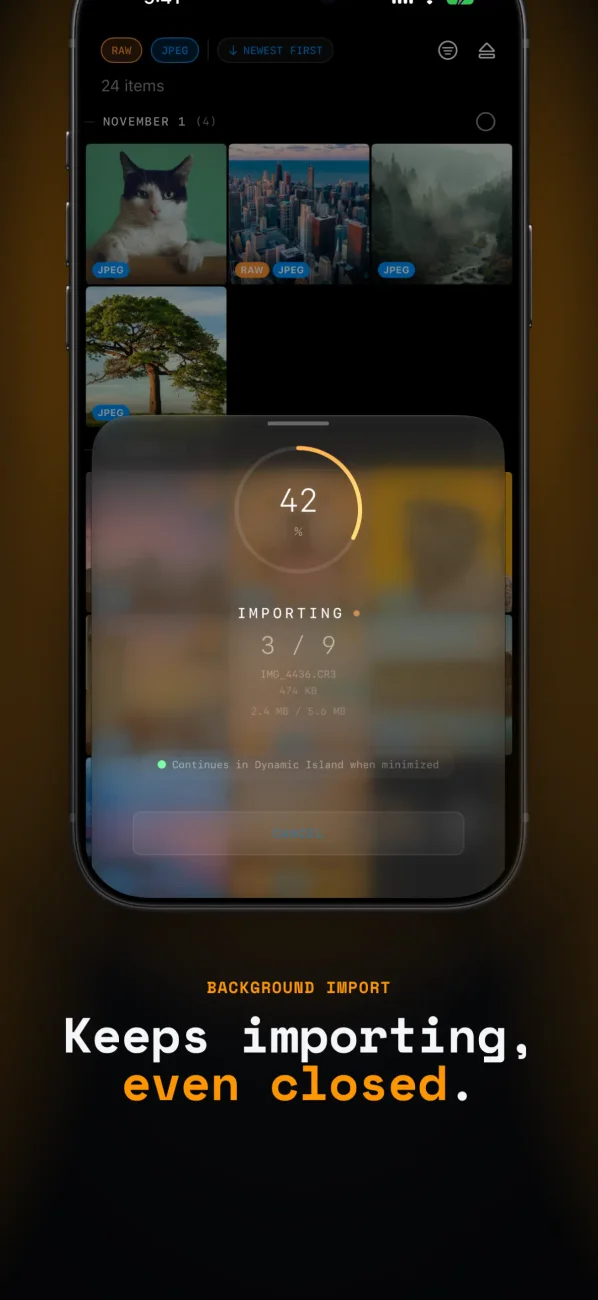
Imports continue when you leave the app. Track progress from the Dynamic Island and Lock Screen in real-time.
Delete After Import
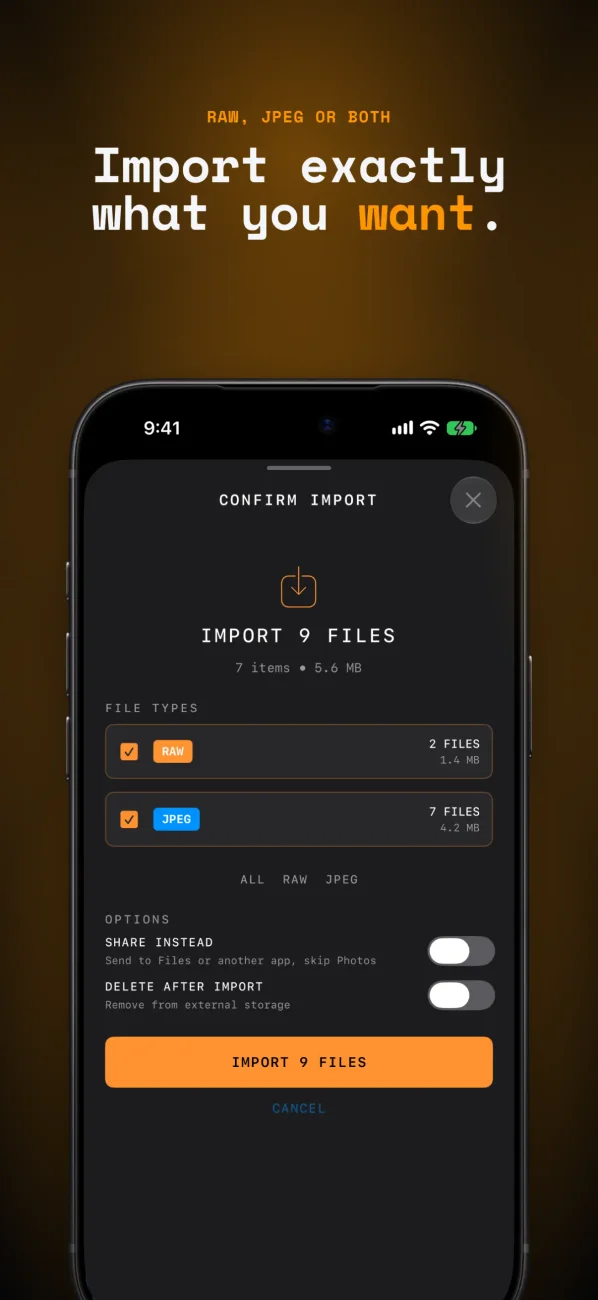
Optionally remove files from your SD card after a successful import to free up space immediately.
Choose What You Import
Select specific file types per import — just RAW, just JPEG, or everything. See file counts and sizes before confirming. Photos import in the order they were taken.
Share Instead of Importing
Send files to the Files app or any other app instead of your Photos library.
Privacy First
Everything happens on your device. No accounts, no analytics, no data leaves your phone.
Novedades
Versión 1.2 · 23/11/2026
Better Camera Import is now Darkslide, with a new icon
Split View on iPhone Duo and iPad: a large preview beside the grid, with a divider you can drag
Seated mode: stand iPhone Duo half open and scrub through the whole card
Pinch past the smallest thumbnails to group by month, then by year
Swipe between photos in the preview, and swipe down to close full screen
Faster thumbnails at every zoom level
Privacidad de la aplicación
Lo que Nisarg Kolhe declara en App Store sobre cómo esta aplicación gestiona los datos.
-
No se recopilan datos
El desarrollador no recopila ningún dato de esta aplicación.
Las prácticas de privacidad pueden variar, por ejemplo, según las funciones que uses o tu edad.
Información
- Vendedor
- Nisarg Kolhe
- Categoría
- Utilidades
- Versión
- 1.2
- Actualizado
- 23/11/2026
- Publicado
- 17/2/2026
- Tamaño
- 6,1 MB
- Requiere
- iOS 26.2 o posterior
- Clasificación por edad
- 4+
- Precio
- Gratis
- Idiomas
- Inglés
- Copyright
- © Better Tools 2026
Quizá también te guste
-
 SD Photo ExpUtilidades
-
 SD Import - Tarjeta SDImporta tu tarjeta SD rápido
-
 PhotoCableUtilidades
-
 Files to PhotosImporta fotos y videos
-
 LUTifyUtilidades
-
 Photo Browser: External DiskFotos en USB, SSD y NAS
-
 Lensio-Teleprompter CameraUtilidades
-
 MeshFindUtilidades
-
 Peering: Escritorio remotoTu Mac en pantalla, donde sea
-
 Caja de Manuales ProductoEscanea, ordena, encuentra