BimmerManager
iDrive Service History Manager
Diseñada para iPhone, iPad
44,99 €
- Clasificación por edad4+
- CategoríaUtilidades
- DesarrolladorArtur Dworaczek
- IdiomasInglés
- Tamaño388,0 MB
Enlaza a la página oficial de App Store
Download.org no aloja ningún archivo de BimmerManager. El botón abre la página de la aplicación en App Store, donde la publica Artur Dworaczek. Ficha comprobada por última vez el 12/11/2026.
Capturas de pantalla


Acerca de
El desarrollador no ha proporcionado este texto en tu idioma.
Everything your Bimmer needs, from your iPhone/iPad.
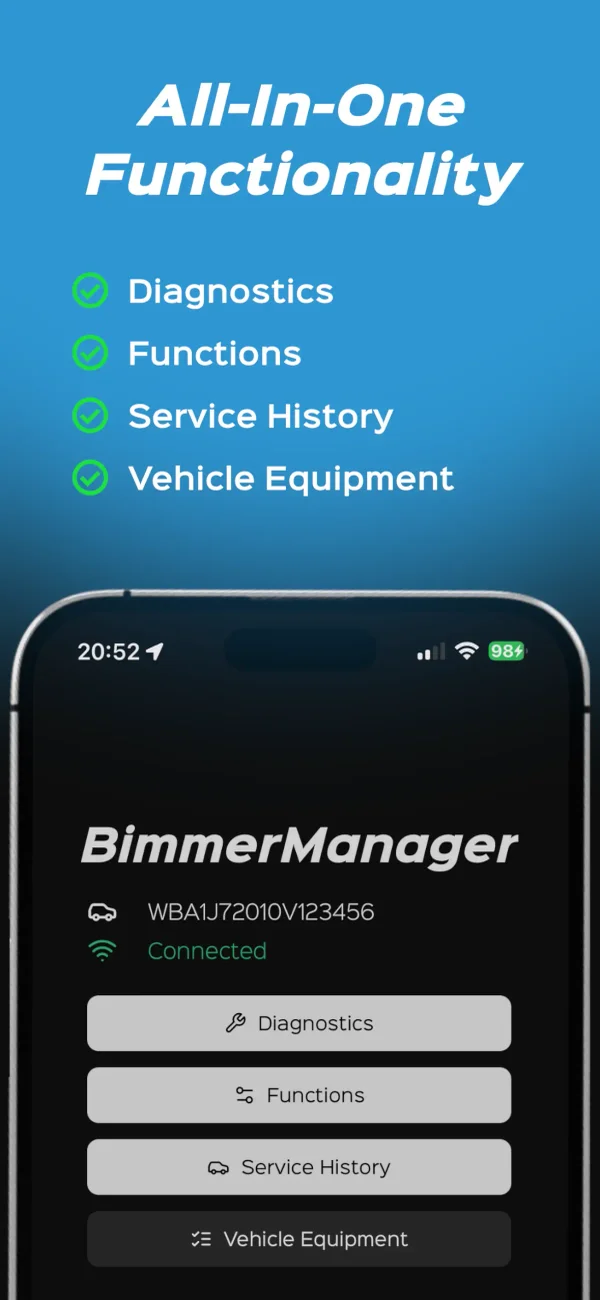
Most people only find out what's wrong with their BMW when a dealer tells them, after paying a diagnostic fee. BimmerManager puts the same diagnostics, factory build data, and service history tools in your pocket, connected straight to your car over ENET.
========================
Read Vehicle Diagnostics
========================
Scan every control module on your F-Series BMW for stored fault codes in one pass. Don't just see a code, understand it. Tap any fault for a step-by-step service procedure covering what it means, the conditions that triggered it, its real-world impact, and any warnings before you act. Clear a single module or the whole car in one tap.
========================
Service History
========================
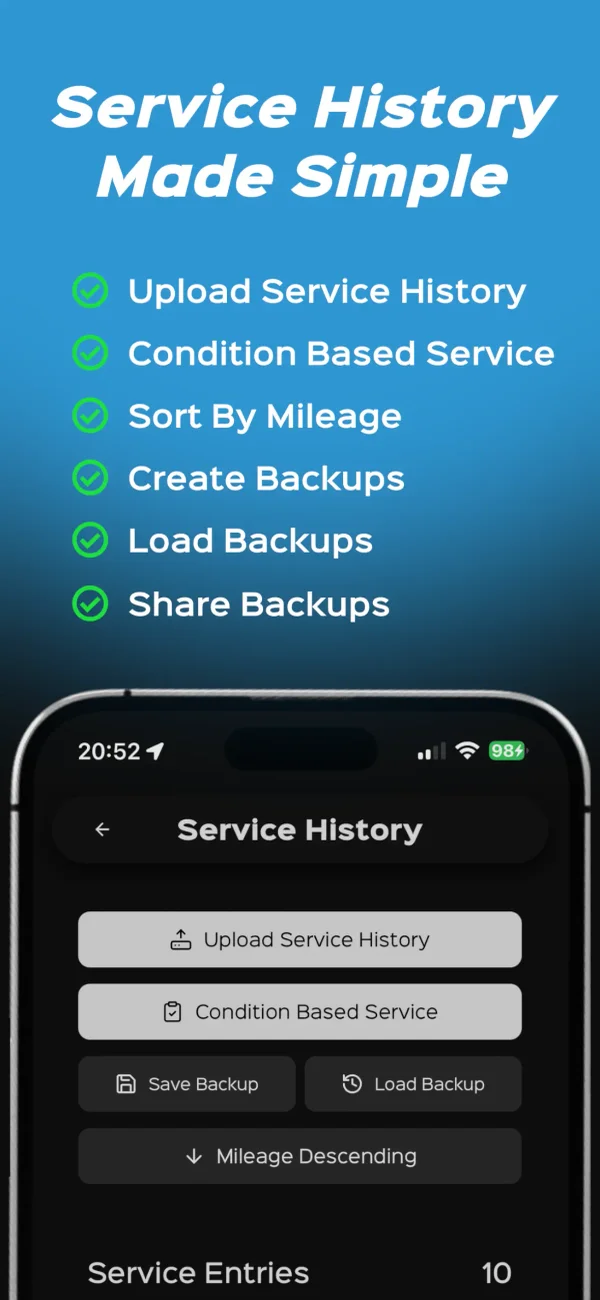
Build entries with everything your headunit expects: date, mileage, dealer type and ID, status, and individual jobs, then write them over ENET. NBT, NBT_EVO, EntryNav, and EntryNav2 are fully supported; other headunits can still be attempted, with a clear warning so you know before you commit. Updating 3 entries or fewer lets you choose to erase existing history or append it in ascending mileage order, keeping the timeline intact. Prefer to work offline? Save local backups, reload them anytime, and edit them in backup edit mode with no car connection needed.
========================
Condition Based Service (CBS)
========================
See what your car thinks is due. Read every CBS item from your cluster, engine and DSC modules, each with its remaining distance or due date and a bar showing life left. Did the work yourself? Reset any service in one tap, set the next inspection and emissions test dates, or reset your oil interval. Blocked resets tell you why, linked services warn you about reset order, and CBS data the cluster reports as manipulated is flagged, a handy check before buying a used car.
========================
Offline Tools
========================
No car, adapter or connection needed. Look up any fault code by number, description or module and get the same service procedure as a live scan. Edit saved service history backups and save a new copy to write next time you connect. Demo Mode walks you through the full service history workflow before you buy an adapter.
========================
Decode Your Factory Equipment
========================
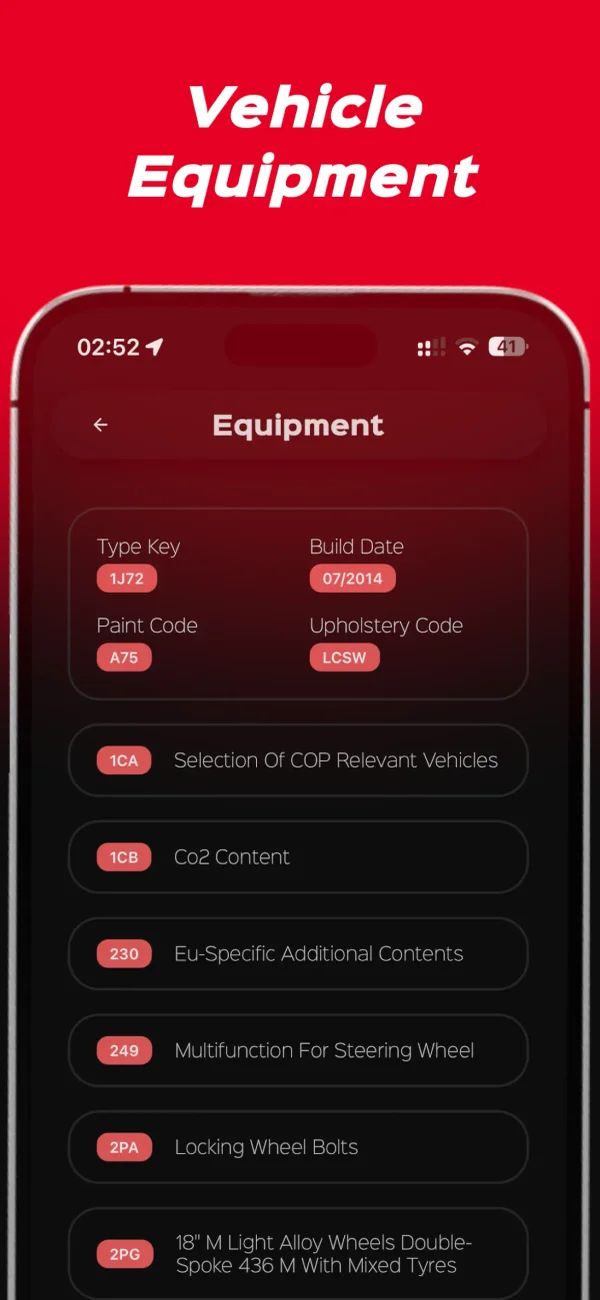
Every F-Series BMW left the factory with a hidden build sheet. BimmerManager reads it: type key, build date, paint code, upholstery code, and the full list of factory-installed options, decoded from raw SA codes into names you can actually read.
========================
Know Your Headunit
========================
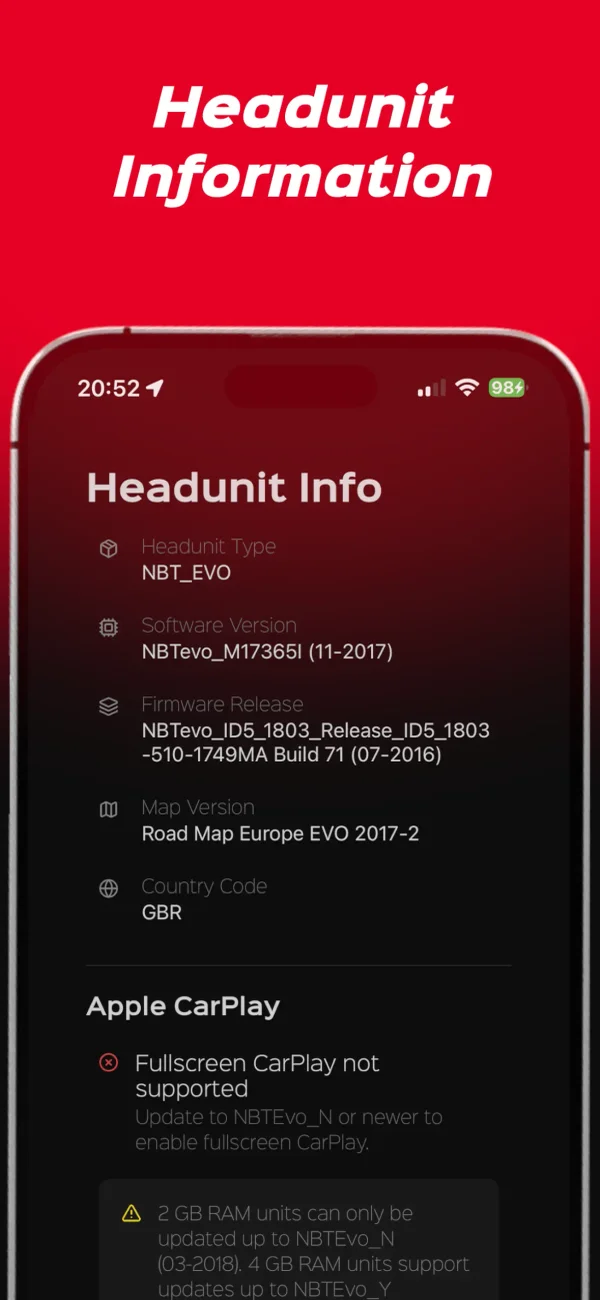
One screen tells you what you're working with: headunit type, software version, firmware release, map version, and country code. On NBT_EVO, BimmerManager also flags whether your software version supports Apple CarPlay fullscreen.
========================
Built-In Support
========================
Stuck? Submit a support request with your diagnostic logs and relevant backup files attached, right from the app, reliable no matter how you're connected, so we can investigate connection, upload, or backup issues fast.
========================
Requirements
========================
• Vehicles: compatible BMW, MINI, Rolls-Royce, and Toyota Supra models (Diagnostics and Vehicle Equipment currently support vehicles with ENET protocol)
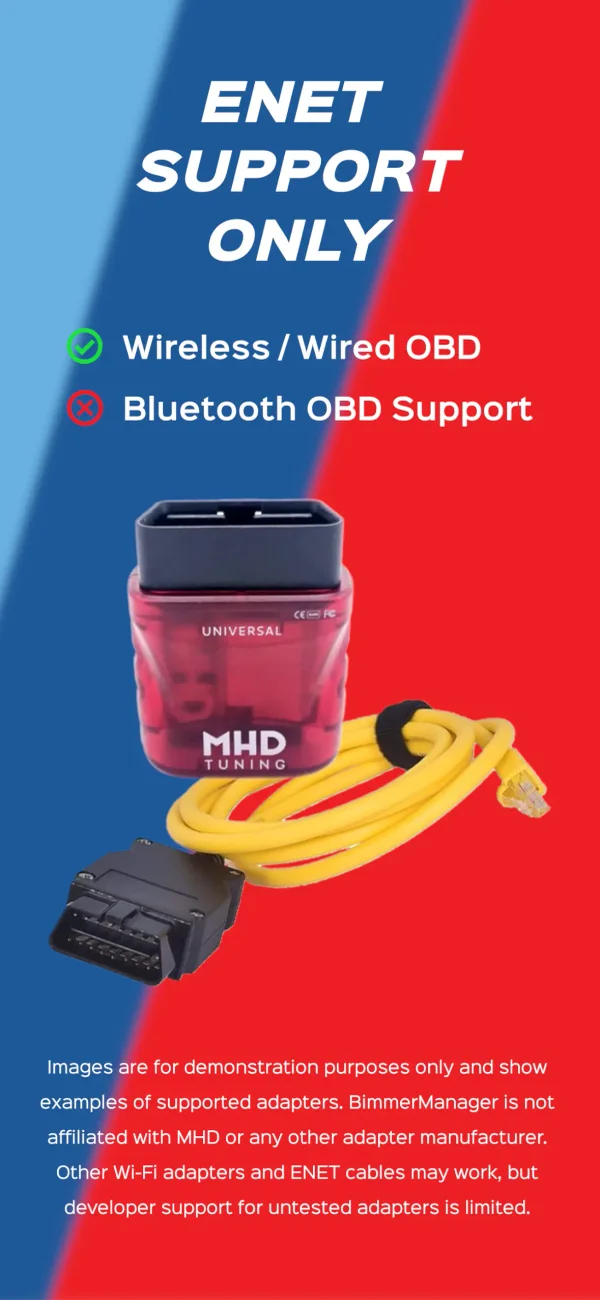
• Adapters: MHD / ENET Adapter (other Wi-Fi ENET-style adapters may work, but developer support is limited)
• Supported Service History Headunits: NBT, NBT_EVO, and EntryNav officially supported for Service History; other headunits may be attempted at your own risk
• Connection: vehicle must support the required ENET communication path, stable voltage recommended, ignition or accessory mode expected
Novedades
Versión 1.2.0 · 8/10/2026
What's New:
• EntryNav2 Headunits Now Officially Supported for Service History
• Condition Based Service Resetting
• Offline Fault Code Procedure Lookup With Module-Specific Descriptions
What's Fixed:
• Moved Demo Mode and Service History Backup Editing into New Offline Tools Screen
• Loading Indicator When Opening a Service History Entry
• Date Fields Now Accept Manual Numpad Input
• Various Styling Fixes Across the App
Privacidad de la aplicación
Lo que Artur Dworaczek declara en App Store sobre cómo esta aplicación gestiona los datos.
-
No se recopilan datos
El desarrollador no recopila ningún dato de esta aplicación.
Las prácticas de privacidad pueden variar, por ejemplo, según las funciones que uses o tu edad.
Información
- Vendedor
- Artur Dworaczek
- Categoría
- Utilidades
- Versión
- 1.2.0
- Actualizado
- 8/10/2026
- Publicado
- 4/7/2026
- Tamaño
- 388,0 MB
- Requiere
- iOS 16.6 o posterior
- Clasificación por edad
- 4+
- Precio
- 44,99 €
- Idiomas
- Inglés
- Copyright
- © 2026 Artur Dworaczek