BITZER Electronics ServiceTool
BITZER Electronics ServiceTool
Diseñada para iPhone, iPad, iPod touch
Gratis
- Clasificación por edad4+
- CategoríaUtilidades
- DesarrolladorBITZER SE
- Tamaño248,7 MB
Enlaza a la página oficial de App Store
Download.org no aloja ningún archivo de BITZER Electronics ServiceTool. El botón abre la página de la aplicación en App Store, donde la publica BITZER SE. Ficha comprobada por última vez el 15/11/2026.
Capturas de pantalla
Acerca de
El desarrollador no ha proporcionado este texto en tu idioma.
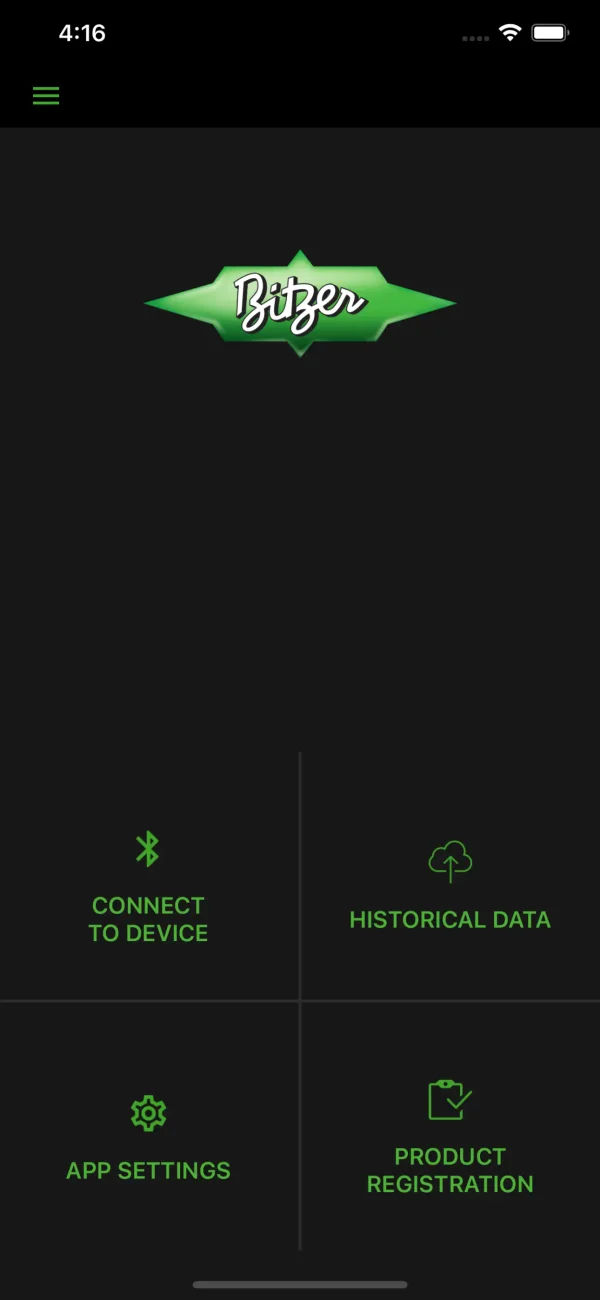
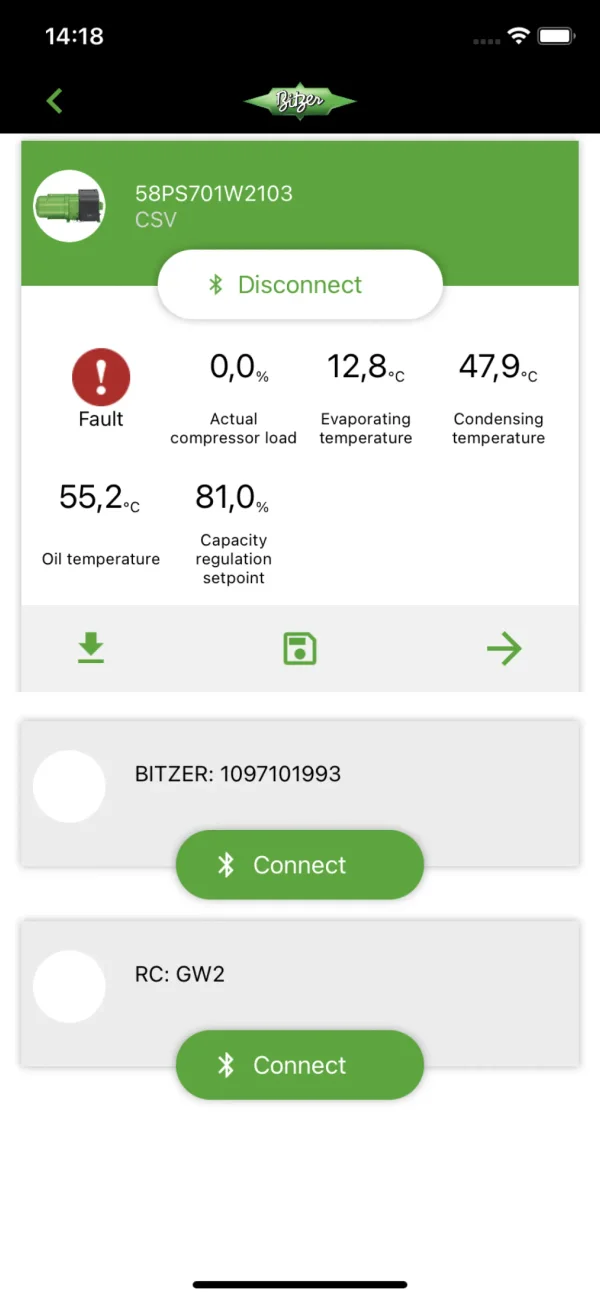
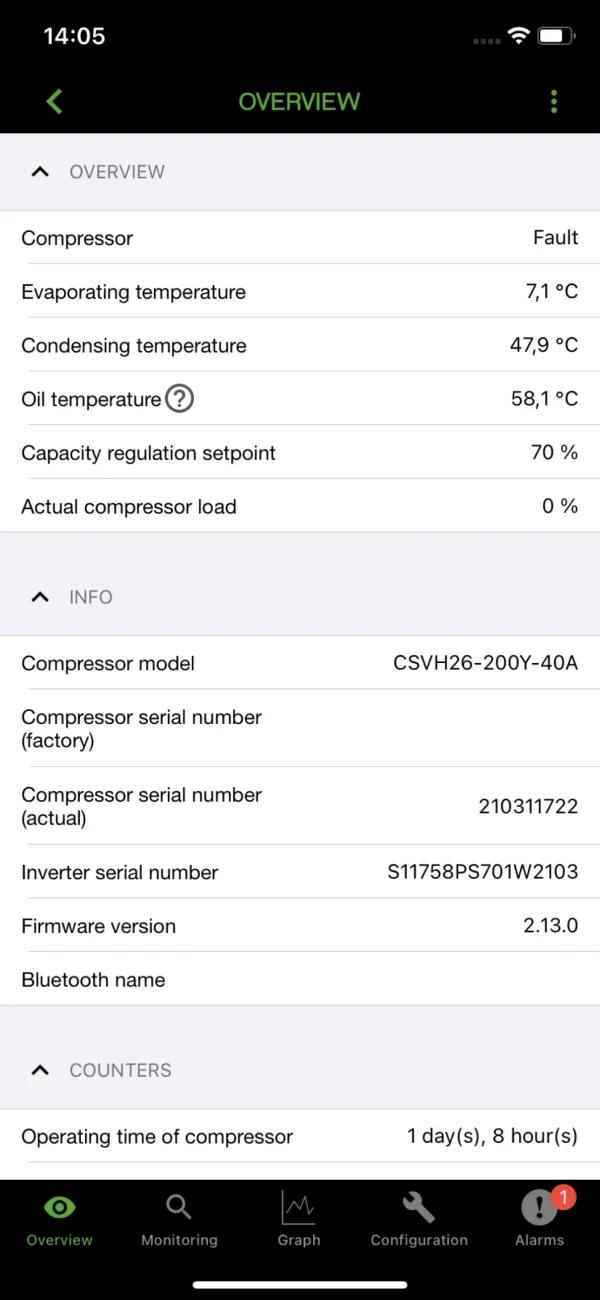
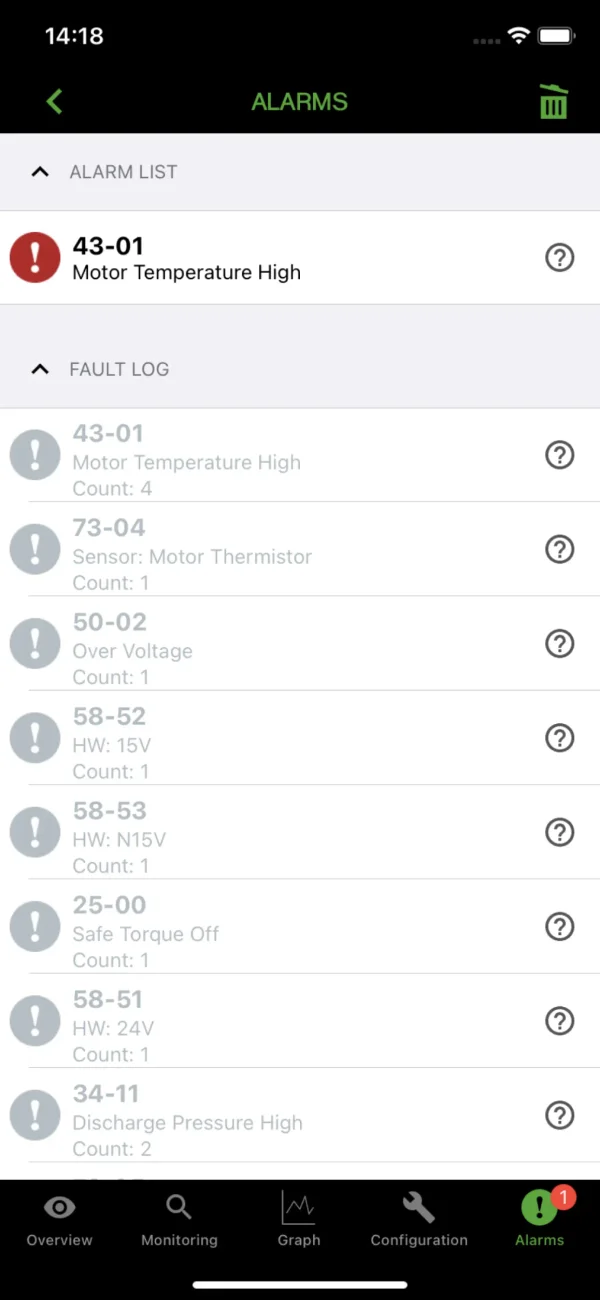
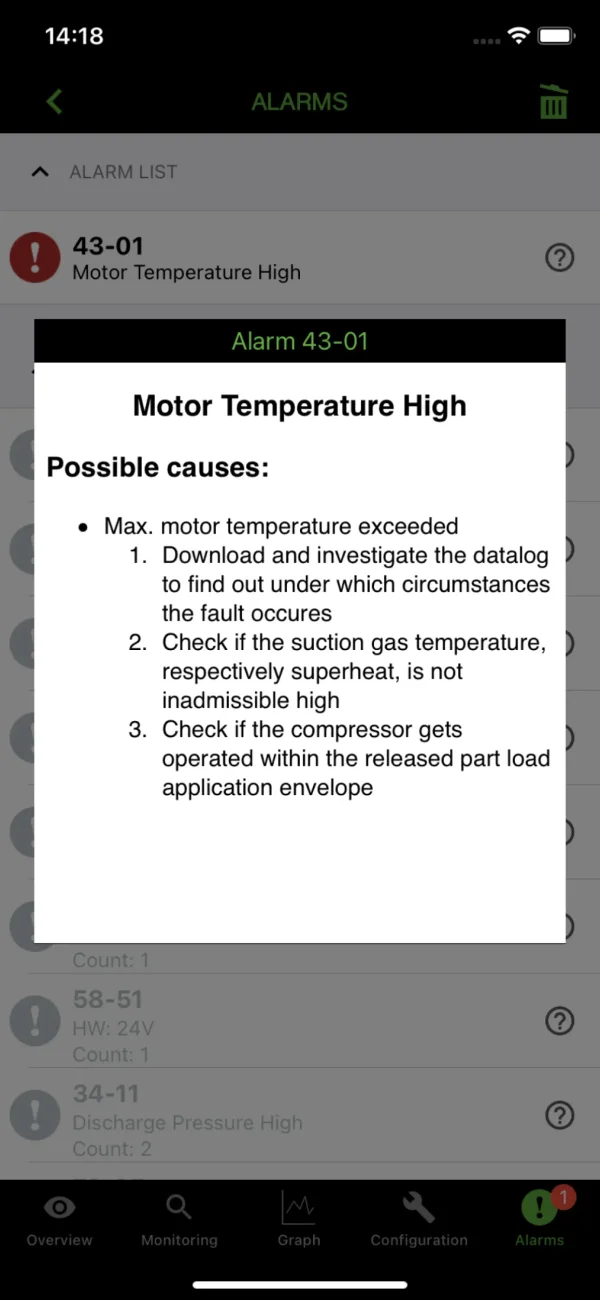
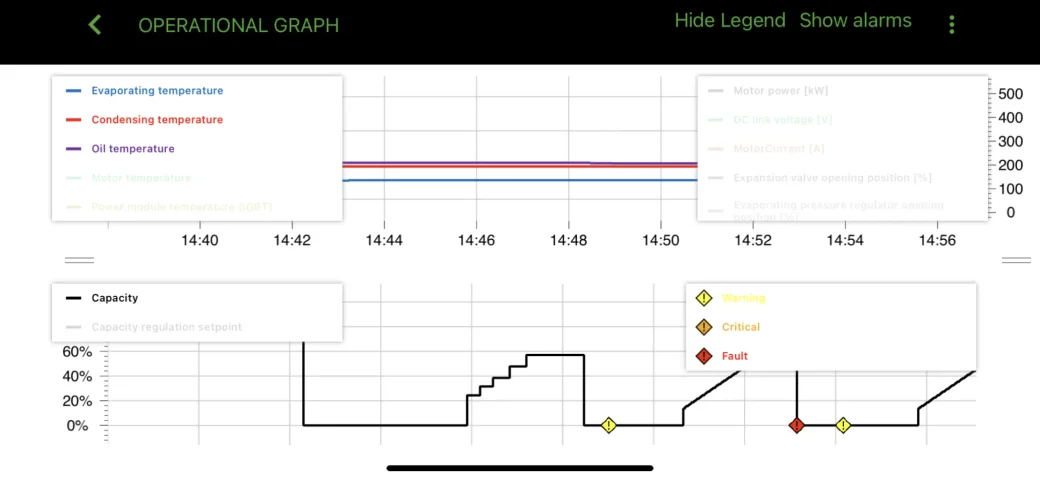
This is the App edition of the BEST SOFTWARE (BITZER Electronics Service Tool) for connecting to BITZER IQ products that support Bluetooth. Quickly configure the devices, monitor the operation and view the alarms including alarm help texts. Furthermore, the logs can be retrieved from the devices, visualized and uploaded to the myBITZERcloud for storage and sharing with other devices and peoples.
Supported products:
// IQ MODULE CM-RC-02
// IQ MODULE CM-RC-01
- Requires firmware version 2.5.246.00 or newer
- For firmware update use the Windows version of BEST as it requires to connect via the BEST converter
// IQ MODULE CM-SW-01
- Requires firmware version 2.8.82.00 or newer
- For firmware update use the Windows version of BEST as it requires to connect via the BEST converter
// CSV
- Bluetooth is available by the CSV frequency inverters with the control board of the 2nd generation. This control board can be recognized by the STO input (orange connector) or the RJ12 socket for the BEST converter
- Requires firmware version 1.92 or newer
- For first configuration (change of refrigerant or configuring the compressor type in case of spare parts) use the Windows version of BEST as it requires to connect via the BEST converter. Also for firmware updates
// ECOSTAR LHV5E and LHV7E
- Requires firmware version 5.0.2.0 or newer
- For firmware update use the Windows version of BEST
Novedades
Versión 2.22.31757 · 28/10/2026
Bug fixes and minor improvements.
Privacidad de la aplicación
Lo que BITZER SE declara en App Store sobre cómo esta aplicación gestiona los datos.
-
Datos no vinculados a ti
Pueden recopilarse, pero no se vinculan a tu identidad.
- Diagnóstico
Las prácticas de privacidad pueden variar, por ejemplo, según las funciones que uses o tu edad.
Información
- Vendedor
- BITZER SE
- Categoría
- Utilidades
- Versión
- 2.22.31757
- Actualizado
- 28/10/2026
- Publicado
- 13/10/2018
- Tamaño
- 248,7 MB
- Requiere
- iOS 15.0 o posterior
- Clasificación por edad
- 4+
- Precio
- Gratis
- Copyright
- © 2020 BITZER Kühlmaschinenbau GmbH