Braille Typing
Learn braille by typing it
Diseñada para iPhone, iPad
Compras en la aplicación
- Clasificación por edad4+
- CategoríaEducación
- DesarrolladorMycah Krason
- IdiomasInglés
- Tamaño2,0 MB
Es posible que Braille Typing no esté disponible en App Store en este momento
No se pudo acceder a la ficha de la tienda en nuestra última comprobación. El enlace sigue llevando a la página oficial de App Store.
Capturas de pantalla



Acerca de
El desarrollador no ha proporcionado este texto en tu idioma.
Braille Typing — Learn the braille keyboard built into your iPhone
Your iPhone already has a braille keyboard. Almost nobody knows how to use it. Let's fix that.
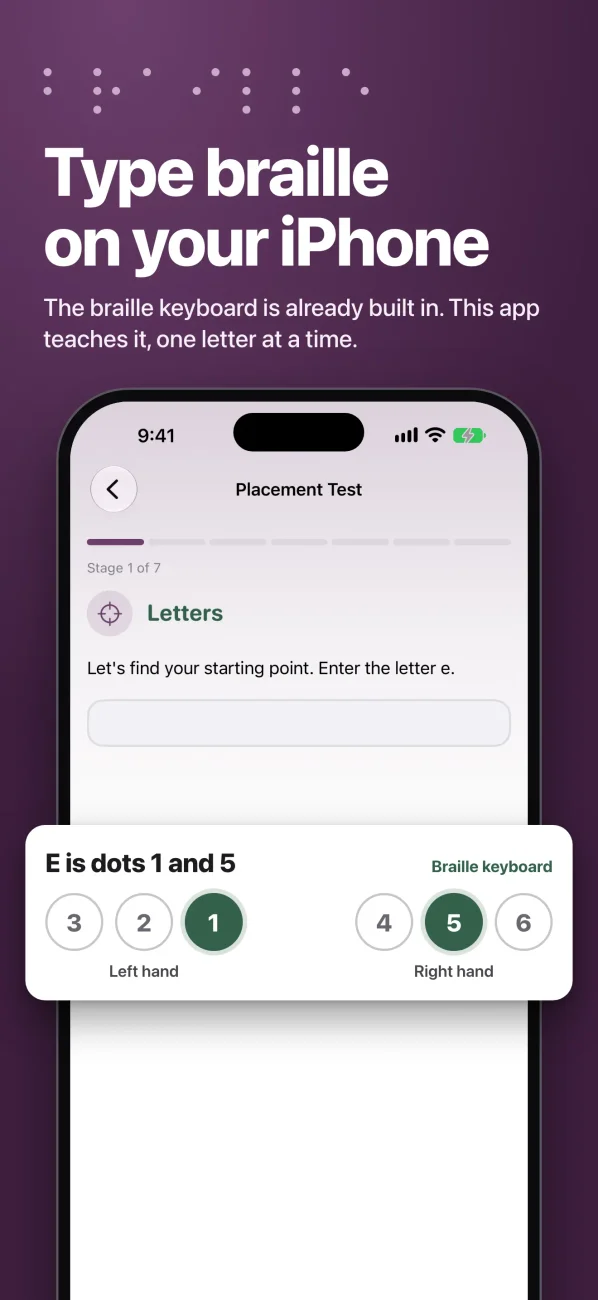
Braille Typing teaches you to type with Braille Screen Input — the six-dot keyboard hiding inside VoiceOver — one letter at a time, until you're writing as fast as you think. No hardware to buy. No cables. Just your phone, your fingers, and a course that meets you exactly where you are.
HOW IT WORKS
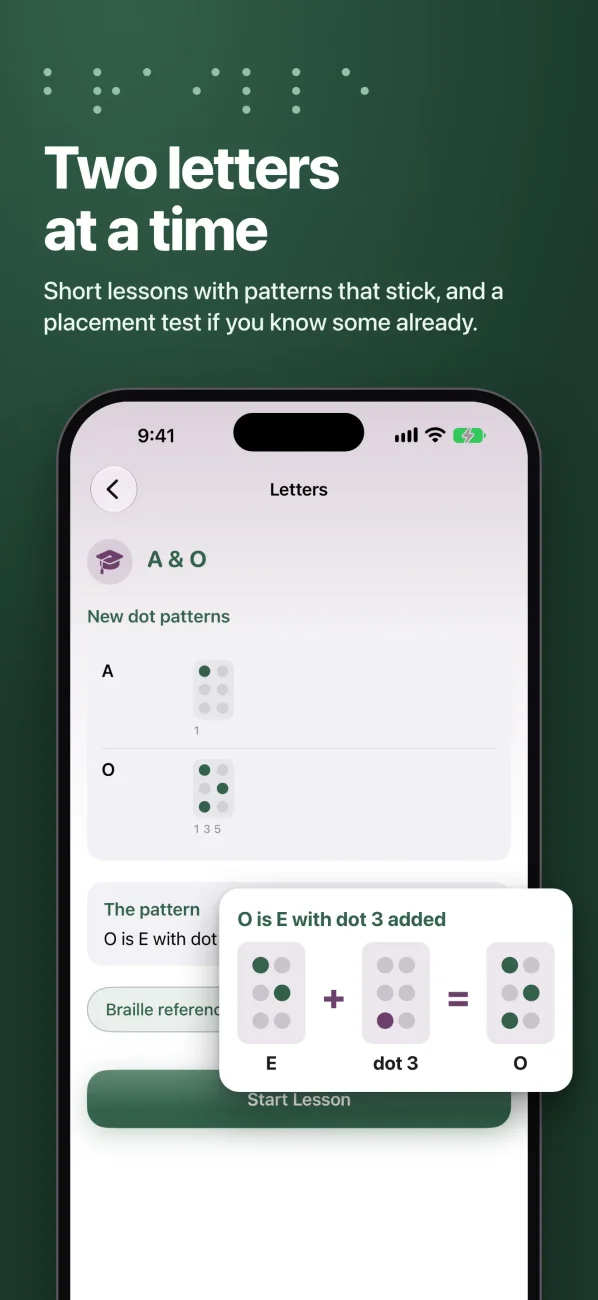
Two new characters per lesson, with everything you've learned carried forward. Each lesson opens by teaching you to recognise the new dots, then hands you the keyboard to actually type them. You move on when you've genuinely got it — not after a fixed number of tries, but when your recent answers say you're ready.
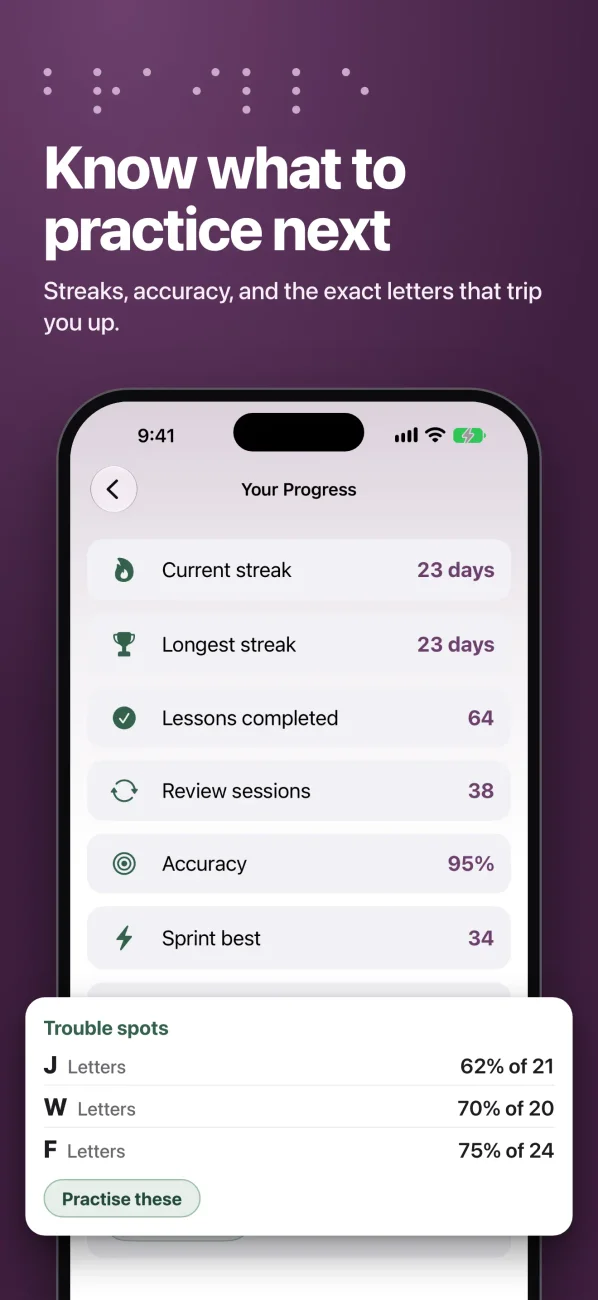
Every character you learn goes into Daily Review, a spaced-repetition system that brings things back right before you'd forget them. Miss one and it comes back sooner. Nail it and it stays away longer. That's how it sticks.
THE COURSE
Letters — the whole alphabet, plus capitals and your first common words
Punctuation — because sentences need it
Numbers — and your Grade 1 Graduation: from here you can write anything in uncontracted braille
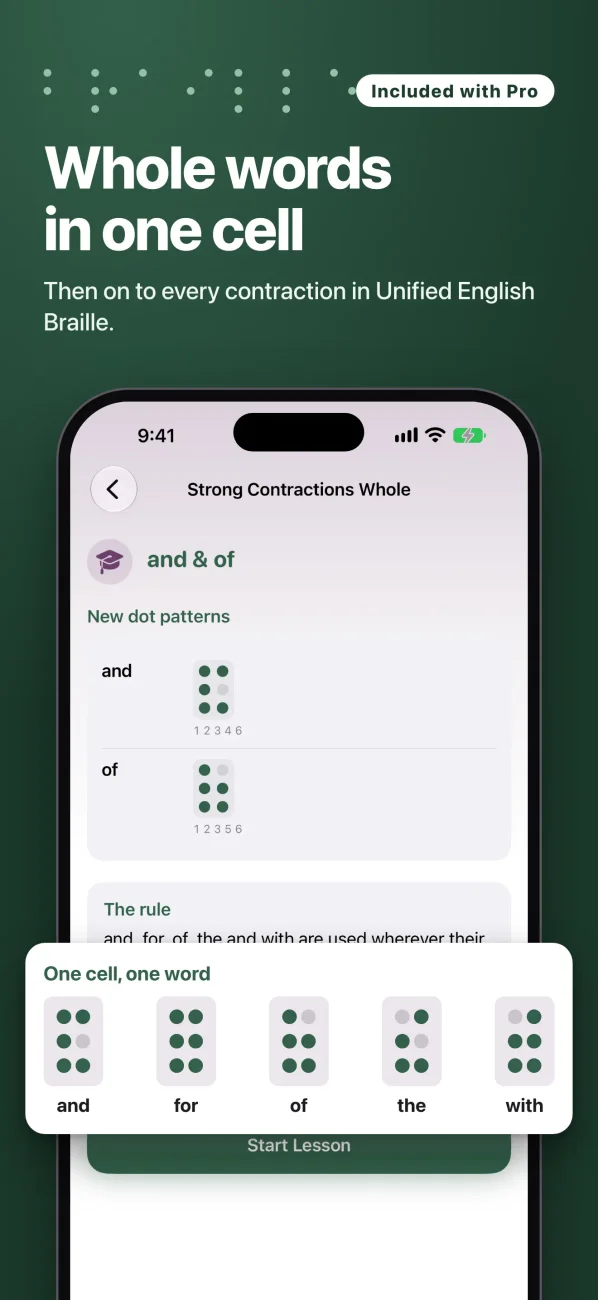
Then the contractions that make braille fast: Word Signs, Group Signs, Initial Letter Word Signs, Final Letter Group Signs, and Short Form Words
MORE WAYS TO PRACTISE
Tricky Pairs — d or f? e or i? Train the dots that mirror each other
Dictation — hear it, type it: missing letters, whole words, numbers, sentences
Speed Sprint — sixty seconds, how many can you type? Beat your best
Contraction Choices — learn the rules for when a contraction is (and isn't) the right call
The Two Lighthouses — a story that unlocks one chapter at a time as you finish each section, with a line from each chapter to type yourself
BUILT FOR VOICEOVER, FROM THE FIRST TAP
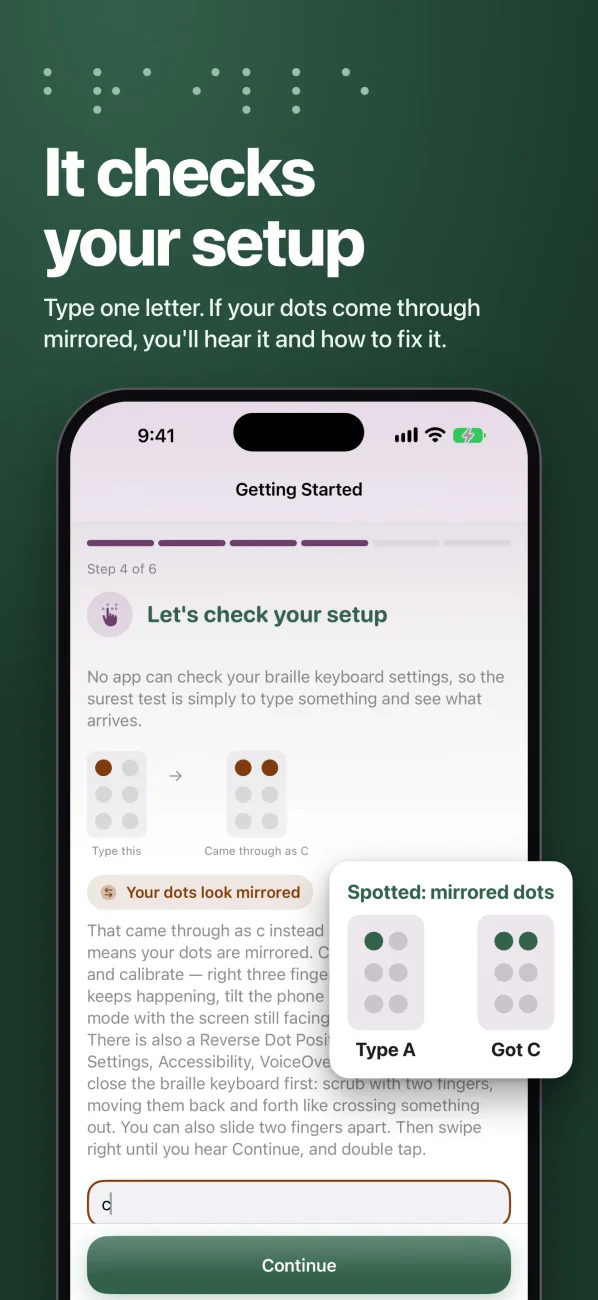
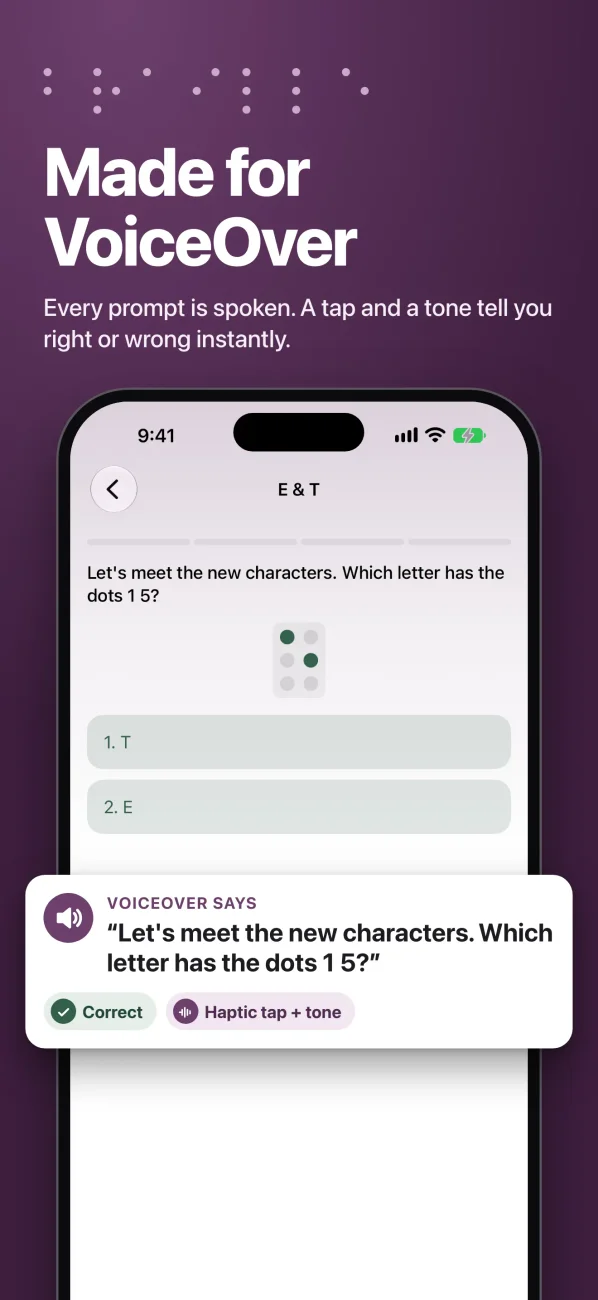
This isn't an app with accessibility bolted on. It was designed for people who use VoiceOver, by someone who tested every screen with it. Every prompt is spoken. Every answer is confirmed with a sound and a haptic you feel before you hear it. Progress is announced, not just drawn. And the setup walkthrough gets you into the braille keyboard in about a minute — including a live typing check that tells you if your dots are mirrored, before your first lesson.
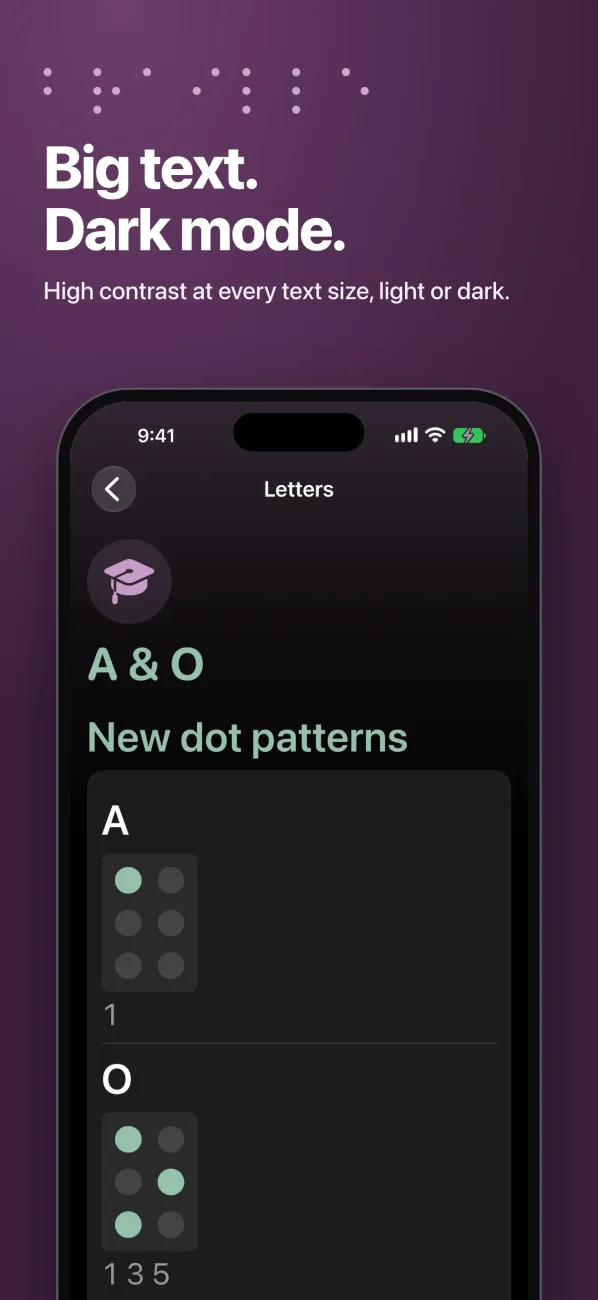
Sighted? A teacher, a parent, someone who's just curious? Everything works with VoiceOver off too — every braille cell is drawn on screen so you can see the pattern as well as the numbers.
WHAT'S FREE, FOREVER
Everything through Grade 1: every letter, number, and punctuation mark. Daily Review. The placement test. Your progress. No trial, no countdown, and it will never move behind a purchase later.
Pro unlocks the five contraction categories, the extra practice activities, and the story. One-time purchase, or annual — your choice.
$29.99 One-time purchase
$14.99 Annual
Privacy Policy and Terms of use: https://brailletyping.com/privacy-terms.html
Your place in the course follows your iCloud account, so a new phone or a reinstall picks up right where you left off.
Learn to type braille the way you'd want to be taught. Start today.
Novedades
Versión 2.4.3 · 8/11/2026
minor bug fixes
Privacidad de la aplicación
Lo que Mycah Krason declara en App Store sobre cómo esta aplicación gestiona los datos.
-
No se recopilan datos
El desarrollador no recopila ningún dato de esta aplicación.
Las prácticas de privacidad pueden variar, por ejemplo, según las funciones que uses o tu edad.
Información
- Vendedor
- Mycah Krason
- Categoría
- Educación
- Versión
- 2.4.3
- Actualizado
- 8/11/2026
- Publicado
- 22/6/2021
- Tamaño
- 2,0 MB
- Requiere
- iOS 17.0 o posterior
- Clasificación por edad
- 4+
- Compras en la aplicación
- Sí
- Idiomas
- Inglés
- Copyright
- © Mycah Krason 2021
Quizá también te guste
-
 Braille DecodedEducación
-
 BrailleBuzzEducación
-
 Bonocle AlphabetEducación
-
 Braille Keyboard WriterEducación
-
 Braille Academy: Play & LearnEducación
-
 Braille Study LiteEducación
-
 Traductor Braille y EscánerIA que lee braille en fotos
-
 Talking TyperEducación
-
 Quick and Easy ECCEducación
-
 CVI Complexity SequencesEducación