BrainDump: Voice Tasks & Focus
Calm To-Do for Busy Minds
Diseñada para iPhone, iPod touch
Gratis · Compras en la aplicación
- Clasificación por edad4+
- CategoríaProductividad
- DesarrolladorGreg Besoni
- IdiomasInglés
- Tamaño36,9 MB
Enlaza a la página oficial de App Store
Download.org no aloja ningún archivo de BrainDump: Voice Tasks & Focus. El botón abre la página de la aplicación en App Store, donde la publica Greg Besoni. Ficha comprobada por última vez el 13/11/2026.
Capturas de pantalla
Acerca de
El desarrollador no ha proporcionado este texto en tu idioma.
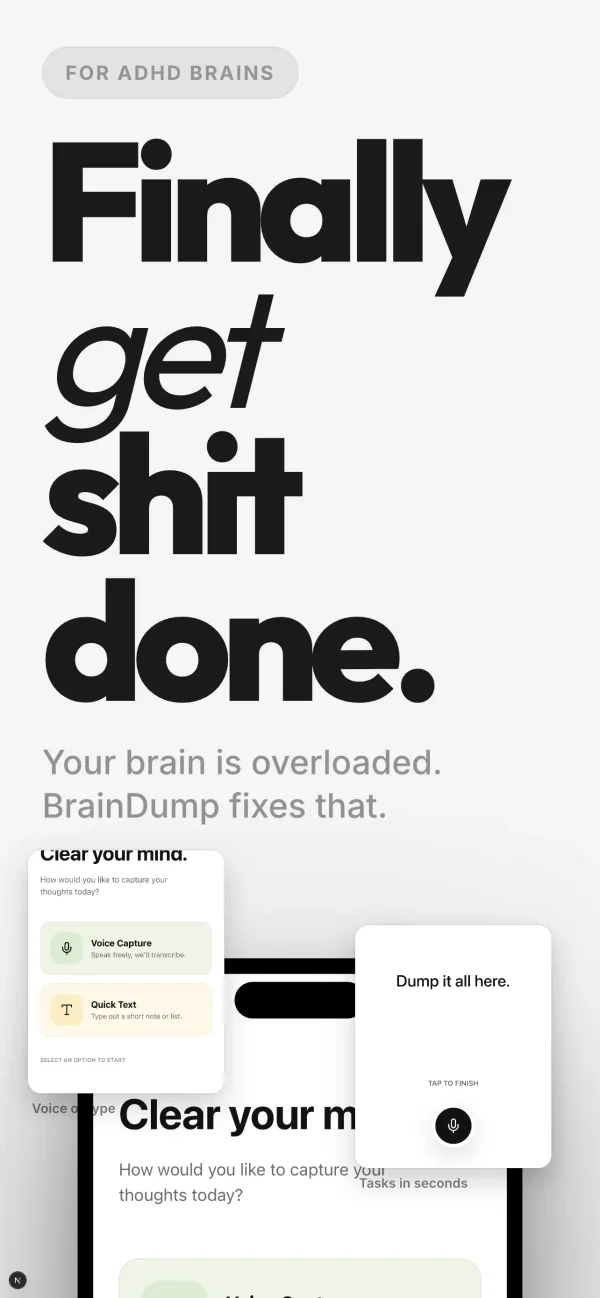
BrainDump is the productivity app built for how your brain actually works.
Most apps give you lists. BrainDump gives you momentum.
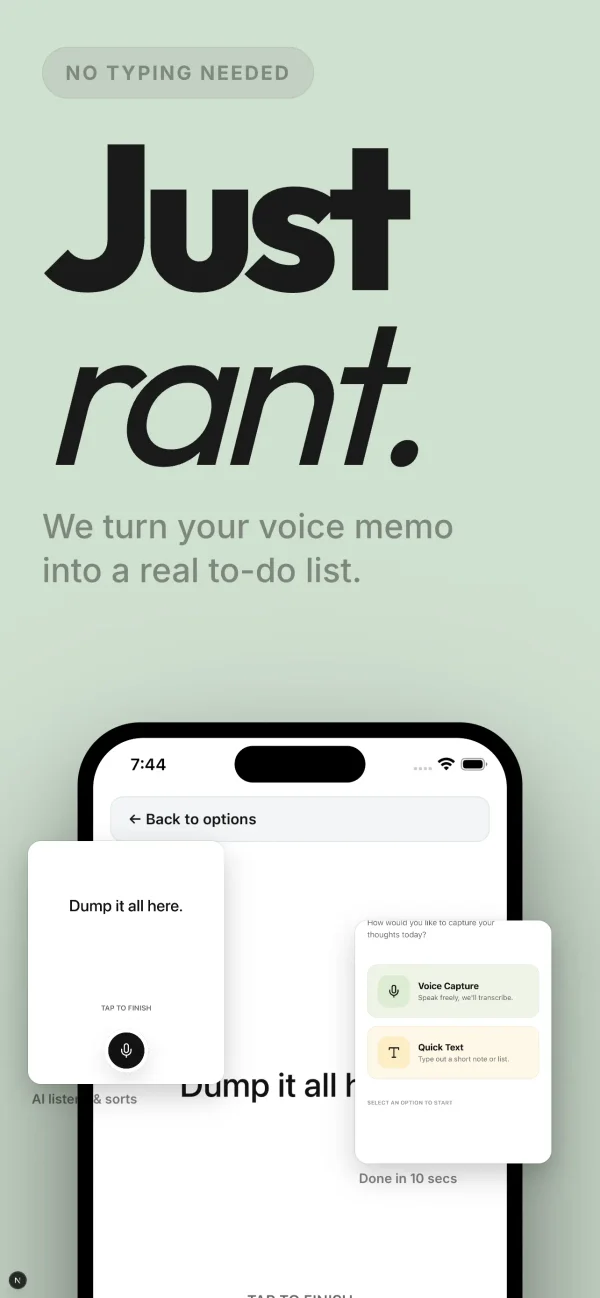
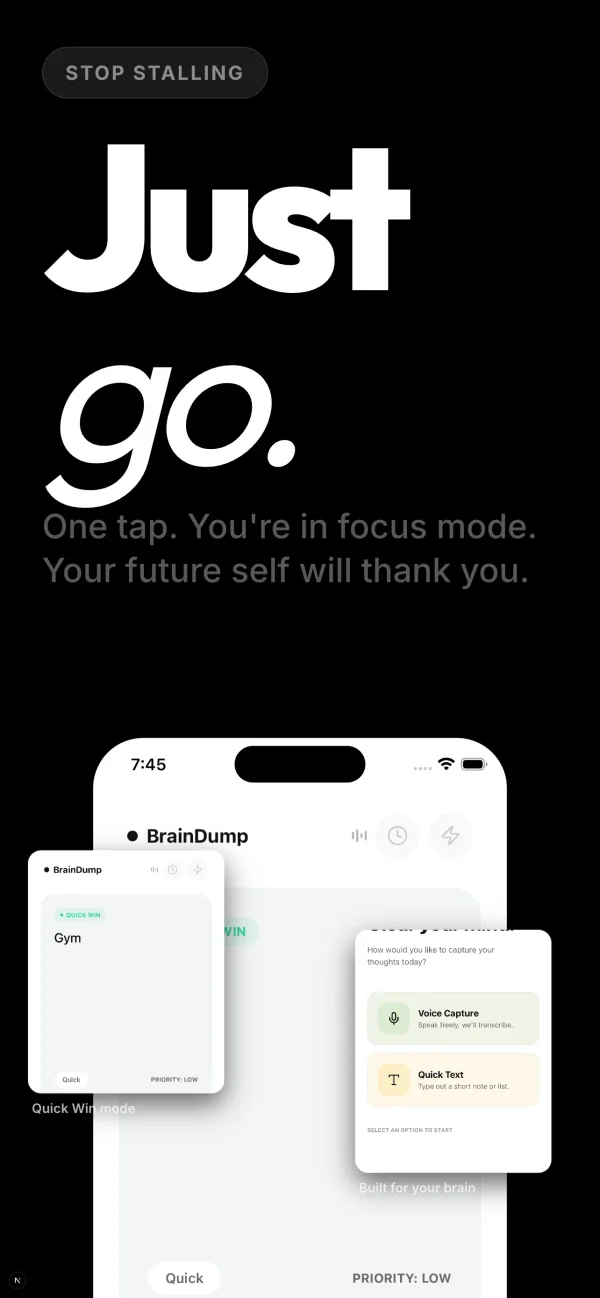
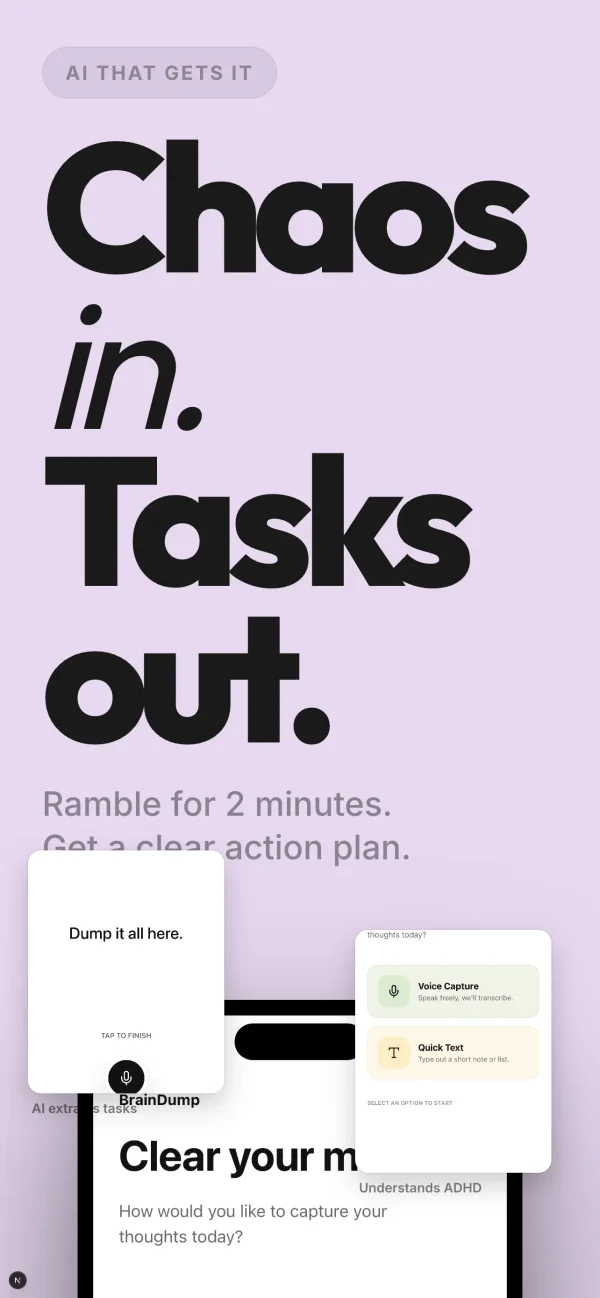
Hold one button. Speak whatever's on your mind — tasks, worries, ideas, everything. BrainDump turns it into simple, swipeable task cards. One at a time. No overwhelm. Just the next thing.
VOICE EVERYTHING
Stop typing tasks. Just talk. BrainDump captures everything you say and organizes it instantly — so you spend zero energy on setup and all your energy on doing.
ONE TASK AT A TIME
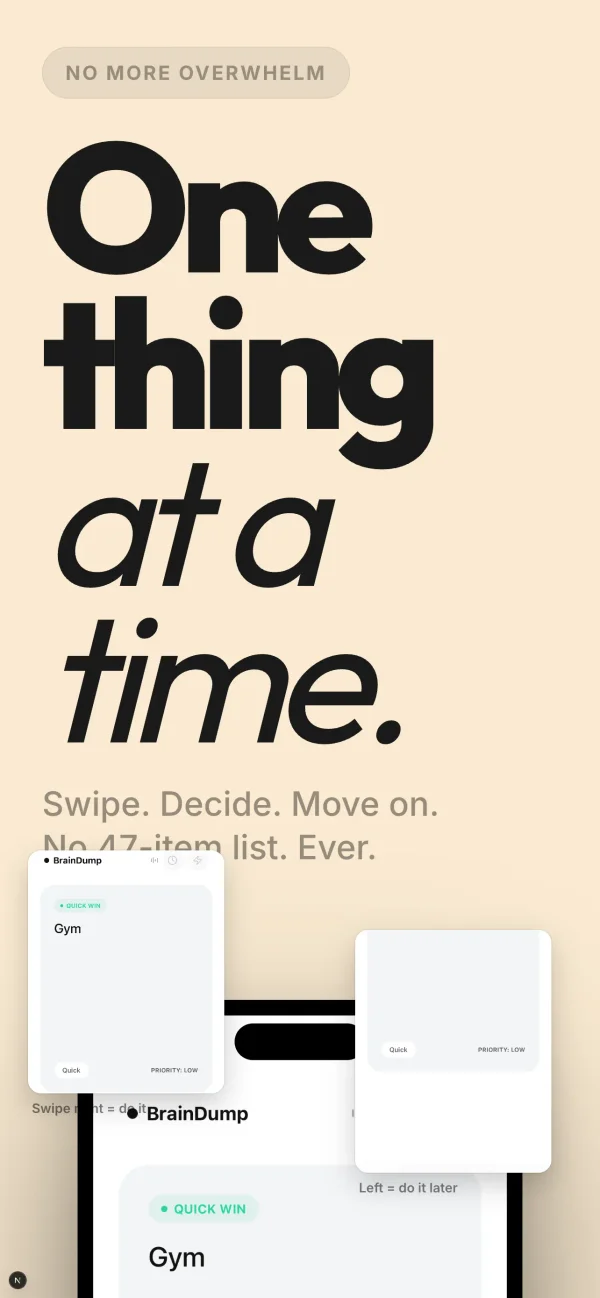
No more staring at a 47-item to-do list. BrainDump shows you one card at a time. Swipe right to start. Swipe down when done. Simple enough to actually use.
TASK TIMER — EXECUTION MODE
Swiping "do it now" gives you a starting line. See the task title, a suggested time estimate, and one big Done button. Nothing else. No distractions.
SMART ESTIMATES
BrainDump suggests realistic time estimates automatically. Quick calls? 5 min. Medium tasks? 20 min. Tap to adjust instantly — no menus, no friction.
GENTLE RESURFACING
If you swipe right but don't finish, the task quietly comes back later. No guilt. No shame spiral. Just a nudge when your brain has space again.
SMART REMINDERS + DEEP LINKING
Set a reminder on any task. Tap the notification and land directly on that card — full screen, ready to act. No digging. No searching. No context switching.
ADHD-FRIENDLY NOTIFICATIONS
"Hey — [task] is waiting for you."
"[task] slipped through. No biggie — here it is again."
"What's weighing on you? Dump it."
Supportive. Not guilt-inducing.
THE EXECUTION LOOP
1. Dump everything on your mind
2. Get one clear task
3. Swipe "do it now" — timer starts
4. Finish — instant completion feedback
5. Not done? It resurfaces gently
6. Reminder brings you back to exactly the right card
You're never abandoned mid-task again.
BrainDump. One button. One task. Go.
Novedades
Versión 1.2.0 · 2/4/2026
What’s New
New Settings Screen
Easily rate the app, send feedback, or report bugs from the new Settings tab. You can also quickly access the Privacy Policy and Terms of Service, and share BrainDump with friends.
Smart Notifications
Get gentle reminders when you snooze tasks, plus automatic re-engagement notifications after 48 hours of inactivity. Notification preferences are now fully configurable.
Enhanced Voice Dump Experience
We redesigned the interface with smoother animations, clearer visual feedback, improved AI processing states, and better error handling during voice dump processing.
Refined Task Cards
Task cards are now cleaner and more focused, with improved swipe gestures and a better snooze flow for faster scheduling.
Better Onboarding
The welcome flow has been redesigned to better explain voice dumping, task cards, and the focus system, with smoother transitions and a more intuitive setup.
Progress Tracking Improvements
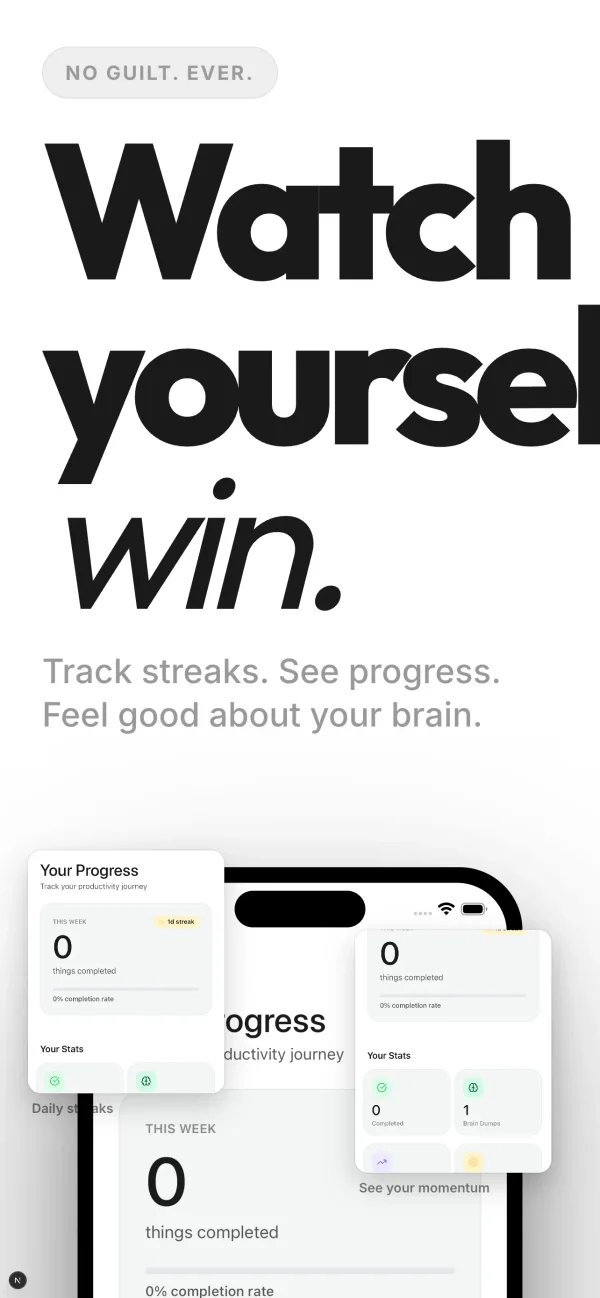
The stats screen now has a better visual hierarchy, clearer productivity insights, and more encouraging feedback on your accomplishments.
Performance & Stability
This update also includes overall performance improvements, bug fixes, stability enhancements, and smoother animations throughout the app.
Privacidad de la aplicación
Lo que Greg Besoni declara en App Store sobre cómo esta aplicación gestiona los datos.
-
Datos no vinculados a ti
Pueden recopilarse, pero no se vinculan a tu identidad.
- Datos de uso
Las prácticas de privacidad pueden variar, por ejemplo, según las funciones que uses o tu edad.
Información
- Vendedor
- Greg Besoni
- Categoría
- Productividad
- Versión
- 1.2.0
- Actualizado
- 2/4/2026
- Publicado
- 24/2/2026
- Tamaño
- 36,9 MB
- Requiere
- iOS 15.1 o posterior
- Clasificación por edad
- 4+
- Precio
- Gratis
- Compras en la aplicación
- Sí
- Idiomas
- Inglés
- Copyright
- © 2026 No Excuse Labs Inc
Quizá también te guste
-
 Brain Dump - Thoughts to TasksProductividad
-
 Brain Dump - AIProductividad
-
 dump: brain dump & ADHD to-doProductividad
-
 Jot - Instant Brain DumpProductividad
-
 Planificador IA: NudglyVolcado mental y tareas claras
-
 Brain Dump: ADHD Notes & IdeasProductividad
-
 Grabadora de Voz: BraindumpHabla: notas y recordatorios
-
 Brain Dump: Diario de vozDiario de voz con IA y notas
-
 Bullet: AI Digital Journal AppDaily To Do List, Week Planner
-
 neurolist: AI Planner for ADHDProductividad