- Clasificación por edad4+
- CategoríaDiseño gráfico
- Desarrollador龙涛 鄢
- IdiomasInglés+ 2 más
- Tamaño6,1 MB
Enlaza a la página oficial de App Store
Download.org no aloja ningún archivo de 提笔 · Brush Calligraphy. El botón abre la página de la aplicación en App Store, donde la publica 龙涛 鄢. Ficha comprobada por última vez el 12/11/2026.
Capturas de pantalla


Acerca de
El desarrollador no ha proporcionado este texto en tu idioma.
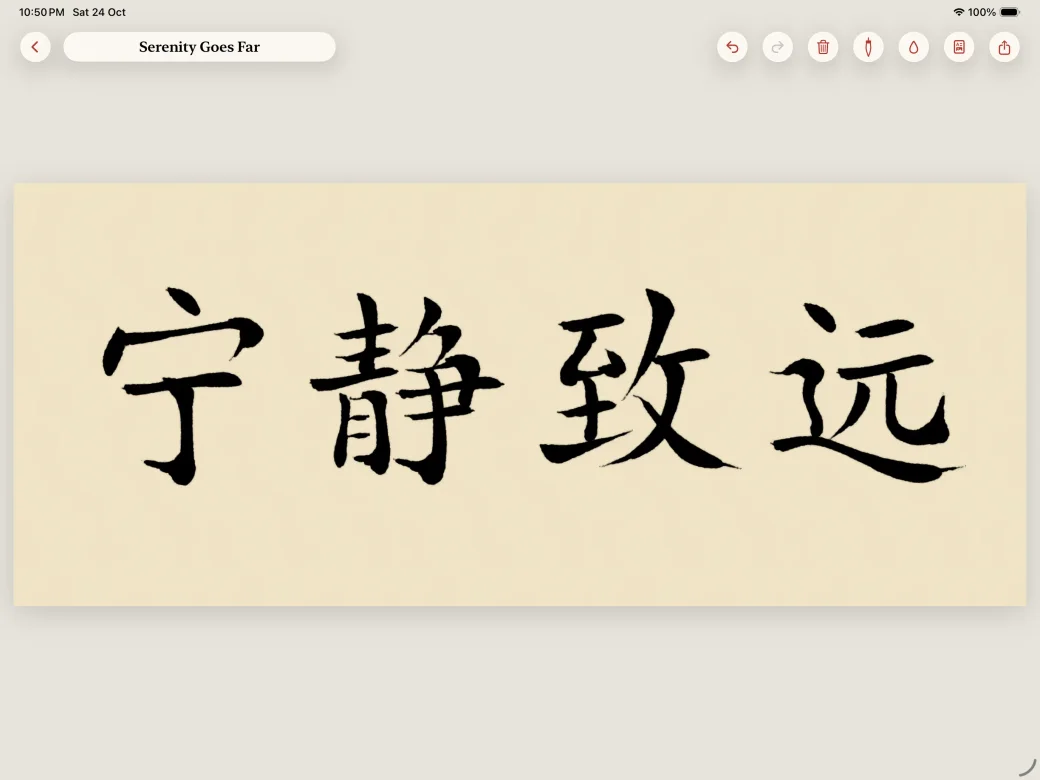
Unroll a sheet on your iPad and start writing.
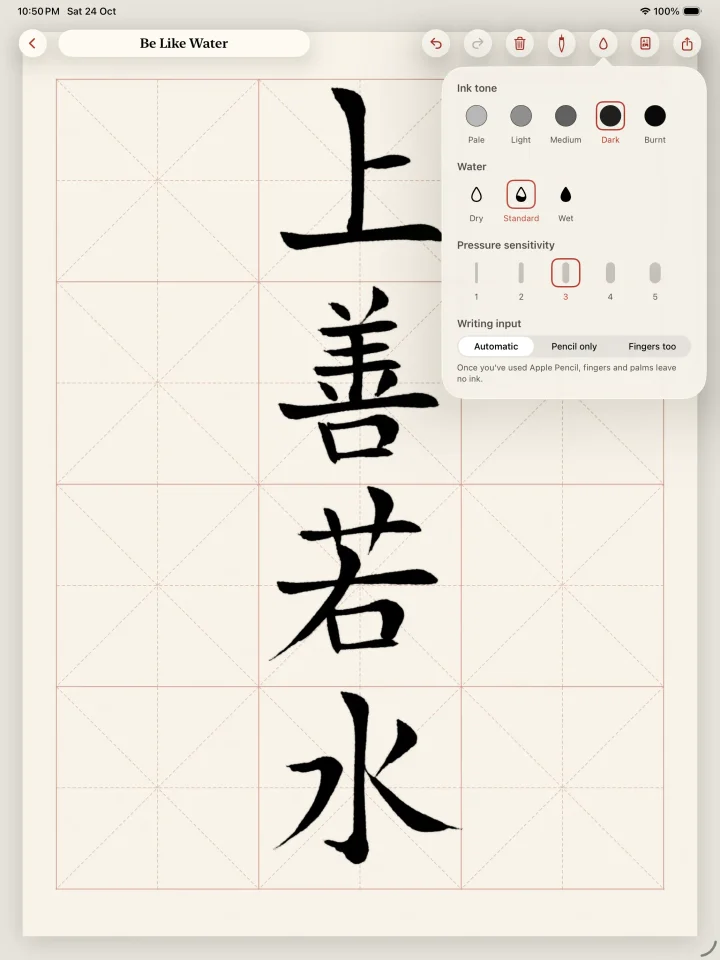
Write with Apple Pencil to explore the feel of a brush, or use your finger. Pick a brush and a size, then choose ink tone, water and pressure sensitivity to find your own weight and rhythm.
- Three brushes: balanced Mixed Hair, firm and sharp Weasel Hair, soft and ink-rich Goat Hair, each in five sizes from Small to Large. Brush Notes show how each tuft is built.
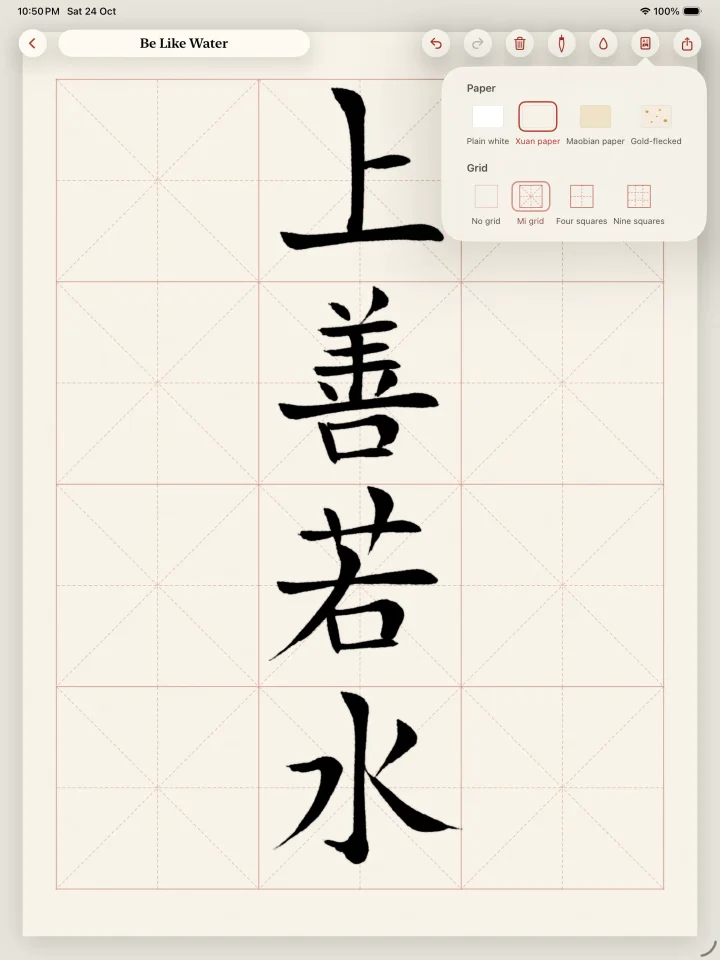
- Choose Xuan, rough-edged, gold-flecked or plain paper.
- Practice with Mi, Tian or nine-square guides.
- Drag with two fingers and extend the paper at its edges. Pinch to see the whole composition.
- Undo, redo and undoable clearing keep practice relaxed.
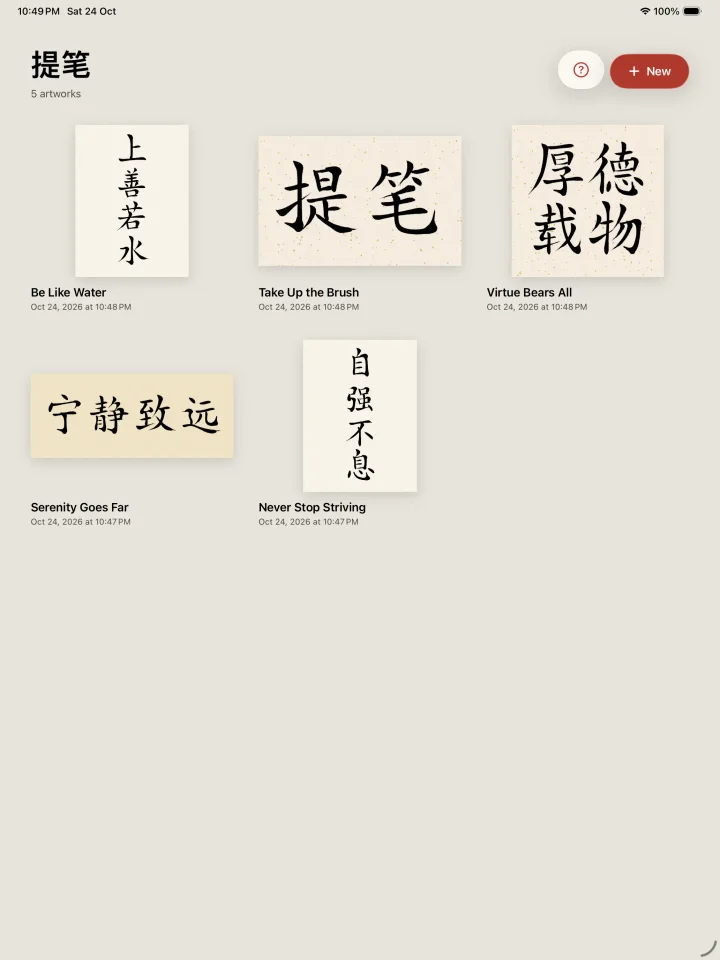
- Keep artworks in your library, rename or duplicate them, and share images or writing videos using the system share sheet.
Every stroke saves automatically. Images and videos retain paper color and texture without guide lines. A writing video starts from blank paper and rewrites the artwork in the order you wrote it.
Built for iPad. No account and offline writing. The app does not collect or upload your artworks or usage records to the developer. Apple Pencil is recommended; finger writing is also supported.
Artworks are stored locally. Sharing exports images and videos; editable native artwork import/export and in-app cross-device sync are not available.
Novedades
Versión 1.1 · 27/10/2026
New in 1.1:
• Three brushes: Mixed Hair is balanced, Weasel Hair firm and sharp, Goat Hair soft and full of ink. Each comes in five sizes, from Small to Large, and Brush Notes show how its tuft is built. When Apple Pencil's double-tap is set to switch to the last-used tool, double-tap swaps between your last two brushes.
• Writing video: replay an artwork from blank paper in the order you wrote it, as a video to share or save to Photos.
• Artworks with many strokes reopen and undo much faster.
• Help now shows how to extend the paper.
Privacidad de la aplicación
Lo que 龙涛 鄢 declara en App Store sobre cómo esta aplicación gestiona los datos.
-
No se recopilan datos
El desarrollador no recopila ningún dato de esta aplicación.
Las prácticas de privacidad pueden variar, por ejemplo, según las funciones que uses o tu edad.
Información
- Vendedor
- 龙涛 鄢
- Categoría
- Diseño gráfico
- Versión
- 1.1
- Actualizado
- 27/10/2026
- Publicado
- 23/10/2026
- Tamaño
- 6,1 MB
- Requiere
- iOS 26.0 o posterior
- Clasificación por edad
- 4+
- Precio
- Gratis
- Idiomas
- Inglés, Japonés, Chino simplificado
- Copyright
- © 2026 longtao yan
Quizá también te guste
-
 Ream: Caligrafía & LetteringHojas de Práctica & Pauta
-
 BeadChick: Cuentas fusiblesPatrones de fotos y dibujos
-
 ポケット書道Diseño gráfico
-
 ZenPenDiseño gráfico
-
 一手好字Diseño gráfico
-
 Zen Brush 3Diseño gráfico
-
 Colorize / Color to Old PhotosDiseño gráfico
-
 iLMiNA - Drawing & PaintDiseño gráfico
-
 CutLabXDiseño gráfico
-
 Neon Draw & Draw TogetherDiseño gráfico