Button Badge Maker
Auto Layout|A4 Print|DIY Merch
Diseñada para iPhone, iPad
Gratis · Compras en la aplicación
- Clasificación por edad4+
- CategoríaFoto y vídeo
- Desarrollador云涛 贾
- IdiomasInglés+ 6 más
- Tamaño68,0 MB
Enlaza a la página oficial de App Store
Download.org no aloja ningún archivo de Button Badge Maker. El botón abre la página de la aplicación en App Store, donde la publica 云涛 贾. Ficha comprobada por última vez el 23/11/2026.
Capturas de pantalla


Acerca de
El desarrollador no ha proporcionado este texto en tu idioma.
Create your own badges and keepsakes with ease.
Turn favorite characters, family photos, and pet portraits into memories you can hold.
Bring photo cropping, text decoration, background editing, automatic layouts, and printing together in one app. No complicated design software or placing every photo by hand.
• Flexible paper sizes
Choose A4, A5, A6, or 5-inch, 6-inch, and 7-inch photo paper. Tap the current size on the home screen to switch. Create custom sizes in millimeters, save favorites, and automatically reuse your last selection.
• Automatic layouts
Add up to 50 photos. Arrange them automatically by paper size, shape, and finished dimensions, with a count of photos that won’t fit. Changing paper size rearranges the sheet without changing the finished size of your designs.
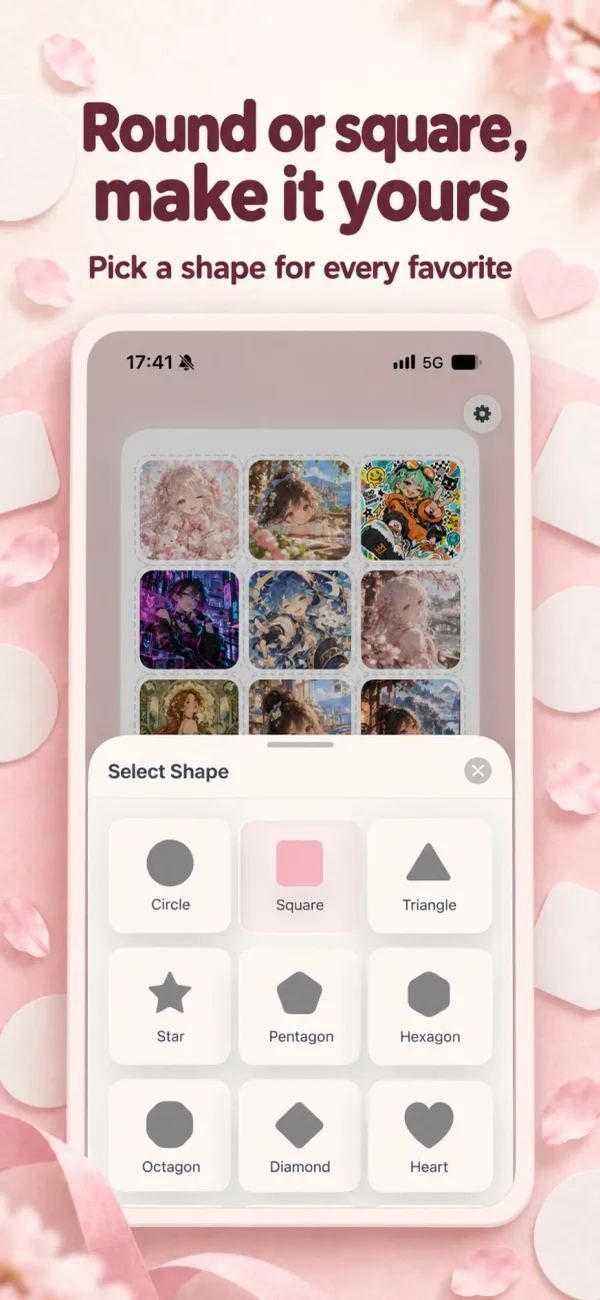
• 21 shapes
Circles, squares, triangles, stars, polygons, hearts, ovals, shields, drops, candy shapes, clouds, bookmarks, bells, tags, and more.
• Precise sizing
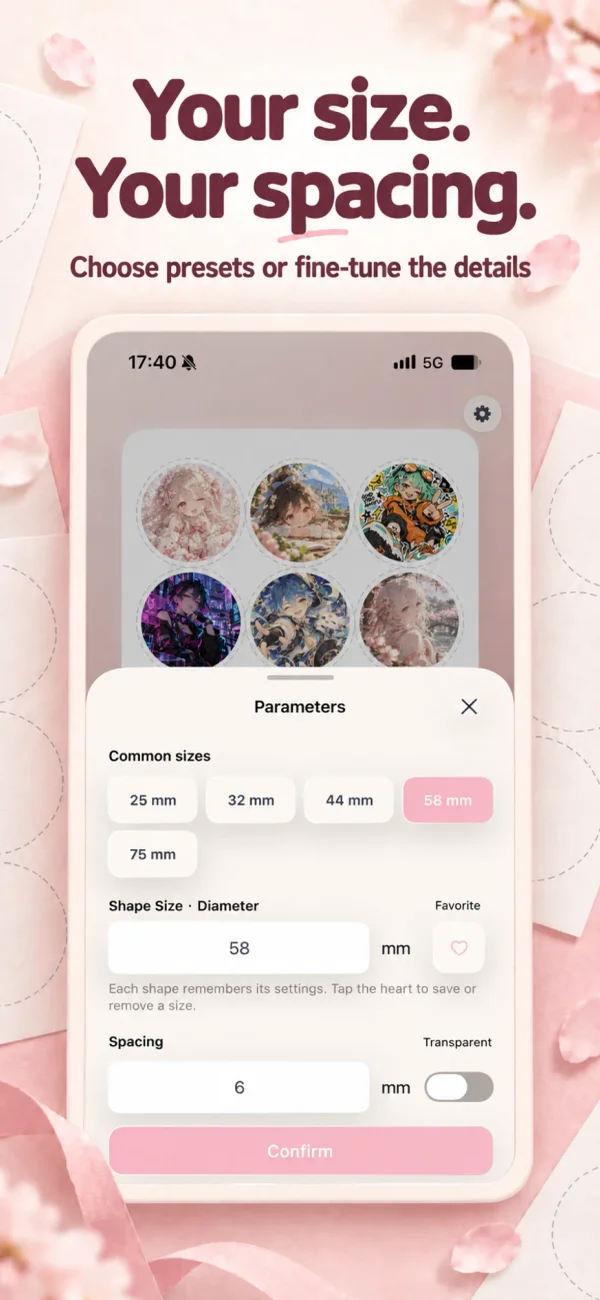
Set design size and spacing in millimeters. Save favorite sizes and remember settings for each shape. Adjust rounded corners, add dashed cutting guides, and optionally extend edge colors into the bleed area.
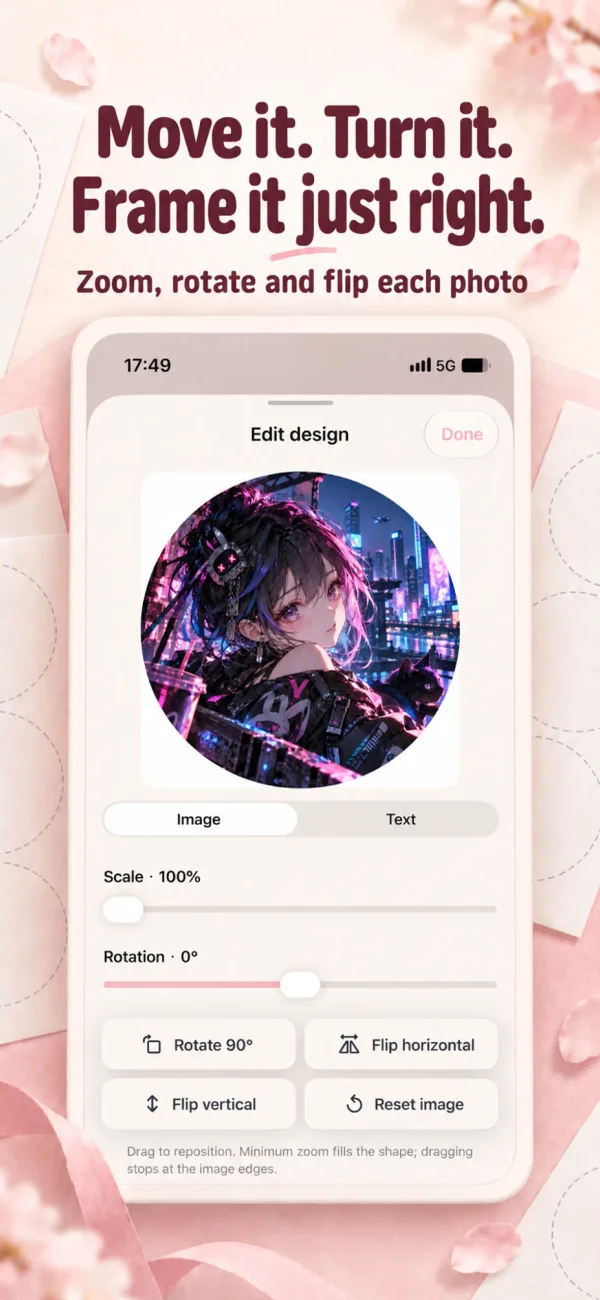
• Individual photo editing
Drag, zoom, rotate, and flip photos horizontally or vertically. In Edit mode, drag to swap photo positions. Make multiple copies at once.
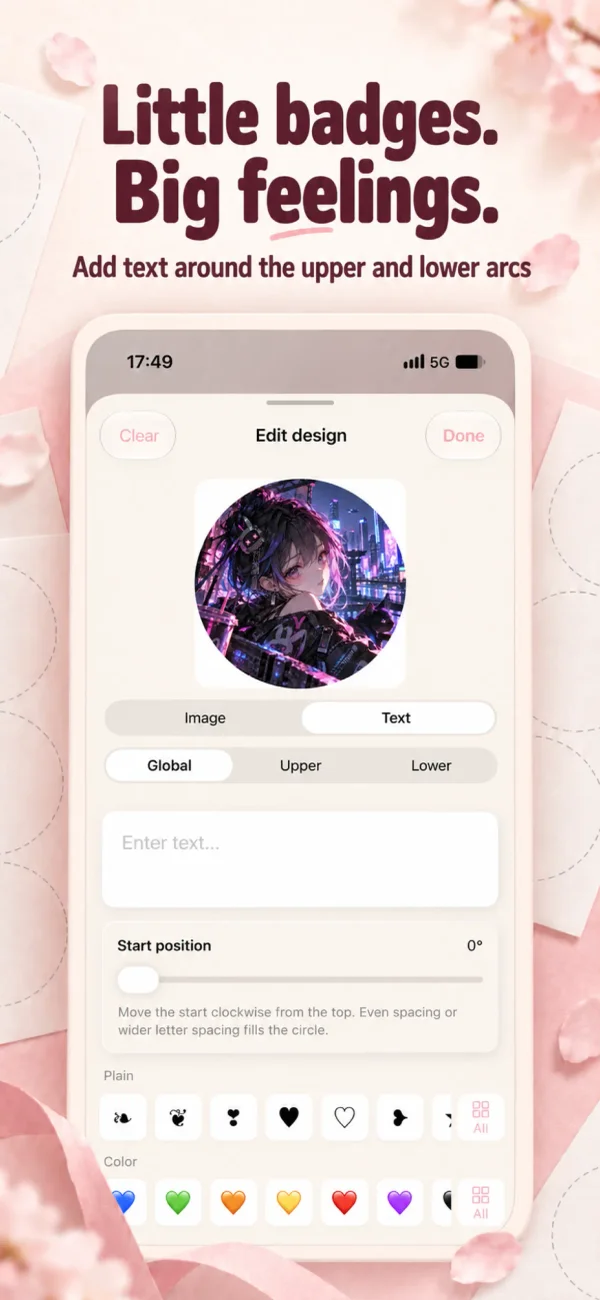
• Curved text and decorations
Circular designs support full-circle, upper-arc, and lower-arc text, each with its own starting position, letter spacing, and edge distance. Other compatible shapes support text along the bottom edge. Add colors, bold text, shadows, symbols, and emoji.
• Font choices
Use built-in fonts such as MiSans, or import TTF, OTF, and TTC fonts from Files.
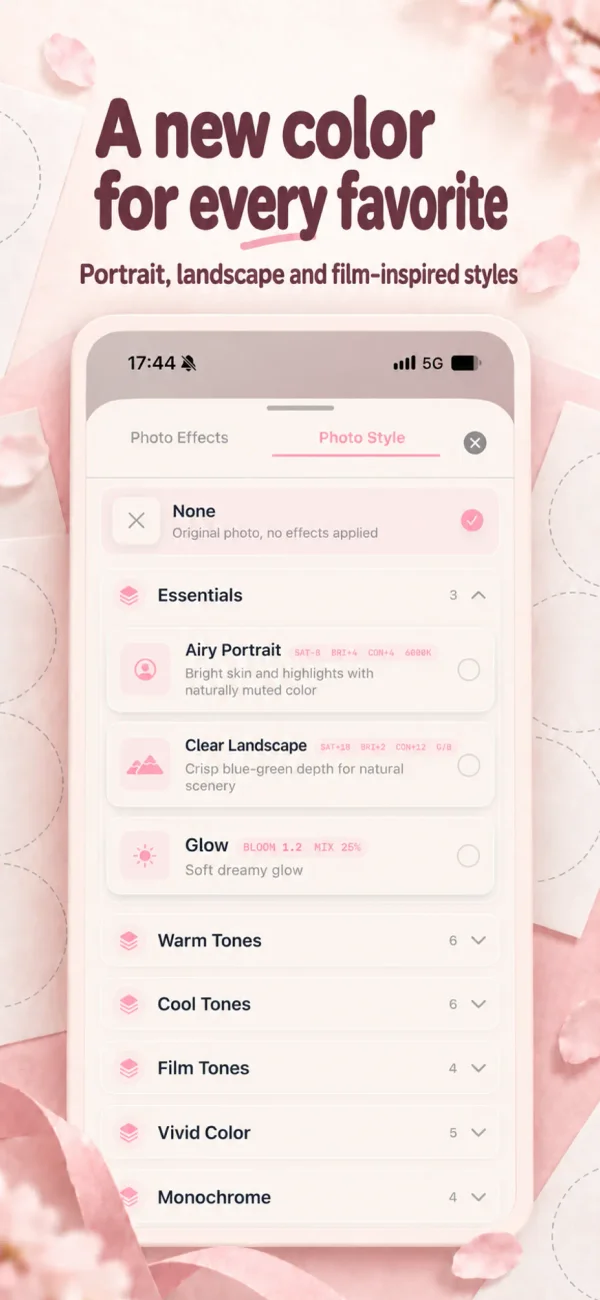
• 28 photo filters
Explore vivid, Japanese-inspired, black-and-white, retro, film, neon, and cinematic looks. Apply a style to all photos or adjust each individually.
• Background effects and patterns
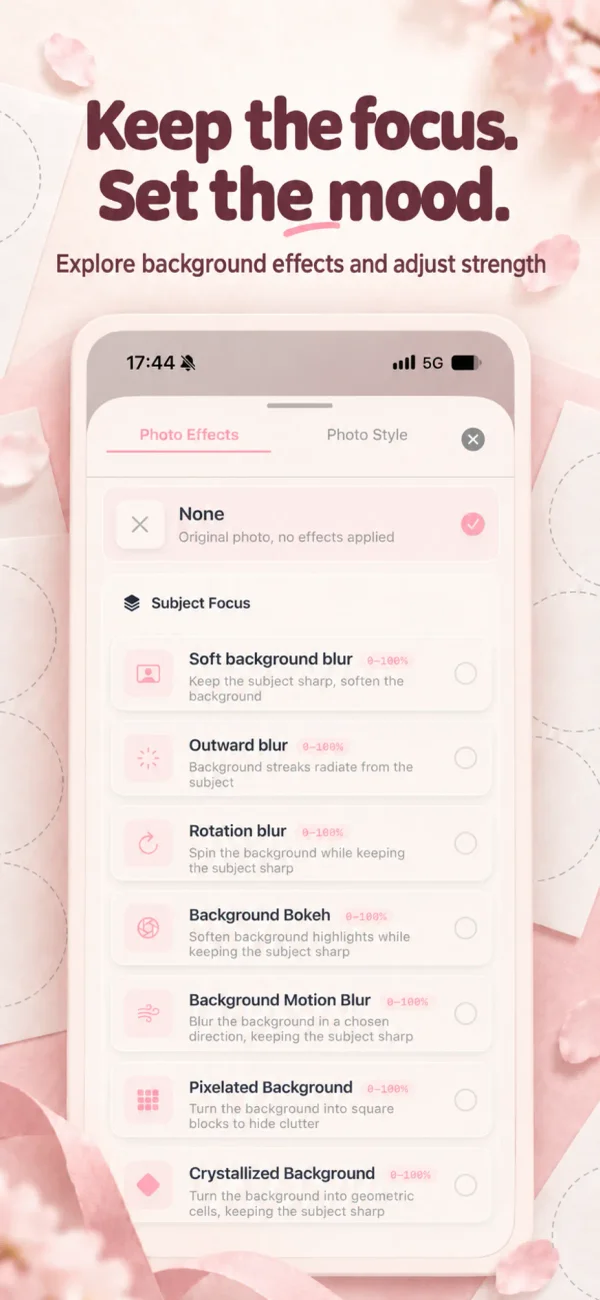
On-device subject recognition keeps the subject sharp while you add adjustable blur, bokeh, motion, pixelation, or crystallization effects to the background. Replace backgrounds with dots, squares, triangles, hearts, or emoji. Customize colors and choose orderly or random arrangements.
• Refine subject selections
Use a brush or similar-color selection to add or remove foreground areas. Adjust edge softness for a natural blend.
• Automatic saving
Layouts and unfinished edits are saved locally so you can continue later.
• Print and export
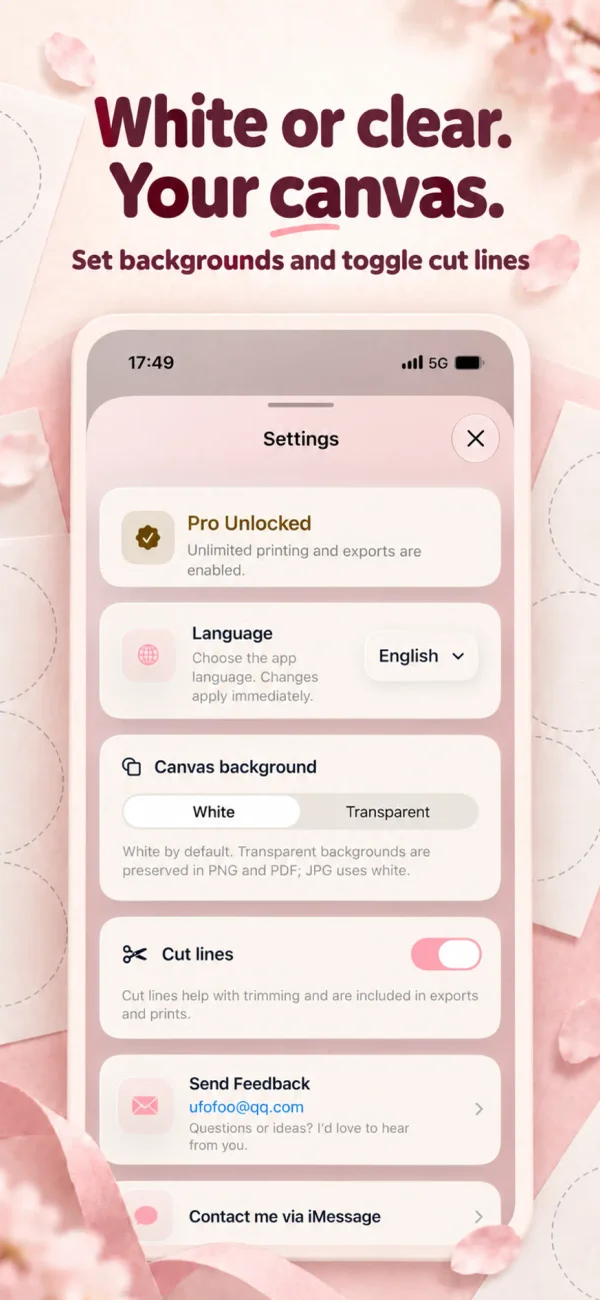
Print with AirPrint or export PNG, JPEG, and PDF files at your selected paper size. Choose white or transparent backgrounds. PNG and PDF support transparency; JPEG uses white. For final printing, use PDF and “Actual Size / 100%” to avoid automatic scaling.
• Designed for iPad
Wide windows show preview and controls side by side. Layouts adapt to portrait, landscape, and Split View.
Available in Simplified Chinese, Traditional Chinese, English, German, French, Japanese, and Korean.
No account required. Photo editing and subject recognition run on your device. The free version includes one print or export per day. Upgrade to Pro for unlimited printing and exporting.
Turn what you love into something uniquely yours.
Novedades
Versión 3.2 · 8/11/2026
Adjust the darkness and thickness of cut lines for clearer previews and prints. Restore the default settings with a single tap.
Privacidad de la aplicación
Lo que 云涛 贾 declara en App Store sobre cómo esta aplicación gestiona los datos.
-
No se recopilan datos
El desarrollador no recopila ningún dato de esta aplicación.
Las prácticas de privacidad pueden variar, por ejemplo, según las funciones que uses o tu edad.
Información
- Vendedor
- 云涛 贾
- Categoría
- Foto y vídeo
- Versión
- 3.2
- Actualizado
- 8/11/2026
- Publicado
- 31/3/2026
- Tamaño
- 68,0 MB
- Requiere
- iOS 17.6 o posterior
- Clasificación por edad
- 4+
- Precio
- Gratis
- Compras en la aplicación
- Sí
- Idiomas
- Inglés, Francés, Alemán, Japonés, Coreano, Chino simplificado, Chino tradicional
- Copyright
- Copyright © 2026 浅水鱼
Quizá también te guste
-
 PrintRightColoca tus fotos e imprime
-
 Circle Photo - Crop & FrameFoto y vídeo
-
 Limpiador de Fotos: DuplicadasBorrosas, Capturas y Espacio
-
 Dottre: Halftone Print LabFoto y vídeo
-
 Acsta: Merch de tu fandomStandees, cartas y reloj
-
 Monthly AlbumFoto y vídeo
-
 Fever.DreamFoto y vídeo
-
 デコもじ|デコ文字画像メーカーFoto y vídeo
-
 Snipmoji: Cutout Sticker MakerFoto y vídeo
-
 Print Photo StudioFoto y vídeo