
Cadrio3D
3D CAD, Sheet Metal & Drafting
Diseñada para iPhone, iPad
Gratis · Compras en la aplicación
- Clasificación por edad4+
- CategoríaEconomía y empresa
- Desarrolladorryo sasaki
- IdiomasInglés+ 1 más
- Tamaño59,5 MB
Enlaza a la página oficial de App Store
Download.org no aloja ningún archivo de Cadrio3D. El botón abre la página de la aplicación en App Store, donde la publica ryo sasaki. Ficha comprobada por última vez el 23/11/2026.
Capturas de pantalla
Acerca de
El desarrollador no ha proporcionado este texto en tu idioma.
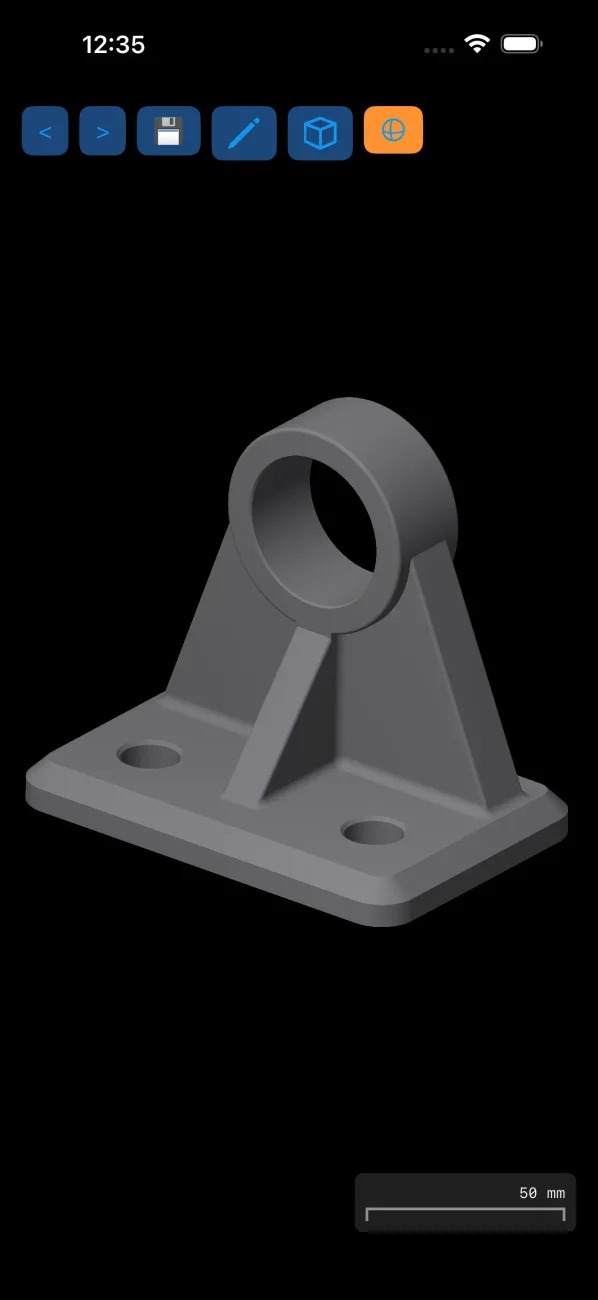
Cadrio3D is a full 3D CAD app for iPad and iPhone. Sketch, build solids, bend sheet metal, unfold flat patterns and create drawings, all with your fingers and Apple Pencil, no PC required.
Built for on-site measuring, prototype parts, 3D printing, and sheet metal and duct flat patterns.
■ 3D MODELING
• 2D sketches with dimensions and constraints (lines, circles, arcs, splines)
• Extrude, revolve, sweep and loft
• Boolean union, cut and intersect
• Fillet, chamfer, shell and draft
• Threads, hole wizard, helix and primitive shapes
• Turn 3D sketch wireframes into solids
• Pattern, mirror and align
■ SHEET METAL
• Base flange from a sketched polyline
• Flange and hem, partial flange, bend relief
• Corner treatment (miter, butt, overlap)
• Flat pattern with K-factor bend allowance and bend lines
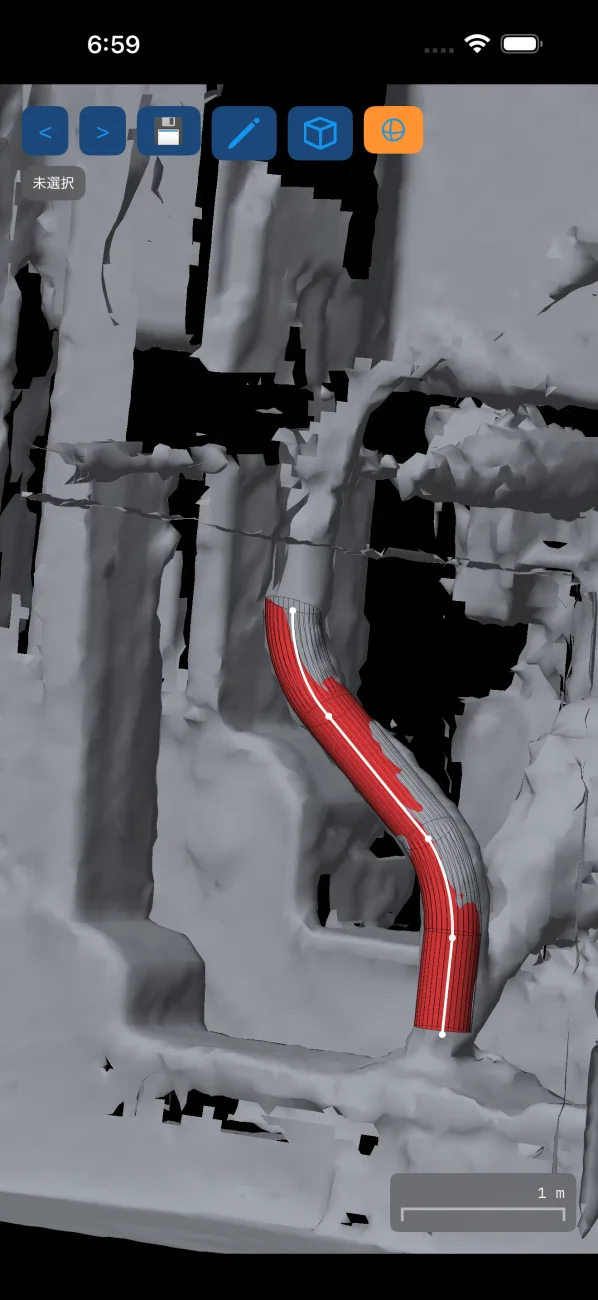
• Unfold pipes, cones and square-to-round ducts, with a selectable seam
■ DRAWINGS
• Third-angle projection views from your 3D model
• Dimensions and leaders
• Export to PDF and DXF
■ CHECK & ANALYZE
• Mass properties (volume, weight, center of mass)
• Bill of materials, interference check, section view, measurement
• Linkage motion playback with joints
■ CONNECT TO THE REAL WORLD
• Scan objects and rooms with LiDAR (with photo textures)
• Place models at real scale with AR
• Draw lines in the air with AR to create 3D sketches
■ FILES
• Import: STEP, STL, DXF, JWW
• Export: STEP, STL, DXF, 3MF, OBJ, PDF
• Place images (JPEG, PNG and more) as underlays
■ COMFORT
• Parallel and perspective projection
• Display units: mm, cm, m or inch
• Built-in MCP server so AI assistants can work with Cadrio3D
■ FREE VERSION & CADRIO PRO
Try every modeling feature for free (up to 1 saved drawing in the app).
Cadrio Pro removes the save limit and unlocks file export (STEP, DXF, STL and more), PDF/DXF drawing export and library saving.
Choose a monthly or yearly subscription, or a one-time lifetime purchase.
■ ABOUT SUBSCRIPTIONS
• Payment is charged to your Apple Account at confirmation of purchase.
• Subscriptions renew automatically unless auto-renew is turned off at least 24 hours before the end of the current period.
• Your account is charged for renewal within 24 hours before the end of the current period.
• You can manage subscriptions and turn off auto-renew in your Apple Account settings after purchase.
Terms of Use (EULA): https://ohkumado.com/cadrio3d/terms-of-use.html
Privacy Policy: https://ohkumado.com/cadrio3d/privacy-policy.html
Novedades
Versión 1.14 · 16/11/2026
- Added the ability to unfold sheet parts such as pipes, edit them, and fold them back.
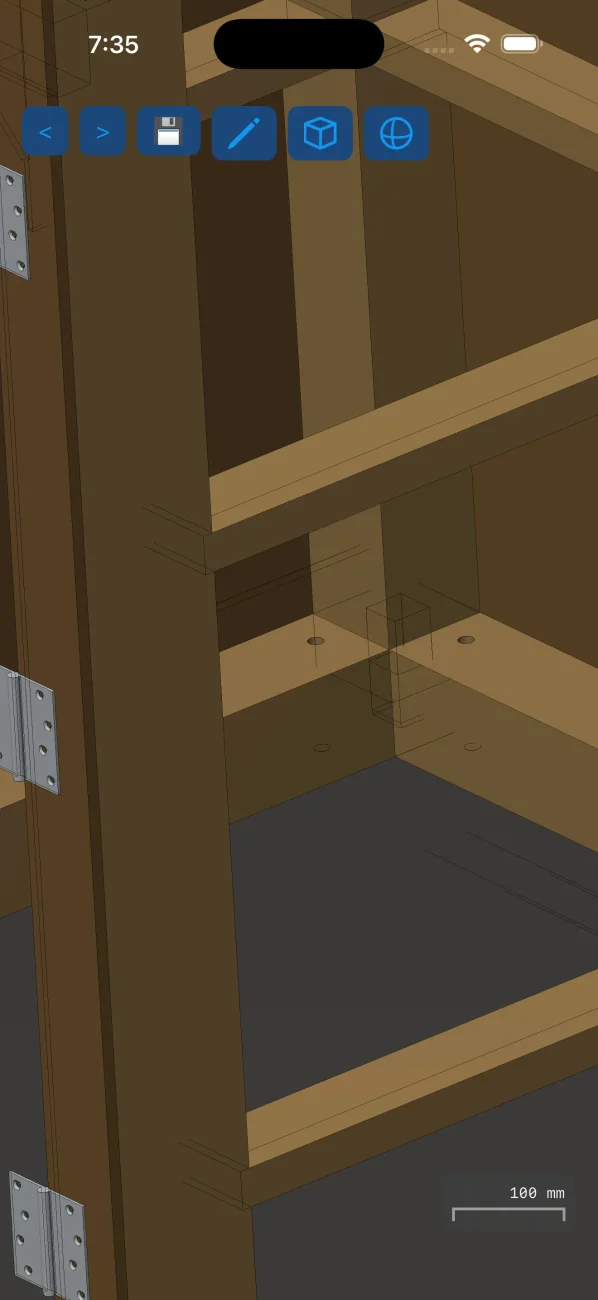
- Long-pressing the Orbit button now opens a panel where you can switch between Normal, X-ray, and Wireframe views.
- Added control instructions to the Walk tool.
Privacidad de la aplicación
Lo que ryo sasaki declara en App Store sobre cómo esta aplicación gestiona los datos.
-
Datos no vinculados a ti
Pueden recopilarse, pero no se vinculan a tu identidad.
- Diagnóstico
Las prácticas de privacidad pueden variar, por ejemplo, según las funciones que uses o tu edad.
Información
- Vendedor
- sasaki ryo
- Categoría
- Economía y empresa
- Versión
- 1.14
- Actualizado
- 16/11/2026
- Publicado
- 23/7/2026
- Tamaño
- 59,5 MB
- Requiere
- iOS 26.2 o posterior
- Clasificación por edad
- 4+
- Precio
- Gratis
- Compras en la aplicación
- Sí
- Idiomas
- Inglés, Japonés
- Copyright
- © 2026 大熊堂