
Carbridge app
Watch, Play & Cast Videos
Diseñada para iPhone, iPad, iPod touch
Gratis · Compras en la aplicación
- Clasificación por edad17+
- CategoríaProductividad
- DesarrolladorMICAD SOFTWARE COMPANY LIMITED
- IdiomasInglés
- Tamaño1,1 MB
Enlaza a la página oficial de App Store
Download.org no aloja ningún archivo de Carbridge app. El botón abre la página de la aplicación en App Store, donde la publica MICAD SOFTWARE COMPANY LIMITED. Ficha comprobada por última vez el 21/11/2026.
Capturas de pantalla
Acerca de
El desarrollador no ha proporcionado este texto en tu idioma.
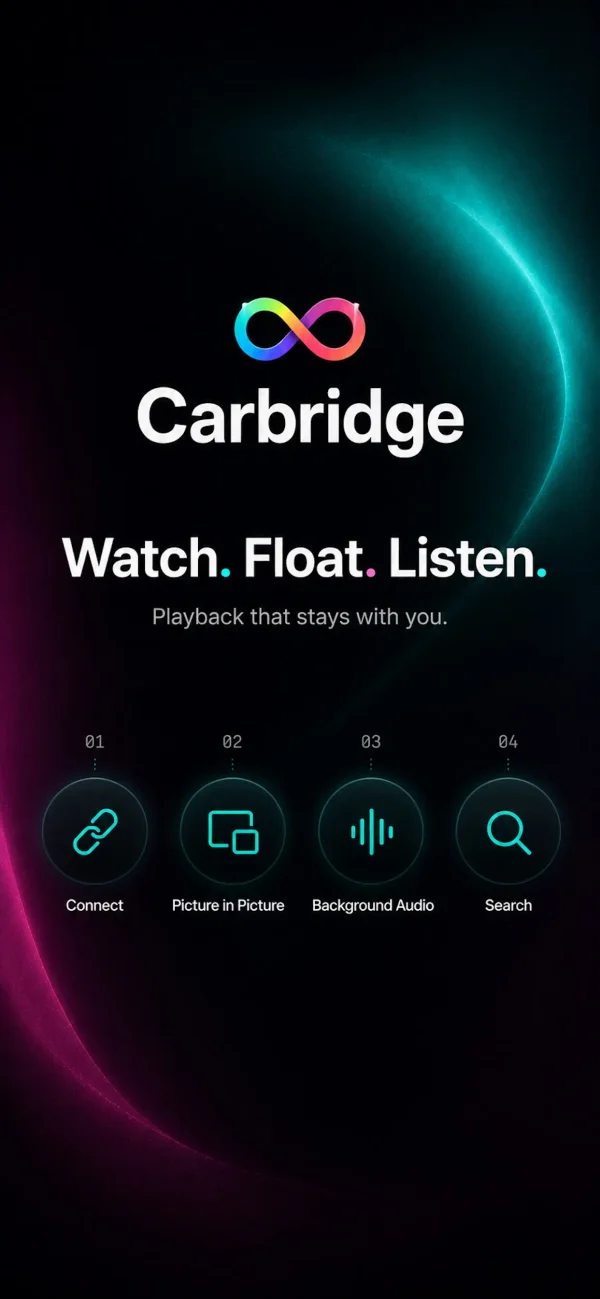
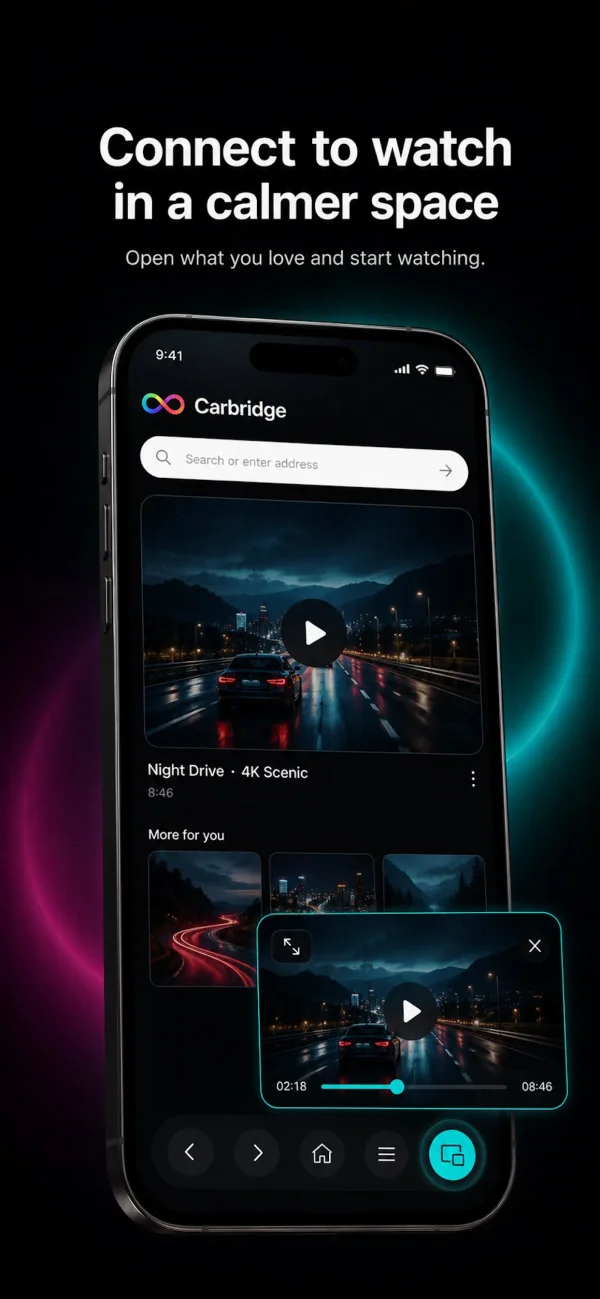
Carbridge is a dark, focused in-app browser for watching and listening while you multitask. Connect to your favorite video homepage, play content, float it with Picture-in-Picture, and keep audio playing when you leave the app or lock your device.
WHY CARBRIDGE
• Built-in browser with search, Back, Forward, Reload, Home, and PiP
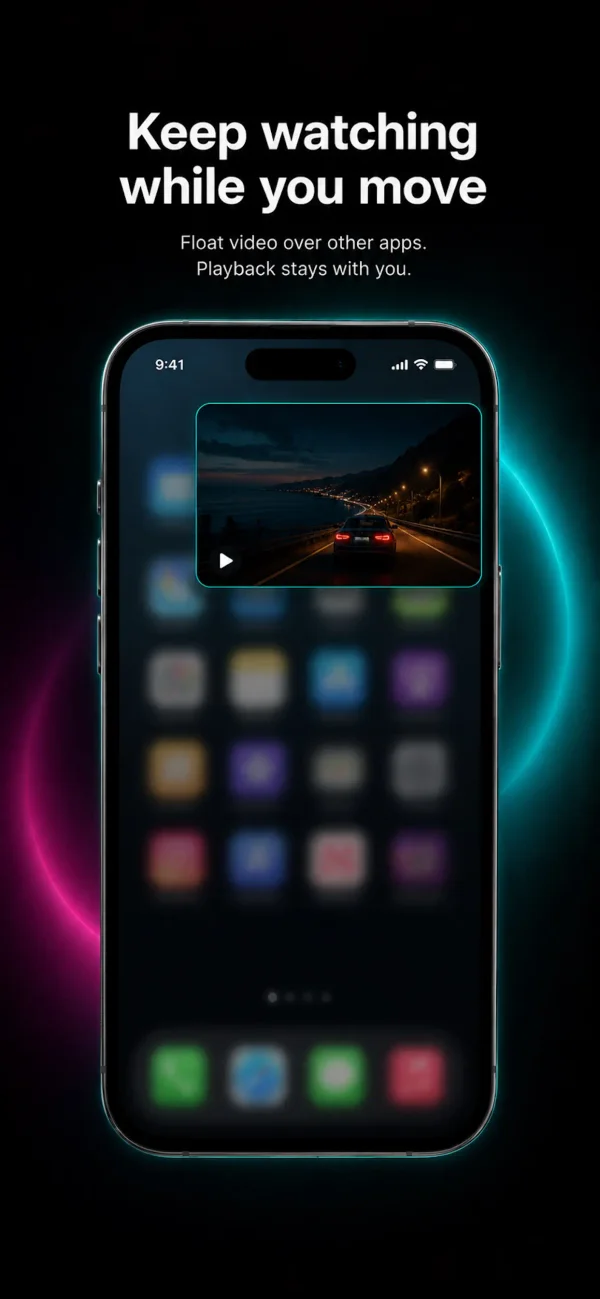
• Picture-in-Picture so video stays with you while you message or browse
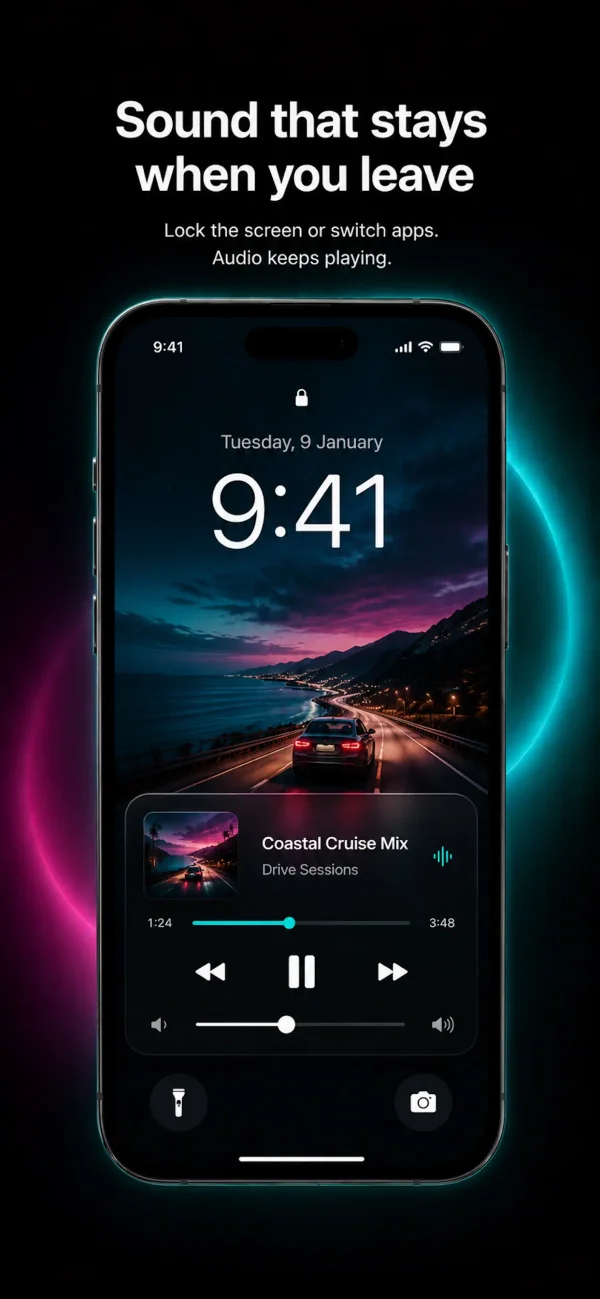
• Background audio for podcasts, music, and long-form listening
• Address bar: enter a website or search the web instantly
• Quiet dark UI designed for focus
• No account required — open and play
HOW TO USE
1) Open Carbridge and follow the short onboarding (Connect → PiP → Audio → Search)
2) Unlock Carbridge Pro (or Restore Purchases) to enter Home
3) Browse your start page in the built-in browser
4) Play a video, then tap PiP to float the player (exit fullscreen first if needed)
5) Switch apps or lock the screen — audio can continue in the background
6) Use Home anytime to return to your start page; use search for the web
FEATURES
In-app browser • Picture-in-Picture • Background audio • Web search from the address bar • Navigation controls (Back / Forward / Reload / Home / PiP) • Offline-network alerts when disconnected • Dark focused UI • Simple Pro unlock • Restore Purchases • Privacy & Terms links in-app
PICTURE-IN-PICTURE & BACKGROUND AUDIO
Carbridge uses system media playback with Picture-in-Picture support and an audio background mode. Playback continuity depends on iOS version, device settings, and the media page you are viewing.
IMPORTANT
• Internet connection required
• Carbridge does not download, rip, or permanently save streaming videos to your photo library
• Carbridge is an independent browser experience and is not affiliated with any third-party video platform
• Only app preferences and purchase entitlement flags are stored on device
CARBRIDGE PRO (IN-APP PURCHASE)
Carbridge Pro unlocks the full browser Home experience. Without an active subscription or Lifetime purchase, new users complete onboarding and see the upgrade screen.
Pro includes:
• Full in-app browser Home
• Picture-in-Picture workflow
• Background audio workflow
• Search, navigation, and multitasking tools
• Restore Purchases support
OPEN THE UPGRADE SCREEN
• First launch: Onboarding → Get Started → Carbridge Pro
• From Home: tap the settings (gear) button
• Restore: footer on the upgrade screen → Restore
Plans: Weekly, Monthly, Yearly (auto-renewing), Lifetime (one-time).
SUBSCRIPTIONS
Payment is charged to your Apple ID at confirmation. Subscriptions renew automatically unless canceled at least 24 hours before the end of the current period in Apple ID settings. Renewal is charged within 24 hours prior to the end of the current period. Manage or cancel anytime in Settings → Apple ID → Subscriptions.
Privacy: https://sites.google.com/view/carbridge-privacy
Terms: https://sites.google.com/view/carbridge-terms
Novedades
Versión 1.0.1 · 24/7/2026
• Bug fixes.
• UI improvements.
• Performance enhancements.
Privacidad de la aplicación
Lo que MICAD SOFTWARE COMPANY LIMITED declara en App Store sobre cómo esta aplicación gestiona los datos.
-
No se recopilan datos
El desarrollador no recopila ningún dato de esta aplicación.
Las prácticas de privacidad pueden variar, por ejemplo, según las funciones que uses o tu edad.
Información
- Vendedor
- MICAD SOFTWARE COMPANY LIMITED
- Categoría
- Productividad
- Versión
- 1.0.1
- Actualizado
- 24/7/2026
- Publicado
- 13/7/2026
- Tamaño
- 1,1 MB
- Requiere
- iOS 15.0 o posterior
- Clasificación por edad
- 17+
- Precio
- Gratis
- Compras en la aplicación
- Sí
- Idiomas
- Inglés
- Copyright
- © MICAD SOFTWARE COMPANY LIMITED
Quizá también te guste
-
 Car Bridge App – Smart Car KeyProductividad
-
 CarTube App - Car Play & TaskProductividad
-
 CalendarDC 2026Productividad
-
 ALFA OBD - Car Diagnostic AppProductividad
-
 Links – Link in bio CreatorsProductividad
-
 Thinkspan: AI Life VaultProductividad
-
 VinFastProductividad
-
 Screen Mirroring & TV Cast HDProductividad
-
 BimmerLinkProductividad
-
 Chat AI 5: AI Agent & VideoChat con mejores modelos IA