CardRunner - Image Transfer
Speed up your photo workflow
Diseñada para iPhone, iPad
Gratis · Compras en la aplicación
- Clasificación por edad4+
- CategoríaFoto y vídeo
- DesarrolladorDavid Platt
- IdiomasInglés
- Tamaño37,5 MB
Enlaza a la página oficial de App Store
Download.org no aloja ningún archivo de CardRunner - Image Transfer. El botón abre la página de la aplicación en App Store, donde la publica David Platt. Ficha comprobada por última vez el 16/11/2026.
Capturas de pantalla
Acerca de
El desarrollador no ha proporcionado este texto en tu idioma.
For photographers who need a fast field workflow, CardRunner helps you get the right images off your camera or memory card quickly so you can stay focused on the action.
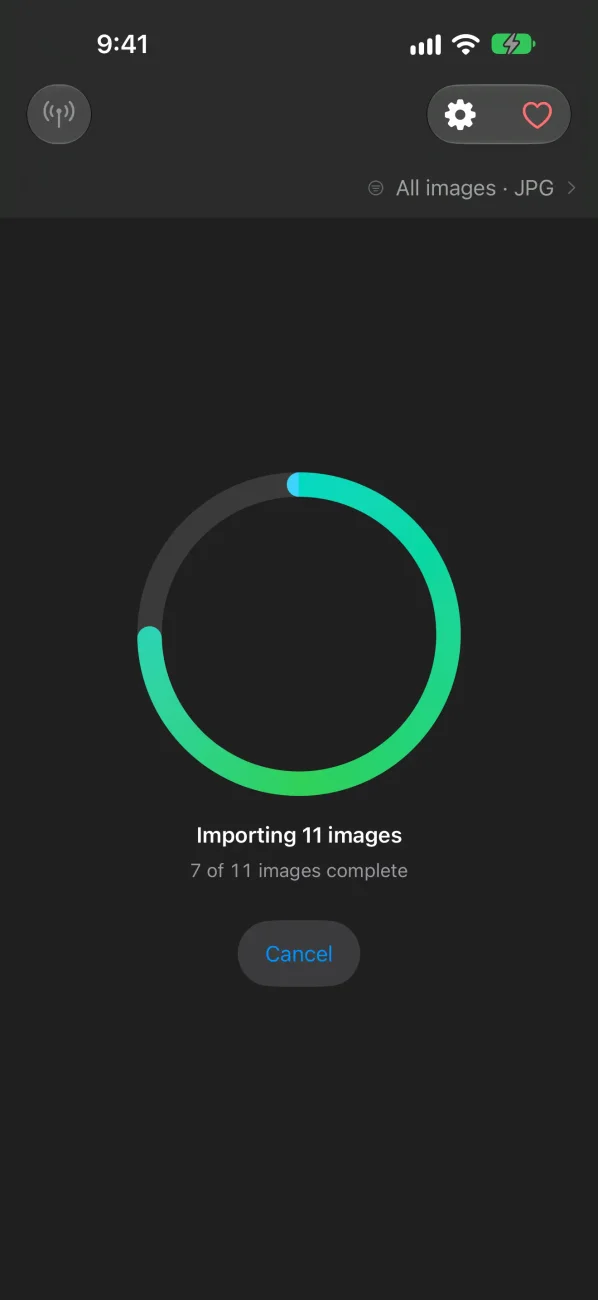
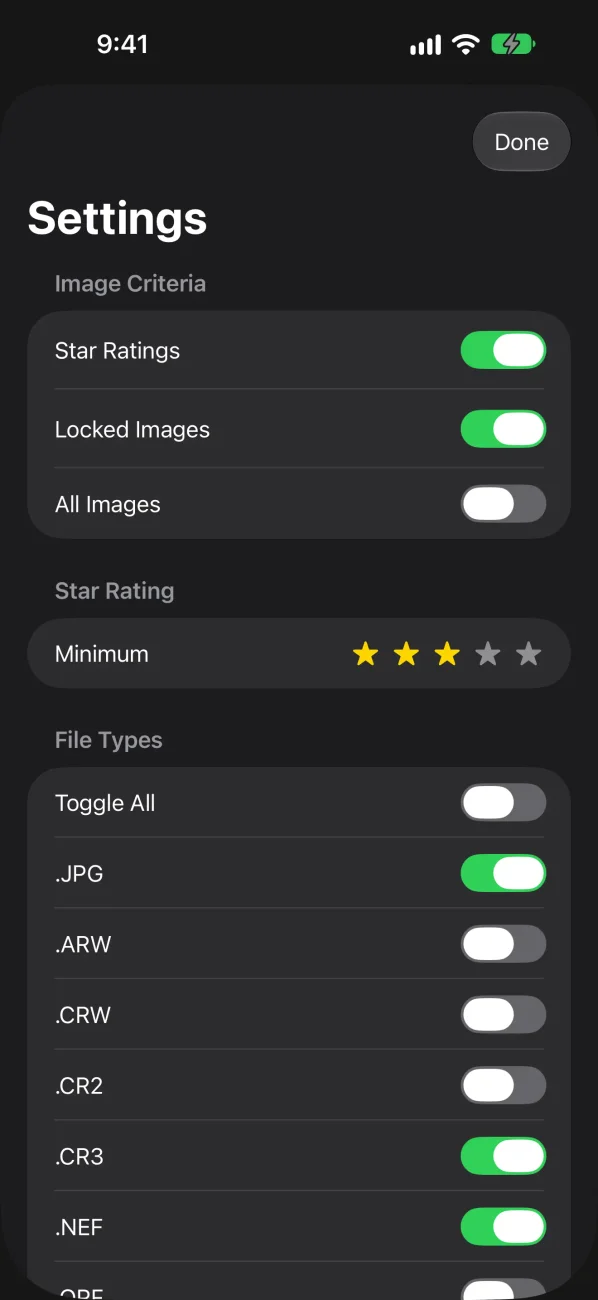
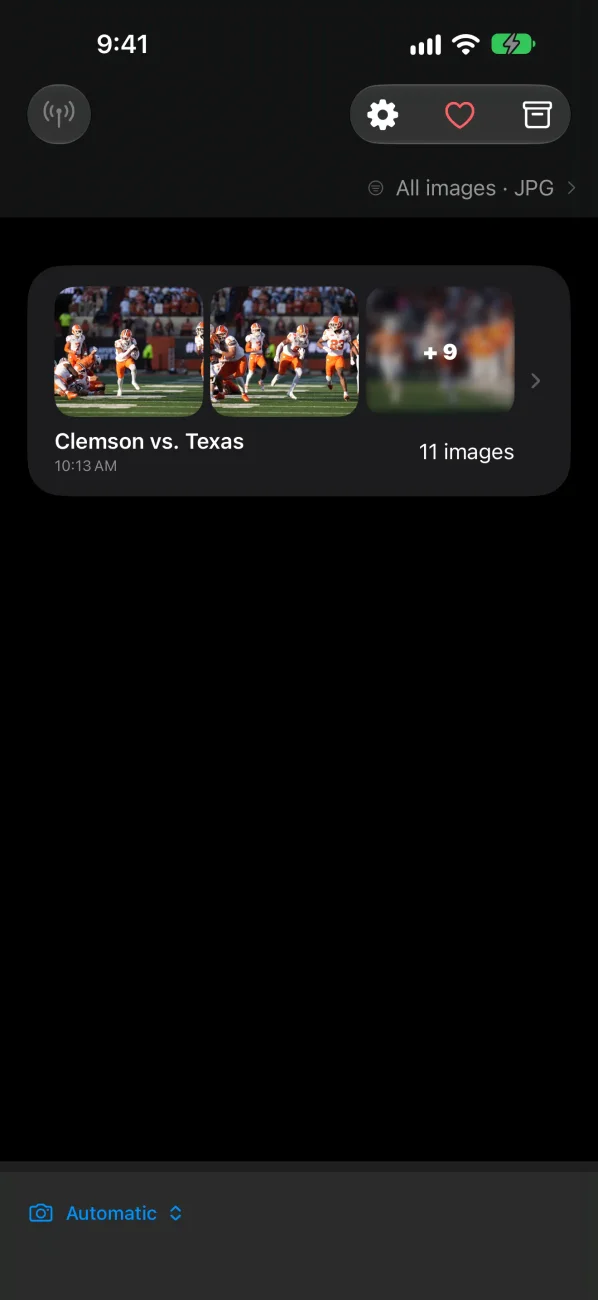
CardRunner detects connected cameras and cards, searches for photos in the background, and lets you import everything for free! You can upgrade to Pro to pull only protected (locked) or star-rated shots. Once selected photos are copied locally, CardRunner clearly confirms that it’s safe to remove your card and get back to shooting.
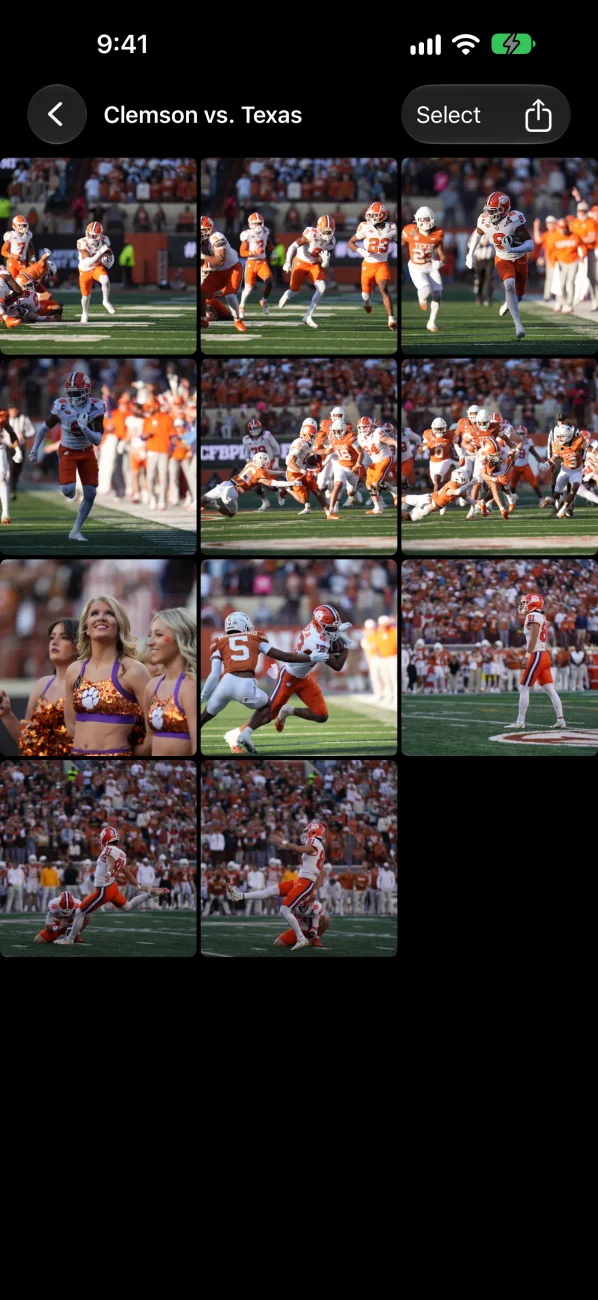
Your imported collections stay available after relaunch, can be archived for later review, and prevent accidental duplicate imports. Save to your camera roll, share with an editor, client, or friend, or send photos straight to your editor with Photostream.
-- KEY FEATURES --
• Automatic Camera Detection — Connect a camera or memory card and CardRunner prepares new photos for import
• Free Unlimited Import — Import as many images as you want, free forever
• Fast Field Ingest — See how many new images are ready and know when it’s safe to remove your card
• Persistent Collections — Review imports later, archive older collections, and avoid duplicate imports
• Smart Filtering — Import only protected (locked) or star-rated images (Pro)
• RAW Support — Import, save, and share ARW, CR2, CR3, NEF, ORF, PEF, RW2, and more (Pro)
• Full Size or Optimized — Save originals or compress for faster transfers on slow connections
• Photostream — Stream photos to your editor’s gallery with a simple join code, automatically or when you choose
• Pro via Photostream — Photostream-connected users unlock Pro features automatically
• Geotagging — Tag imports with your current location so every shot knows where it was delivered (Pro)
• Favorites — Mark your best shots and see them on a home screen widget
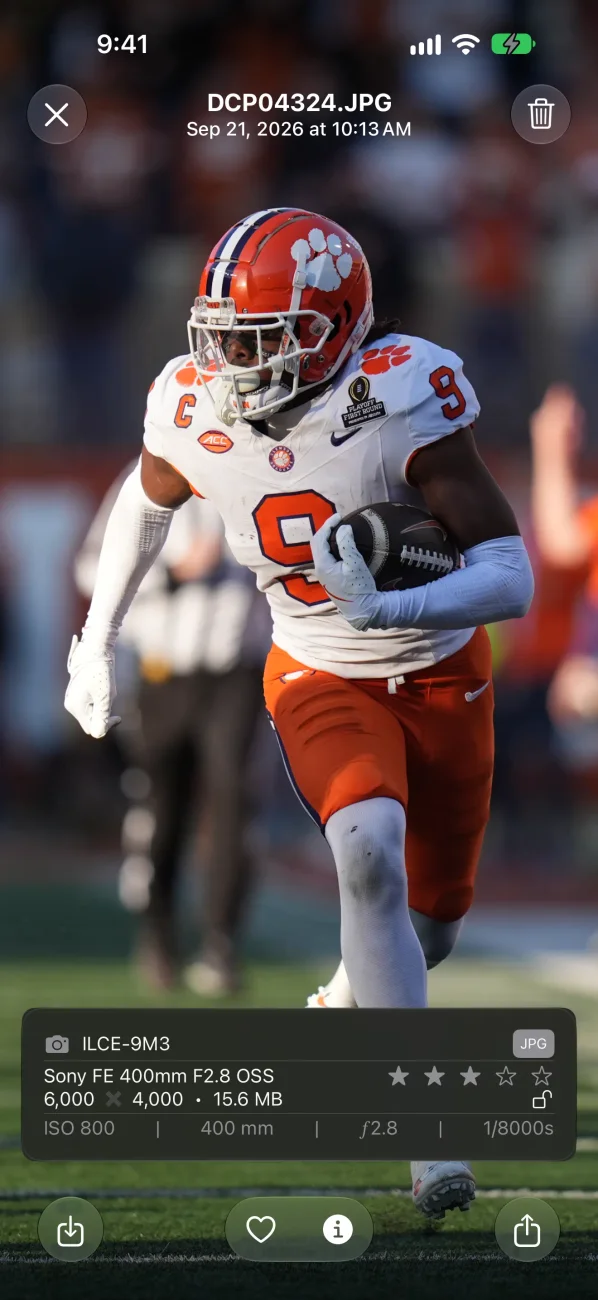
• EXIF Viewer — Camera, lens, ISO, aperture, shutter speed, and more at a glance
• iPad Support — Works natively on iPhone and iPad
-- BUILT FOR THE FIELD --
Shooting on location with limited connectivity? CardRunner keeps the card workflow focused: connect, import the photos you need, remove the card, and get back to shooting. Save full-size originals or optimized copies for faster sharing over cellular or limited connectivity while keeping your originals intact.
With Photostream, your editor can see photos as soon as you import them. Prefer more control? Turn off automatic uploads and send individual photos when you’re ready.
-- FREE + PRO --
Import unlimited images for free. Upgrade to CardRunner Pro for rated-only and protected-only imports, RAW support, geotagging, and additional optimization controls. If you work with Photostream, Pro features unlock automatically while connected.
CardRunner is built by an independent developer and college football photographer (Go Tigers!)
Feedback is always welcome — find me in Settings > Send Feedback.
Novedades
Versión 3.9 · 4/11/2026
Improved Photostream uploads, reorganized settings, and bug fixes:
• Large Full-quality photos can resume after a connection interruption instead of starting over.
• The upload queue now shows saved progress and when Photostream is finishing delivery.
• Pause, cancel without losing progress, retry, remove, send next, and reorder photos from the queue.
• Crop or use Smart Crop before sending, and adjust eligible queued photos without changing the imported original.
• Failed or cancelled uploads can send a smaller recovery copy using your optimized quality setting.
• Completed uploads keep a preview so you can recognize them later.
• Better organized settings screens makes it easier to find the right settings.
Privacidad de la aplicación
Lo que David Platt declara en App Store sobre cómo esta aplicación gestiona los datos.
-
Datos no vinculados a ti
Pueden recopilarse, pero no se vinculan a tu identidad.
- Datos de uso
- Diagnóstico
Las prácticas de privacidad pueden variar, por ejemplo, según las funciones que uses o tu edad.
Información
- Vendedor
- David Platt
- Categoría
- Foto y vídeo
- Versión
- 3.9
- Actualizado
- 4/11/2026
- Publicado
- 31/1/2024
- Tamaño
- 37,5 MB
- Requiere
- iOS 18.0 o posterior
- Clasificación por edad
- 4+
- Precio
- Gratis
- Compras en la aplicación
- Sí
- Idiomas
- Inglés
- Copyright
- © Platt Solutions, LLC
Quizá también te guste
-
 IA selección — PhotoPickerSelección móvil para Lightroom
-
 EXIF Editor Metadatos y FotoEditar ubicación, fecha, IPTC
-
 Offline Photo StorageFoto y vídeo
-
 Profoto ControlFoto y vídeo
-
 NX MobileAirFoto y vídeo
-
 Cascable Studio: Camera TetherFoto y vídeo
-
 Content Transfer ProfessionalEOS para noticias y deporte
-
 Capture OneCrea sin límites
-
 Camera Connect & ControlFoto y vídeo
-
 PhotoSync : sincronizar fotosCopia al ordenador, NAS y nube