
- Clasificación por edad4+
- CategoríaProductividad
- DesarrolladorNathan Coad
- IdiomasInglés
- Tamaño55,9 MB
Es posible que CDRoster no esté disponible en App Store en este momento
No se pudo acceder a la ficha de la tienda en nuestra última comprobación. El enlace sigue llevando a la página oficial de App Store.
Capturas de pantalla


Acerca de
El desarrollador no ha proporcionado este texto en tu idioma.
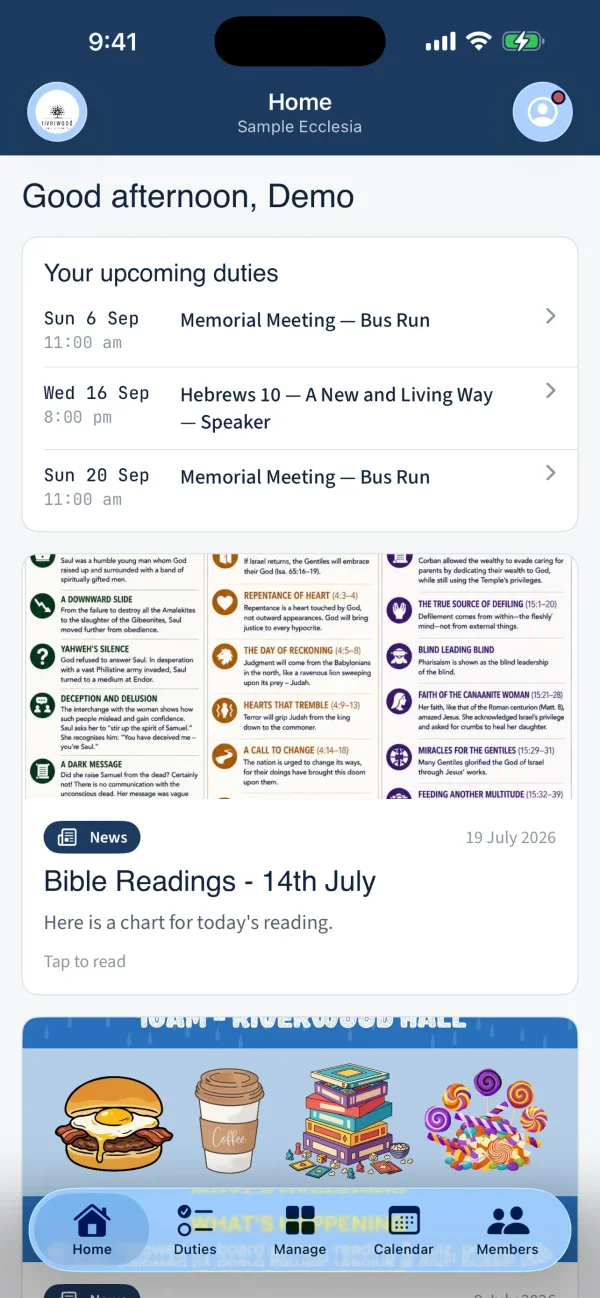
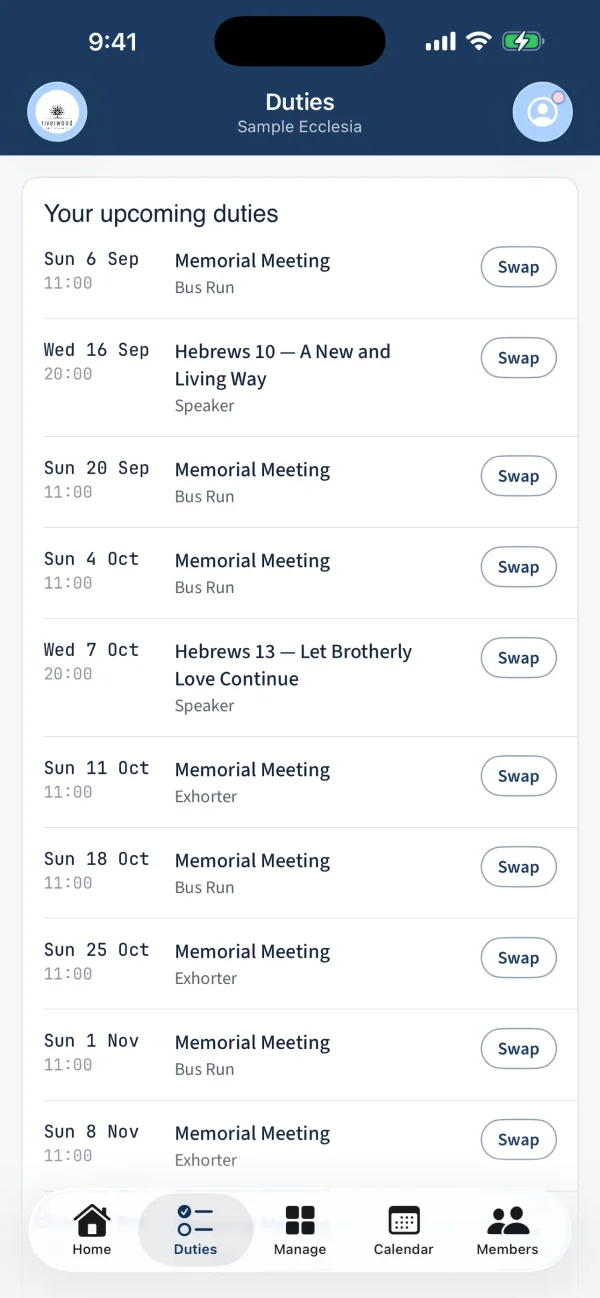
CDRoster brings your ecclesia's duty roster to your iPhone and iPad. See your upcoming duties at a glance, request a swap when you can't serve, or volunteer to fill an open role.
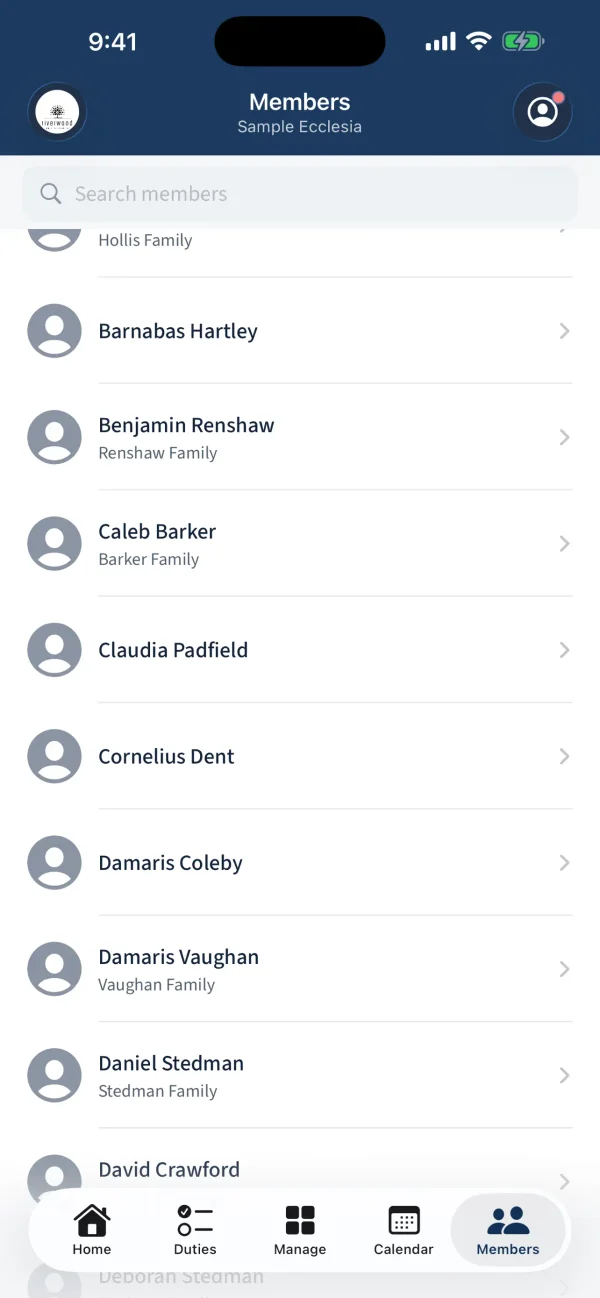
Browse the full schedule in a month calendar, look up members in the directory, and keep up with ecclesial news, announcements and surveys. Add a home-screen widget for your next duty, or subscribe to your duties from your own calendar app.
FOR EVERY MEMBER
• Your upcoming duties, with swap requests and open roles you can volunteer for
• A colour-coded month calendar of meetings, marked on the days you're rostered
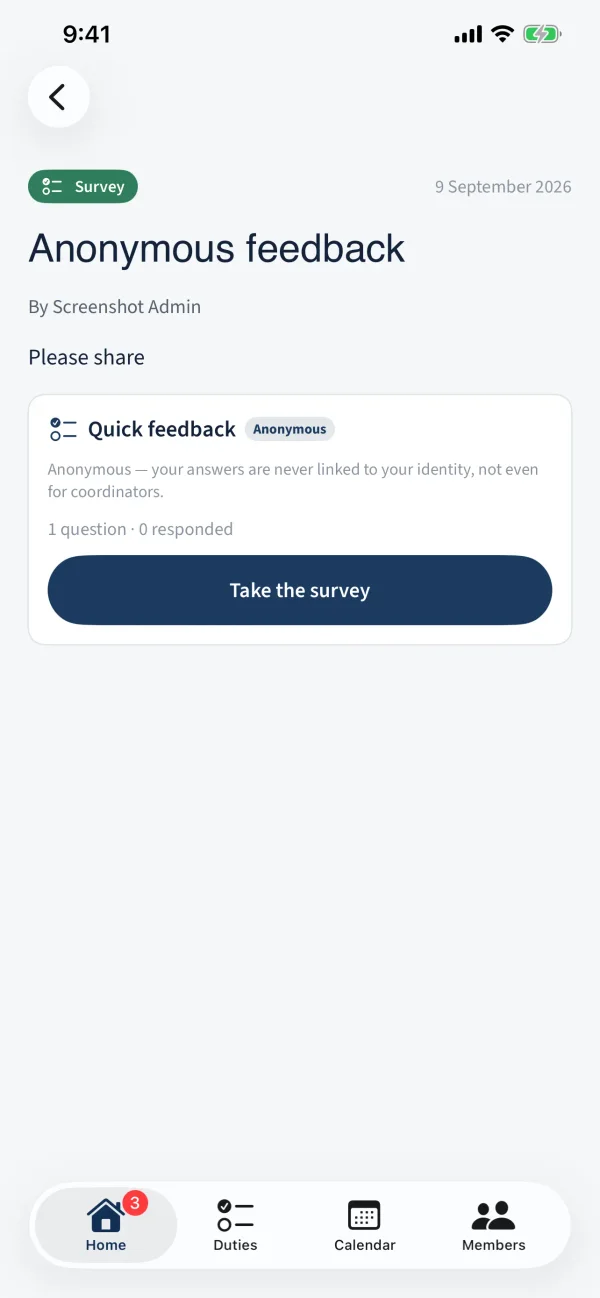
• Announcements with photos, attachments and in-app surveys
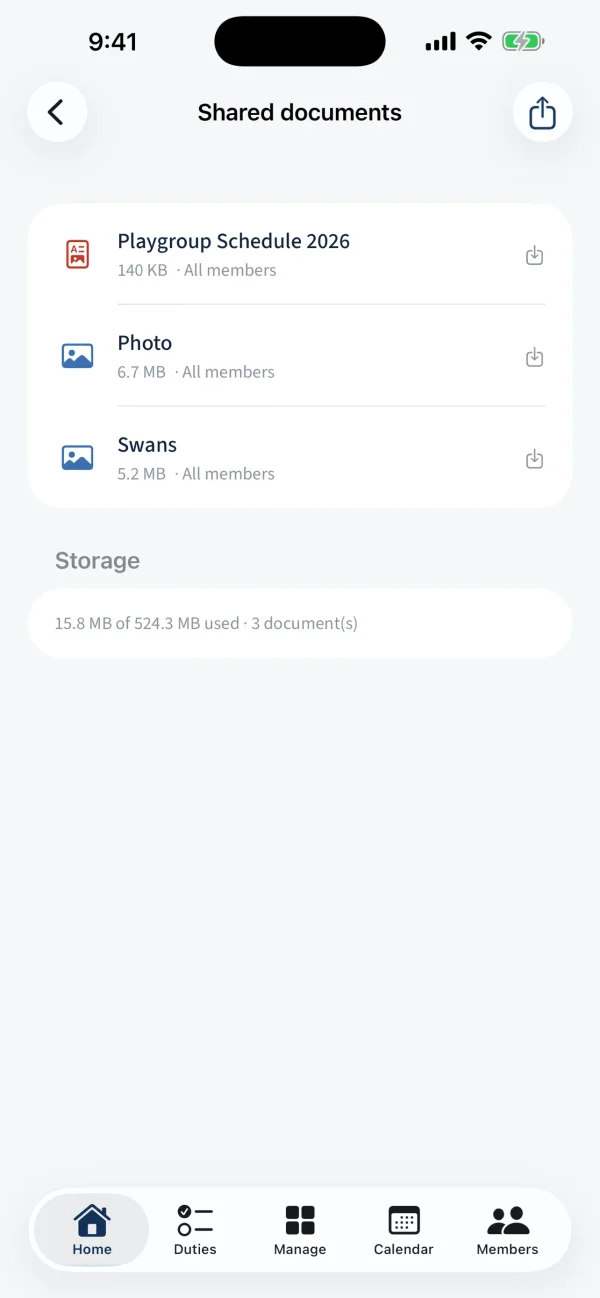
• The ecclesia directory and shared documents
• Your profile: availability, role preferences, household, qualifications, Sunday School classes and notification settings
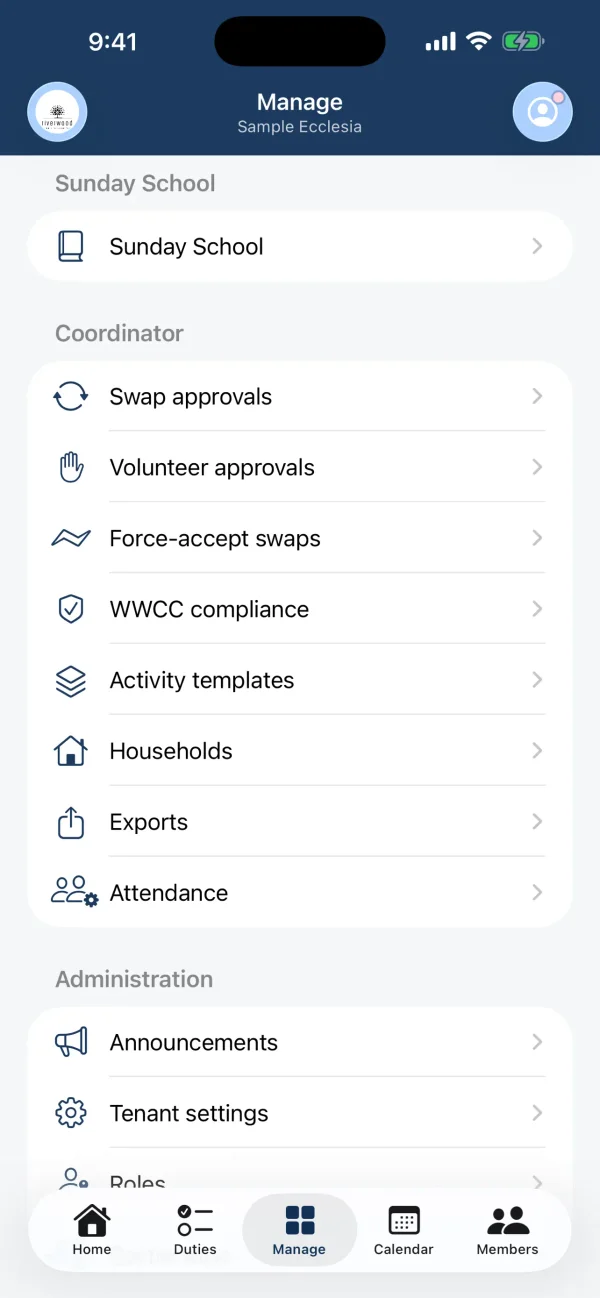
FOR COORDINATORS AND ADMINISTRATORS
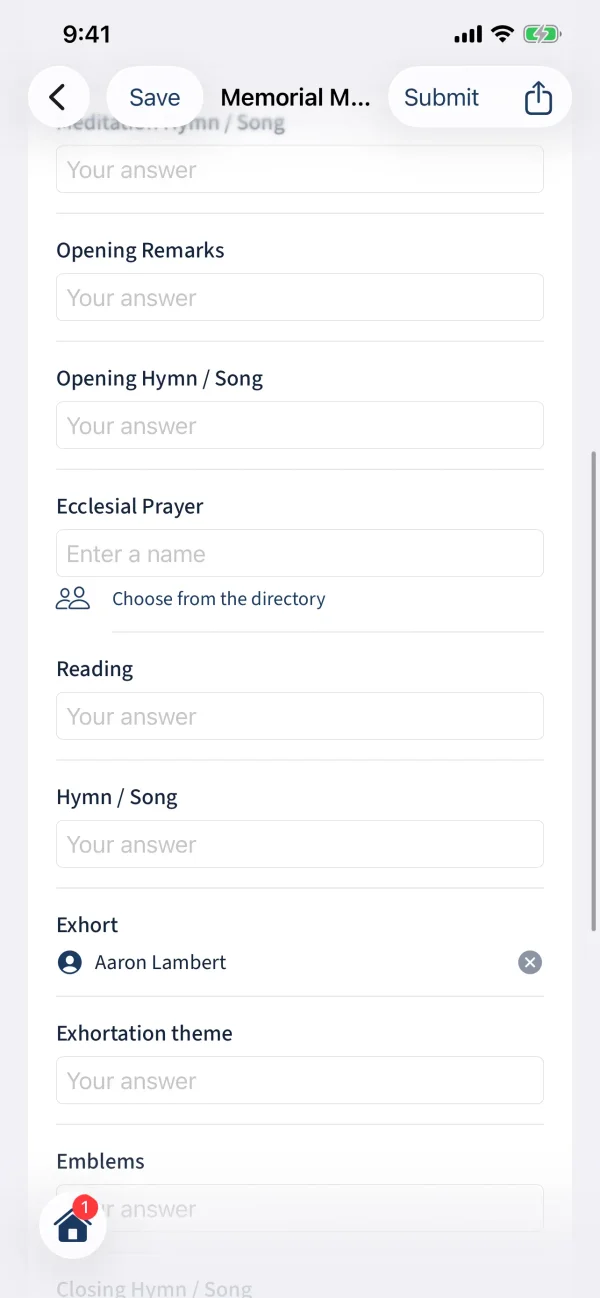
• Run and publish rosters, assign or reassign duties, and open slots to volunteers
• Compose announcements with photos, attachments and member surveys
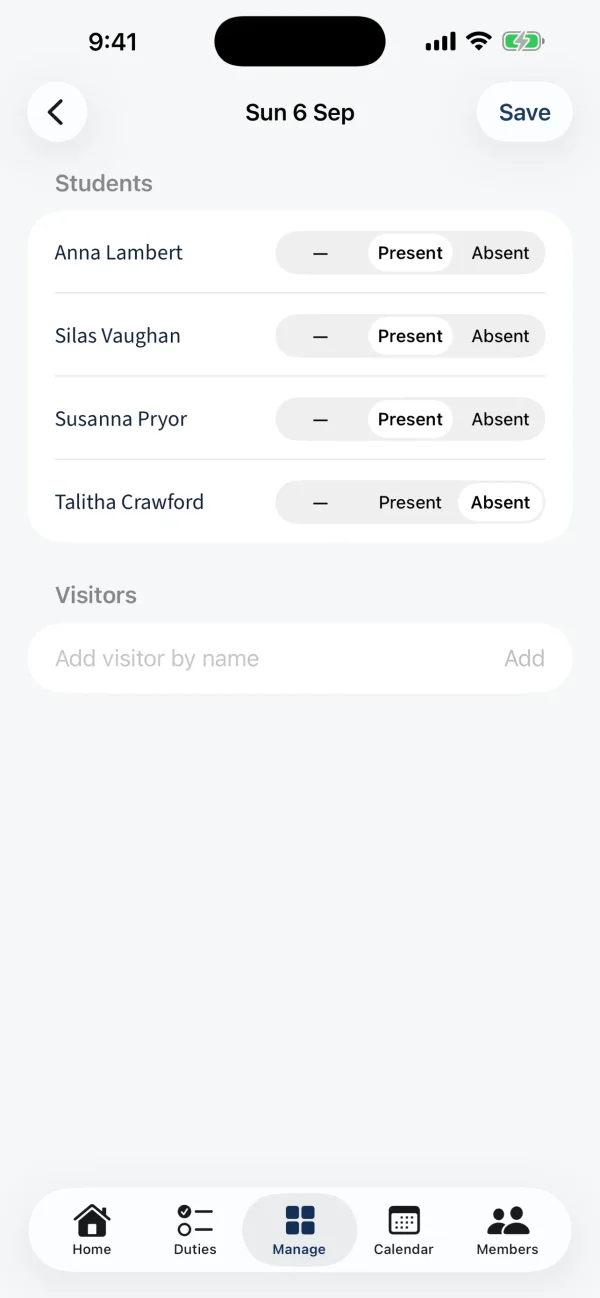
• Sunday School years, classes, teachers, enrolments and attendance
• Congregational attendance and child-safety (WWCC) credentials
• Member administration, ecclesia settings and spreadsheet exports
These tools appear only for members who hold the role — a member sees none of them.
DESIGNED FOR IPAD
On iPad, Calendar, Members and Manage use a two-column layout, so the list and the detail sit side by side. Home becomes a dashboard, forms and articles keep a comfortable reading width, and an extra-large home-screen widget shows your next duty plus what's coming up. Hardware keyboard shortcuts, all four orientations, Split View and Slide Over are supported.
CDRoster works with your ecclesia's existing CDRoster account — you'll need an invitation or login from your ecclesia to sign in. There is no public sign-up and nothing to buy in the app.
Novedades
Versión 1.3.16 · 20/11/2026
Fixed slots, topics that follow the speaker, and spreadsheet-style editing on iPad for coordinators. Scheduling policies and a fuller household page for administrators.
For coordinators:
• Fixed slots - hold a meeting's slot for a member or guest, such as the curriculum's speaker, and release it again. A held slot is kept when the roster is run.
• Keep what was set by hand - re-running a roster can keep the assignments you made yourself, and the draft says how many were kept and why.
• Topics follow the speaker - when a talk's speaker changes on the published roster, you're asked whether the topic moves with them, stays, or becomes "to be confirmed". Open questions show on the meeting and under Manage, Topic questions.
• Curriculum and the published roster - an entry whose speaker is already on the published roster says so and opens that meeting.
• Delete meetings that shouldn't exist - one at a time, over a date range with a preview first, or from Orphaned occurrences. A meeting with a published duty, attendance, notes or a form is kept, and the app suggests cancelling it instead.
• Duties needing attention - shows whoever holds each duty now, says when someone is away elsewhere, adds a "Next 5 years" timeframe, and opens the meeting so you can fix it.
• Record a member's unavailability for them - from their page, add, change or remove dates, busy times or a weekly entry. A member's private note is kept as it is.
For administrators:
• Scheduling policies - set each rostering policy to Hard, Soft or Off, choose how far back a run looks, and override them for a scheduling group or a single role.
• Households - the household page now shows the address, the household's rostering preference, Adult and Minor badges, and who added each member. Invite an adult, add a minor or a member, accept a pending invitation for someone, and edit or delete the household.
On iPad:
• Curriculum as a spreadsheet - paste rows from Excel or Google Sheets, import a CSV, fill down, find and replace, move rows, and undo. Speakers are matched to members and guests by name, and nothing is saved until you tap Save.
• Availability grid for a published roster - see who could fill each role and whether they're free, fill or empty a slot, and export to Excel.
Also: fixes from tester reports, including a person list that could show someone twice while searching.
Privacidad de la aplicación
Lo que Nathan Coad declara en App Store sobre cómo esta aplicación gestiona los datos.
-
Datos vinculados a ti
Pueden recopilarse y vincularse a tu identidad.
- Información de contacto
- Contenido del usuario
- Identificadores
- Información confidencial
- Diagnóstico
Las prácticas de privacidad pueden variar, por ejemplo, según las funciones que uses o tu edad.
Información
- Vendedor
- Nathan Coad
- Categoría
- Productividad
- Versión
- 1.3.16
- Actualizado
- 20/11/2026
- Publicado
- 20/7/2026
- Tamaño
- 55,9 MB
- Requiere
- iOS 17.0 o posterior
- Clasificación por edad
- 4+
- Idiomas
- Inglés
- Copyright
- © 2026 Nathan Coad
Quizá también te guste
-
 Tessera RosterProductividad
-
 NSW Education ASTP Driver AppProductividad
-
 AroFlo – Job ManagementProductividad
-
 My School ConnectProductividad
-
 Repasos de Obra: Snag ListIncidencias e informes PDF
-
 SiteCam Construction Photo AppProductividad
-
 FlexiPurchaseProductividad
-
 AiloProductividad
-
 Humanforce Work (New)Productividad