
- Clasificación por edad4+
- CategoríaFinanzas
- DesarrolladorCFI Cooperative
- IdiomasInglés
- Tamaño8,0 MB
Enlaza a la página oficial de App Store
Download.org no aloja ningún archivo de CFI Online. El botón abre la página de la aplicación en App Store, donde la publica CFI Cooperative. Ficha comprobada por última vez el 16/11/2026.
Capturas de pantalla
Acerca de
El desarrollador no ha proporcionado este texto en tu idioma.
About this app
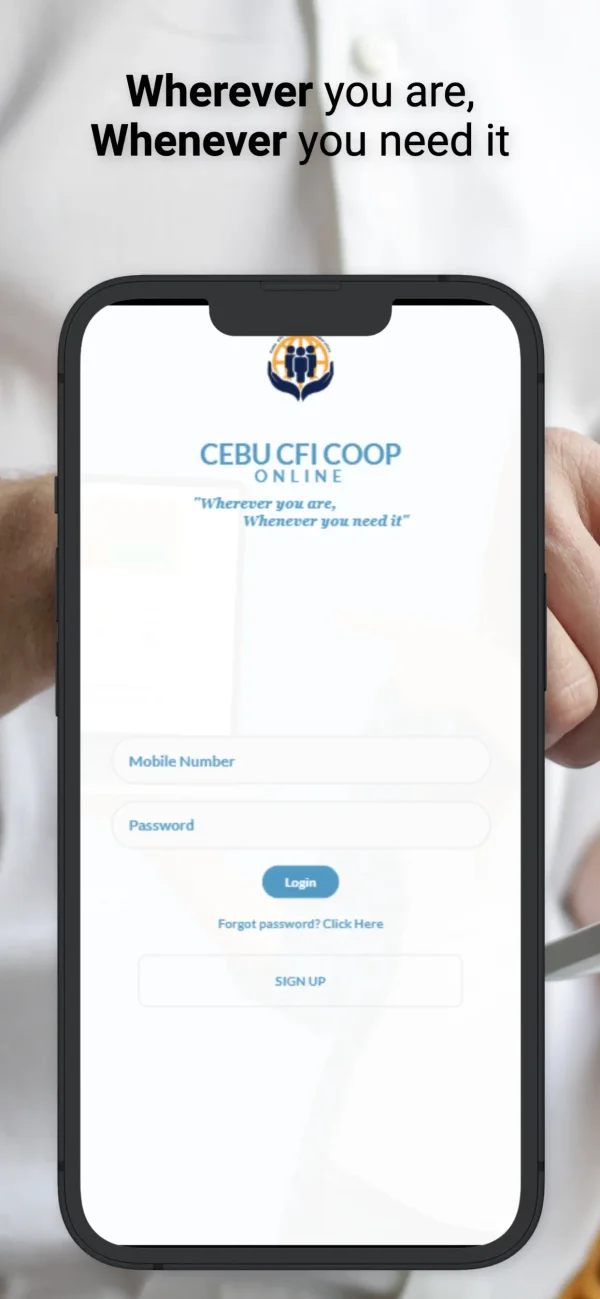
The First Philippine cooperative with an an online application for the coop members, which enables one to transact with it without having to visit a CFI office or see a CFI personnel. Easily manage funds, pay your bills and more, with just a tap of your finger.
1. What are the transactions with CFI that can be done online?
a. View his statement of accounts with CFI whether for his Share Capital, Time, or Savings Deposits or Loans
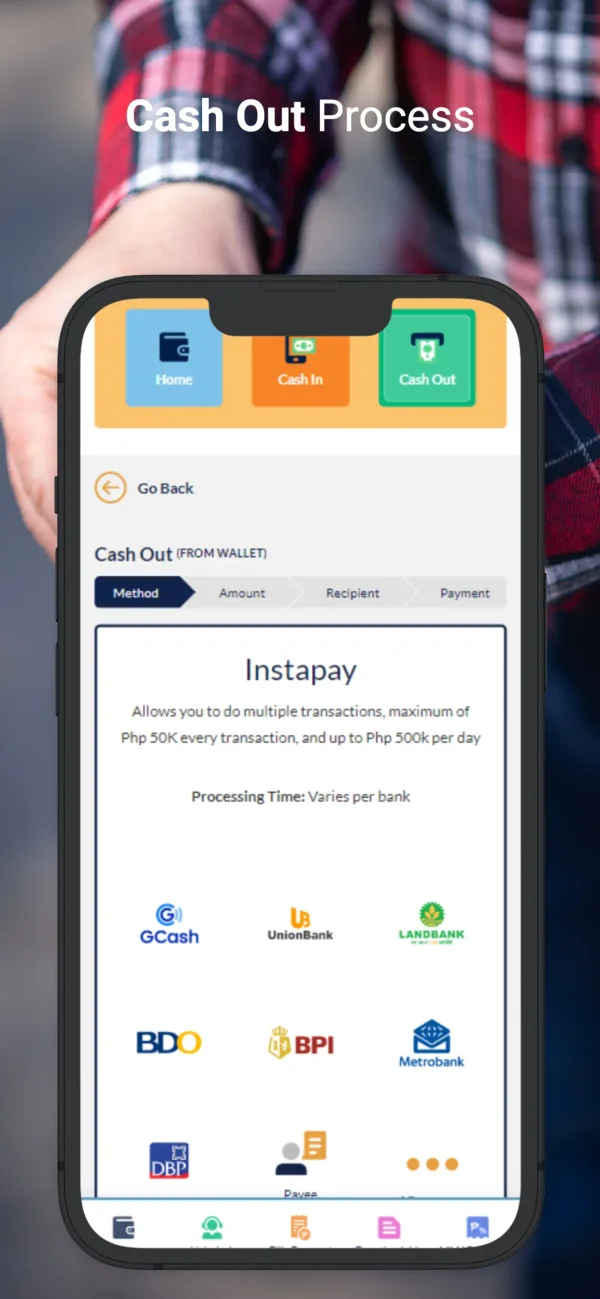
b. Fund transfer to 54 banks and 12 payment centers nationwide, through Instapay or Pesonet.
c. Commercial Credit Line Draw Down
d. View your Personal Credit Line spend , and statements.
d. Loan repayment
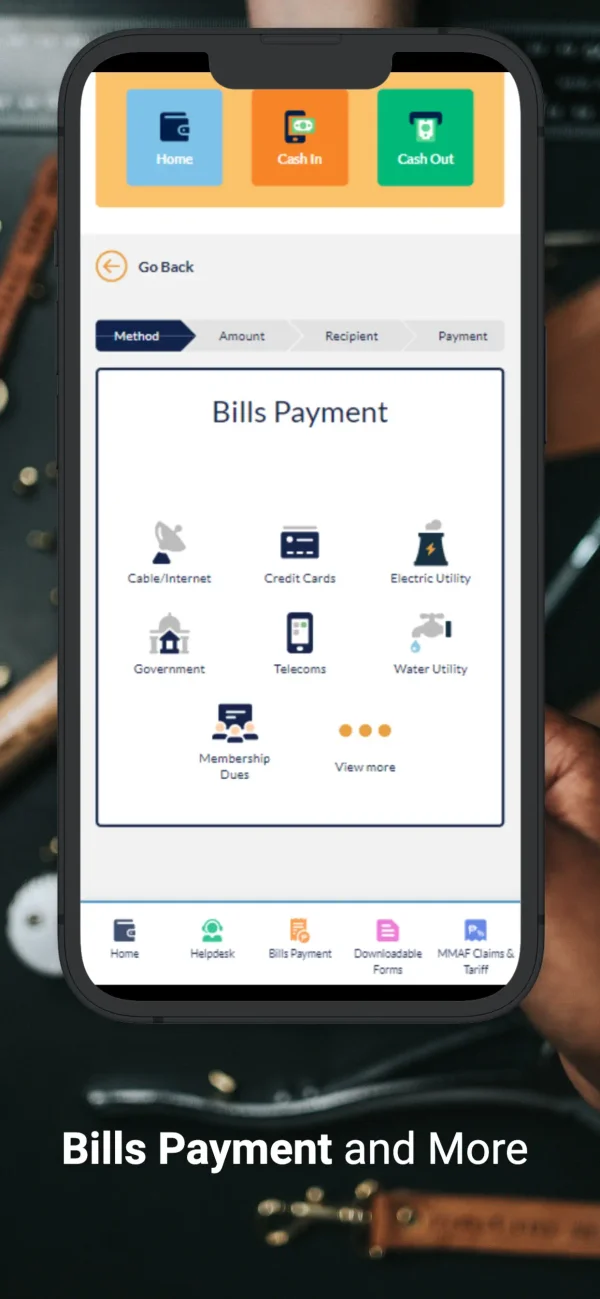
e. Bills Payment
f. Buy Load
g. Application for MMAF transfer, notice of claims , tariff schedule, hospital and clinic LOA, and schedule a clinic appointment
g. Online Participation in the CFI General Assembly
Other Features
a. Compute in advance your desired loan through the Net Proceeds Calculator
b. Send concerns and inquiries through the computerized Help Desk
c. Downloadable forms
2. What are the requirements for one to have a CFI Online account?
For one to access the services the following conditions must be present:
1. A registered member of Cebu CFI Cooperative
2. He must have his personal data such as First and last names as well as the date of birth registered in the CFI database.
3. He must have his mobile phone number registered with the CFI database.
3.How can one access the CFI Mobile App ?
The following steps must be observed:
On the lower portion of the page, click the registration menu by pressing “Sign Up”
Fill in the required fields such as First and last names, date of birth and the mobile number registered with the CFI database
Then enter your preferred username and password for logging into the CFI Online facility.
After pressing submit, wait for a One Time Passcode or OTP to be sent to your mobile phone through a text message under the name “cebucficoop”.
After entering the OTP code, you are done and ready to use the CFI Mobile App
Check our web verstion: https://webportal.cficoop.com/login
For inquiries and comments, contact our support at www.cficoop.com or dial 255-2525
Novedades
Versión 1.2.20 · 8/3/2024
Updated security features
Privacidad de la aplicación
Lo que CFI Cooperative declara en App Store sobre cómo esta aplicación gestiona los datos.
-
Datos vinculados a ti
Pueden recopilarse y vincularse a tu identidad.
- Información de contacto
Las prácticas de privacidad pueden variar, por ejemplo, según las funciones que uses o tu edad.
Información
- Vendedor
- Cebu CFI Community Cooperative
- Categoría
- Finanzas
- Versión
- 1.2.20
- Actualizado
- 8/3/2024
- Publicado
- 24/11/2022
- Tamaño
- 8,0 MB
- Requiere
- iOS 16.2 o posterior
- Clasificación por edad
- 4+
- Precio
- Gratis
- Idiomas
- Inglés
- Copyright
- © 2022 CFI Cooperative