Chronote: Timestamp Notes
Quick Logs & Timeline
Diseñada para iPhone, iPad
Gratis
- Clasificación por edad4+
- CategoríaUtilidades
- DesarrolladorMartin Pietrowski
- IdiomasInglés
- Tamaño733,0 KB
Enlaza a la página oficial de App Store
Download.org no aloja ningún archivo de Chronote: Timestamp Notes. El botón abre la página de la aplicación en App Store, donde la publica Martin Pietrowski. Ficha comprobada por última vez el 17/11/2026.
Capturas de pantalla
Acerca de
El desarrollador no ha proporcionado este texto en tu idioma.
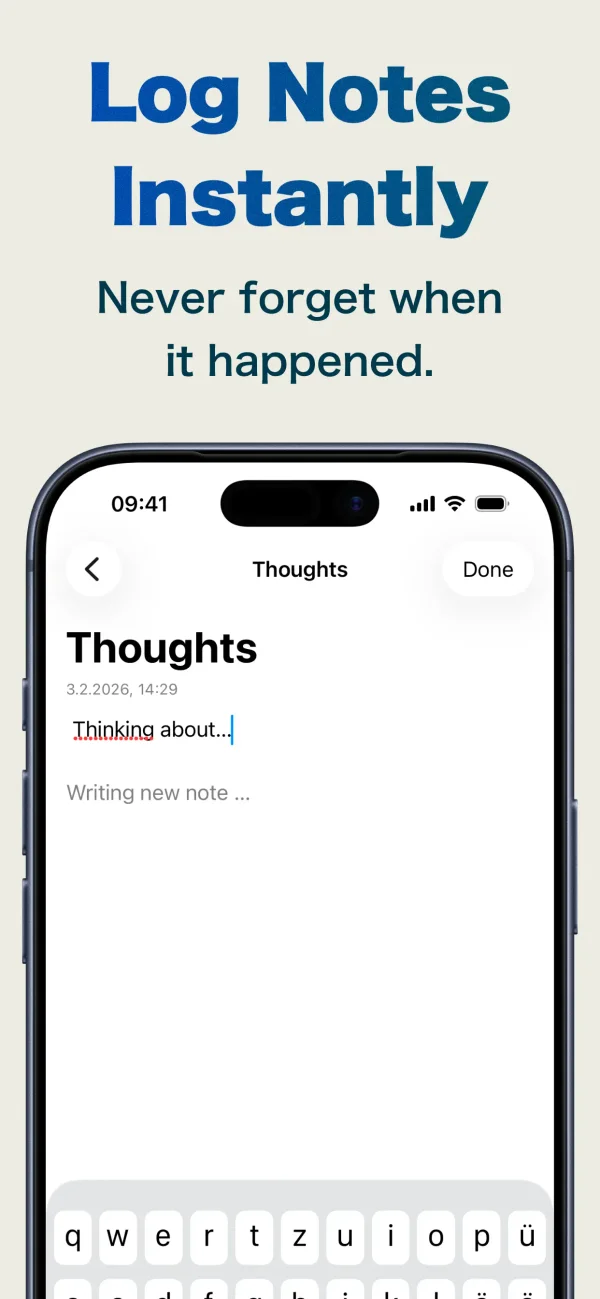
Never forget when it happened.
Chronote captures your thoughts instantly — with automatic timestamps on every note. Quick, clean, and chronological: perfect for journaling moments, logging activities, tracking ideas, or building a reliable daily log.
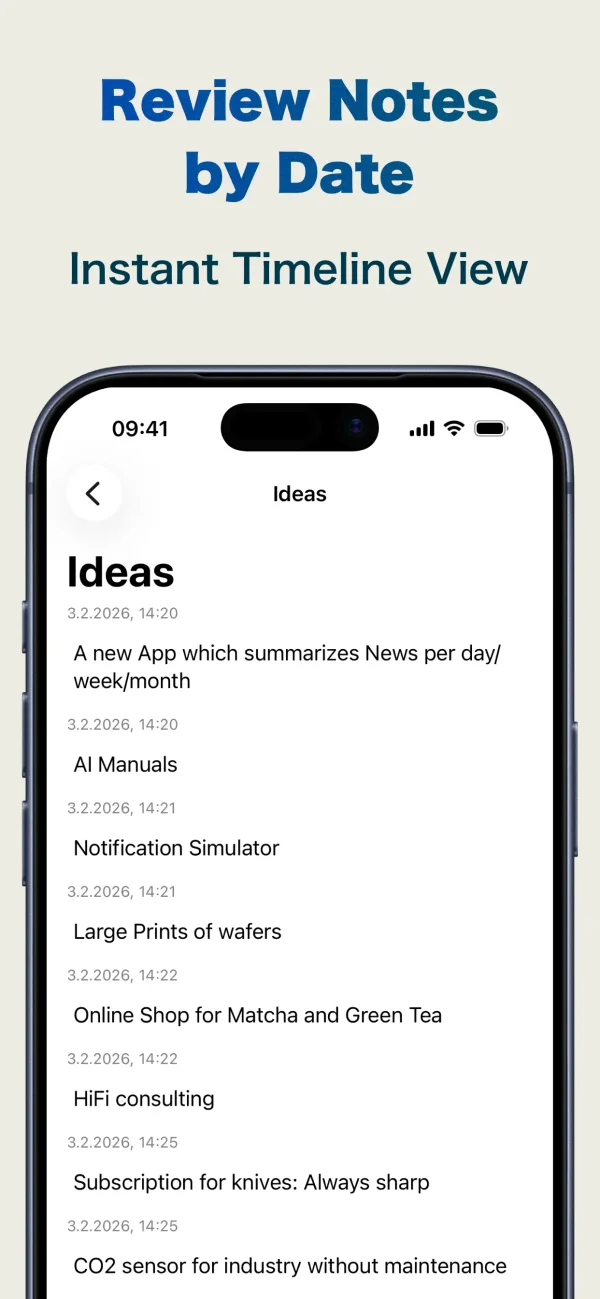
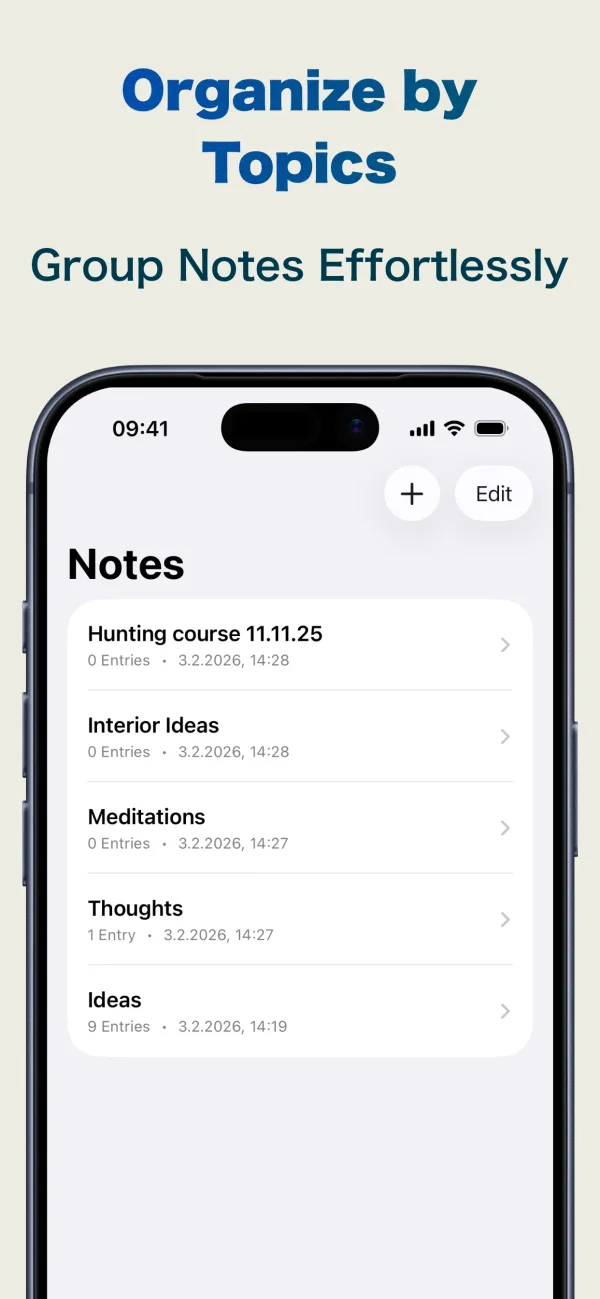
Jot down anything in seconds: a fleeting idea, meeting takeaway, symptom, habit, or random memory. Chronote adds the exact date & time automatically — no manual entry needed. Review your notes in a beautiful timeline view, organized by time and grouped into custom topics.
Whether you're reflecting on life, documenting projects, or simply never wanting to wonder "when did I write that?", Chronote keeps your thoughts dated, organized, and always accessible.
Novedades
Versión 2026.2 · 3/8/2026
Your notes can now leave this device — and find their way back.
iCloud sync
Notes sync automatically across every device signed in to the same Apple Account. Settings shows you whether sync is on.
Export and share
Share one entry, one note, or everything at once — as Markdown, plain text, CSV for Numbers and Excel, or a complete backup archive.
Nothing disappears by accident
Deleted notes and entries move to Recently Deleted and stay there for 30 days. Every deletion offers an immediate Undo, and deleting a note that already holds entries now asks first.
Bring a backup back
Import a backup archive at any time. Importing only ever adds — nothing already on your device is replaced or removed.
Privacidad de la aplicación
Lo que Martin Pietrowski declara en App Store sobre cómo esta aplicación gestiona los datos.
-
No se recopilan datos
El desarrollador no recopila ningún dato de esta aplicación.
Las prácticas de privacidad pueden variar, por ejemplo, según las funciones que uses o tu edad.
Información
- Vendedor
- Martin Pietrowski
- Categoría
- Utilidades
- Versión
- 2026.2
- Actualizado
- 3/8/2026
- Publicado
- 8/2/2026
- Tamaño
- 733,0 KB
- Requiere
- iOS 26.2 o posterior
- Clasificación por edad
- 4+
- Precio
- Gratis
- Idiomas
- Inglés
- Copyright
- © devpie