- Clasificación por edad4+
- CategoríaEducación
- DesarrolladorClasswork Co
- IdiomasInglés+ 7 más
- Tamaño69,5 MB
Enlaza a la página oficial de App Store
Download.org no aloja ningún archivo de Classkick Student. El botón abre la página de la aplicación en App Store, donde la publica Classwork Co. Ficha comprobada por última vez el 16/11/2026.
Capturas de pantalla

Acerca de
El desarrollador no ha proporcionado este texto en tu idioma.
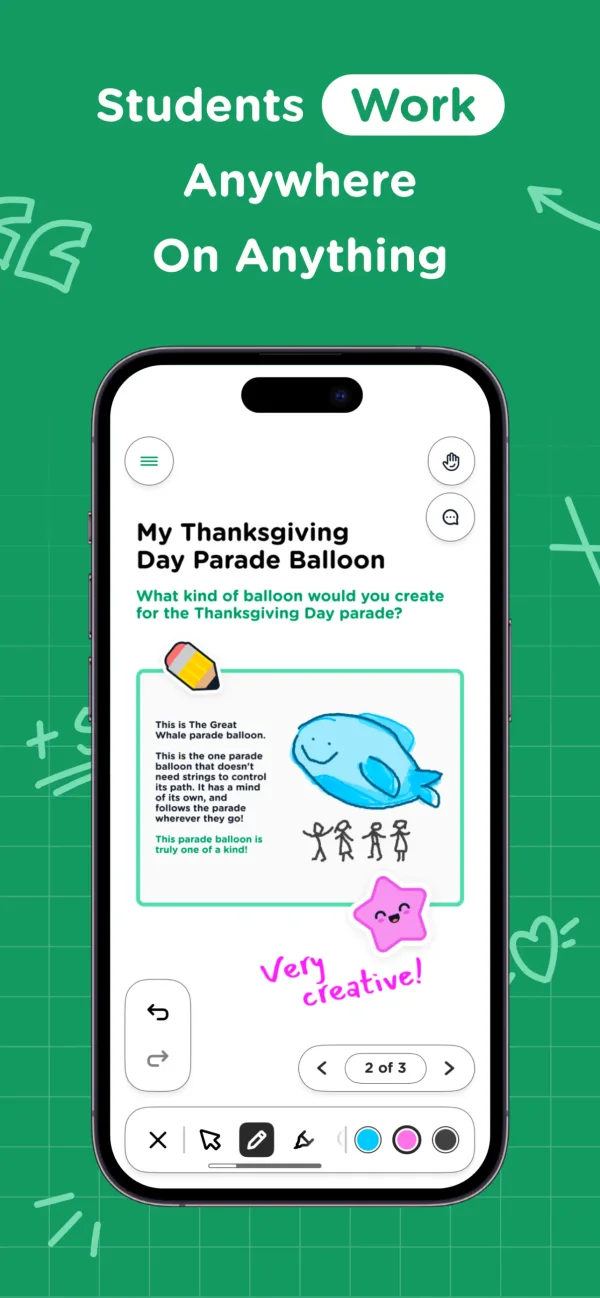
Classkick Student by Classkick (White Icon) is our new iPhone compatible app, bringing an even better learning experience to students everywhere. Basic Students can now use it in place of the of the legacy Classkick app.
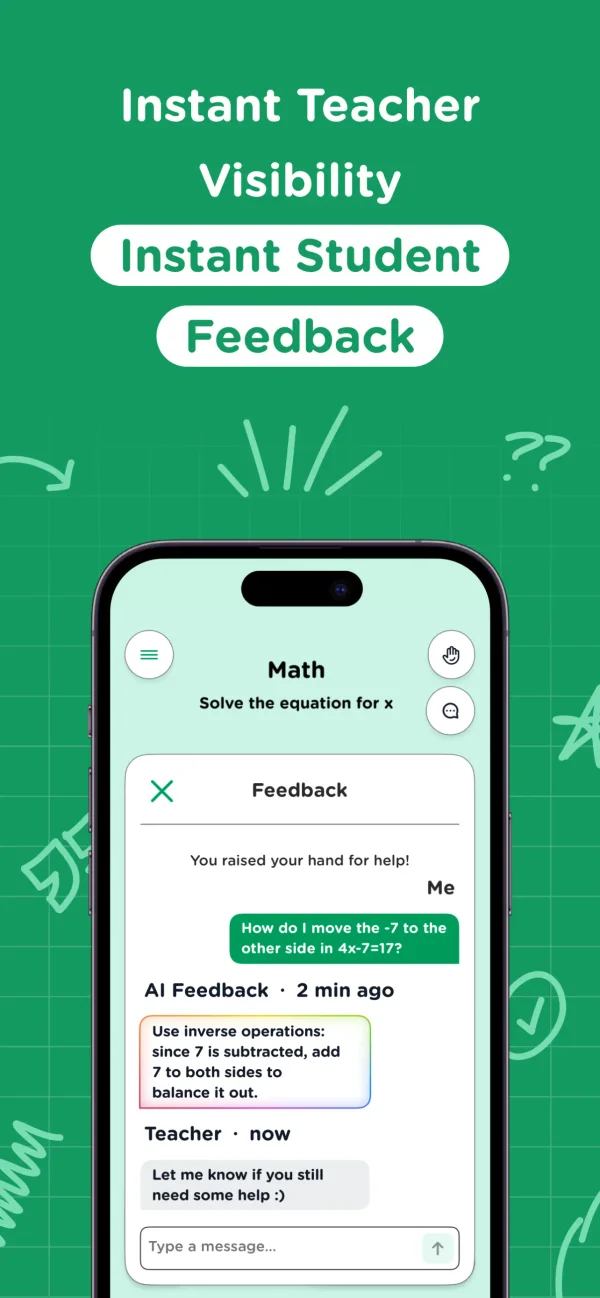
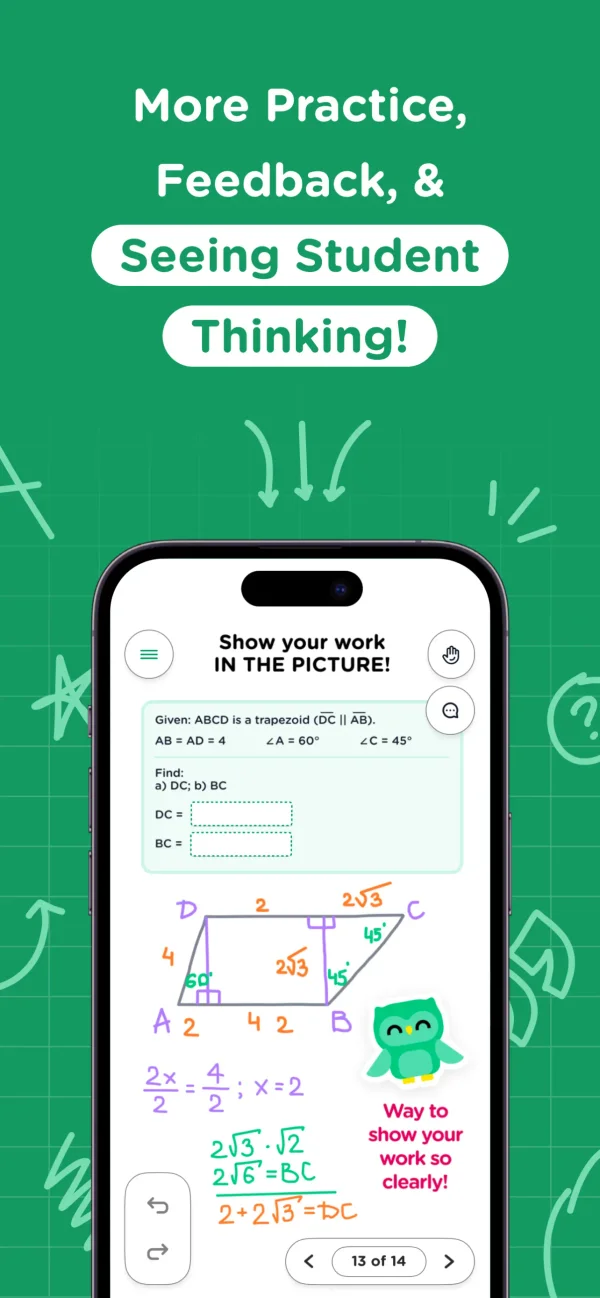
Classkick helps teachers see student work in real time, while students get better practice and more feedback instantly. Every learner gets more effective support.
Teachers consistently claim Classkick helps them make student thinking visible while there is still time to help. They feel more in control of the classroom, less tied to the front of the room, and better able to support each student personally. Classkick helps reduce paper, simplify workflow, and make feedback more immediate and meaningful.
Used by 10M+ students and teachers in 100+ countries, Classkick brings lessons, practice, assessments, and homework into one collaborative space. Teachers see work live, write directly on student pages, and keep everything organized in one place. Students work from their devices, get help while they are learning, and respond in multiple ways.
As a teacher, use Classkick to increase your visibility on lessons, guided practice, independent work, quizzes, homework, station work, and exit tickets. As a student, use Classkick Student Work to make it easier to do work, get help, and reach success.
Novedades
Versión 1.29.0 · 1/11/2026
Big new things:
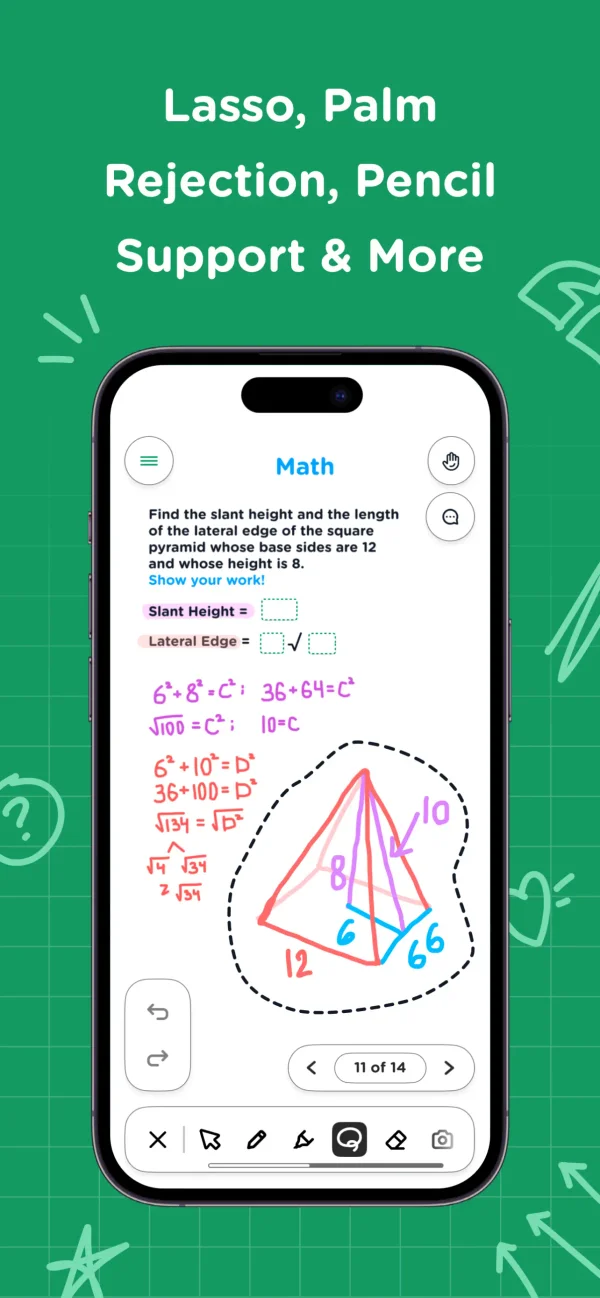
• A new lasso tool! Use the lasso to select, move, and rotate your work.
• Adds support for AI fill-in-the-blank feedback, and maximum attempt counting!
• Adds the new calligraphy pen/highlight mode! Now drawings with Apple Pencil and other compatible styluses can register pressure, tilt, and angle for a natural writing look.
• Peer helpers! Students can now request help and get it from a peer, right inside the assignment — with an inbox for incoming requests and a live session for working through the problem together. Helpers stay anonymous behind friendly animal names, now properly translated for every language we support.
• A new pixel eraser tool! The pixel eraser is now available in the toolbar, with adjustable eraser width.
• Layer control on the canvas: Select any item you own, or lasso a group, and move it up, down, to the front, or to the back. Reordering is undoable and syncs across devices.
New in this update:
• Cleaner transcripts — inappropriate words caught by the transcriber are now automatically filtered out.
• Better recording experience — the recording panel now sits at the bottom of the screen with a compact mode, and you can scrub through audio clips right on the canvas.
• AI fill-in-the-blank questions — support for collapsible fill-in-the-blank questions, with easier-to-grab handles.
• Smoother color picking — an updated color picker in the context menu and quicker color changes for the pen and straight-line tools.
• Feedback at a glance: The student assignments dashboard lists new feedback by slide and who left it. Tap an entry to jump straight to that question.
• Fix for a crash causing some students to not make it past certain slides.
• Fix for Clever login affecting Clever users.
• Fix for students whose class roster comes from ClassLink now get a clear message to sign in with their school Login. Before they were wrongly told to use Clever.
• Fix for a crash during audio transcription.
Recent updates:
• Straight line tool. Draw clean, straight lines on any canvas.
• Redesigned color picker. Picking a color is faster — a simpler first panel, easier recent colors, and a smoother custom-color dial.
• More room to work. The canvas scrolls further past the toolbars, content stays clear of the toolbar by default, and undo/redo is always visible even with the panels closed.
• Student Helper: Students can now get help right from the assignment view — tap into the helper without leaving their work.
• Better chat: A cleaner, more readable chat with clearer status indicators and an improved message composer.
• Export your work as a PDF: Students can now export an assignment to PDF and share it — pages render exactly as they appear on the canvas.
• Accessibility: Added a dedicated question-selection view so students using assistive technology can reach the Student Helper.
• Feedback chat on the canvas: Message your teacher — or your students — right from the slide you're working on.
• Bring students to this slide: Teachers can now pull the whole class to the question they're talking about.
• See who's helping you at a glance, check your points for the slide, raise your hand for help or a check, and show or hide feedback — all from one control.
• Multiple-choice and fill-in-the-blank questions now support multi-select answers and "any answer correct" grading.
• Support for AI Fill In the Blank.
• More flexible grading: Multiple-choice and fill-in-the-blank questions can now accept any answer as correct, plus multi-select support.
Privacidad de la aplicación
Lo que Classwork Co declara en App Store sobre cómo esta aplicación gestiona los datos.
-
Datos no vinculados a ti
Pueden recopilarse, pero no se vinculan a tu identidad.
- Información de contacto
- Contenido del usuario
- Identificadores
- Diagnóstico
Las prácticas de privacidad pueden variar, por ejemplo, según las funciones que uses o tu edad.
Información
- Vendedor
- Classwork Co
- Categoría
- Educación
- Versión
- 1.29.0
- Actualizado
- 1/11/2026
- Publicado
- 2/4/2026
- Tamaño
- 69,5 MB
- Requiere
- iOS 17.6 o posterior
- Clasificación por edad
- 4+
- Precio
- Gratis
- Idiomas
- Inglés, Árabe, Francés, Alemán, Japonés, Coreano, Español, Chino tradicional
- Copyright
- © Classwork Co, Home of Classkick