- Clasificación por edad4+
- CategoríaFinanzas
- DesarrolladorConcord Wealth Partners, LLC
- IdiomasInglés
- Tamaño40,9 MB
Es posible que Concord Mobile no esté disponible en App Store en este momento
No se pudo acceder a la ficha de la tienda en nuestra última comprobación. El enlace sigue llevando a la página oficial de App Store.
Capturas de pantalla
Acerca de
El desarrollador no ha proporcionado este texto en tu idioma.
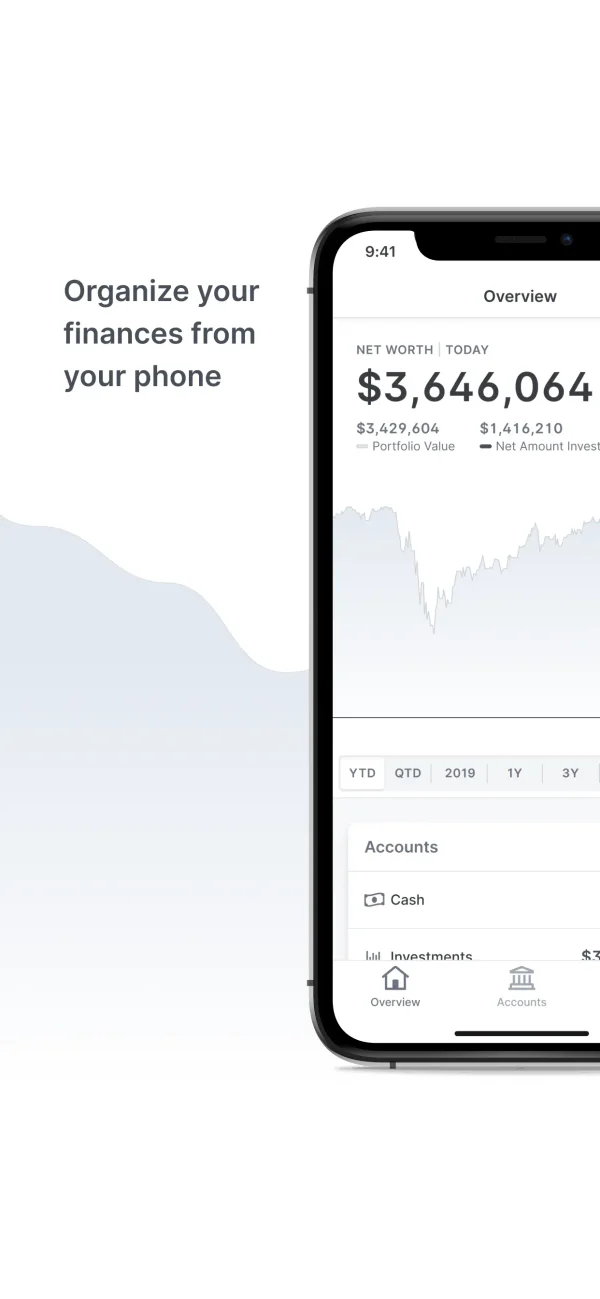
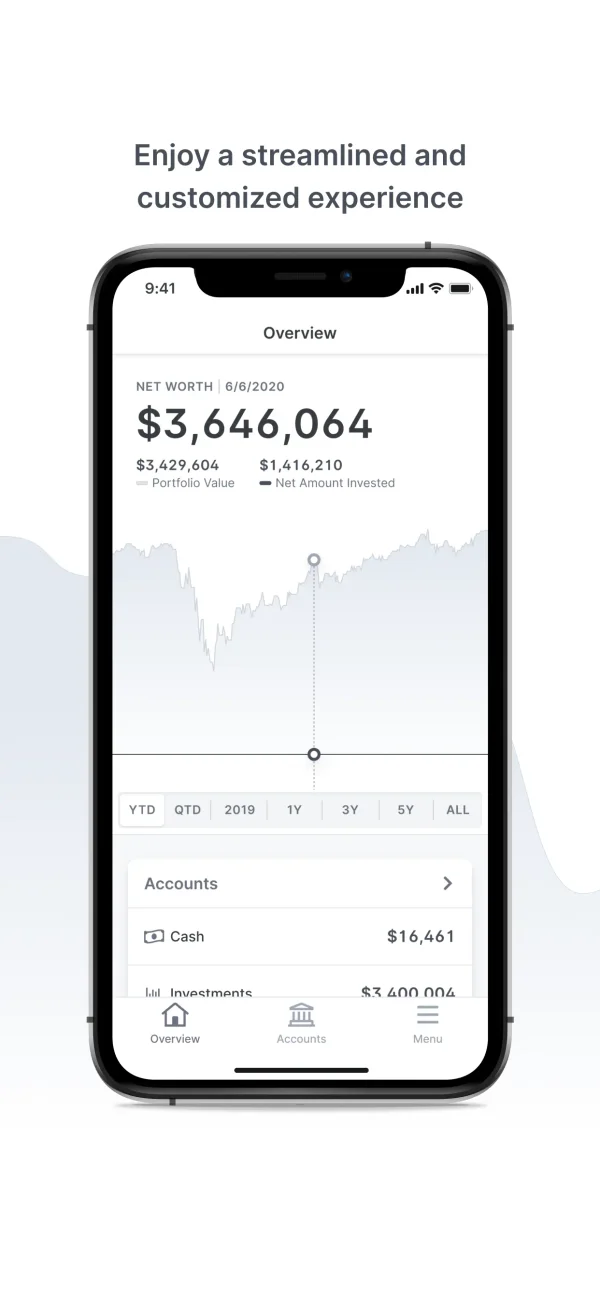
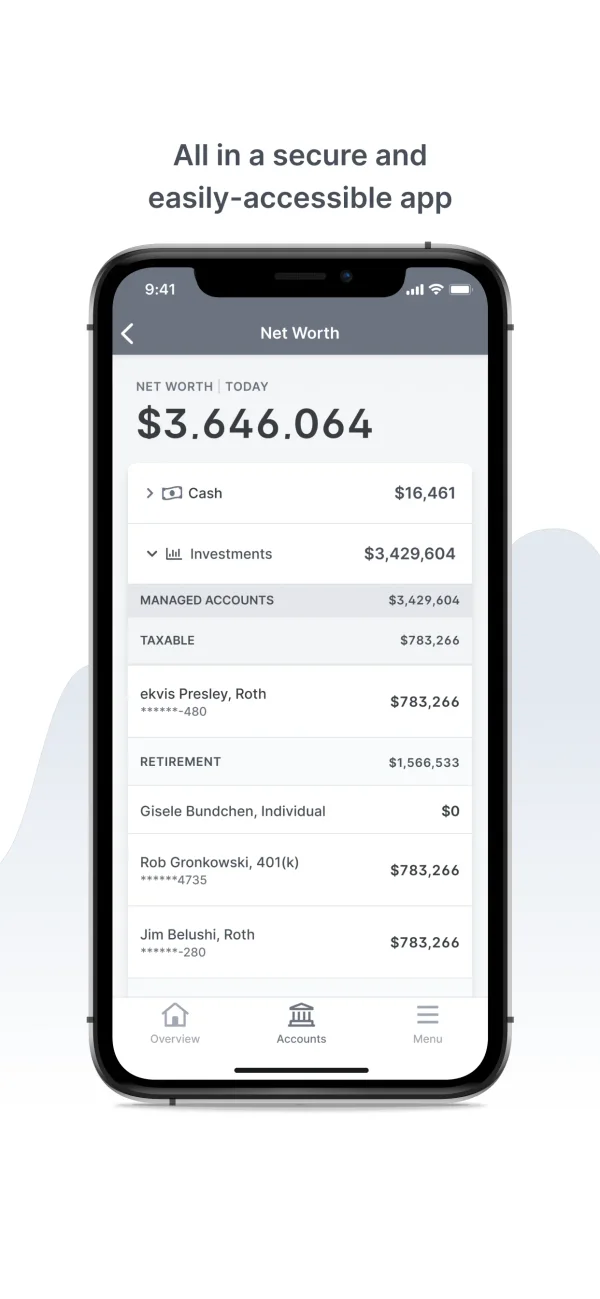
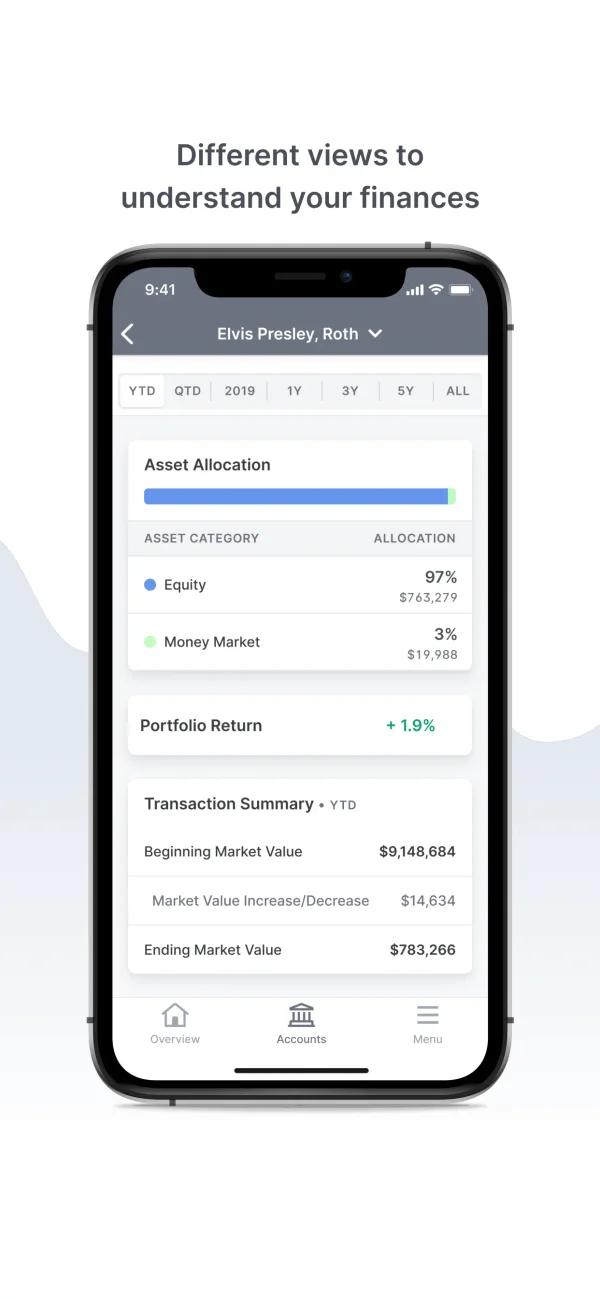
Concord Wealth’s mission is to become our clients’ most valuable resource. We believe values matter and we live by ours every day. Our Mobile App allows clients to access their financial data when it is most convenient. Information provided in the app include the Overview Tab, Accounts Tab, News Tab, Notifications Tab, and the Menu Tab. Overview Tab: This is the landing page for Concord Mobile and shows an interactive graph of the clients Portfolio Value versus Net Amount Invested. The time interval for the graph can be updated directly below its timeframe buttons such as YTD, QTD, 2019, etc. The Accounts section below the graph displays the total value of each category that is a part of the client's portfolio including Cash, Investments, Credit, and Net Worth. Account Tab: This provides a breakdown of each account that is linked to the Orion Client Portal and clicking on an account will show the user the Portfolio Summary, Asset Allocation, Portfolio Return, and Transaction Summary for that account. Clicking on any of these items will also lead to more specific information. News Tab: Your firm's three most recent News Feed posts display on the Overview tab, but all your News Feed and RSS Feed posts will display on the News tab. Notifications Tab: Every time a News Feed or RSS Feed post is created, a push notification will be sent to your client. All notifications will appear within this tab and clicking on a notification allows the user to Mark as read, dismiss this notification, of Turn off notifications pertaining to a certain area. The user can update more settings relating to notifications by navigating to the Settings within the Menu tab. Menu Tab: The Menu tab is where clients can schedule an appointment with their Advisor and update the settings for the mobile app that relate to security and notifications. Your firm's Disclosure, Terms of Service, and Privacy Policy will also be stored within the settings here.
Novedades
Versión 5.16.0 · 14/12/2024
- Managed account Performance Details
- Ability to add manual accounts to portal
- Clients may now toggle to Orion related households
- Orion Planning Retirement Details (Monte Carlo, Income & Assumptions)
- Improved navigation to managed personal finances data
- Adviser and firm custom disclosures available in footer
- Document Vault improvements
- Bug Fixes
Privacidad de la aplicación
Lo que Concord Wealth Partners, LLC declara en App Store sobre cómo esta aplicación gestiona los datos.
-
Datos vinculados a ti
Pueden recopilarse y vincularse a tu identidad.
- Datos de uso
-
Datos no vinculados a ti
Pueden recopilarse, pero no se vinculan a tu identidad.
- Identificadores
- Diagnóstico
Las prácticas de privacidad pueden variar, por ejemplo, según las funciones que uses o tu edad.
Información
- Vendedor
- Concord Wealth Partners, LLC
- Categoría
- Finanzas
- Versión
- 5.16.0
- Actualizado
- 14/12/2024
- Publicado
- 12/2/2020
- Tamaño
- 40,9 MB
- Requiere
- iOS 13.4 o posterior
- Clasificación por edad
- 4+
- Idiomas
- Inglés
- Copyright
- © 2024 Concord Wealth Partners, LLC