
Convert And Store
Conversion, Storage, Sharing
Diseñada para iPhone, iPad, Mac
Gratis · Compras en la aplicación
- Clasificación por edad12+
- CategoríaProductividad
- DesarrolladorDarryl Polo
- IdiomasInglés
- Tamaño2,4 MB
Enlaza a la página oficial de App Store
Download.org no aloja ningún archivo de Convert And Store. El botón abre la página de la aplicación en App Store, donde la publica Darryl Polo. Ficha comprobada por última vez el 18/11/2026.
Capturas de pantalla

Acerca de
El desarrollador no ha proporcionado este texto en tu idioma.
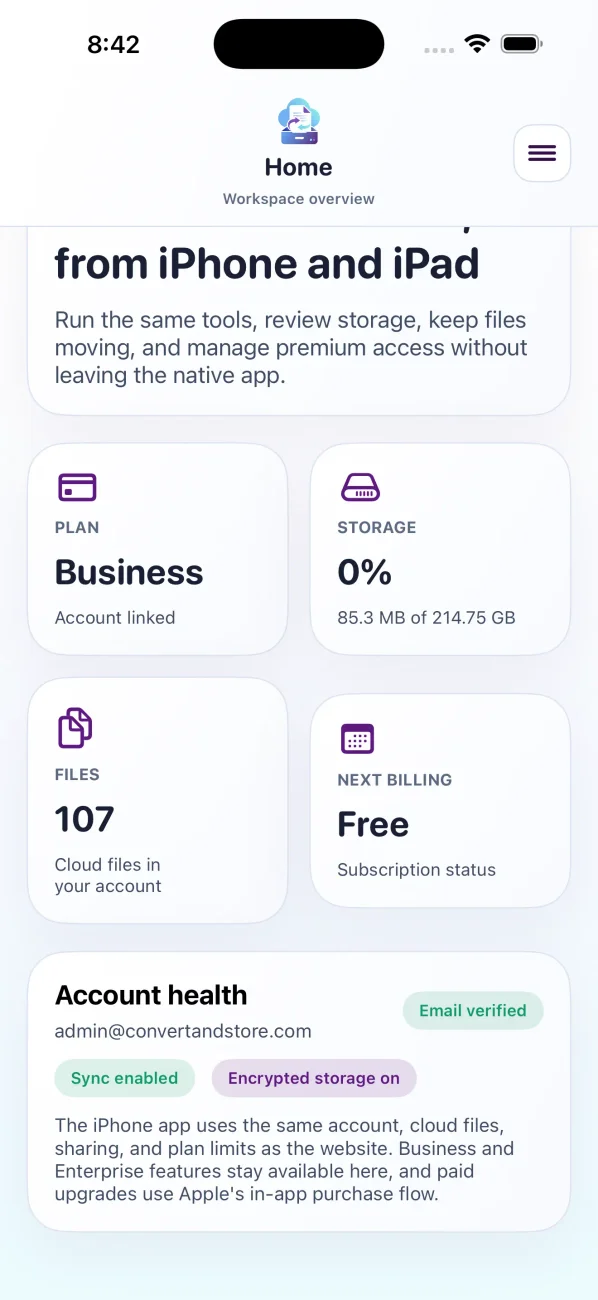
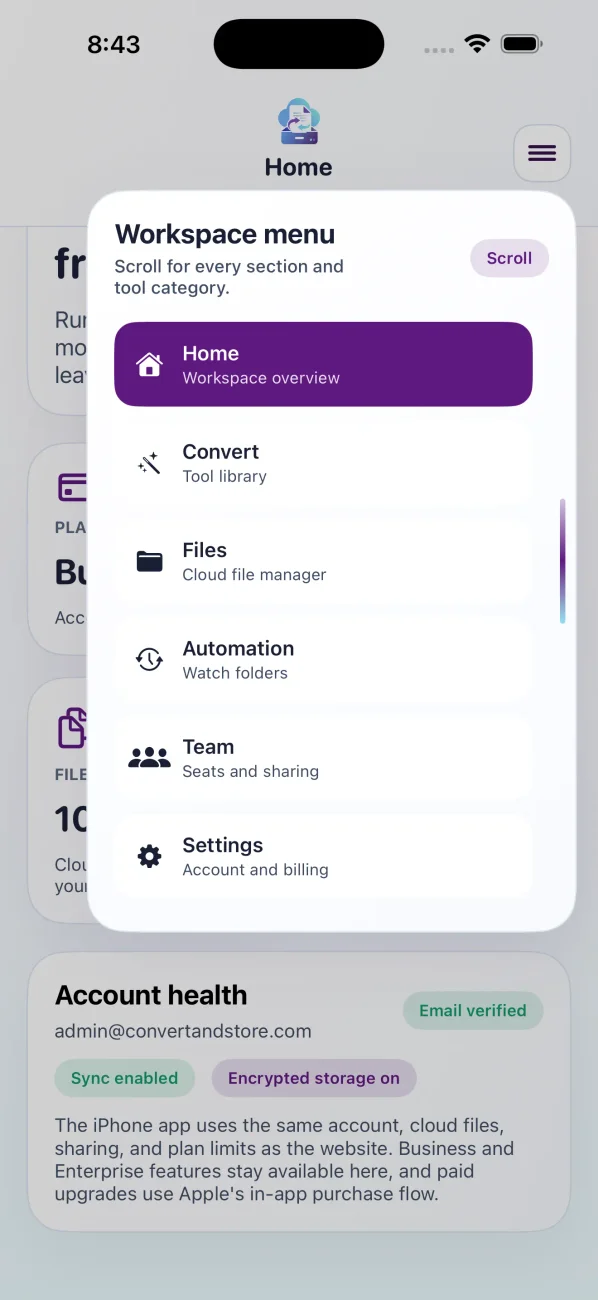
Convert and Store brings powerful file conversion, secure cloud storage, syncing, sharing, and automation into one polished iPhone and iPad app.
Use select tools for free, then sign in to unlock your cloud workspace, saved files, folders, team features, and premium automation.
Convert and Store helps you:
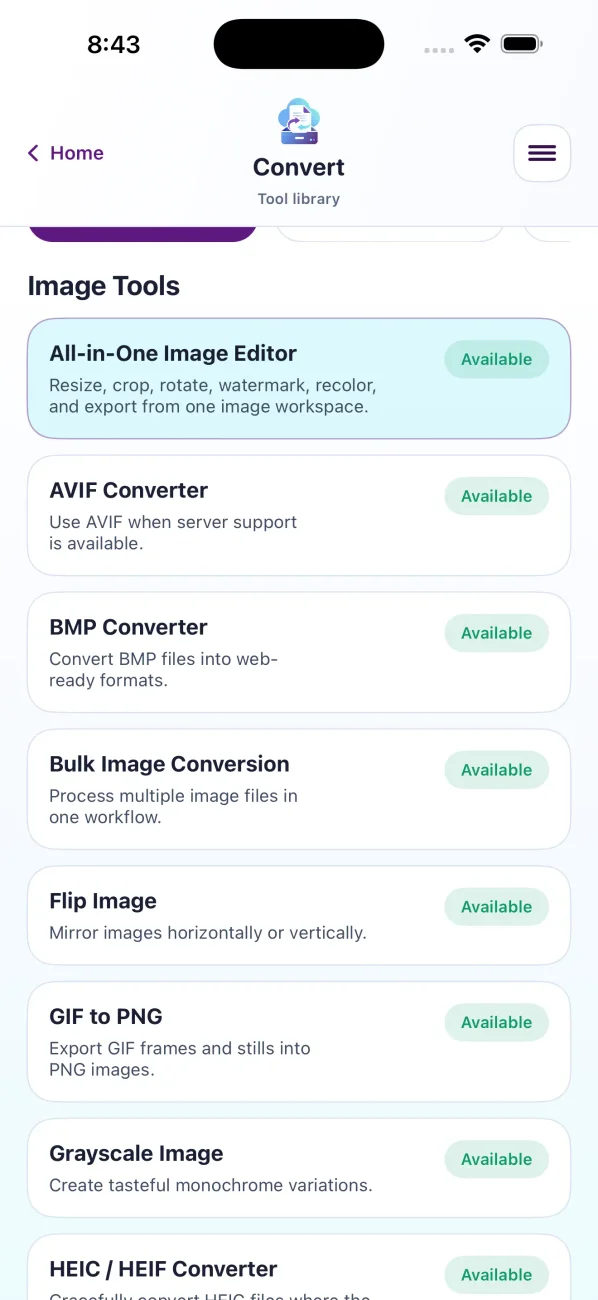
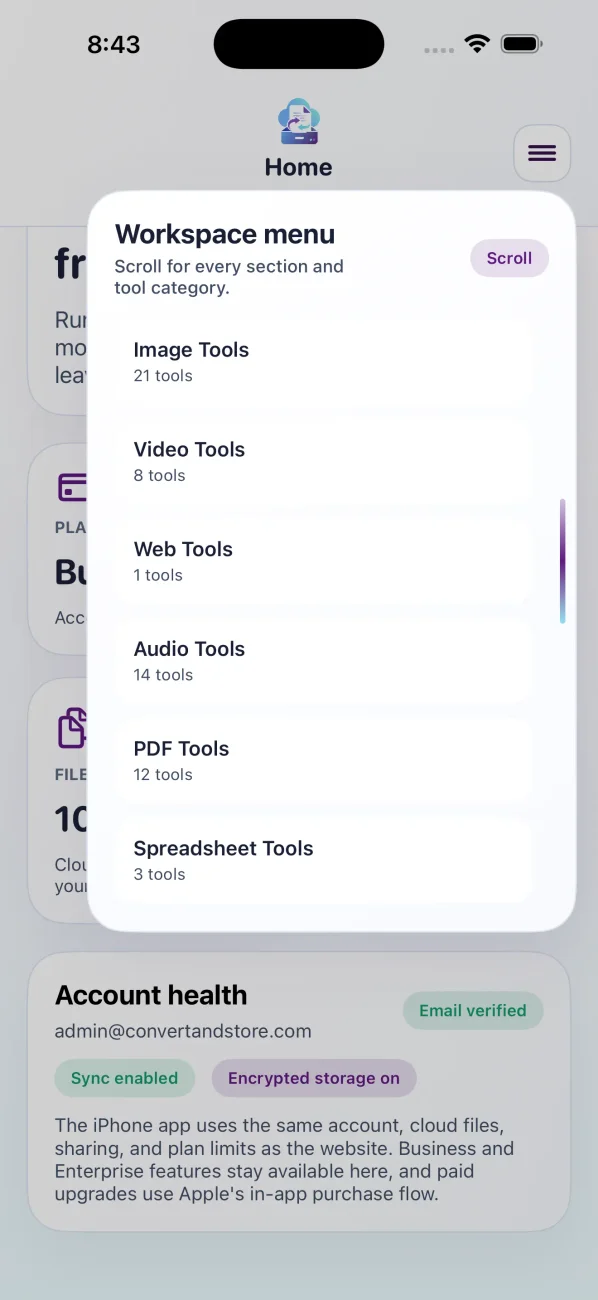
• Convert images, PDFs, documents, spreadsheets, archives, audio, and video
• Capture full webpage screenshots from a URL
• Upload files from Files and supported image flows from your photo library
• Store files securely in your account
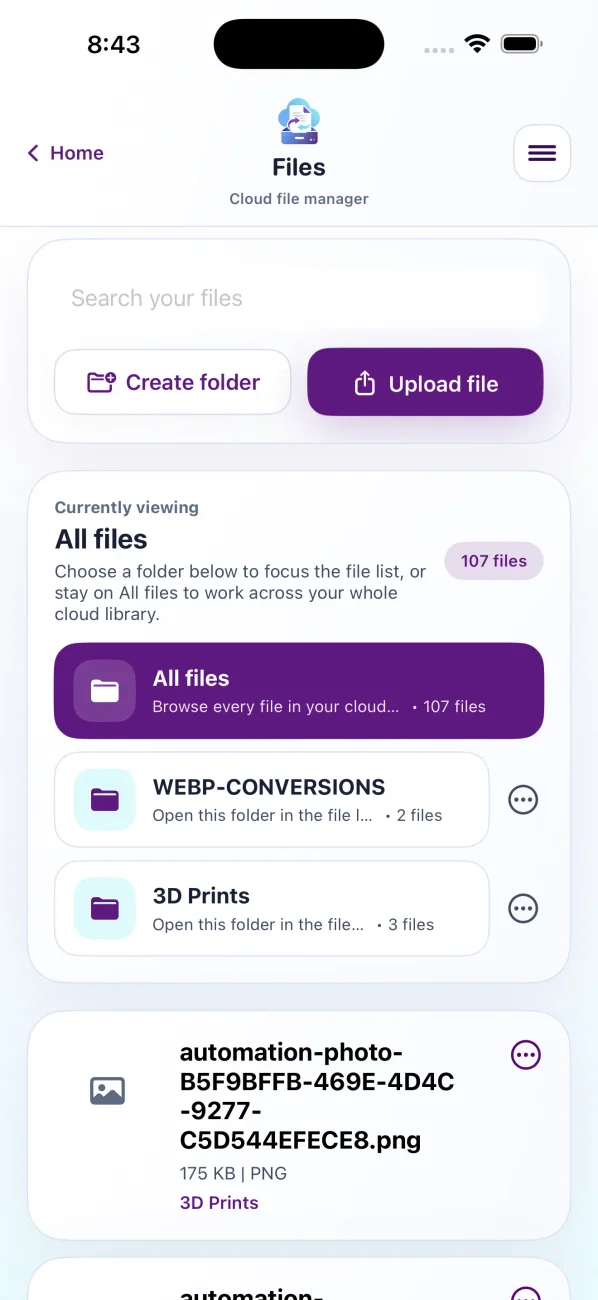
• Organize your workspace with folders and cloud file management
• Create share links for files and collaborate more easily
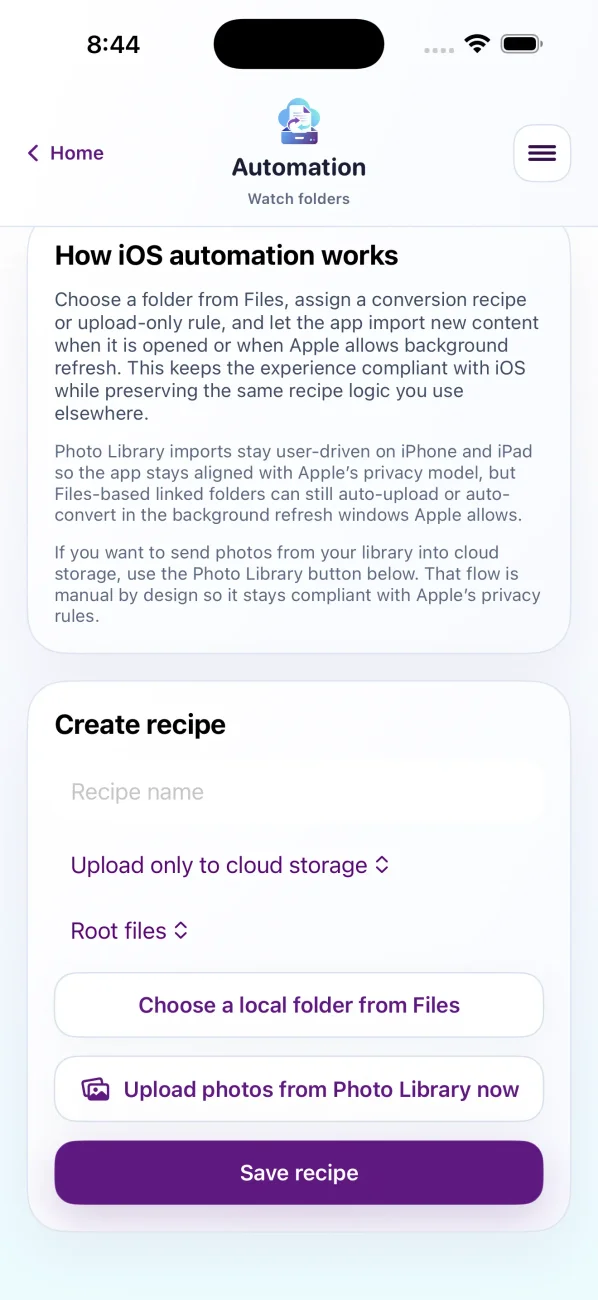
• Sync supported folders and automate repeat workflows
• Manage premium subscriptions and restore purchases in app
Free tools let new users get started quickly. When you need more storage, syncing, automation, advanced workflows, or team features, you can upgrade with in-app subscriptions.
Popular uses include:
• Image conversion and compression
• PDF workflows and exports
• Document and spreadsheet format changes
• Archive packaging and extraction
• Website screenshot capture
• Secure cloud file storage
• Team-ready file organization and sharing
• Repeat file workflows with watch-folder style automation
Cloud workspace features:
• Upload, download, rename, organize, and manage files
• Create and manage folders
• Share files with links
• View and refresh your workspace from iPhone or iPad
• Access the same account and files you use on the web and desktop apps
Premium features may include:
• More storage
• More daily usage capacity
• Folder sync and workflow automation
• Business and enterprise tools
• Team collaboration features
• Additional cloud and productivity capabilities
Why Convert and Store:
• One app for conversion, storage, and sharing
• Clean, fast workflow for everyday file tasks
• Helpful for solo users, agencies, teams, and businesses
• Works with your Convert and Store account across platforms
• Designed to make repetitive file work simpler
Whether you need a quick image conversion, a cloud file manager, a website screenshot tool, or a more complete file workflow on mobile, Convert and Store keeps everything in one place.
Subscription:
Some features require an account. Premium features require an active subscription purchased through the App Store.
Convert and Store offers auto-renewable subscriptions with monthly plans for Pro, Business, and Enterprise. Subscriptions unlock premium conversion limits, expanded storage, sync and automation features, team tools, webhooks, branded sharing, and other advanced member features. Payment is charged to your Apple Account at confirmation of purchase. Your subscription renews automatically unless it is canceled at least 24 hours before the end of the current period. You can manage or cancel your subscription at any time in your Apple Account subscription settings.
Convert and Store offers auto-renewable subscriptions for Pro, Business, and Enterprise plans. Payment is charged to your Apple Account at confirmation of purchase. Subscriptions renew automatically unless canceled at least 24 hours before the end of the current period. You can manage or cancel your subscription at any time in your Apple Account subscription settings.
Terms of Use (EULA): https://www.apple.com/legal/internet-services/itunes/dev/stdeula/
Privacidad de la aplicación
Lo que Darryl Polo declara en App Store sobre cómo esta aplicación gestiona los datos.
-
No se recopilan datos
El desarrollador no recopila ningún dato de esta aplicación.
Las prácticas de privacidad pueden variar, por ejemplo, según las funciones que uses o tu edad.
Información
- Vendedor
- Darryl Polo
- Categoría
- Productividad
- Versión
- 1.0
- Actualizado
- 14/5/2026
- Publicado
- 13/5/2026
- Tamaño
- 2,4 MB
- Requiere
- iOS 17.0 o posterior
- Clasificación por edad
- 12+
- Precio
- Gratis
- Compras en la aplicación
- Sí
- Idiomas
- Inglés
- Copyright
- © 2026 SiteLift Media
Quizá también te guste
-
 SpeakApp Flow: Teclado de vozDicta en cualquier app con IA
-
 Voicenote AI :Note TakerProductividad
-
 Wisper AI: Flow Voice NotesVoz a texto con IA en tu móvil
-
 CloudConvertProductividad
-
 Correo Dual Space - MailNestTodo el Mail, Multicuenta
-
 Dictation App-Dictate AnywhereProductividad
-
 JottacloudProductividad
-
 Whisper : Speech to TextProductividad
-
 Form Filler: Fill & Sign FormsCreate and Edit pdf documents
-
 MP4 Maker - Convert to MP4Productividad