coolAltitude: Pilot Tools
Cold corrections & de-icing
Diseñada para iPhone, iPad
8,99 € · Compras en la aplicación
- Clasificación por edad17+
- CategoríaUtilidades
- DesarrolladorSilkIdea s.r.o.
- IdiomasInglés
- Tamaño55,6 MB
Enlaza a la página oficial de App Store
Download.org no aloja ningún archivo de coolAltitude: Pilot Tools. El botón abre la página de la aplicación en App Store, donde la publica SilkIdea s.r.o. Ficha comprobada por última vez el 12/11/2026.
Capturas de pantalla

Acerca de
El desarrollador no ha proporcionado este texto en tu idioma.
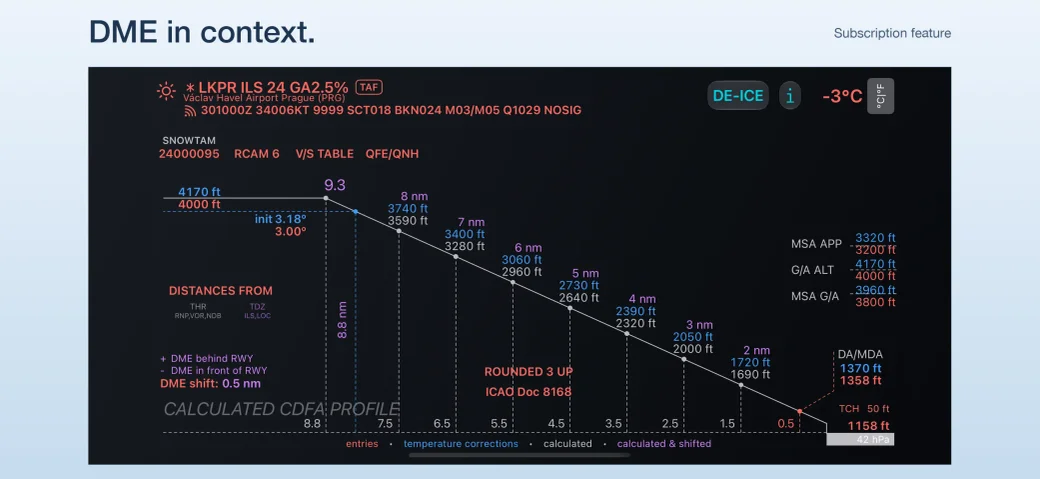
coolAltitude brings cold-temperature altitude corrections, approach profiles and de-icing tools into one focused workspace for pilots.
ALTITUDE CORRECTIONS
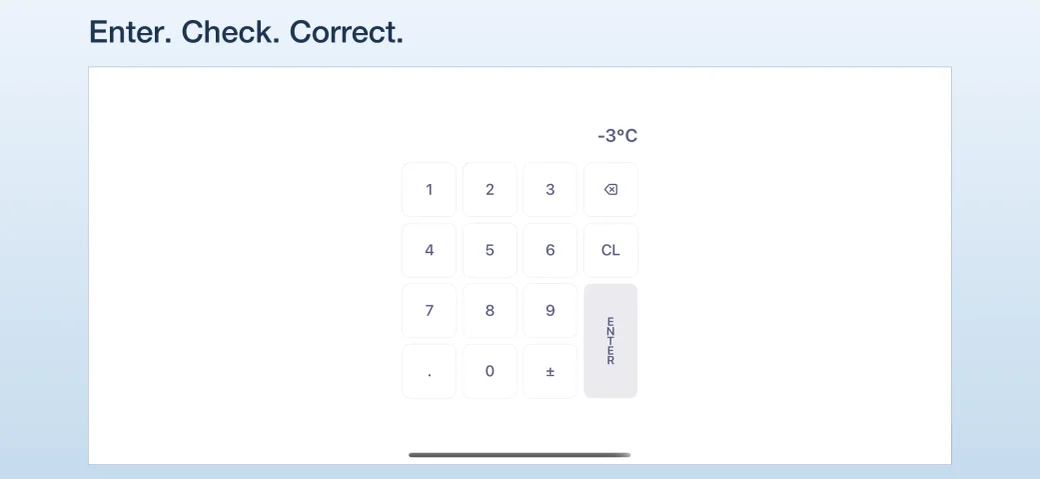
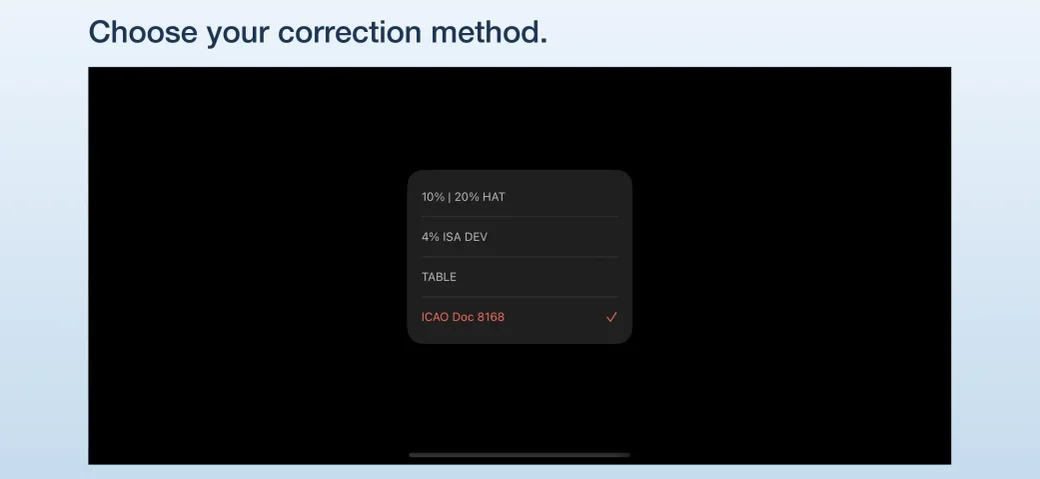
Enter the temperature and approach data, compare entered and corrected altitudes, and see the result in a clear approach profile. Select the correction method and rounding option for your workflow. DME shift helps put distance references in context.
APPROACH SETUP
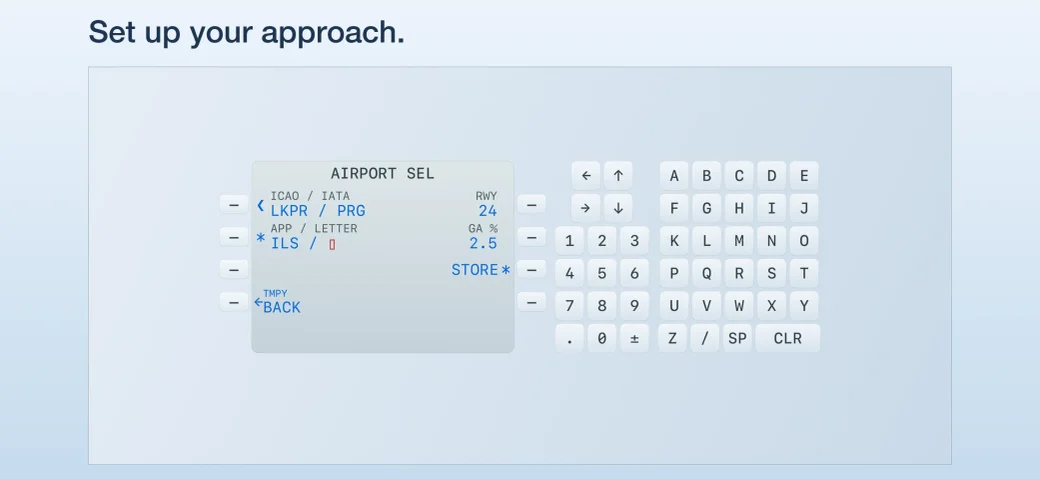
Use the FMS-style interface to work with airport, runway and approach data. A structured display and dedicated keys keep the setup readable alongside the profile.
DE-ICING AND HOLDOVER TIME
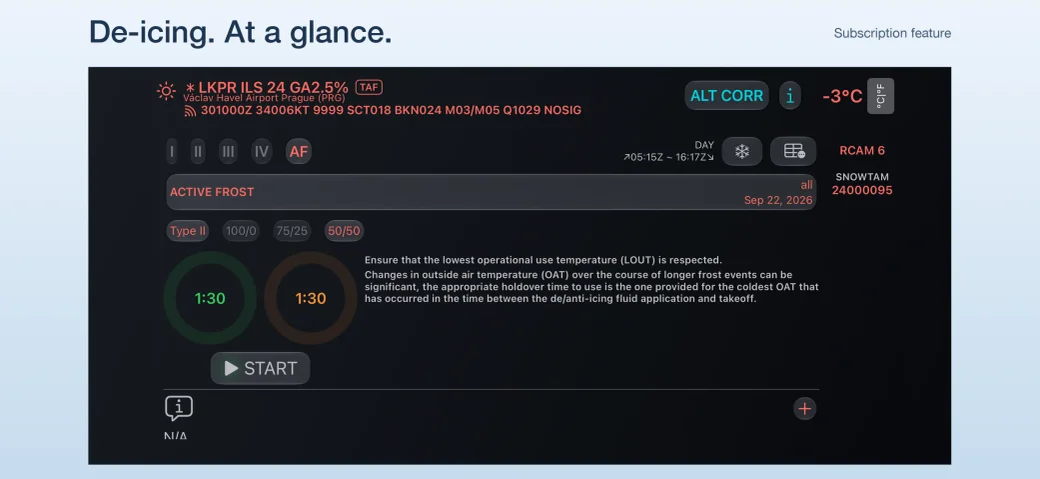
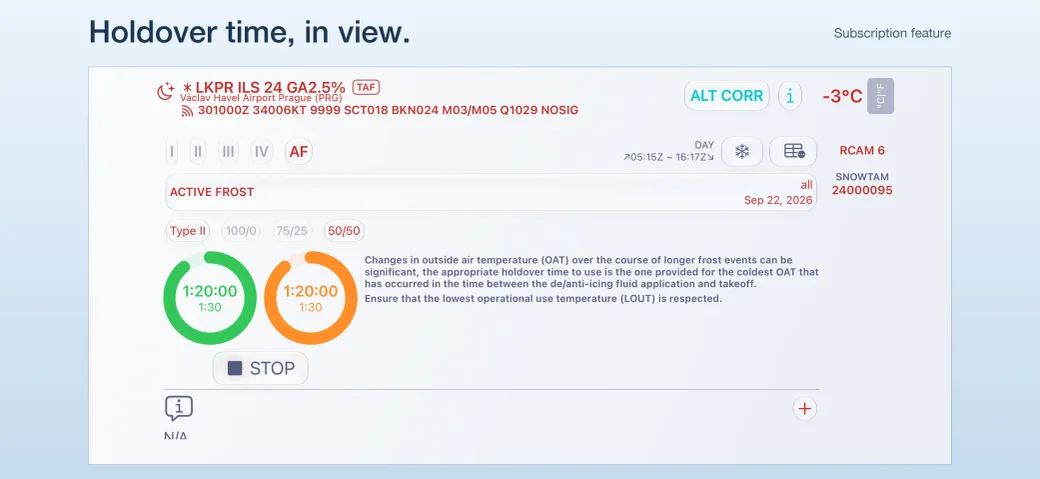
Select the applicable conditions, fluid type and concentration. Review the available holdover guidance and keep the countdown visible during your workflow.
WEATHER AND RUNWAY CONTEXT
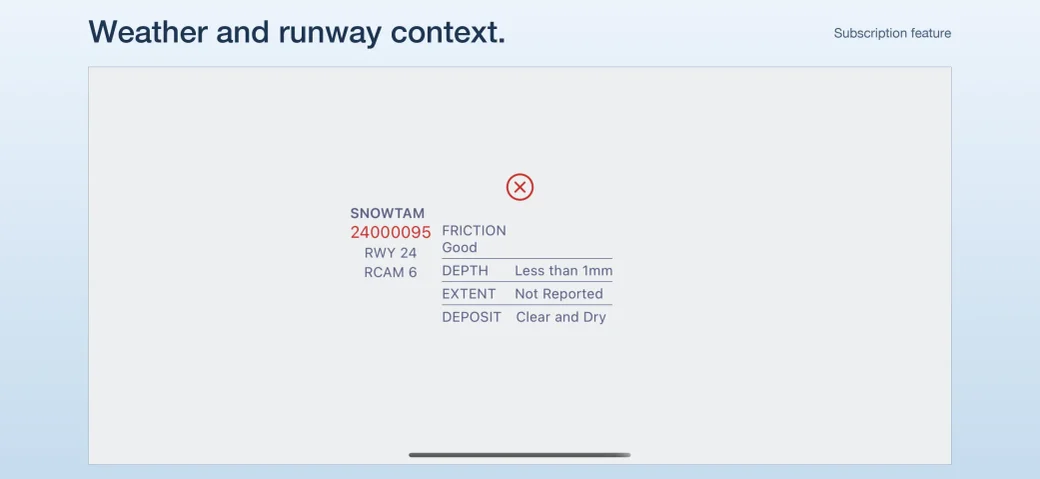
Consult METAR, TAF and runway-condition information alongside your calculations. Online information depends on the availability of the connected services.
READABLE IN LIGHT AND DARK
Clear colour roles distinguish inputs, corrected values and shifted values. Light and Dark appearances support different lighting conditions, with restrained surfaces and readable controls.
Some features require an in-app subscription. Check the in-app purchase screen for the features included, subscription terms and current pricing.
Use current operational information and the procedures applicable to your aircraft and operation when assessing results.
Terms of Use: https://www.apple.com/legal/internet-services/itunes/dev/stdeula/
Novedades
Versión 5.0 · 3/11/2026
Version 5.0 brings a refreshed interface with clearer colour roles, subtle glass surfaces and updated menus.
The FMS-style interface has a lighter appearance in Light mode and turquoise entries in Dark mode.
Layouts adapt to both displays of iPhone Duo.
Privacidad de la aplicación
Lo que SilkIdea s.r.o. declara en App Store sobre cómo esta aplicación gestiona los datos.
-
No se recopilan datos
El desarrollador no recopila ningún dato de esta aplicación.
Las prácticas de privacidad pueden variar, por ejemplo, según las funciones que uses o tu edad.
Información
- Vendedor
- SilkIdea s.r.o.
- Categoría
- Utilidades
- Versión
- 5.0
- Actualizado
- 3/11/2026
- Publicado
- 2/5/2013
- Tamaño
- 55,6 MB
- Requiere
- iOS 17.0 o posterior
- Clasificación por edad
- 17+
- Precio
- 8,99 €
- Compras en la aplicación
- Sí
- Idiomas
- Inglés
- Copyright
- © 2025 SilkIdea