Coursi
AI Tutor for Your Courses
Diseñada para iPhone, iPad, iPod touch
Gratis · Compras en la aplicación
- Clasificación por edad4+
- CategoríaEducación
- DesarrolladorTyler Judson
- IdiomasInglés
- Tamaño54,0 MB
Enlaza a la página oficial de App Store
Download.org no aloja ningún archivo de Coursi. El botón abre la página de la aplicación en App Store, donde la publica Tyler Judson. Ficha comprobada por última vez el 16/11/2026.
Capturas de pantalla

Acerca de
El desarrollador no ha proporcionado este texto en tu idioma.
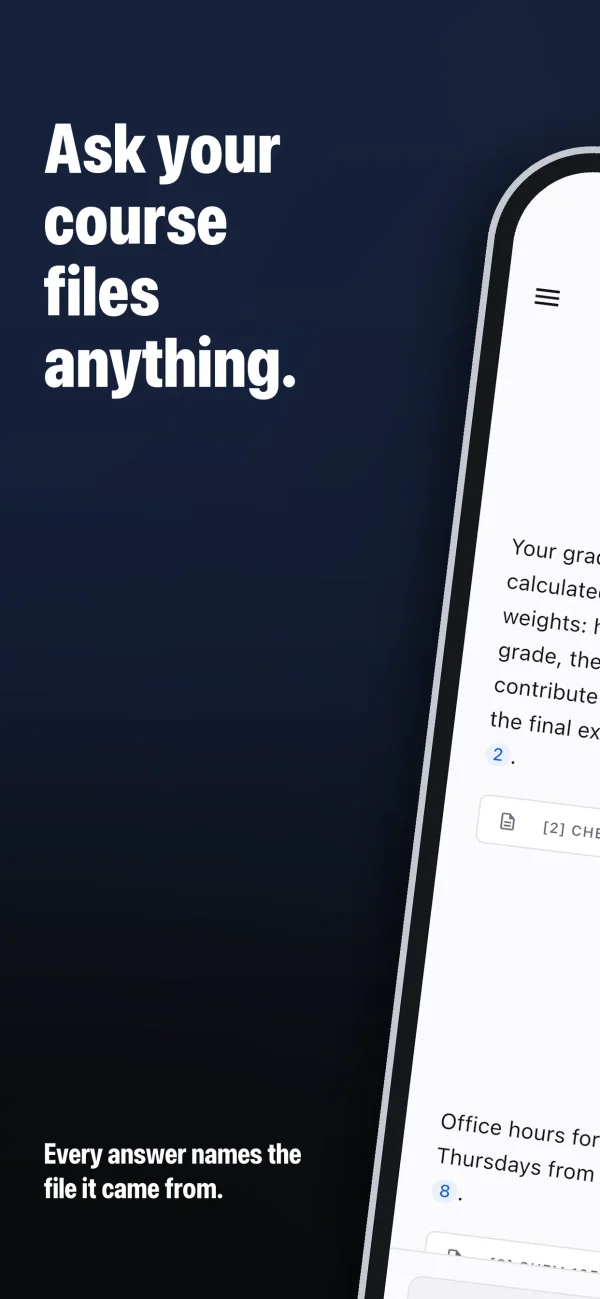
Most AI answers about your class are guesses. Coursi reads your course files first.
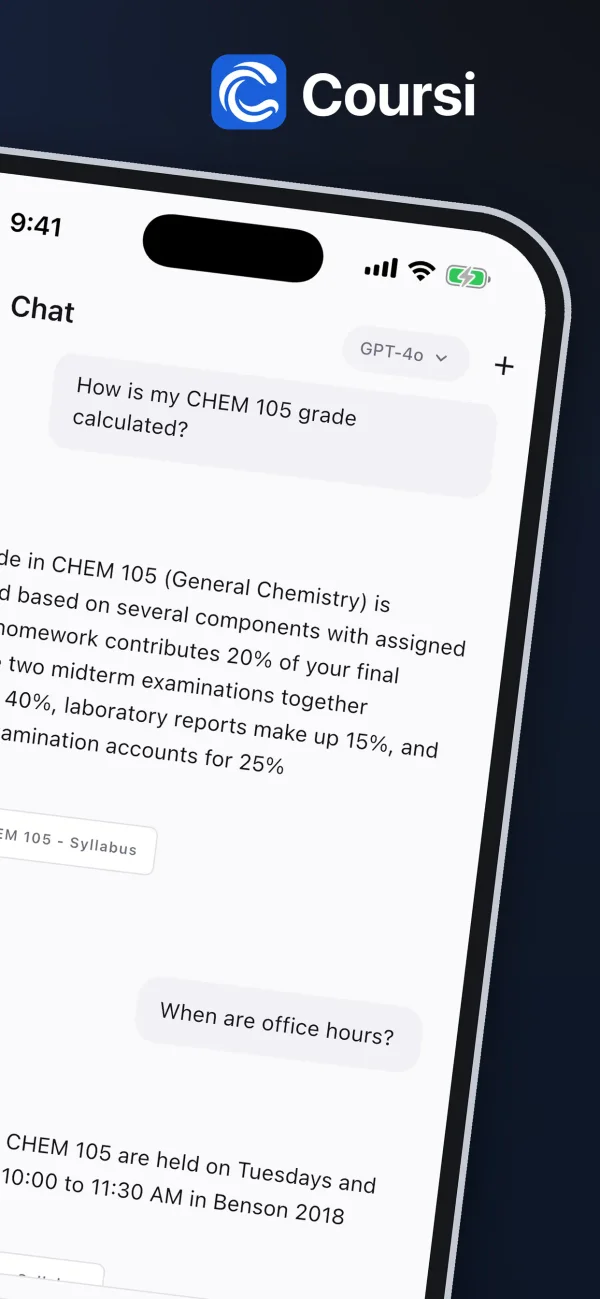
Ask about any assignment and the answer is built from your syllabus, your lecture notes and the files you've uploaded, the actual materials for the actual class, not a general model's idea of what a class like yours probably covers. It tells you which file each answer came from.
It works like a tutor rather than a search box. Ask it to explain a concept, quiz you before an exam, summarize a reading, or look over an assignment before you turn it in.
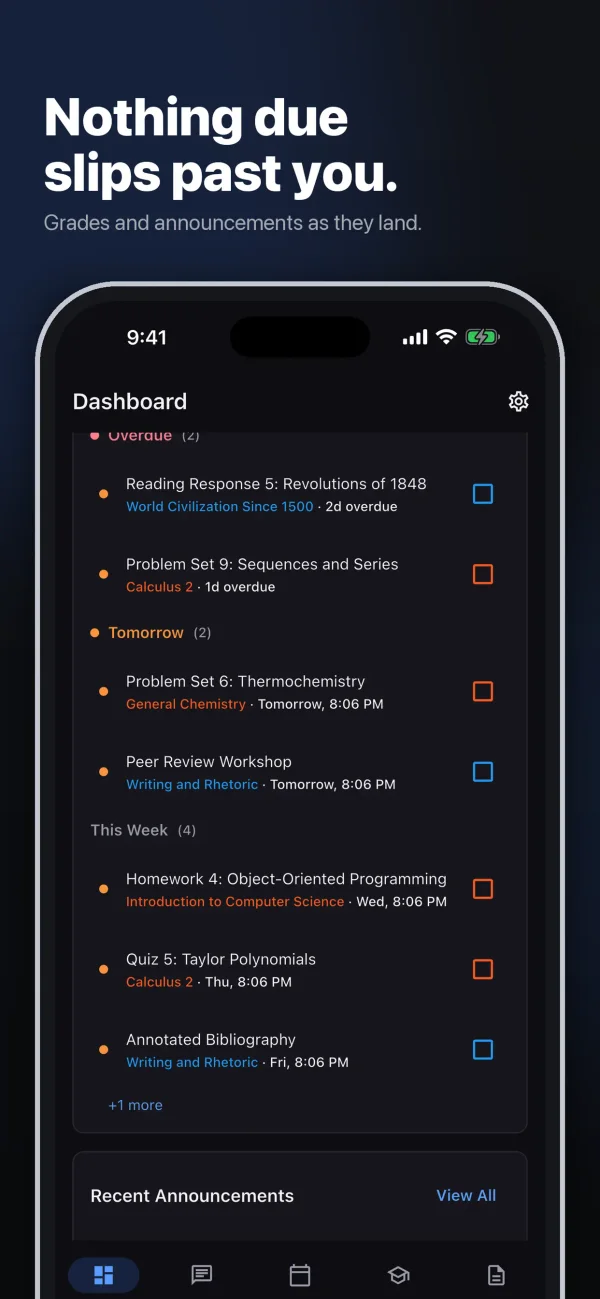
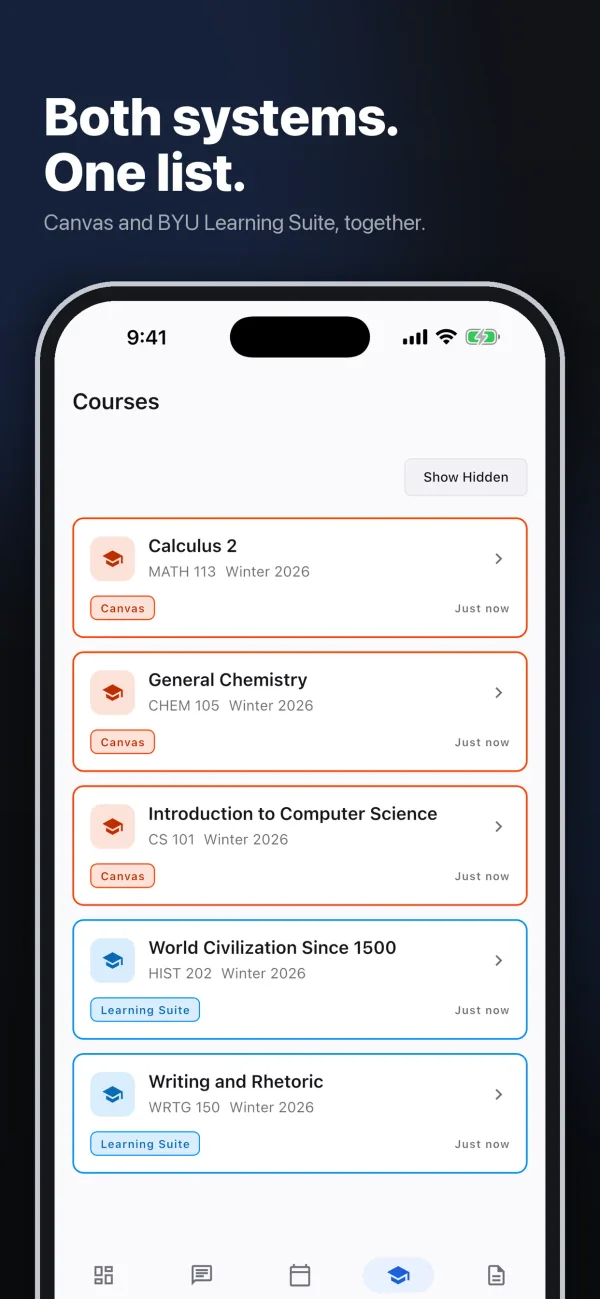
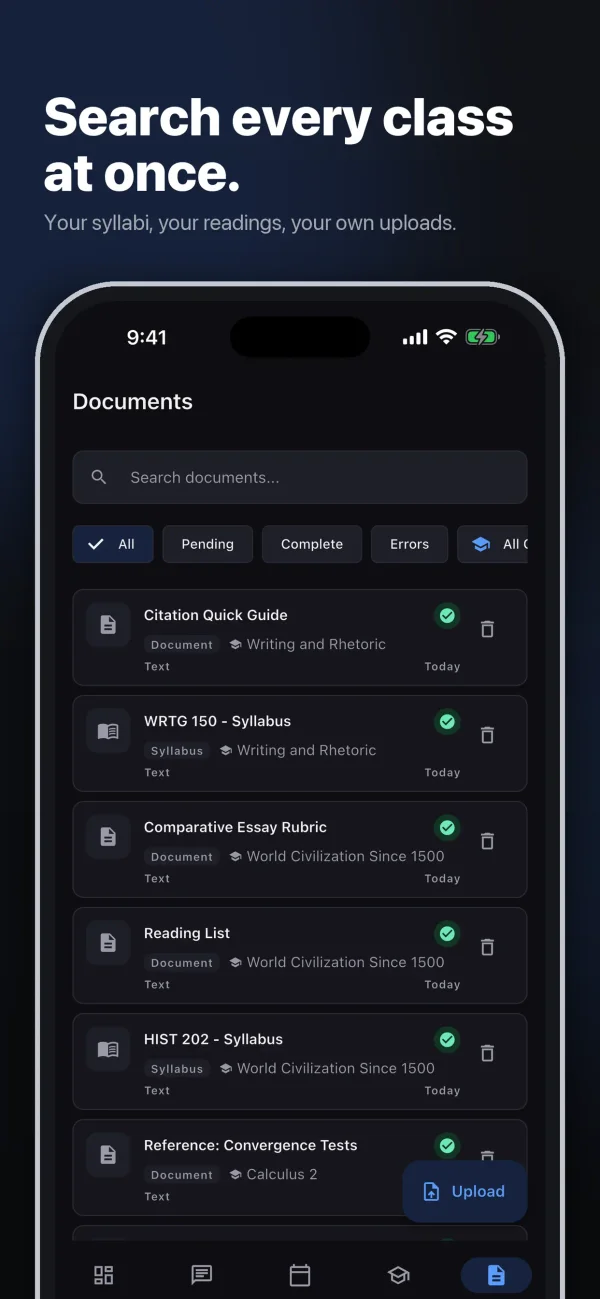
It gets those materials on its own. Coursi signs into Canvas and BYU Learning Suite and brings your assignments, announcements, documents and grades into one place, then keeps them current in the background. You can add your own PDFs, slides and Word docs too, and Coursi will search those across every course at once.
Everything lands on one screen: what's due, what was announced, where your grades stand. Both systems, one list.
Your coursework stays on your phone and is never uploaded to us. You sign in on Canvas's and Learning Suite's own pages, so Coursi never sees your password. What syncs between your own devices is only what you wrote yourself: your notes, your edits, your chat history.
Terms of Use: https://coursi.dev/terms
Privacy Policy: https://coursi.dev/privacy
Novedades
Versión 1.2 · 15/9/2026
Documents are now organized by class. Your materials are grouped under the class they belong to. Filters let you jump to lectures, slides and PDFs, or just the things you added yourself.
Record a lecture, from anywhere. When the recording finishes, Coursi writes it up and it becomes a searchable document like anything else.
Lectures have their own tab on each class, alongside Assignments, Study and Announcements. Tap a lecture to open its write-up.
Adding material is simpler. Choose where it is coming from first - a file, a photo, or notes you type - then pick the class. The button tells you where the material is going, and Coursi tells you what it managed to read out of the file.
Improvements to calendar. You can now zoom and drag events to other days.
Privacidad de la aplicación
Lo que Tyler Judson declara en App Store sobre cómo esta aplicación gestiona los datos.
-
Datos vinculados a ti
Pueden recopilarse y vincularse a tu identidad.
- Información de contacto
-
Datos no vinculados a ti
Pueden recopilarse, pero no se vinculan a tu identidad.
- Contenido del usuario
Las prácticas de privacidad pueden variar, por ejemplo, según las funciones que uses o tu edad.
Información
- Vendedor
- Tyler Judson
- Categoría
- Educación
- Versión
- 1.2
- Actualizado
- 15/9/2026
- Publicado
- 1/4/2026
- Tamaño
- 54,0 MB
- Requiere
- iOS 15.0 o posterior
- Clasificación por edad
- 4+
- Precio
- Gratis
- Compras en la aplicación
- Sí
- Idiomas
- Inglés
- Copyright
- © 2026 Tyler Judson