
CPU Dasher Mobile Master Tools
System info & desktop widget
Diseñada para iPhone, iPad, iPod touch
Gratis · Compras en la aplicación
- Clasificación por edad4+
- CategoríaUtilidades
- Desarrollador培培 邢
- IdiomasInglés+ 4 más
- Tamaño40,7 MB
Enlaza a la página oficial de App Store
Download.org no aloja ningún archivo de CPU Dasher Mobile Master Tools. El botón abre la página de la aplicación en App Store, donde la publica 培培 邢. Ficha comprobada por última vez el 15/11/2026.
Capturas de pantalla
Acerca de
El desarrollador no ha proporcionado este texto en tu idioma.
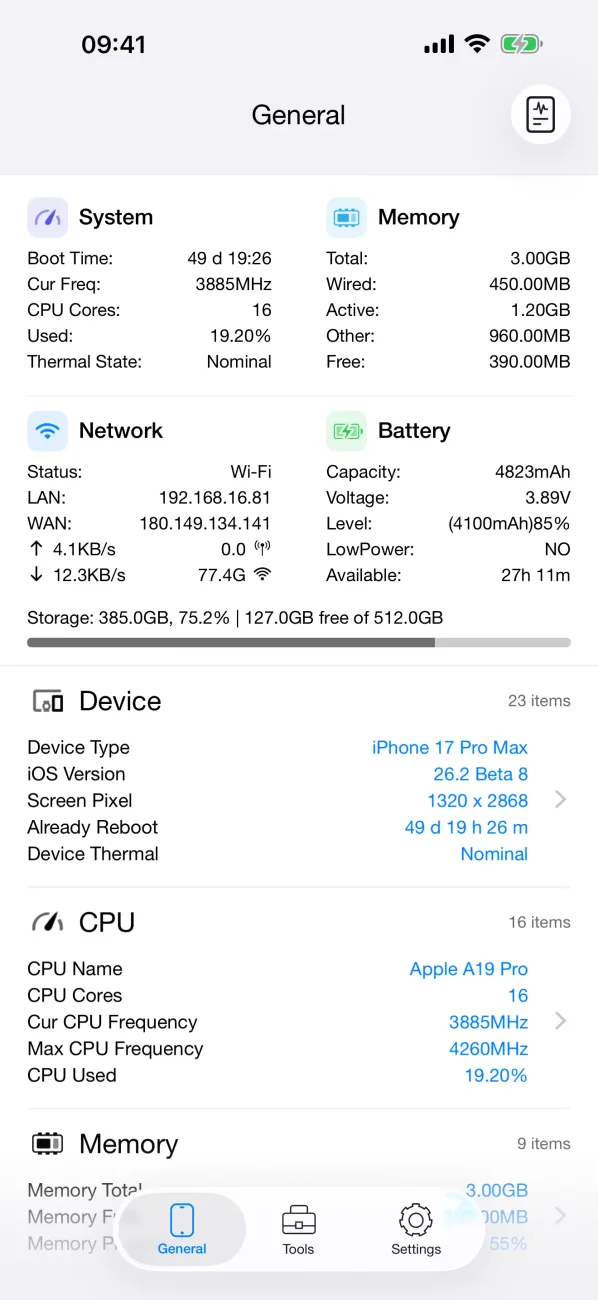
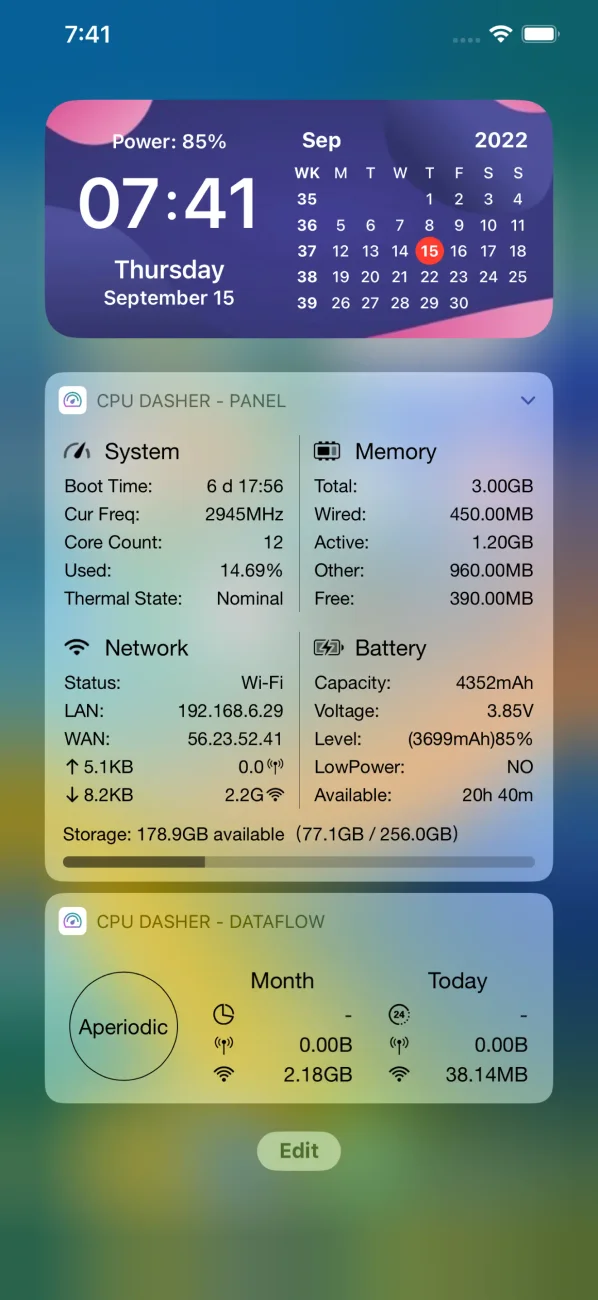
CPU Dasher Master ! is a versatile assistant to view device information
Mainly divided into some sections
1, Equipment information
2, CPU information
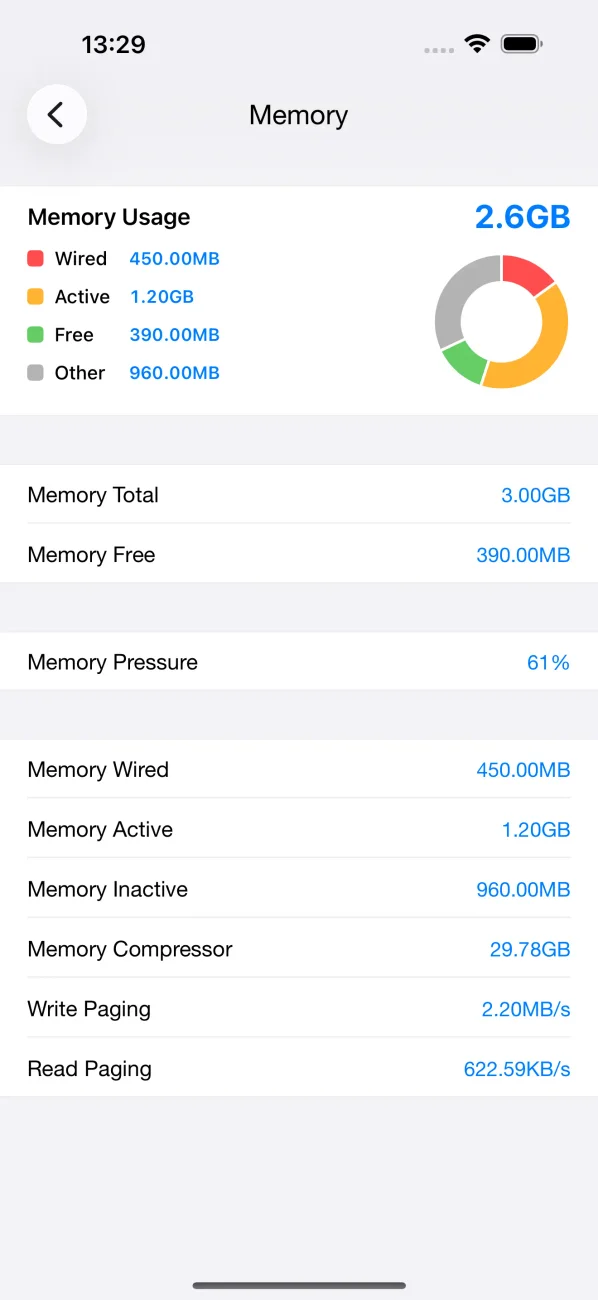
3, Memory information
4, Battery information
5, Network information
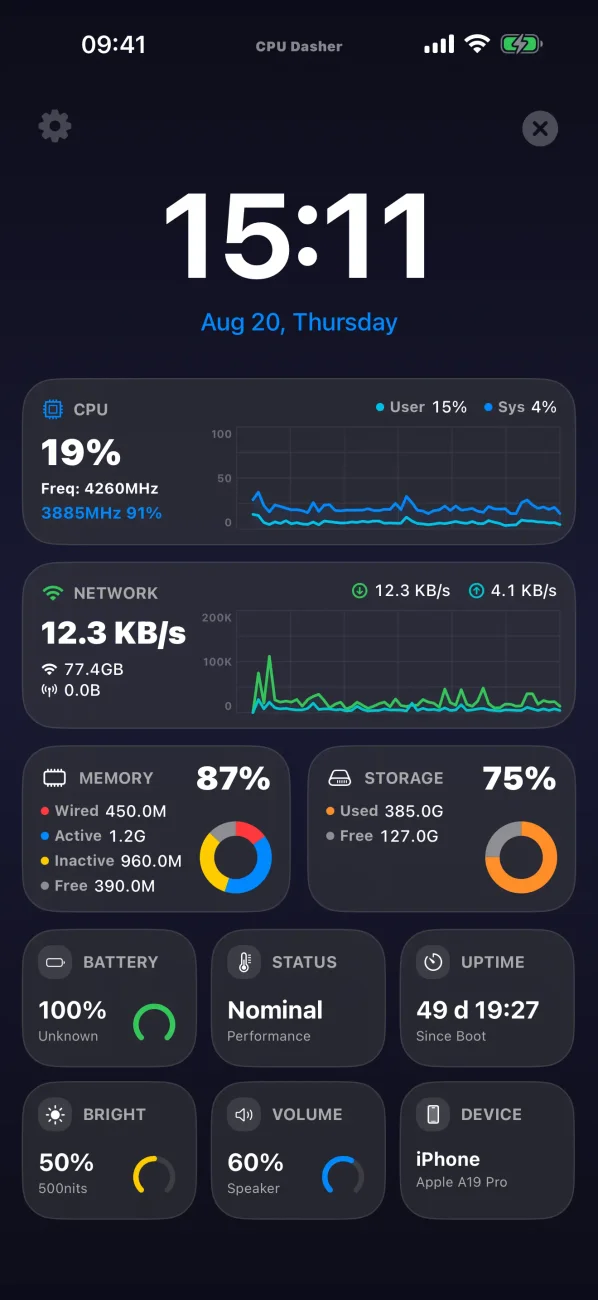
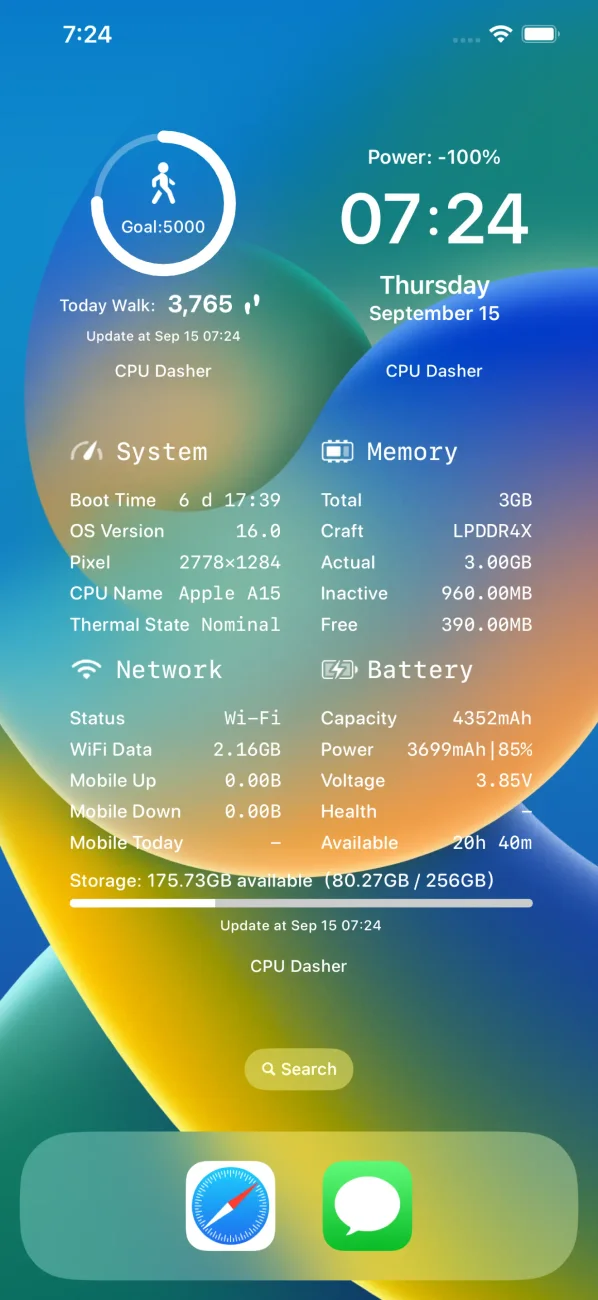
6. Quick view of widgets
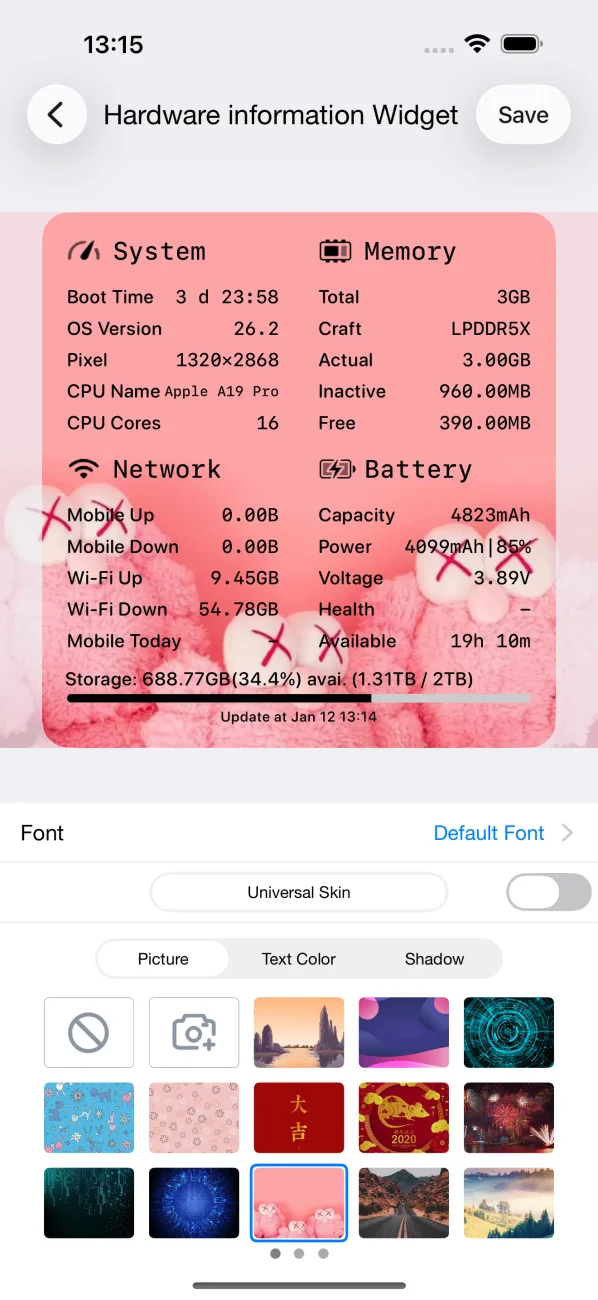
7. Widget skin customization
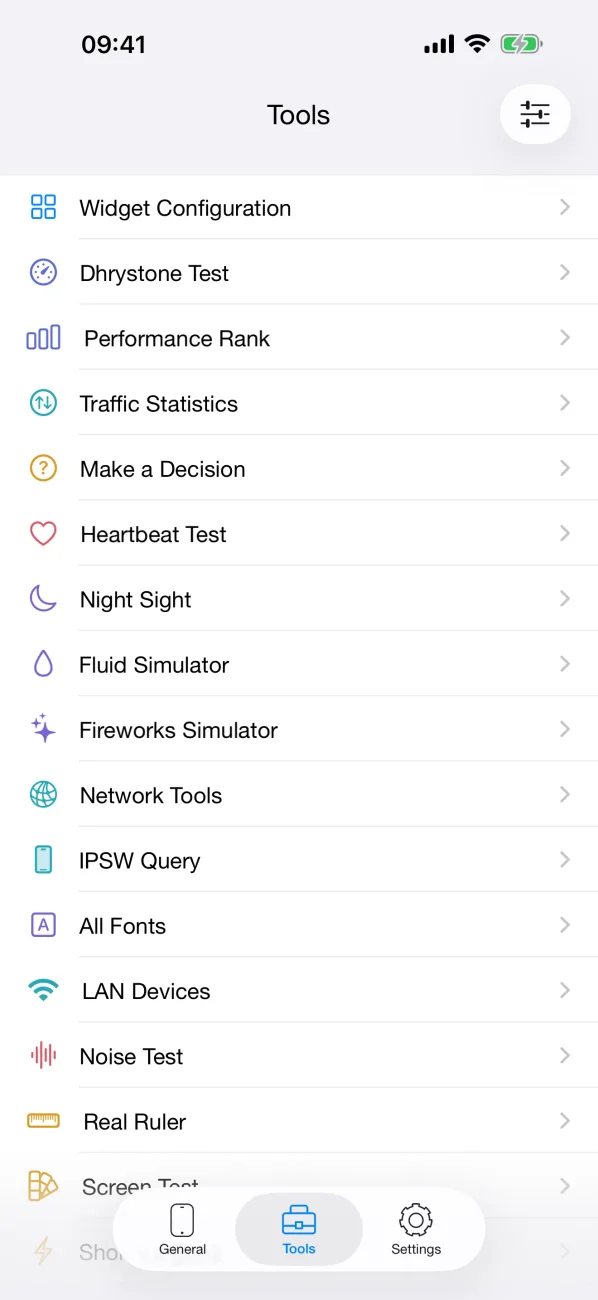
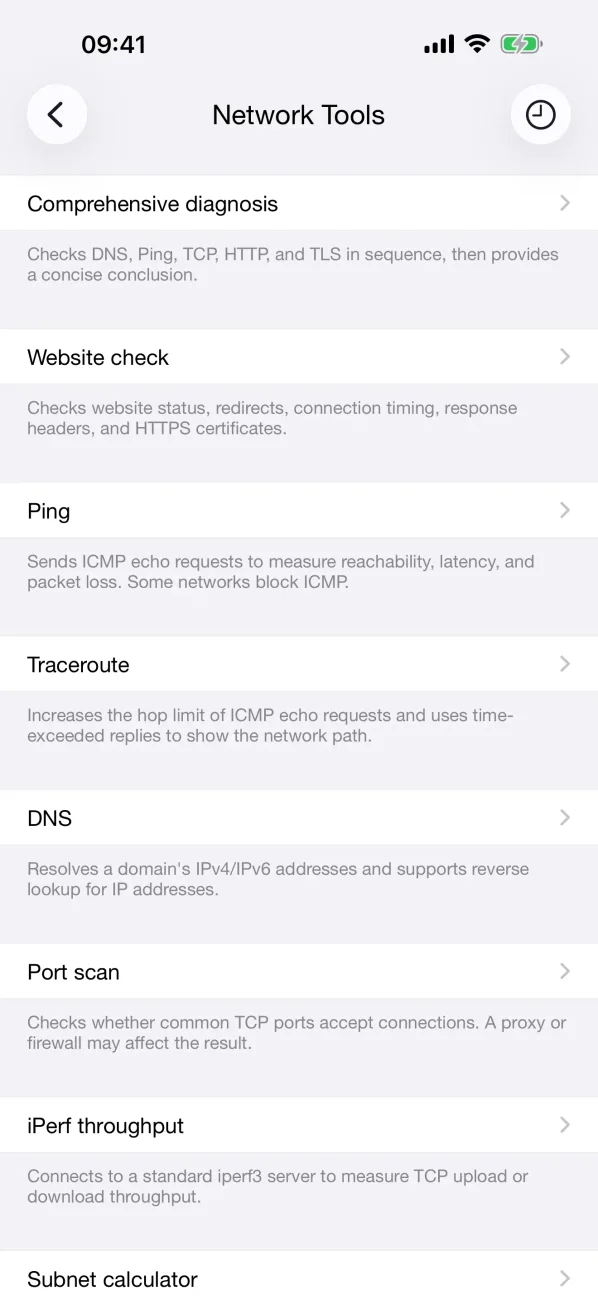
8. Common tools: heart rate test, network tool, noise test, make a decision, traffic statistics, screen test, etc.
This is the current App Store rare, you can easily view the device information, detailed parameters of the device to be aware of, jia driving safety.
The key is: the current frequency, memory details, detailed battery, network information is updated in real time. wow!
HealthKit: Step count and distance widgets, you need to authorize the App to obtain HealthKit data permission before displaying your step count and exercise distance data today.
Novedades
Versión 3.0.3 · 21/10/2026
- Compatible with iOS 27, iPhone Duo and the new iPhone 18 models
- New settings for the info panel: open the info panel directly on app launch and support always-on display
- Added iPerf3 network throughput test with TCP uplink/downlink, parallel streams, real-time charts and result sharing
- Added multiple new network tools and optimized the experience of existing tools
- Improved estimated battery runtime, real-time/history chart switching and report export, supporting HTML, PDF and image formats
- Fixed various stability and UI display issues
Note: After the app update, widgets such as those on the Today View may fail to load or disappear. Restart your device to restore them.
Here are our recent updates:
- Optimized the Dhrystone benchmark
- Added a time-range data usage statistics widget
- Home Screen widgets support refreshing by tapping specific areas
- Added Night Vision (not available on devices without a LiDAR scanner)
- Added Scheme URLs for opening tools, available on the tool configuration page
- Large hardware info widgets support data usage display
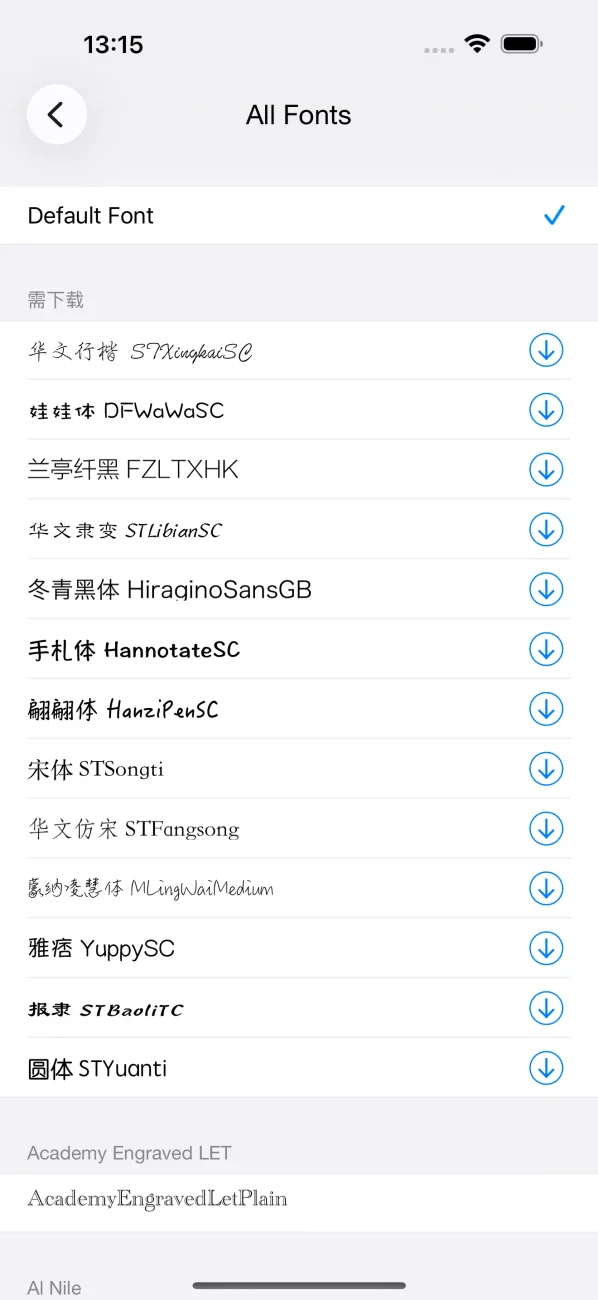
- Home Screen widgets support custom fonts
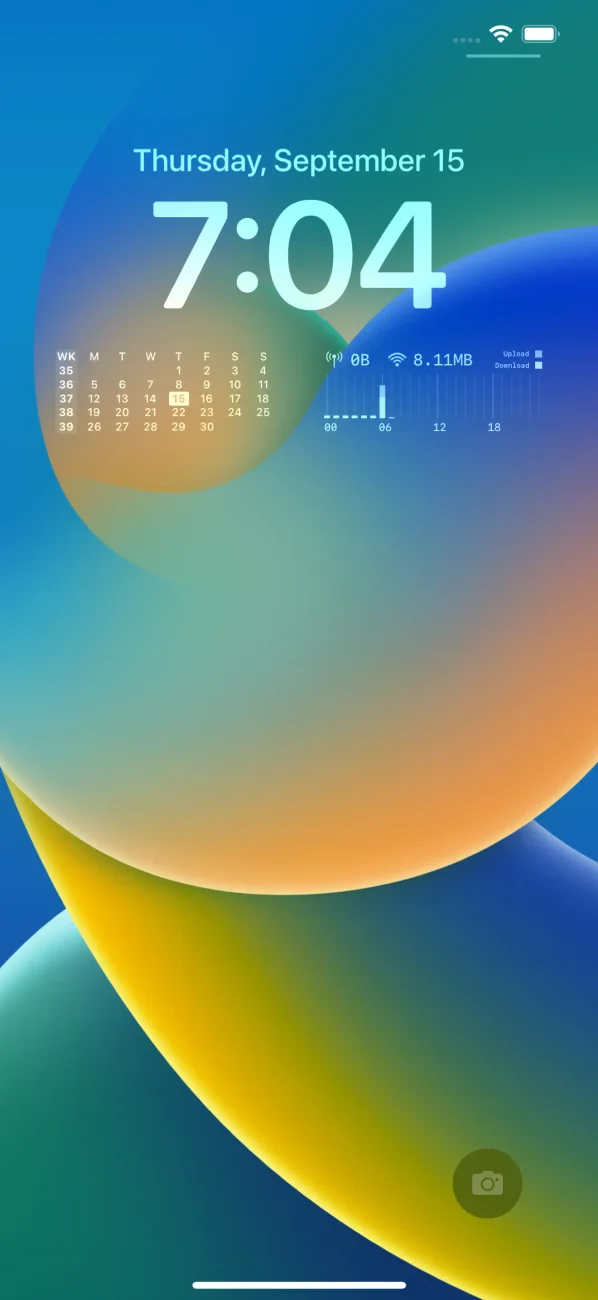
- Added a toggle for week number display on calendar widgets
- Added the Tile Panel widget
- Calendar widgets show reminders for statutory holidays and compensatory workdays
- Added simulated transparent widget backgrounds
- Added new widgets including step counter
- Hardware info widgets can display router names (location permission for widgets is required)
- Added a battery level display toggle for time and calendar widgets
- Home Screen widgets support skin configurations (old widgets still work; widget skins are independent)
- Optimized data usage statistics (adding a data usage Home Screen widget on iOS 14 improves accuracy)
- Added over ten downloadable fonts
- Noise test supports saving test results
- Further optimized data usage statistics accuracy
- Added heart rate measurement feature
Please submit your questions and suggestions through the in-app feedback form.
Privacidad de la aplicación
Lo que 培培 邢 declara en App Store sobre cómo esta aplicación gestiona los datos.
-
Datos usados para rastrearte
Pueden usarse para rastrearte en aplicaciones y sitios web propiedad de otras empresas.
- Identificadores
-
Datos vinculados a ti
Pueden recopilarse y vincularse a tu identidad.
- Identificadores
-
Datos no vinculados a ti
Pueden recopilarse, pero no se vinculan a tu identidad.
- Ubicación
- Diagnóstico
Las prácticas de privacidad pueden variar, por ejemplo, según las funciones que uses o tu edad.
Información
- Vendedor
- 培培 邢
- Categoría
- Utilidades
- Versión
- 3.0.3
- Actualizado
- 21/10/2026
- Publicado
- 2/2/2018
- Tamaño
- 40,7 MB
- Requiere
- iOS 15.0 o posterior
- Clasificación por edad
- 4+
- Precio
- Gratis
- Compras en la aplicación
- Sí
- Idiomas
- Inglés, Japonés, Coreano, Chino simplificado, Chino tradicional
- Copyright
- © CPU Dasher
Quizá también te guste
-
 Mobile Master-CPU MasterUtilidades
-
 悬浮时间-悬浮秒表悬浮窗控时助手Utilidades
-
 CPU Detector - Hardware InfoUtilidades
-
 iCharging - Charging AnimationUtilidades
-
 Lirum Device Info 2Utilidades
-
 充电功率助手 - 专注手机充电助手Utilidades
-
 AIDA64Utilidades
-
 AnTuTu BenchmarkUtilidades
-
 SystemBatteryAnalysisUtilidades
-
 System Status: hw monitorUtilidades