Crank: Pro Camera Reference
Tech Specs, Data & Shutter
Diseñada para iPhone, iPod touch
Gratis
- Clasificación por edad4+
- CategoríaFoto y vídeo
- Desarrolladorkaat media ltd
- IdiomasInglés
- Tamaño31,8 MB
Enlaza a la página oficial de App Store
Download.org no aloja ningún archivo de Crank: Pro Camera Reference. El botón abre la página de la aplicación en App Store, donde la publica kaat media ltd. Ficha comprobada por última vez el 9/11/2026.
Capturas de pantalla


Acerca de
El desarrollador no ha proporcionado este texto en tu idioma.
The professional technical standard for high-speed cinematography.
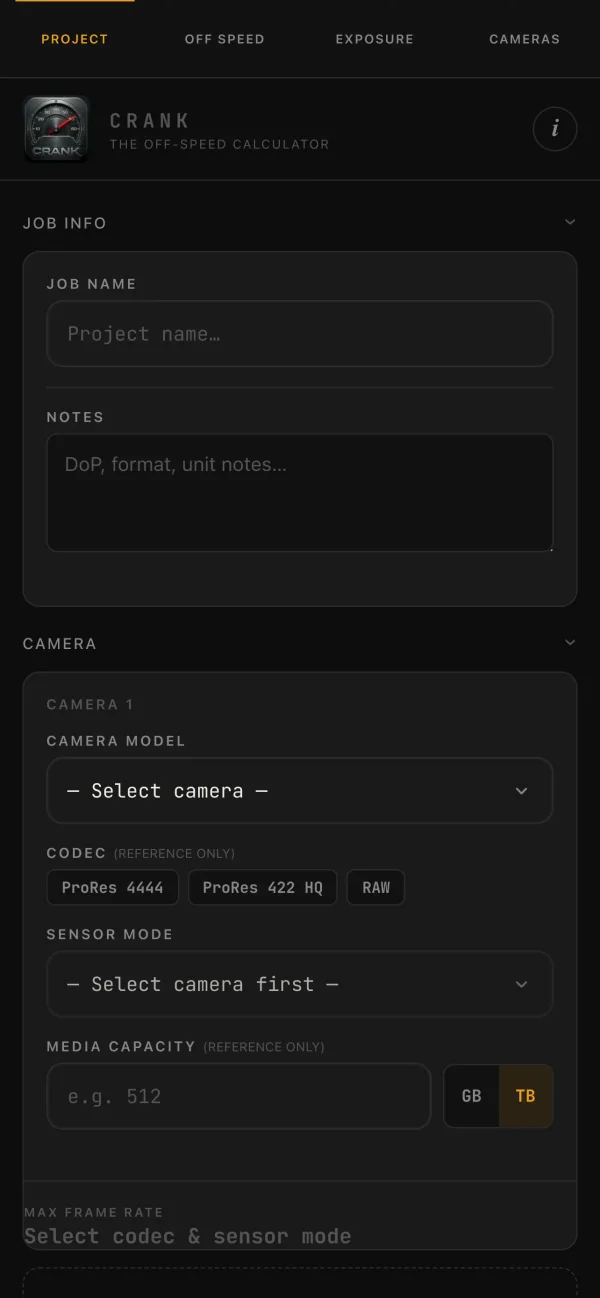
Crank is the definitive technical utility for camera departments, designed by industry professionals for DITs, ACs, and Cinematographers. Built for high-pressure environments, Crank provides absolute precision for off-speed frame rates, exposure compensation, and technical camera data—all in a sleek, offline-capable interface.
Whether you are matching motion blur between project frame rates or modeling complex ND stacks on a remote location, Crank ensures your technical decisions are made with absolute confidence.
KEY FEATURES:
1. ADVANCED OFF-SPEED ANALYTICS Eliminate technical uncertainty when shooting off-speed. Quickly determine the relationship between Sensor FPS and Project FPS.
Multiples Mode: Instantly view common speed ratios (2x, 3x, 4x, etc.).
Reverse Lookup: Find the exact sensor frame rate needed to hit a specific speed target.
2. PRECISION EXPOSURE ENGINE Master your light with dedicated exposure modeling tailored for cinematography.
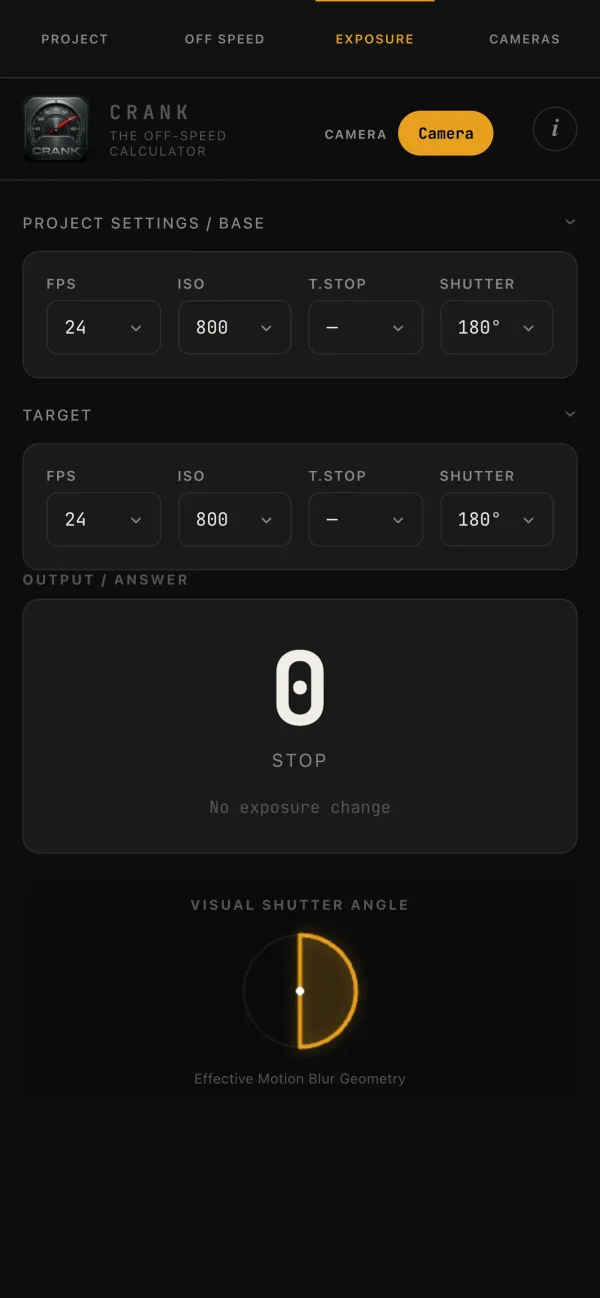
Exposure Compensation: Determine T-stop adjustments when changing frame rates or shutter angles.
ND Filter Stepper: Manage neutral density stacks with ease, converting between Optical Density, ND numbers, and Stop reductions.
Visual Shutter Angle: Use the interactive visualizer to understand effective motion blur geometry and shutter speed relationships.
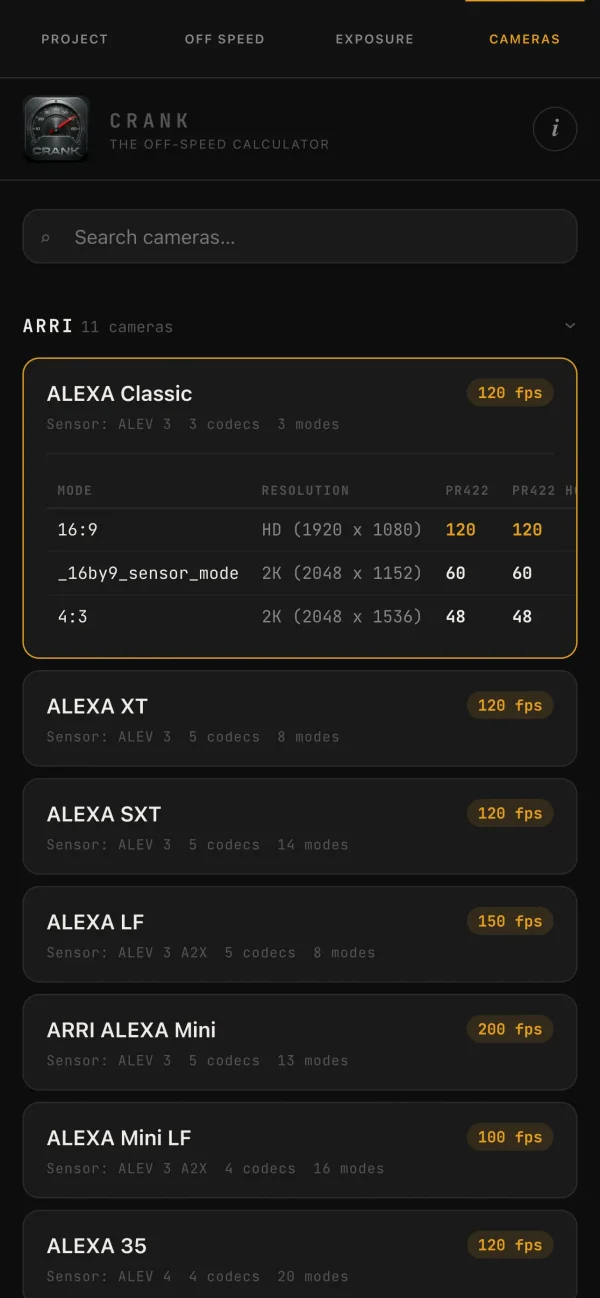
3. PROFESSIONAL CAMERA DATABASE A comprehensive, searchable library of professional camera specifications at your fingertips.
Detailed Specs: Access sensor dimensions, base ISOs, mount types, and dynamic range.
Format & Frame Rates: Check maximum frame rates across different codecs (ARRIRAW, ProRes) and resolutions.
Supported Models: Includes up-to-date data for ARRI (Alexa 35, Mini LF, etc.) and other industry-standard systems.
4. ON-SET UTILITY SUITE
Setup Card Export: Generate and share technical camera setup cards with your department via a single tap.
Job Presets: Save recurring project settings (Base FPS, ISO, Shutter) for instant recall on different shows.
Offline First: No signal? No problem. All core technical features and database tools work entirely offline.
WHY CRANK?
Crank is a specialized workflow utility. By focusing on the specific needs of the camera department, we’ve removed the clutter found in generic apps to give you the fastest, most reliable path to the technical data you need on set.
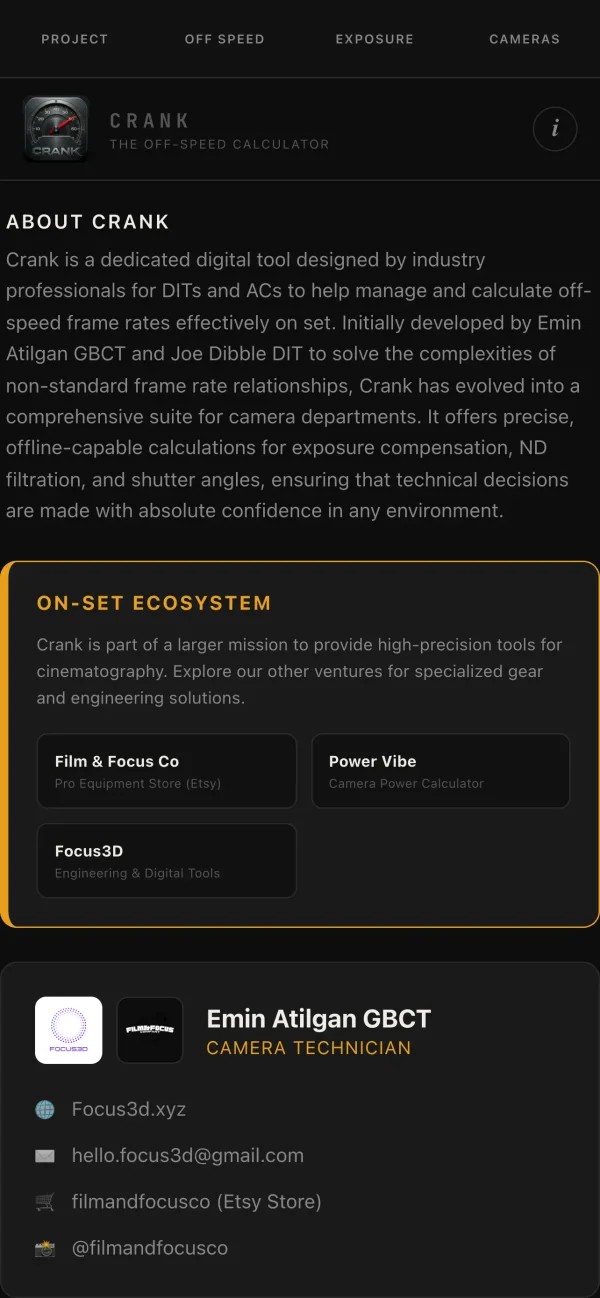
Built by Emin Atilgan GBCT and Joe Dibble DIT.
Privacidad de la aplicación
Lo que kaat media ltd declara en App Store sobre cómo esta aplicación gestiona los datos.
-
No se recopilan datos
El desarrollador no recopila ningún dato de esta aplicación.
Las prácticas de privacidad pueden variar, por ejemplo, según las funciones que uses o tu edad.
Información
- Vendedor
- Kaat Media Ltd
- Categoría
- Foto y vídeo
- Versión
- 1.0
- Actualizado
- 23/4/2026
- Publicado
- 23/4/2026
- Tamaño
- 31,8 MB
- Requiere
- iOS 15.0 o posterior
- Clasificación por edad
- 4+
- Precio
- Gratis
- Idiomas
- Inglés
- Copyright
- © 2026 Kaat Media ltd