
CtrlF Pro
Find Text in Any Book
Diseñada para iPhone, iPad
Gratis · Compras en la aplicación
- Clasificación por edad9+
- CategoríaUtilidades
- Desarrollador贺 周
- IdiomasInglés
- Tamaño2,7 MB
Enlaza a la página oficial de App Store
Download.org no aloja ningún archivo de CtrlF Pro. El botón abre la página de la aplicación en App Store, donde la publica 贺 周. Ficha comprobada por última vez el 17/11/2026.
Capturas de pantalla

Acerca de
El desarrollador no ha proporcionado este texto en tu idioma.
CtrlF brings the power of Ctrl+F to the real world. Point your iPhone at any book, document, or printed material, type the word or phrase you are looking for, and watch matches highlight on screen in real time.
No more scanning page after page for that one quote or keyword. CtrlF uses advanced on-device OCR to recognize text and highlight every match instantly - with pixel-perfect precision around the exact characters you searched for.
LIVE CAMERA SCANNER
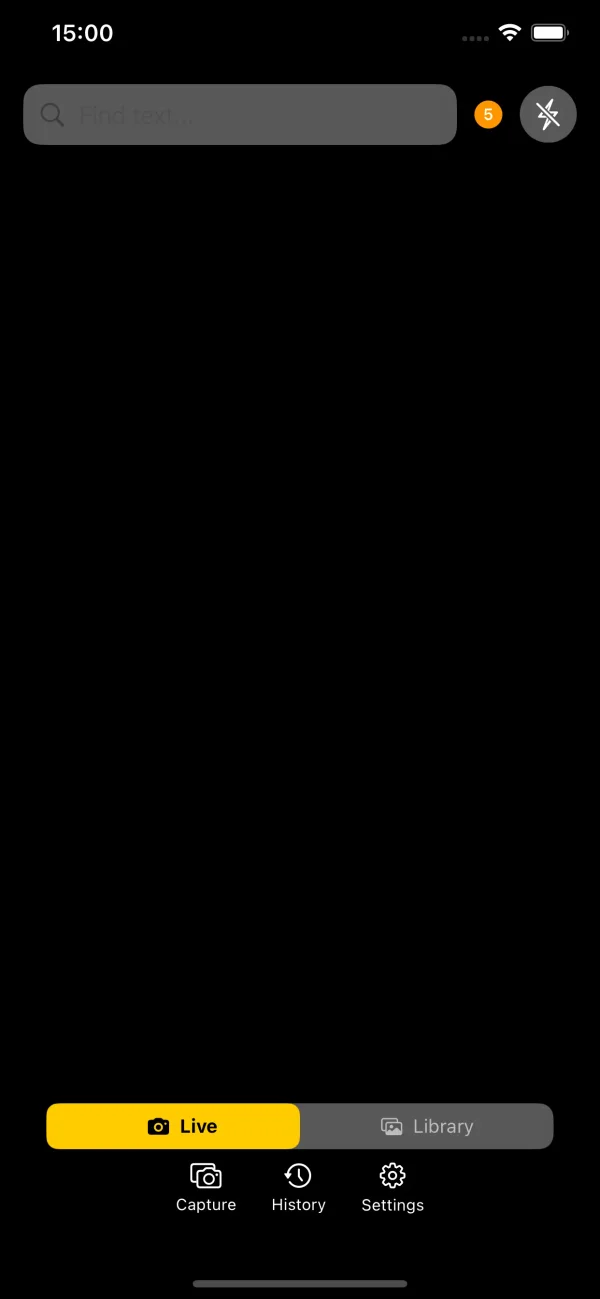
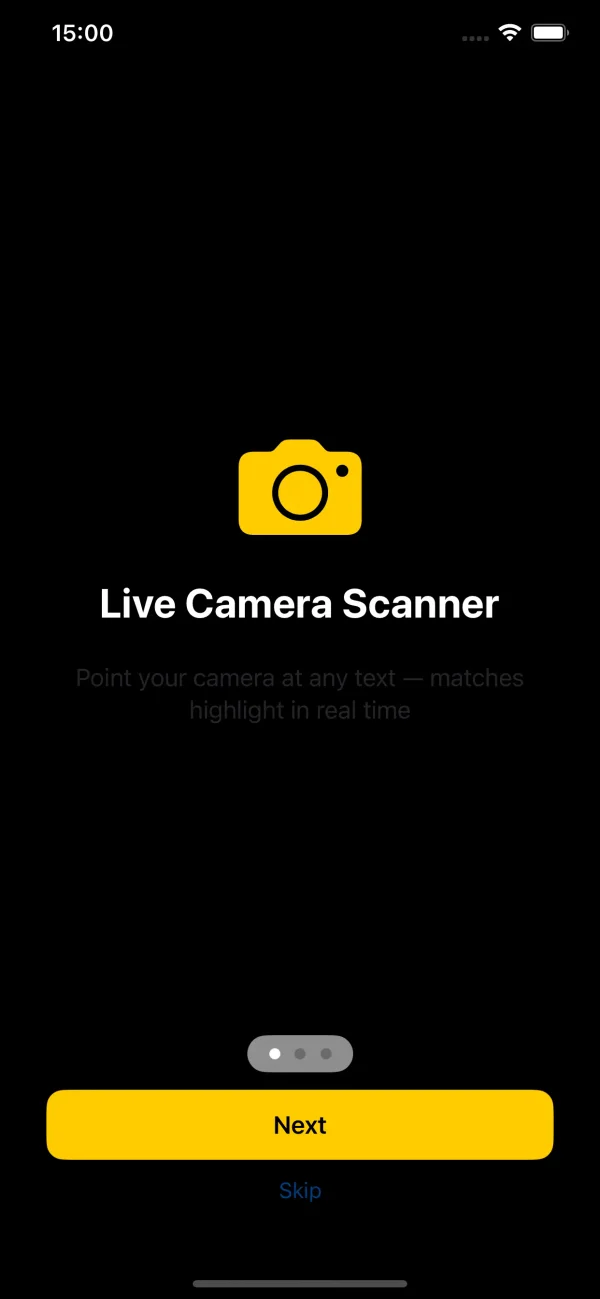
Point your camera at any printed text and type to search. Matches appear instantly with bright highlights so you can spot what you need at a glance. Works in real time - no photo required. The camera preview displays in the correct portrait orientation, and highlights follow the text precisely even as you move.
PRECISE CHARACTER-LEVEL HIGHLIGHTING
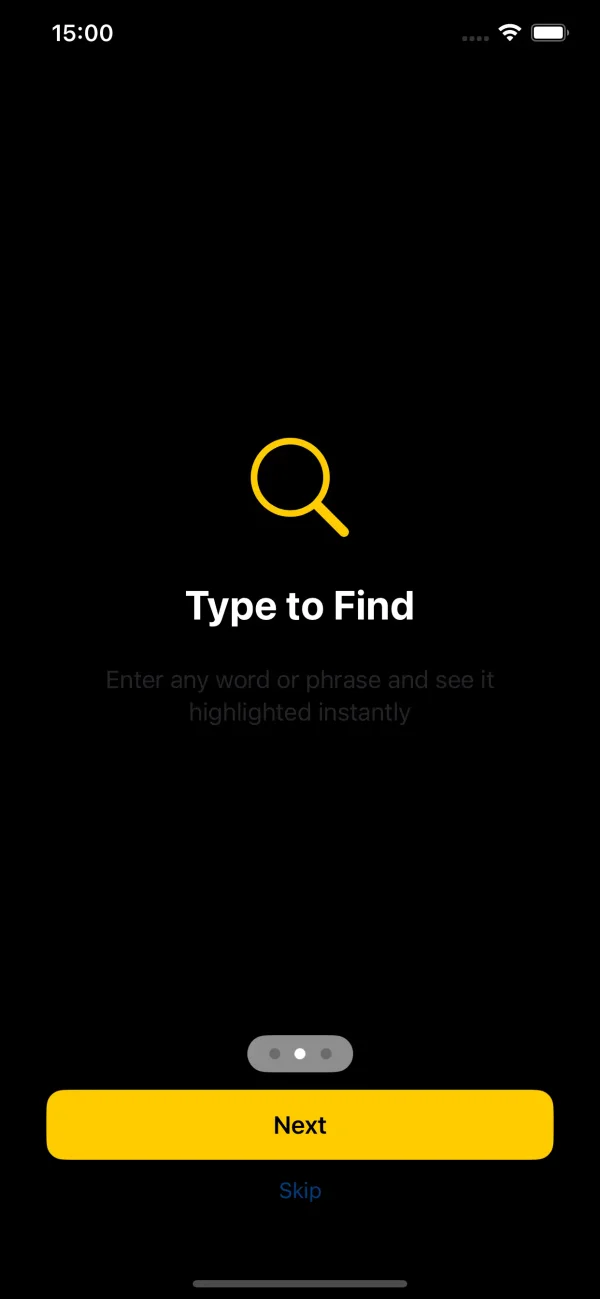
Unlike other apps that highlight entire lines, CtrlF pinpoints the exact characters you searched for. Search for "quantum" in a line that says "quantum mechanics" and only "quantum" gets highlighted - not the whole line. Multiple matches on the same line? Each one gets its own precise highlight.
FAR-DISTANCE RECOGNITION
Enhanced text detection recognizes words even from across the room. No need to hold your phone right up to the page - as long as the text is clearly visible on screen, CtrlF can find it.
PHOTO LIBRARY SEARCH
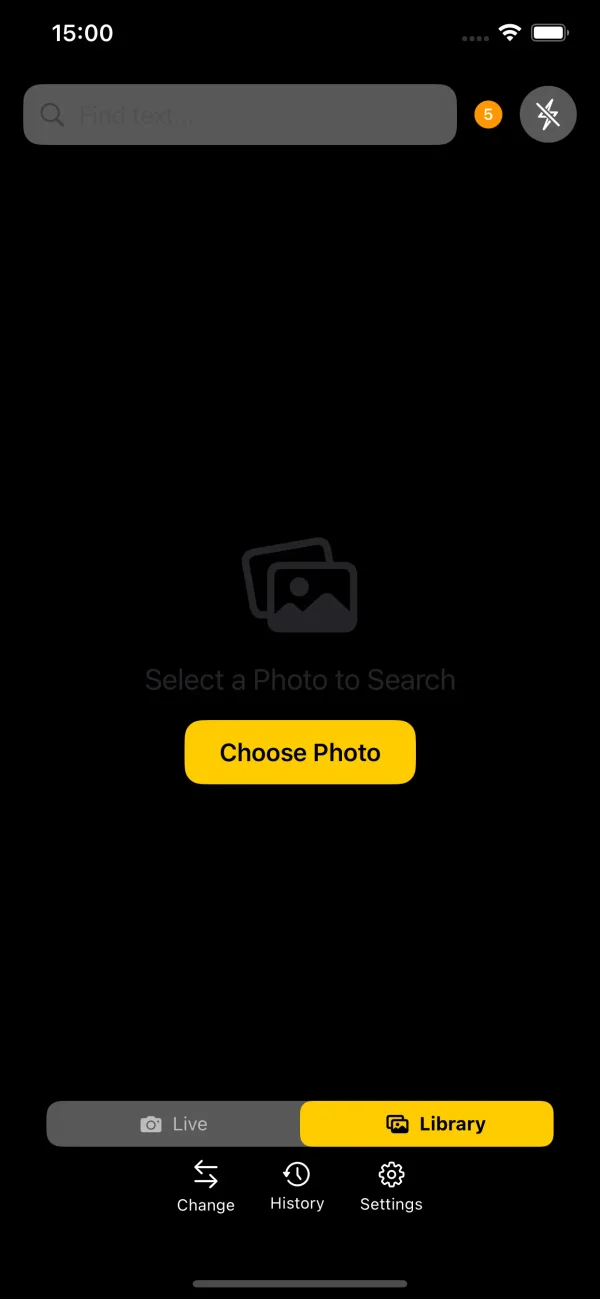
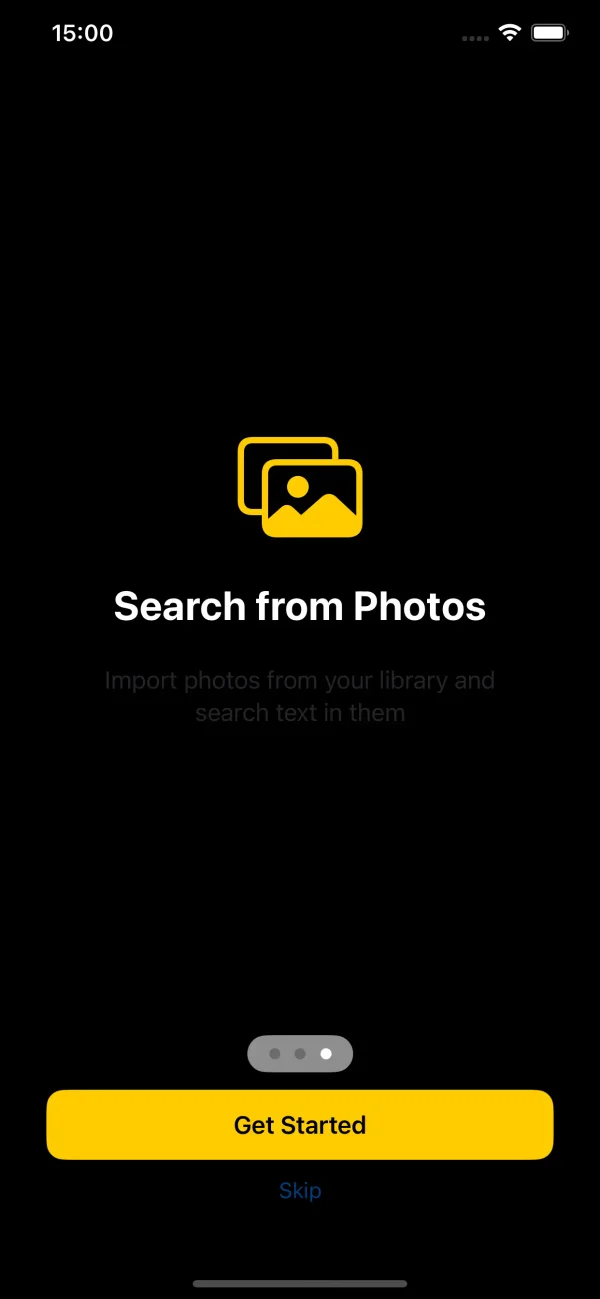
Already have a photo of the page? Import images from your photo library and search for text in them. Select any photo and find words instantly with the same precise highlighting.
MULTI-WORD PHRASE MATCHING
Search for exact phrases, not just single words. Find "quantum mechanics" or "United States" as complete phrases across any page.
INSTANT MODE SWITCHING
Switch seamlessly between Live Camera and Photo Library. Tap the mode you need and start searching right away - no loading, no waiting.
25+ OCR LANGUAGES
Supports text recognition in over 25 languages including English, Spanish, French, German, Chinese, Japanese, and Korean.
100% ON-DEVICE AND PRIVATE
All text recognition happens on your device. No internet required. No data sent to servers. Your privacy is fully protected.
FLASHLIGHT SUPPORT
Working in a dim library or cafe? Toggle the built-in flashlight to illuminate the page without leaving the app.
SEARCH HISTORY
Quickly revisit your recent searches. Your search history is stored locally and always just one tap away.
FREE TO START
- Live camera search: 5 searches per day
- Photo library search: 5 searches per day
- No sign-up required. Download and start searching immediately
PRO UPGRADE - ONE-TIME $4.99
- Unlimited searches - search as many times as you want
- Search history - quickly revisit past searches
- Screenshot capture - save what you found
- Custom highlight colors - personalize your experience
- Audio feedback - hear when matches are found
- Auto flashlight - automatically illuminates in low light
WHO IS IT FOR
Students scanning textbooks for key terms and definitions. Researchers locating specific passages in reference books. Readers finding quotes to share or revisit. Professionals searching through printed reports and documents. Anyone who has ever wished they could Ctrl+F in real life.
HOW IT WORKS
1. Open CtrlF and choose Live Camera or Photo Library
2. Point your camera at any printed text, or import a photo
3. Type the word or phrase you want to find
4. See every match highlighted precisely on screen in real time
5. Tap to capture, save, or continue searching
Download CtrlF today and never lose track of a word again.
SUBSCRIPTION INFORMATION:
- Payment will be charged to your Apple ID account at confirmation of purchase.
- This is a one-time purchase, not a subscription. You pay once and own Pro forever.
- You can restore your purchase on any device linked to your Apple ID.
- For support, visit https://asunnyboy861.github.io/CtrlF/support.html
Novedades
Versión 1.2 · 1/8/2026
- Precise character-level highlighting: highlights now wrap exactly around the matched characters instead of the entire line
- Multiple matches per line: each occurrence of your search term gets its own individual highlight
- Far-distance text recognition: enhanced detection finds text even from across the room
- Portrait camera preview: camera now correctly displays in portrait orientation when holding phone upright
- Improved highlight positioning: coordinate mapping now accounts for camera aspect ratio and fill mode
- Faster real-time recognition: optimized OCR processing speed for smoother live searching
- Reliable camera startup: camera session now starts correctly after granting permissions
- Fixed SwiftData persistence: search history now saves reliably without errors
- Full-width iPad layout: search bar and toolbar now span the full screen width on iPad
Privacidad de la aplicación
Lo que 贺 周 declara en App Store sobre cómo esta aplicación gestiona los datos.
-
No se recopilan datos
El desarrollador no recopila ningún dato de esta aplicación.
Las prácticas de privacidad pueden variar, por ejemplo, según las funciones que uses o tu edad.
Información
- Vendedor
- 贺 周
- Categoría
- Utilidades
- Versión
- 1.2
- Actualizado
- 1/8/2026
- Publicado
- 10/5/2026
- Tamaño
- 2,7 MB
- Requiere
- iOS 17 o posterior
- Clasificación por edad
- 9+
- Precio
- Gratis
- Compras en la aplicación
- Sí
- Idiomas
- Inglés
- Copyright
- © 202605092015
Quizá también te guste
-
 Word DetectionUtilidades
-
 Timeless EventsUtilidades
-
 ScanAtlasHerramienta QR y Códigos
-
 PicSheetUtilidades
-
 IQCCTVUtilidades
-
 TrueDetect Device TestUtilidades
-
 Escáner S/N: OCR y CódigoInventario y fotos
-
 Traffic Radar - Fines & CameraUtilidades
-
 Gov't Departments and AgenciesUtilidades
-
 Sound test for Dolby AtmosUtilidades