
- Clasificación por edad4+
- CategoríaFoto y vídeo
- DesarrolladorHSC-Yamachan
- IdiomasInglés+ 2 más
- Tamaño11,0 MB
Es posible que DanPraTube no esté disponible en App Store en este momento
No se pudo acceder a la ficha de la tienda en nuestra última comprobación. El enlace sigue llevando a la página oficial de App Store.
Capturas de pantalla
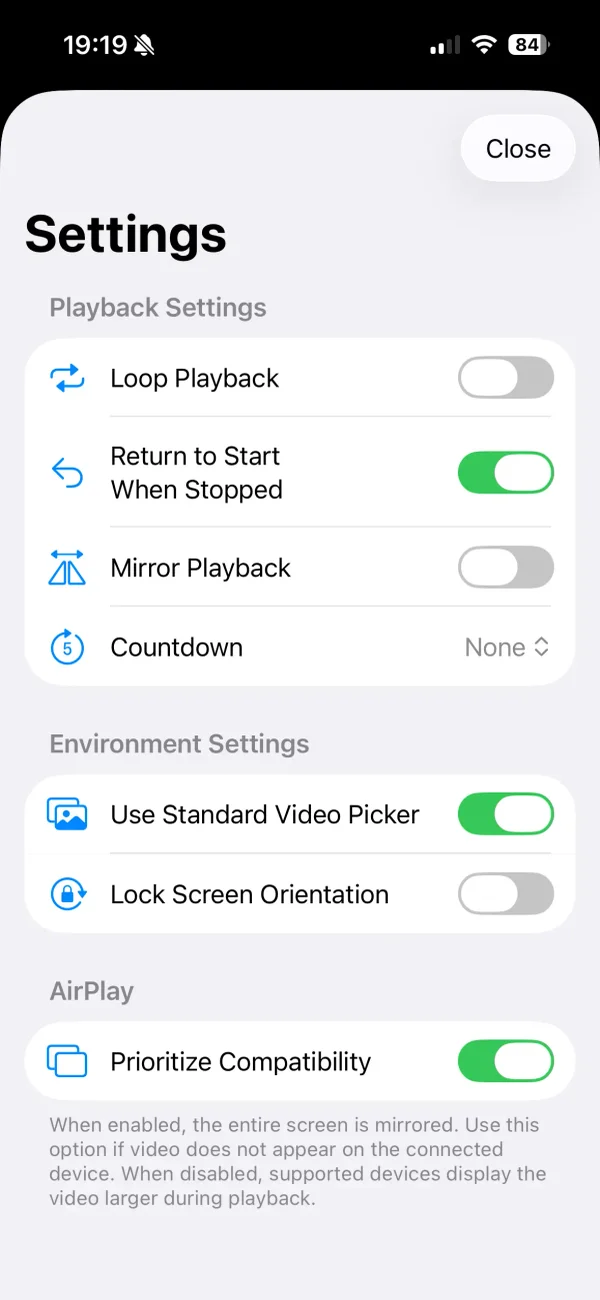
Acerca de
El desarrollador no ha proporcionado este texto en tu idioma.
**Built by a dancer, for dancers.**
DanPraTube (Dance Practice Tube) is a video player designed specifically for dance practice, featuring only the tools dancers truly need.
Learn choreography, study every detail, and practice until you move like your favorite performers.
**Main Features**
• Use AI-powered Spotlight to automatically follow the dancer you want to study
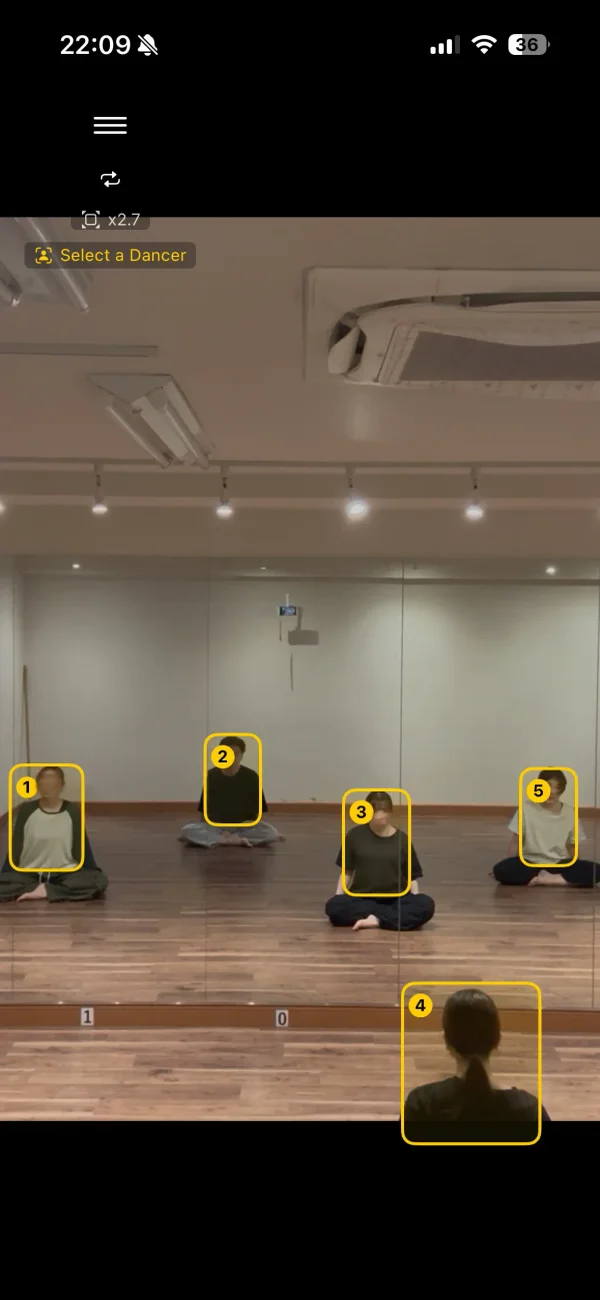
• See AI-detected dancers in group videos and tap to select who to follow
• Play two videos side by side, with sync points auto-detected from audio waveforms
• Ghost mode overlays two videos in translucency to reveal timing differences at a glance
• Talk to Siri to play, pause, restart from point A, change the speed, and switch mirror view
• Skip the parts you don't dance to, automatically (new in 2.10)
• Add or remove the current video from Photos favorites
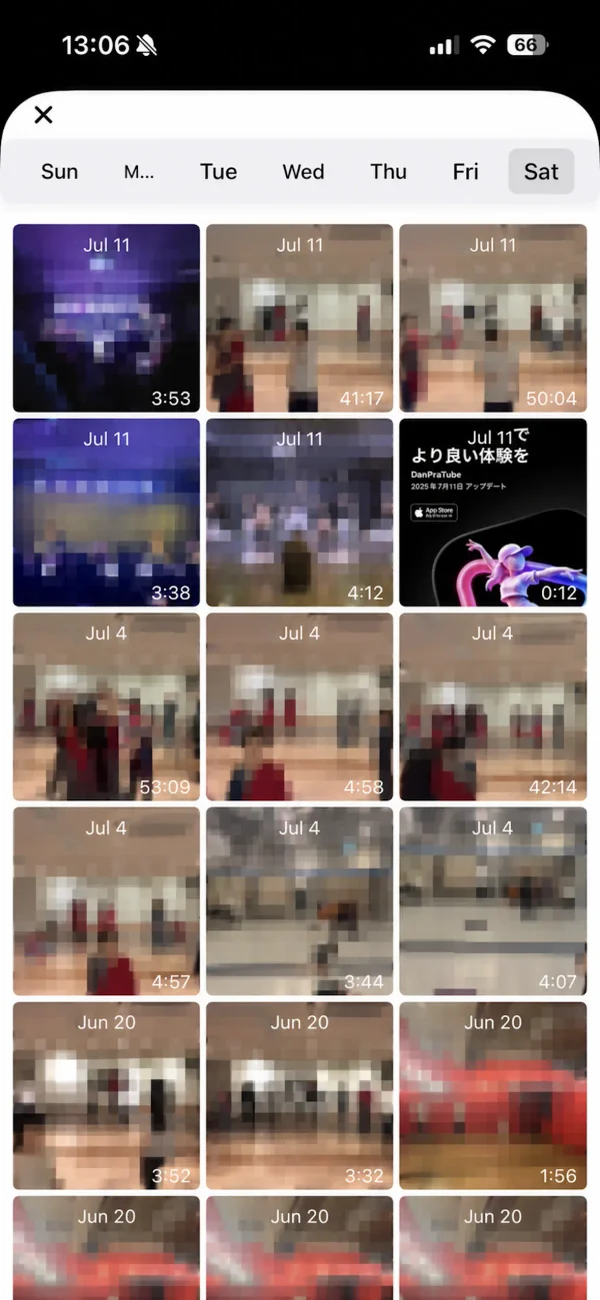
• Combine class-day and favorites filters to find videos to practice
• Resume practice with your last video and range restored
• Pinch to zoom in on choreography details
• Swipe left or right to move between the previous and next videos
• Share the video you're watching via AirDrop and more
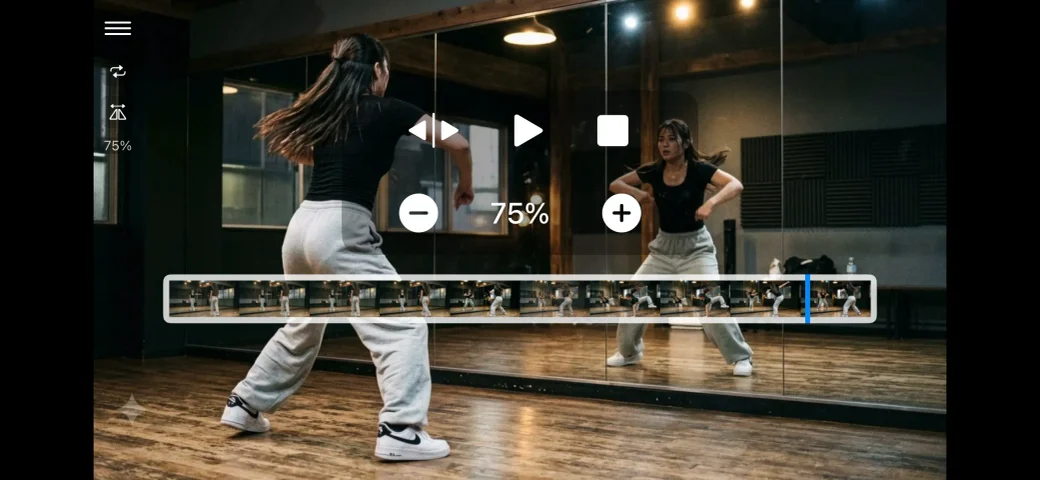
• Slow-motion playback for detailed movement analysis
• Loop playback for repeating selected sections
• Mirror mode to match your instructor's direction
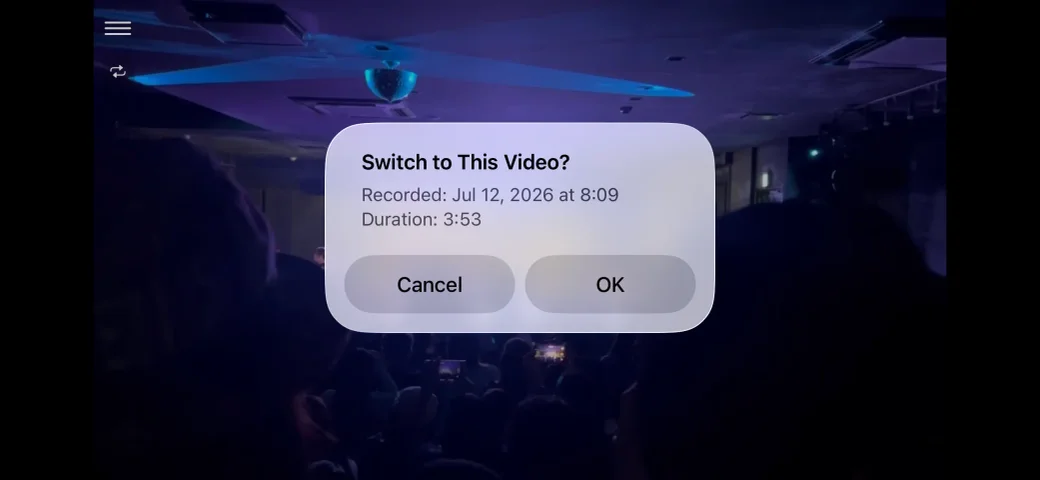
• Organize and select videos by class day
• Lock screen orientation to stay focused on practice
• AirPlay support for TVs and external displays
• Control playback and set A–B loop points from Apple Watch
• Countdown playback for synchronized group practice
**Skip Ranges Skip Automatically For You**
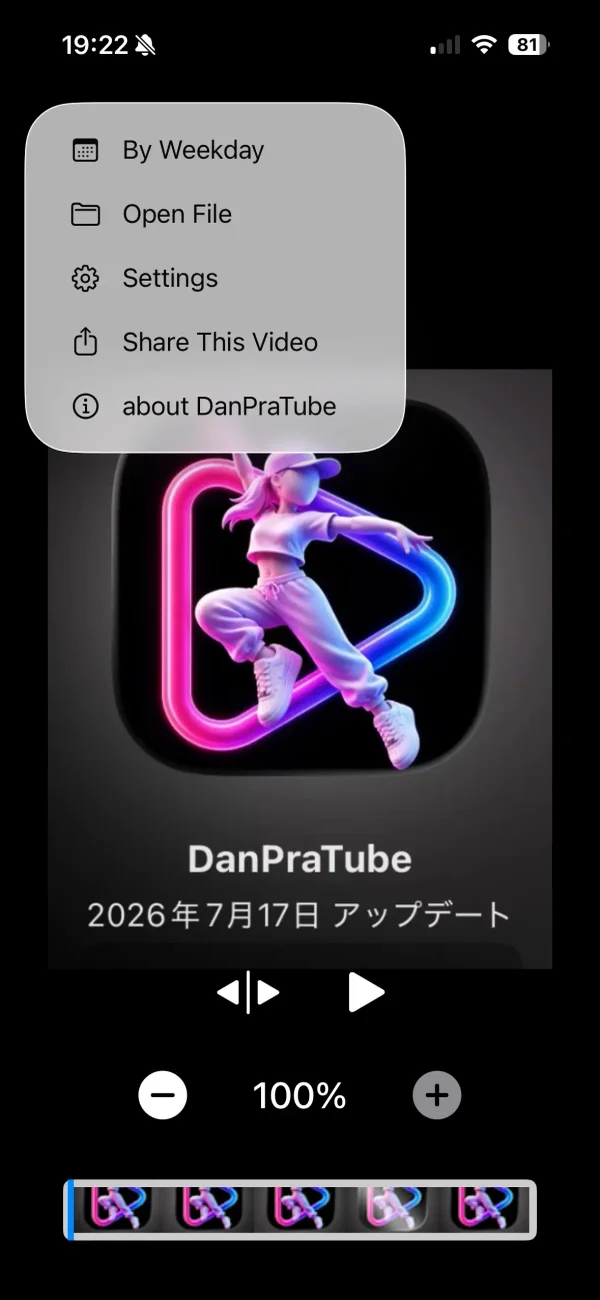
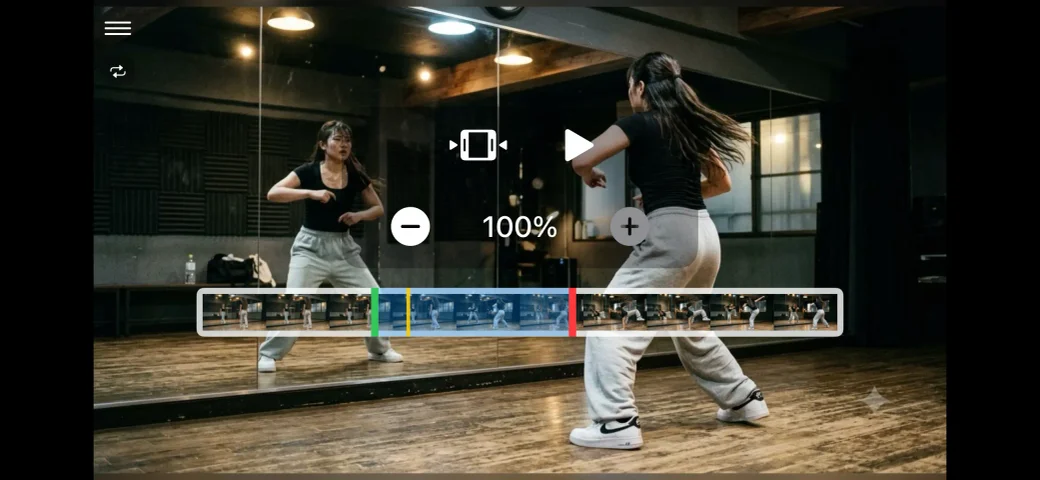
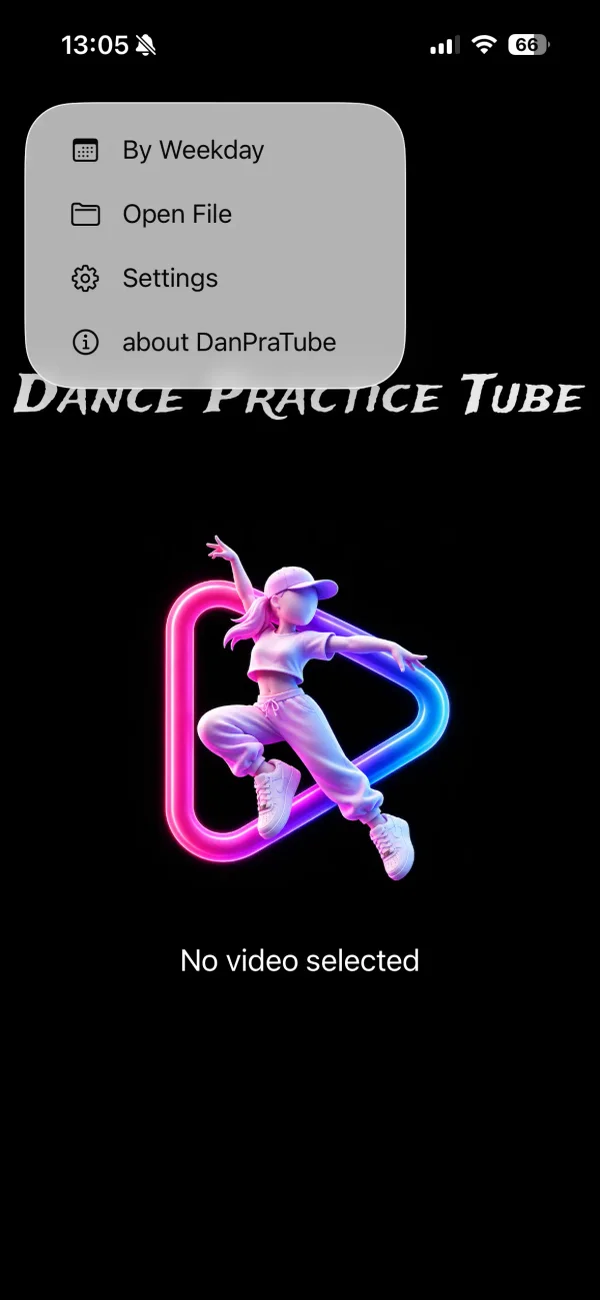
Not every part of a song has you dancing. Drag on the timeline from "Skip Ranges" in the hamburger menu to create and fine-tune ranges, shown as a black overlay on the seek bar. Playback jumps past them automatically.
**Control Playback with Your Voice**
No more walking back to your iPhone. Get into position and say "Start in DPT" (with a countdown if you use one). Say "Again from A in DPT" to start over, skip back or ahead 10 seconds, change the speed, or switch mirror view — all without Siri AI.
**Compare Two Videos Side by Side**
Footage you want to compare rarely starts in sync.
Tap and drag each video's waveform to set a "sync point," or tap the magic wand to line them up automatically — it finds a clear part even with a quiet intro. Once synced, both videos play and pause together, with independent speed, mute, and mirror controls.
**Overlay Videos in Ghost Mode**
For a one-on-one comparison, try Ghost mode. Your video overlays an instructor's in translucency, so differences in positions and timing show up as overlapping silhouettes.
Choose which video is translucent, adjust its opacity, and pinch and drag to line the two up. Your sync point carries over, and you can switch back to side-by-side anytime.
**Follow the Movement You Want with Spotlight**
In group lesson videos, the dancer you want to study can be hard to follow once you zoom in.
With AI-powered Spotlight, select a dancer and the video automatically follows their movement. Pause to see AI-detected dancers in selection frames, then tap the one you want. If Spotlight loses track, just reselect to resume.
**Designed by a Dancer**
I'm a dancer myself, and DanPraTube grew from everyday dancer needs — repeat just this part, watch it slower, follow an instructor more easily, control playback without walking back to the phone.
**No Ads. No Subscription.**
No ads. A one-time purchase, not a subscription.
**Perfect For**
• Dancers who want to follow an instructor or a specific dancer in group videos
• Anyone who learns choreography using videos
• Dancers who need slow-motion playback to master routines
• Dancers who want to compare an instructor's video, or past practice, side by side or overlaid
• Studio users with an external display who want remote control
DanPraTube will keep evolving with feedback from dancers worldwide.
Feature requests and feedback are always welcome in reviews.
Novedades
Versión 2.10 · 18/11/2026
**Version 2.10**
• You can now mark "parts you don't dance to" (time spent offstage) as Skip Ranges — set as many as you like on one video. During playback, entering a skip range automatically jumps to its end.
• Create and fine-tune skip ranges by dragging while watching the video, from "Skip Ranges" in the hamburger menu. They also show as a translucent black overlay on the seek bar (thumbnails).
• In Compare playback (side-by-side and Ghost mode), when the original video enters a skip range, the comparison video skips in sync too.
• Other stability improvements.
Privacidad de la aplicación
Lo que HSC-Yamachan declara en App Store sobre cómo esta aplicación gestiona los datos.
-
No se recopilan datos
El desarrollador no recopila ningún dato de esta aplicación.
Las prácticas de privacidad pueden variar, por ejemplo, según las funciones que uses o tu edad.
Información
- Vendedor
- Tadashi Yamanaka
- Categoría
- Foto y vídeo
- Versión
- 2.10
- Actualizado
- 18/11/2026
- Publicado
- 2/11/2026
- Tamaño
- 11,0 MB
- Requiere
- iOS 26.0 o posterior
- Clasificación por edad
- 4+
- Idiomas
- Inglés, Japonés, Coreano
- Copyright
- © 2026, Tadashi Yamanaka
Quizá también te guste
-
 Looplayer - Bucle AB de vídeoPractica a cámara lenta
-
 Video Rotate&Flip- VidGuruFoto y vídeo
-
 CropMov - Crop Video EditorFoto y vídeo
-
 SymPlayer - Master Movement -Foto y vídeo
-
 Mugen Camera larga duraciónGraba vídeos largos
-
 Mugen PlayerFoto y vídeo
-
 Lumora - Cámara IA BellezaSelfie Y2K y Editor de Rostro
-
 フォトブック・写真アルバム作成 PhotobackFoto y vídeo
-
 Grid: Planificador de FeedVista previa de tu cuadrícula
-
 MosaicEditor Video AppFoto y vídeo