
- Clasificación por edad4+
- CategoríaFinanzas
- Desarrollador飞 刘
- IdiomasChino simplificado
- Tamaño2,9 MB
Enlaza a la página oficial de App Store
Download.org no aloja ningún archivo de Daybrook·Tagledger. El botón abre la página de la aplicación en App Store, donde la publica 飞 刘. Ficha comprobada por última vez el 12/11/2026.
Capturas de pantalla
Acerca de
El desarrollador no ha proporcionado este texto en tu idioma.
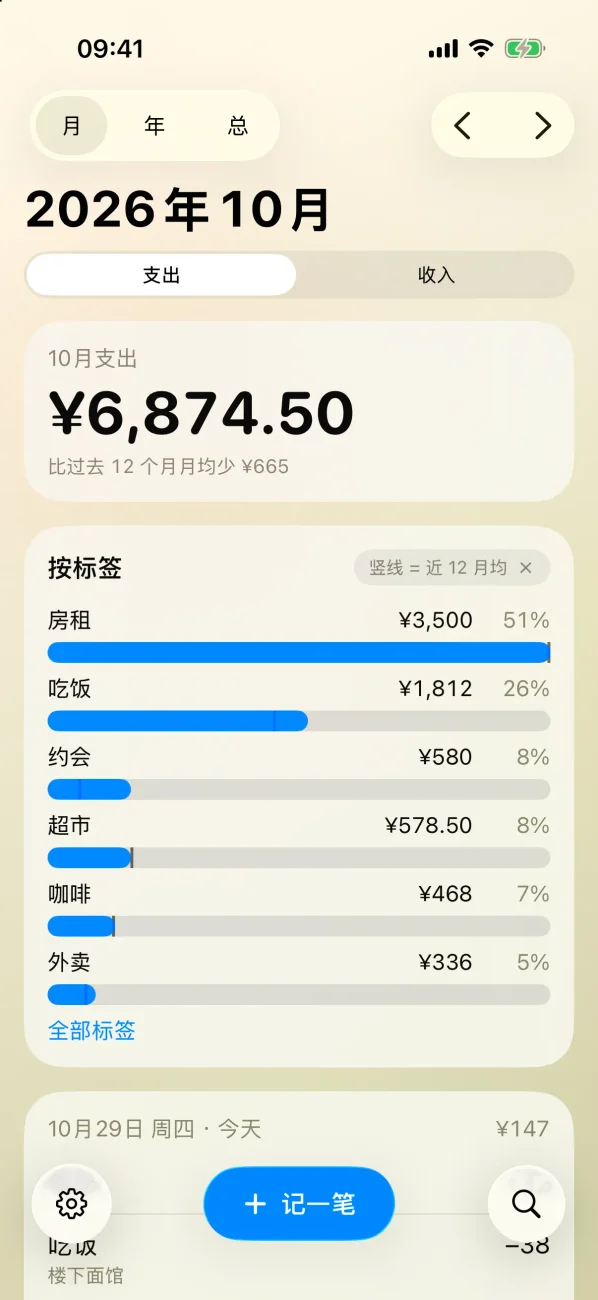
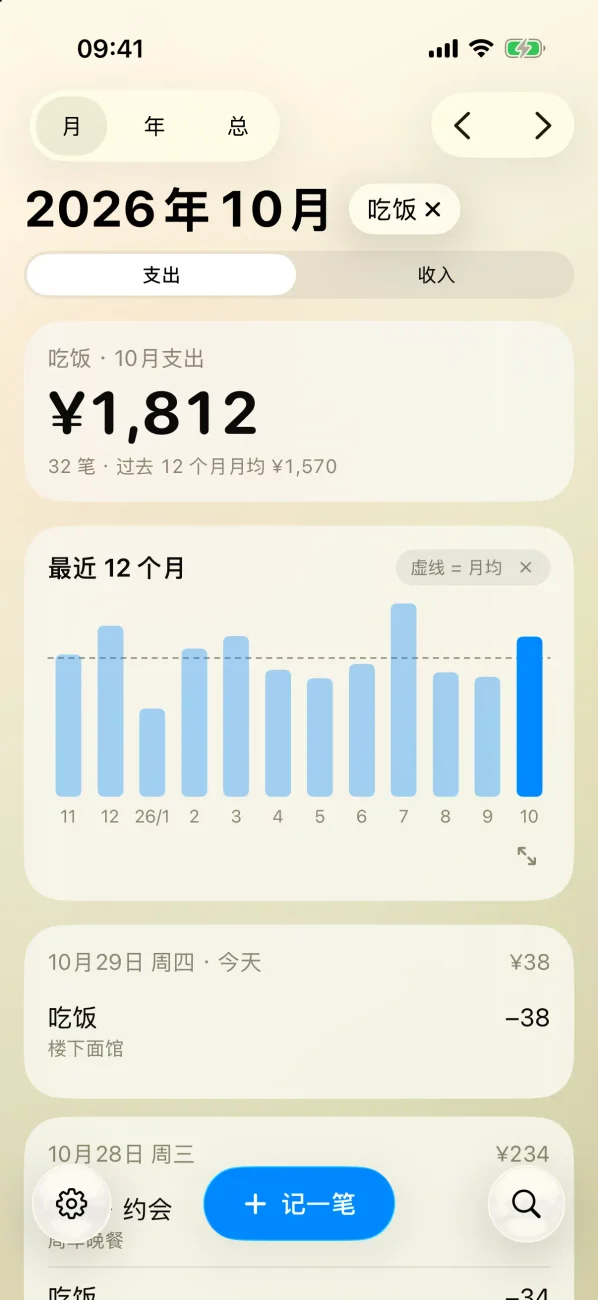
Daybrook is a minimal expense tracker. It records income and expenses, and uses tags instead of categories.
Adding an entry
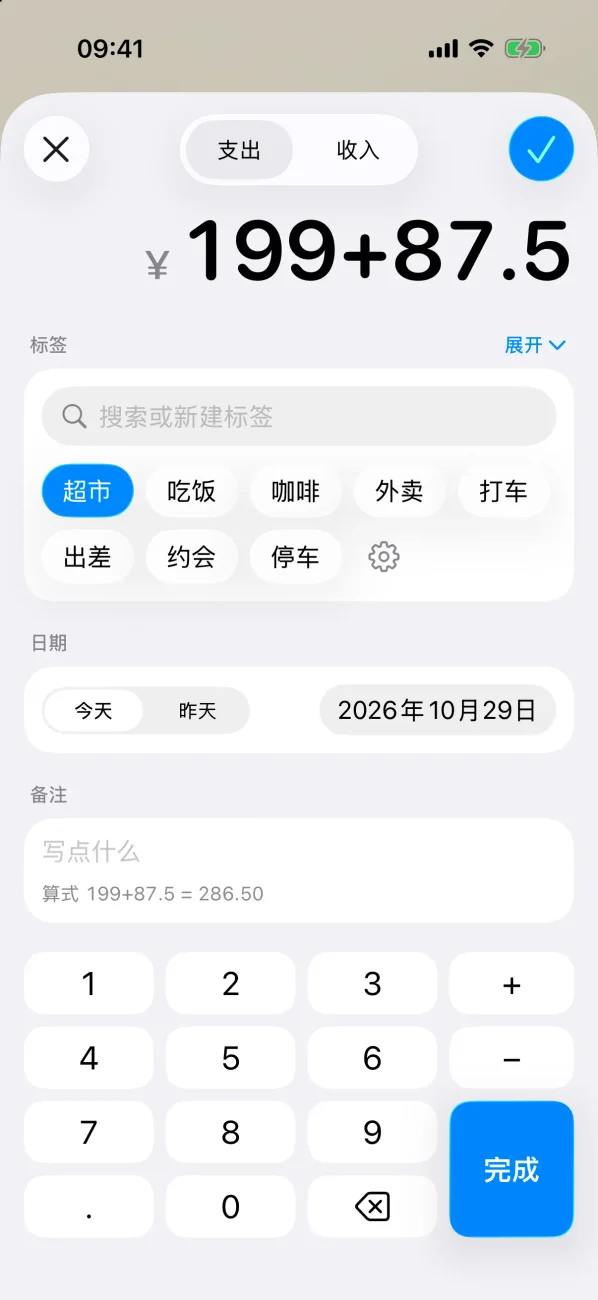
· Tap Add, type the amount, and pick a tag. That's it.
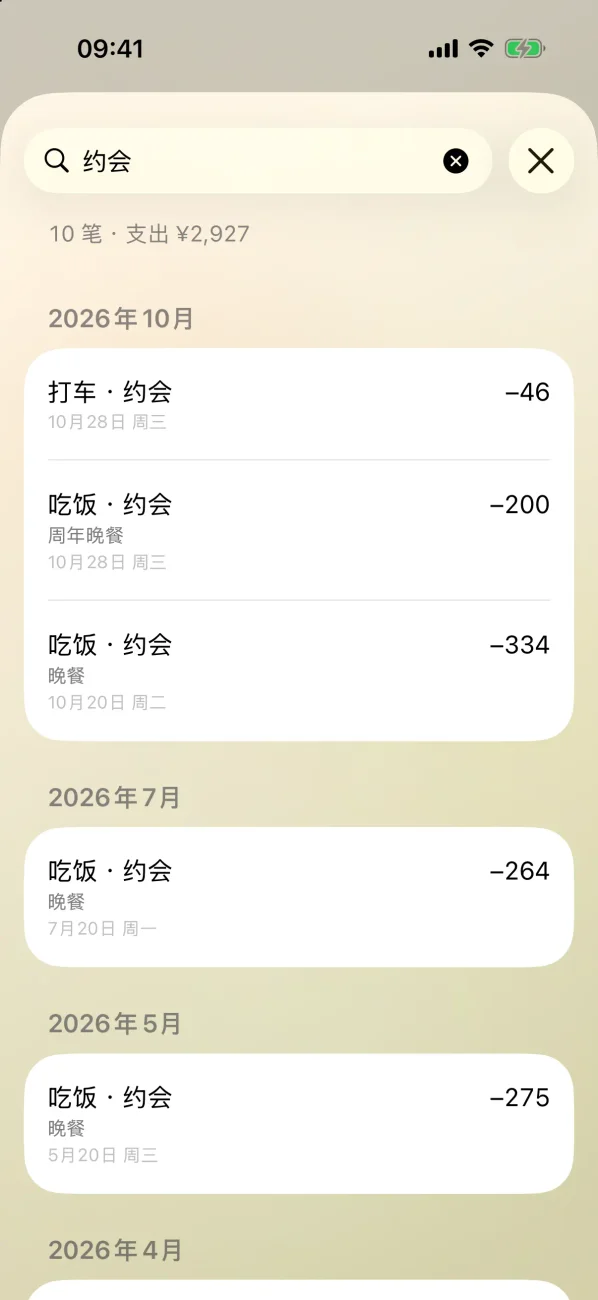
· An entry can carry several tags, such as Food and Business Trip at once.
· The keypad does addition and subtraction, and keeps the expression, so in the future you can see how 199+87.5 added up.
· Tags you use often move to the front; the rest quietly sink back.
Reviewing
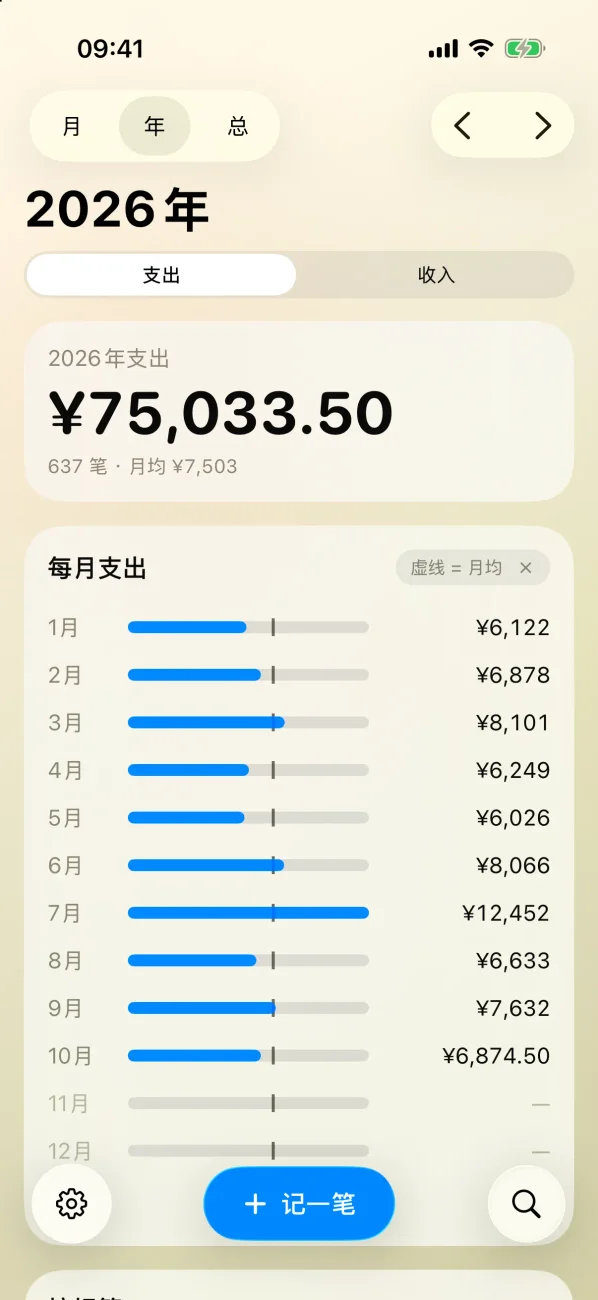
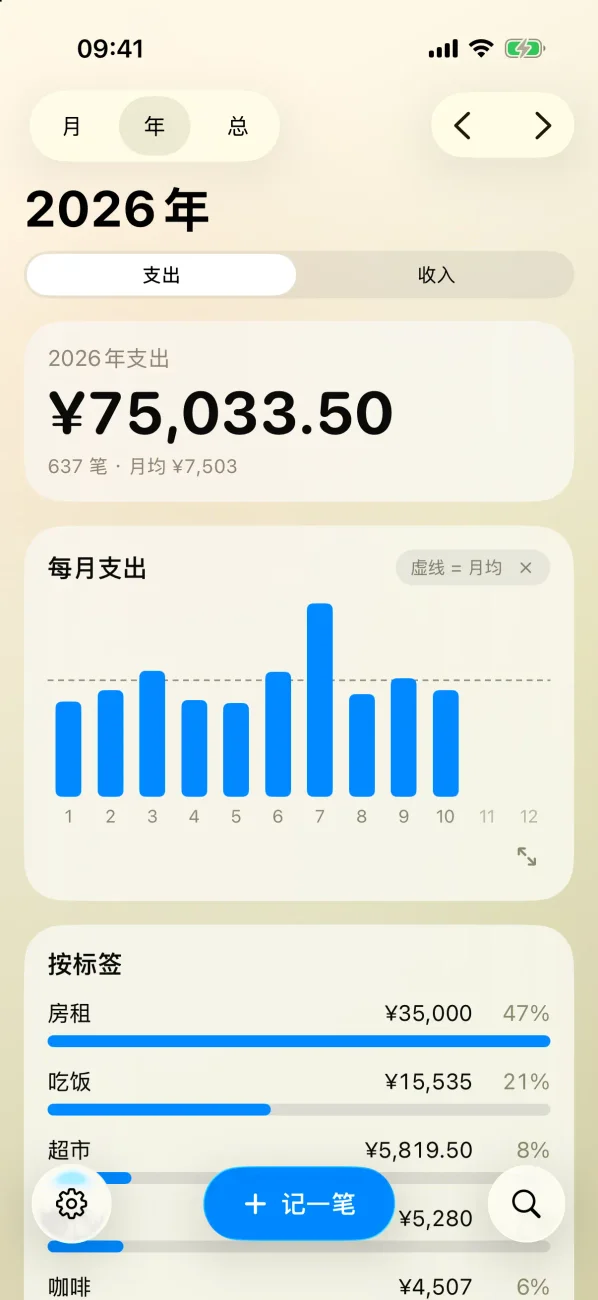
· Month, year and all-time views. Swipe to move between periods.
· See where the money went by tag, compared with each tag's 12-month average.
· Tap a tag to see how it changes month by month and year by year.
· Search every entry by tag, note, amount, year or month.
Also
· Open the entry screen straight from Control Center, the Lock Screen, the Action button or Shortcuts.
· Syncs across your devices through your own iCloud, and works offline.
· Export to CSV at any time.
What it doesn't do
No accounts, budgets, multiple currencies or recurring bills, and no sign-up.
The developer can't see any of your data.
No ads, ever. Free, forever.
Privacidad de la aplicación
Lo que 飞 刘 declara en App Store sobre cómo esta aplicación gestiona los datos.
-
No se recopilan datos
El desarrollador no recopila ningún dato de esta aplicación.
Las prácticas de privacidad pueden variar, por ejemplo, según las funciones que uses o tu edad.
Información
- Vendedor
- 飞 刘
- Categoría
- Finanzas
- Versión
- 1.0
- Actualizado
- 3/11/2026
- Publicado
- 3/11/2026
- Tamaño
- 2,9 MB
- Requiere
- iOS 26.0 o posterior
- Clasificación por edad
- 4+
- Precio
- Gratis
- Idiomas
- Chino simplificado
- Copyright
- © 2026 Lufy