
ツミアゲ - Deadlines & Diary
Tasks, calendar & reminders
Diseñada para iPhone, iPad
Compras en la aplicación
- Clasificación por edad4+
- CategoríaProductividad
- Desarrolladorshogo suzuki
- IdiomasInglés+ 3 más
- Tamaño5,0 MB
Es posible que ツミアゲ - Deadlines & Diary no esté disponible en App Store en este momento
No se pudo acceder a la ficha de la tienda en nuestra última comprobación. El enlace sigue llevando a la página oficial de App Store.
Capturas de pantalla
Acerca de
El desarrollador no ha proporcionado este texto en tu idioma.
Organize your tasks by project and keep track of deadlines and progress in one place.
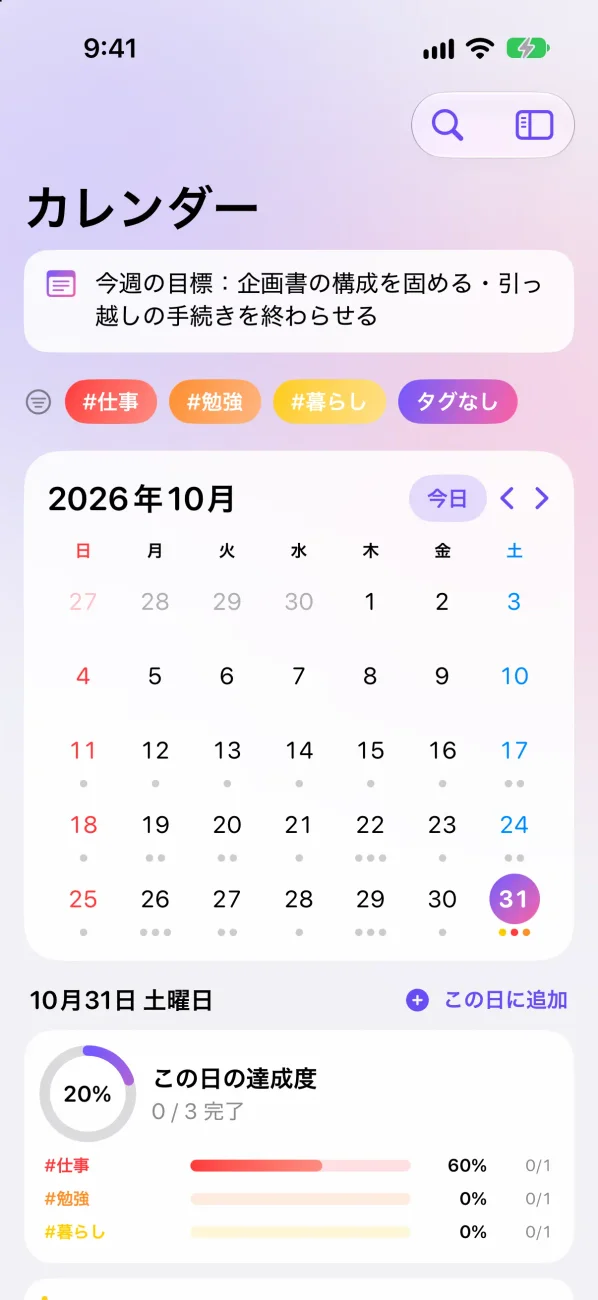
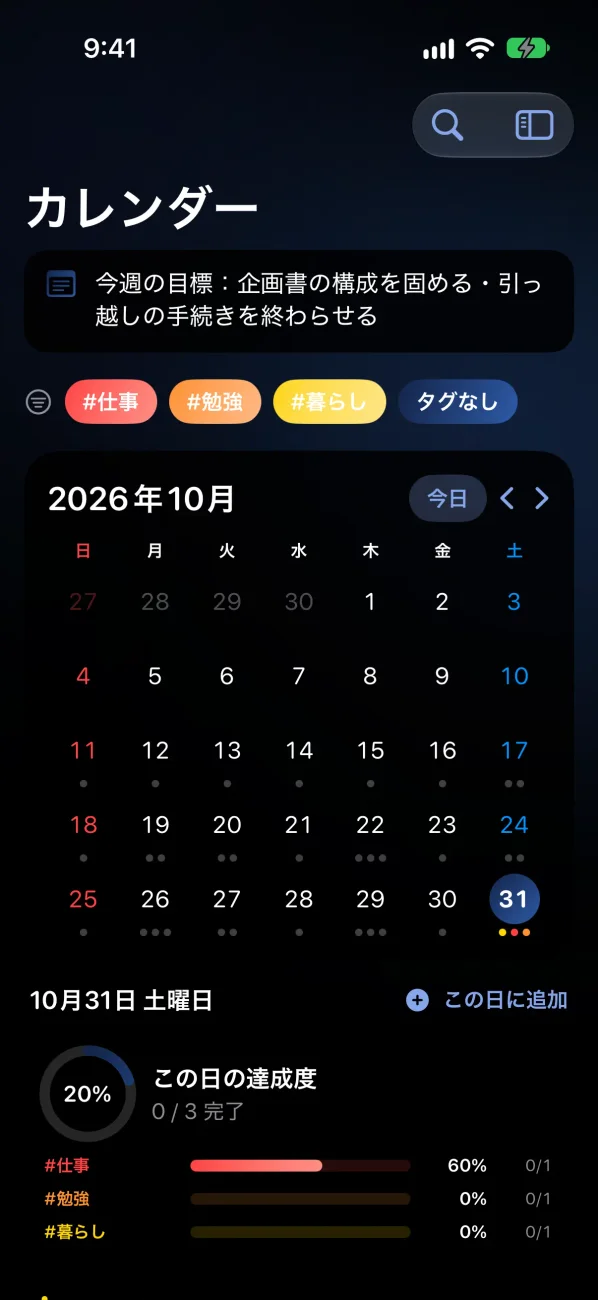
■ See every deadline on the calendar
Deadlines appear as dots in your tags' colors on a monthly calendar. Pick a date to see that day's tasks and progress, and mark them done or update progress right there. Overdue tasks and tasks without deadlines are listed on the main screen too. Use the memo at the top for weekly goals or anything else.
■ Deadline notifications
Get notified at the deadline, 10 minutes before, 1 hour before or the day before.
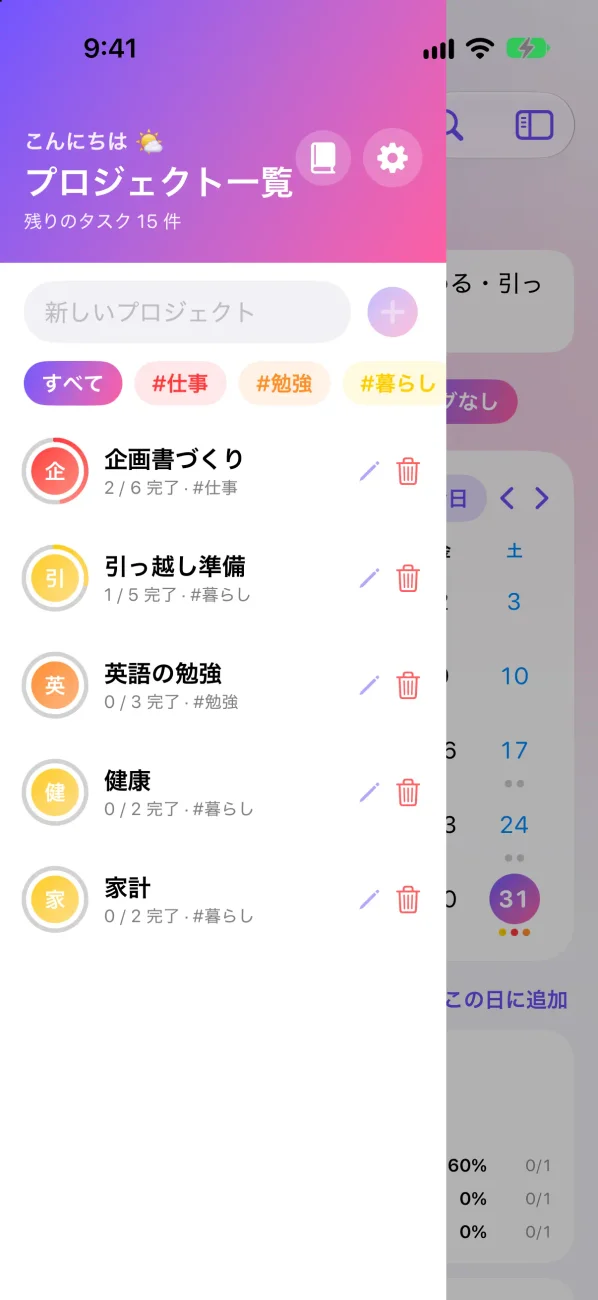
■ Projects and tasks
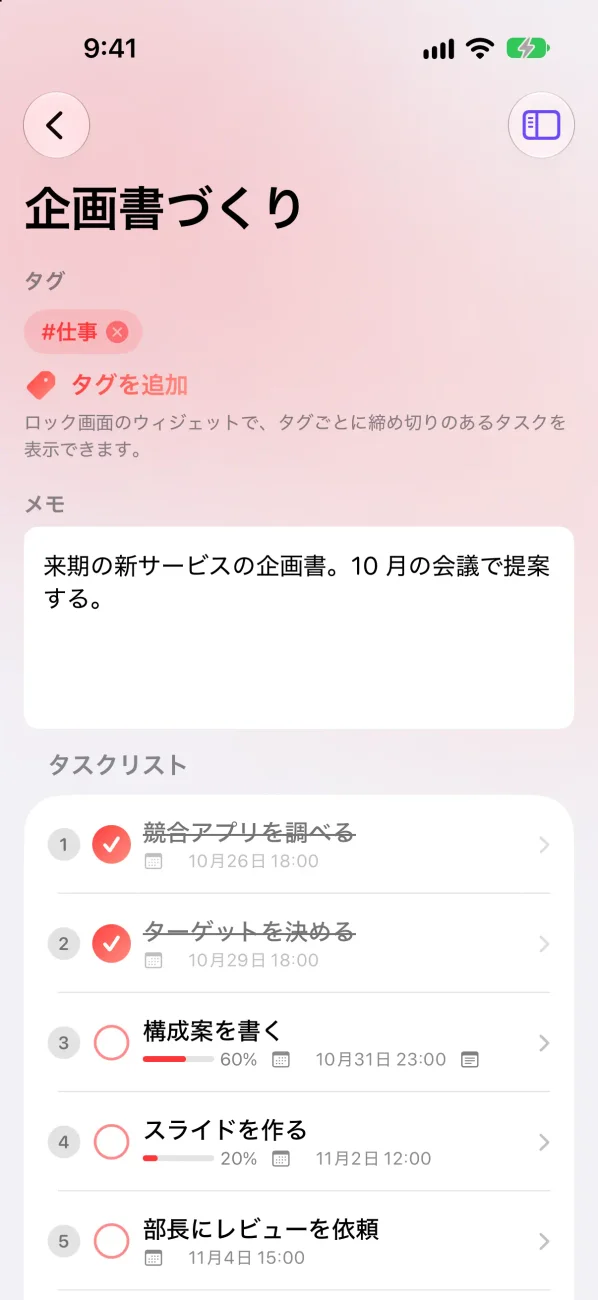
- Add a memo and tags to each project (shown in the tag's color)
- Long-press to reorder tasks (higher means higher priority)
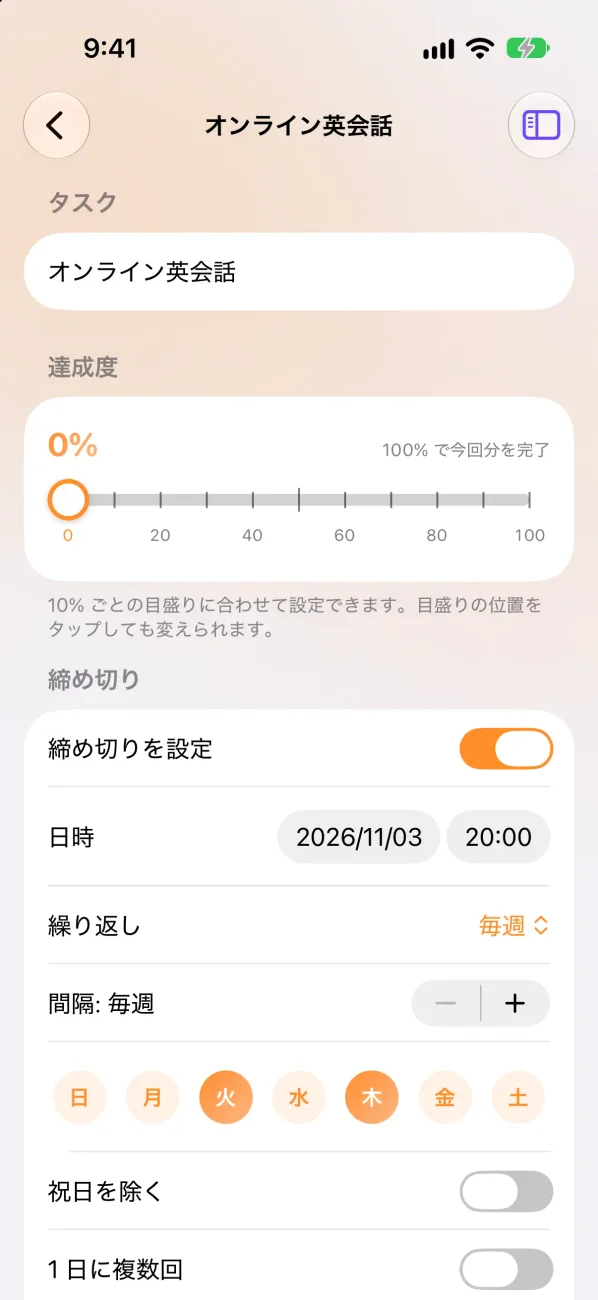
- Track progress (in 10% steps), a deadline and a memo for each task
- Repeat daily, on weekdays, weekly (choose the days), monthly or yearly, with intervals like every 2 weeks
- Archive finished projects to hide them while keeping their history
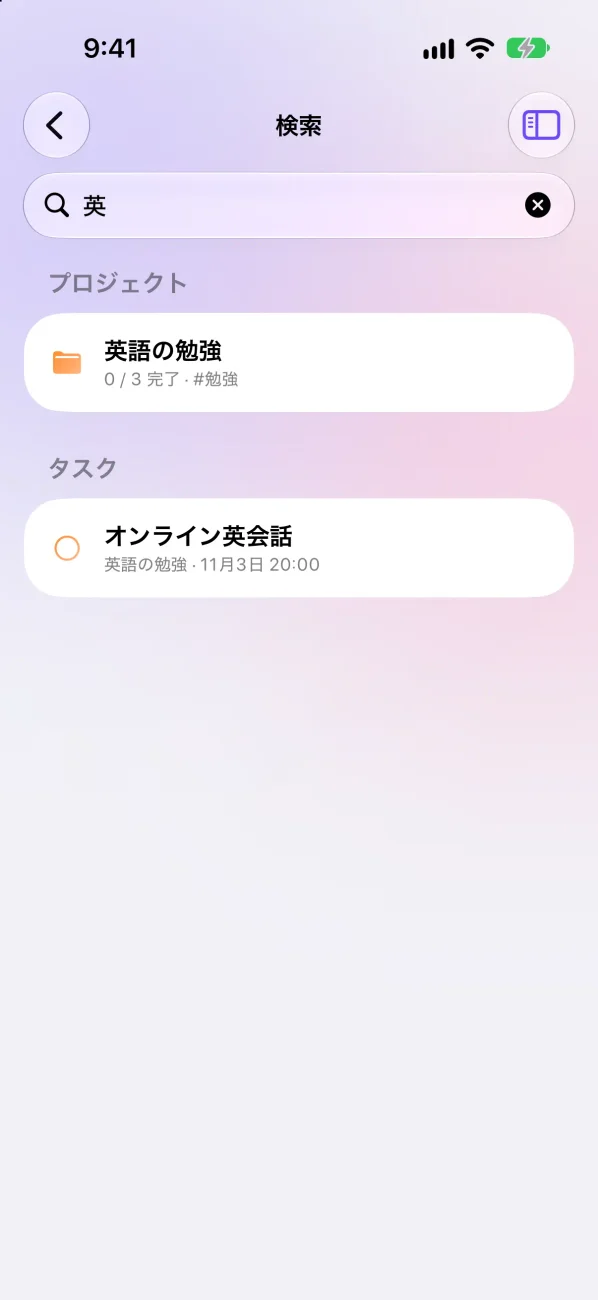
- Search projects and tasks by name, memo or tag
- Links in memos open with a tap
■ Siri and Shortcuts
Say "Add a task in ツミアゲ" to add a task without opening the app.
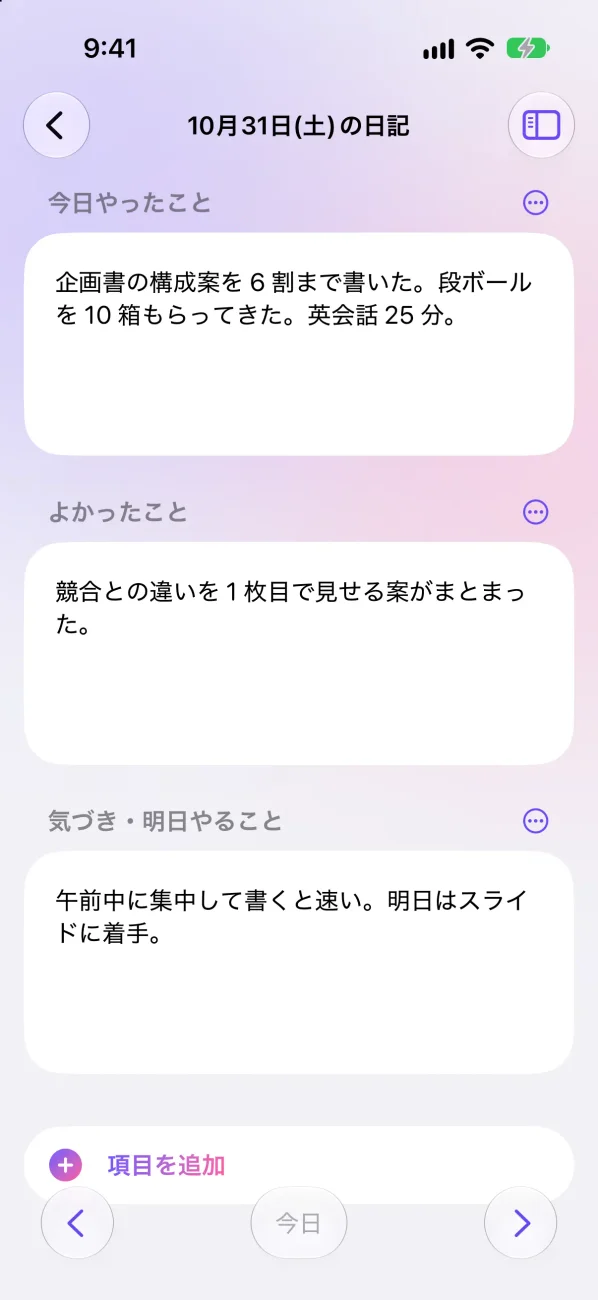
■ Diary
Write about your day in sections from your own template, and add the tasks you completed with one tap.
■ Widgets
- Lock Screen: upcoming deadlines, today's progress and a 7-day count
- Home Screen: full-width color widgets with your task list or a 7-day table
- Tap a checkbox to complete a task without opening the app
■ Sync
- Sync between iPhone and iPad with iCloud
- Sync with the web version in your computer's browser through a folder in iCloud Drive, Google Drive or OneDrive
■ Review
Based on a year of completion history, get comments and advice on how well you meet your deadlines. You can hide it if you prefer.
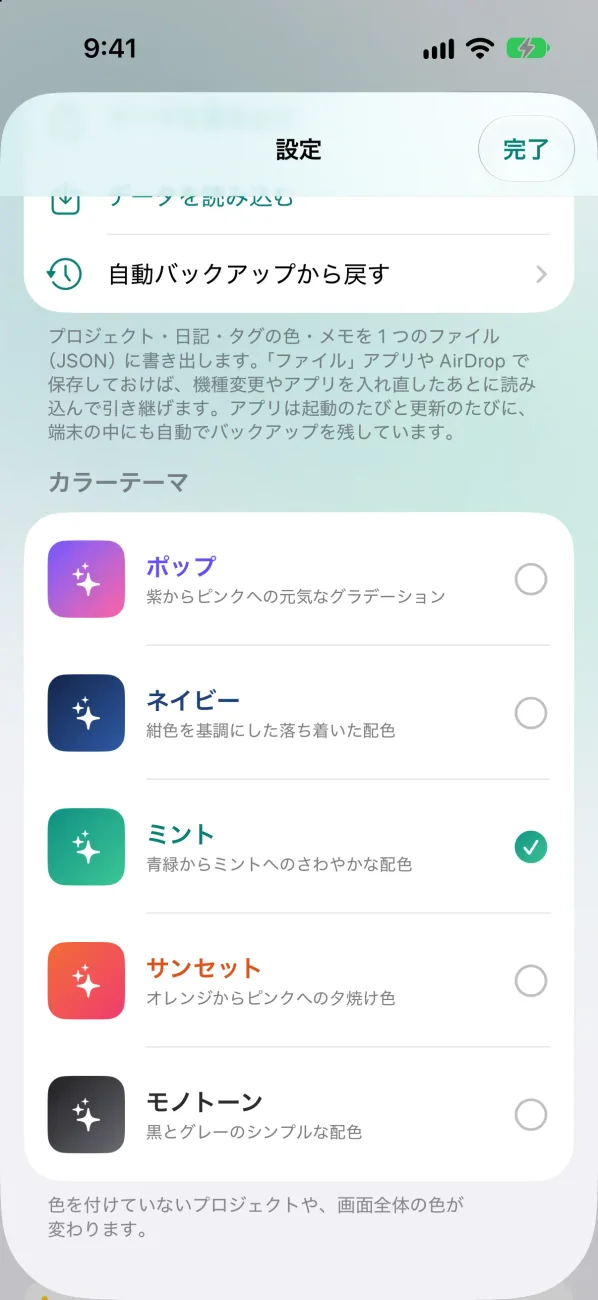
■ Color themes
Choose from Pop, Navy, Mint, Sunset and Monotone. Dark Mode is supported.
■ Free and Full Version
Up to 3 projects, plus the calendar, deadlines, notifications, task lists, progress and backups, are free. The Full Version (a one-time in-app purchase) removes the project limit and unlocks the diary, sync, widgets, review and color themes. Family Sharing is supported.
■ Languages
Japanese, English, Korean and Simplified Chinese
■ Privacy
Your data stays on your device and is never sent to the developer. No account is needed. Sync goes through your own iCloud or cloud storage.
Novedades
Versión 1.1 · 3/11/2026
- Deadline notifications (at the deadline, 10 minutes, 1 hour or a day before), reminders for overdue tasks, and "Mark as Done" / "Remind Me in 30 Minutes" buttons
- New repeat options: weekdays (optionally skipping holidays in Japan, the US, the UK or Korea), yearly, monthly on the 2nd Tuesday, multiple times a day, intervals and end dates
- Start dates for tasks, and completion history
- Quiet hours for notifications
- Undo after deleting a task
- "Tasks" are now "Projects" and "To-dos" are now "Tasks"
- Archive finished projects
- Search projects and tasks
- Tasks without deadlines now appear on the main screen
- Add tasks from Siri and Shortcuts
- Tap links in memos to open them
- Show or hide the review; completion history is now kept for a year
- A short introduction for first-time users
Privacidad de la aplicación
Lo que shogo suzuki declara en App Store sobre cómo esta aplicación gestiona los datos.
-
No se recopilan datos
El desarrollador no recopila ningún dato de esta aplicación.
Las prácticas de privacidad pueden variar, por ejemplo, según las funciones que uses o tu edad.
Información
- Vendedor
- shogo suzuki
- Categoría
- Productividad
- Versión
- 1.1
- Actualizado
- 3/11/2026
- Publicado
- 8/10/2026
- Tamaño
- 5,0 MB
- Requiere
- iOS 18.0 o posterior
- Clasificación por edad
- 4+
- Compras en la aplicación
- Sí
- Idiomas
- Inglés, Japonés, Coreano, Chino simplificado
- Copyright
- © 2026 Komorebi Apps