- Clasificación por edad17+
- CategoríaMedicina
- DesarrolladorLife Sciences Computing Corporation
- IdiomasInglés+ 1 más
- Tamaño2,5 MB
Enlaza a la página oficial de App Store
Download.org no aloja ningún archivo de DICOM-Shot. El botón abre la página de la aplicación en App Store, donde la publica Life Sciences Computing Corporation. Ficha comprobada por última vez el 12/11/2026.
Capturas de pantalla


Acerca de
El desarrollador no ha proporcionado este texto en tu idioma.
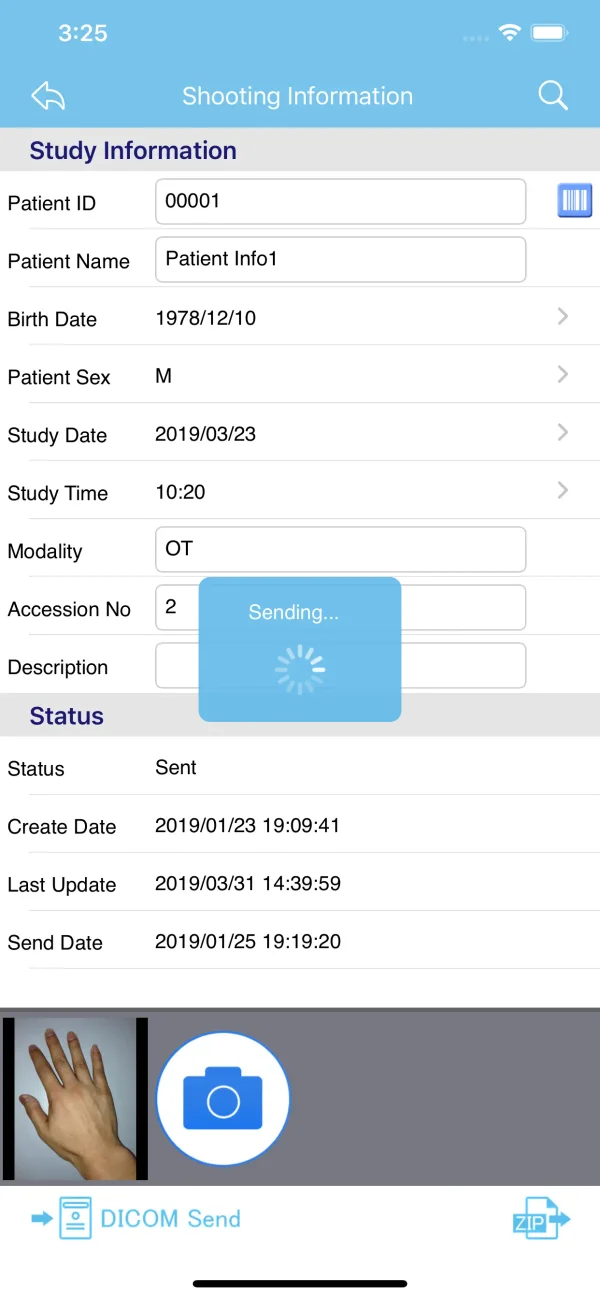
To be sent to the DICOM server the images taken with iPhone, DICOM-Shot is a simplified modality application to be able to carry easily.
1) Enter patient information
2) Shot with iPhone camera the affected area
3) Tap the Send button
Just these three steps, you can be sent to the DICOM server the captured images.
Because if you use the DICOM-Shot application, in the same way as DICOM images images captured by the camera, you will be able to manage DICOM server, It is an application very useful to a centralized management of hospital image.
If PACS server that supports the DICOM communication protocol, since it is possible to be sent, the destination server does not choose the server.
※Transfer Syntax: Implicit VR Little Endian
■ Instructions for use
1) Application after installation, and then enter the configuration information and "Server Settings" and "Client Settings" from the Settings.
※ The server configuration information, please contact the server administrator.
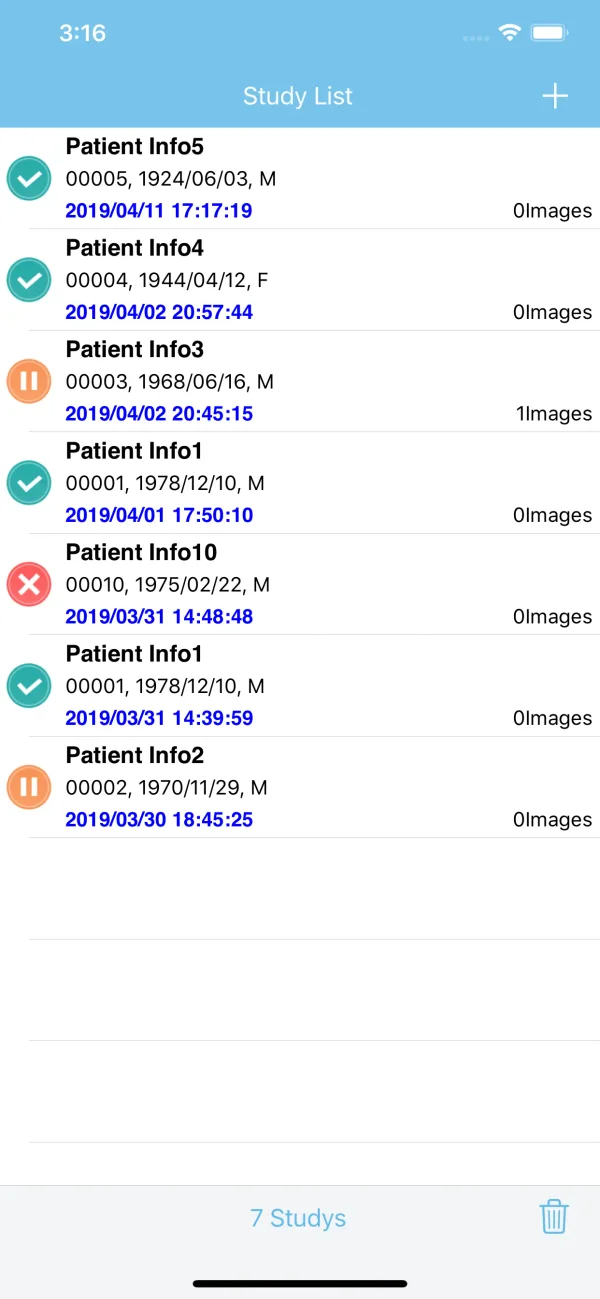
2) Tap the top right of the inspection list the "+" button to register the new inspection.
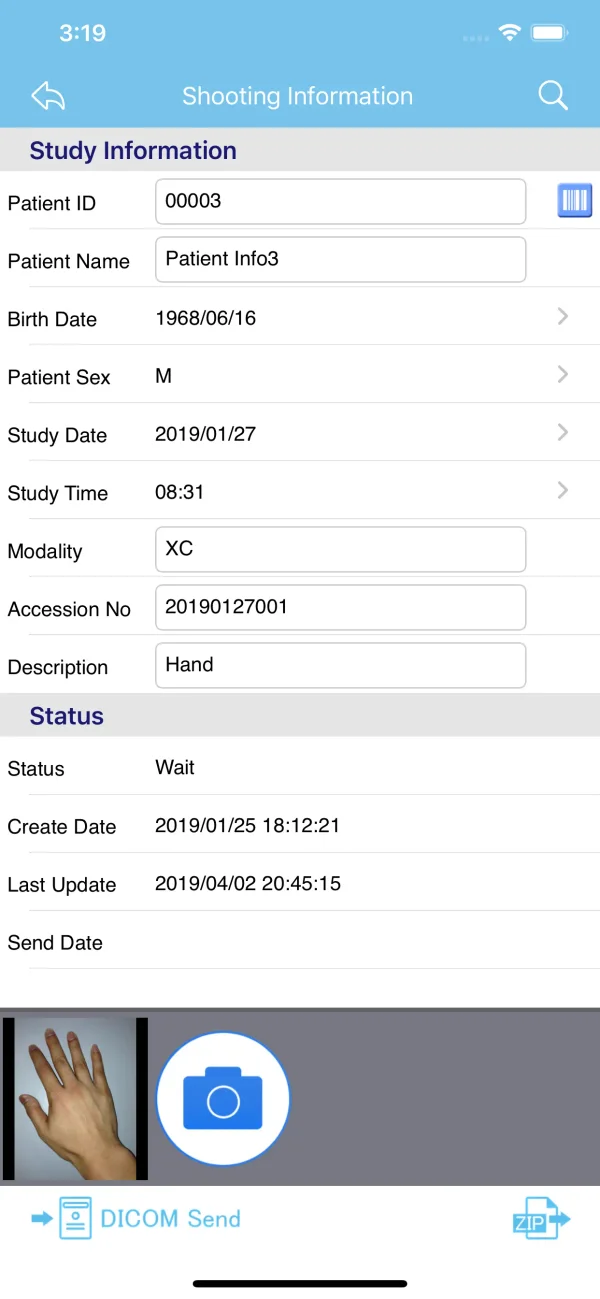
3) Enter the information of the patient.
- When you tap the search button, you can use the MWM Server.
- It will be filled in automatically if you tap any WorkList.
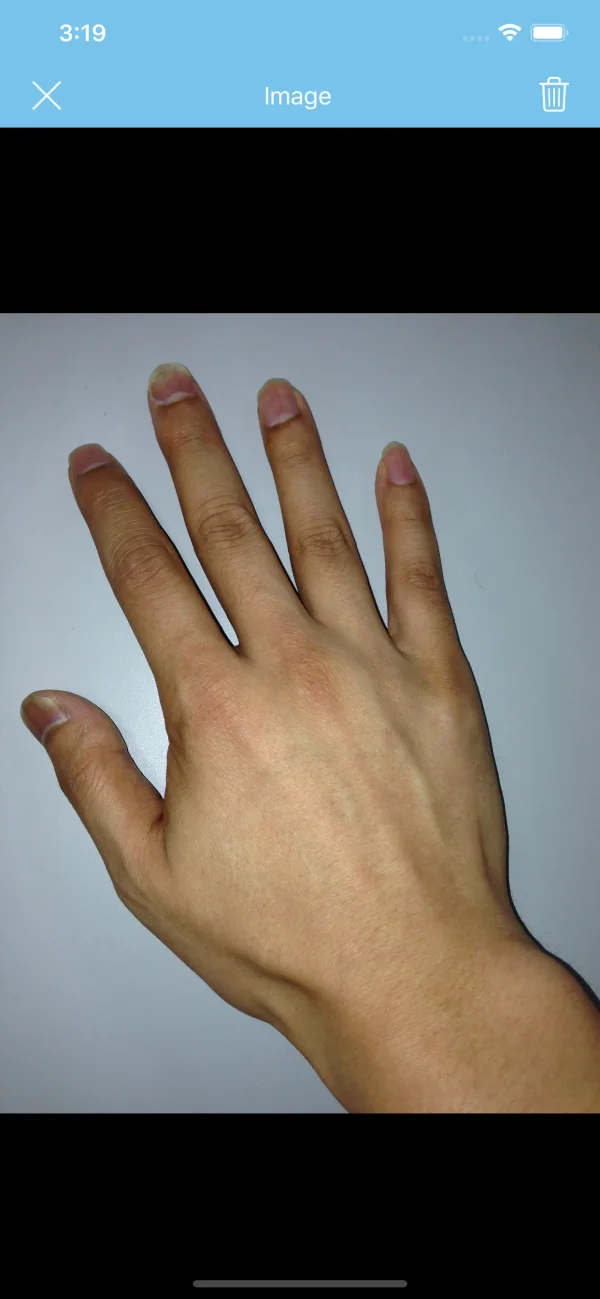
4) Tap the camera button to activate the camera, take the affected area.
5) Tap the "DICOM send" button to send the image to the DICOM server.
※ If it takes a long time to image sending, you can change the image size options in the Settings.
■ Custom URL Scheme
dicom-shot://
■ Notes
- Requires a Wi-Fi environment to the clinic.
- There is a need for a separate PACS server that supports the DICOM communication protocol.
- Employees shall use, please follow the security policy of the clinic.
- The search conditions to the MWM Server, I find in the "Setting modality" and "sutdy date of the day." It is also possible to search by entering the patient ID.
- it is compressed in ZIP DICOM images, to send the file to the apps Dropbox, OneDrive, such as Osirix HD.
- If you want to delete the data on the inspection list, when you swipe a list of target, "Delete" button will appear, please tap.
- If patient name appears to be garbled, please make the item of Specific Character Set in Settings options to "ISO_IR 192". The problem may be resolved.
- If you want to keep the results of the MWM server, click the add offline button (icon at the bottom left) on the worklist window. You can refer to it from the offline information display button on the shooting information window, which is convenient when you move to an environment where you cannot connect to the MWM server.
- Due to improved iOS security, the first DICOM communication "DICOM-Shot would like to find and connect to devices on your local network." Press "OK" to allow DICOM-Shot Apps to connect to the network.
■ Contact Us
If you have any questions, please contact the following email address.
【dicom-shot@lscc.co.jp】
Novedades
Versión 2.0.4 · 2/9/2026
Improvements to communication processing
Privacidad de la aplicación
Lo que Life Sciences Computing Corporation declara en App Store sobre cómo esta aplicación gestiona los datos.
-
No se recopilan datos
El desarrollador no recopila ningún dato de esta aplicación.
Las prácticas de privacidad pueden variar, por ejemplo, según las funciones que uses o tu edad.
Información
- Vendedor
- Life Sciences Computing Corporation
- Categoría
- Medicina
- Versión
- 2.0.4
- Actualizado
- 2/9/2026
- Publicado
- 24/5/2013
- Tamaño
- 2,5 MB
- Requiere
- iOS 17.6 o posterior
- Clasificación por edad
- 17+
- Precio
- 8,99 €
- Idiomas
- Inglés, Japonés
- Copyright
- © Life Sciences Computing Corporation