DocShelf-Documents Simplified
Your Private Document Vault
Diseñada para iPhone, iPad, iPod touch
Gratis
- Clasificación por edad4+
- CategoríaUtilidades
- DesarrolladorSunil Mulgund
- IdiomasInglés
- Tamaño31,0 MB
Enlaza a la página oficial de App Store
Download.org no aloja ningún archivo de DocShelf-Documents Simplified. El botón abre la página de la aplicación en App Store, donde la publica Sunil Mulgund. Ficha comprobada por última vez el 20/11/2026.
Capturas de pantalla
Acerca de
El desarrollador no ha proporcionado este texto en tu idioma.
DocShelf — Documents Simplified
Keep every document you own safe, searchable, and beautifully organized — entirely on your device. No cloud upload. No subscription. No ads. Just your files, always with you.
WHY DOCSHELF?
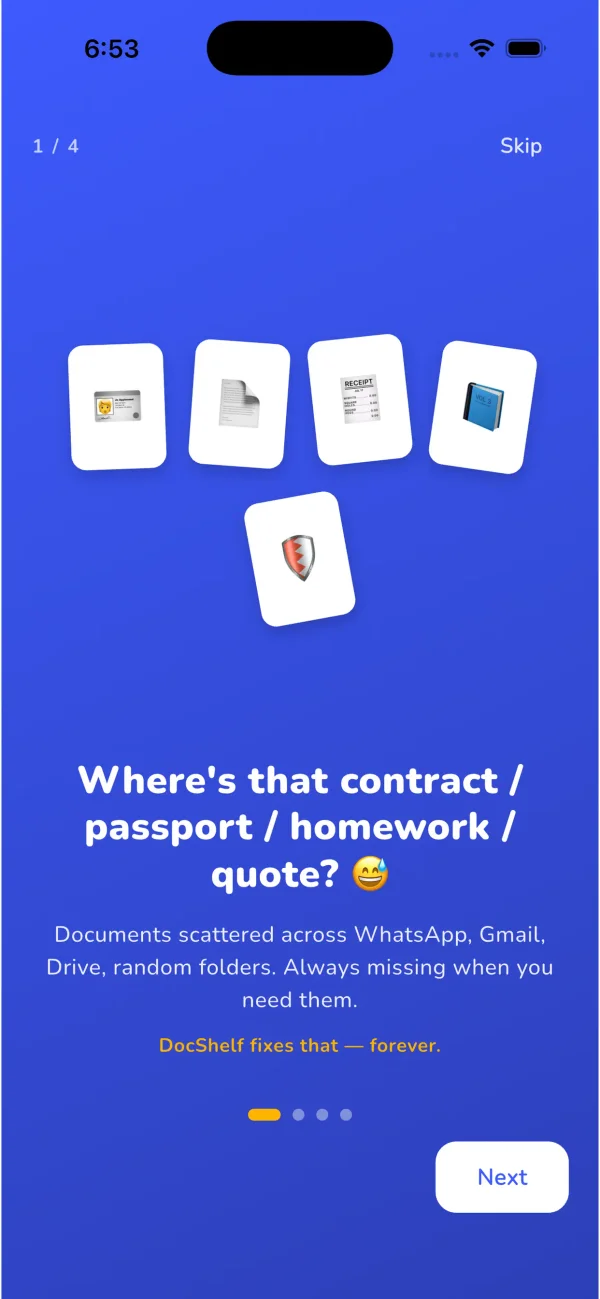
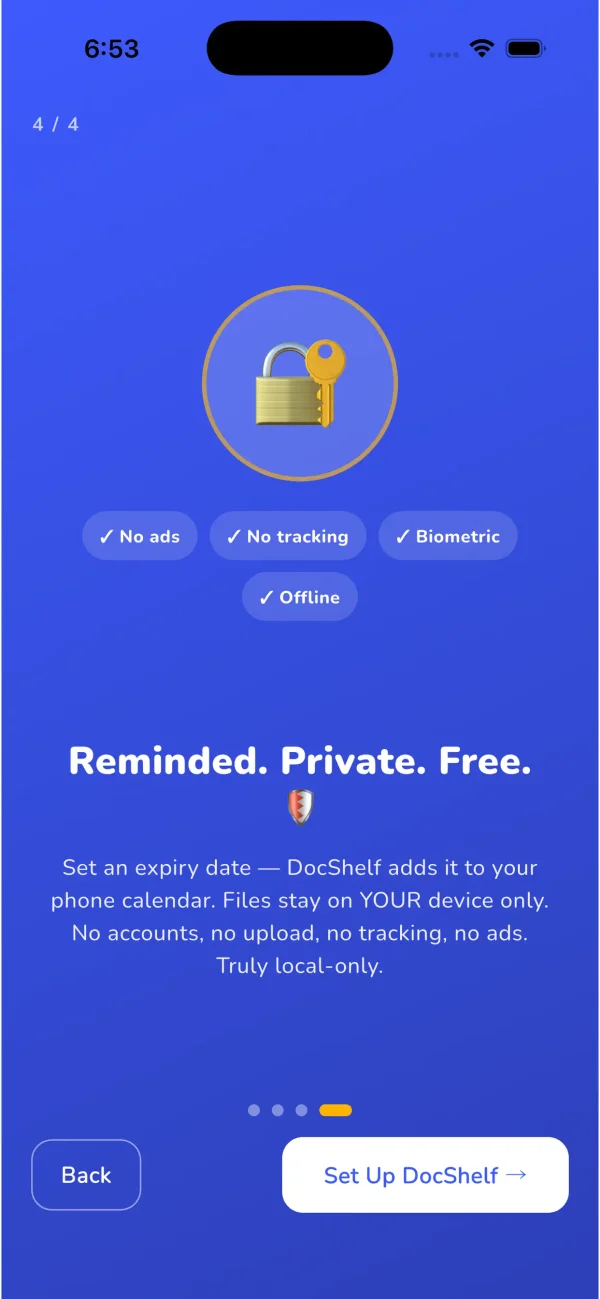
Most document apps quietly upload your files to a cloud server. DocShelf is different. Everything stays 100% local on your iPhone. Your contracts, medical records, tax returns, and personal scans never leave your device unless you choose to share them.
SCAN & CAPTURE
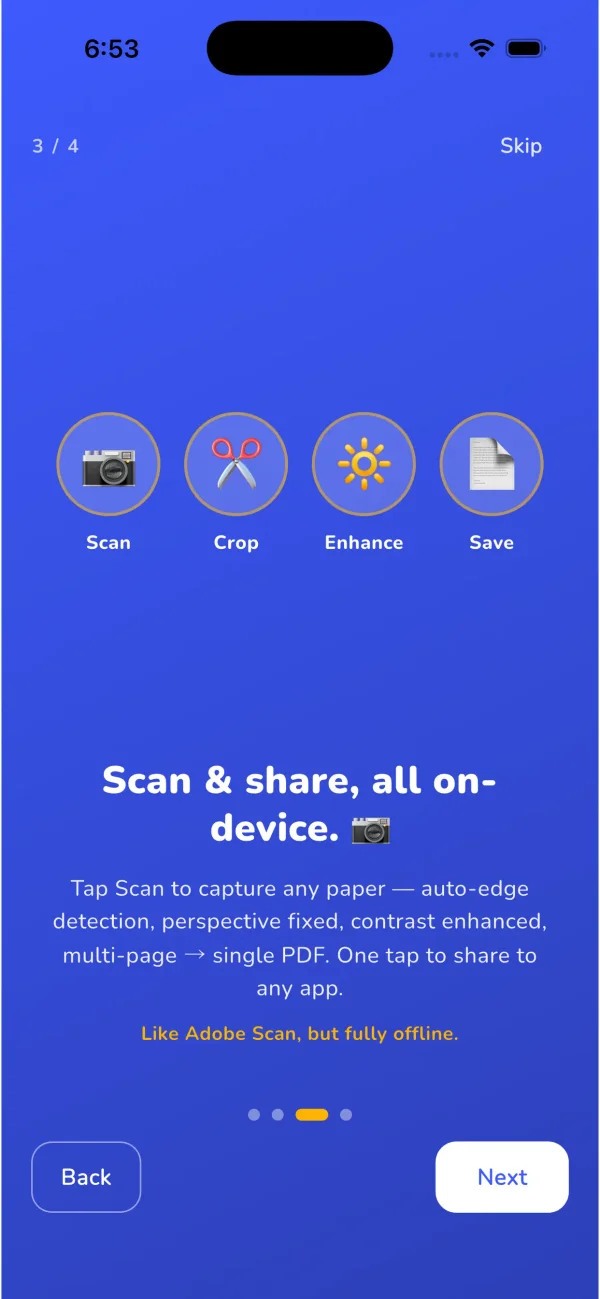
Turn your iPhone into a powerful document scanner. Point your camera at any document — receipts, contracts, handwritten notes, business cards, or multi-page reports — and DocShelf captures it instantly. Smart edge detection automatically crops, straightens, and enhances each page so every scan looks sharp and professional.
• Multi-page scanning in a single session
• Auto edge detection and perspective correction
• Contrast enhancement for clear, readable results
• Save as PDF or high-resolution image
ORGANIZE EVERYTHING
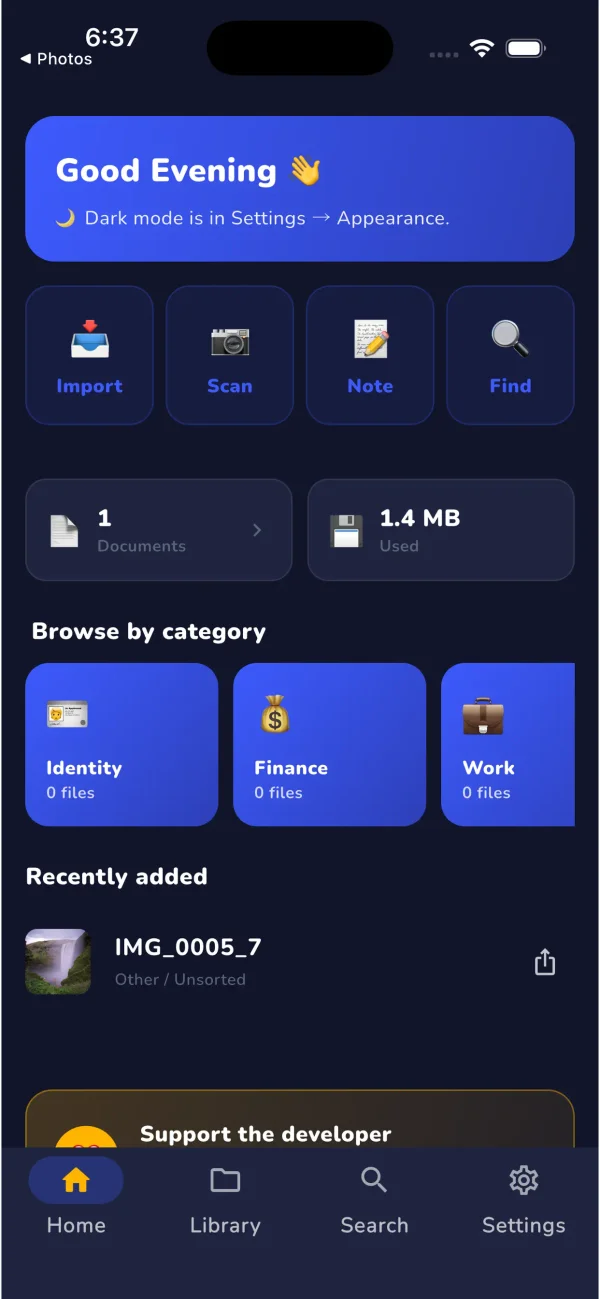
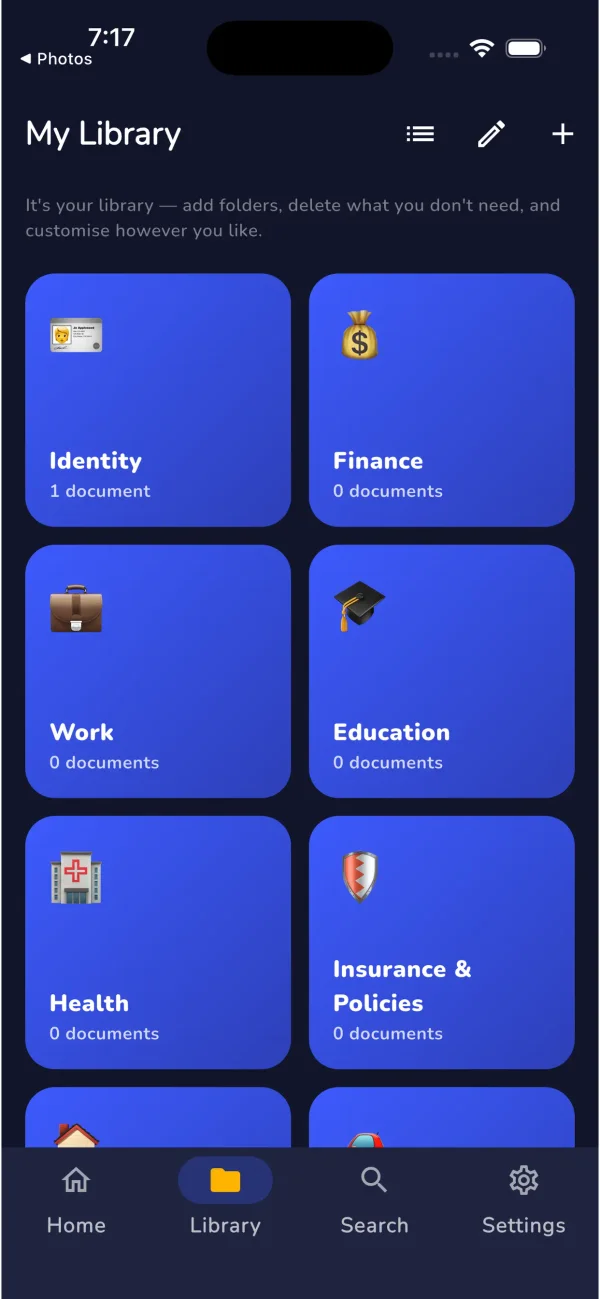
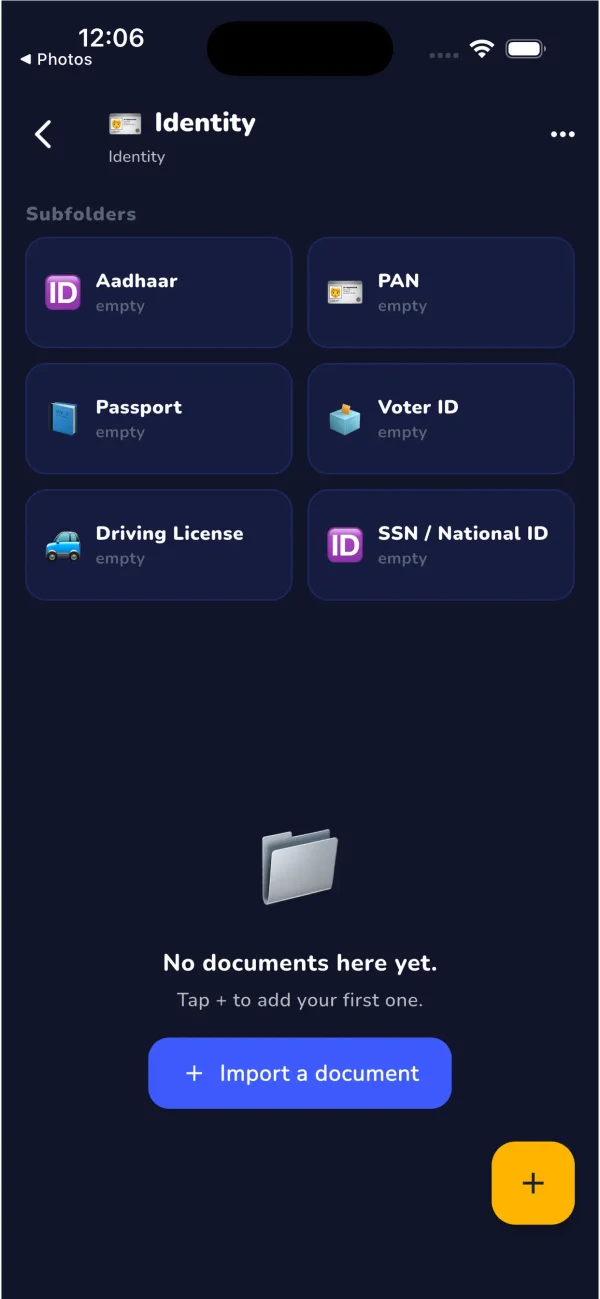
No more hunting through a single giant folder. DocShelf gives you a clean, intuitive system to keep every document exactly where it belongs.
• Create unlimited folders and subfolders
• Tag documents across multiple categories
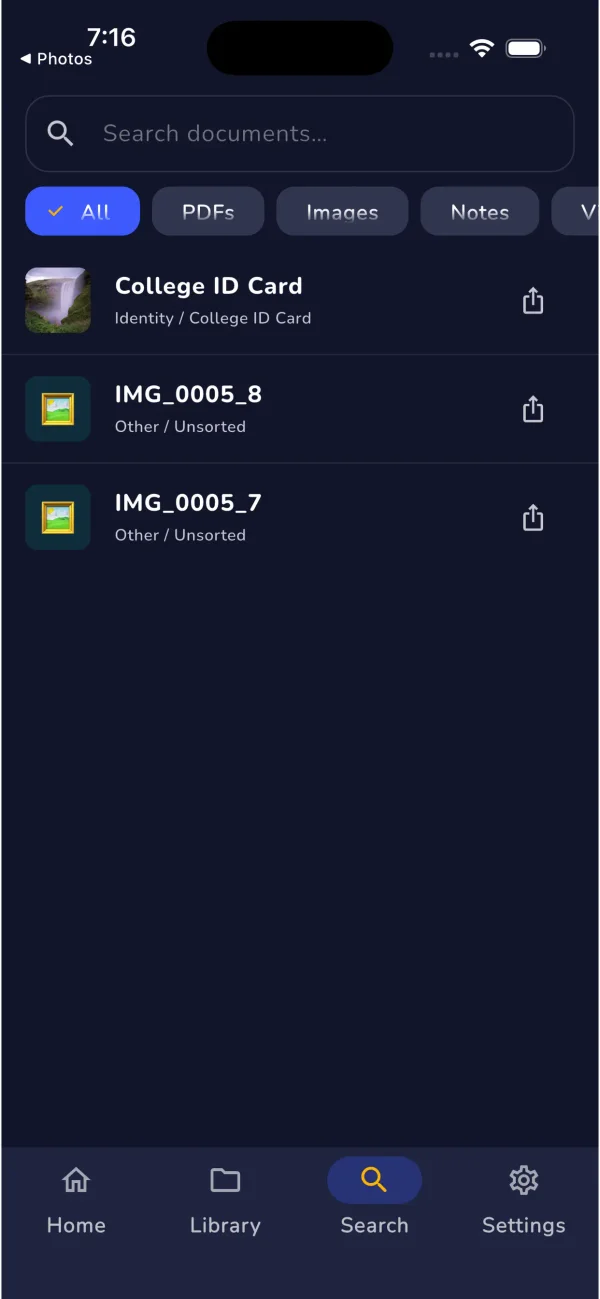
• Full-text search across all your files instantly
• Sort by name, date, size, or custom order
• Color-code folders for fast visual navigation
EVERY FILE TYPE — ONE APP
Import from any app on your phone using the system Share Sheet. DocShelf handles them all:
• PDFs — view, annotate, and share
• Images — JPG, PNG, HEIC from your camera roll
• Documents — Word, Excel, PowerPoint, and more
• Audio and video files
• Any file your iPhone can receive
PRIVATE BY DESIGN
DocShelf was built from day one with privacy as a core principle — not an afterthought.
• 100% offline — no internet connection required, ever
• No cloud sync, no remote storage, no server
• No analytics, no crash reporting that uploads your data
• No third-party advertising SDKs
• Full functionality on a plane, underground, or anywhere without signal
VIEW & SHARE
Read your documents beautifully inside DocShelf without opening another app. When you're ready to share, it's frictionless — AirDrop, Mail, Messages, or any app on your phone.
WHO IS DOCSHELF FOR?
→ Students organizing lecture notes, assignments, and research papers
→ Professionals managing contracts, invoices, and client documents
→ Families storing medical records, insurance papers, and important IDs
→ Freelancers tracking receipts, tax documents, and signed agreements
→ Anyone who wants a private, always-available digital filing cabinet
Download DocShelf and take back control of your documents today.
Novedades
Versión 2.0 · 21/5/2026
Welcome to DocShelf, your private offline document vault.
APP LOCK
Protect your documents with Face ID or Touch ID. Enable it in Settings > Security and DocShelf locks itself every time you leave the app. Your biometric data never leaves your device.
TRASH BIN
Deleted something by accident? It is not gone. Documents now move to a 30-day Trash instead of being permanently deleted. Restore anything with one tap. Trash clears automatically after 30 days. Find it in Settings > Trash.
SORT AND FILTER
Every folder now has a Sort button and filter chips at the top. Sort by Newest, Oldest, Name A to Z, Name Z to A, Largest, or Smallest. Filter by file type: PDF, Image, Audio, Video, Document, or Note.
EVERYTHING IN DOCSHELF
• Scan paper documents with your camera. Smart edge detection and perspective correction, all on-device.
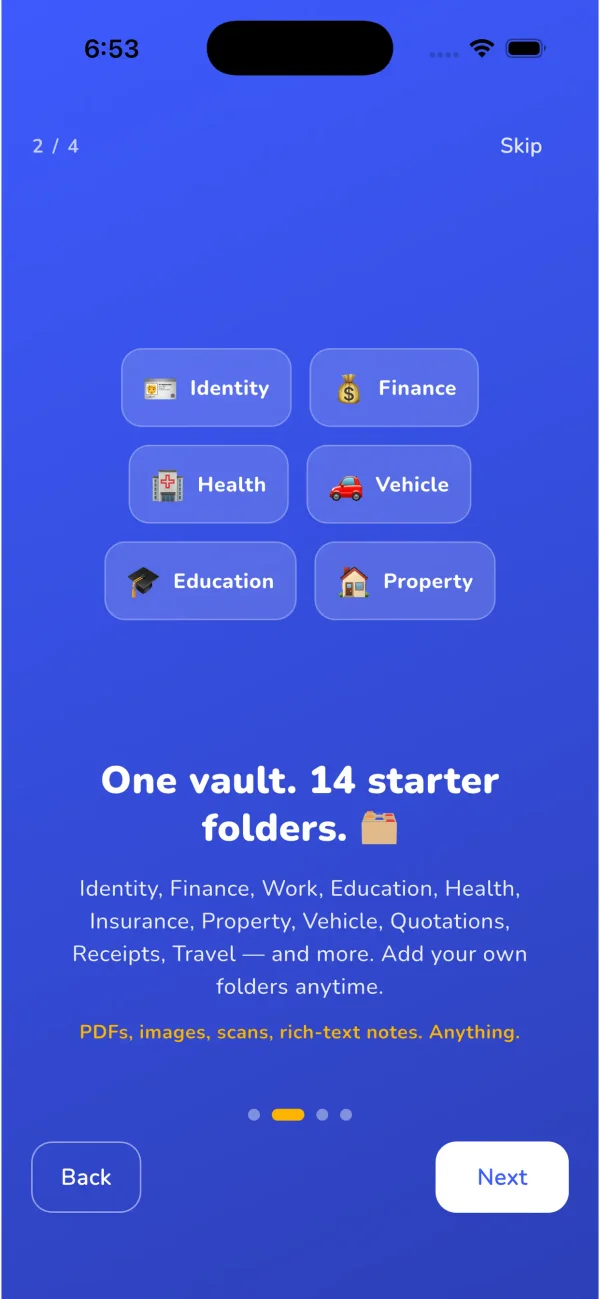
• 14 built-in categories: Identity, Finance, Health, Education, Vehicle, Property, Work, Insurance, and more.
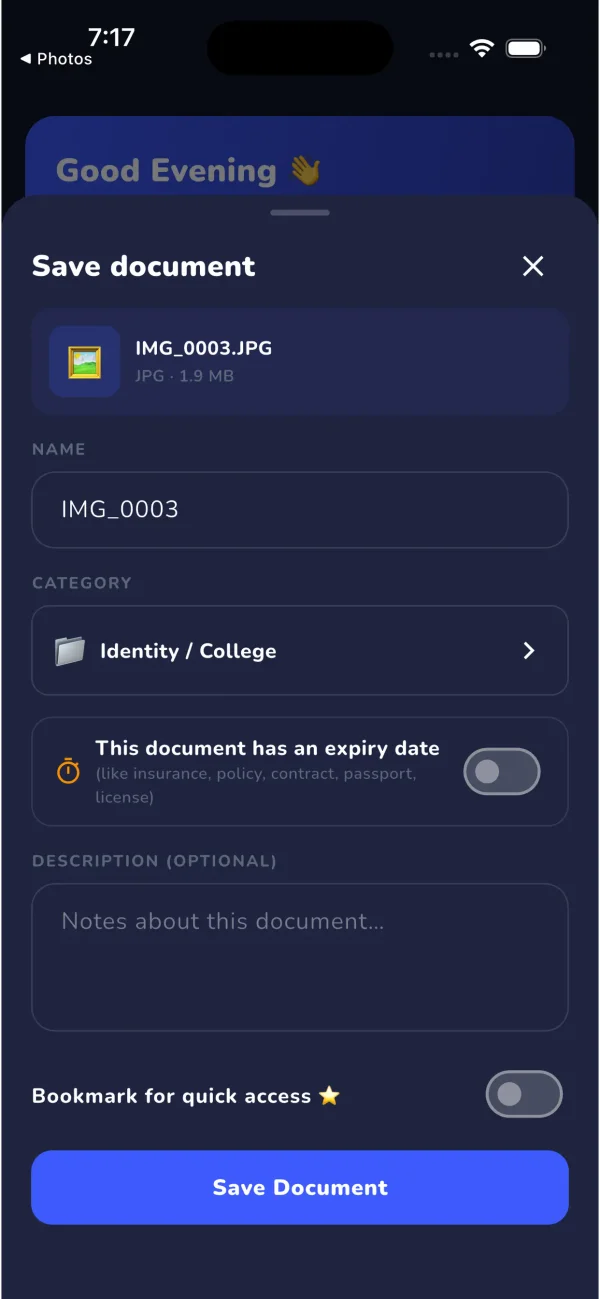
• Import any file from any app using the Share Sheet. Supports PDF, images, Word, Excel, audio, video, and more.
• Set expiry dates on passports, insurance, leases and any time-sensitive document. Get calendar reminders before they expire.
• Write rich notes alongside your documents with markdown and voice note support.
• 100% offline. No cloud. No ads. No tracking. No subscription.
If DocShelf saves you time, a review on the App Store means the world. Thank you for using it.
Privacidad de la aplicación
Lo que Sunil Mulgund declara en App Store sobre cómo esta aplicación gestiona los datos.
-
No se recopilan datos
El desarrollador no recopila ningún dato de esta aplicación.
Las prácticas de privacidad pueden variar, por ejemplo, según las funciones que uses o tu edad.
Información
- Vendedor
- Sunil Mulgund
- Categoría
- Utilidades
- Versión
- 2.0
- Actualizado
- 21/5/2026
- Publicado
- 19/5/2026
- Tamaño
- 31,0 MB
- Requiere
- iOS 13.0 o posterior
- Clasificación por edad
- 4+
- Precio
- Gratis
- Idiomas
- Inglés
- Copyright
- © 2026 Sunil Mulgund. All rights reserved.
Quizá también te guste
-
 Tresorio – Password ManagerUtilidades
-
 MyPDF: Escáner y Editor de PDFMerge, split, sign & edit PDFs
-
 Smart PillowUtilidades
-
 Play Later: Background PlayerUtilidades
-
 So Annoying! BloqueadorLee sin anuncios ni avisos
-
 Ocultar fotos y vídeos: BóvedaÁlbum secreto y contraseñas
-
 Go Viral IQ: AI Video AnalyzerUtilidades
-
 TV Remotely: Mando a DistanciaDuplica pantalla y envía vídeo
-
 Aurora: Dark Mode for SafariUtilidades
-
 Best Clock Radio-PodcastPodcast & Radio Alarma