- Clasificación por edad4+
- CategoríaFoto y vídeo
- DesarrolladorBrian Ellis
- IdiomasInglés
- Tamaño703,0 KB
Enlaza a la página oficial de App Store
Download.org no aloja ningún archivo de DoubleHalf. El botón abre la página de la aplicación en App Store, donde la publica Brian Ellis. Ficha comprobada por última vez el 20/11/2026.
Capturas de pantalla
Acerca de
El desarrollador no ha proporcionado este texto en tu idioma.
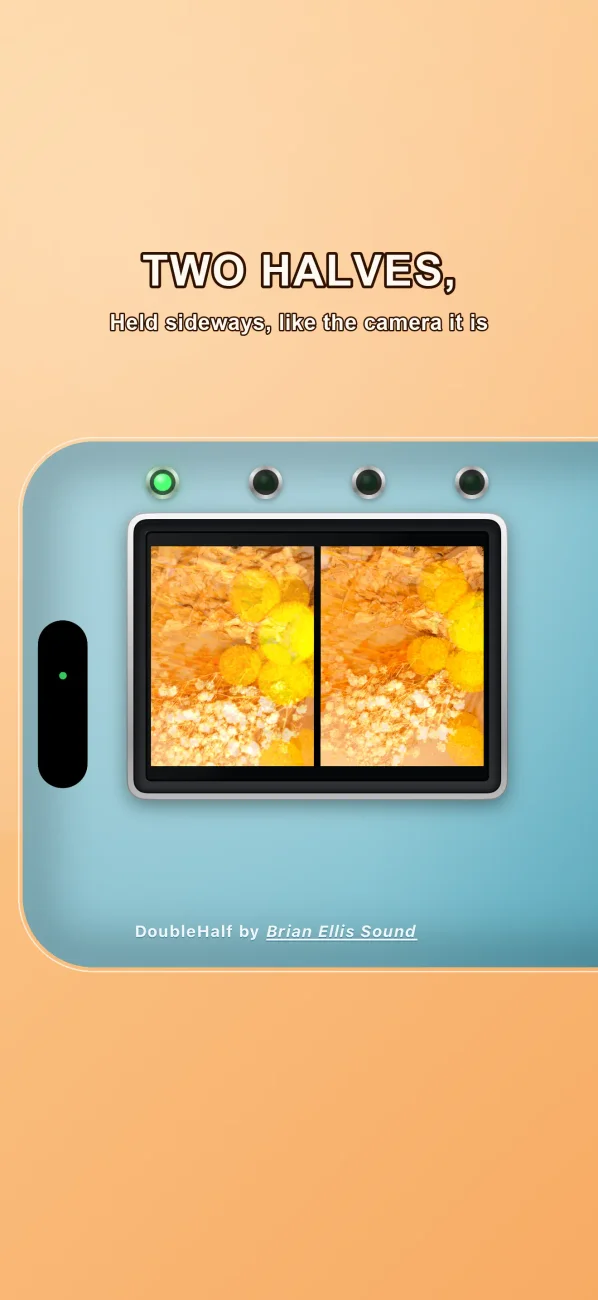
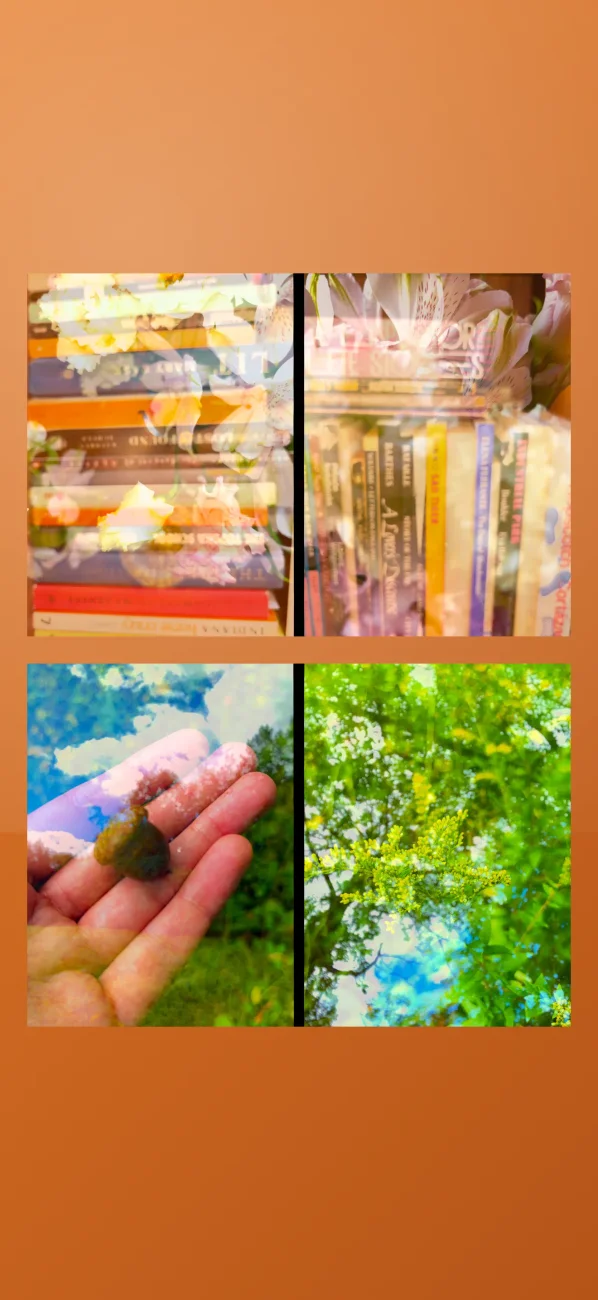
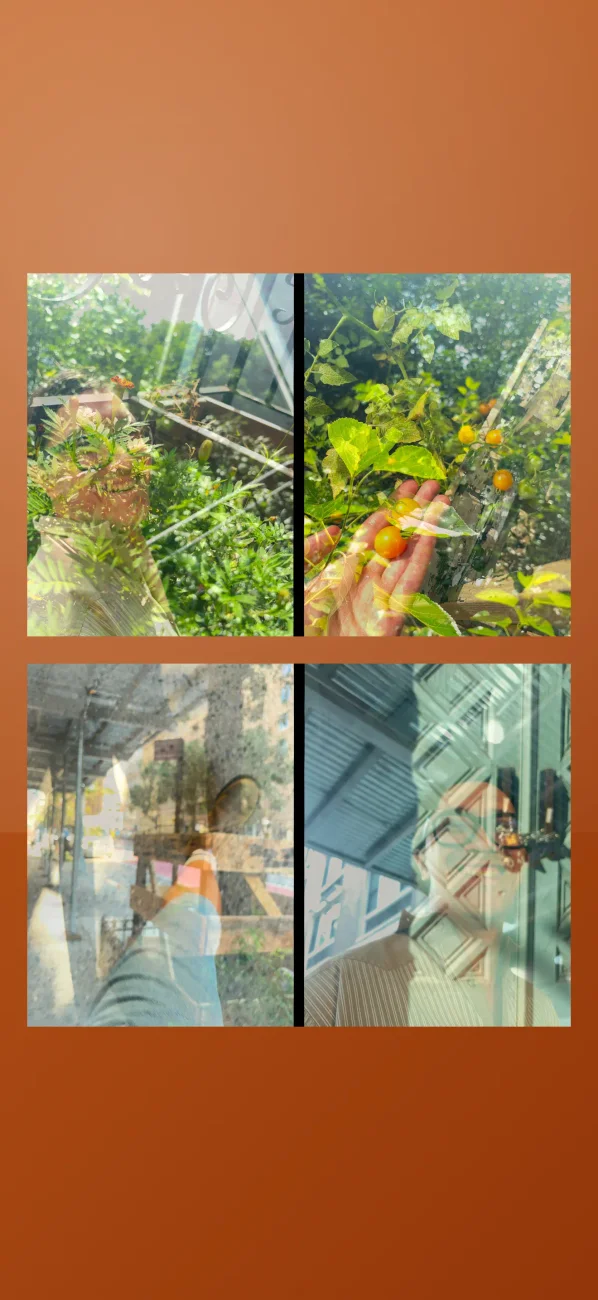
DoubleHalf is a double-exposure half-frame film camera emulator for iPhone.
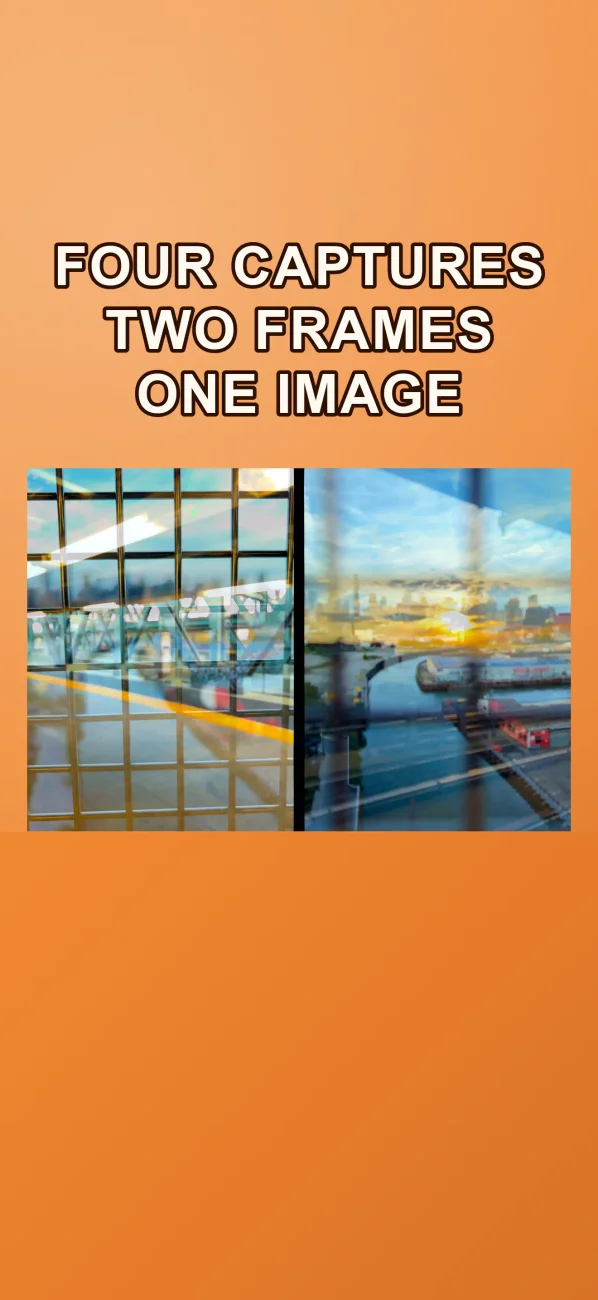
Half-frame cameras split one frame of 35 mm film into two tall pictures side by side. Double exposure takes the same roll of film and runs it through the camera twice. DoubleHalf does both of these: four captures composited into a single frame.
FIXED EVERYTHING
There is no autofocus, no HDR, and no computational processing. White balance is pinned. You point it and you press it, and you find out later what you got.
With the flash on, exposure is pinned dark and the lamp carries the picture, so a subject falls off hard into black. Turn the flash off and the camera meters the room instead.
FOCUS
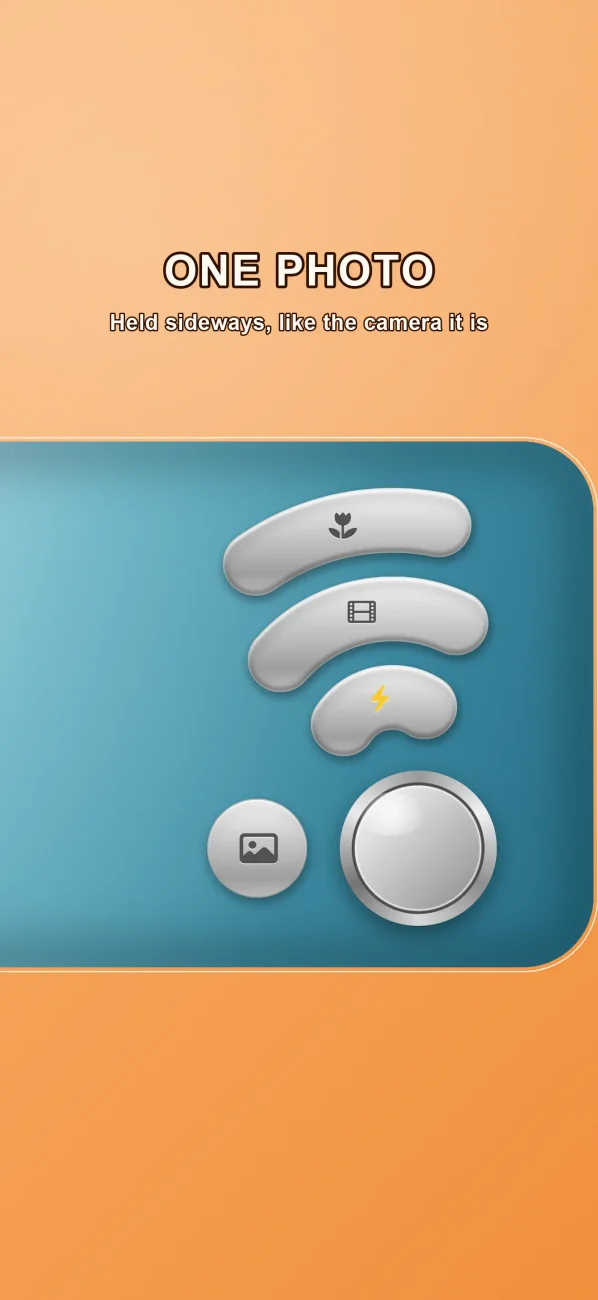
There is no autofocus, so you choose a distance and commit to it. Press the focus button to cycle between near, medium and far. Near pulls in close, medium sits around arm's length, and far finds infinity — the lens is set there once, when you choose it, and then stays put.
FILM EMULATOR SETTINGS
Ember 64 - dense reds, deep blacks
Prism Three - separated primaries, hard colour
Night Bloom - cold light, red halation glow
Violet Field - greens shift to magenta
Scorch 200 - harsh, blown-out halation
False Summer - false-colour infrared
None - just an out of focus iPhone camera!
A CAMERA, NOT AN APP
Hold it sideways like a compact or upright like a phone. The back is a camera: a screen, four exposure lights that count your shots, three buttons for focus, film and flash, and a shutter. Turn it and the buttons stay exactly where they are — only the lettering turns to face you. Nothing to swipe, nothing to pinch.
ALSO
The volume buttons work as a shutter release.
Shot upright, a frame is two tall pictures side by side; shot sideways, two wide ones stacked.
Finished frames save straight to your photo library.
Every saved photo carries its settings in EXIF: film, flash, focus, exposure, zoom.
No accounts, no ads, no analytics, and no network access at all.
Novedades
Versión 1.2.0 · 29/9/2026
Hold it either way. Turn the phone upright and the engravings and the screen's lettering turn to face you; the buttons stay exactly where they are, as they would on a camera. Shot upright, a frame is two tall pictures side by side; shot sideways, two wide ones stacked, first shot on top.
The black divider between the two pictures is now drawn fresh for every frame, from measurements across a whole roll of real half-frame scans — never the same width twice.
Fixed: photos taken with the phone upright came out upside down.
Privacidad de la aplicación
Lo que Brian Ellis declara en App Store sobre cómo esta aplicación gestiona los datos.
-
No se recopilan datos
El desarrollador no recopila ningún dato de esta aplicación.
Las prácticas de privacidad pueden variar, por ejemplo, según las funciones que uses o tu edad.
Información
- Vendedor
- Brian Ellis
- Categoría
- Foto y vídeo
- Versión
- 1.2.0
- Actualizado
- 29/9/2026
- Publicado
- 25/8/2026
- Tamaño
- 703,0 KB
- Requiere
- iOS 18.0 o posterior
- Clasificación por edad
- 4+
- Precio
- Gratis
- Idiomas
- Inglés
- Copyright
- © 2026 Brian Ellis
Quizá también te guste
-
 NickyMono - Monochrome CameraFoto y vídeo
-
 Frame Relay: TV Photo TransferFoto y vídeo
-
 Dual Camera: TwinFrameCámara dual y vídeo redondo
-
 NickyFilm - Real Film Vibe CamFoto y vídeo
-
 HalfFilm -ハーフカメラ/多重露光/AIドット絵変換Foto y vídeo
-
 bluefie - Shota’s Anime cameraFoto y vídeo
-
 HALF | half frame cameraFoto y vídeo
-
 Light 3DFoto y vídeo
-
 Kodist: Cámara analógicaFotos vintage en RAW, sin IA
-
 WholegrainFoto y vídeo