AR Drawing: Sketch & Learn
Make art you're proud to show
Diseñada para iPhone, iPad, iPod touch
Gratis
- Clasificación por edad4+
- CategoríaEducación
- DesarrolladorTran Dinh Manh
- IdiomasInglés
- Tamaño34,7 MB
Enlaza a la página oficial de App Store
Download.org no aloja ningún archivo de AR Drawing: Sketch & Learn. El botón abre la página de la aplicación en App Store, donde la publica Tran Dinh Manh. Ficha comprobada por última vez el 23/11/2026.
Capturas de pantalla



Acerca de
El desarrollador no ha proporcionado este texto en tu idioma.
Draw Bloom teaches you to draw on real paper, one step at a time, and helps you need a little less help each time you draw.
Draw Bloom is built to help you learn, not just trace: guided lessons, help that slowly fades away, a check of your finished lines and feedback from an AI coach.
LEARN STEP BY STEP
• Guided lessons show one part of a drawing at a time, from the first big shapes to the final details
• Each step comes with a short tip that tells you what to look for
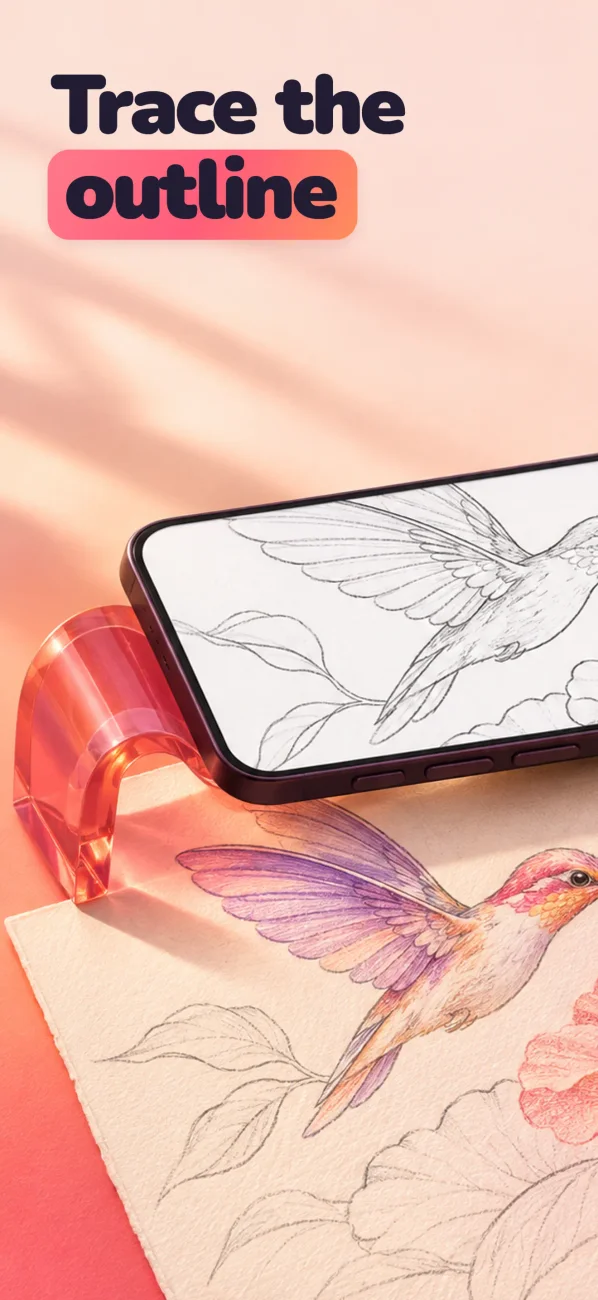
• Three help levels: Trace shows the whole sketch, Guided shows only construction guides and a faint hint, and Free hides the overlay so you copy from a small picture in the corner
• After each lesson, draw it again one level lower, until you can draw it without tracing
• Courses start with first strokes and move on to cute animals, sweet treats, everyday things, nature, colour and kanji stroke practice
• 12 starter lessons work offline and need no ad
A PLAN THAT FITS YOU
• Tell Draw Bloom how much you draw, what you love and how much time you have each day
• Pick a 5, 10 or 20 minute session and get lessons that fit your level and time
• Browse the library by style, difficulty and theme, search it and save favourites
SEE HOW YOU DID
• When you finish, take a photo of your paper with the phone still in place
• Draw Bloom compares it with the sketch and shows a map of where your lines matched, where they were missed and where they drifted off the line
• Get a line-match score, see which parts need the most work, and try to beat your best next time
• The check runs on your phone
DRAW ON PAPER, YOUR WAY
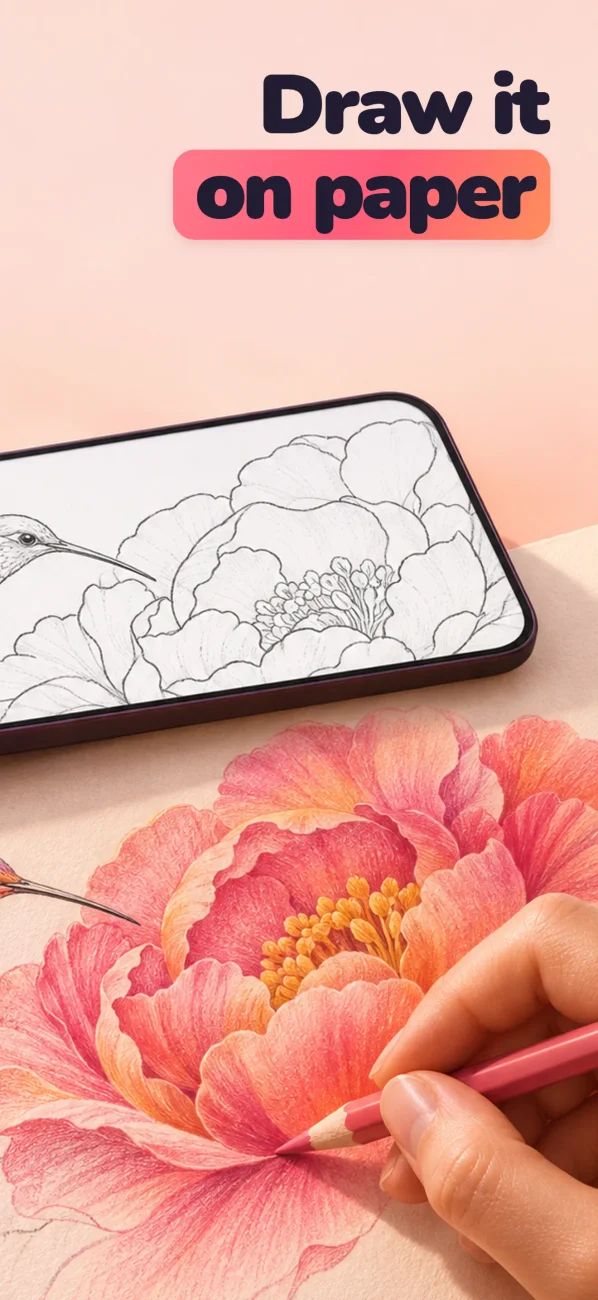
• Camera mode: prop your phone above your paper and see the sketch over the live camera view. Your hand shows on screen, so you always know where your pencil is
• Screen mode: no stand needed. Lay thin paper on the display and trace the lines you see through it
• Pinch, drag and rotate the sketch to line it up, then lock it in place
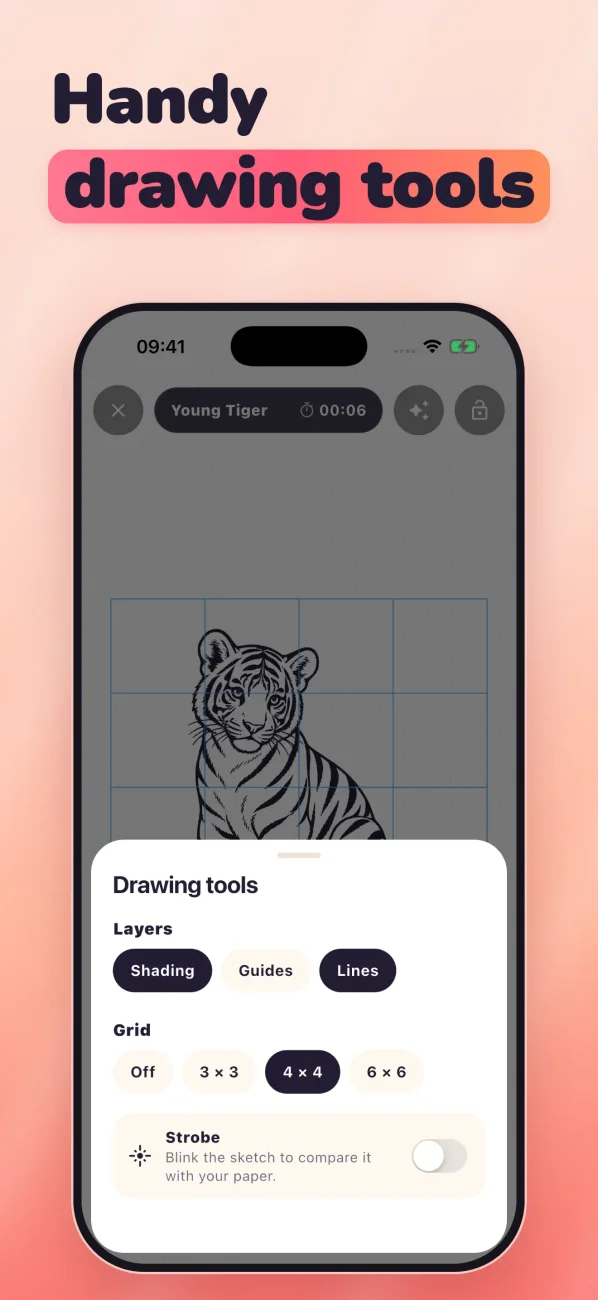
• Fade the sketch, flip it, or switch layers such as guides, lines and shading on and off
• A grid helps you check proportions, strobe blinks the sketch so you can compare it with your paper, and a high-contrast camera makes pencil marks easier to see
ASK THE AI COACH
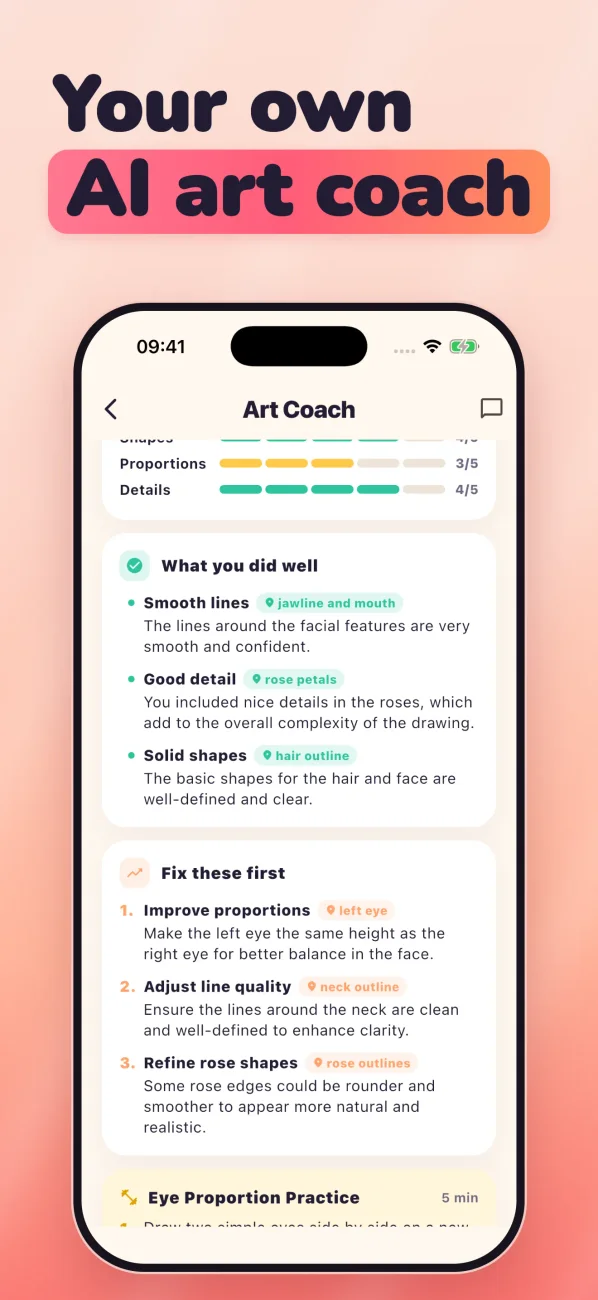
• Get written feedback on a photo of your drawing, compared with the original sketch: scores for shapes, proportions and details, what went well, what to fix first and a short exercise to practise next
• Ask drawing questions any time, even in the middle of a lesson
• The coach is powered by OpenAI. Before the first use, Draw Bloom explains what is sent and asks for your permission, and you can turn it off at any time in Settings
• Answers are checked for safety, and you can report any answer
• A limited number of questions is included each day
TURN YOUR PHOTOS INTO SKETCHES
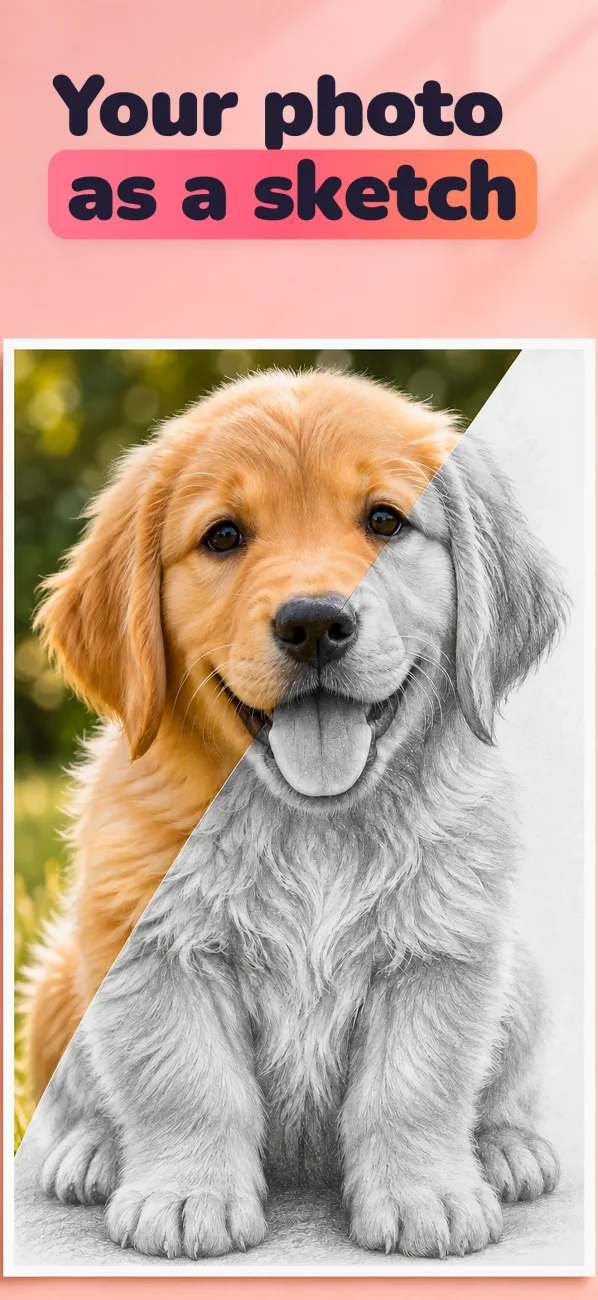
• Pick a photo of your pet, a plant or your lunch, crop and rotate it, and turn it into lines to trace
• Choose Outline, Pencil or Bold ink, then adjust detail and darkness
• Your photo is processed on your device
COLOURING PAGES
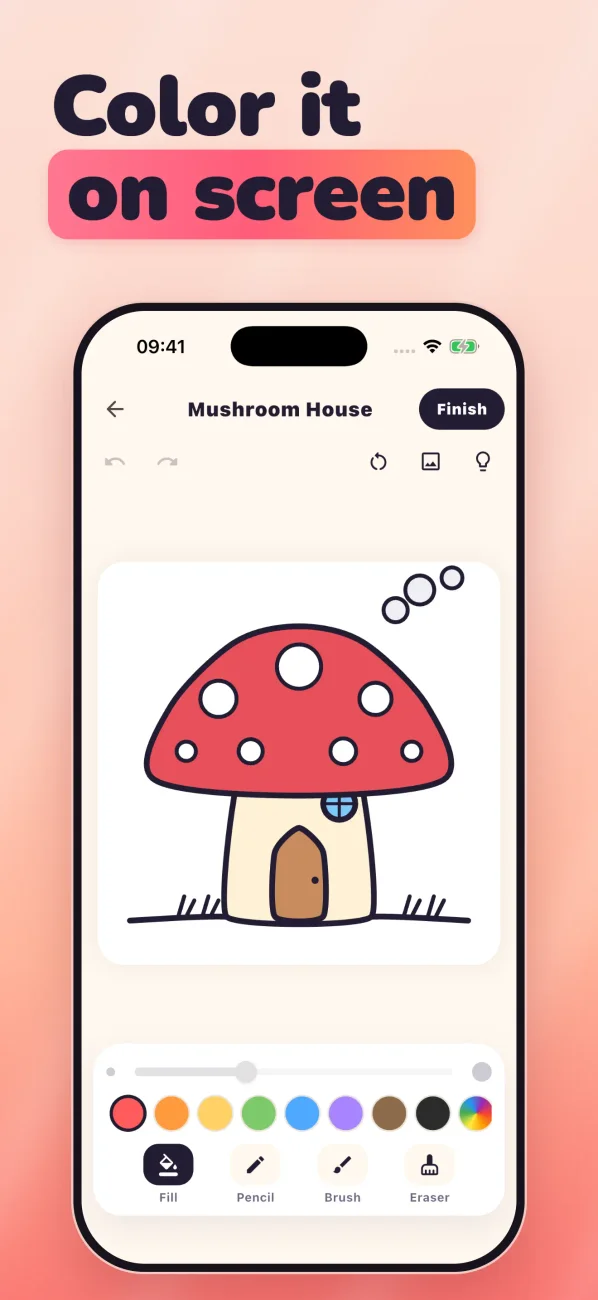
• Tap to fill an area, or colour freely with pencil and brush tools
• Pinch to zoom, undo and redo, and peek at a colour reference for ideas
KEEP GOING
• Build a daily streak and collect badges as you practise
• Every finished photo goes into your gallery, so you can see how far you have come
• Record a video of your drawing session in camera mode and save it to Photos
• Save your finished art to Photos or share it
• Pick up an unfinished drawing right where you left off
NO ACCOUNT NEEDED
No sign-up, subscriptions or in-app purchases. The 12 starter lessons have no ads. Other lessons offer an optional short video ad, or start without one if none is available. Free tracing, colouring and saved drawings never need one. An occasional ad may show after a finished drawing or on return, never while you draw. Your drawings and photos stay on your device unless you send a photo to the AI coach.
Works on iPhone and iPad. The AI coach needs an internet connection.
Novedades
Versión 1.0.7 · 20/11/2026
Bug fixes and stability improvements.
Privacidad de la aplicación
Lo que Tran Dinh Manh declara en App Store sobre cómo esta aplicación gestiona los datos.
-
Datos no vinculados a ti
Pueden recopilarse, pero no se vinculan a tu identidad.
- Ubicación
- Contenido del usuario
- Identificadores
- Datos de uso
- Diagnóstico
Las prácticas de privacidad pueden variar, por ejemplo, según las funciones que uses o tu edad.
Información
- Vendedor
- Tran Dinh Manh
- Categoría
- Educación
- Versión
- 1.0.7
- Actualizado
- 20/11/2026
- Publicado
- 5/11/2026
- Tamaño
- 34,7 MB
- Requiere
- iOS 15.0 o posterior
- Clasificación por edad
- 4+
- Precio
- Gratis
- Idiomas
- Inglés
- Copyright
- © AVG Studio
Quizá también te guste
-
 ComicTellerEducación
-
 Finance4UEducación
-
 CloudLabs My Own LandscapeEducación
-
 Biology AI: Study HelperEducación
-
 Mira DrawEducación
-
 Drawvy: Aprende a DibujarClases de dibujo paso a paso
-
 Code Forge: Code Games QuizzesEducación
-
 Doodle TurtleEducación
-
 SketchTutor: dibujo fácilPaso a paso, la IA lo corrige
-
 SketchPath: Learn to DrawEducación