Drawing Pad -
Easy Sketch, Draw, Digital Art
Diseñada para iPhone, iPad
Gratis · Compras en la aplicación
- Clasificación por edad4+
- CategoríaDiseño gráfico
- DesarrolladorSunny Side Hurricane LLC
- IdiomasInglés
- Tamaño423,3 MB
Enlaza a la página oficial de App Store
Download.org no aloja ningún archivo de Drawing Pad -. El botón abre la página de la aplicación en App Store, donde la publica Sunny Side Hurricane LLC. Ficha comprobada por última vez el 26/11/2026.
Capturas de pantalla
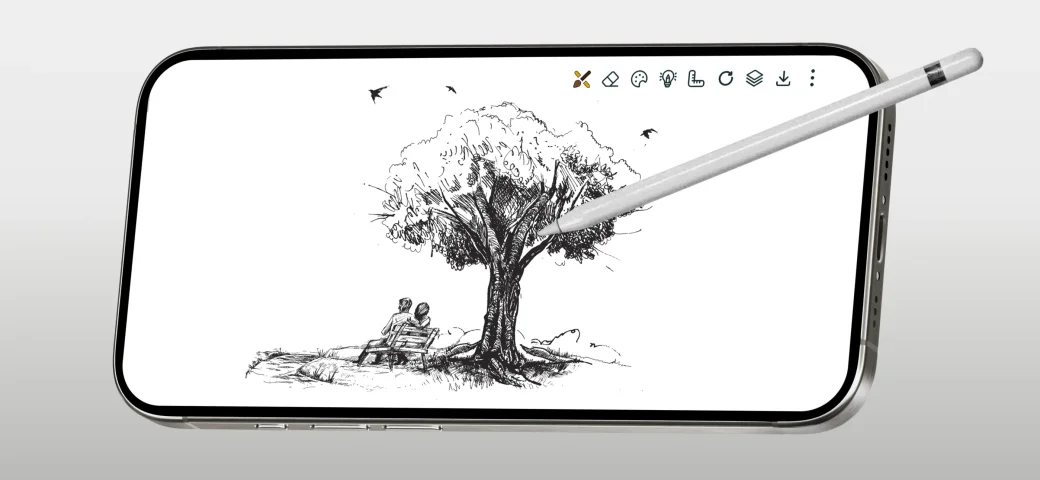
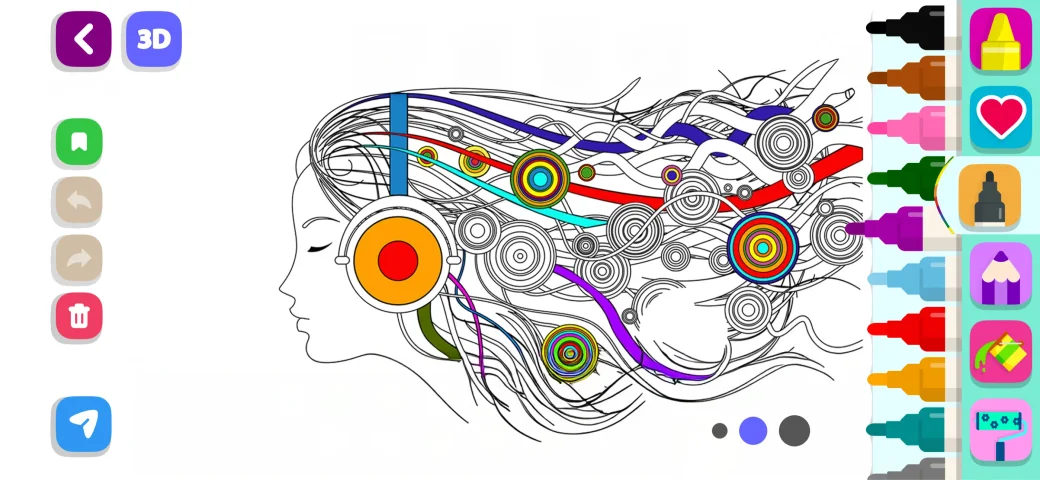

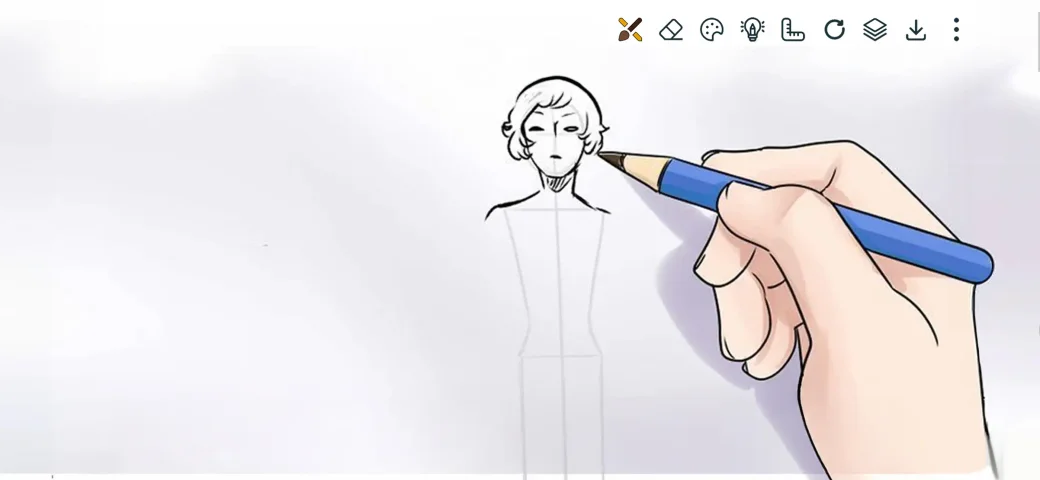
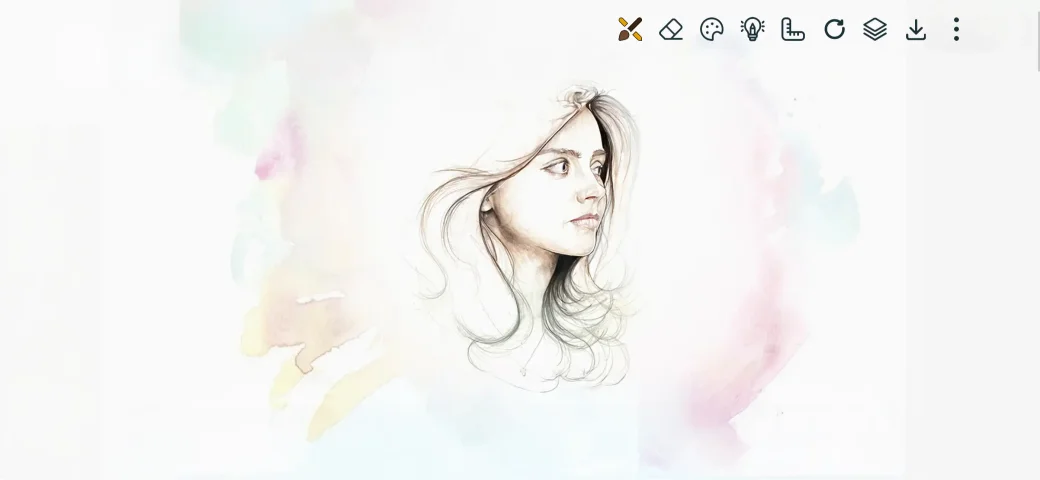
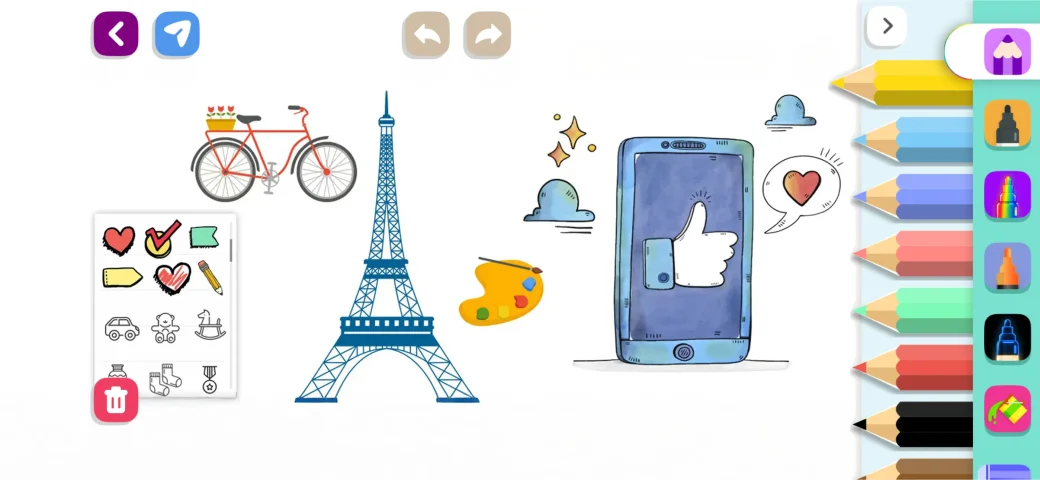
Acerca de
El desarrollador no ha proporcionado este texto en tu idioma.
Drawings is a cool doodling app that allows you to draw, sketch, doodle while you are traveling or just relaxing a home!
**Kids Doodle** (NEW)
- Creative Kids Doodle brings to life your unique designing experience
- 10+ unique canvas backgrounds that you can change while drawing.
- You can record your drawing on canvas as a video and share it with your friends
- Beautiful preset color palettes: choose one that fits best and fill a picture with colors from soft and muted to bold and lively
- Apple Pencil support: enjoy an easy and intuitive process of coloring on the crisp screen of iPad Pro.
1. Doodle Desk!
Are you a Doodle Lover? - Yes!
Unleash your creativity and create amazing Doodles with getting Drawing Pad. Create beautiful Doodles with different tools like 3D brushes, stickers, stamps and so on.
Want to show you doodling skills to your friends/family? Share it on social media platforms like Facebook or Instagram.
No happy with your Doodle? Want to give a perfect finishing touch?
Drawing Pad comes with smooth erasing, undo, redo & specific brushes for a perfect Doodle.
2. Sketch Desk!
You love sketching, but cannot carry your sketchbook, everywhere?
Don’t worry install Drawing Pad in your iPhone/iPad and sketch while on a go!
You can create beautiful sketches with various brush tools like as pen, pencil, highlighter & so on.
Also, you can pick up your favorite colors from the quick colors tool.
With options like Undo, Redo and flexible eraser, you can create that perfect sketch.
3. Photo Desk for Creative Editors
Are you an artist who also creates beautiful effects for your photos?
Drawing Pad comes with Magic brush stroke effects. This allows you to add more liveliness to your photos.
Moreover, beautify your photos with a collection of attractive stamps & stickers, vibrant frames, & a cropping tool.
You can import photos from Facebook, Instagram, Flickr, & other networks.
Export your ArtWork :-
You can export your sketches, drawings, & doodles to other physical products like Phone cases, Posters, Cushions, Frames, & many more.
4. Coloring Book
- Creative coloring book brings to life your unique designing experience
- 10+ categories of unique coloring pages from talented illustrators - with frequent collection updates you’ll always have something new to color
- Custom palettes: combine any colors you like to create a matchless work of art
Drawing Pad app is always easy to use, but you can enjoy even more powerful drawing features with the auto-renewed subscription.
Subscription Terms for Drawing Premium
• Length of subscription: Month
• Introductory Trial: 3 Days free trial
• Price of subscription: 3 Day Free Trial then $8.99 / month
• Payment will be charged to iTunes Account at confirmation of purchase
• The account will be charged for renewal within 24-hours prior to the end of the current period, & identify the cost of the renewal
• Subscriptions may be managed by the user & auto-renewal may be turned off by going to the user's Account Settings after purchase
• Subscription automatically renews unless auto-renew is turned off at least 24-hours before the end of the current period
• Any unused portion of a free trial period, if offered, will be forfeited when the user purchases a subscription to that publication, where applicable.
• Subscriptions will be charged to your credit card through your iTunes account. Your subscription will automatically renew unless canceled at least 24 hours before the end of your current subscription, & you can cancel a subscription during the active period. You can manage your subscription at any time, either by viewing your account in iTunes from your Mac or PC or Account Settings on your device after purchase.
Privacy Policy: https://drawingsdesk.com/privacy-policy/
Terms of Use: https://drawingsdesk.com/terms-of-use/
Novedades
Versión 16.5 · 26/11/2026
Explore new brushes in our Sketch feature, designed to bring more creativity and detail to your artwork. We've also introduced advanced brush editing options, giving you greater control to customize brushes and perfect your drawing style. Plus, enjoy bug fixes and performance improvements for a smoother creative experience.
Privacidad de la aplicación
Lo que Sunny Side Hurricane LLC declara en App Store sobre cómo esta aplicación gestiona los datos.
-
Datos vinculados a ti
Pueden recopilarse y vincularse a tu identidad.
- Compras
- Datos de uso
- Diagnóstico
-
Datos no vinculados a ti
Pueden recopilarse, pero no se vinculan a tu identidad.
- Diagnóstico
Las prácticas de privacidad pueden variar, por ejemplo, según las funciones que uses o tu edad.
Información
- Vendedor
- Sunny Side Hurricane LLC
- Categoría
- Diseño gráfico
- Versión
- 16.5
- Actualizado
- 26/11/2026
- Publicado
- 29/10/2016
- Tamaño
- 423,3 MB
- Requiere
- iOS 17.0 o posterior
- Clasificación por edad
- 4+
- Precio
- Gratis
- Compras en la aplicación
- Sí
- Idiomas
- Inglés
- Copyright
- © PSQUARE
Quizá también te guste
-
 Tayasui SketchesHerramientas de dibujo
-
 ShadowDraw: App para DibujarDibujo y Pintar Arte
-
 CLIP STUDIO PAINTDibuja a tu manera
-
 Art Set 4Diseño gráfico
-
 Sketch Pro: Art, Dibujar AppDibujo y pintura aplicaciones
-
 MediBang Paint – Drawing & ArtDiseño gráfico
-
 iArtbookDibujo, bocetos y animación
-
 Drawing Vibe: app para dibujarjuegos para pintar de dibujo
-
 Artmate: Drawing TogetherDiseño gráfico
-
 Infinite PainterPintar, dibujar e ilustrar